


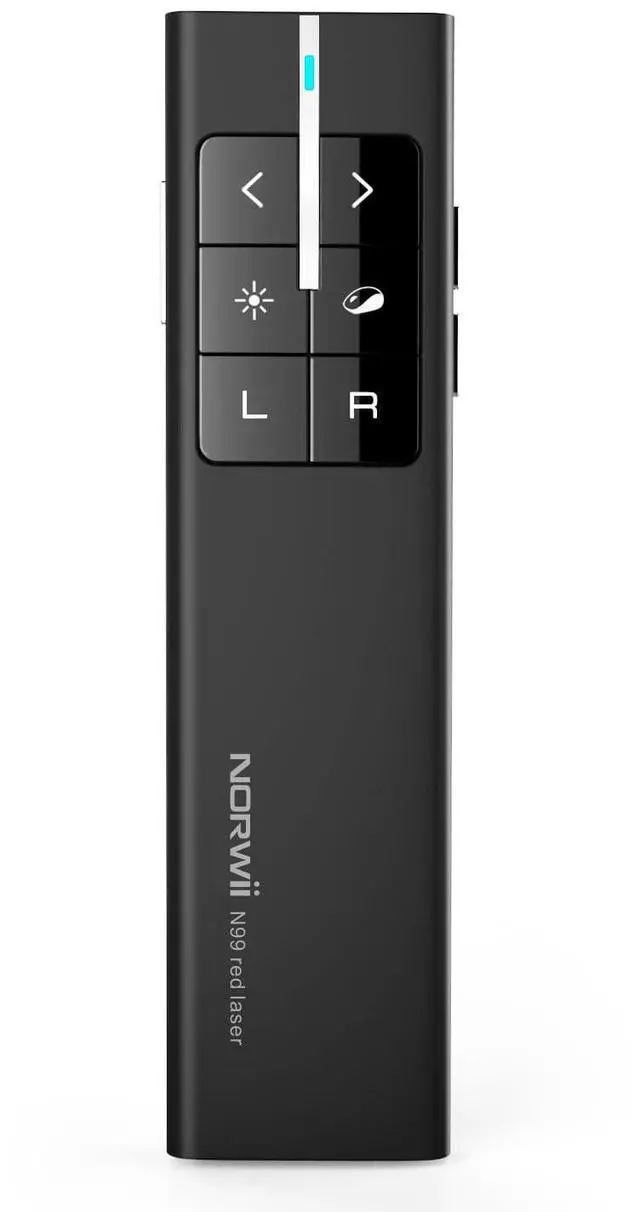
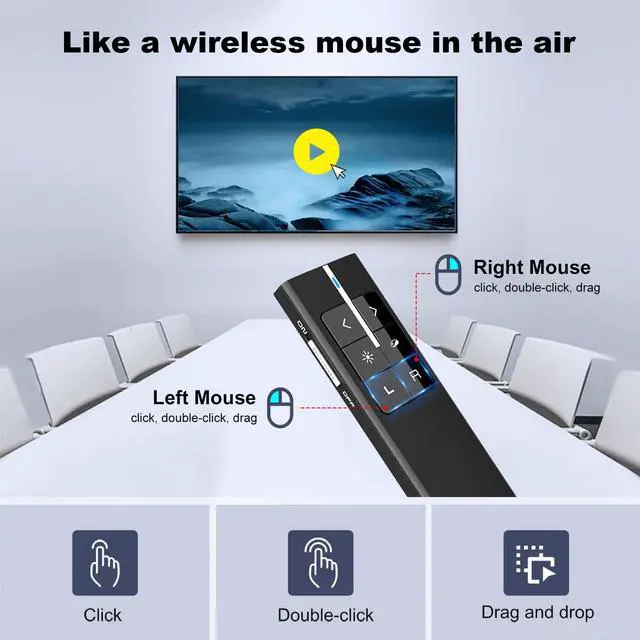


Presentation Clicker with Wireless Mouse

Functional and User-friendly Layout


Annotate in the air and erase
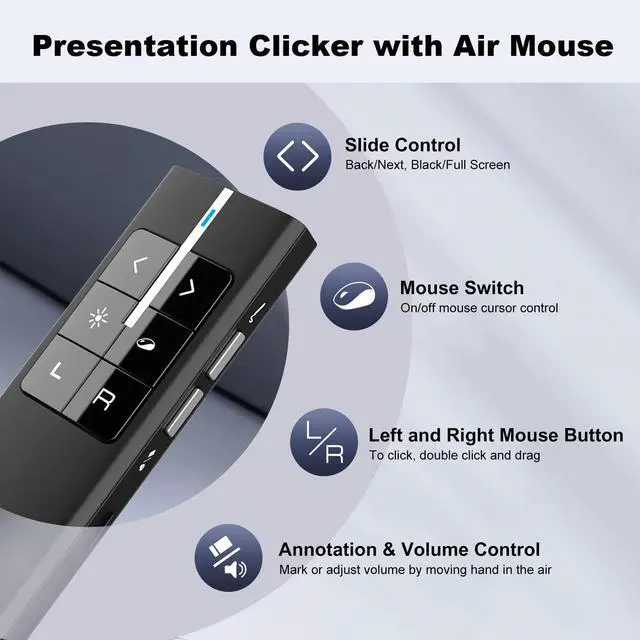
Click ink key on the right side of the presenter clicker to invoke digital pen. Press and hold ‘ink’ key while move your hand to annotate on the screen. Click Eraser to erase.

Control Volume by moving hand in the air
Press and hold the ‘Vol’ key and move your hand slowly to adjust the system volume when you play a video or music.

Three working modes of Back/Next
Long press < and> key at the same time for 3 seconds to wwitch between the three modes. Simple and convenient

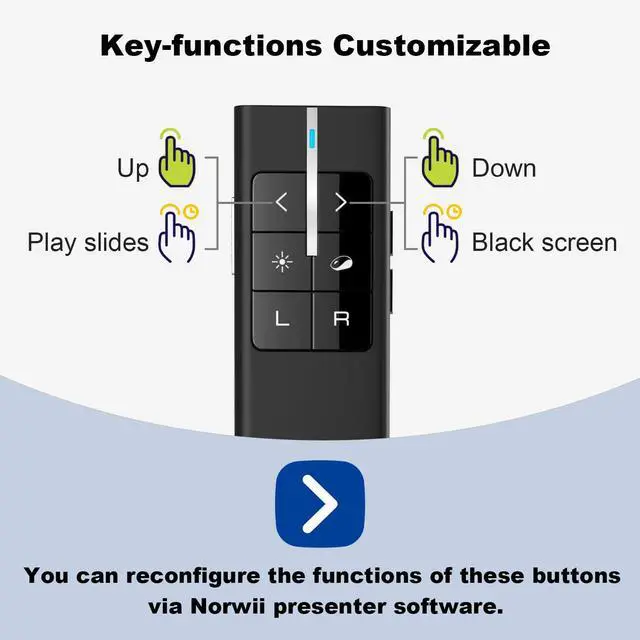
Key-function Customizable
As shown above, You can remap these key's definition via Norwii Presenter software. Download the software from official website. It’s free, safe and clean.
More user-friendly design

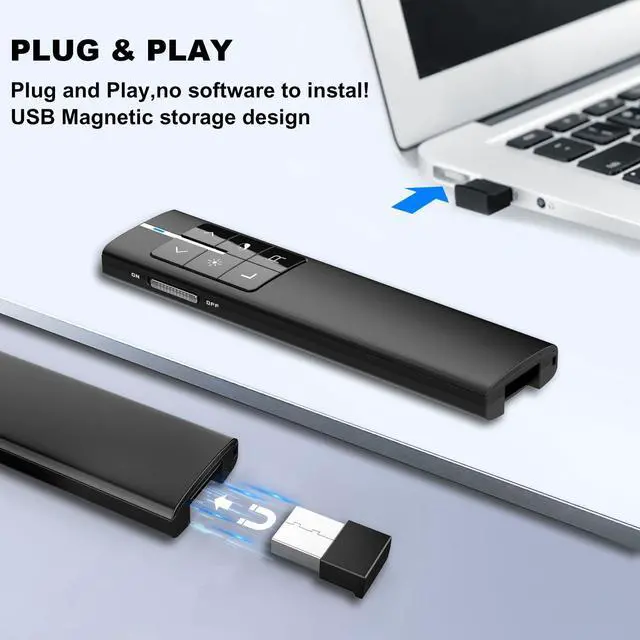
Magnetic Storage
Integrated design, the mini USB receiver stores in presenter tail with a magnet.

Working Range
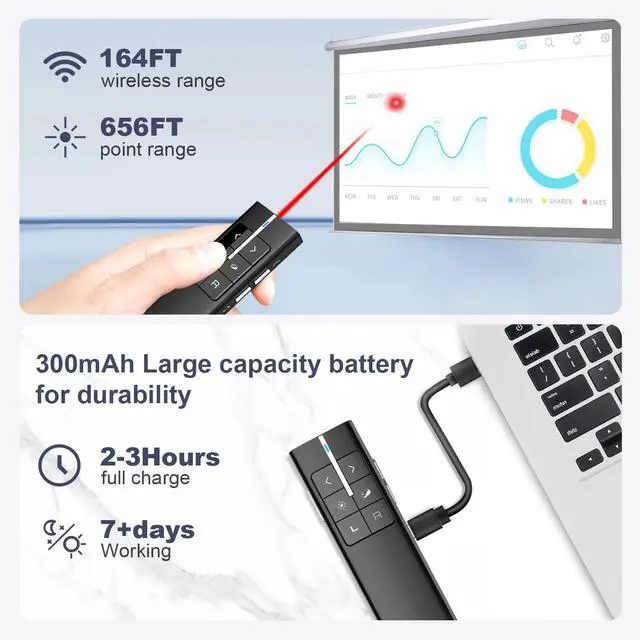
With up to164FT control range and higher sensitivity, even if you're presenting in a large classroom, it still performs well.

Comfortable P+R Button
The P+R buttons are more silent than other silicone buttons. It also brings confortable user experiences.

USB Rechargeable
The wireless presenter remote can be used for weeks on a 2-hour fully charge.
For more recommendations, visit the Norwii Store
 N99 |  N95s Pro |  N97s |
|---|---|---|
Connectivity USB-A | Connectivity USB-A | Connectivity BLE&USB-A&C |
Available for TV screens No | Available for TV screens Yes | Available for TV screens Yes |
Mouse Function Mouse left&right | Mouse Function Only mouse left click | Mouse Function Only mouse left click |
Battery 300mAh Li-ion | Battery 300mAh Li-ion | Battery 300mAh Li-ion |
Housing Material ABS+PC | Housing Material ABS+PC | Housing Material Aluminium |


Norwii is a professional brand and manufacturer with 18 years experiences in Wireless Presenter.
We have experienced R&D team, professional service team and more than 100 skilled workers, which can assure our products and services with top-class quality.
We value the innovation and user experience of our products. We aim to constantly create new possibilities and convey the "joy of speech" to more people



Presenter clicker for LED/TV
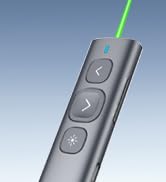
N95 Rechargeable Presenter
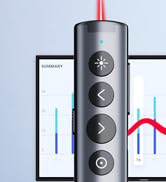

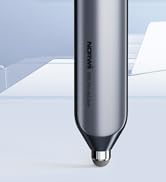

Presenter clicker with Stylus
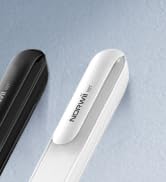
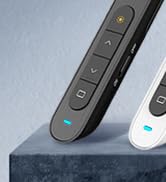
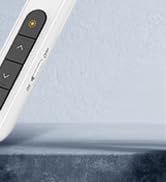
N27 Wireless Presenter
Presentation Clicker with Wireless Mouse

Functional and User-friendly Layout

Annotate in the air and erase
Click ink key on the right side of the presenter clicker to invoke digital pen. Press and hold ‘ink’ key while move your hand to annotate on the screen. Click Eraser to erase.
Control Volume by moving hand in the air
Press and hold the ‘Vol’ key and move your hand slowly to adjust the system volume when you play a video or music.
Three working modes of Back/Next
Long press < and> key at the same time for 3 seconds to wwitch between the three modes. Simple and convenient
Key-function Customizable
As shown above, You can remap these key's definition via Norwii Presenter software. Download the software from official website. It’s free, safe and clean.
More user-friendly design
Magnetic Storage
Integrated design, the mini USB receiver stores in presenter tail with a magnet.
Working Range
With up to164FT control range and higher sensitivity, even if you're presenting in a large classroom, it still performs well.
Comfortable P+R Button
The P+R buttons are more silent than other silicone buttons. It also brings confortable user experiences.
USB Rechargeable
The wireless presenter remote can be used for weeks on a 2-hour fully charge.
For more recommendations, visit the Norwii Store
Norwii is a professional brand and manufacturer with 18 years experiences in Wireless Presenter.
We have experienced R&D team, professional service team and more than 100 skilled workers, which can assure our products and services with top-class quality.
We value the innovation and user experience of our products. We aim to constantly create new possibilities and convey the "joy of speech" to more people
Presenter clicker for LED/TV
N95 Rechargeable Presenter
Presenter clicker with Stylus
N27 Wireless Presenter