


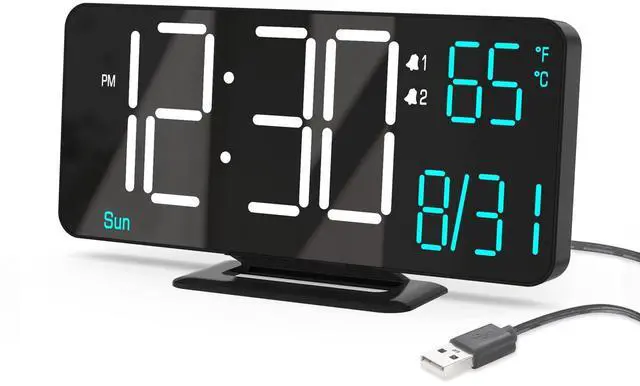


Small Digital Clock
Merchant Video


KOSUMOSU Digital LED Clock Series
 KOSUMOSU 6.7" Alarm Clock |  KOSUMOSU 6.7" Alarm Clock |  KOSUMOSU 6.7" Alarm Clock |  KOSUMOSU 6.7" Alarm Clock |  KOSUMOSU 9.7" LED Clock |  KOSUMOSU 9.7" LED Clock | 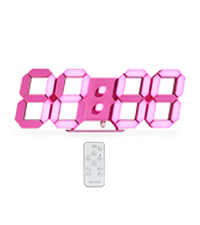 KOSUMOSU 9.7" LED Clock | |
|---|---|---|---|---|---|---|---|
Customer Reviews | — | — | — | — | — | — | — |
Price | — | — | — | — | — | — | — |
Size | 6.7in | 6.7in | 6.7in | 6.7in | 9.7in | 9.7in | 9.7in |
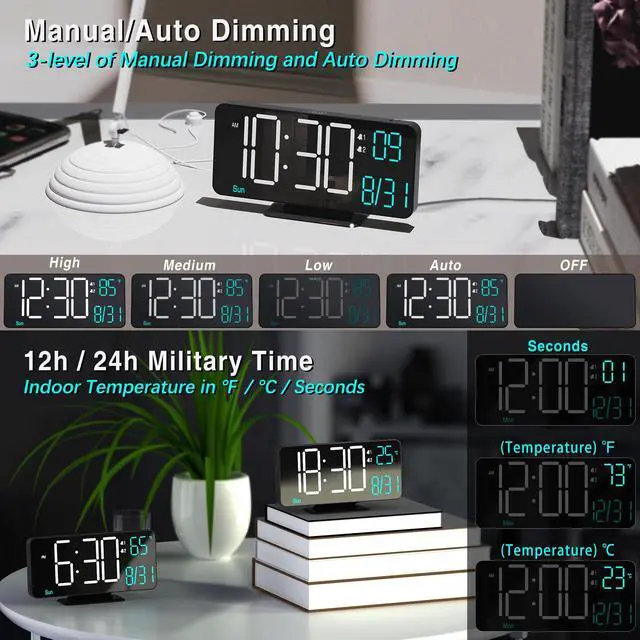
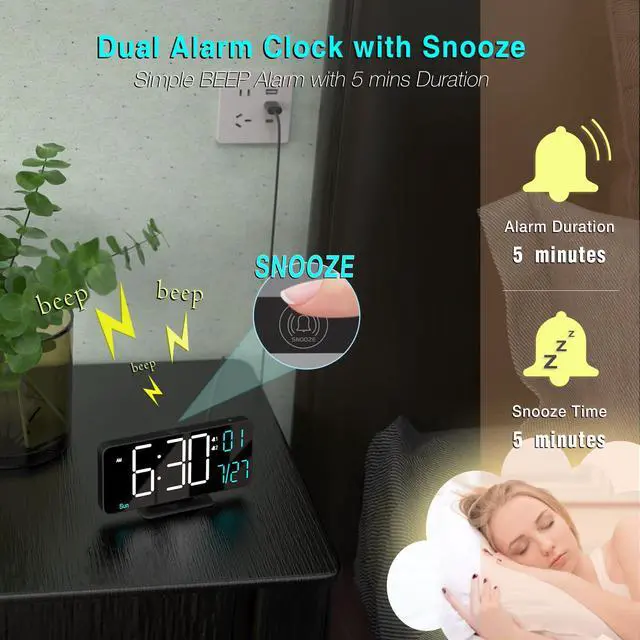
Alarm | Dual Alarm | Dual Alarm | Dual Alarm | Dual Alarm | Single Alarm | Single Alarm | Single Alarm |
with Seconds | ? | ? | ? | ? | ? | ? | ? |
with Week | ? | ? | ? | ? | ? | ? | ? |
with Temperature(?/?) | ? | ? | ? | ? | ? | ? | ? |
with 12h/24h format | ? | ? | ? | ? | ? | ? | ? |
with Auto/Manual Dimming | ? | ? | ? | ? | ? | ? | ? |
Why does the date and day of week show incorrect ?
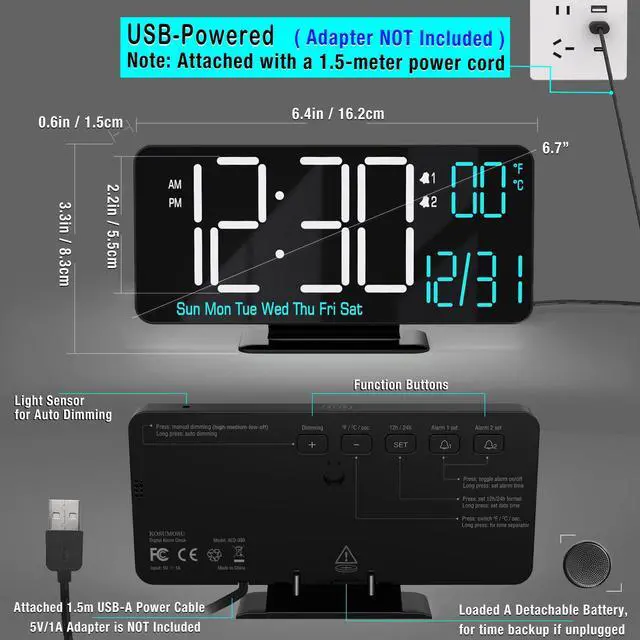
When setting date/time, ?note the Year (e.g., 2025). Hold the ?"SET" for 2s? to setting mode. Adjust in sequence: Hour?Minute?Year?Month?Date? using the ?"+"? or ?"-"? . Confirm each with "SET" to confirm & proceed.
Does it run with a built-in battery ?
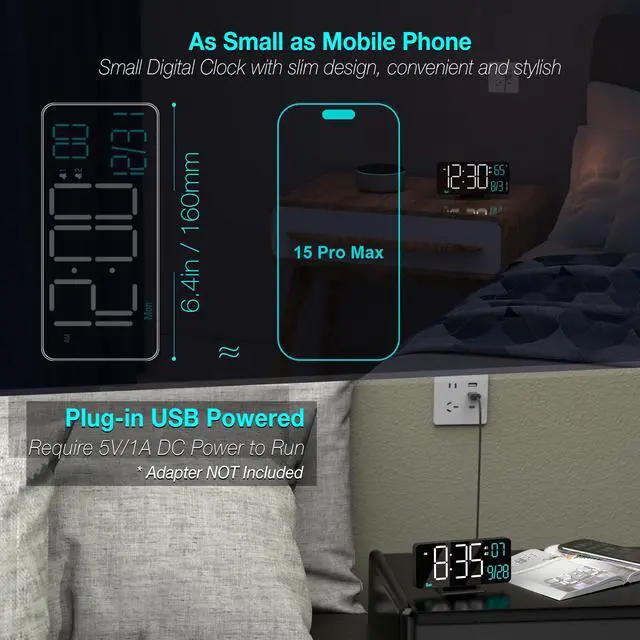
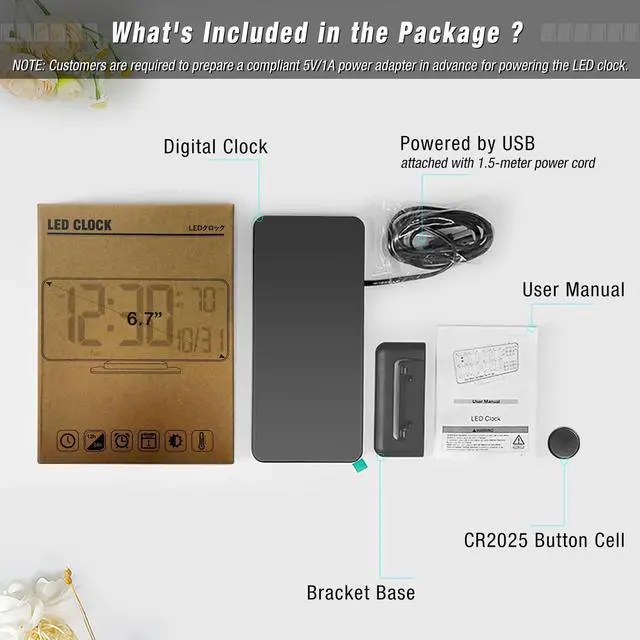
NO, this LED clock requires a 5V/1A USB-A adapter (not included). A backup button battery preserves time during outages but cannot power it continuously.
Why did the alarm not ring at the set time ?
1. After setting the alarm time, press Alarm1/2 to activate (Alarm1/2 icon will show on screen). 2. Check the time format: ?12h? (12AM-11PM) / ?24h? (0-23).
How to STOP the alarm ring and snooze ?
When the alarm rings, press SNOOZE once to activate a 5-minute snooze. Then if press and hold for 2 seconds SNOOZE until a beep sounds, deactivating the snooze.
Can I set alarms for workdays and weekend separately ?
Yes, This digital clock supports ?dual alarms (Alarm 1 & 2)? with ?3 customizable cycles?:? Weekdays? (Mon-Fri)?, Weekends? (Sat/Sun),? Daily? (Mon-Sun)
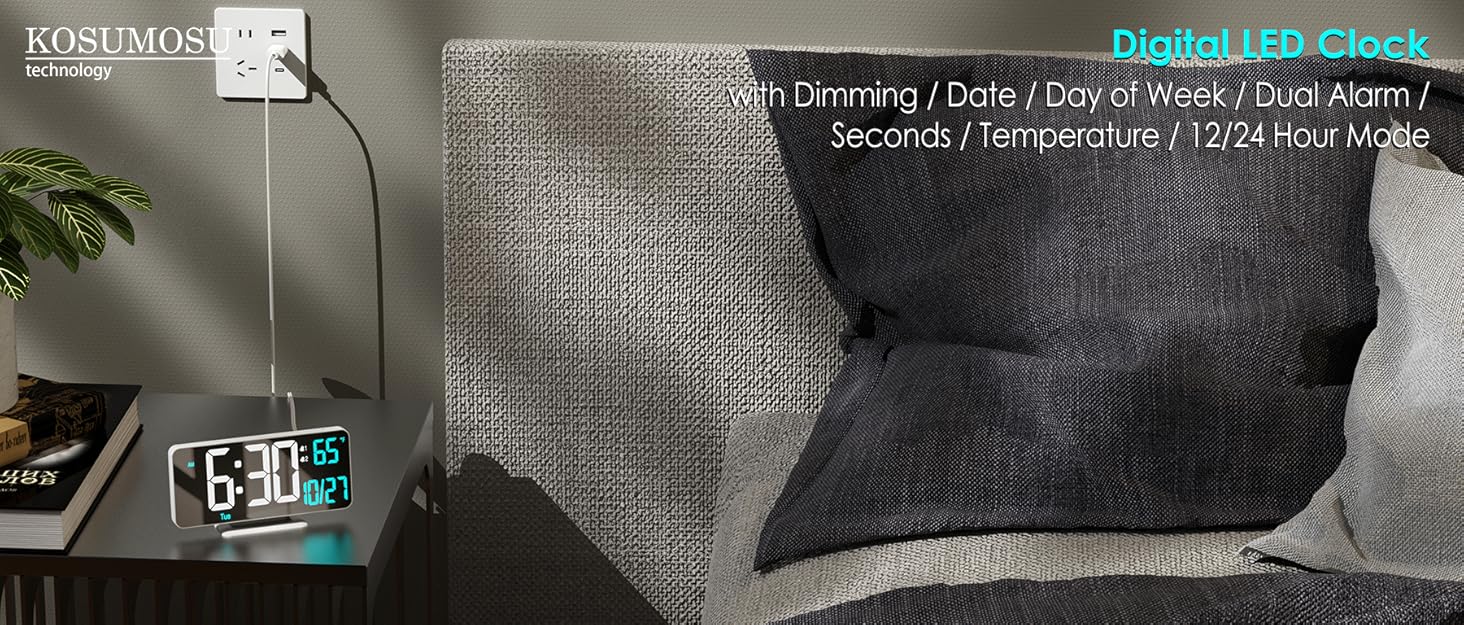
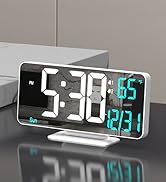
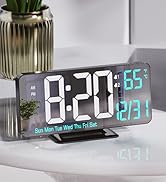
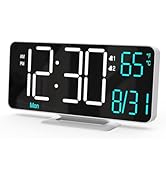
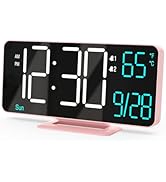
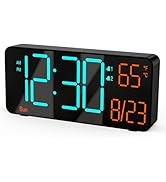
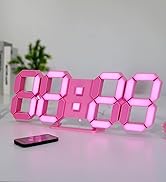
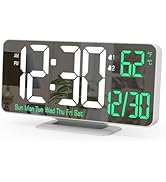
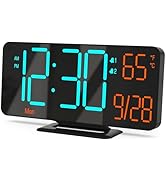
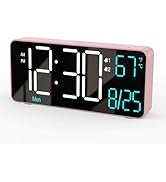
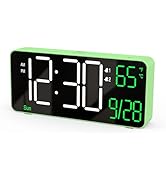
KOSUMOSU LED Digital Clock
KOSUMOSU LED Digital Clock
KOSUMOSU LED Digital Clock
Small Digital Clock
Merchant Video


KOSUMOSU Digital LED Clock Series
KOSUMOSU 6.7" Alarm Clock | KOSUMOSU 6.7" Alarm Clock | KOSUMOSU 6.7" Alarm Clock | KOSUMOSU 6.7" Alarm Clock | KOSUMOSU 9.7" LED Clock | KOSUMOSU 9.7" LED Clock | KOSUMOSU 9.7" LED Clock |
|---|---|---|---|---|---|---|
| Customer Reviews | ||||||
| — | — | — | — | — | — | — |
| Price | ||||||
| — | — | — | — | — | — | — |
| Size | ||||||
| 6.7in | 6.7in | 6.7in | 6.7in | 9.7in | 9.7in | 9.7in |
| Alarm | ||||||
| Dual Alarm | Dual Alarm | Dual Alarm | Dual Alarm | Single Alarm | Single Alarm | Single Alarm |
| with Seconds | ||||||
| ? | ? | ? | ? | ? | ? | ? |
| with Week | ||||||
| ? | ? | ? | ? | ? | ? | ? |
| with Temperature(?/?) | ||||||
| ? | ? | ? | ? | ? | ? | ? |
| with 12h/24h format | ||||||
| ? | ? | ? | ? | ? | ? | ? |
| with Auto/Manual Dimming | ||||||
| ? | ? | ? | ? | ? | ? | ? |
Why does the date and day of week show incorrect ?
When setting date/time, ?note the Year (e.g., 2025). Hold the ?"SET" for 2s? to setting mode. Adjust in sequence: Hour?Minute?Year?Month?Date? using the ?"+"? or ?"-"? . Confirm each with "SET" to confirm & proceed.
Does it run with a built-in battery ?
NO, this LED clock requires a 5V/1A USB-A adapter (not included). A backup button battery preserves time during outages but cannot power it continuously.
Why did the alarm not ring at the set time ?
1. After setting the alarm time, press Alarm1/2 to activate (Alarm1/2 icon will show on screen). 2. Check the time format: ?12h? (12AM-11PM) / ?24h? (0-23).
How to STOP the alarm ring and snooze ?
When the alarm rings, press SNOOZE once to activate a 5-minute snooze. Then if press and hold for 2 seconds SNOOZE until a beep sounds, deactivating the snooze.
Can I set alarms for workdays and weekend separately ?
Yes, This digital clock supports ?dual alarms (Alarm 1 & 2)? with ?3 customizable cycles?:? Weekdays? (Mon-Fri)?, Weekends? (Sat/Sun),? Daily? (Mon-Sun)