here!
here!
I’m your shopping assistant for PC builds, upgrades, and everything tech.
Got questions? Ask away!
Start a conversation
here!
I’m your shopping assistant for PC builds, upgrades, and everything tech.
Got questions? Ask away!
Start a conversation
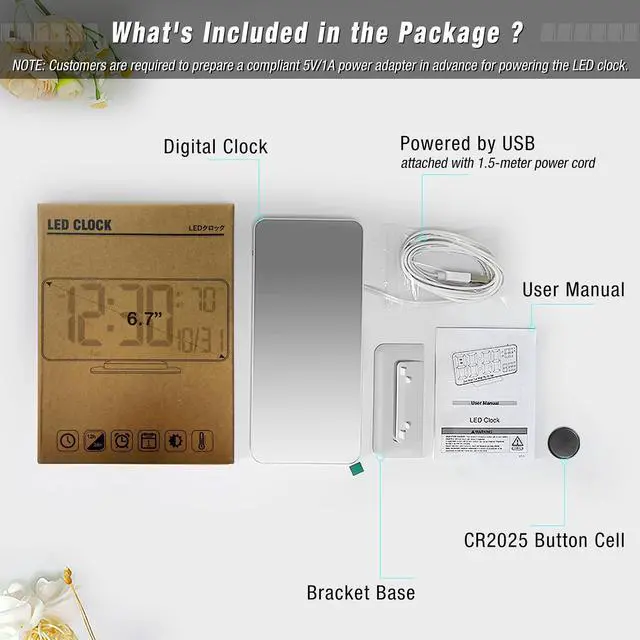



Any questions? Ask CelesteSM will help you find out quickly.
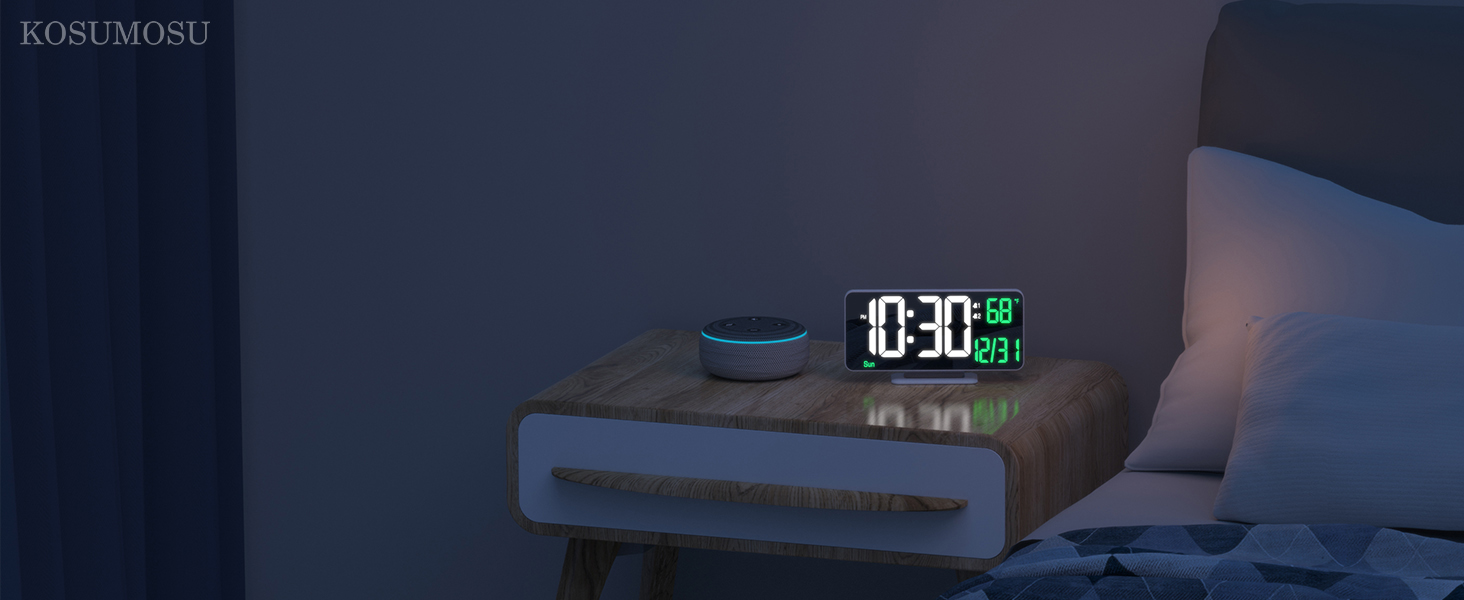
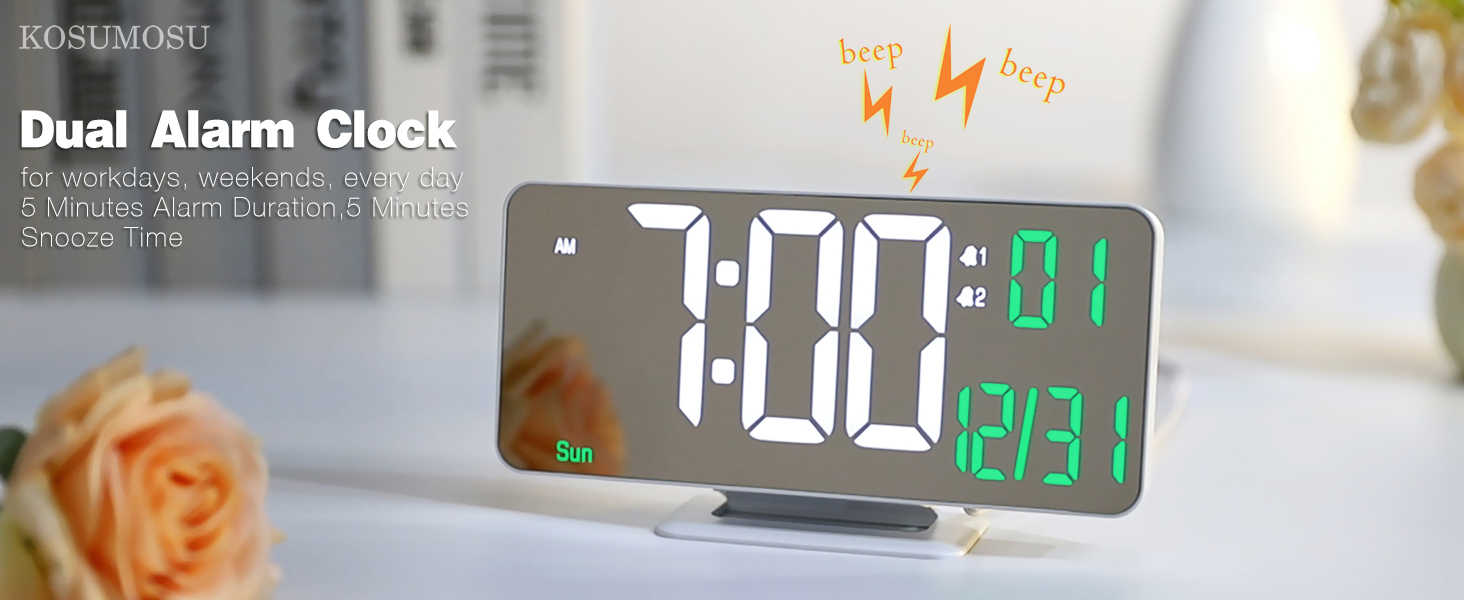
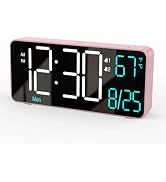
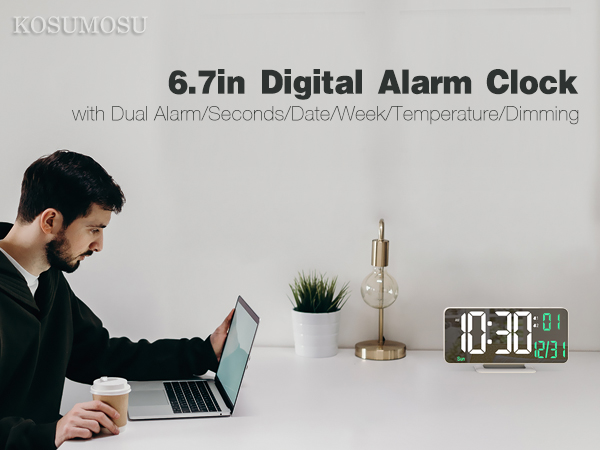
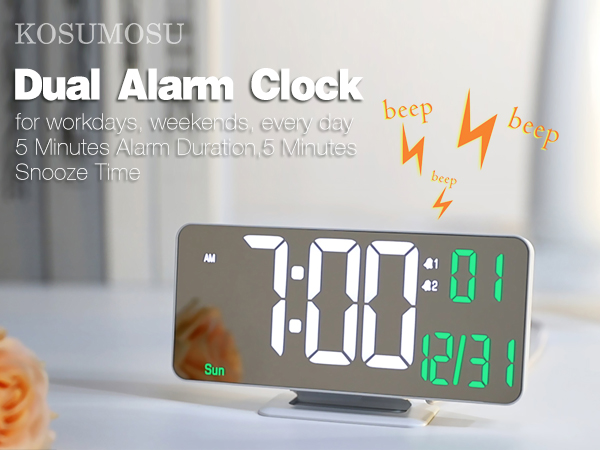
6.7" Dual Alarm Clock
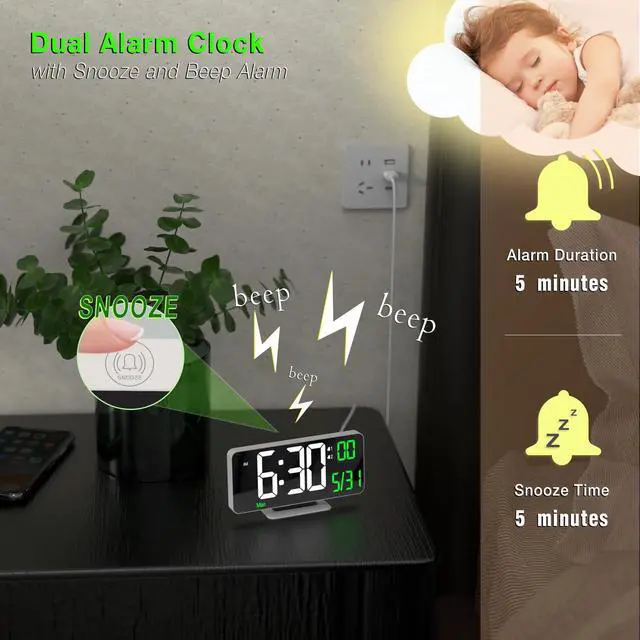
You can set two alarm times, each with 3 different alarm cycles for workday, weekend, and every day
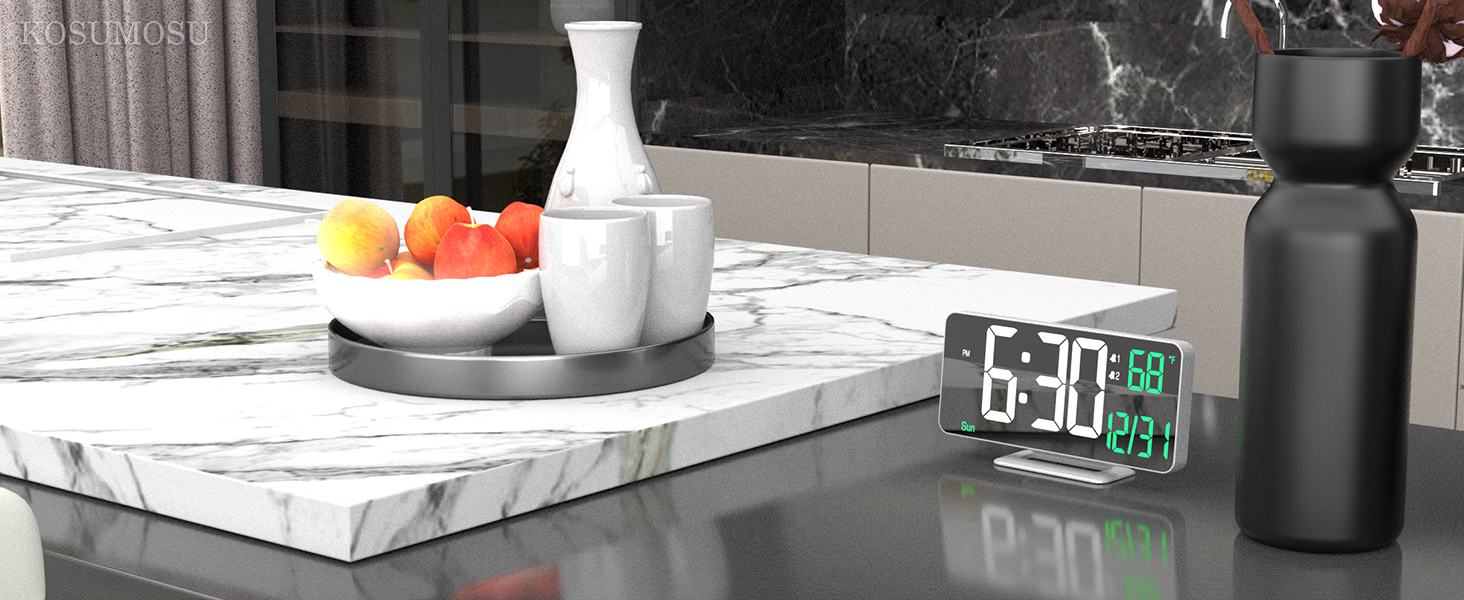
6.7in Digital LED Clock
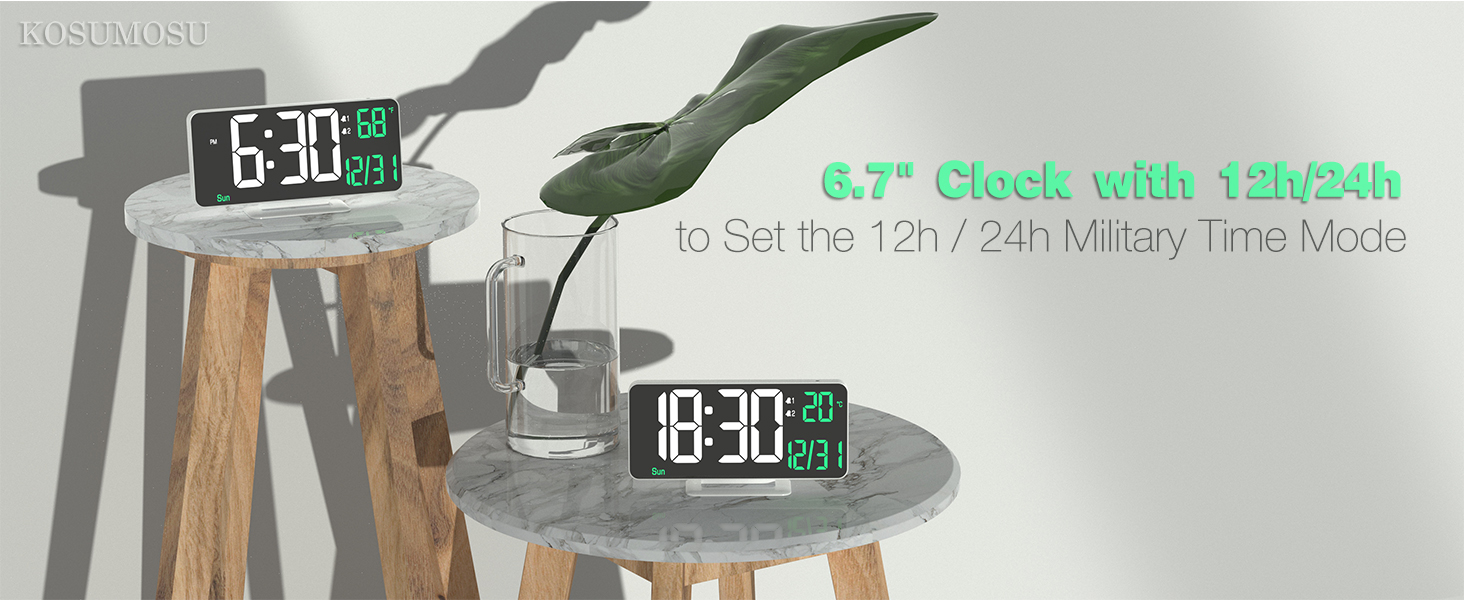
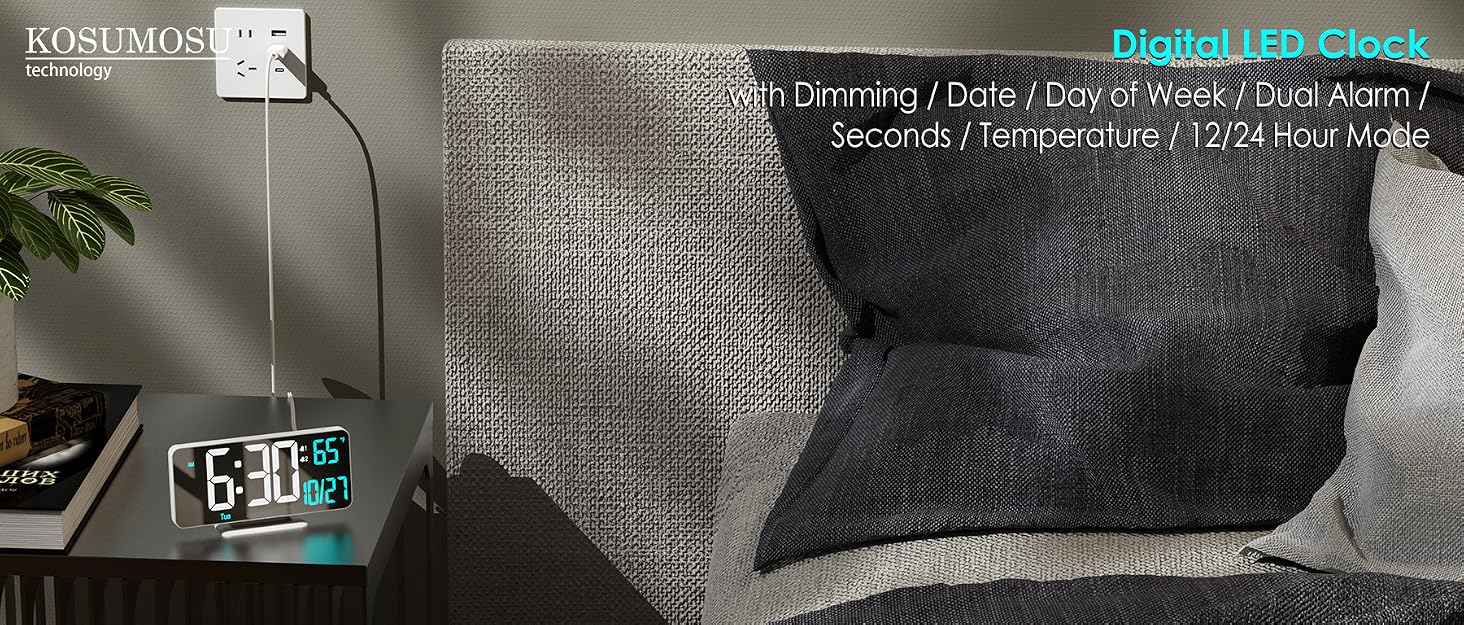
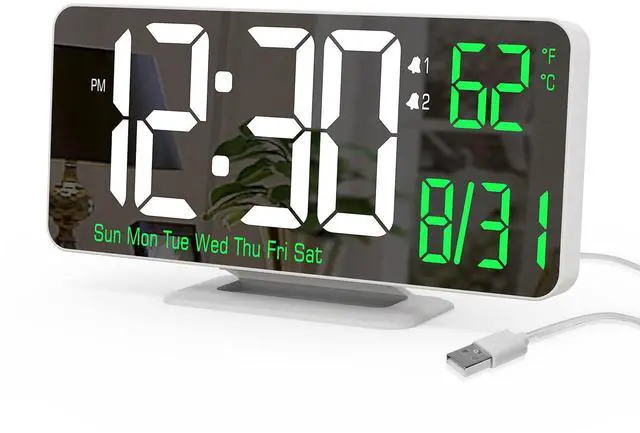
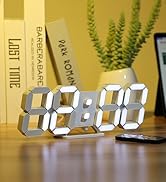
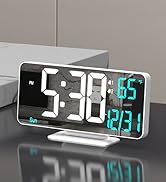
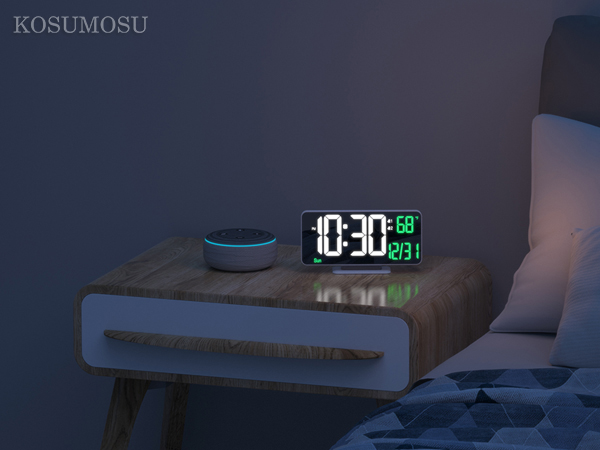
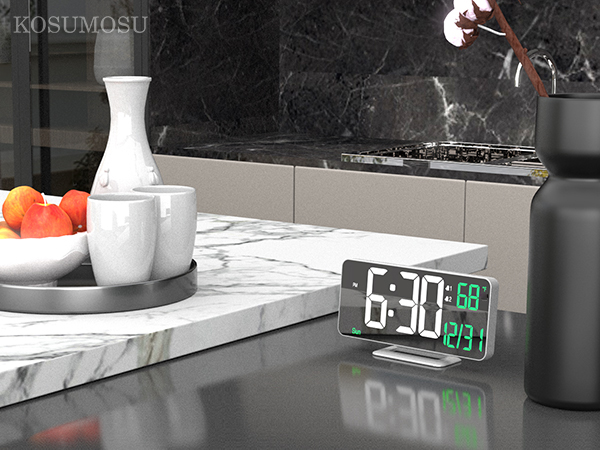
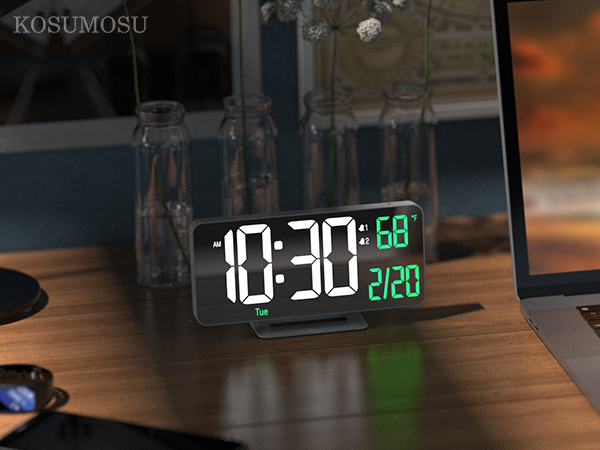
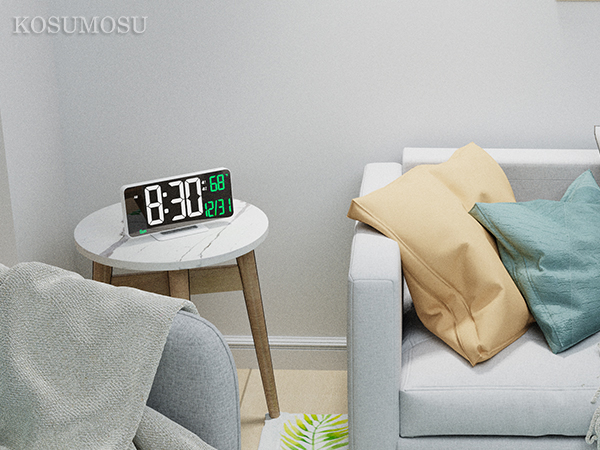
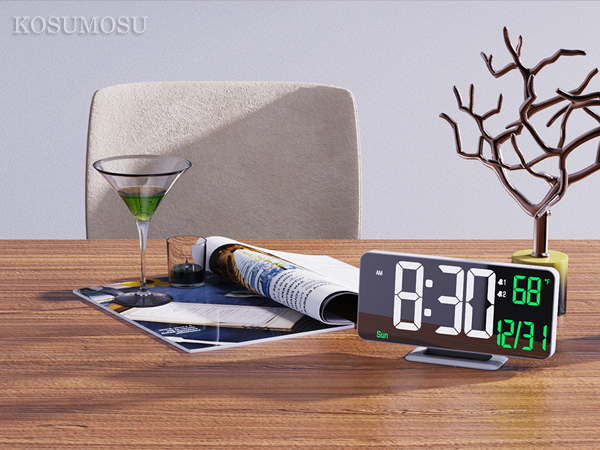
This modern LED clock, with large and big numbers make it convenient and easy-to-read.
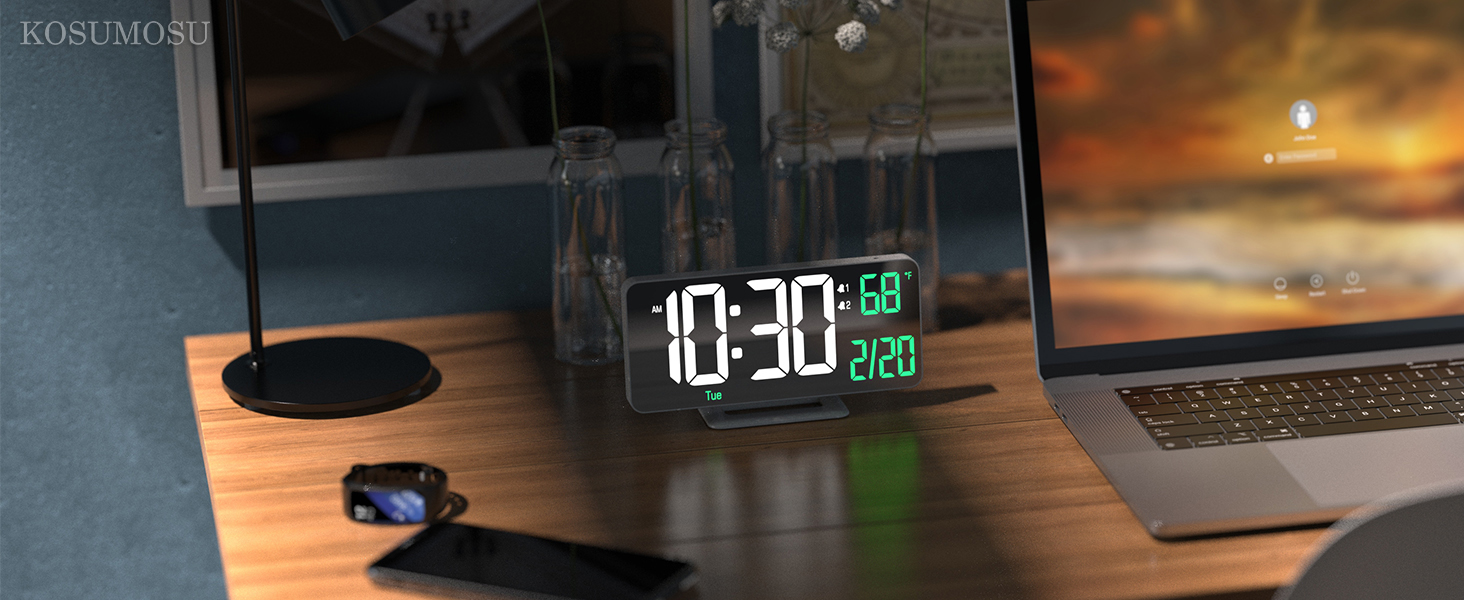
6.7" Digital LED Clock
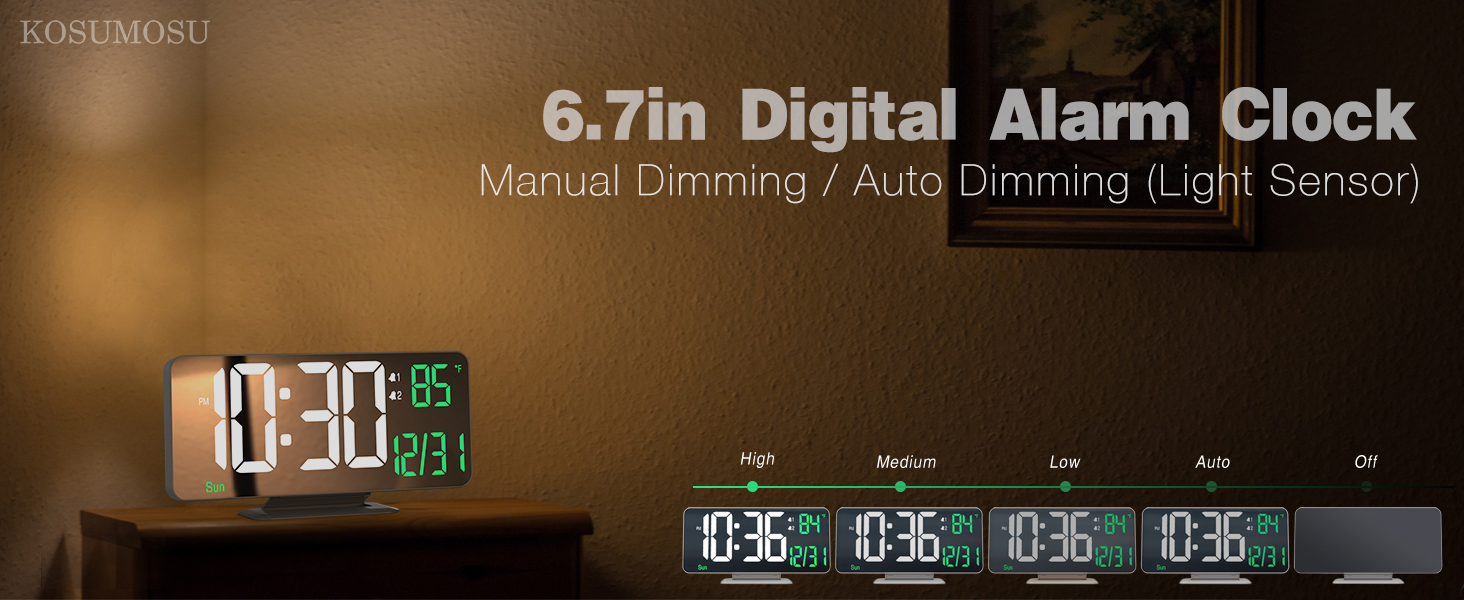
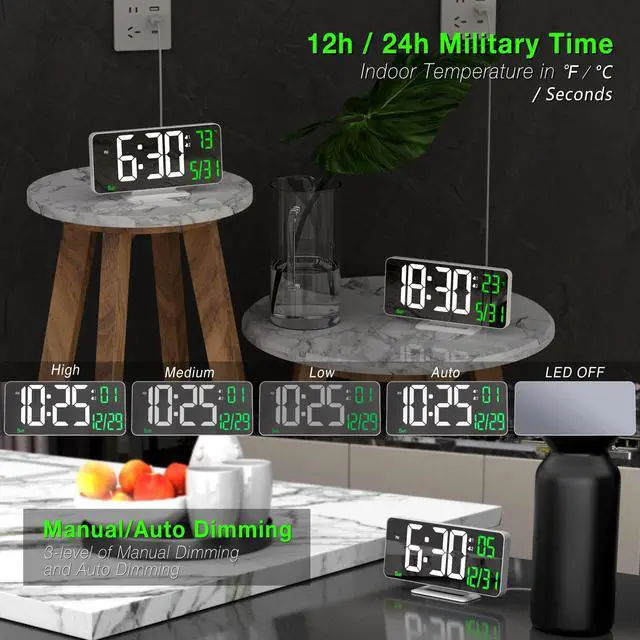
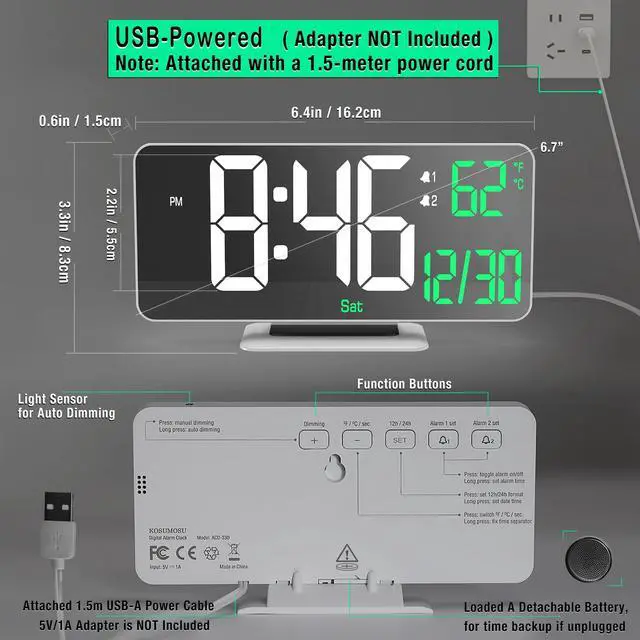
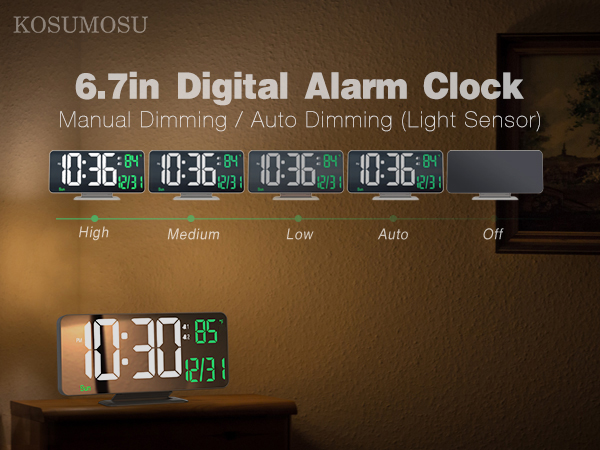
This LED alarm clock features auto dimming(Light sensor) and manual dimming( low, medium, high, off)
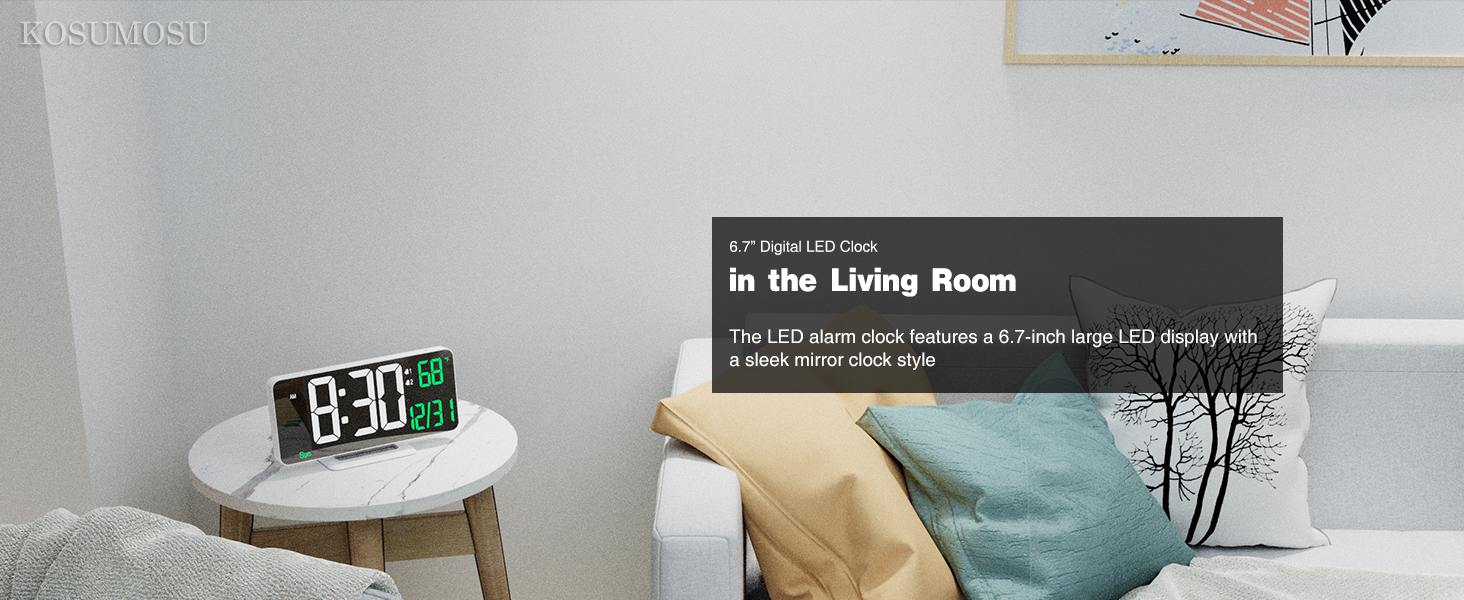
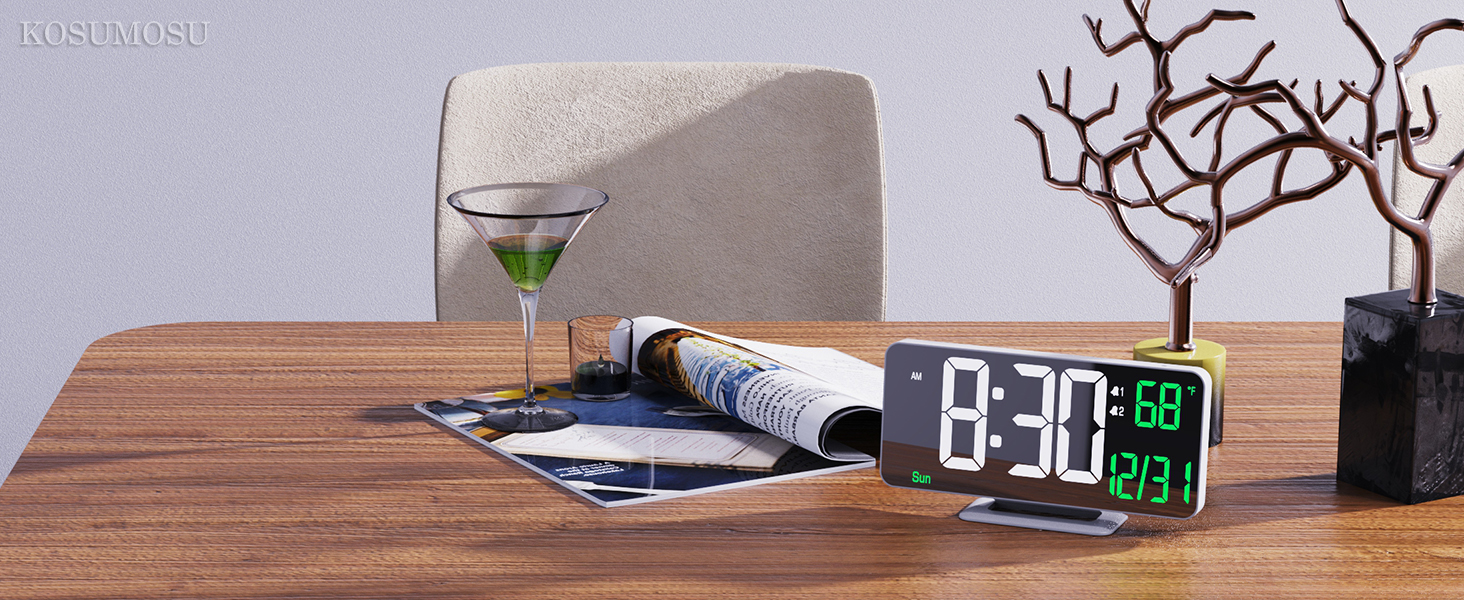
6.7" Digital LED Clock
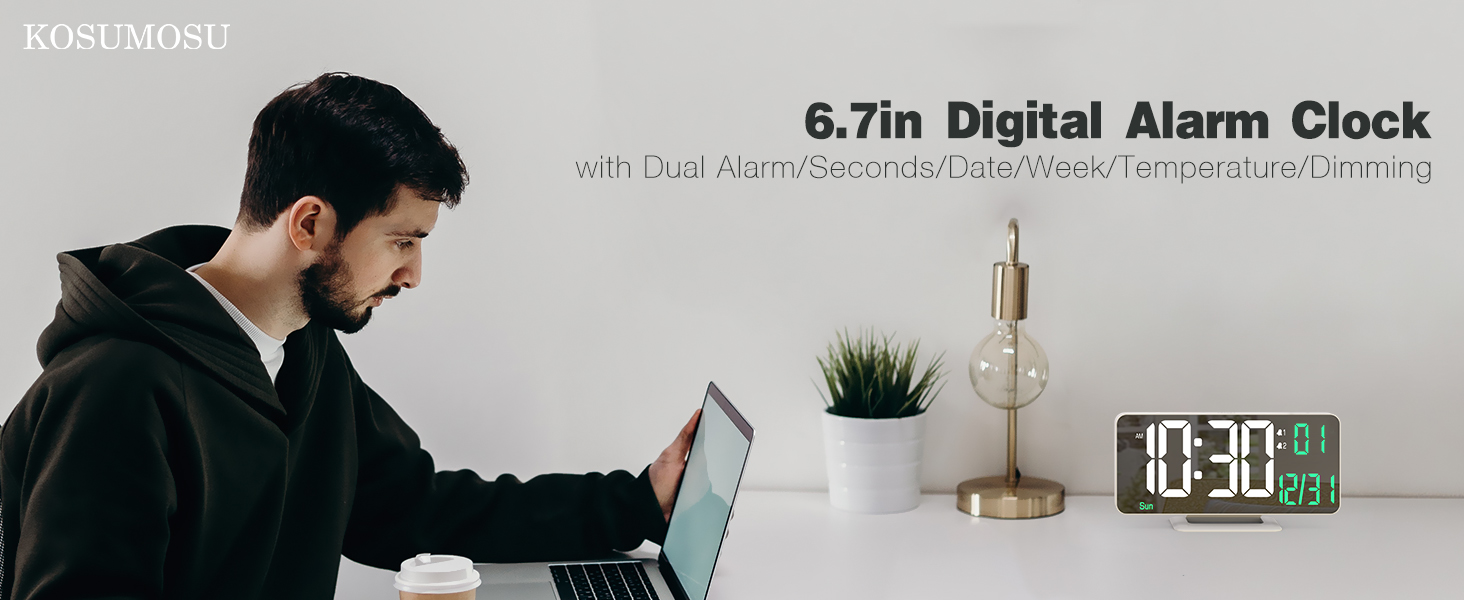
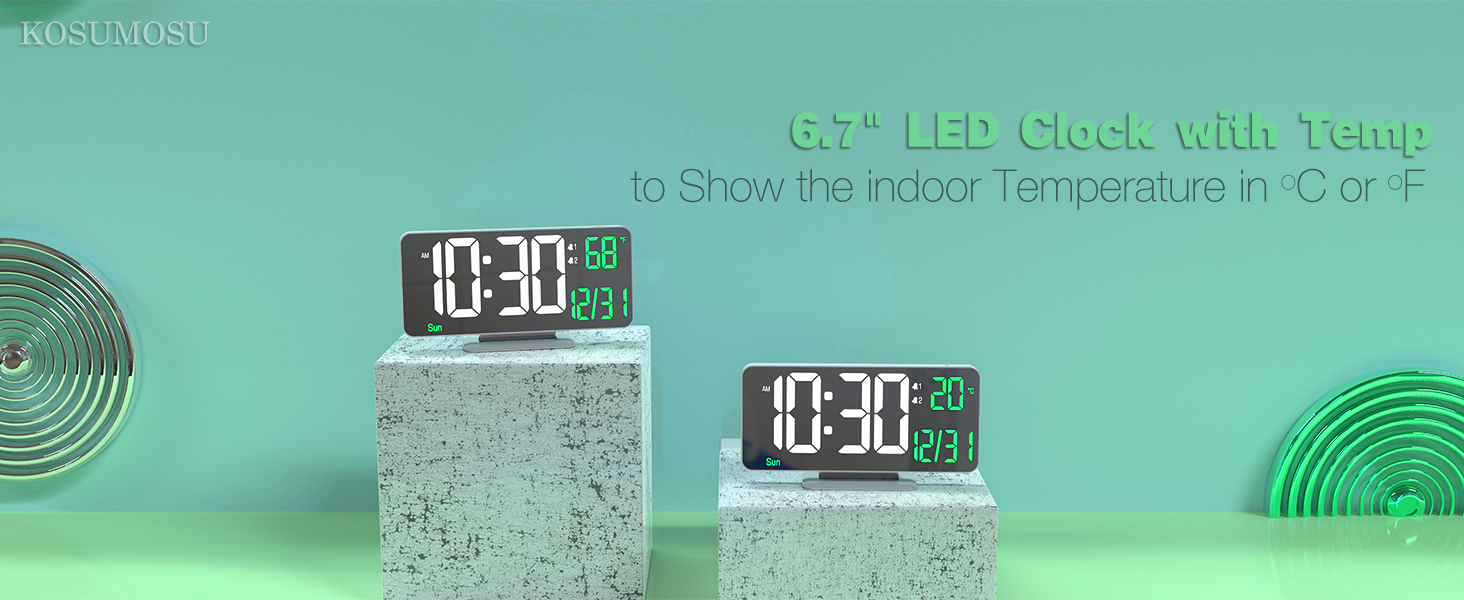
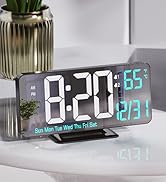
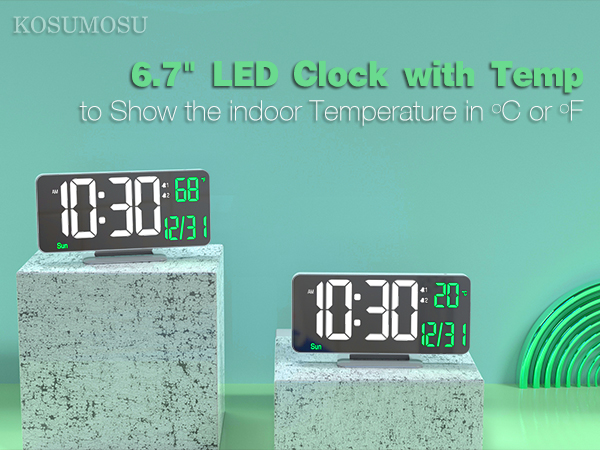
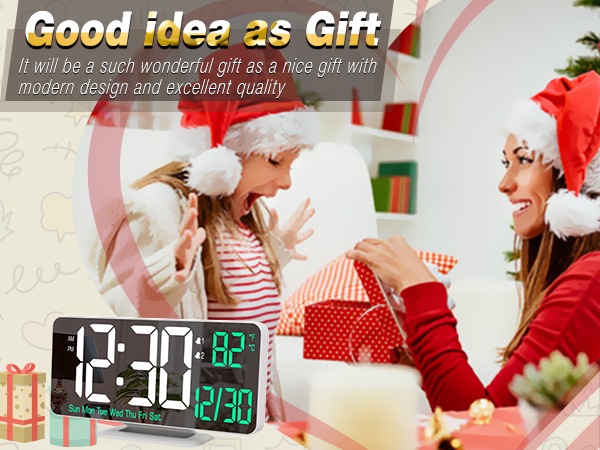
Just Put it on the desk, it will be so easy to see the time, date, day of week and Temperature.
Why does the date and day of week show incorrect ?
When setting date/time, ?note the Year (e.g., 2025). Hold the ?"SET" for 2s? to setting mode. Adjust in sequence: Hour?Minute?Year?Month?Date? using the ?"+"? or ?"-"? . Confirm each with "SET" to confirm & proceed.
Does it run with a built-in battery ?
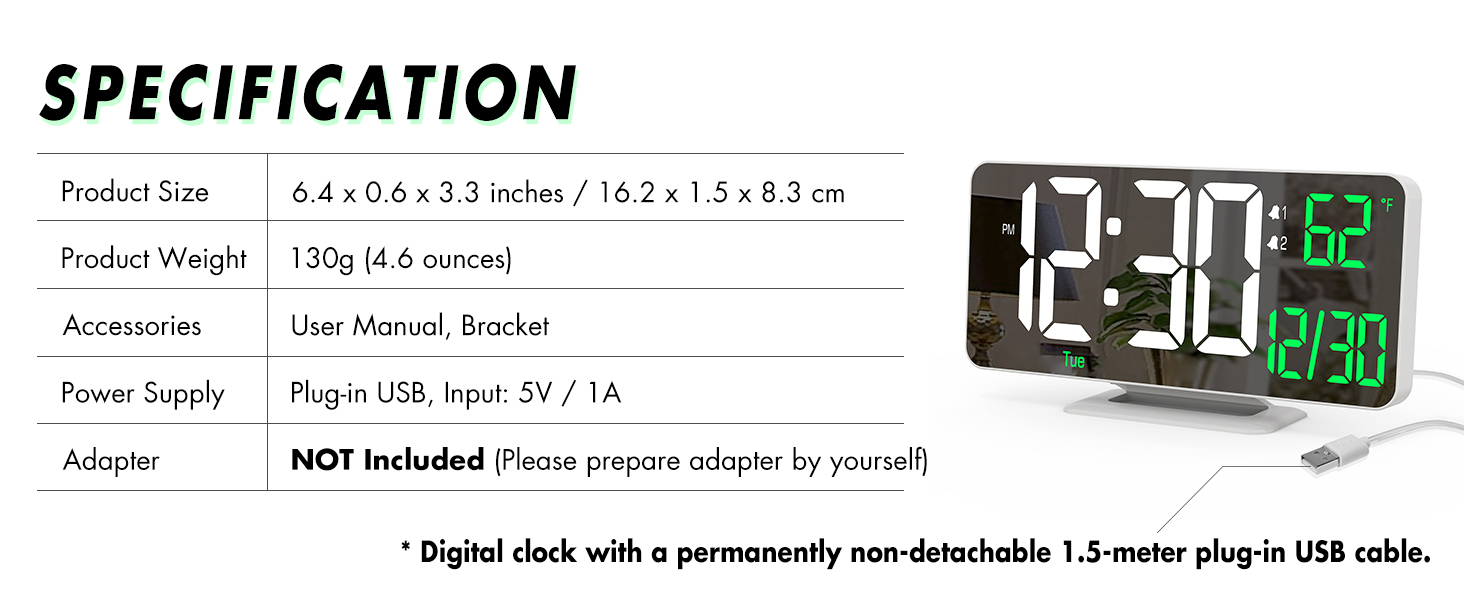
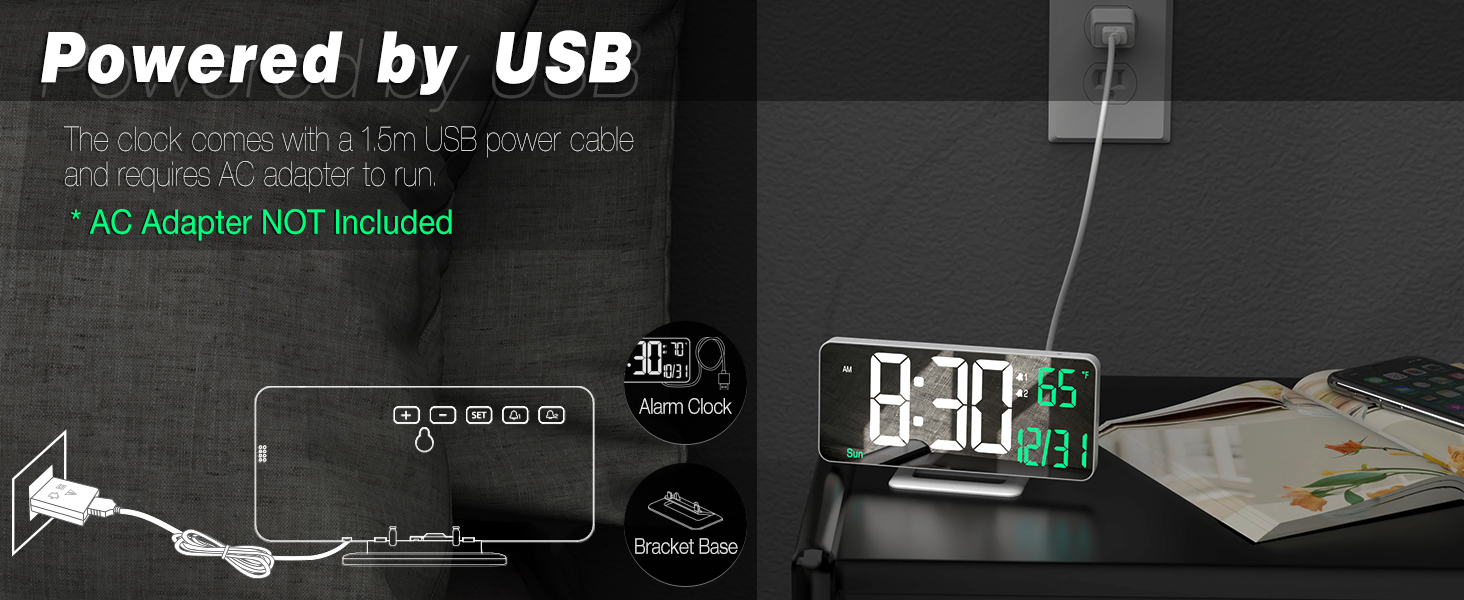
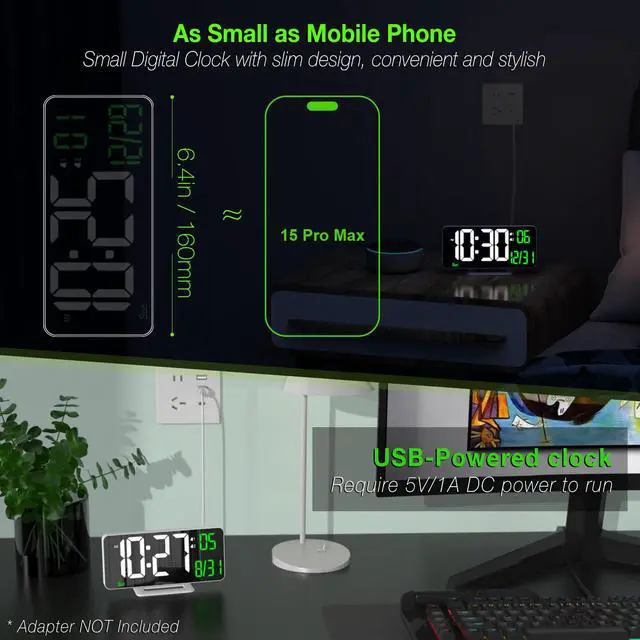
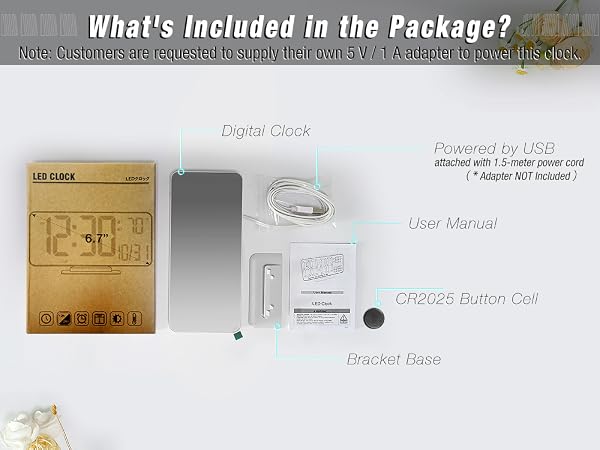
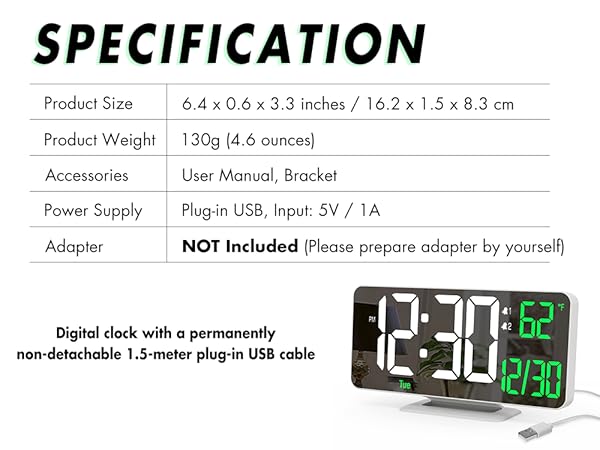
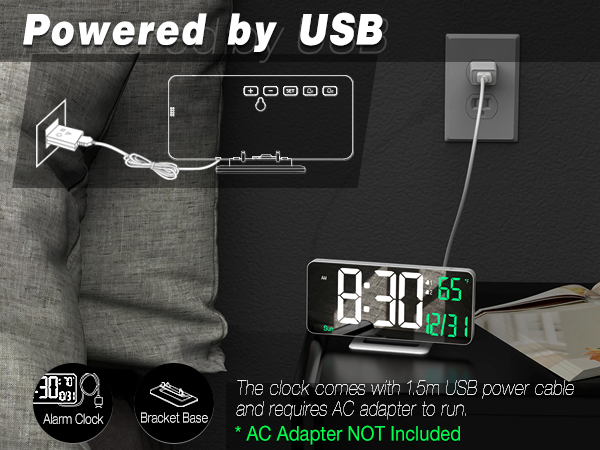
NO, this LED clock requires a 5V/1A USB-A adapter (not included). A backup button battery preserves time during outages but cannot power it continuously.
Why did the alarm not ring at the set time ?
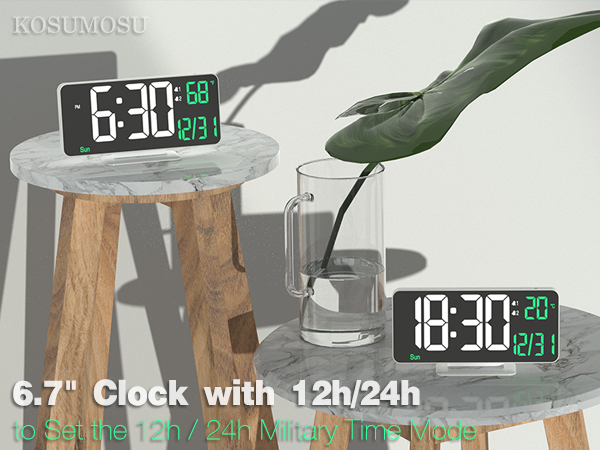
1. After setting the alarm time, press Alarm1/2 to activate (Alarm1/2 icon will show on screen). 2. Check the time format: ?12h? (12AM-11PM) / ?24h? (0-23).
Can I set alarms for workdays and weekend separately ?
Yes, This digital clock supports ?dual alarms (Alarm 1 & 2)? with ?3 customizable cycles?:? Weekdays? (Mon-Fri)?, Weekends? (Sat/Sun),? Daily? (Mon-Sun)
How to STOP the alarm ring and snooze ?
When the alarm rings, press SNOOZE once to activate a 5-minute snooze. Then if press and hold for 2 seconds SNOOZE until a beep sounds, deactivating the snooze.
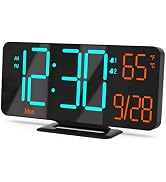
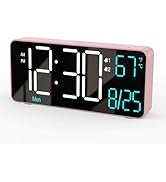
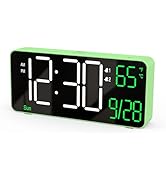
 6.7" Small Digital Clock |  6.7" Small Digital Clock |  6.7" Small Digital Clock |  6.7" Small Digital Clock | 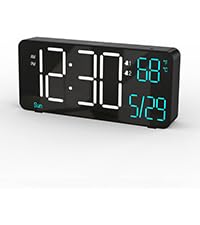 6.7" Small Digital Clock | 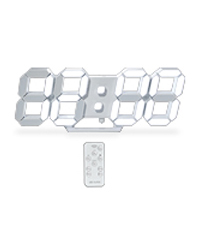 KOSUMOSU 9.7" LED Clock | 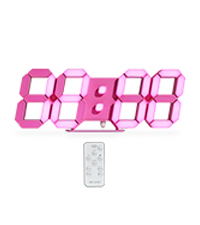 KOSUMOSU 9.7" LED Clock | |
|---|---|---|---|---|---|---|---|
Customer Reviews | — | — | — | — | — | — | — |
Price | — | — | — | — | — | — | — |
Size | 6.7in | 6.7in | 6.7in | 6.7in | 6.7in | 9.7in | 9.7in |
Alarm | Dual Alarm | Dual Alarm | Dual Alarm | Dual Alarm | Dual Alarm | Single Alarm | Single Alarm |
with Seconds | ? | ? | ? | ? | ? | ? | ? |
with Day of Week | ? | ? | ? | ? | ? | ? | ? |
with Temperature(?/?) | ? | ? | ? | ? | ? | ? | ? |
with 12h/24h format | ? | ? | ? | ? | ? | ? | ? |
with Auto/Manual Dimming | ? | ? | ? | ? | ? | ? | ? |
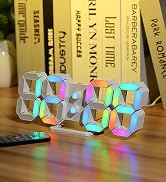
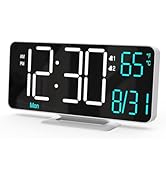
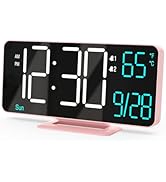
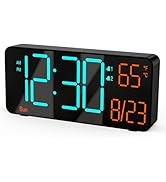
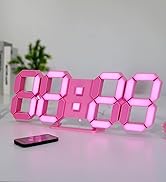
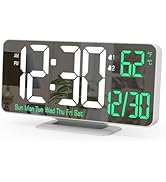
You can set two alarm times, each with 3 different alarm cycles for workday, weekend, and every day
This modern LED clock, with large and big numbers make it convenient and easy-to-read.
This LED alarm clock features auto dimming(Light sensor) and manual dimming( low, medium, high, off)
Just Put it on the desk, it will be so easy to see the time, date, day of week and Temperature.
Why does the date and day of week show incorrect ?
When setting date/time, ?note the Year (e.g., 2025). Hold the ?"SET" for 2s? to setting mode. Adjust in sequence: Hour?Minute?Year?Month?Date? using the ?"+"? or ?"-"? . Confirm each with "SET" to confirm & proceed.
Does it run with a built-in battery ?
NO, this LED clock requires a 5V/1A USB-A adapter (not included). A backup button battery preserves time during outages but cannot power it continuously.
Why did the alarm not ring at the set time ?
1. After setting the alarm time, press Alarm1/2 to activate (Alarm1/2 icon will show on screen). 2. Check the time format: ?12h? (12AM-11PM) / ?24h? (0-23).
Can I set alarms for workdays and weekend separately ?
Yes, This digital clock supports ?dual alarms (Alarm 1 & 2)? with ?3 customizable cycles?:? Weekdays? (Mon-Fri)?, Weekends? (Sat/Sun),? Daily? (Mon-Sun)
How to STOP the alarm ring and snooze ?
When the alarm rings, press SNOOZE once to activate a 5-minute snooze. Then if press and hold for 2 seconds SNOOZE until a beep sounds, deactivating the snooze.
6.7" Small Digital Clock | 6.7" Small Digital Clock | 6.7" Small Digital Clock | 6.7" Small Digital Clock | 6.7" Small Digital Clock | KOSUMOSU 9.7" LED Clock | KOSUMOSU 9.7" LED Clock |
|---|---|---|---|---|---|---|
| Customer Reviews | ||||||
| — | — | — | — | — | — | — |
| Price | ||||||
| — | — | — | — | — | — | — |
| Size | ||||||
| 6.7in | 6.7in | 6.7in | 6.7in | 6.7in | 9.7in | 9.7in |
| Alarm | ||||||
| Dual Alarm | Dual Alarm | Dual Alarm | Dual Alarm | Dual Alarm | Single Alarm | Single Alarm |
| with Seconds | ||||||
| ? | ? | ? | ? | ? | ? | ? |
| with Day of Week | ||||||
| ? | ? | ? | ? | ? | ? | ? |
| with Temperature(?/?) | ||||||
| ? | ? | ? | ? | ? | ? | ? |
| with 12h/24h format | ||||||
| ? | ? | ? | ? | ? | ? | ? |
| with Auto/Manual Dimming | ||||||
| ? | ? | ? | ? | ? | ? | ? |