




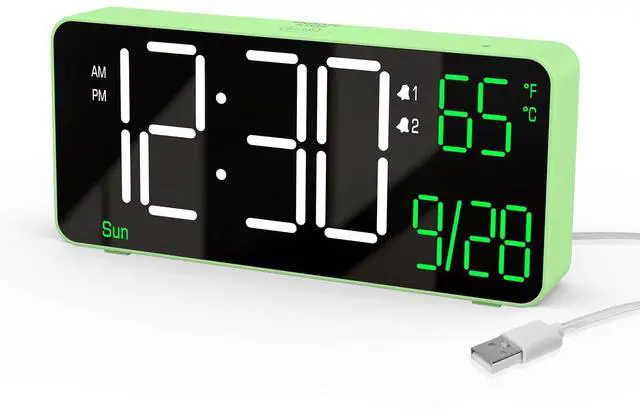
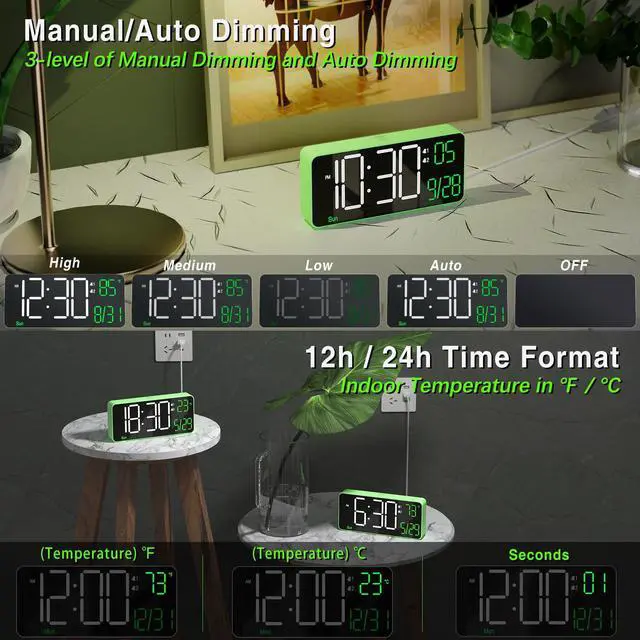
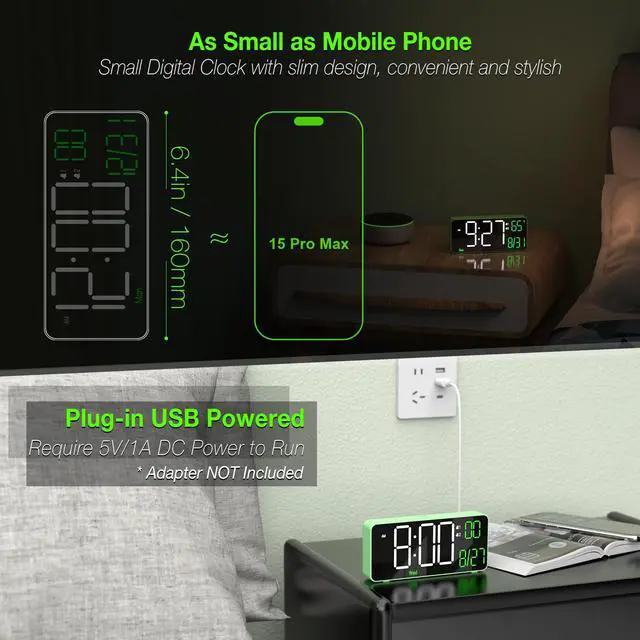
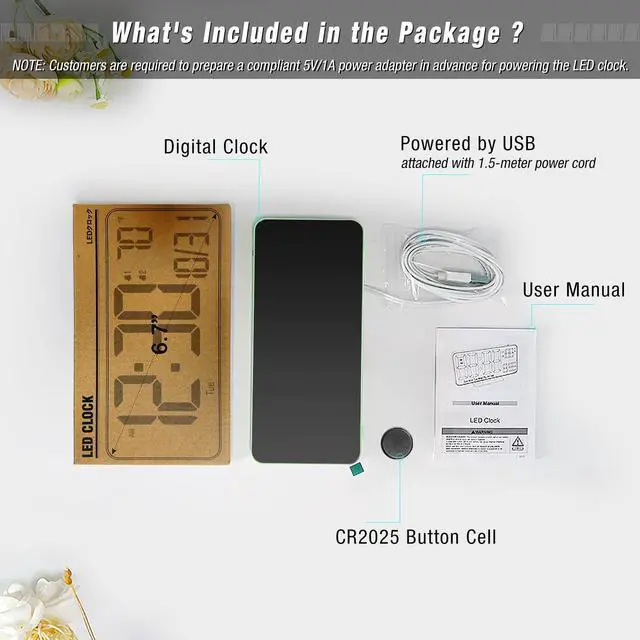


Small Digital Clock
Merchant Video


KOSUMOSU Digital LED Clock Series
 KOSUMOSU Digital Clock |  KOSUMOSU Digital Clock |  KOSUMOSU Digital Clock |  KOSUMOSU Digital Clock |  KOSUMOSU 9.7" LED Clock | 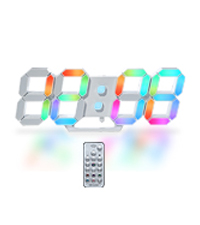 KOSUMOSU 9.7" LED Clock | 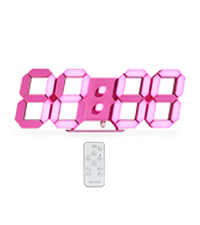 KOSUMOSU 9.7" LED Clock | |
|---|---|---|---|---|---|---|---|
Customer Reviews | — | — | — | — | — | — | — |
Price | — | — | — | — | — | — | — |
Product Size | 6.4 x 0.6 x 3.3 in | 6.4 x 0.6 x 3.3 in | 6.4 x 0.6 x 3.3 in | 6.4 x1.2 x 3.3 in | 10 x 3.3 x 0.9 in | 10 x 3.3 x 0.9 in | 10 x 3.3 x 0.9 in |
Alarm | Dual Alarm | Dual Alarm | Dual Alarm | Dual Alarm | Single Alarm | Single Alarm | Single Alarm |
with Seconds | ? | ? | ? | ? | ? | ? | ? |
with Week | ? | ? | ? | ? | ? | ? | ? |
with Temperature(?/?) | ? | ? | ? | ? | ? | ? | ? |
with 12h/24h format | ? | ? | ? | ? | ? | ? | ? |
with Auto/Manual Dimming | ? | ? | ? | ? | ? | ? | ? |
Why does the date and day of week show incorrect ?
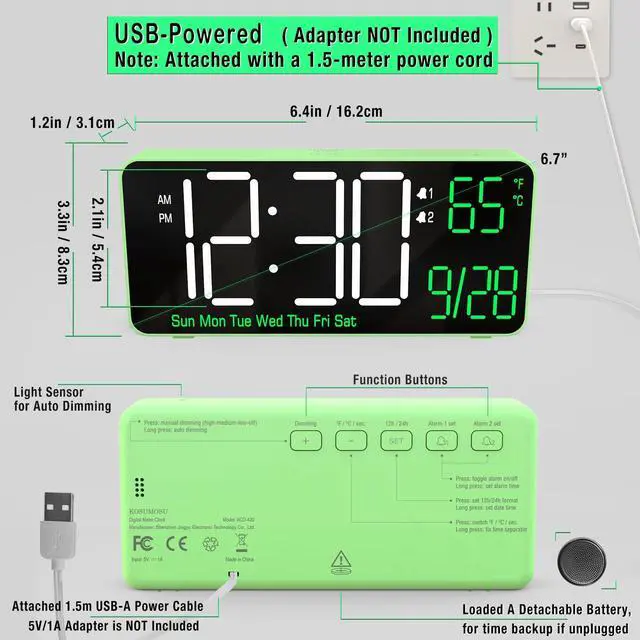
When setting date/time, ?note the Year (e.g., 2025). Hold the ?"SET" for 2s? to setting mode. Adjust in sequence: Hour?Minute?Year?Month?Date? using the ?"+"? or ?"-"? . Confirm each with "SET" to confirm & proceed.
Why is NOT the clock battery-operated?
It constantly requires a plug-in power supply(5V/1A) , because it's a bit power consuming due to the bright LED light, so we excluded the battery design. Thereby avoiding the hassle of charging and replacing batteries.
Why did the alarm not ring at the set time ?
1. After setting the alarm time, press Alarm1/2 to activate (Alarm1/2 icon will show on screen).
2. Check the time format: ?12h? format: 12AM ~ 11PM) / ? 24h? format: 0 ~ 23
How to STOP the alarm ring and snooze ?
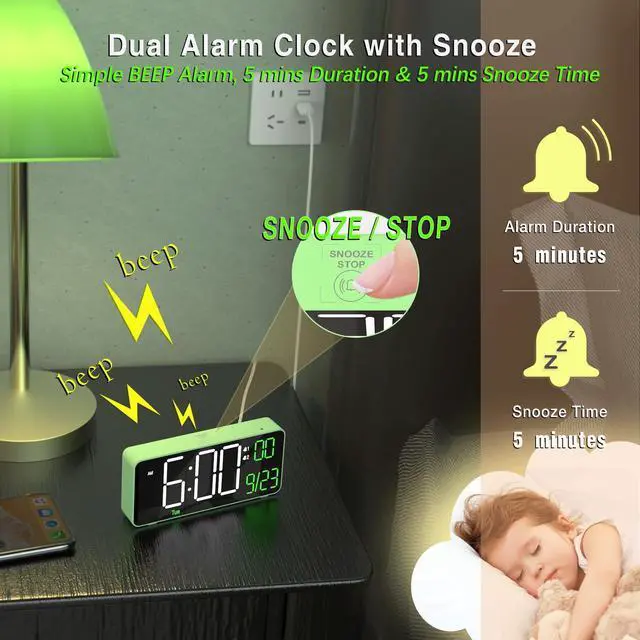
When the alarm rings, press SNOOZE once to activate a 5-minute snooze. Then if press and hold for 2 seconds SNOOZE until a beep sounds, deactivating the snooze.
Can I set alarms for workdays and weekend separately ?
Yes, This digital clock supports ?dual alarms (Alarm 1 & 2)? with ?3 customizable cycles?:? Weekdays? (Mon-Fri)?, Weekends? (Sat/Sun),? Daily? (Mon-Sun)
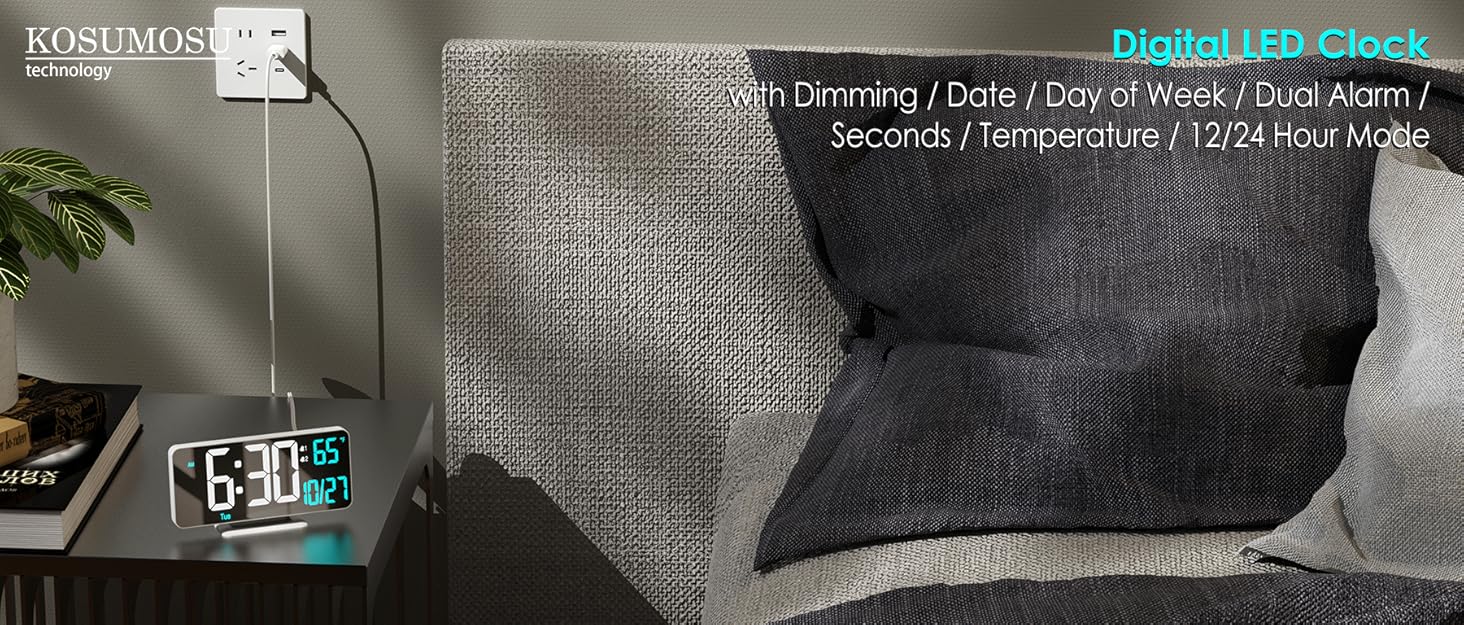
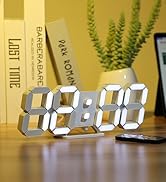
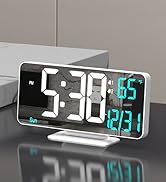
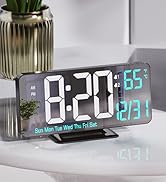
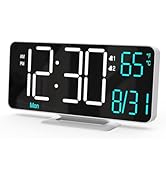
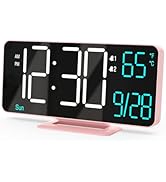
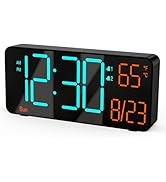

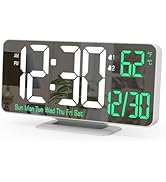
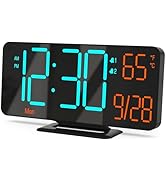
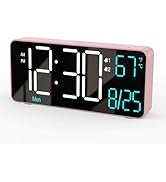
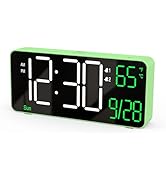
KOSUMOSU LED Digital Clock
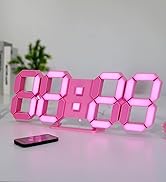
KOSUMOSU LED Digital Clock
KOSUMOSU LED Digital Clock
Small Digital Clock
Merchant Video


KOSUMOSU Digital LED Clock Series
KOSUMOSU Digital Clock | KOSUMOSU Digital Clock | KOSUMOSU Digital Clock | KOSUMOSU Digital Clock | KOSUMOSU 9.7" LED Clock | KOSUMOSU 9.7" LED Clock | KOSUMOSU 9.7" LED Clock |
|---|---|---|---|---|---|---|
| Customer Reviews | ||||||
| — | — | — | — | — | — | — |
| Price | ||||||
| — | — | — | — | — | — | — |
| Product Size | ||||||
| 6.4 x 0.6 x 3.3 in | 6.4 x 0.6 x 3.3 in | 6.4 x 0.6 x 3.3 in | 6.4 x1.2 x 3.3 in | 10 x 3.3 x 0.9 in | 10 x 3.3 x 0.9 in | 10 x 3.3 x 0.9 in |
| Alarm | ||||||
| Dual Alarm | Dual Alarm | Dual Alarm | Dual Alarm | Single Alarm | Single Alarm | Single Alarm |
| with Seconds | ||||||
| ? | ? | ? | ? | ? | ? | ? |
| with Week | ||||||
| ? | ? | ? | ? | ? | ? | ? |
| with Temperature(?/?) | ||||||
| ? | ? | ? | ? | ? | ? | ? |
| with 12h/24h format | ||||||
| ? | ? | ? | ? | ? | ? | ? |
| with Auto/Manual Dimming | ||||||
| ? | ? | ? | ? | ? | ? | ? |
Why does the date and day of week show incorrect ?
When setting date/time, ?note the Year (e.g., 2025). Hold the ?"SET" for 2s? to setting mode. Adjust in sequence: Hour?Minute?Year?Month?Date? using the ?"+"? or ?"-"? . Confirm each with "SET" to confirm & proceed.
Why is NOT the clock battery-operated?
It constantly requires a plug-in power supply(5V/1A) , because it's a bit power consuming due to the bright LED light, so we excluded the battery design. Thereby avoiding the hassle of charging and replacing batteries.
Why did the alarm not ring at the set time ?
1. After setting the alarm time, press Alarm1/2 to activate (Alarm1/2 icon will show on screen).
2. Check the time format: ?12h? format: 12AM ~ 11PM) / ? 24h? format: 0 ~ 23
How to STOP the alarm ring and snooze ?
When the alarm rings, press SNOOZE once to activate a 5-minute snooze. Then if press and hold for 2 seconds SNOOZE until a beep sounds, deactivating the snooze.
Can I set alarms for workdays and weekend separately ?
Yes, This digital clock supports ?dual alarms (Alarm 1 & 2)? with ?3 customizable cycles?:? Weekdays? (Mon-Fri)?, Weekends? (Sat/Sun),? Daily? (Mon-Sun)