




 here!
I’m your shopping assistant for PC builds, upgrades, and everything tech.
Got questions? Ask away!
Start a conversation
here!
I’m your shopping assistant for PC builds, upgrades, and everything tech.
Got questions? Ask away!
Start a conversation




Any questions? Ask CelesteSM will help you find out quickly.
| Screen Size | 24" |
|---|---|
| Refresh Rate | 100Hz |
| Resolution | 2560 x 1440 (2K) |
| Response Time | 3 ms |
| Display Colors | 16.7 Million |
| Panel | IPS |
| Aspect Ratio | 16:9 |
| Curved Surface Screen | Flat Panel |
| Brand | KTC |
|---|---|
| Model | H24T27 |
| Stand Adjustments | Tilt |
|---|
| Brightness | 300 cd/m2 |
|---|---|
| Contrast Ratio | 1300:1 |
| Maximum Resolution | 2560 x 1440 |
| Display Type | QHD |
| Color Gamut | sRGB 122% |
| HDR Standard | HDR10 |
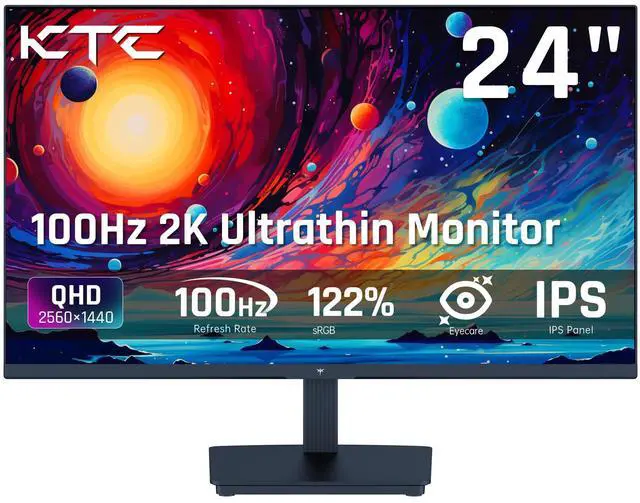
The KTC H24T27 is a 24-inch QHD IPS monitor with a 100Hz refresh rate, Adaptive Sync, HDR10, and a three-sided borderless design. It suits users who want one display for office work, everyday entertainment, and casual gaming, with sharper detail than Full HD and smooth motion for general use.
| Attribute | Value |
|---|---|
| Best For | QHD gaming and everyday desktop use, with a 100Hz IPS panel and 3 ms response time for smoother motion |
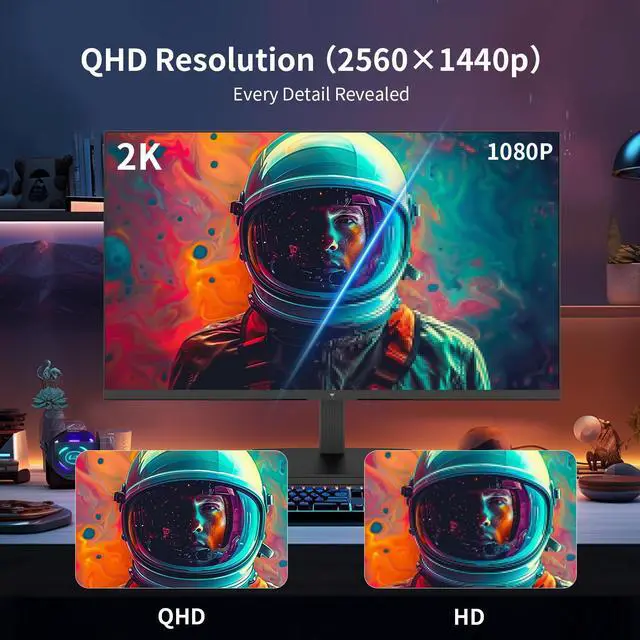
| Panel And Resolution | 24-inch flat IPS display with a 2560 x 1440 QHD resolution, 16:9 aspect ratio, 300 cd/m2 brightness, and 1300:1 contrast ratio |
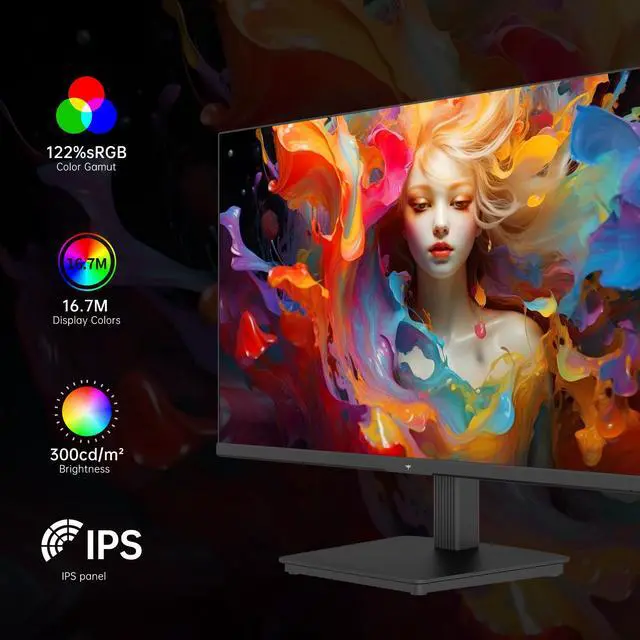
| Color And HDR | 16.7 million colors, HDR10 support, and 122% sRGB color gamut |
| Refresh Rate And Response | 100Hz refresh rate with a 3 ms response time for responsive motion in gaming and general use |
| Stand And Ergonomics | Tilt-adjustable stand for positioning the display to a preferred viewing angle |
| Model Identifiers | KTC H24T27 |
Q: Should I buy the KTC H24T27 or a 24-inch 1080p 100Hz monitor?
A: Choose the KTC H24T27 if you want sharper text, more workspace, and better image detail for productivity, browsing, and casual gaming. Its 2560×1440 resolution provides substantially more pixels than 1920×1080, while the 100Hz refresh rate remains suitable for smooth everyday use. Choose a 24-inch 1080p model instead if your priority is lower GPU demand, simpler scaling, or running older hardware at high frame rates. Professional testing describes the H24T27 as particularly well-suited to productivity and light gaming. ([us.ktcplay.com](https://us.ktcplay.com/products/24-2k-100hz-office-monitor?utm_source=openai))
Q: Is the KTC H24T27 or a 27-inch 1440p monitor better for gaming and work?
A: Choose the KTC H24T27 for a compact desk, closer viewing distance, and higher pixel density at the same 1440p resolution. Choose a 27-inch 1440p monitor when you prefer a larger image, more physical workspace, and a more immersive gaming view. For example, KTC’s H27T27S adds a 144Hz refresh rate and an HVA panel with higher stated contrast, making it more performance-oriented for gaming, while the H24T27 emphasizes compact size, IPS viewing angles, and 100Hz operation. ([rtings.com](https://www.rtings.com/monitor/learn/24-vs-27-inch?utm_source=openai))
Q: Should I get the KTC H24T27 or a 1440p monitor with 144Hz or higher refresh rate?
A: Choose the KTC H24T27 for office work, browsing, media, and casual or slower-paced gaming where 100Hz is sufficient. Choose a 144Hz-or-higher 1440p monitor for competitive shooters, racing games, and systems that can consistently produce higher frame rates. Higher refresh rates can improve motion smoothness and reduce frame intervals, but response time and input-lag measurements also matter; the H24T27 is a more balanced resolution-and-productivity option rather than a competitive-esports display. ([rtings.com](https://www.rtings.com/monitor/learn/60hz-vs-144hz-vs-240hz?utm_source=openai))
Q: Is the KTC H24T27 a worthwhile upgrade from a 24-inch 1080p 60Hz monitor?
A: The KTC H24T27 is a meaningful upgrade when you use the monitor for both work and gaming: 1440p improves text and desktop space, while 100Hz makes scrolling and motion feel smoother than 60Hz. The upgrade is less compelling if your PC struggles to render 1440p, your work is limited to basic documents, or you primarily play competitive games where a higher-refresh 1080p monitor may deliver more frames. ([us.ktcplay.com](https://us.ktcplay.com/products/24-2k-100hz-office-monitor?utm_source=openai))
Q: Is this monitor suitable for office work, note-taking, meetings, and gaming?
A: Yes. The 24-inch QHD IPS display provides sharp text and workspace for office tasks, while the 100Hz refresh rate and Adaptive Sync support smoother gaming. It is best for users who already have a separate webcam, microphone, and speakers or headset, because those features are not listed in the supplied specifications.
Q: Is this a good monitor for travel or working away from home?
A: It is better suited to a permanent desk than frequent travel. The 24-inch desktop format is larger and less portable than dedicated travel monitors, and the listed connections do not include USB-C video and power delivery. It can work well in a home office, dorm, or secondary workstation where portability is not a priority.
Q: Can this monitor be mounted on a wall or monitor arm?
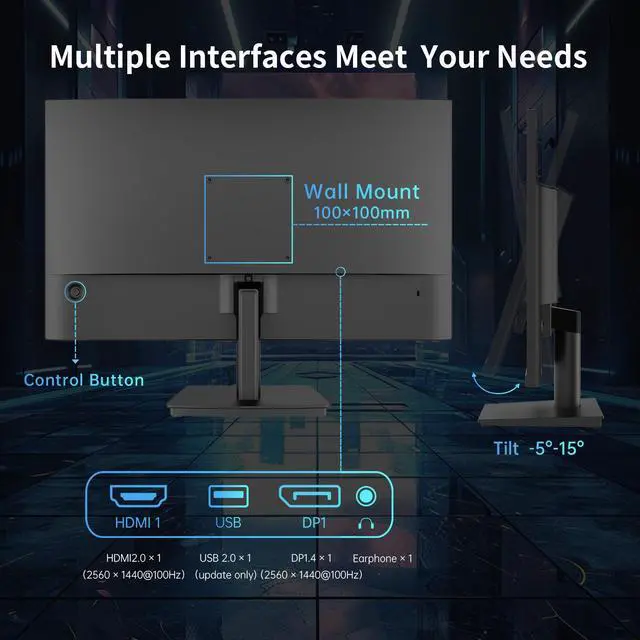
A: Yes. It supports a standard 100 x 100 mm VESA mount, so it can be used with compatible wall mounts, monitor arms, or multi-monitor stands. The included stand provides tilt adjustment from -5° to 15°, but height, swivel, and pivot adjustment are not listed.
Q: Can I use this monitor with a laptop, desktop PC, docking station, or game console?
A: Yes, if the source device provides a compatible HDMI or DisplayPort output. The monitor has HDMI 2.0, DisplayPort 1.4, and USB 2.0 connectivity. Laptops or docks with only USB-C, Mini DisplayPort, or another connector may require an appropriate adapter. For consoles, HDMI connectivity is supported, but the maximum refresh rate is 100Hz and the actual resolution and refresh mode depend on the console and cable.
Q: Is the KTC H24T27 a good choice for office work and multitasking?
A: Yes, it is well suited to office work, browsing, and multitasking because its 24-inch IPS panel provides QHD 2560×1440 resolution, while the 100Hz refresh rate makes scrolling smoother than 60Hz. The main limitation is the relatively compact 24-inch workspace, which some users may find small for extensive productivity.
Q: Is the H24T27 suitable for casual gaming?
A: Yes. Its 100Hz refresh rate, 3 ms response-time specification, IPS panel, and Adaptive Sync support make it suitable for casual gaming and general PC use. It is less appropriate for buyers specifically seeking competitive esports performance, where monitors with substantially higher refresh rates may be preferable.
Q: Does the KTC H24T27 reliably display QHD resolution through HDMI?
A: It should support QHD through HDMI 2.0, but one Reddit user initially encountered a 1080p limit and resolved it by changing the cable. For reliable 2560×1440 output, use a suitable HDMI cable and verify the computer’s output settings; DisplayPort is another available option.
Q: Is the H24T27 suitable for photo editing or other creative work?
A: It can handle general photo editing and content work because it uses an IPS panel with a wide stated sRGB gamut and QHD resolution. However, community discussion indicates that stock colors may require adjustment, and buyers needing dependable professional color accuracy should consider a display with stronger calibration documentation.
Q: Is the included stand adequate, or should the monitor be mounted?
A: The included stand provides tilt adjustment but does not provide height adjustment. If ergonomic height positioning matters, the monitor’s 100×100 mm VESA compatibility allows use with a monitor arm or replacement stand.


