




 here!
I’m your shopping assistant for PC builds, upgrades, and everything tech.
Got questions? Ask away!
Start a conversation
here!
I’m your shopping assistant for PC builds, upgrades, and everything tech.
Got questions? Ask away!
Start a conversation



Any questions? Ask CelesteSM will help you find out quickly.


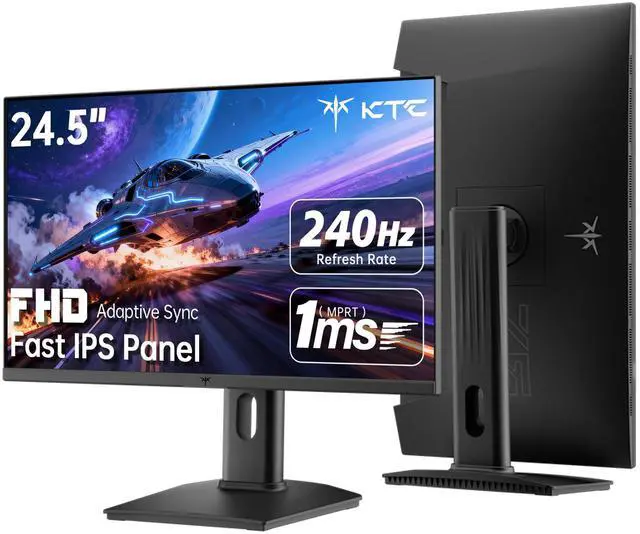
The KTC H25T7-3 is a 24.5-inch Full HD gaming monitor with a Fast IPS panel, 240Hz refresh rate, and 1ms MPRT response time. It suits competitive PC gamers who prioritize smooth motion and responsive gameplay, while its 1080p resolution is best suited to this screen size and high frame-rate gaming.
| Attribute | Value |
|---|---|
| Best For | Gaming and general desktop use as a dedicated computer monitor |
| Model Identifiers | KTC H25T7-3 |
Q: Should I buy the KTC H25T7-3 or the ASUS TUF Gaming VG249QML5A?
A: Choose the KTC H25T7-3 if you want a slightly larger 24.5-inch 1080p Fast IPS monitor with HDR400, a fully adjustable stand, two HDMI 2.0 ports, and DisplayPort 1.4. Choose the ASUS VG249QML5A if you prioritize ASUS-specific gaming features, including FreeSync Premium, G-SYNC compatibility, ELMB Sync, and a stated 0.3ms minimum response time. Both target high-frame-rate 1080p gaming at 240Hz.
Q: Is the KTC H25T7-3 worth upgrading to from the older KTC H25T7-2?
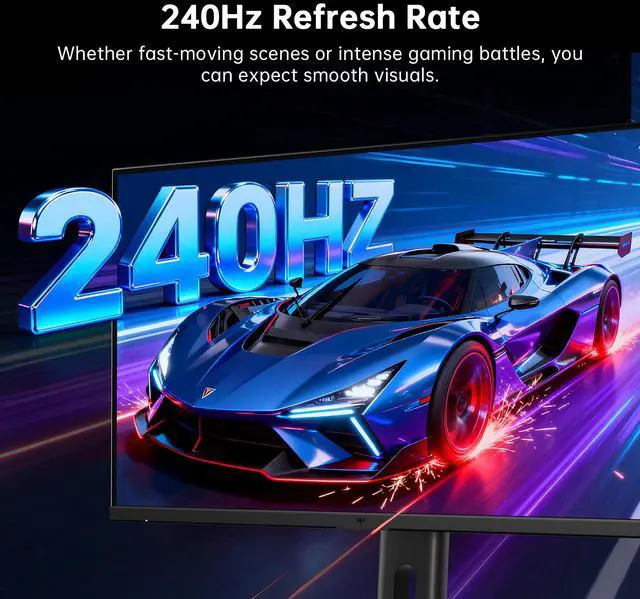
A: The H25T7-3 is the more suitable upgrade when your PC can consistently exceed 200 frames per second in competitive games. The H25T7-3 is listed at 240Hz, while H25T7-2 reviews describe a 180Hz panel with support for up to 200Hz. If your system usually runs below 200 FPS, the H25T7-2 can provide a similar 24.5-inch 1080p gaming format while reducing the need to upgrade.
Q: Is the KTC H25T7-3 or the BenQ ZOWIE XL2566K better for competitive FPS gaming?
A: Choose the KTC H25T7-3 for a more balanced gaming display with a Fast IPS panel, wider viewing angles, HDR400 support, and 240Hz operation. Choose the BenQ ZOWIE XL2566K when competitive FPS motion clarity is the primary goal and you can use its 360Hz TN panel with DyAc+ blur-reduction technology. The BenQ focuses more narrowly on esports motion performance, while the KTC offers broader image and viewing-angle characteristics.
Q: Should I choose the KTC H25T7-3 or a 27-inch 1440p 240Hz monitor?
A: Choose the KTC H25T7-3 if you want to maximize 1080p frame rates with a lower rendering workload and a compact 24.5-inch esports-oriented format. Choose a 27-inch 1440p 240Hz monitor, such as the ASUS ROG Strix XG27AQMR, if sharper desktop detail, more screen space, and higher image resolution matter as much as refresh rate. The 1440p option requires more GPU performance to sustain very high frame rates.
Q: Who is the KTC H25T7-3 best suited for?
A: The KTC H25T7-3 is best suited for PC gamers who prioritize very smooth motion and fast response at 1080p, especially in competitive games. It can also serve as a general-purpose monitor for browsing, office work, and meetings, but its main advantage is the 240Hz gaming performance.
Q: Can any computer or laptop run this monitor at 240Hz?
A: No. The monitor can accept HDMI 2.0 and DisplayPort 1.4, but the computer, graphics hardware, connection, cable, resolution settings, and game must support 1920 x 1080 at 240Hz. A weaker computer can still use the monitor, but it may operate below 240Hz.
Q: Is this monitor suitable for office work, web browsing, and meetings?
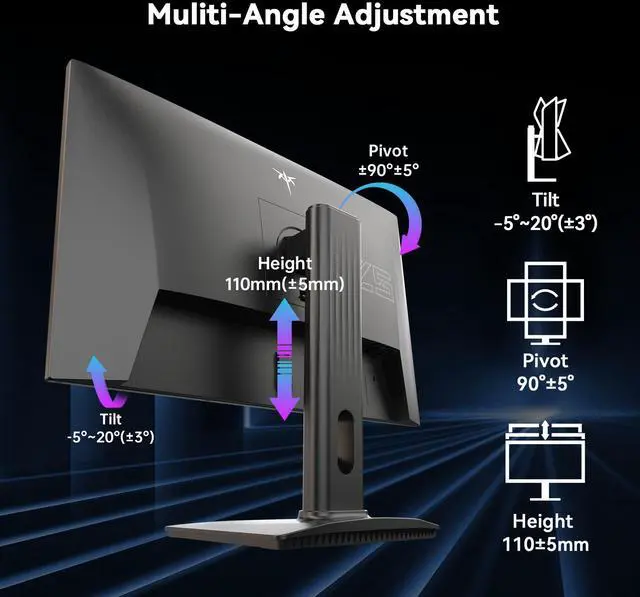
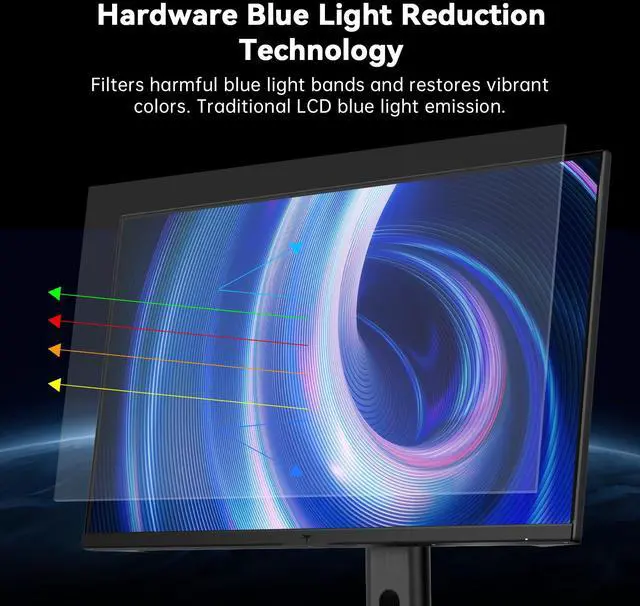
A: Yes. Its 24.5-inch 1920 x 1080 IPS display, wide 178-degree viewing angle, height adjustment, tilt, pivot, low-blue-light mode, and flicker-free design make it suitable for everyday office work and web browsing. The 240Hz refresh rate is not necessary for office tasks but can make scrolling and cursor movement appear smoother.
Q: Can the monitor be wall-mounted or used vertically?
A: Yes. The KTC H25T7-3 supports a standard 100 x 100 mm VESA mount and includes pivot adjustment, so it can be attached to a compatible monitor arm or wall mount and rotated to portrait orientation when the mount and setup allow it.
Q: What is the main trade-off of choosing this 1080p 240Hz monitor?
A: The main trade-off is resolution versus speed. Its 1920 x 1080 resolution is less detailed and provides less desktop workspace than QHD or 4K, but it is easier for gaming hardware to drive at very high frame rates. This makes the monitor more appropriate for competitive gaming and smooth motion than for high-resolution creative work or maximum text detail.
Q: Is the KTC H25T7-3 worth buying for affordable 1080p gaming?
A: It is a reasonable option for buyers who specifically want a 24.5-inch 1080p Fast IPS monitor with a 240Hz refresh rate at a budget price. The main trade-off is that competing monitors from more established brands may offer stronger review coverage, warranty confidence, or quality-control information. ([reddit.com](https://www.reddit.com/r/Monitors/comments/1tp592h/im_buying_my_first_gaming_monitor/?utm_source=openai))
Q: Who is the KTC H25T7-3 best suited for?
A: It is best suited for PC gamers who prioritize high frame rates, smooth motion, and a compact 24.5-inch screen, especially for competitive games at 1080p. It is less suitable for buyers who prioritize 1440p sharpness, cinematic image quality, or extensive independent testing over refresh rate. ([reddit.com](https://www.reddit.com/r/Monitors/comments/1t0omji/asus_tuf_vs_ktc_monitor/?utm_source=openai))
Q: Is 240Hz useful if my computer cannot produce very high frame rates?
A: The monitor can display up to 240Hz, but the benefit is greatest when the computer consistently produces high frame rates. If a system usually runs well below 240 FPS, a lower-refresh monitor may provide similar practical value, making panel quality, price, warranty, and return support more important factors. ([reddit.com](https://www.reddit.com/r/Monitors/comments/1t0omji/asus_tuf_vs_ktc_monitor/?utm_source=openai))
Q: Does HDR400 make the KTC H25T7-3 a good monitor for HDR movies and games?
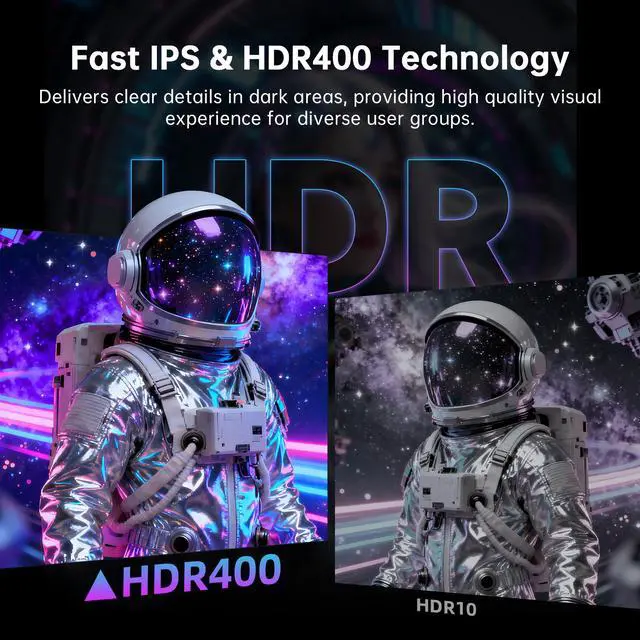
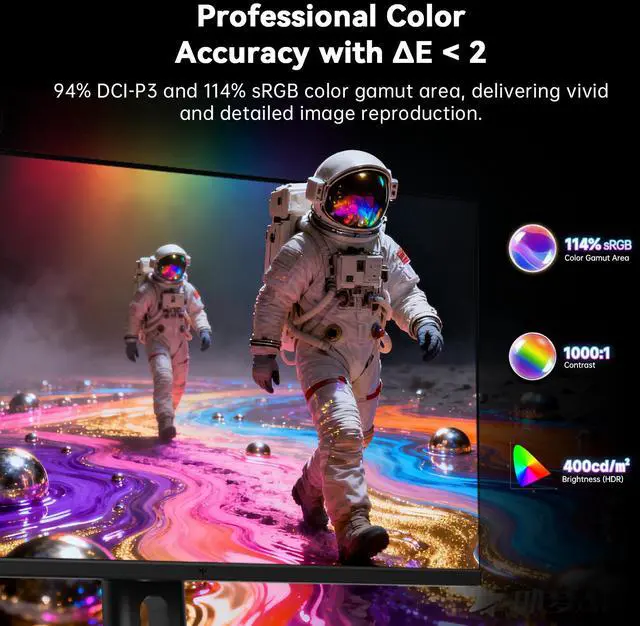
A: Not necessarily. HDR400 indicates a brightness-class capability, but it does not by itself guarantee strong HDR contrast or highlight detail. Because this monitor uses an IPS panel with a listed 1000:1 contrast ratio and no stated local-dimming system, buyers seeking a major HDR upgrade should consider a monitor with stronger contrast or per-zone/per-pixel dimming. ([reddit.com](https://www.reddit.com/r/Monitors/comments/1tjy9lz/i_need_a_new_monitor/?utm_source=openai))


