




 here!
here!
I’m your shopping assistant for PC builds, upgrades, and everything tech.
Got questions? Ask away!
Start a conversation
here!
I’m your shopping assistant for PC builds, upgrades, and everything tech.
Got questions? Ask away!
Start a conversation
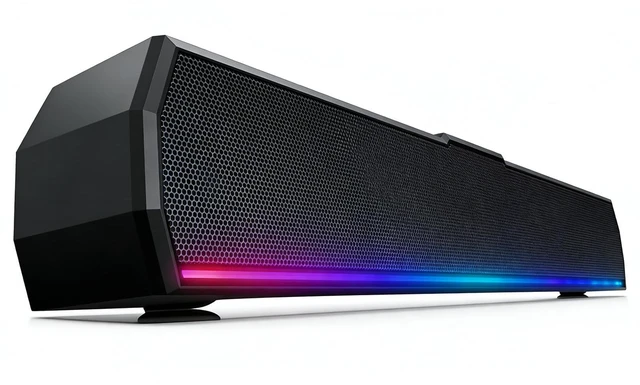
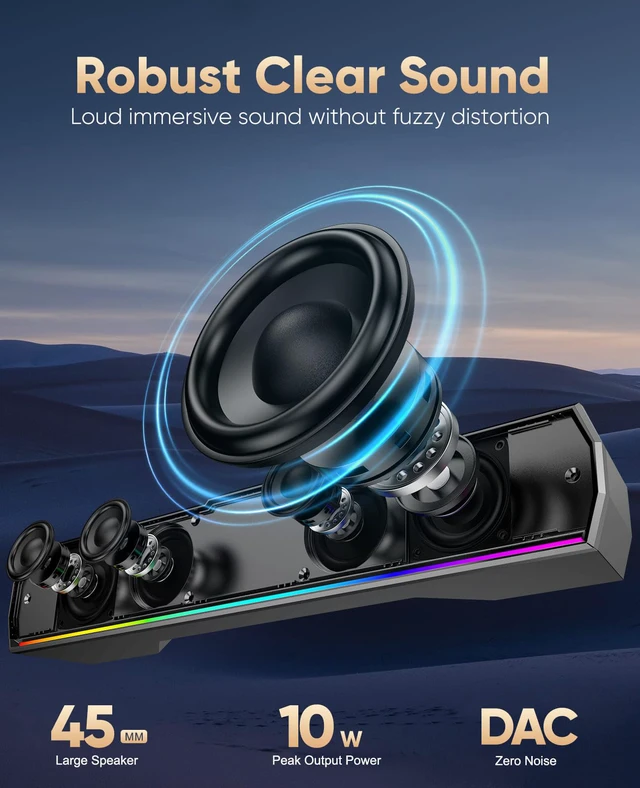
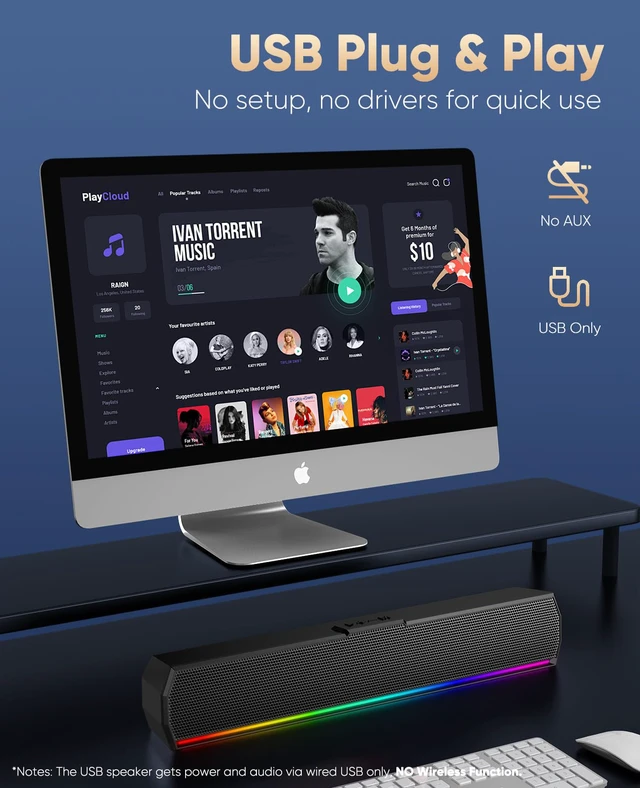
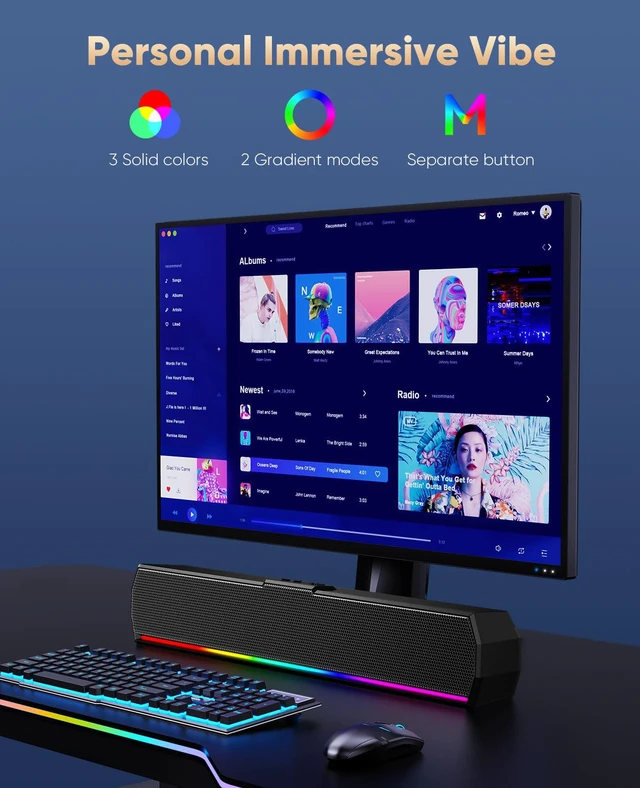
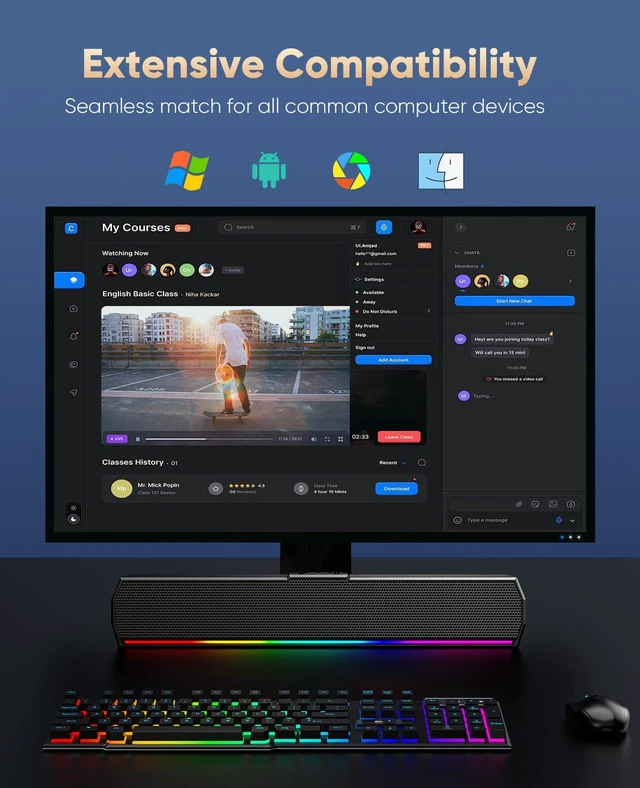



Any questions? Ask CelesteSM will help you find out quickly.


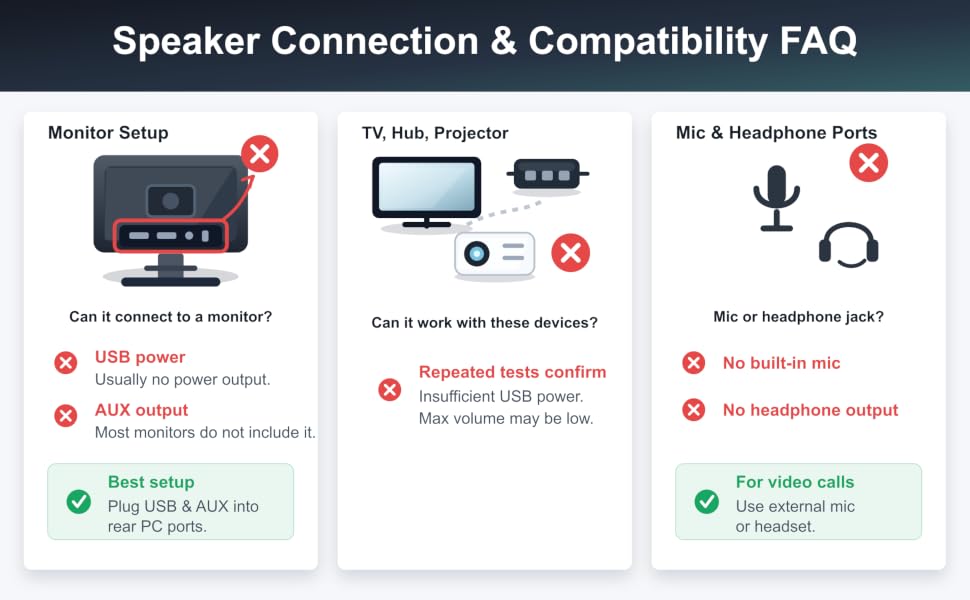
1 - Host backend: Connect USB plug to the Host backend, more stable power supply and audio output.
2 - Click Speaker Icon in the taskbar.
3 - Select the " G12 " as your computer playback device.
4 - Make sure the computer speaker is on and not at minimum volume.
5 - Make sure the computer or other device is not muted or at minimum volume.


Power Source: USB
Audio Source: USB
Turn on/off the Light: Press on Top Light Button
Cable Length: Upgraded to 47ins extra long for extra wide display.
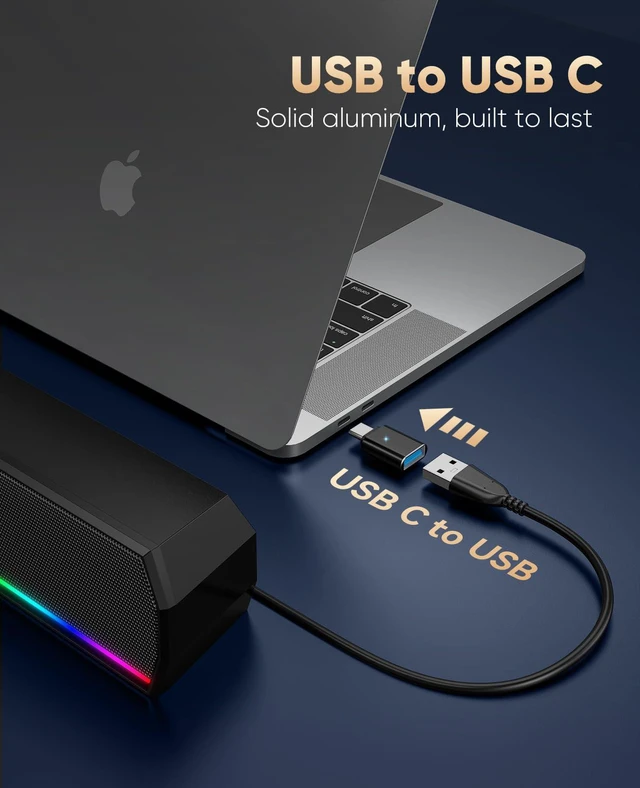
Packaging Includes: Type C Adapter; Computer Speakers; Manual
1 - Host backend: Connect USB plug to the Host backend, more stable power supply and audio output.
2 - Click Speaker Icon in the taskbar.
3 - Select the " G12 " as your computer playback device.
4 - Make sure the computer speaker is on and not at minimum volume.
5 - Make sure the computer or other device is not muted or at minimum volume.
Power Source: USB
Audio Source: USB
Turn on/off the Light: Press on Top Light Button
Cable Length: Upgraded to 47ins extra long for extra wide display.
Packaging Includes: Type C Adapter; Computer Speakers; Manual


