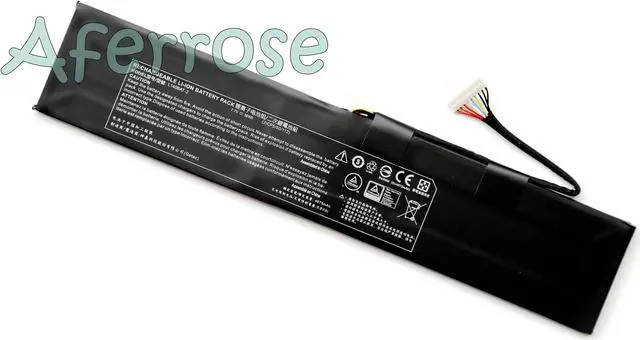
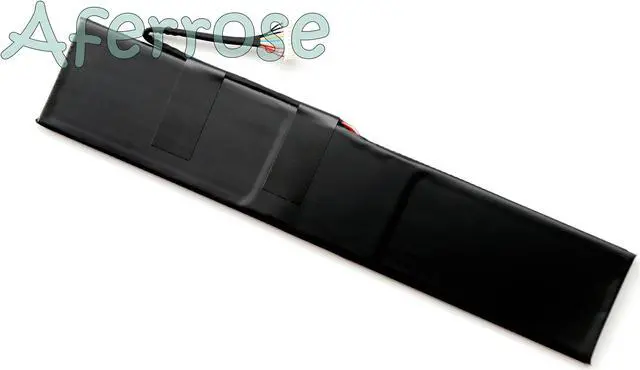
Condition: New genuine battery
Battery Type: Li-ion
Battery Voltage: 7.7V
Battery Capacity: 36Wh
Battery Color: Black
Warranty: 12 months
Replace Part Numbers:
L140BAT-2, 21CP5/50/112
Fit Laptop Models:
for GigabyteRC14 U4 UD
Thunderobot 911 MixBook Air System 76
This compatibility list is non-exhaustive. If your original part NO. or your laptop model NO. is not included in the compatibility list, but our battery may still fit your laptop. Please feel free to contact us to confirm the compatibility.
Package Includes:
1x battery
Dear Sir,
Please read this manual carefully to get the right way to use it and hope you have a pleasant experience.
1. The first use of the battery, please first fully charged battery, and then discharge to 5%-10%, repeat 3-5 times.
2. Do not discharge the battery to 0%, otherwise, easy to damage the battery, so that battery life shortened.
3. After the installation of the battery prompts "power has been connected , not charged," please replace the charger, the charger does not match, or the charger used for too long, will cause power output power shortage, affecting the battery charge.
4. If not for a long time using the battery, please charge the battery to more than 80%, remove the battery to save.
5. The battery power is exhausted, please charge in time, if not for a long time charging, will lead to damage to the battery.
6. when the battery in use, do not arbitrarily remove the battery.
7. Regularly clean the laptop fan dust , increase the laptop cooling effect, reduce power consumption, you can extend battery life.
8. Please use the original charger or a well-known brand charger, low-quality charger input power is insufficient, will affect the battery charge.
We suggest you do a few more charge/discharge cycles(3-5 times)before start to use the battery.