




La Crosse Technology WT-8005U-S Atomic Digital Silver Table/Wall Clock with Indoor Temperature
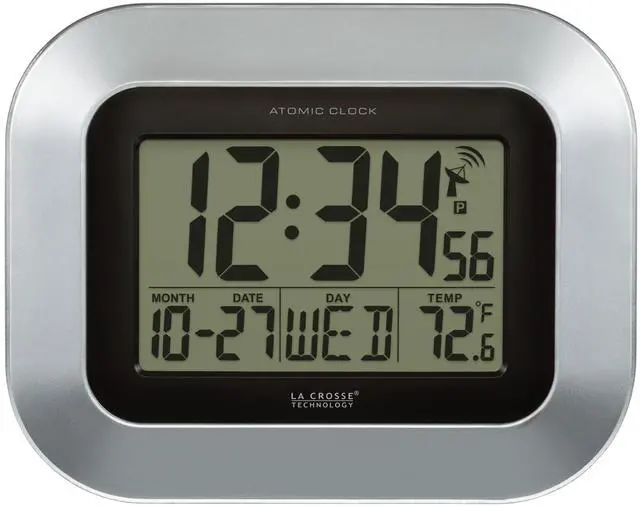
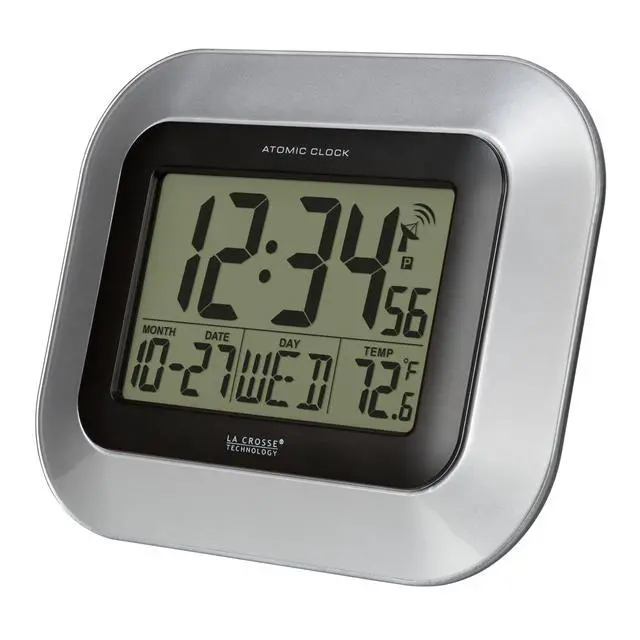
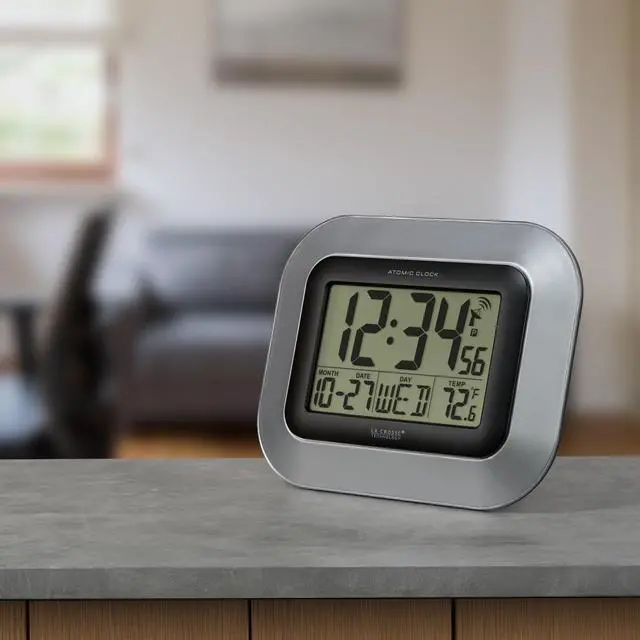
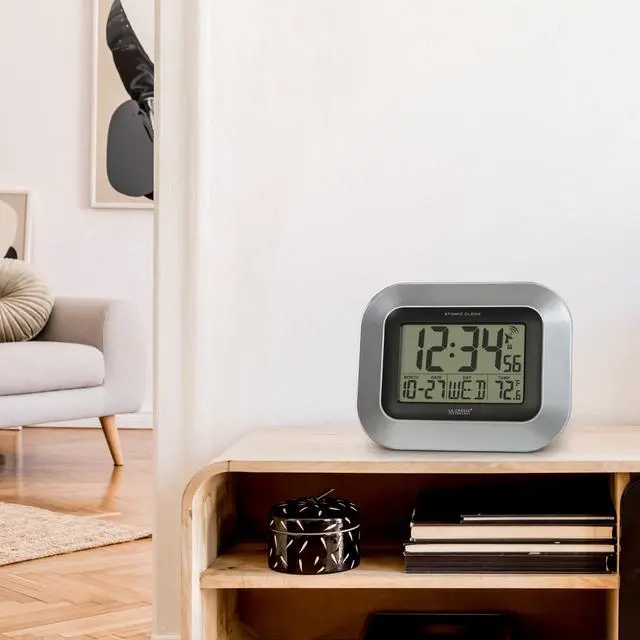
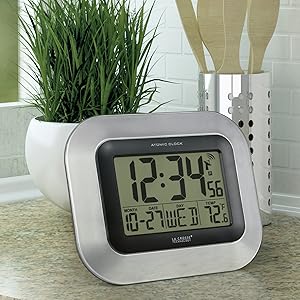
Enjoy accurate timekeeping using the La Crosse Technology Silver Digital Clock. The time display conveniently self-sets to the Universal Time automatically, helping you stay on schedule. It features an optional Daylight Savings Time update and a perpetual calendar that displays the days of the week. This La Crosse digital clock also monitors your indoor temperature in both Fahrenheit and Celsius. Other features include a 12/24-hour time display, time zone setting and alarm with snooze button. Hang this wall digital clock with indoor temperature monitor or use it freestanding. Battery operated clock requires 2 AA alkaline batteries (sold separately.)
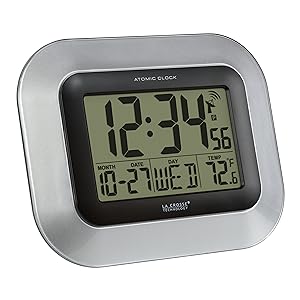
Accurate Time with auto DST updates
- Atomic Time and Date (Manual Setting)
- Automatically Updates for Daylight Saving Time (on/off option)
- 12/24 Hour Time mode
4 Time zones settings (letter indicators)
- Pacific = P
- Mountain = M
- Central = C
- Eastern = E
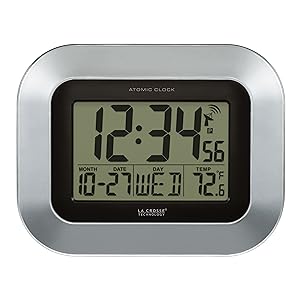
Full calendar view
- Time digits are 2 Inches tall
- Crescendo time alarm with 5 minute snooze duration
- Displays Indoor temperature (°F/°C)
- Perpetual Calendar (& weekday)
*NOTE: WWVB tower icon remains solid (appears next to the time) when WWVB signal is connected to clock
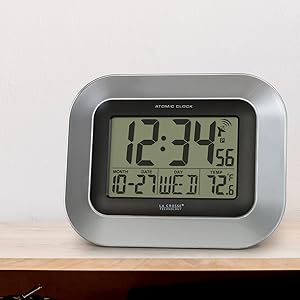
Optional kickstand for table standing
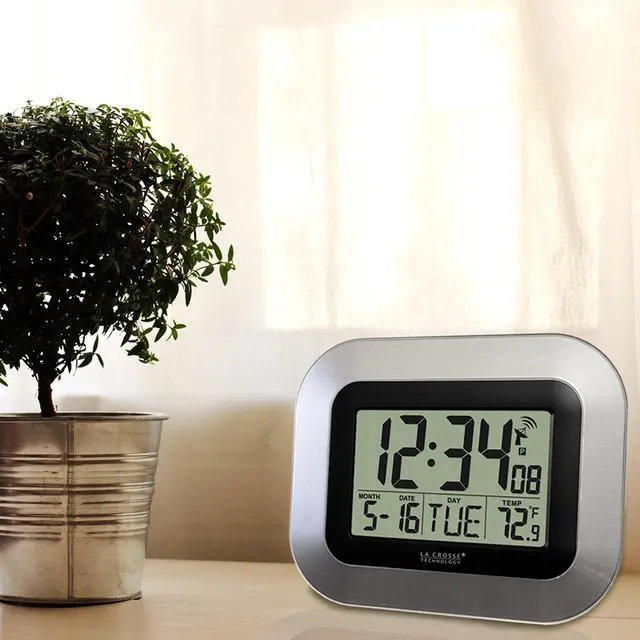
- Wall Hanging or Free Standing
- Temp Range: 32°F to 122°F (0°C to 50°C)
- Low battery indicator
- Battery Powered Clock: requires 2 AA alkaline batteries (not included)
**We recommend using brand name alkaline batteries to operate clock. Expiration date should be 6 years ahead or tested 1.48 volts.
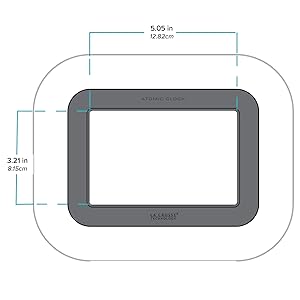
Digital Clock specifications
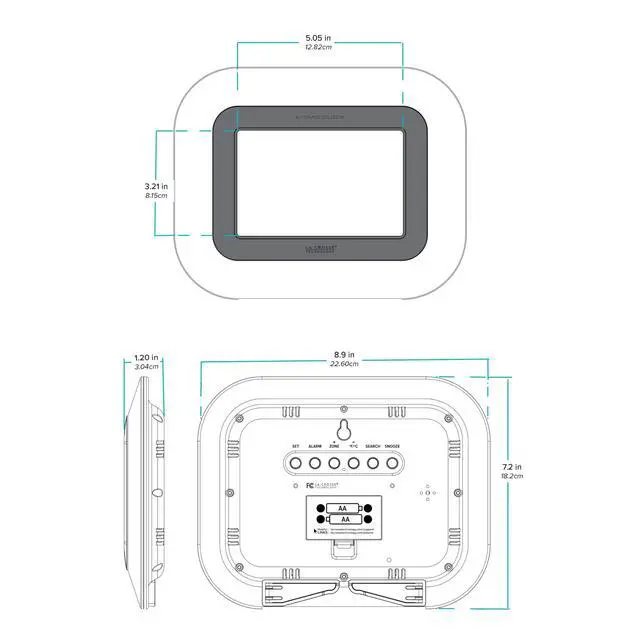
Clock measures 8.90"L x 1.20"W x 7.20"H
LCD size: 5.05"L x 3.21"H (2" time digits; 0.75" temperature/calendar)
Setting Up Clock:
- Insert fresh brand name alkaline batteries into clock (2 AA)
*WWVB: The clock will begin searching for WWVB radio frequency for 7 minutes (Buttons will Not Function during searching) When signal is received, the clock will default to Pacific (P) Time Zone. At this time, press ZONE button to select your current local time zone (4 USA time zone selections)
*Manual time: Press WWVB SEARCH button to Stop initial Atomic Time search and set time manually. (Clock will begin search again after 12midnight)
- Hold the SET button to enter settings menu.
- Press/release + or - buttons to adjust the values (hold to advance quickly)
- Press the SET button to confirm and move to next setting.
- Press the LIGHT button to exit.
Settings Menu Order: 12/24 hour > Hour > Minutes > Year > Month > Date > DST On/Off (note: Weekday will automatically adjust when Year, Month, Date are set)
FAQ's:
Blank screen, missing numbers/letters, dashed lines?
- If clock appears Distorted or not responding to pressed buttons, use Pen/Paper clip to press RESET one time. This will reset clock back to default settings.
- Recommend using Brand Name, standard alkaline batteries, Expiration date should be at least 6 years in advance of the present year, or 1.48v on voltmeter.
- Remove batteries (2 AA alkaline). Press any button (without batteries) 20 times to discharge remaining electric static current.
- Install fresh, brand name, standard alkaline batteries. Verify batteries are in correct polarity (+ and -)
Displaying wrong Hour? Or, the Daylight Savings time changes?
- Verify WWVB atomic time Tower Icon appears next to the minutes (Upper Right Corner) and is Not Flashing, but constant.
- Verify Time Zone selection is your current location. (E = Eastern, C = Central, M = Mountain, P = Pacific)
- If you are in a location outside the 2,000 mile radius of WWVB radio frequency tower (Fort Collins, Colorado) your clock may not receive its signal to update to Atomic Time. *Clock will still operate like a quartz clock. Proceed with menu settings to adjust Hour and Minutes to your local time.
- It may take up to 5 nights for proper WWVB radio frequency to connect to clock. Position clock in direction of WWVB tower until Tower Icon appears on clock (not flashing, constant)
- Verify your DST (Daylight Savings time) setting is selected to On.

Who are we?
Since 1983, we’ve been a family-owned company that started by delivering grandfather clocks across the United States—but we’ve become so much more...
What do we do?
We create everything from decorative clocks to professional weather stations. Striving to combine elegance and technology, we design things we want to use and love sharing that expertise with you.
Why choose us?
We’re a world leader in atomic time and weather instruments. Designed in La Crosse, WI, our products have unmatched support, resources, and video tutorials backed by a USA-based support team—welcome to the family.
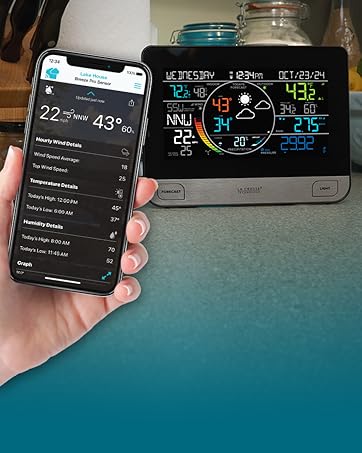
Wi-Fi Weather Stations
Connect to the Internet to receive AccuWeather forecasts and send data for remote monitoring in the La Crosse View mobile app.
Wi-Fi Weather Stations
Weather Stations
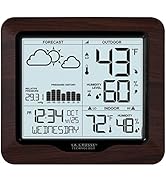
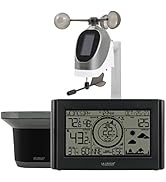
Simple, easy-to-use solutions for monitoring home conditions inside and out.
Weather Stations
Traditional Instruments
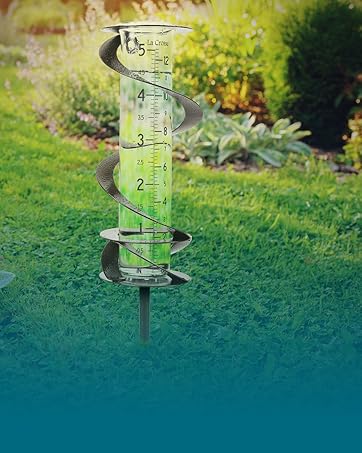
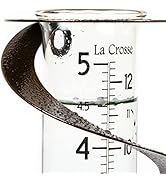
Elegant and easy-to-use thermometers and rain gauges offer unique accents to your lawn or garden.
Traditional Instruments
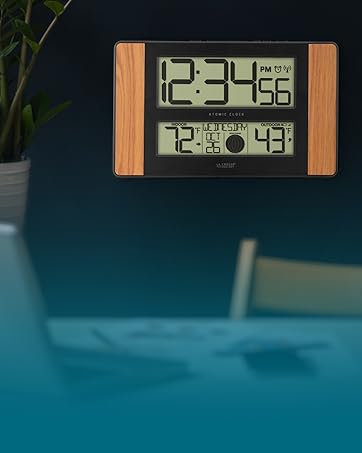
Digital Clocks
Digital wall clocks blend accuracy, convenience, and style and are an essential addition to any modern home or office.
Digital Clocks
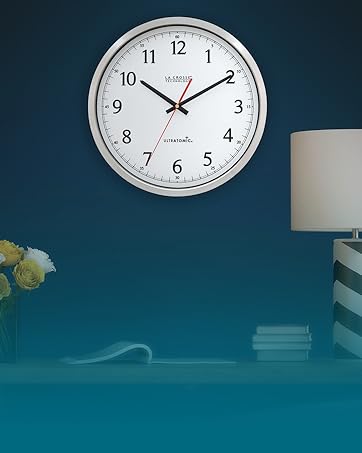
Analog Atomic Wall Clocks
Atomic clocks combine form and function by syncing with the WWVB radio signal for precise time and Daylight Saving Time changes.
Analog Atomic Wall Clocks
Decorative Clocks
Decorative clocks blend artistry and function, transforming a simple time-telling device into a focal point of any room's decor.
Decorative Clocks
Advanced Alarm Clocks
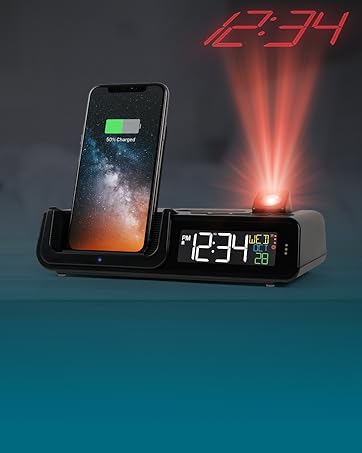
Wake up in style with a modern alarm clock packed with features like time projection, wireless charging, LED lights, and more!
Advanced Alarm Clocks
Basic Alarm Clocks
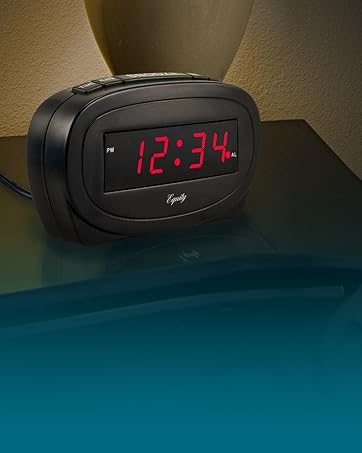
Our basic alarm clock collection emphasizes function and ease of use by providing large digits, loud sound alarms, and simple controls.
Basic Alarm Clocks
Who are we?
Since 1983, we’ve been a family-owned company that started by delivering grandfather clocks across the United States—but we’ve become so much more...
What do we do?
We create everything from decorative clocks to professional weather stations. Striving to combine elegance and technology, we design things we want to use and love sharing that expertise with you.
Why choose us?
We’re a world leader in atomic time and weather instruments. Designed in La Crosse, WI, our products have unmatched support, resources, and video tutorials backed by a USA-based support team—welcome to the family.
Wi-Fi Weather Stations
Connect to the Internet to receive AccuWeather forecasts and send data for remote monitoring in the La Crosse View mobile app.
Wi-Fi Weather Stations
Weather Stations
Simple, easy-to-use solutions for monitoring home conditions inside and out.
Weather Stations
Traditional Instruments
Elegant and easy-to-use thermometers and rain gauges offer unique accents to your lawn or garden.
Traditional Instruments
Digital Clocks
Digital wall clocks blend accuracy, convenience, and style and are an essential addition to any modern home or office.
Digital Clocks
Analog Atomic Wall Clocks
Atomic clocks combine form and function by syncing with the WWVB radio signal for precise time and Daylight Saving Time changes.
Analog Atomic Wall Clocks
Decorative Clocks
Decorative clocks blend artistry and function, transforming a simple time-telling device into a focal point of any room's decor.
Decorative Clocks
Advanced Alarm Clocks
Wake up in style with a modern alarm clock packed with features like time projection, wireless charging, LED lights, and more!
Advanced Alarm Clocks
Basic Alarm Clocks
Our basic alarm clock collection emphasizes function and ease of use by providing large digits, loud sound alarms, and simple controls.
Basic Alarm Clocks
La Crosse Technology WT-8005U-S Atomic Digital Silver Table/Wall Clock with Indoor Temperature
Enjoy accurate timekeeping using the La Crosse Technology Silver Digital Clock. The time display conveniently self-sets to the Universal Time automatically, helping you stay on schedule. It features an optional Daylight Savings Time update and a perpetual calendar that displays the days of the week. This La Crosse digital clock also monitors your indoor temperature in both Fahrenheit and Celsius. Other features include a 12/24-hour time display, time zone setting and alarm with snooze button. Hang this wall digital clock with indoor temperature monitor or use it freestanding. Battery operated clock requires 2 AA alkaline batteries (sold separately.)
Accurate Time with auto DST updates
- Atomic Time and Date (Manual Setting)
- Automatically Updates for Daylight Saving Time (on/off option)
- 12/24 Hour Time mode
4 Time zones settings (letter indicators)
- Pacific = P
- Mountain = M
- Central = C
- Eastern = E
Full calendar view
- Time digits are 2 Inches tall
- Crescendo time alarm with 5 minute snooze duration
- Displays Indoor temperature (°F/°C)
- Perpetual Calendar (& weekday)
*NOTE: WWVB tower icon remains solid (appears next to the time) when WWVB signal is connected to clock
Optional kickstand for table standing
- Wall Hanging or Free Standing
- Temp Range: 32°F to 122°F (0°C to 50°C)
- Low battery indicator
- Battery Powered Clock: requires 2 AA alkaline batteries (not included)
**We recommend using brand name alkaline batteries to operate clock. Expiration date should be 6 years ahead or tested 1.48 volts.
Digital Clock specifications
Clock measures 8.90"L x 1.20"W x 7.20"H
LCD size: 5.05"L x 3.21"H (2" time digits; 0.75" temperature/calendar)
Setting Up Clock:
- Insert fresh brand name alkaline batteries into clock (2 AA)
*WWVB: The clock will begin searching for WWVB radio frequency for 7 minutes (Buttons will Not Function during searching) When signal is received, the clock will default to Pacific (P) Time Zone. At this time, press ZONE button to select your current local time zone (4 USA time zone selections)
*Manual time: Press WWVB SEARCH button to Stop initial Atomic Time search and set time manually. (Clock will begin search again after 12midnight)
- Hold the SET button to enter settings menu.
- Press/release + or - buttons to adjust the values (hold to advance quickly)
- Press the SET button to confirm and move to next setting.
- Press the LIGHT button to exit.
Settings Menu Order: 12/24 hour > Hour > Minutes > Year > Month > Date > DST On/Off (note: Weekday will automatically adjust when Year, Month, Date are set)
FAQ's:
Blank screen, missing numbers/letters, dashed lines?
- If clock appears Distorted or not responding to pressed buttons, use Pen/Paper clip to press RESET one time. This will reset clock back to default settings.
- Recommend using Brand Name, standard alkaline batteries, Expiration date should be at least 6 years in advance of the present year, or 1.48v on voltmeter.
- Remove batteries (2 AA alkaline). Press any button (without batteries) 20 times to discharge remaining electric static current.
- Install fresh, brand name, standard alkaline batteries. Verify batteries are in correct polarity (+ and -)
Displaying wrong Hour? Or, the Daylight Savings time changes?
- Verify WWVB atomic time Tower Icon appears next to the minutes (Upper Right Corner) and is Not Flashing, but constant.
- Verify Time Zone selection is your current location. (E = Eastern, C = Central, M = Mountain, P = Pacific)
- If you are in a location outside the 2,000 mile radius of WWVB radio frequency tower (Fort Collins, Colorado) your clock may not receive its signal to update to Atomic Time. *Clock will still operate like a quartz clock. Proceed with menu settings to adjust Hour and Minutes to your local time.
- It may take up to 5 nights for proper WWVB radio frequency to connect to clock. Position clock in direction of WWVB tower until Tower Icon appears on clock (not flashing, constant)
- Verify your DST (Daylight Savings time) setting is selected to On.