


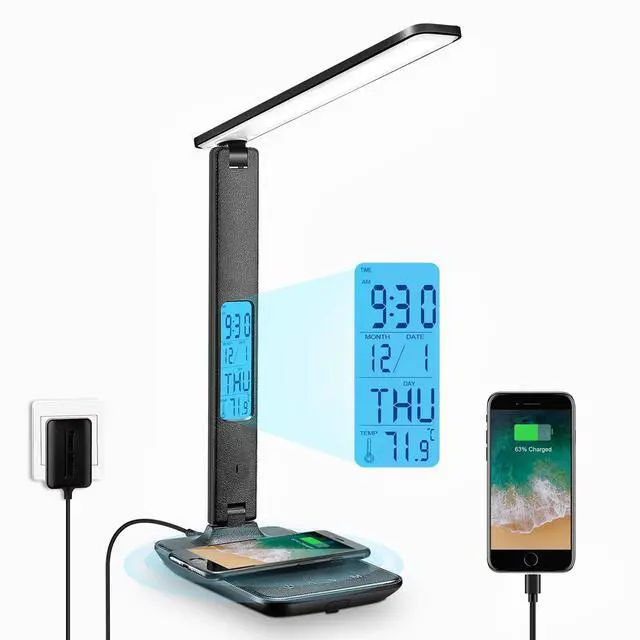


LAOPAO Lights Up Our Llife
LAOPAO LED Desk Lamp provides you with reliable,
simple and practical products.

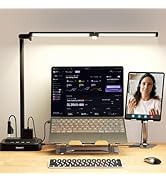
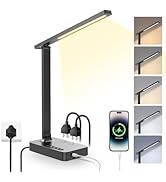
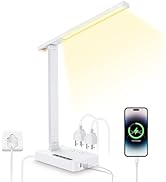
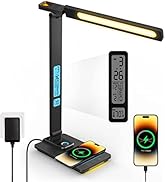
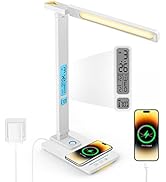
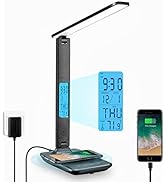
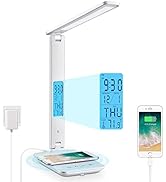
??


Compare Desk Lamps
 Desk Lamp 1.0 |  Desk Lamp 1.0 |  Desk Lamp 2.0 |  Desk Lamp 2.0 | |
|---|---|---|---|---|
Customer Reviews | — | — | — | — |
Price | — | — | — | — |
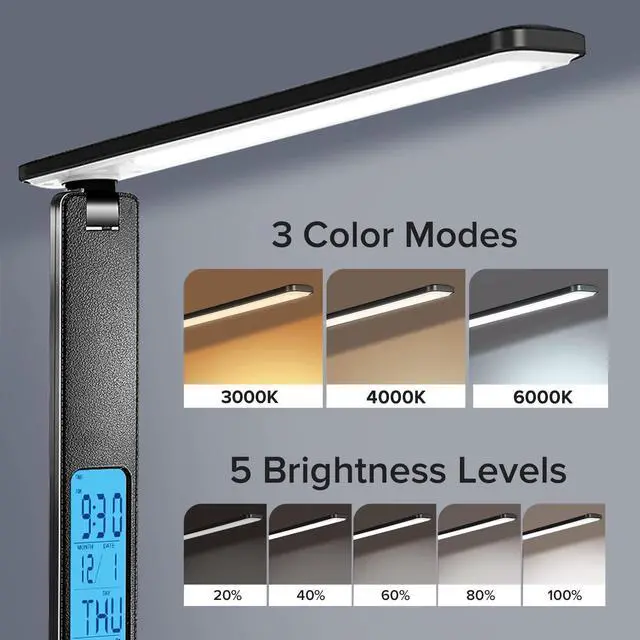
Color mode | 3 mode | 3 mode | 5 mode | 5 mode |
Auto-off timer | ? | ? | ? | ? |
Night light function | ? | ? | ? | ? |
Wireless charger | ? | ? | ? | ? |
USB charging port | ? | ? | ? | ? |
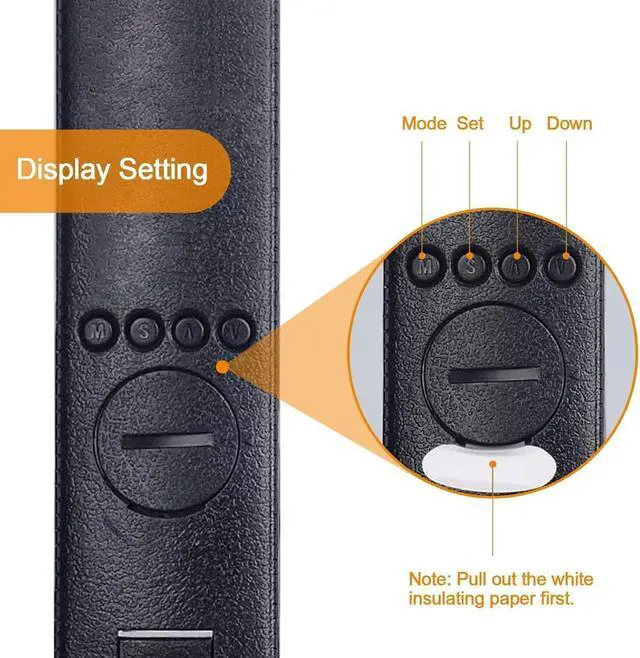
How to set time that is not military time?
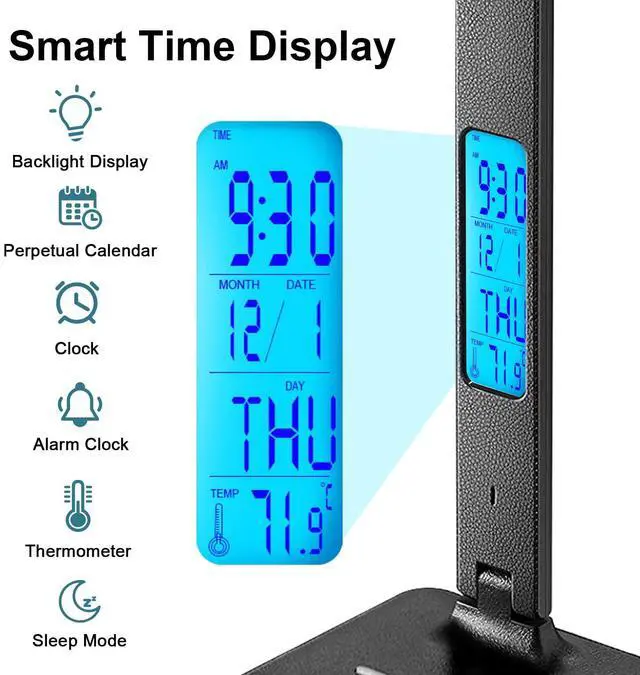
In time mode, press "?" key to convert 12- hour system.
How do I change from Celsius to Fahrenheit?
In time mode, press "?" key directly to switch between Celsius and Fahrenheit.
How to set alarm, snooze time and alarm bells?
1.Press M button and the "ALARM" icon displayed at the top of the screen.
2.Press "?" or "?" button to adjust the value.
((?)) : Alarm clock Enabled & Snooze feature Disabled
(((?)) SNOOZE: Alarm clock Enabled &Snooze feature Enabled
Can I change day of week ? do not see year option. day of the week does not match the current date.
If the year is set correctly, the day of the week will be updated automatically, if the week number is not the same as the date at that time, please reset the year!
How do you check whether the Year is set correctly?
In the time mode, press "S" continuously, and press [Hour-Minute-Year-Month-Day-Exit] to switch the current state. After selecting the state, press "?" "?" to adjust the current value, then press "S" to save and exit the setting.
??


Compare Desk Lamps
Desk Lamp 1.0 |  Desk Lamp 1.0 | Desk Lamp 2.0 | Desk Lamp 2.0 |
|---|---|---|---|
| Customer Reviews | |||
| — | — | — | — |
| Price | |||
| — | — | — | — |
| Color mode | |||
| 3 mode | 3 mode | 5 mode | 5 mode |
| Auto-off timer | |||
| ? | ? | ? | ? |
| Night light function | |||
| ? | ? | ? | ? |
| Wireless charger | |||
| ? | ? | ? | ? |
| USB charging port | |||
| ? | ? | ? | ? |
How to set time that is not military time?
In time mode, press "?" key to convert 12- hour system.
How do I change from Celsius to Fahrenheit?
In time mode, press "?" key directly to switch between Celsius and Fahrenheit.
How to set alarm, snooze time and alarm bells?
1.Press M button and the "ALARM" icon displayed at the top of the screen.
2.Press "?" or "?" button to adjust the value.
((?)) : Alarm clock Enabled & Snooze feature Disabled
(((?)) SNOOZE: Alarm clock Enabled &Snooze feature Enabled
Can I change day of week ? do not see year option. day of the week does not match the current date.
If the year is set correctly, the day of the week will be updated automatically, if the week number is not the same as the date at that time, please reset the year!
How do you check whether the Year is set correctly?
In the time mode, press "S" continuously, and press [Hour-Minute-Year-Month-Day-Exit] to switch the current state. After selecting the state, press "?" "?" to adjust the current value, then press "S" to save and exit the setting.
LAOPAO Lights Up Our Llife
LAOPAO LED Desk Lamp provides you with reliable,
simple and practical products.
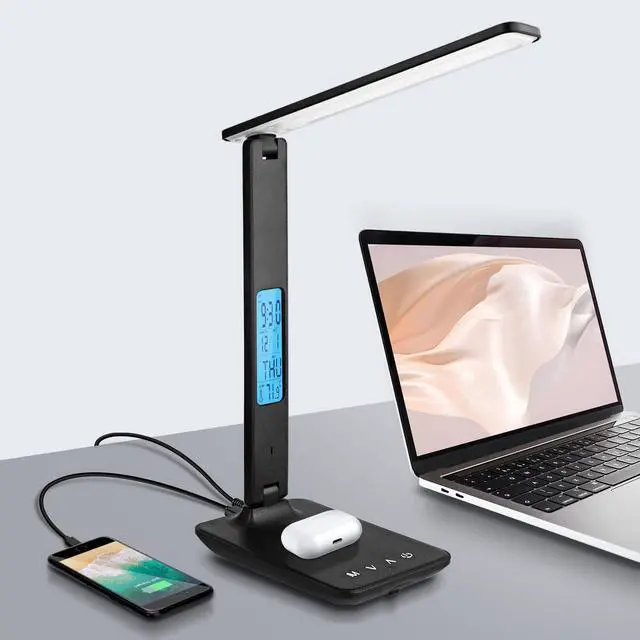
Just move your fingers, it can provide you with suitable reading, working and leisure environment.
We pay attention to every need of users, and provide reliable, simple and practical products through R&D and design.
LED Desk Lamp with Power Strip
Eye Caring Desk Lamp