here!
I’m your shopping assistant for PC builds, upgrades, and everything tech.
Got questions? Ask away!
Start a conversation
here!
I’m your shopping assistant for PC builds, upgrades, and everything tech.
Got questions? Ask away!
Start a conversation



Any questions? Ask CelesteSM will help you find out quickly.

LAOPAO LED Desk Lamp provides you with reliable,
simple and practical products.


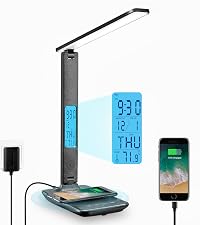 Desk Lamp 1.0 |  Desk Lamp 1.0 |  Desk Lamp 2.0 |  Desk Lamp 2.0 | |
|---|---|---|---|---|
Customer Reviews | — | — | — | — |
Price | — | — | — | — |
Color mode | 3 mode | 3 mode | 5 mode | 5 mode |
Auto-off timer | ? | ? | ? | ? |
Night light function | ? | ? | ? | ? |
Wireless charger | ? | ? | ? | ? |
USB charging port | ? | ? | ? | ? |
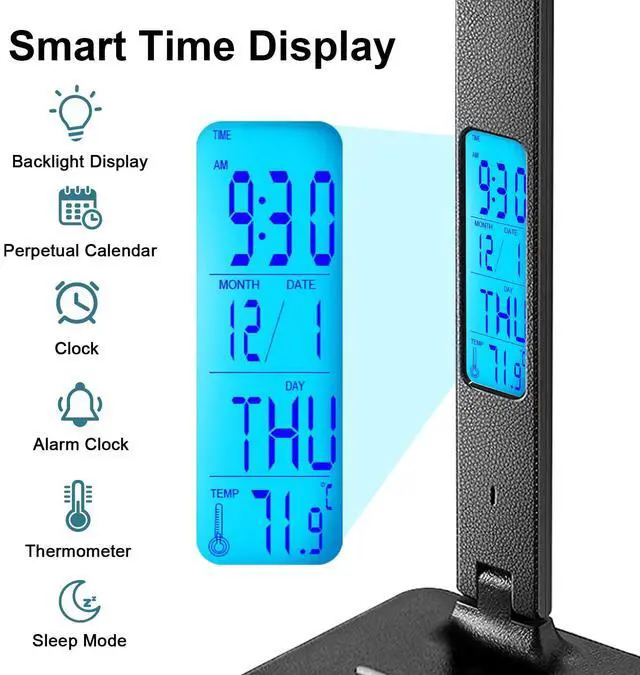
How to set time that is not military time?
In time mode, press "?" key to convert 12- hour system.
How do I change from Celsius to Fahrenheit?
In time mode, press "?" key directly to switch between Celsius and Fahrenheit.
How to set alarm, snooze time and alarm bells?
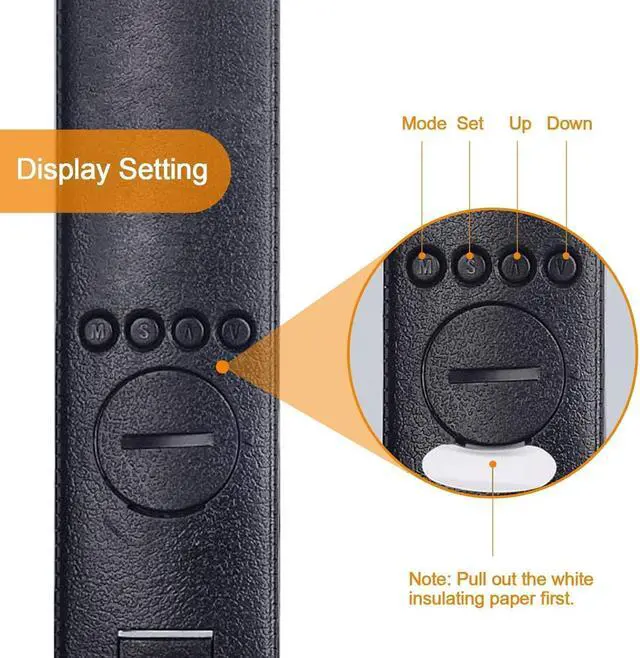
1.Press M button and the "ALARM" icon displayed at the top of the screen.
2.Press "?" or "?" button to adjust the value.
((?)) : Alarm clock Enabled & Snooze feature Disabled
(((?)) SNOOZE: Alarm clock Enabled &Snooze feature Enabled
Can I change day of week ? do not see year option. day of the week does not match the current date.
If the year is set correctly, the day of the week will be updated automatically, if the week number is not the same as the date at that time, please reset the year!
How do you check whether the Year is set correctly?
In the time mode, press "S" continuously, and press [Hour-Minute-Year-Month-Day-Exit] to switch the current state. After selecting the state, press "?" "?" to adjust the current value, then press "S" to save and exit the setting.

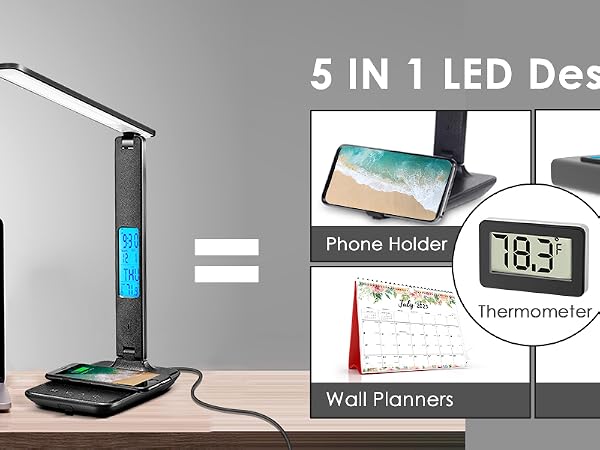


Desk Lamp 1.0 | Desk Lamp 1.0 | Desk Lamp 2.0 | Desk Lamp 2.0 |
|---|---|---|---|
| Customer Reviews | |||
| — | — | — | — |
| Price | |||
| — | — | — | — |
| Color mode | |||
| 3 mode | 3 mode | 5 mode | 5 mode |
| Auto-off timer | |||
| ? | ? | ? | ? |
| Night light function | |||
| ? | ? | ? | ? |
| Wireless charger | |||
| ? | ? | ? | ? |
| USB charging port | |||
| ? | ? | ? | ? |
How to set time that is not military time?
In time mode, press "?" key to convert 12- hour system.
How do I change from Celsius to Fahrenheit?
In time mode, press "?" key directly to switch between Celsius and Fahrenheit.
How to set alarm, snooze time and alarm bells?
1.Press M button and the "ALARM" icon displayed at the top of the screen.
2.Press "?" or "?" button to adjust the value.
((?)) : Alarm clock Enabled & Snooze feature Disabled
(((?)) SNOOZE: Alarm clock Enabled &Snooze feature Enabled
Can I change day of week ? do not see year option. day of the week does not match the current date.
If the year is set correctly, the day of the week will be updated automatically, if the week number is not the same as the date at that time, please reset the year!
How do you check whether the Year is set correctly?
In the time mode, press "S" continuously, and press [Hour-Minute-Year-Month-Day-Exit] to switch the current state. After selecting the state, press "?" "?" to adjust the current value, then press "S" to save and exit the setting.
LAOPAO LED Desk Lamp provides you with reliable,
simple and practical products.

Just move your fingers, it can provide you with suitable reading, working and leisure environment.
We pay attention to every need of users, and provide reliable, simple and practical products through R&D and design.



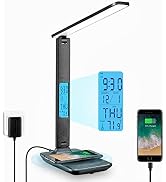

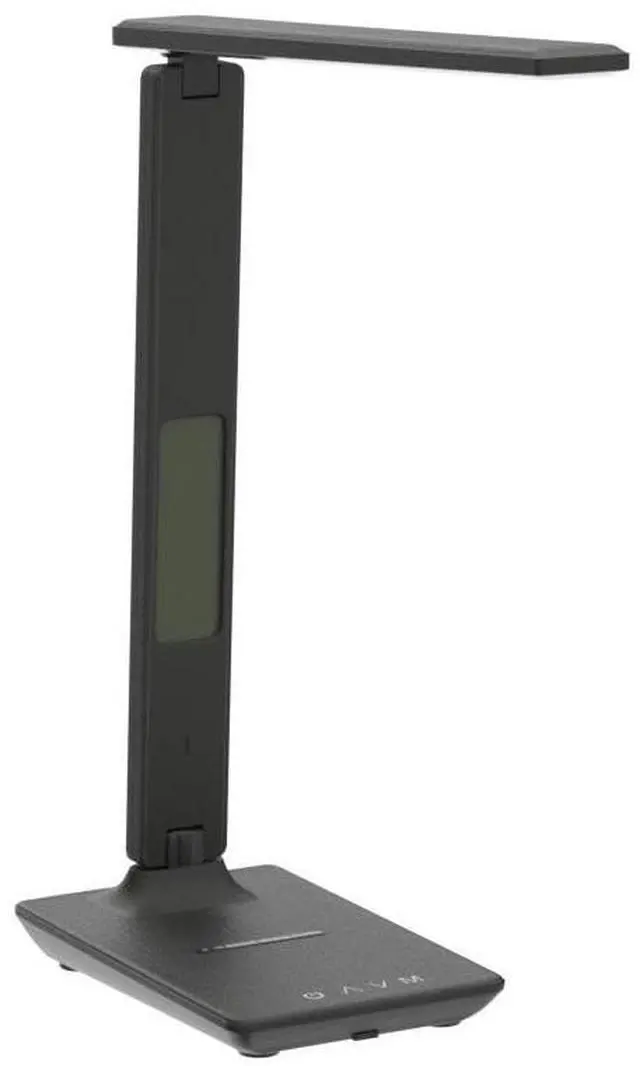
Function
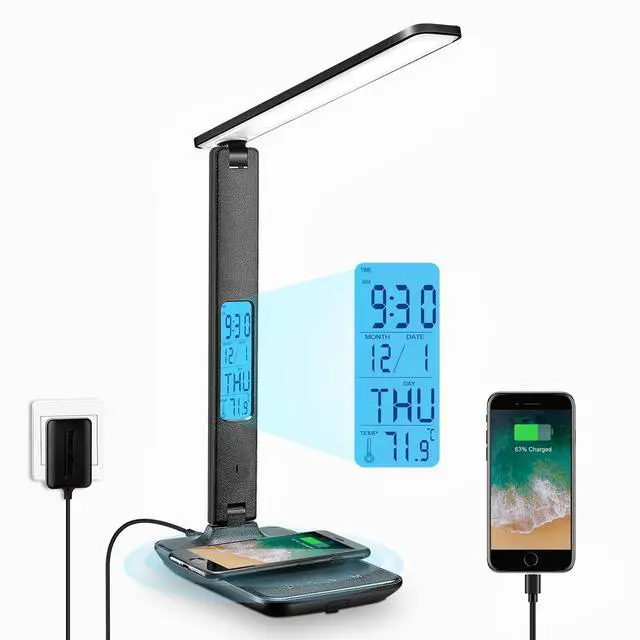
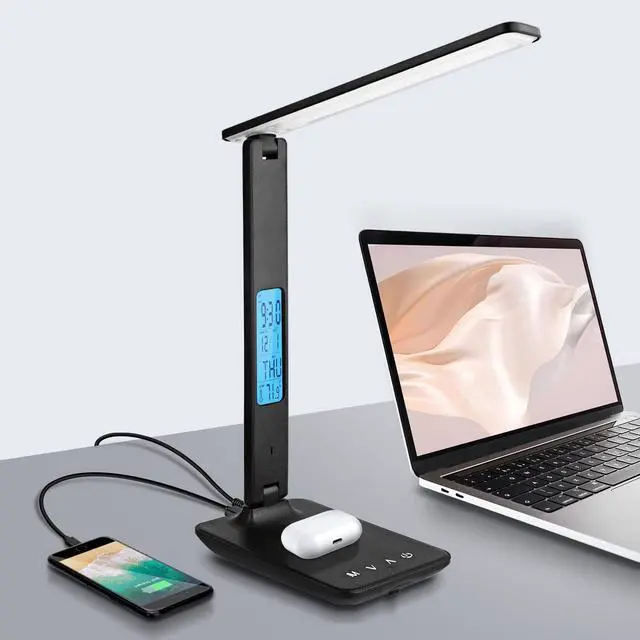
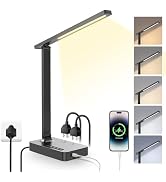
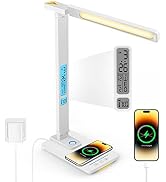
- Smart Display
- 2 Charging Methods
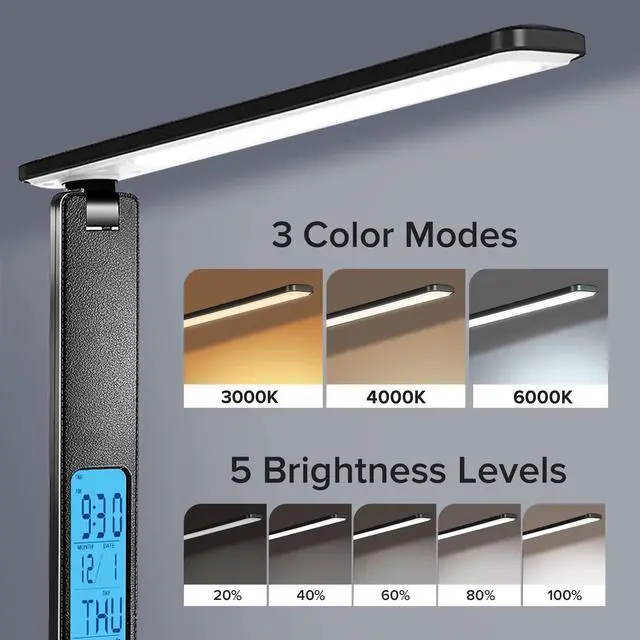
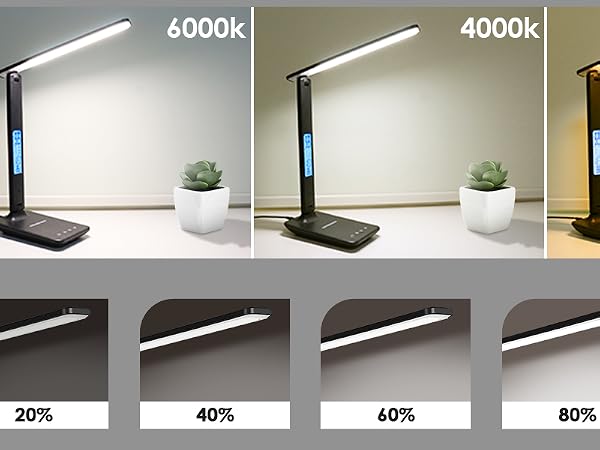
- 5 Color Modes & 5 Brightness
- Eye-Caring Light Source
- Timer Off & Memory Function
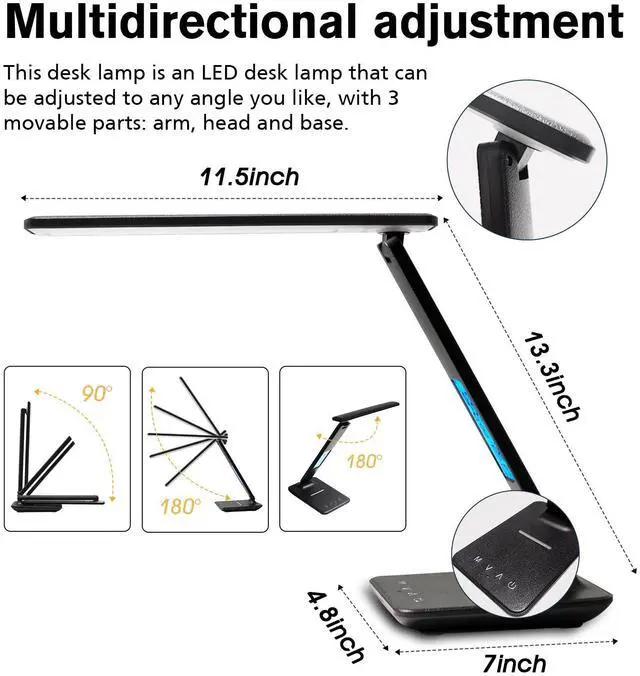
- Multi-Angle Adjustment
- Sliding Dimming
- 2 Night Lights
Parameters
- Material: ABS + PC
- Luminous Flux: 680lm
- Color Rendering Index: > 80Ra
- Color Temperature: 3000K-3500K-4200K-5000K-6000K
- Dimming Mode: sliding dimming
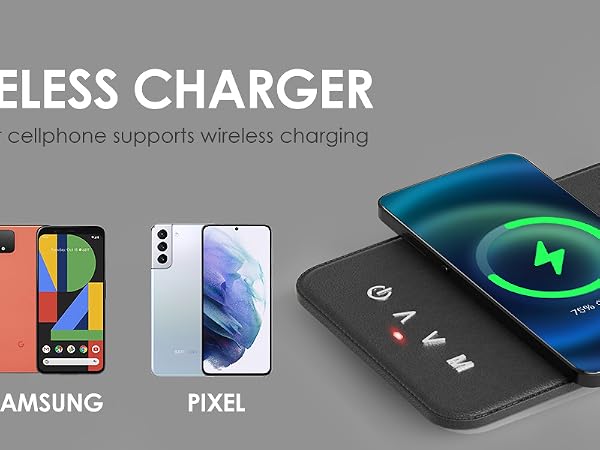
- Wireless Charging: 10W
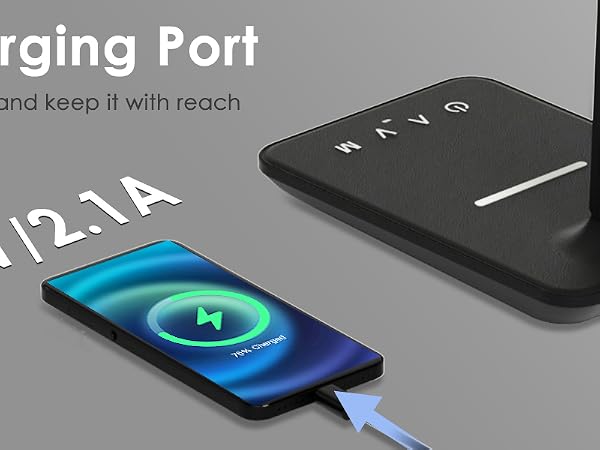
- USB Output: 5V/2.1A
- Input Voltage: DC 12V
Packaging Accessories
-- 1 × Desk Lamp
-- 1 × Power Supply
-- 1 × Manual
-- 1 × Color box