




Fast, Reliable, and Seamless Data Migration
Experience effortless PC-to-PC migration with Laplink Transfer Cables, engineered for speed, compatibility, and reliability. Whether you’re using USB 2.0, USB 3.0, Thunderbolt, or Ethernet, each cable is purpose-built to deliver smooth and error-free data transfer when paired with Laplink’s PCmover software. Move files, photos, and settings securely between old and new computers in minutes, backed by Laplink’s trusted technology for over 40 years.

Find the Perfect Laplink Cable for Your PC Setup
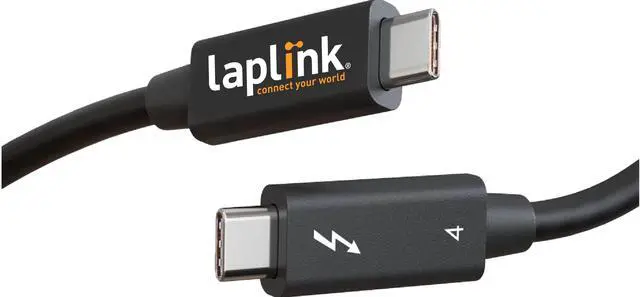
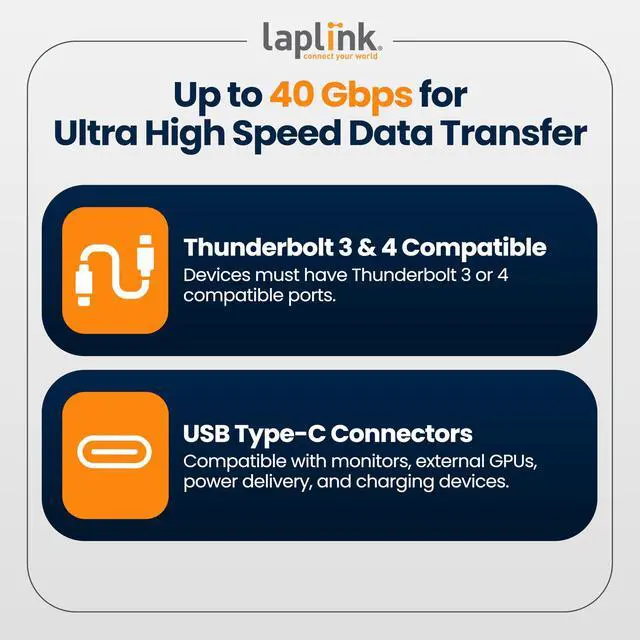
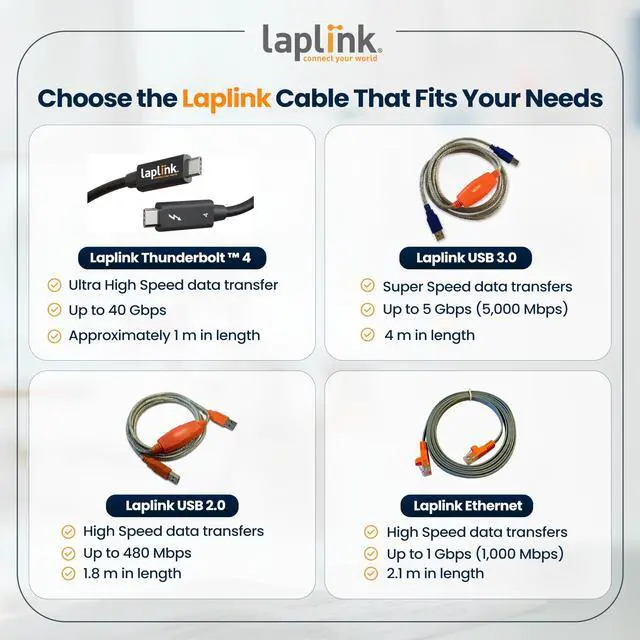
Laplink offers a full range of transfer cables to match your data migration needs. From the ultra-fast Thunderbolt cable reaching up to 40 Gbps to the reliable Ethernet and USB options designed for dependable PC connections, each Laplink cable ensures stable, high-speed performance when paired with PCmover software. Choose the cable that delivers the right balance of speed, length, and compatibility for your computers.

Engineered for Safe, Seamless PC Connections
Laplink Transfer Cables are uniquely designed to allow direct, peer-to-peer communication between PCs, making file migration smooth and secure. It’s the smarter, safer way to connect and transfer data with confidence.

The Ideal Companion for PCmover Software
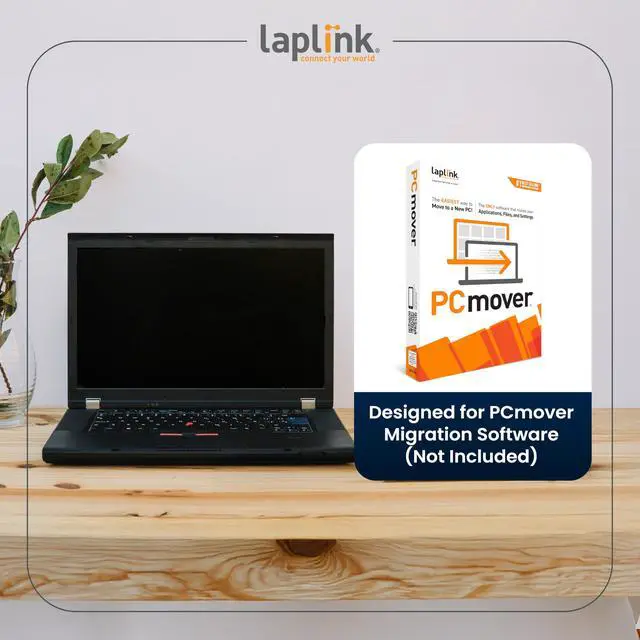
Laplink Transfer Cables are specifically designed to work with PCmover software, ensuring a smooth and secure migration between computers. When used together, they provide a complete solution for transferring files, settings, and user profiles quickly and accurately without the need for external drives or complicated setups. (PCmover software sold separately.)
 USB 2.0 Cable |  USB 3.0 Cable |  Ethernet Cable |  Thunderbolt Cable |  PCmover Ultimate 11 (Software + Cable) | |
|---|---|---|---|---|---|
| Customer Reviews | — | — | — | — | — |
| Price | — | — | — | — | — |
| Max Transfer Speeds | 480 Mbps | 5000+ Mbps | 1000+ Mbps | 40 Gbps | Up to 40 Gbps |
| Cable Length | 8 ft | 8 ft | 7 ft | 3 ft | 3-8 ft (varies per cable type) |
| Compatible With All Versions of PCmover | ? | ? | ? | ? | no data |
| Application Selectivity | Only with PCmover | Only with PCmover | Only with PCmover | Only with PCmover | ? |
| Transfers Data Automatically | No | No | No | No | Yes |
| Includes Software | No | No | No | No | Yes |
| Requires PCmover | Yes | Yes | Yes | Yes | Included |

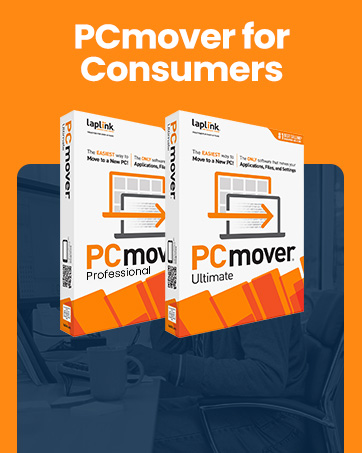
Move Everything to a New PC
The ONLY software that automatically moves files, settings, and even programs from an old PC to a new PC.
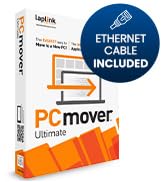
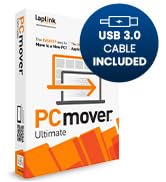
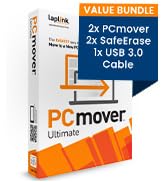
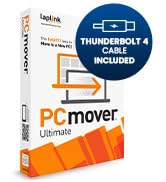
Transfer apps, files, settings
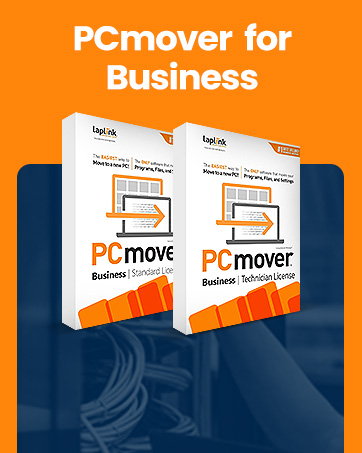
Reduce IT Effort & Save
PCmover Business cuts PC deployment times, reduces IT labor, and decreases helpdesk load to slash PC refresh costs.
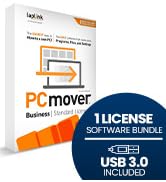
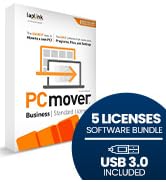
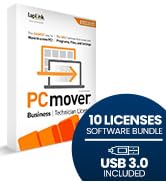
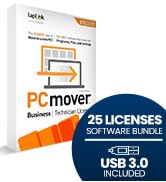
Flexibility for Every Need

Device Management — Anywhere
Laplink Everywhere is an enterprise-grade RMM solution without the need for additional IT infrastructure and services.
Trusted by Industry Leaders
The Only PC Migration Software Recommended by Microsoft & Intel
Fast, Reliable, and Seamless Data Migration
Experience effortless PC-to-PC migration with Laplink Transfer Cables, engineered for speed, compatibility, and reliability. Whether you’re using USB 2.0, USB 3.0, Thunderbolt, or Ethernet, each cable is purpose-built to deliver smooth and error-free data transfer when paired with Laplink’s PCmover software. Move files, photos, and settings securely between old and new computers in minutes, backed by Laplink’s trusted technology for over 40 years.
Find the Perfect Laplink Cable for Your PC Setup
Laplink offers a full range of transfer cables to match your data migration needs. From the ultra-fast Thunderbolt cable reaching up to 40 Gbps to the reliable Ethernet and USB options designed for dependable PC connections, each Laplink cable ensures stable, high-speed performance when paired with PCmover software. Choose the cable that delivers the right balance of speed, length, and compatibility for your computers.
Engineered for Safe, Seamless PC Connections
Laplink Transfer Cables are uniquely designed to allow direct, peer-to-peer communication between PCs, making file migration smooth and secure. It’s the smarter, safer way to connect and transfer data with confidence.
The Ideal Companion for PCmover Software
Laplink Transfer Cables are specifically designed to work with PCmover software, ensuring a smooth and secure migration between computers. When used together, they provide a complete solution for transferring files, settings, and user profiles quickly and accurately without the need for external drives or complicated setups. (PCmover software sold separately.)
USB 2.0 Cable | USB 3.0 Cable | Ethernet Cable | Thunderbolt Cable | PCmover Ultimate 11 (Software + Cable) | |
|---|---|---|---|---|---|
| Customer Reviews | — | — | — | — | — |
| Price | — | — | — | — | — |
| Max Transfer Speeds | 480 Mbps | 5000+ Mbps | 1000+ Mbps | 40 Gbps | Up to 40 Gbps |
| Cable Length | 8 ft | 8 ft | 7 ft | 3 ft | 3-8 ft (varies per cable type) |
| Compatible With All Versions of PCmover | ? | ? | ? | ? | no data |
| Application Selectivity | Only with PCmover | Only with PCmover | Only with PCmover | Only with PCmover | ? |
| Transfers Data Automatically | No | No | No | No | Yes |
| Includes Software | No | No | No | No | Yes |
| Requires PCmover | Yes | Yes | Yes | Yes | Included |
Move Everything to a New PC
The ONLY software that automatically moves files, settings, and even programs from an old PC to a new PC.
Transfer apps, files, settings
Reduce IT Effort & Save
PCmover Business cuts PC deployment times, reduces IT labor, and decreases helpdesk load to slash PC refresh costs.
Flexibility for Every Need
Device Management — Anywhere
Laplink Everywhere is an enterprise-grade RMM solution without the need for additional IT infrastructure and services.
Trusted by Industry Leaders
The Only PC Migration Software Recommended by Microsoft & Intel