





Data Transfer Made Simple
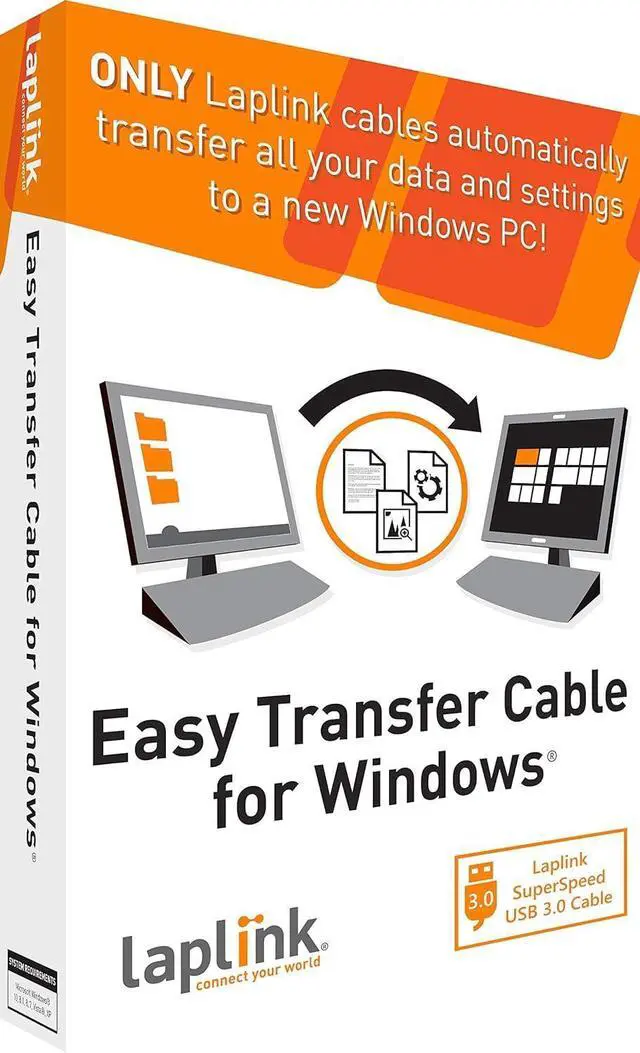
The Laplink Easy Transfer Cable moves files, photos, and settings from your old PC to your new one. Designed for ease of use, it enables quick data migration without a complex setup. Ideal for basic transfers between Windows PCs.

Choose the Right Cable for Your PC Transfer
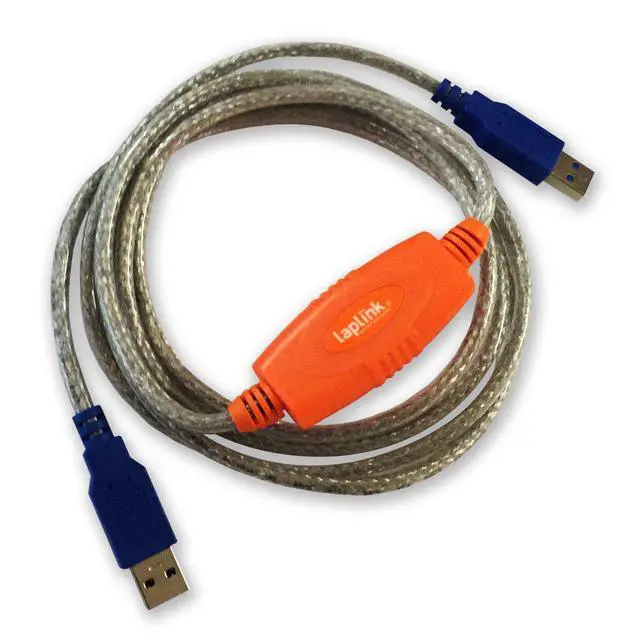
Laplink offers multiple Easy Transfer Cable options to match your PC’s connection type. Select from USB 3.0, USB 2.0, or Ethernet for fast and reliable data migration.

High Speed Transfers
Moves files, photos, and videos with reliable speed.

Easy Setup
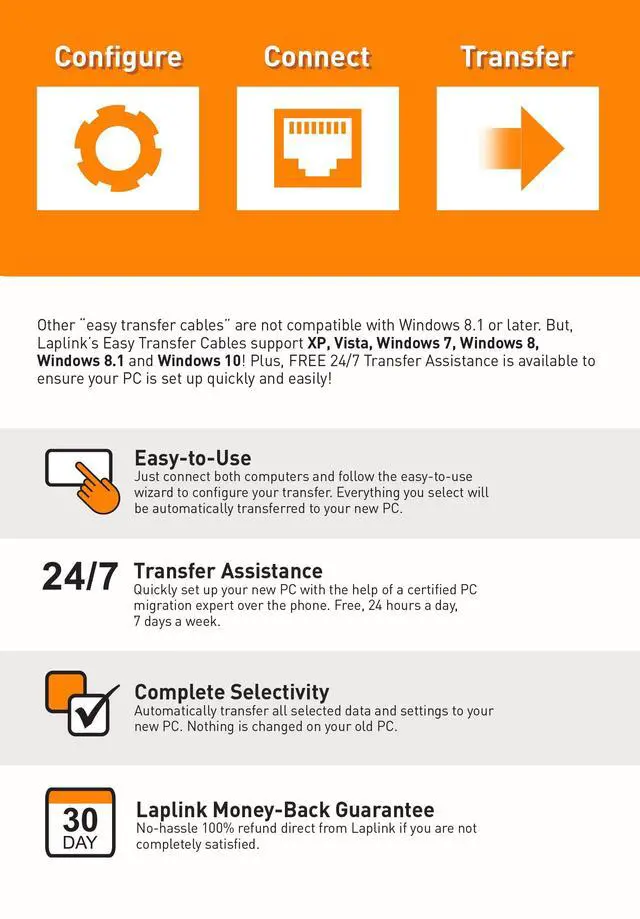
Plug in and start migrating your PC almost instantly, no complicated installation required.

Easy Transfers
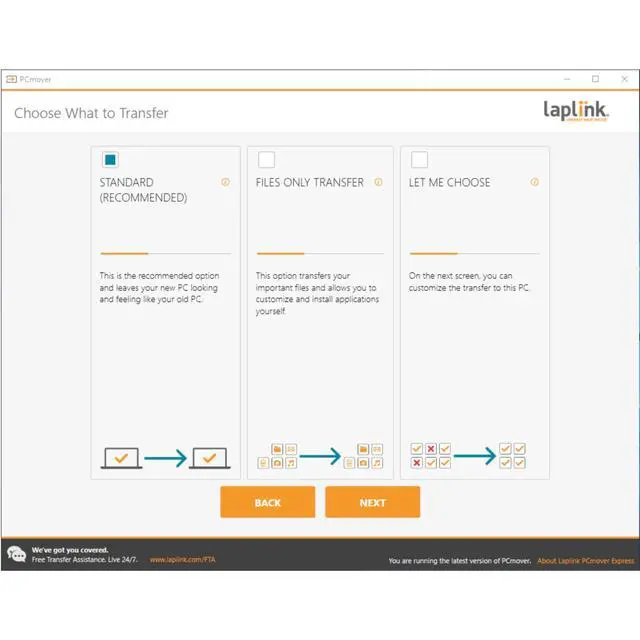
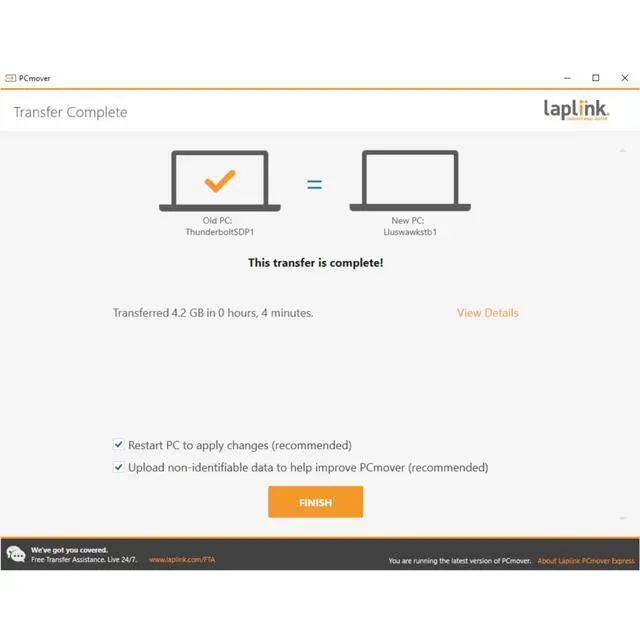
Automatically transfer all your data and settings to your new PC. Nothing is changed on your old PC.

Free Transfer Assistance
24/7 free transfer assistance is just a call away, ensuring a hassle-free experience from start to finish.

All-in-One Solution for PC Data Transfer
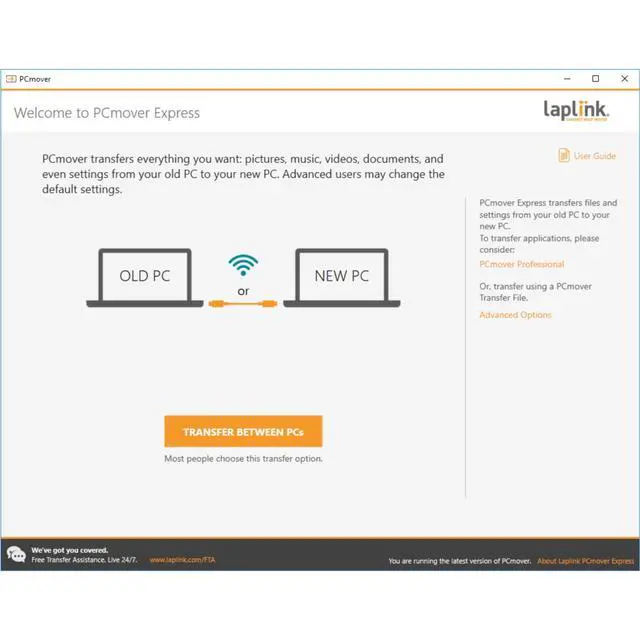
Each Laplink Easy Transfer Cable includes a copy of PCmover Express software to help move your files and setting to a new Windows PC.
Compatible with Windows PCs, it enables a one-time transfer of data between computers quickly and securely.

Decades of Trusted PC Migration Expertise
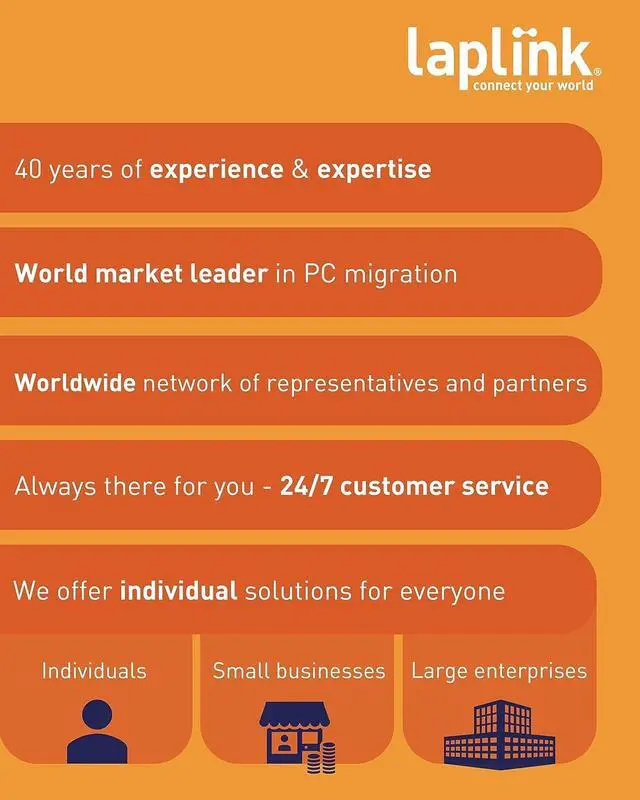
With over 40 years of experience in PC migration, Laplink has supported users through every type of transfer scenario, from early MS-DOS systems to modern Windows PCs. This long-standing expertise ensures reliable solutions for both home and business users.

The Easy Transfer Cable allows unlimited transfer attempts from one source to one destination computer. Additional licenses are required for more PCs.
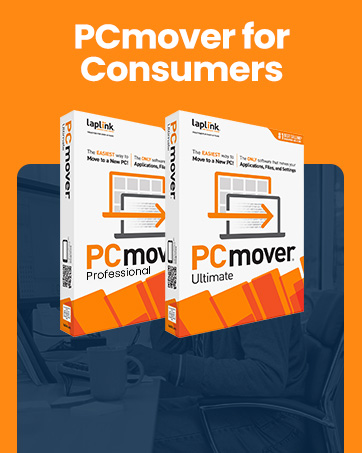
For additional uses and complete PC transfer customization, we recommend Laplink's PCmover Ultimate (not included).
 Laplink Easy Transfer Cable for Windows - Ethernet |  Laplink Easy Transfer Cable for Windows - Ethernet |  Laplink Easy Transfer Cable for Windows - Ethernet |  Laplink PCmover Ultimate | |
|---|---|---|---|---|
| Customer Reviews | — | — | — | — |
| Price | — | — | — | — |
| Max Transfer Speeds | 1 Gbps | 5 Gbps | 480 Mbps | Up to 40 Gbps |
| Cable Length | 7 ft | 8 ft | 6 ft | 3-8 ft |
| Includes PCmover Software | Includes PCmover Express | Includes PCmover Express | Includes PCmover Express | Includes PCmover Professional |
| Folder Selectivity | ? | ? | ? | ? |
| Transfer Files and Settings | ? | ? | ? | ? |
| Multiple User Profile Selectivity | ? | ? | ? | ? |
| Rescue hard drive contents from non-working PC | no data | no data | no data | ? |
| Transfers Applications | no data | no data | no data | ? |
| Restore old PC image to new Operating System | no data | no data | no data | ? |
| Application Selectivity | no data | no data | no data | ? |

Move Everything to a New PC
The ONLY software that automatically moves files, settings, and even programs from an old PC to a new PC.
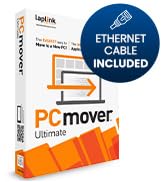
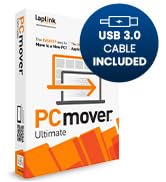
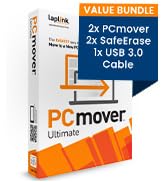
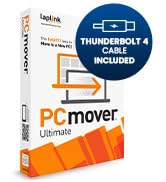
Transfer apps, files, settings
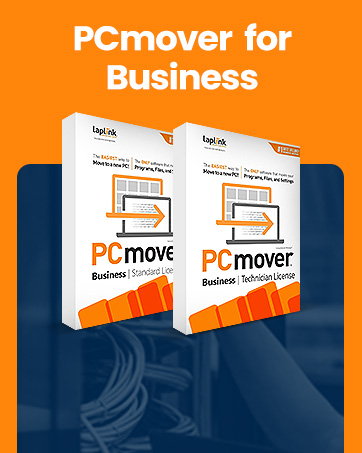
Reduce IT Effort & Save
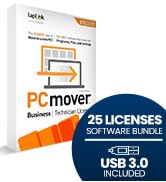
PCmover Business cuts PC deployment times, reduces IT labor, and decreases helpdesk load to slash PC refresh costs.
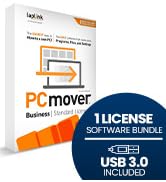
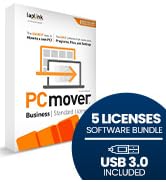
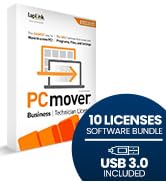
Flexibility for Every Need

Device Management — Anywhere
Laplink Everywhere is an enterprise-grade RMM solution without the need for additional IT infrastructure and services.
Trusted by Industry Leaders
The Only PC Migration Software Recommended by Microsoft & Intel
Data Transfer Made Simple
The Laplink Easy Transfer Cable moves files, photos, and settings from your old PC to your new one. Designed for ease of use, it enables quick data migration without a complex setup. Ideal for basic transfers between Windows PCs.
Choose the Right Cable for Your PC Transfer
Laplink offers multiple Easy Transfer Cable options to match your PC’s connection type. Select from USB 3.0, USB 2.0, or Ethernet for fast and reliable data migration.
High Speed Transfers
Moves files, photos, and videos with reliable speed.
Easy Setup
Plug in and start migrating your PC almost instantly, no complicated installation required.
Easy Transfers
Automatically transfer all your data and settings to your new PC. Nothing is changed on your old PC.
Free Transfer Assistance
24/7 free transfer assistance is just a call away, ensuring a hassle-free experience from start to finish.
All-in-One Solution for PC Data Transfer
Each Laplink Easy Transfer Cable includes a copy of PCmover Express software to help move your files and setting to a new Windows PC.
Compatible with Windows PCs, it enables a one-time transfer of data between computers quickly and securely.
Decades of Trusted PC Migration Expertise
With over 40 years of experience in PC migration, Laplink has supported users through every type of transfer scenario, from early MS-DOS systems to modern Windows PCs. This long-standing expertise ensures reliable solutions for both home and business users.
The Easy Transfer Cable allows unlimited transfer attempts from one source to one destination computer. Additional licenses are required for more PCs.
For additional uses and complete PC transfer customization, we recommend Laplink's PCmover Ultimate (not included).
Laplink Easy Transfer Cable for Windows - Ethernet | Laplink Easy Transfer Cable for Windows - Ethernet | Laplink Easy Transfer Cable for Windows - Ethernet | Laplink PCmover Ultimate | |
|---|---|---|---|---|
| Customer Reviews | — | — | — | — |
| Price | — | — | — | — |
| Max Transfer Speeds | 1 Gbps | 5 Gbps | 480 Mbps | Up to 40 Gbps |
| Cable Length | 7 ft | 8 ft | 6 ft | 3-8 ft |
| Includes PCmover Software | Includes PCmover Express | Includes PCmover Express | Includes PCmover Express | Includes PCmover Professional |
| Folder Selectivity | ? | ? | ? | ? |
| Transfer Files and Settings | ? | ? | ? | ? |
| Multiple User Profile Selectivity | ? | ? | ? | ? |
| Rescue hard drive contents from non-working PC | no data | no data | no data | ? |
| Transfers Applications | no data | no data | no data | ? |
| Restore old PC image to new Operating System | no data | no data | no data | ? |
| Application Selectivity | no data | no data | no data | ? |
Move Everything to a New PC
The ONLY software that automatically moves files, settings, and even programs from an old PC to a new PC.
Transfer apps, files, settings
Reduce IT Effort & Save
PCmover Business cuts PC deployment times, reduces IT labor, and decreases helpdesk load to slash PC refresh costs.
Flexibility for Every Need
Device Management — Anywhere
Laplink Everywhere is an enterprise-grade RMM solution without the need for additional IT infrastructure and services.
Trusted by Industry Leaders
The Only PC Migration Software Recommended by Microsoft & Intel