
Your Browsing History



Any questions? Our AI beta will help you find out quickly.
| Brand | Laplink |
|---|---|
| Model | PAFGPCMP06000PDRTPEN |
| Name | PCmover Ultimate |
| Type | Desktop Management |
| Operating Systems Supported | Windows |
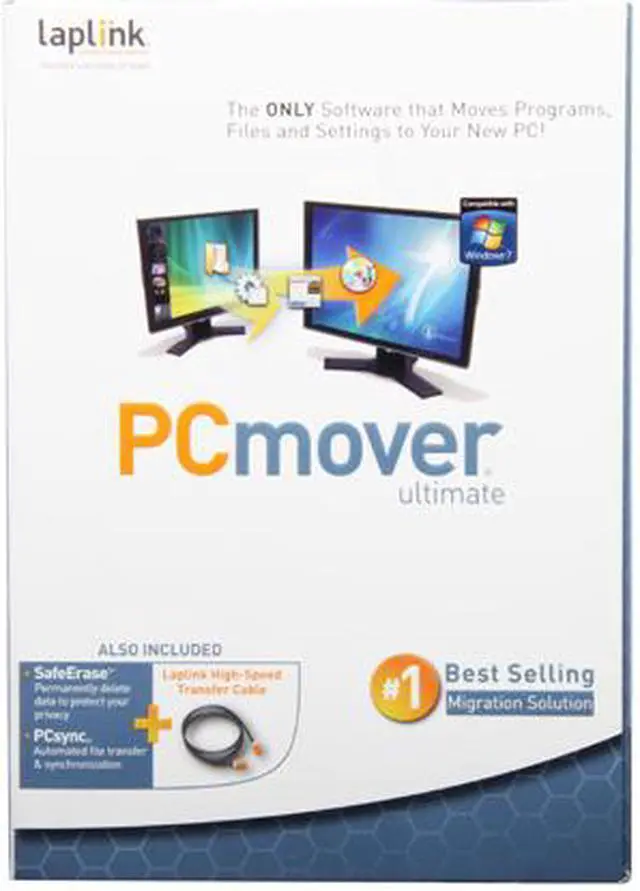
| Feature | Setting up a new PC has never been easier! Use PCmover to automatically transfer all your selected programs, files and settings from your old PC to your new one. With PCmover, there's no need to find old CDs or serial numbers, because your programs are ready to use on your new PC. Some products transfer files but not programs. Other products transfer your entire PC into a "Virtual Machine" (VM) on your new PC, a time-consuming and complicated process that still leaves you using your old operating system - you haven't completely moved to your new PC! And, to legally use your old operating system in the VM probably requires buying an additional Windows license, forcing you to spend more money or engage in software piracy. Only PCmover actually moves your selected files, settings and applications ready-to-use. And that is why PCmover is the #1 best selling migration solution. Easy-to-Use Wizard - Just install PCmover on both of your computers and use the Wizard to start transferring everything you want to your new PC. Complete Selectivity - Automatically copy the applications, files and folders you choose to your new PC. Programs are set up by PCmover and ready to use. "Undo" Feature - Quickly reverse changes made to your new PC with PCmover's easy undo feature. Set It and Forget It - You start the transfer and walk away. PCmover does the rest! Multiple Transfer Scenarios Supported - Use PCmover to move from an old PC to a new one, to transfer contents of an old hard drive (or image), or to perform an in-place upgrade even from Windows XP. User Profile Selectivity - Transfer all or selected user profiles including related settings in one easy step. |
| Packaging | Retail |
| First Listed on Newegg | September 14, 2010 |
|---|