





Product details:

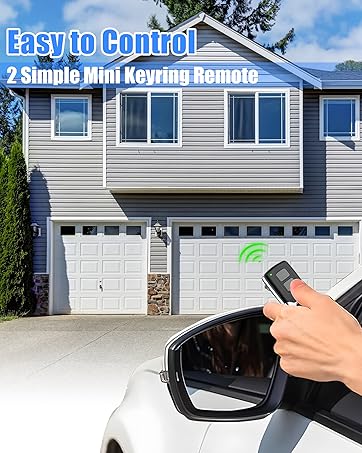
How to sync with your garage door opener?
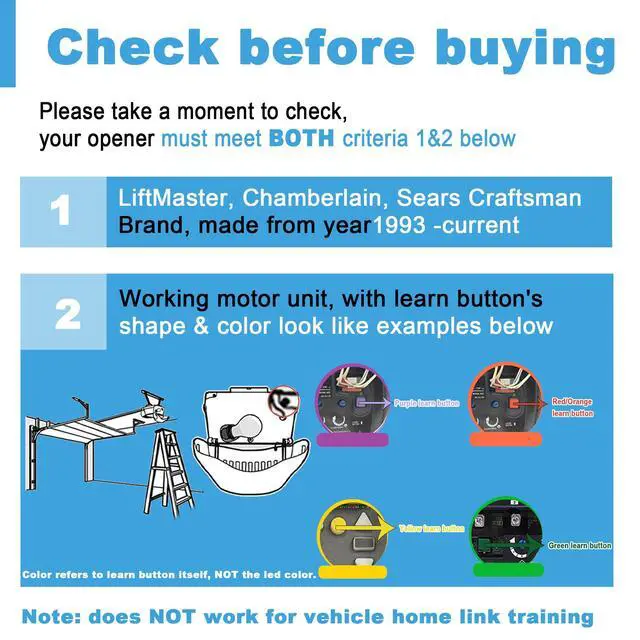
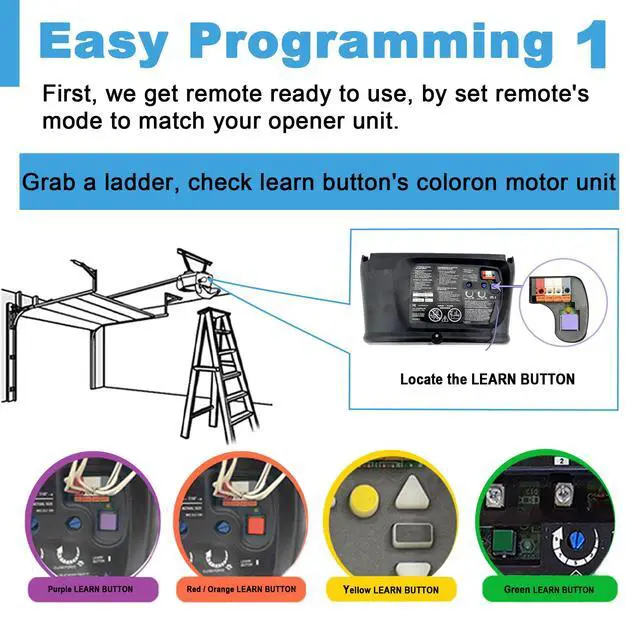
1. Check your Garage door opener's learn button' color
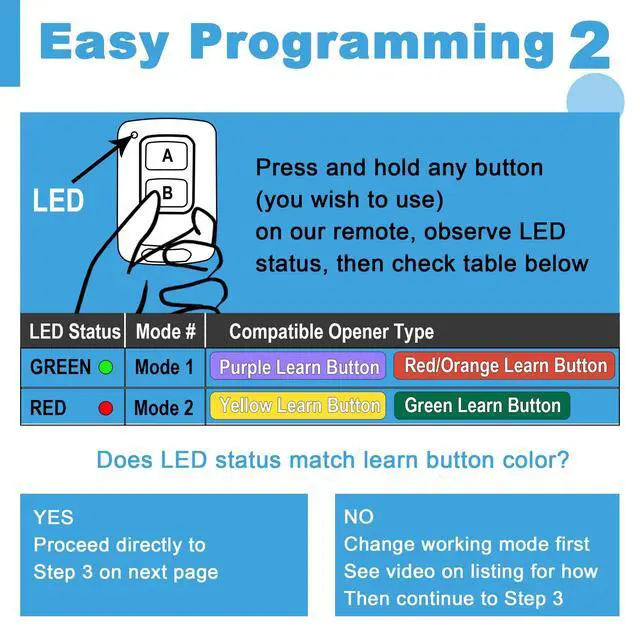
2. Change this remote control' led light according to your opener Learn button's color(following our manual)
1) Green led light is for Purple/Red/Orange learn button 2) Red led light is for Yellow/Green Learn Button
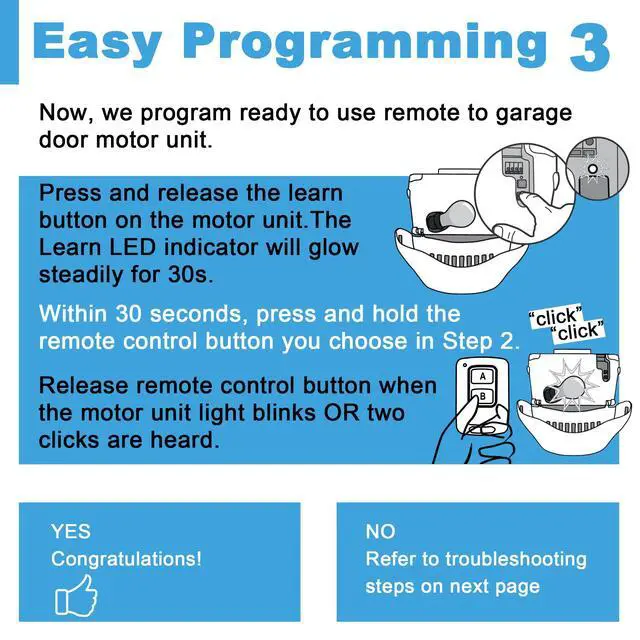
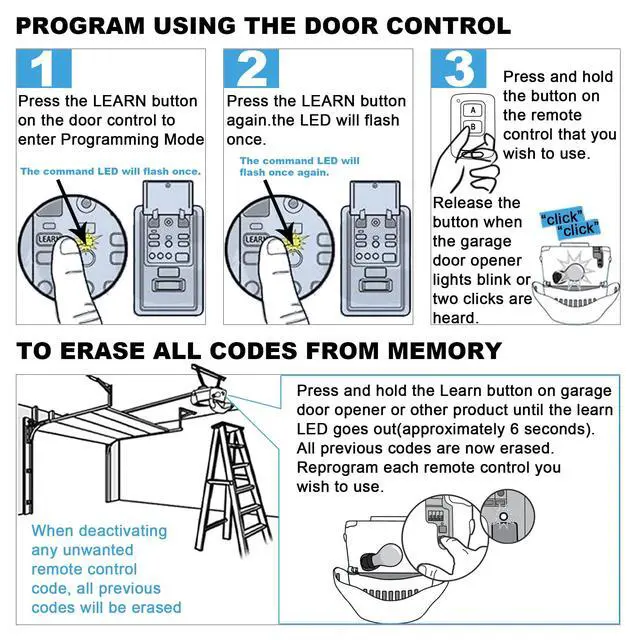
3. Press the Learn button on your garage opener, and then press our remote control's button
How to change this remote's Led light?
1) Press these 2 button at the same time, the led will flashes
2) Then Press the button you want to change
How to replace the battery
Use a small screw driver to unscrew the two screws on the back of the remote, then open the black case
Remote control cannot sync the door opener motor?
1) Make sure your door opener model or brand is in our compatible list
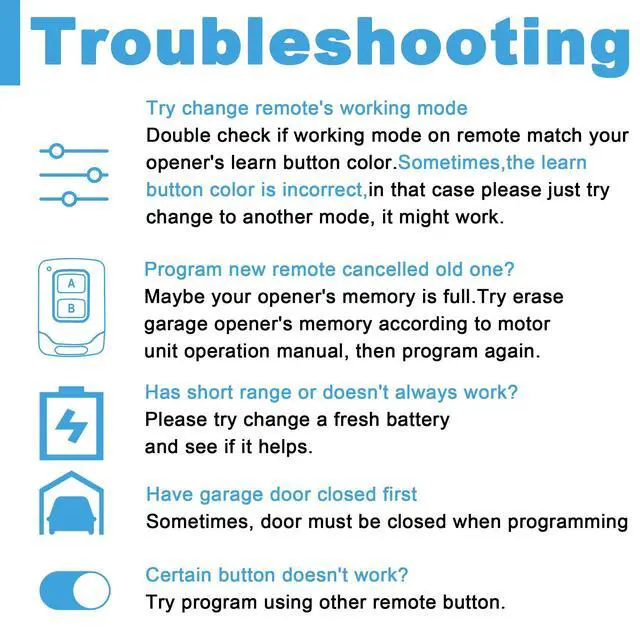
2) Double check if working mode on remote match your opener's learn button color.
Sometimes, the learn button color is not correct, in that case, please try to change another mode, it might work
3) Sometimes, door must be closed before programming
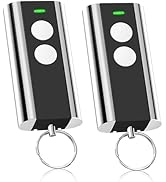
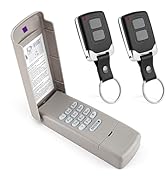
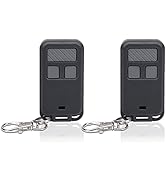
For Liftmaster garage Opener
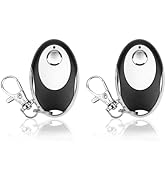
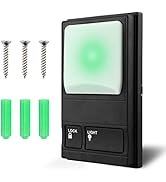
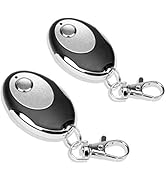
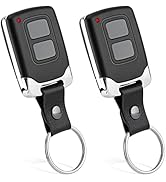
For Liftmaster garage Opener


Product details:
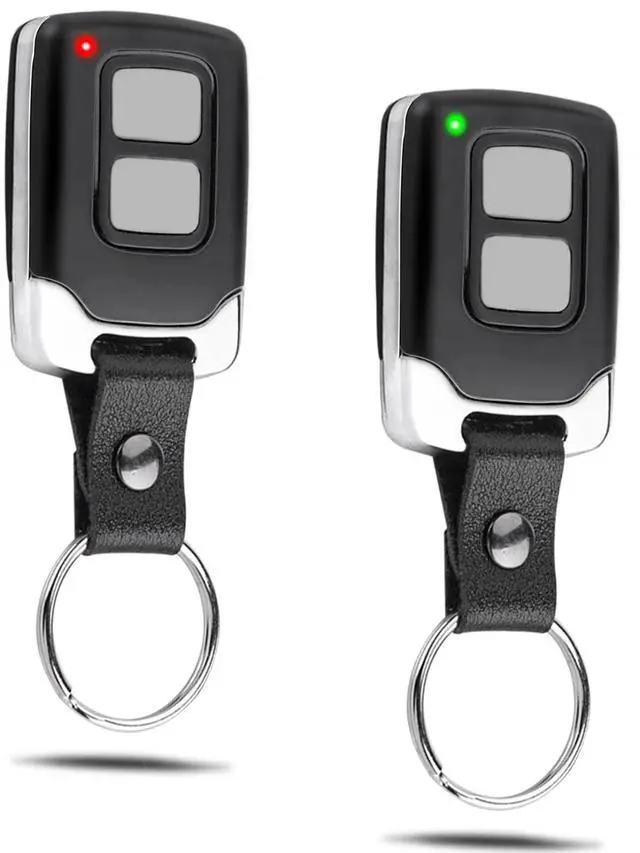
| Material: | Metal and leather |
|---|---|
| Keys: | 2 buttons |
| Battery: | CR2032 3V (battery included) |
| Only Compatible with: | Purple Yellow Green Orange Red Green learn button on your garage door opener motor |
| You will receive: | 2*Program Instruction 2*Remote Control |
How to sync with your garage door opener?
1. Check your Garage door opener's learn button' color
2. Change this remote control' led light according to your opener Learn button's color(following our manual)
1) Green led light is for Purple/Red/Orange learn button 2) Red led light is for Yellow/Green Learn Button
3. Press the Learn button on your garage opener, and then press our remote control's button
How to change this remote's Led light?
1) Press these 2 button at the same time, the led will flashes
2) Then Press the button you want to change
How to replace the battery
Use a small screw driver to unscrew the two screws on the back of the remote, then open the black case
Remote control cannot sync the door opener motor?
1) Make sure your door opener model or brand is in our compatible list
2) Double check if working mode on remote match your opener's learn button color.
Sometimes, the learn button color is not correct, in that case, please try to change another mode, it might work
3) Sometimes, door must be closed before programming
For Liftmaster garage Opener
For Liftmaster garage Opener