






Compatible with all USB-C devices (Not a complete list):
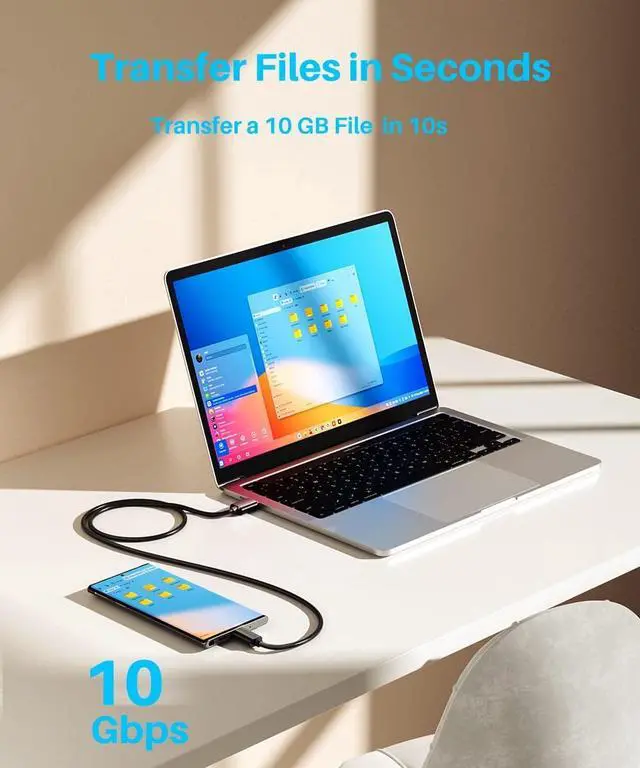
Why is my transfer speed only USB 3.0 or even only USB 2.0 and why is it not up to USB 3.2 Gen 2 (10Gbps)?
There are two conditions that need to be met for 10Gbps: first, the USB-C side of the device is 10Gbps-enabled; second, the USB-A side is 10Gbps-enabled. If the device accessed on one end is not 10Gbps, it will run at a speed lower than 10Gbps.
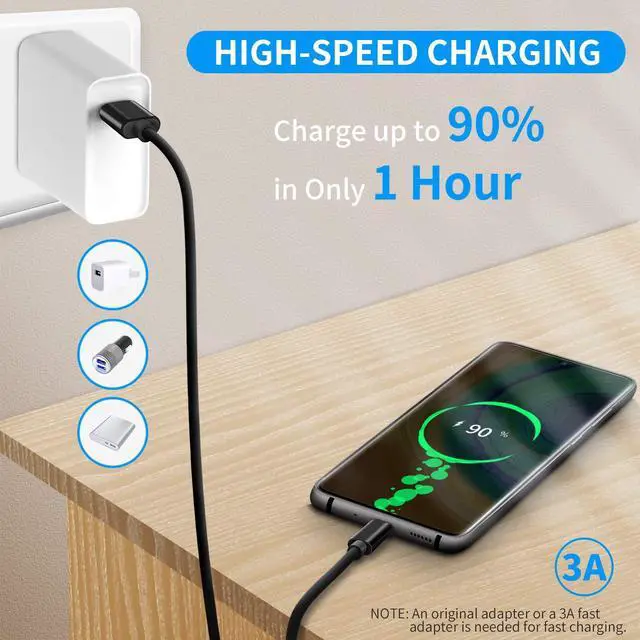
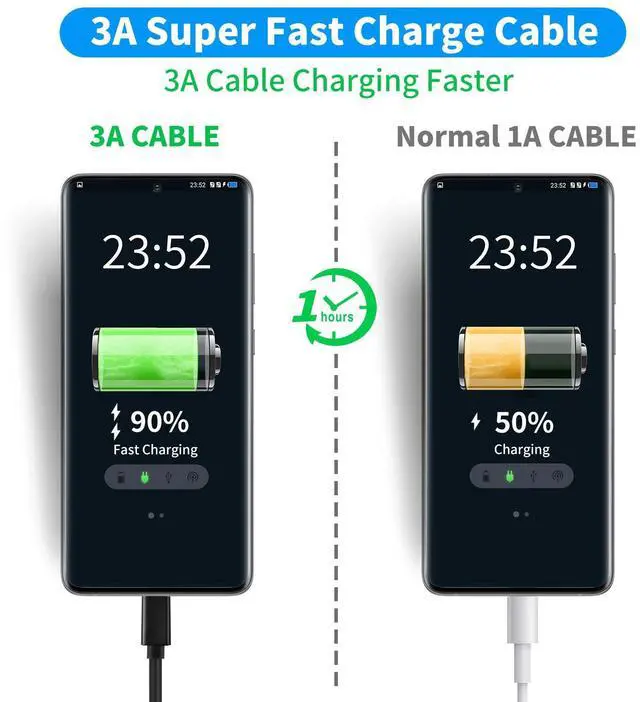
Why is my charging so slow?
60W fast charging needs to meet two conditions: first, the device on the USB-C end is support input 60W; second, the charger on the USB-A end is support output 60W power. If one end does not reach 60W, it will charge at a rate lower than 60W.
Why doesn't my monitor show anything after I connect my laptop to it?
This USB-A to USB-C 3.2 Gen 2 cable is not supported by the media display.
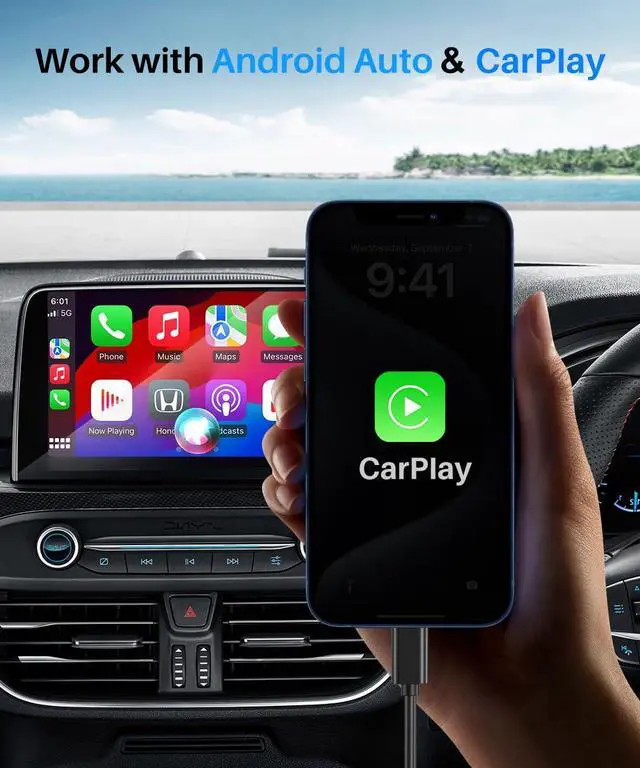
Why does this cable not work with Android auto when connecting a phone to a car?
Android Auto requires the phone to be running Android 6.0 or higher. Android Auto is not available for non-Android phones. Your phones Android Auto app should be the latest version. Your car needs to support Android Auto.
Why does this cable not work with Carplay when connecting a phone to a car?
CarPlay requires the phone to be running iOS 8 or higher. CarPlay is not available for non-IOS phones. Your iPhone CarPlay app should be the latest version. Your car needs to support CarPlay.


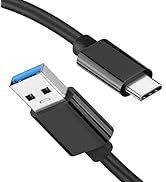
![USB-C Data Cable 10Gbps [6ft, Red], Android Auto USB 3.2 Gen 2 USB A to USB C Data Transfer Cord ...](http://c1.neweggimages.com/sellingpilot/modules/product/a-plus/eac54899ad2008c810384758003e0ff2190eba070f0c7f237c2d29dbddd5912b.jpg)
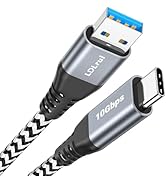
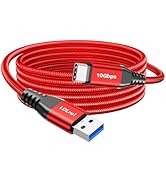
![Long USB to USB-C Data Cable [10FT, 2Pack], USB 3.2 Gen 2 to Type C Cord 10Gbps Hi-Speed Sync 3.1...](http://c1.neweggimages.com/sellingpilot/modules/product/a-plus/3faba1332a2ffd2daede7d07e1feac6e9a0a61e393c2330f1f2fdd84816d3940.jpg)
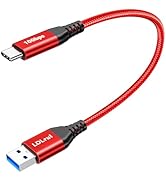
![[1ft 2-Pack] USB A to USB C Cable 10Gbps Data Transfer 3.1A Fast Charging, USB3.2 Gen 2 Type C Ch...](http://c1.neweggimages.com/sellingpilot/modules/product/a-plus/eb0c7eb71adaf81284e140c56e9b01785a292232789fe1d038e4962ec97fa35d.jpg)
![Red USB C Data Cable 10Gbps Data Transfer [3M/10ft, 2Pack], Extra Long 3.2 Gen 2 USB to Type C Ch...](http://c1.neweggimages.com/sellingpilot/modules/product/a-plus/0b31bc356b203c467f086c0a13714c3b5c7cd109320a1b11bdc1b047b135b39c.jpg)
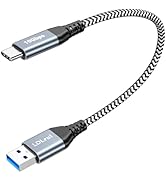


Compatible with all USB-C devices (Not a complete list):
| Smartphone: | Apple iPhone 16/16 Plus/16 Pro/16 Pro Max, iPhone 15/15 Plus/15 Pro/15 Pro Max, Samsung Galaxy S24/S24+/S24 Ultra/S23/S23+/S23 Ultra/S22/S22+/S22 Ultra/S21/S21+/S21 Ultra/S21 FE/S20/S20+/S20 Ultra/S20 FE/S10/S10+/S10 E/S9/S9+/S8/S8+/Note 20/10/9/Galaxy Z Flod 3/4/5/6/Z Flip 3/4/5/6/A10e /A10/ A11/A12/A13/A14/A15/A20/A20s/A21/A21s/A30/A31/A30s/A40/A41/A42/A50/A50s/A51/A52/A53/A54/A55/A70/A80/A90/A71/A13, Google Pixel 3/4/5/6/7/3 XL/4 XL/5 Pro/6 Pro/7 Pro/8/8 Pro/9/9 Pro/9 Pro XL/9 Pro Fold |
|---|---|
| - | Motorola g power/g stylus/g9/g9 plus g9 play/g8/g8 power/g8 plus/g8 play/g7/g7 power/g7 play/g6/g5/Moto Z/Z Force/Z2/Z2 force/Z3/Z4/Z4 force/X4, LG G6/G7/G7 ThinQ/G8/G8 ThinQ/G9/Stylo 4/Stylo 5/Stylo 6/V20/V30/V40/V50/ V60, Oneplus 3/4/5/6/7/8/9/10, etc. |
| Tablets: | Apple iPad Pro 13inch (M4), iPad Pro 11inch (M4), iPad Pro 11inch 2022/2021/2020/2018, iPad Pro 12.9inch 2022/2021/2020/2018, iPad Air 13inch (M2), iPad Air 11inch (M2), iPad Air 2022/2020, iPad Mini 6, iPad 10, Samsung Galaxy Tab S3/S4/S5/S6/S7/S8/S9, Microsoft Surface Go, etc. |
| USB-C Hard Drives: | Samsung T7 / T5 / T3 / X5, SanDisk Extreme Portable SSD, Crucial X9 / X8 / X6, Seagate Barracuda Fast SSD, Western Digital My Passport SSD / Go / Ultra, LaCie Mobile Drive / Rugged / Portable SSD / d2 Desktop, RAVPower FileHub Plus, Transcend Portable SSD / StoreJet, G-Technology GDRIVE mobile, Glyph Technologies Atom / RAID / BlackBox Plus, etc. |
| Others: | Nintendo Switch, PS5 Controller, GoPro Hero5 Black, DJI Oso Pocket Hadheld 3 Axis Gimbal Stabilizer with Integrated Camera, Webcam, Car, Power Bank, and etc |
| NOTES: | Android Auto requires the phone to be running Android 6.0 or higher. |
| - | CarPlay requires the phone to be running iOS 8 or higher. |
| - | Phones that are not running Android or iOS cannot use Android Auto or CarPlay. |
| - | Your Android Auto and CarPlay should be the latest version. |
| - | Your car needs to support Android Auto or CarPlay. |
| - | This is a USB-A to USB-C charger cable, so it cannot be used with a USB-C charger. |
| - | Works with most USB-C devices. lf you are not sure whether your device is compatible or not, please let us know and we are always here to assist. |
Why is my transfer speed only USB 3.0 or even only USB 2.0 and why is it not up to USB 3.2 Gen 2 (10Gbps)?
There are two conditions that need to be met for 10Gbps: first, the USB-C side of the device is 10Gbps-enabled; second, the USB-A side is 10Gbps-enabled. If the device accessed on one end is not 10Gbps, it will run at a speed lower than 10Gbps.
Why is my charging so slow?
60W fast charging needs to meet two conditions: first, the device on the USB-C end is support input 60W; second, the charger on the USB-A end is support output 60W power. If one end does not reach 60W, it will charge at a rate lower than 60W.
Why doesn't my monitor show anything after I connect my laptop to it?
This USB-A to USB-C 3.2 Gen 2 cable is not supported by the media display.
Why does this cable not work with Android auto when connecting a phone to a car?
Android Auto requires the phone to be running Android 6.0 or higher. Android Auto is not available for non-Android phones. Your phones Android Auto app should be the latest version. Your car needs to support Android Auto.
Why does this cable not work with Carplay when connecting a phone to a car?
CarPlay requires the phone to be running iOS 8 or higher. CarPlay is not available for non-IOS phones. Your iPhone CarPlay app should be the latest version. Your car needs to support CarPlay.
![USB-C Data Cable 10Gbps [6ft, Red], Android Auto USB 3.2 Gen 2 USB A to USB C Data Transfer Cord ...](//c1.neweggimages.com/sellingpilot/modules/product/a-plus/eac54899ad2008c810384758003e0ff2190eba070f0c7f237c2d29dbddd5912b.jpg)
10Gbps USB C Data charge cable
![Long USB to USB-C Data Cable [10FT, 2Pack], USB 3.2 Gen 2 to Type C Cord 10Gbps Hi-Speed Sync 3.1...](//c1.neweggimages.com/sellingpilot/modules/product/a-plus/3faba1332a2ffd2daede7d07e1feac6e9a0a61e393c2330f1f2fdd84816d3940.jpg)
USB C to USB A 3.1 Gen 2 cable
![[1ft 2-Pack] USB A to USB C Cable 10Gbps Data Transfer 3.1A Fast Charging, USB3.2 Gen 2 Type C Ch...](//c1.neweggimages.com/sellingpilot/modules/product/a-plus/eb0c7eb71adaf81284e140c56e9b01785a292232789fe1d038e4962ec97fa35d.jpg)
![Red USB C Data Cable 10Gbps Data Transfer [3M/10ft, 2Pack], Extra Long 3.2 Gen 2 USB to Type C Ch...](//c1.neweggimages.com/sellingpilot/modules/product/a-plus/0b31bc356b203c467f086c0a13714c3b5c7cd109320a1b11bdc1b047b135b39c.jpg)
LDLrui USB C Data cable
USB-C Data cable 10Gbps