


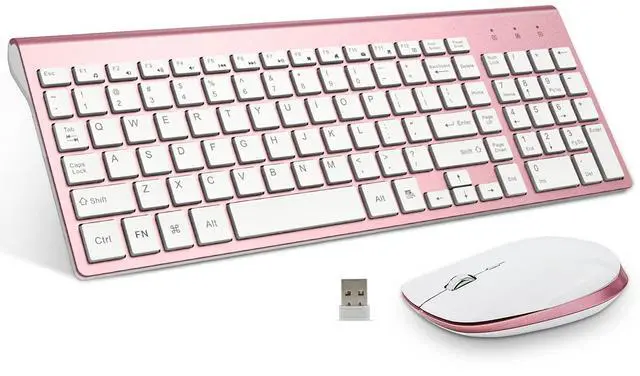



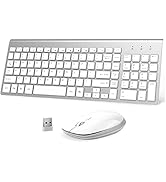



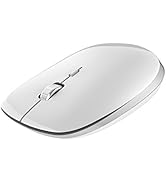
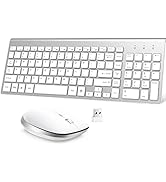
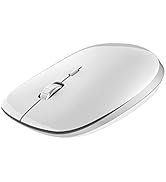
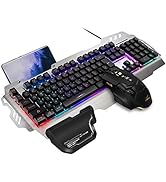
FENIFOX Wireless Keyboard and Mouse Combo
Design Feature: Luxurious and attractive design suit for all customers.
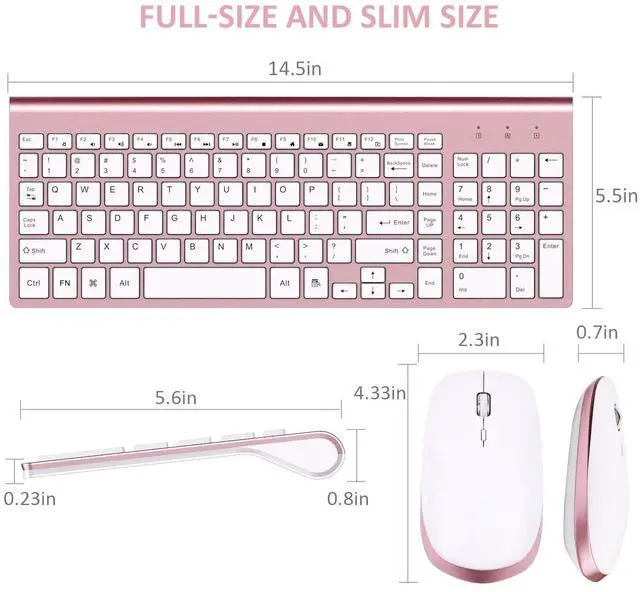
Ultra-thin size with whisper-quiet Button , more portable for using on various occasion.
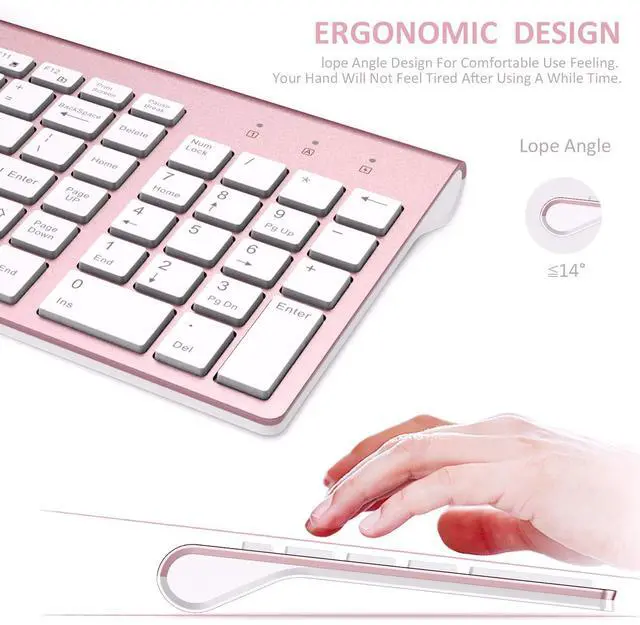
Ergonomic design for most comfortable feeling.


Solution For Keyboard/Mouse No Response
* Repair the keyboard:
1. Turn it ON, Press “ESC” and “+/=” keys at the same time, the keyboard enters the repair mode (the low voltage indicator lights up)
2. Insert the new USB receiver within 20 seconds, the repair is successful, the LED will turn off immediately and the keyboard available;
The repair fails, the keyboard exits the repair mode after 20S, and the LED goes out. Tips:If plug the USB over 20s ,it need to restart from 1 again.
Please make sure the keyboard enter pairing mode in step2.
*Repair the mouse:
1. Turn off the mouse power,remove the USB.
2. Turn mouse ON ,and press the left button ,scroll wheel,right button at the same time and keep 1 second ,the mouse will enter 20s pairing mode.
3. Please plug USB within 20s; the mouse paired successfully if work.
Tips:If plug the USB over 20s ,it need to restart from 1 again.


The package includes:
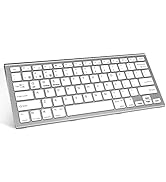
*1 x Keyboard
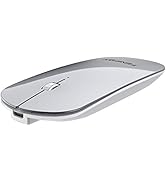
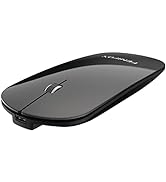
*1 x Mouse
*1 x User Manual
*1 x Nano Receiver
Important specifications:
Connection Mode: 2.4G
Keyboard downtime: 4s
Mouse rest time: 10 min
Mouse DPI: 1000/1200/1600(3 levels)
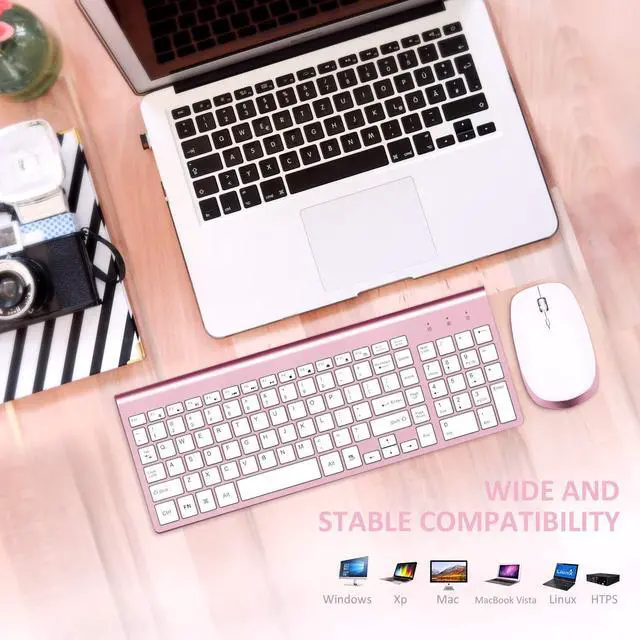
Support System: Windows/OS/Android
Get Started
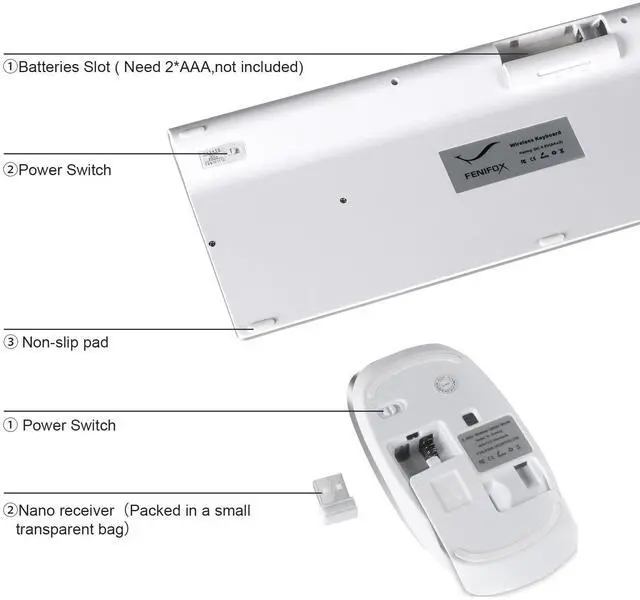
Step 1: Take out the 2.4G Nano receiver and insert batteries for each mouse and keyboard. (Batteries not included in the package)
Step 2: Plug the nano receiver into the USB port of your laptop/ PC/tablet. Step 3: Switch on both keyboard and mouse and then both will connect to your device automatically.
NOTE: The keyboard will enter sleep mode to preserve power after 10 mins of inactivity, press any key and wait for 1 second to activate the keyboard again.
FENIFOX Wireless Keyboard and Mouse Combo
Design Feature: Luxurious and attractive design suit for all customers.
Ultra-thin size with whisper-quiet Button , more portable for using on various occasion.
Ergonomic design for most comfortable feeling.
Solution For Keyboard/Mouse No Response
* Repair the keyboard:
1. Turn it ON, Press “ESC” and “+/=” keys at the same time, the keyboard enters the repair mode (the low voltage indicator lights up)
2. Insert the new USB receiver within 20 seconds, the repair is successful, the LED will turn off immediately and the keyboard available;
The repair fails, the keyboard exits the repair mode after 20S, and the LED goes out. Tips:If plug the USB over 20s ,it need to restart from 1 again.
Please make sure the keyboard enter pairing mode in step2.
*Repair the mouse:
1. Turn off the mouse power,remove the USB.
2. Turn mouse ON ,and press the left button ,scroll wheel,right button at the same time and keep 1 second ,the mouse will enter 20s pairing mode.
3. Please plug USB within 20s; the mouse paired successfully if work.
Tips:If plug the USB over 20s ,it need to restart from 1 again.
Get Started
The package includes:
*1 x Keyboard
*1 x Mouse
*1 x User Manual
*1 x Nano Receiver
Important specifications:
Connection Mode: 2.4G
Keyboard downtime: 4s
Mouse rest time: 10 min
Mouse DPI: 1000/1200/1600(3 levels)
Support System: Windows/OS/Android
Step 1: Take out the 2.4G Nano receiver and insert batteries for each mouse and keyboard. (Batteries not included in the package)
Step 2: Plug the nano receiver into the USB port of your laptop/ PC/tablet. Step 3: Switch on both keyboard and mouse and then both will connect to your device automatically.
NOTE: The keyboard will enter sleep mode to preserve power after 10 mins of inactivity, press any key and wait for 1 second to activate the keyboard again.
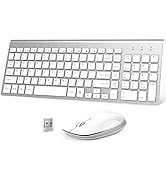

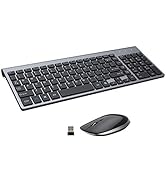

Keyboard and Mouse Combo
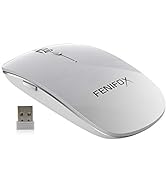
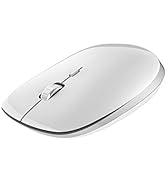
Wireless Mouse
Keyboard and Mouse

