




iPazzPort Mini Bluetooth Wireless Keyboard for TV Stick Streaming Player, 4K Media Stick.
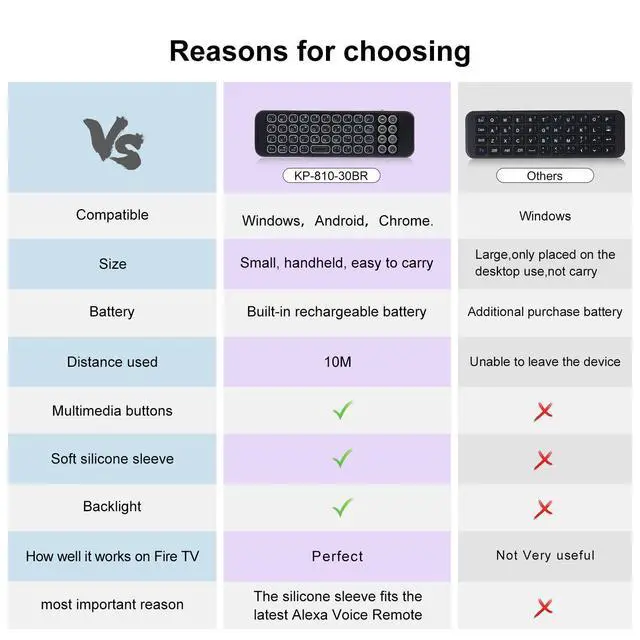
-iPazzPort mini keyboard work with devices via bluetooth connection, don’t need bluetooth dongle (Dongle do not provide), easy to connect.
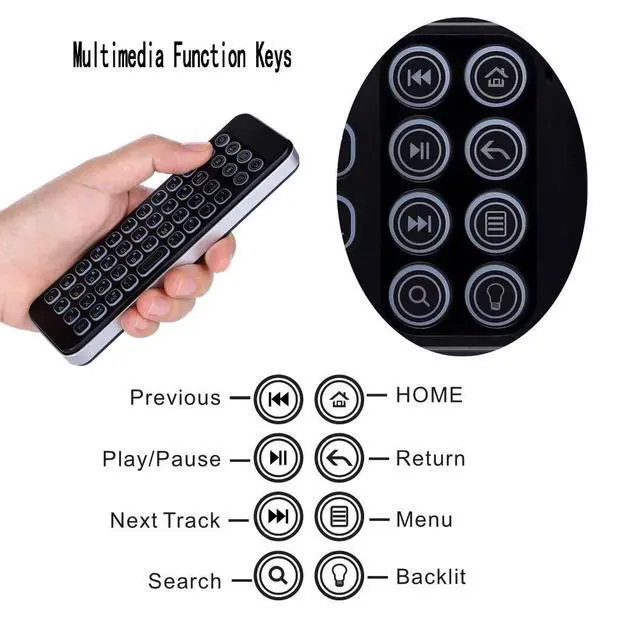
-Add multimedia buttons, home/return/pause/menu features, make the video navigation more easier.
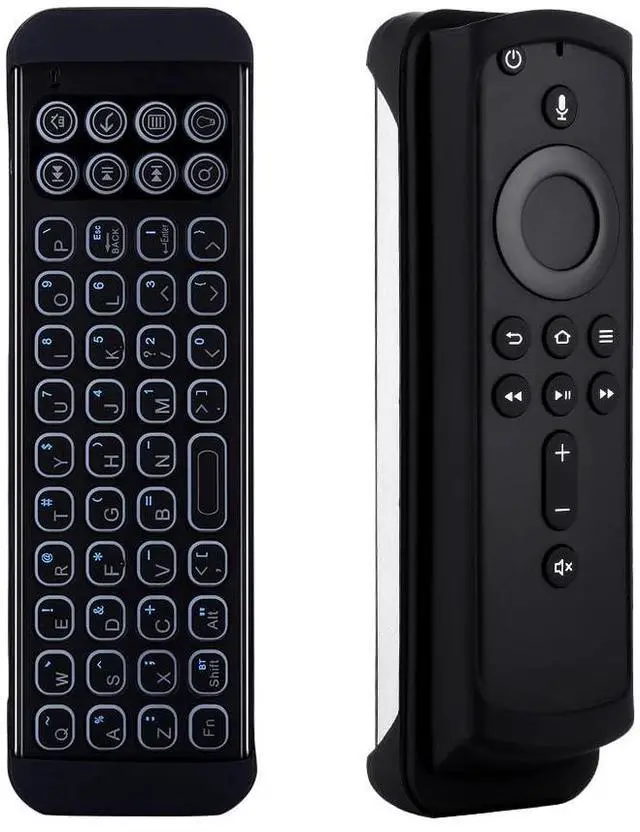
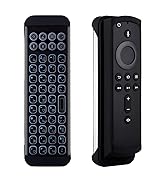
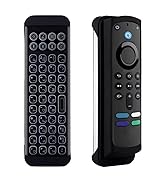
-iPazzPort keyboard with sleeve for voice remote(5.6in x 1.5in), hold voice remote together to avoid the lose.


iPazzPort Bluetooth keyboard is a perfect attachment for streaming devices, ideal for users who can access streaming applications faster and easier.
Features& Specification
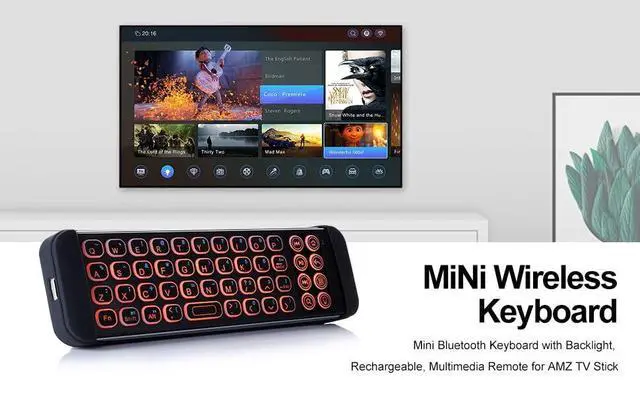
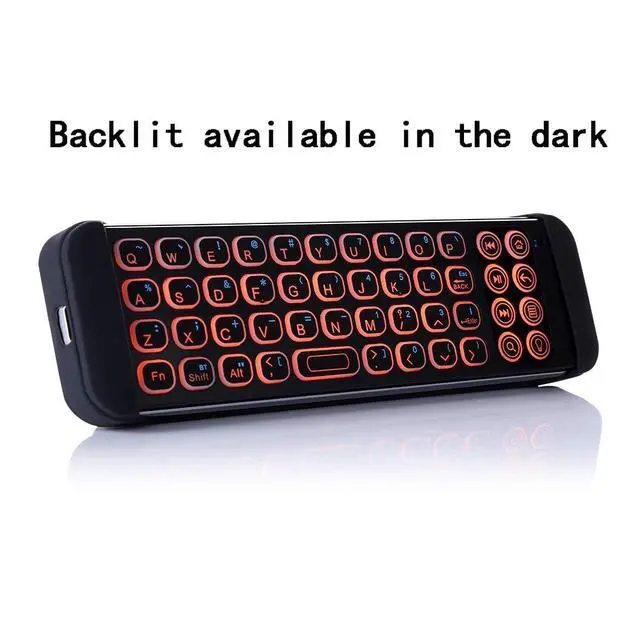
-QWERTY full keyboard with LED backlit full-function keys
- Multimedia buttons for home/return/pause/menu etc, make it fast to navigate the video app
- Suitable for TV Stick Streaming Player, bluetooth devices mobile phone, tablet, PC, laptop and other support input
- Support system: IOS, Android,Mac OS,Windows
- Rechargable Li-ion Battery that with longer standby time long working hours
- Bluetooth connection: Bluetooth 3.0,(compatible with Bluetooth 3.0/4.0 devices; not compatible with devices that only support Bluetooth 5.1+ )
- With QWERTY keyboard More practical than univeral remote
Bluetooth Pairing Guide
1. Long-press the pairing key for 3 seconds until the blue indicator flashes;
2. Turn on your device’s Bluetooth and search for 'iPazzPort Bluetooth';
3. Click the device name to confirm the connection.
Package includes
- iPazzPort Backlit Bluetooth Keyboard
- Silicon sleeve for voice remote
- Cable charging
- User Manual
Please note
-1.The iPazzPort product does NOT INCLUDE STICK TV REMOTE.
-2.Many app, such as Hulu and HBO Now, this keyboard can’t work due to system compatibility
-3.The Backspace key acts like a return key and takes to the previous page; The same issue with other keyboards.
-4.If there are obstacles such as a TV or wall between the keyboard and the device, the signal will low
-5.This keyboard is not compatible with Samsung TV
-6. Volume control: This keyboard only supports Bluetooth (not infrared). Since TV Stick's volume controls use infrared, volume adjustment is not available via this keyboard—please use the original TV Stick remote instead.
-7. Recommended Bluetooth connection limit: = 3 devices. If the keyboard fails to connect, please turn off 1-2 unused Bluetooth devices (e.g., headphones) to ensure normal pairing
-8. To prevent the battery from being too low, please charge it for 2 hours before use
-9. Avoid using the keyboard within 1 meter of 2.4G WiFi routers, microwaves, or wireless headphone transmitters; effective connection distance: 10 meters (no walls/metal obstacles)

iPazzPort
Professional Mini Keyboard Manufacturer

- ipazzPort is a high-tech enterprise founded in 1996, The company has professional production technology.
- Adheres to customer-oriented, product quality as the foundation, and is committed to creating better mini keyboards.
- We hope to provide you with high-quality products, high-quality service, no matter what time, we are in.
- Every day, the world changes but the ipazzPort business philosophy will never change.
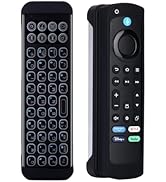
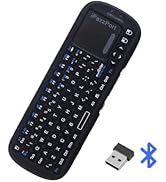
Mini bt keyboard for firestick
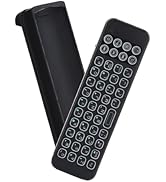
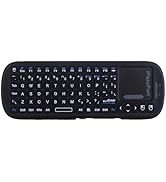
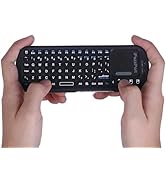
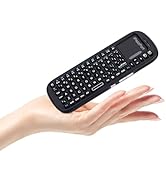
Handheld keypad for Android TV
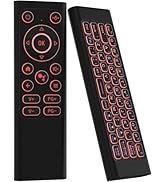
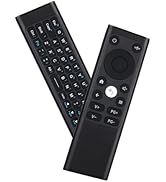
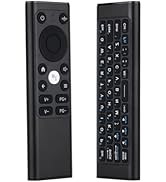
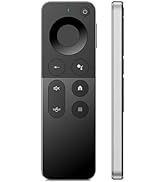
Air mouse remote with keyboard
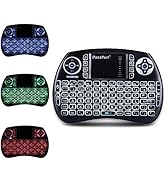
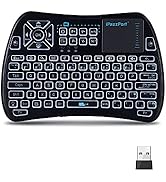
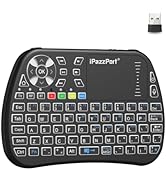
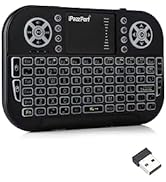
Mini keyboard and touchpad
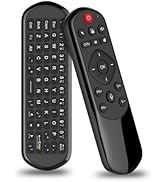
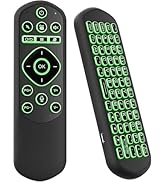
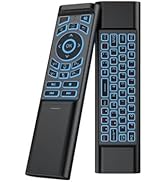
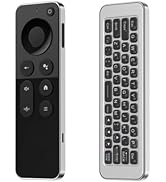
Air mouse keyboard bluetooth
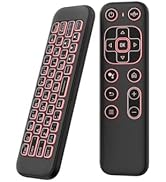
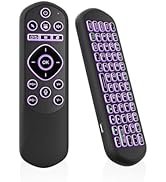
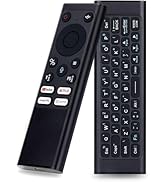
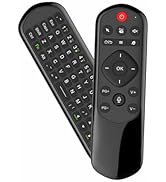
Air mouse remote keyboard
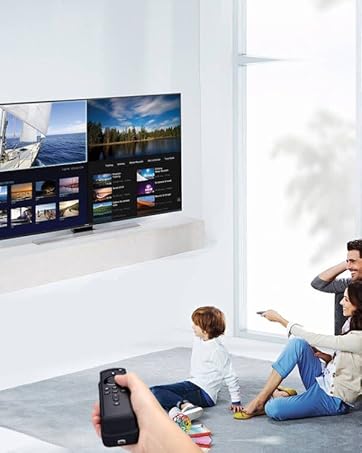
Smarter way to watch
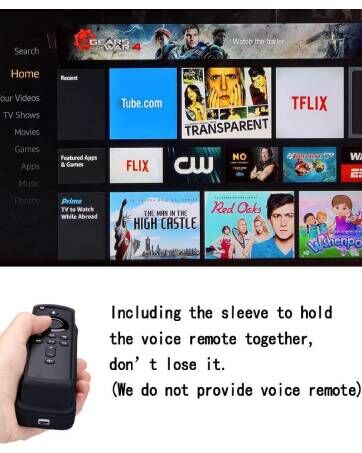
Add voice remote
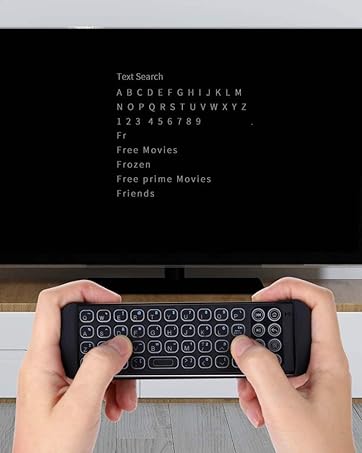
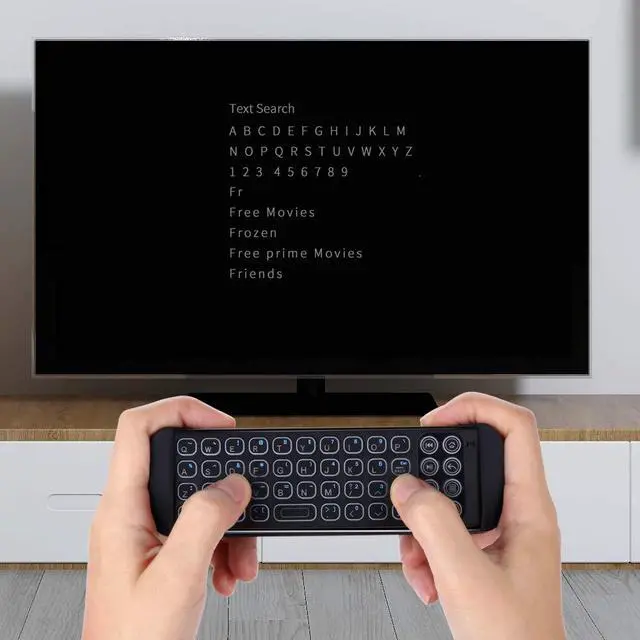
Typing as a keyboard
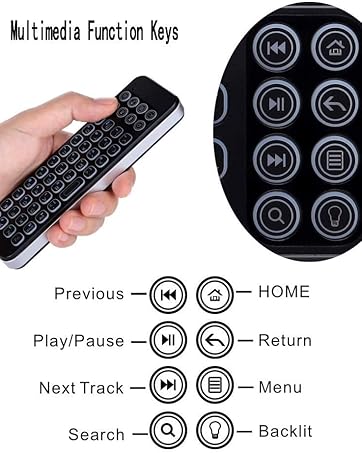
Multimedia key for easy search
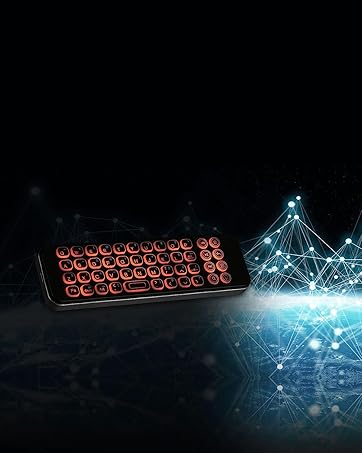
Backlit available in the dark
iPazzPort Mini Bluetooth Wireless Keyboard for TV Stick Streaming Player, 4K Media Stick.
-iPazzPort mini keyboard work with devices via bluetooth connection, don’t need bluetooth dongle (Dongle do not provide), easy to connect.
-Add multimedia buttons, home/return/pause/menu features, make the video navigation more easier.
-iPazzPort keyboard with sleeve for voice remote(5.6in x 1.5in), hold voice remote together to avoid the lose.
iPazzPort Bluetooth keyboard is a perfect attachment for streaming devices, ideal for users who can access streaming applications faster and easier.
Features& Specification
-QWERTY full keyboard with LED backlit full-function keys
- Multimedia buttons for home/return/pause/menu etc, make it fast to navigate the video app
- Suitable for TV Stick Streaming Player, bluetooth devices mobile phone, tablet, PC, laptop and other support input
- Support system: IOS, Android,Mac OS,Windows
- Rechargable Li-ion Battery that with longer standby time long working hours
- Bluetooth connection: Bluetooth 3.0,(compatible with Bluetooth 3.0/4.0 devices; not compatible with devices that only support Bluetooth 5.1+ )
- With QWERTY keyboard More practical than univeral remote
Bluetooth Pairing Guide
1. Long-press the pairing key for 3 seconds until the blue indicator flashes;
2. Turn on your device’s Bluetooth and search for 'iPazzPort Bluetooth';
3. Click the device name to confirm the connection.
Package includes
- iPazzPort Backlit Bluetooth Keyboard
- Silicon sleeve for voice remote
- Cable charging
- User Manual
Please note
-1.The iPazzPort product does NOT INCLUDE STICK TV REMOTE.
-2.Many app, such as Hulu and HBO Now, this keyboard can’t work due to system compatibility
-3.The Backspace key acts like a return key and takes to the previous page; The same issue with other keyboards.
-4.If there are obstacles such as a TV or wall between the keyboard and the device, the signal will low
-5.This keyboard is not compatible with Samsung TV
-6. Volume control: This keyboard only supports Bluetooth (not infrared). Since TV Stick's volume controls use infrared, volume adjustment is not available via this keyboard—please use the original TV Stick remote instead.
-7. Recommended Bluetooth connection limit: = 3 devices. If the keyboard fails to connect, please turn off 1-2 unused Bluetooth devices (e.g., headphones) to ensure normal pairing
-8. To prevent the battery from being too low, please charge it for 2 hours before use
-9. Avoid using the keyboard within 1 meter of 2.4G WiFi routers, microwaves, or wireless headphone transmitters; effective connection distance: 10 meters (no walls/metal obstacles)
iPazzPort
Professional Mini Keyboard Manufacturer
- ipazzPort is a high-tech enterprise founded in 1996, The company has professional production technology.
- Adheres to customer-oriented, product quality as the foundation, and is committed to creating better mini keyboards.
- We hope to provide you with high-quality products, high-quality service, no matter what time, we are in.
- Every day, the world changes but the ipazzPort business philosophy will never change.
Mini bt keyboard for firestick
Handheld keypad for Android TV
Air mouse remote with keyboard
Mini keyboard and touchpad
Air mouse keyboard bluetooth
Air mouse remote keyboard
Smarter way to watch
Add voice remote
Typing as a keyboard
Multimedia key for easy search
Backlit available in the dark