




IF Design Award Winner-Good rated from our brands

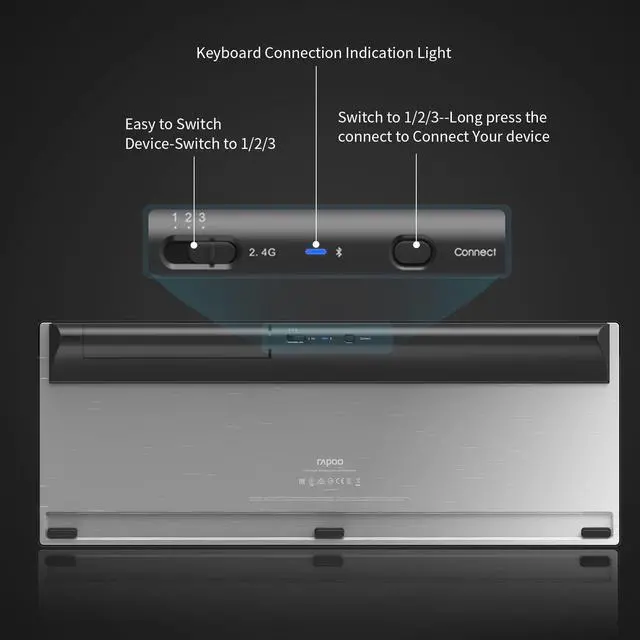
Keyboard Connection:
2.4G USB RECEIVER Connection:
1.Install the batteries
2.Plug the RAPOO USB receiver
3.Switch to 2.4G
Bluetooth Connection:
1.Choose channel 1/2/3
2.Long press connect button, light slow flash, keyboard gets into paring mode for 60s
3.Light stopped flashing, device connect succeed

Laser Engine Competible for Various Surface
Mouse Connection
2.4G USB RECEIVER Connection:
1.Plug the RAPOO USB receiver
2.Turn on the mouse
3.Press the device switch key, key light flashes
Bluetooth Connection:
1.Turn on the mouse
2.Short press device switch key to choose the device channel 1/2/3
3.Long presss the device switch button into paring mode, light flashing
4.Light stopped flashing, device connect succeed
Light 1/2/3 lights on when Bluetooth device A/B/C connects


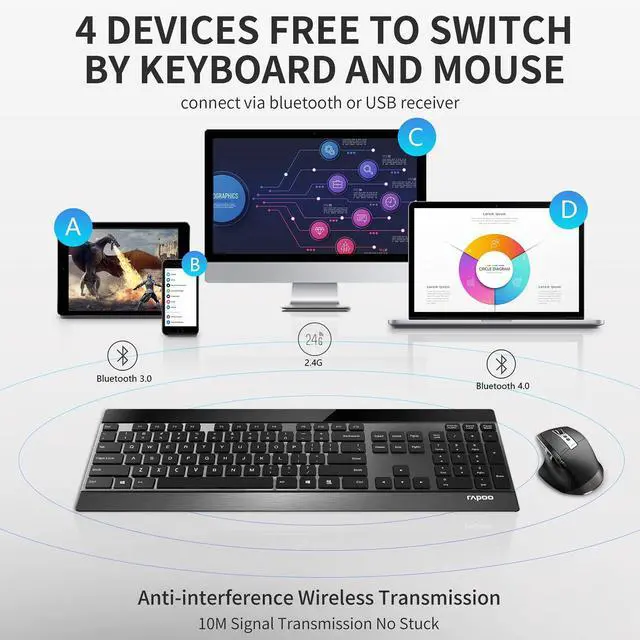
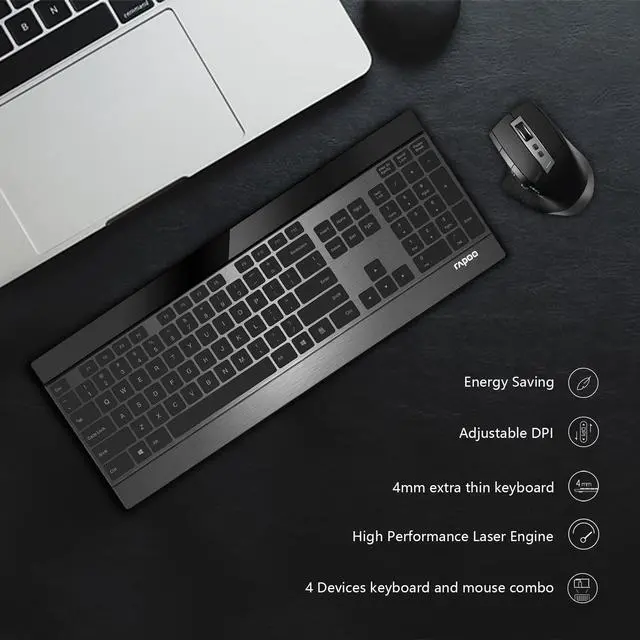
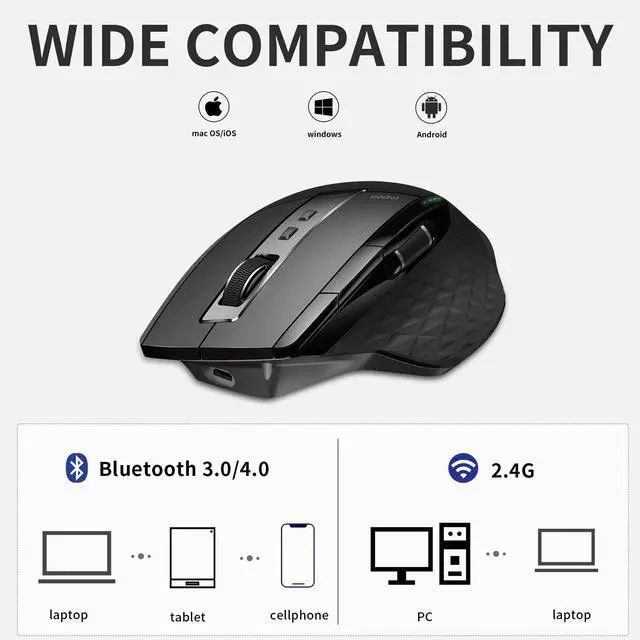
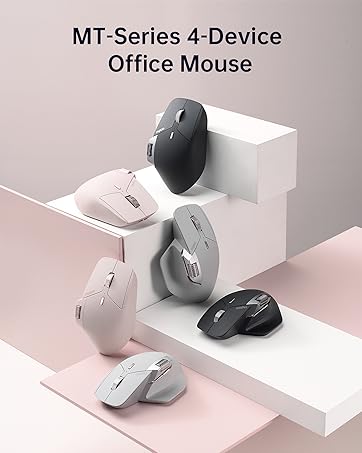
4 DEVICES free to switch
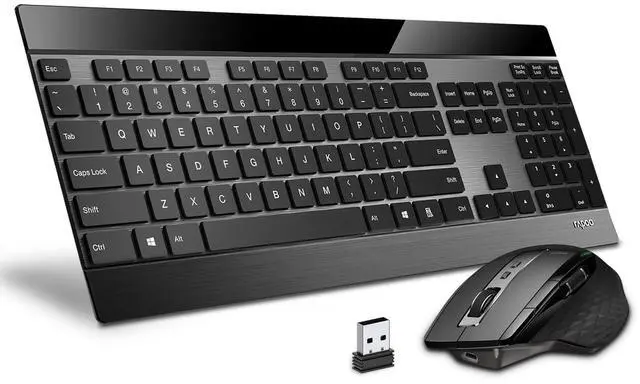
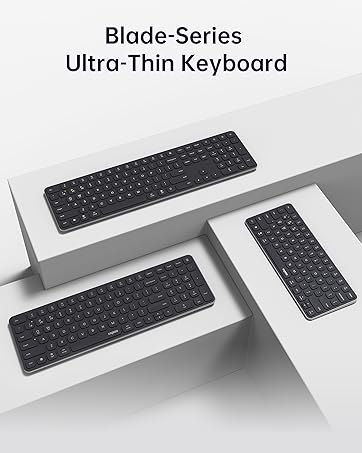
- Keyboard and mouse combo
- stable wireless connection
- Bluetooth 3.0/4.0
- 2.4G USB receiver
- Computer PC Pad Andriod

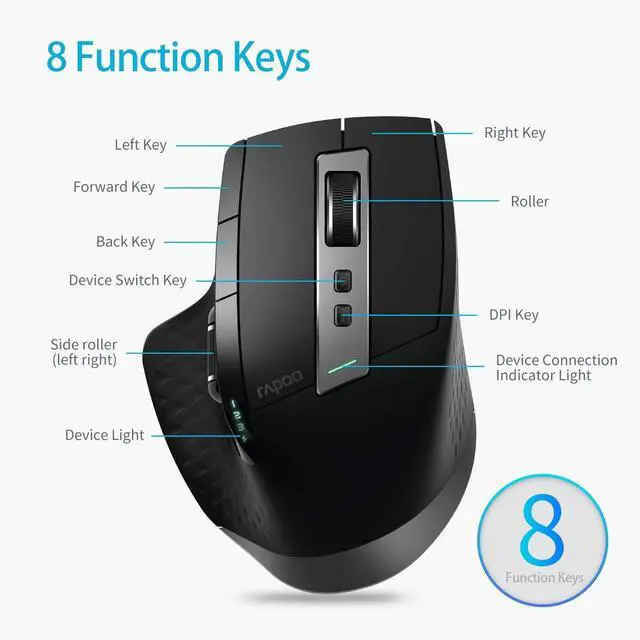
8 Buttons, 4 DPIs, 3 Indication Lights
- 600/1200/1600/3200 DPI free to switch
- Convinient to use on various surfaces
- No mouse pad needed
- Indication lights

Energy Saving
- 2 AA batteries for keyboard
- Charging battery for mouse
- 12 months battery life for keyboard



Founded in 2002, RAPOO has been engaged in computer peripherals development and manufacturing for over 20 years.
RAPOO keyboards share rank is No.1 and mice share rank is No.2 in China market (ZDC Report, 2022-2023). Our products are chosen and trusted by more than 100 million customers from 50+ countries and regions.
RAPOO focused on preserving the natural world, and building a sustainable business for our customers and the planet.



IF Design Award Winner-Good rated from our brands
Keyboard Connection:
2.4G USB RECEIVER Connection:
1.Install the batteries
2.Plug the RAPOO USB receiver
3.Switch to 2.4G
Bluetooth Connection:
1.Choose channel 1/2/3
2.Long press connect button, light slow flash, keyboard gets into paring mode for 60s
3.Light stopped flashing, device connect succeed
Laser Engine Competible for Various Surface
Mouse Connection
2.4G USB RECEIVER Connection:
1.Plug the RAPOO USB receiver
2.Turn on the mouse
3.Press the device switch key, key light flashes
Bluetooth Connection:
1.Turn on the mouse
2.Short press device switch key to choose the device channel 1/2/3
3.Long presss the device switch button into paring mode, light flashing
4.Light stopped flashing, device connect succeed
Light 1/2/3 lights on when Bluetooth device A/B/C connects
4 DEVICES free to switch
- Keyboard and mouse combo
- stable wireless connection
- Bluetooth 3.0/4.0
- 2.4G USB receiver
- Computer PC Pad Andriod
8 Buttons, 4 DPIs, 3 Indication Lights
- 600/1200/1600/3200 DPI free to switch
- Convinient to use on various surfaces
- No mouse pad needed
- Indication lights
Energy Saving
- 2 AA batteries for keyboard
- Charging battery for mouse
- 12 months battery life for keyboard
Founded in 2002, RAPOO has been engaged in computer peripherals development and manufacturing for over 20 years.
RAPOO keyboards share rank is No.1 and mice share rank is No.2 in China market (ZDC Report, 2022-2023). Our products are chosen and trusted by more than 100 million customers from 50+ countries and regions.
RAPOO focused on preserving the natural world, and building a sustainable business for our customers and the planet.