
Your Browsing History




Any questions? Our AI beta will help you find out quickly.
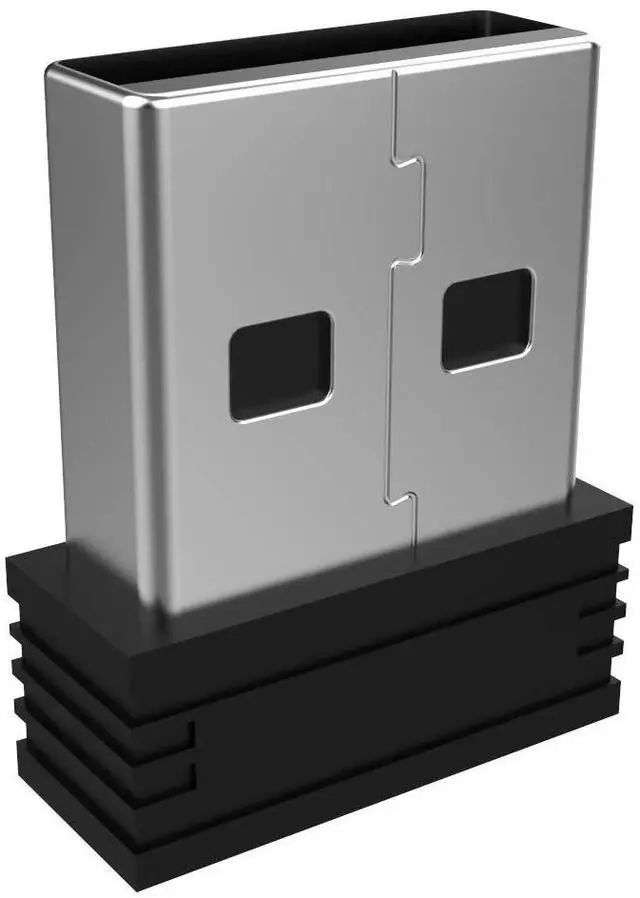
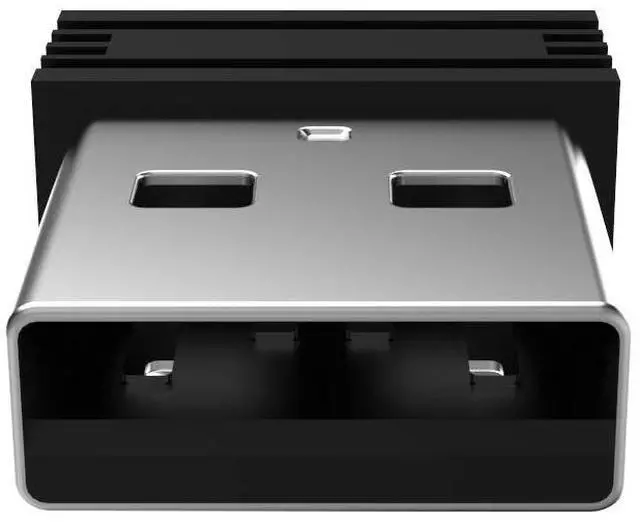
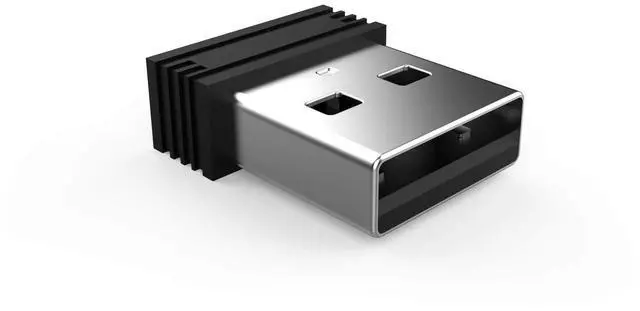
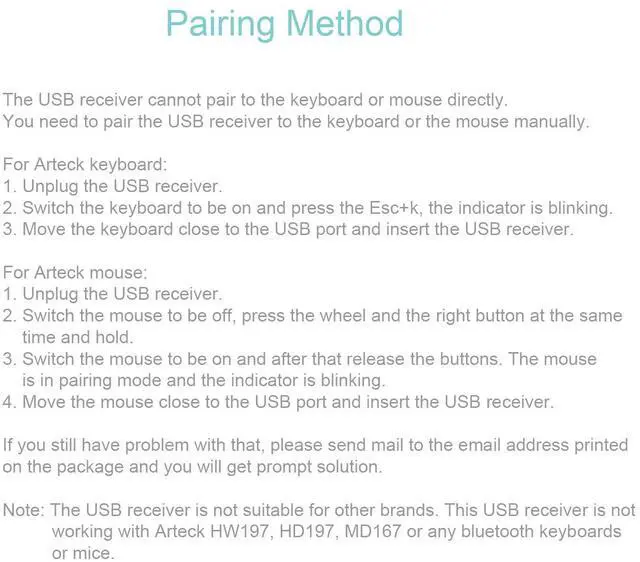
The new USB receiver will not connect to the keyboard automatically. You need to pair the new USB receiver to your keyboard manually. Pairing Process:
(1) Keyboard: Switch the keyboard to be on and press Esc+k, the indicator of the keyboard is blinking. Move the Keyboard close to the USB port and insert the USB receiver to the USB port.
(2) Mouse: Switch the mouse to be off, press and hold the right button and the wheel, turn on the mouse wait 2 seconds to release the holding, the indicator of the mouse is blinking. Move the mouse close to the USB port and insert the USB receiver to the USB port.
Compatible: The USB receiver is not suitable for other brands keyboard or mouse. It can not used for Arteck HD315, GW28-3, HD323, K730, HW197, HD197, MD167, MD172 or Bluetooth keyboard or mouse.