


















What to do if unable to connect / connection is intermittent?
1. Try replacing the batteries and confirm whether the keyboard/mouse can be turned on and whether the battery level is sufficient.
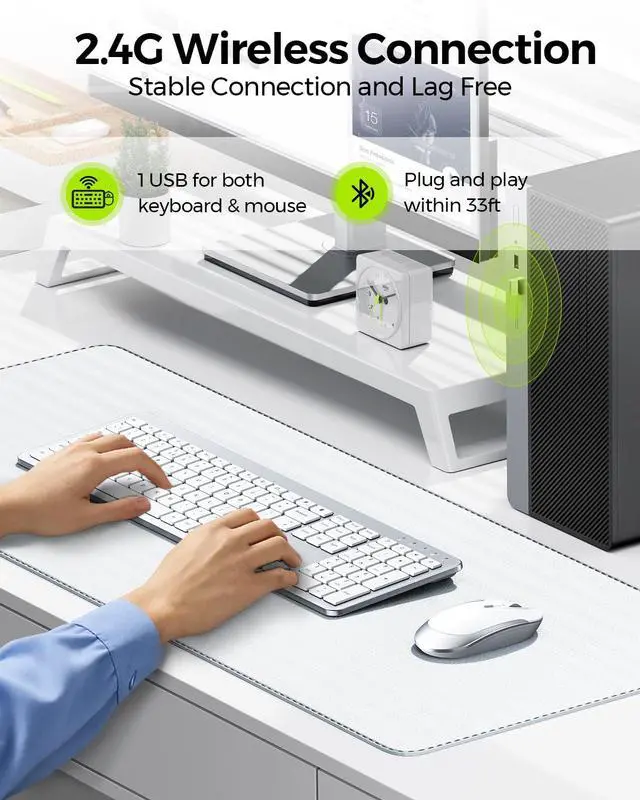
2. Insert the USB receiver into your device (try a different one if necessary).
3. It can be used properly
What to do if some keys not working/key input delay/automatic key input?
1. Please replace the batteries and then try to re-pair.
2. If only one or a few specific keys are problematic, press the non-working key firmly for 5-7 seconds to see if it starts working normally.
How do I confirm that the keyboard is at low battery?
The power indicator on the keyboard will flash when the power is too low, until it is turned off. And problems such as response delaying, keys sticking may occur when in low battery.
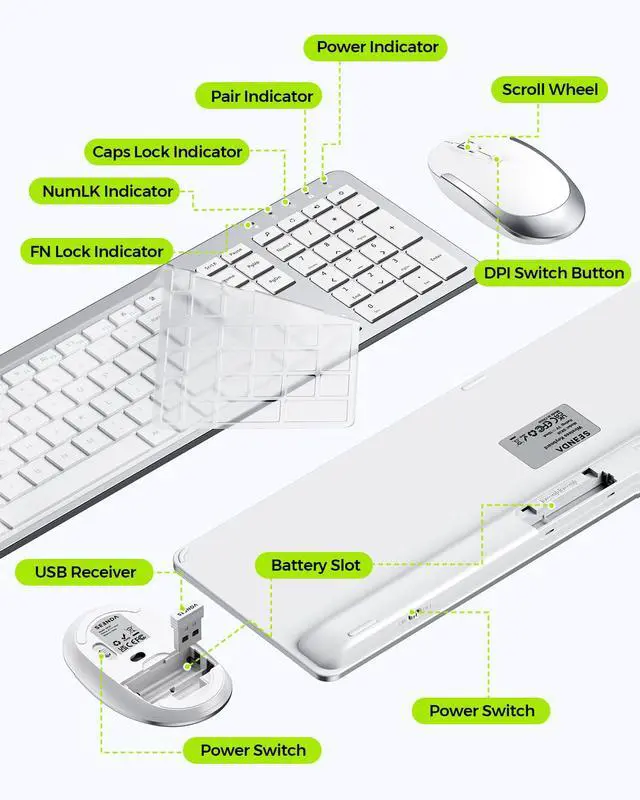
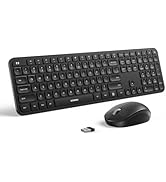
Where is the USB receiver?
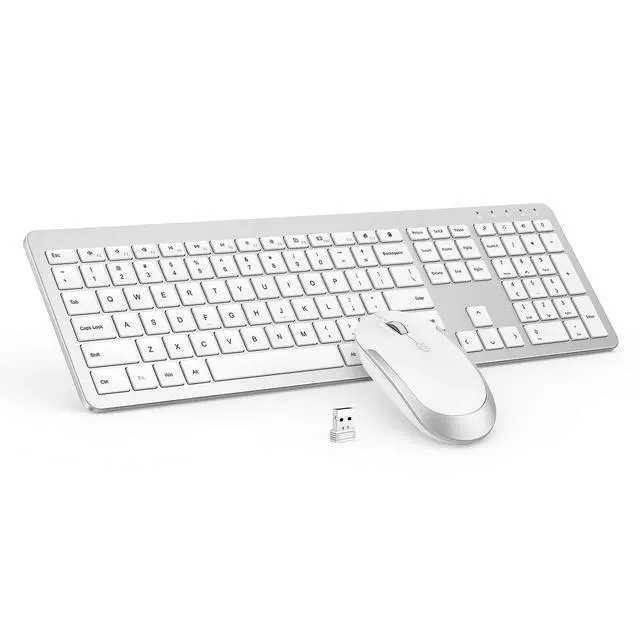
It is inserted on the back of the mouse
What devices is this keyboard and mouse set compatible with?
This set is primarily designed for Windows systems and is not fully compatible with Mac systems.
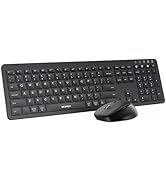
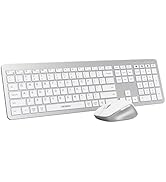
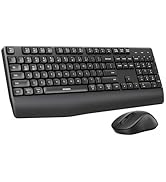
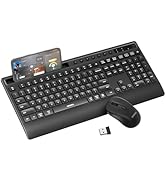
seenda Keyboard and Mouse
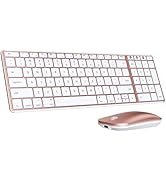
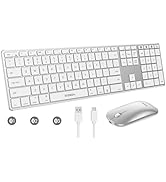
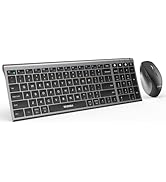
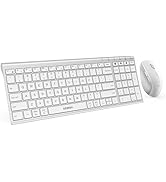
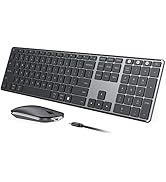
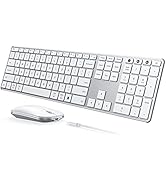
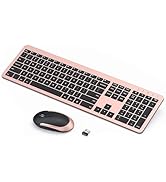
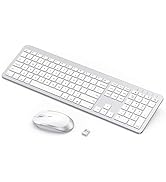
 Wireless Keyboard Mouse |  Keyboard Mouse Combo |  Bluetooth Keyboard Mouse |  Bluetooth Keyboard Mouse |  Keyboard Mouse Combo | |
|---|---|---|---|---|---|
Customer Reviews | — | — | — | — | — |
Price | — | — | — | — | — |
Special Features | Ultra Slim, Full Size | Ultra Slim, Full Size | Ultra Slim, Full Size | Ultra Slim, Full Size | Ultra Slim, Full Size |
Connection | 2.4G USB | 2.4G USB | 2.4G USB+Bluetooth | 2.4G USB+Bluetooth | 2.4G USB |
Battery | Rechargeable | Rechargeable | Battery required | Battery required | Battery required |
Keyboard Layout | Windows Layout | Windows Layout | Windows & Apple Layout | Windows & Apple Layout | Windows Layout |
Compatibility | Windows, USB-enabled Devices | Windows, USB-enabled Devices | Windows/Mac OS/iOS/Android | Windows/Mac OS/iOS/Android | Windows, USB-enabled Devices |


What to do if unable to connect / connection is intermittent?
1. Try replacing the batteries and confirm whether the keyboard/mouse can be turned on and whether the battery level is sufficient.
2. Insert the USB receiver into your device (try a different one if necessary).
3. It can be used properly
What to do if some keys not working/key input delay/automatic key input?
1. Please replace the batteries and then try to re-pair.
2. If only one or a few specific keys are problematic, press the non-working key firmly for 5-7 seconds to see if it starts working normally.
How do I confirm that the keyboard is at low battery?
The power indicator on the keyboard will flash when the power is too low, until it is turned off. And problems such as response delaying, keys sticking may occur when in low battery.
Where is the USB receiver?
It is inserted on the back of the mouse
What devices is this keyboard and mouse set compatible with?
This set is primarily designed for Windows systems and is not fully compatible with Mac systems.
seenda Keyboard and Mouse
Wireless Keyboard Mouse | Keyboard Mouse Combo | Bluetooth Keyboard Mouse | Bluetooth Keyboard Mouse | Keyboard Mouse Combo |
|---|---|---|---|---|
| Customer Reviews | ||||
| — | — | — | — | — |
| Price | ||||
| — | — | — | — | — |
| Special Features | ||||
| Ultra Slim, Full Size | Ultra Slim, Full Size | Ultra Slim, Full Size | Ultra Slim, Full Size | Ultra Slim, Full Size |
| Connection | ||||
| 2.4G USB | 2.4G USB | 2.4G USB+Bluetooth | 2.4G USB+Bluetooth | 2.4G USB |
| Battery | ||||
| Rechargeable | Rechargeable | Battery required | Battery required | Battery required |
| Keyboard Layout | ||||
| Windows Layout | Windows Layout | Windows & Apple Layout | Windows & Apple Layout | Windows Layout |
| Compatibility | ||||
| Windows, USB-enabled Devices | Windows, USB-enabled Devices | Windows/Mac OS/iOS/Android | Windows/Mac OS/iOS/Android | Windows, USB-enabled Devices |
Mac Bluetooth Keyboard Mice
USB + Dual Bluetooth Combos
Full-Size Sleek Keyboard Mice
Multi-Device Ergo Combos
USB + Bluetooth Mice
