







MEETION is a play on the concept of "meeting". All the products we develop revolve around this theme.
In terms of investment in the scientific research of new products, we never hold back. We have dedicated quality control for every single product, every detail in the production process is precise and controlled. Our product and intellectual property rights are top priorities.

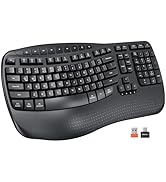
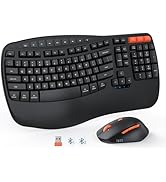
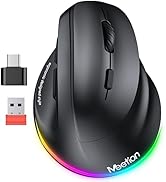
Ergonomic Hot Series
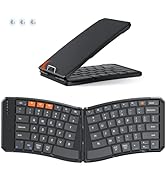
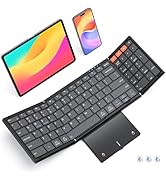
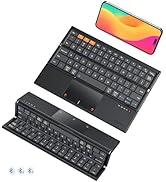
Foldbale Hot Series
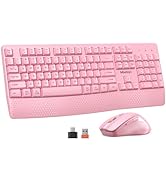
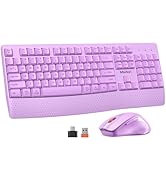
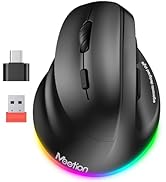
Wireless Hot Series
9770 keyboard and mouse
Merchant Video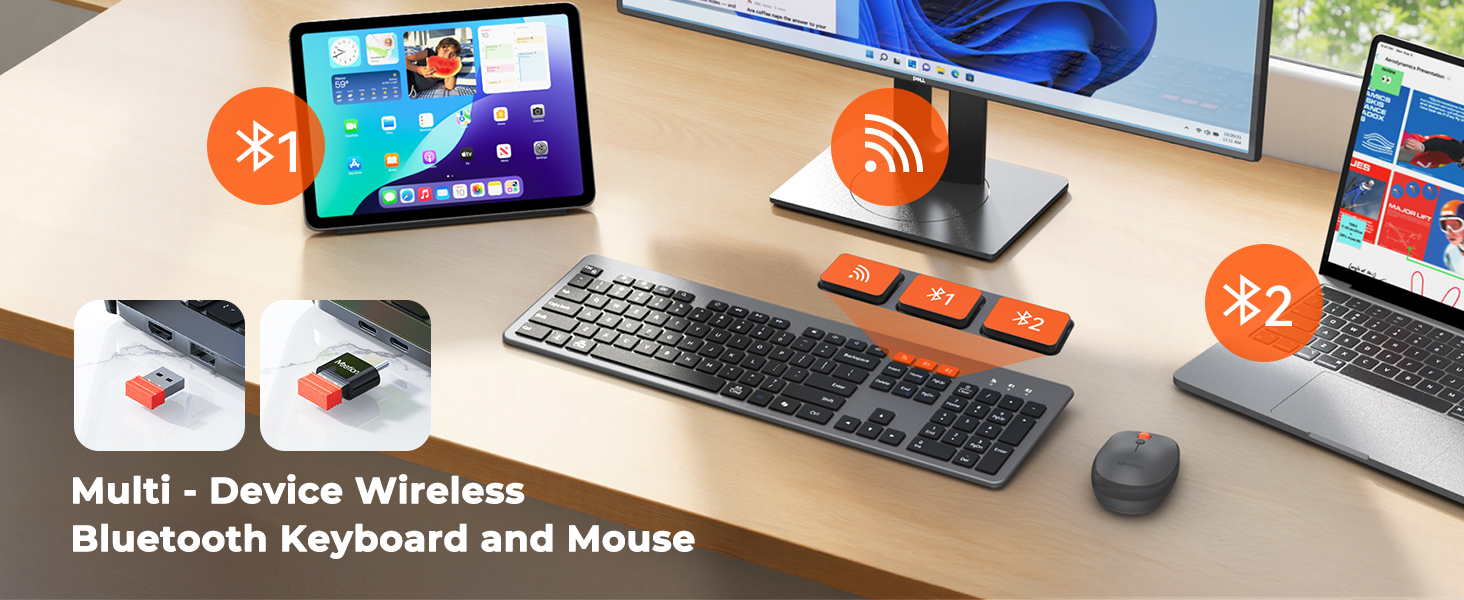
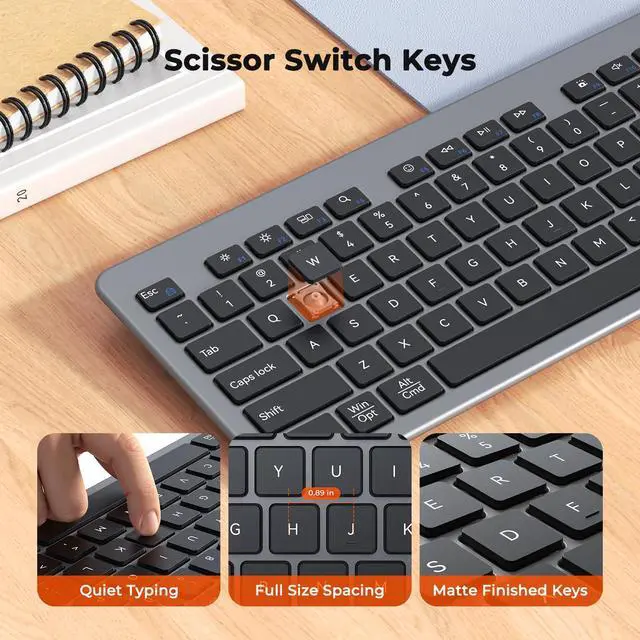
COMFORTABLE SCISSOR SWITCH
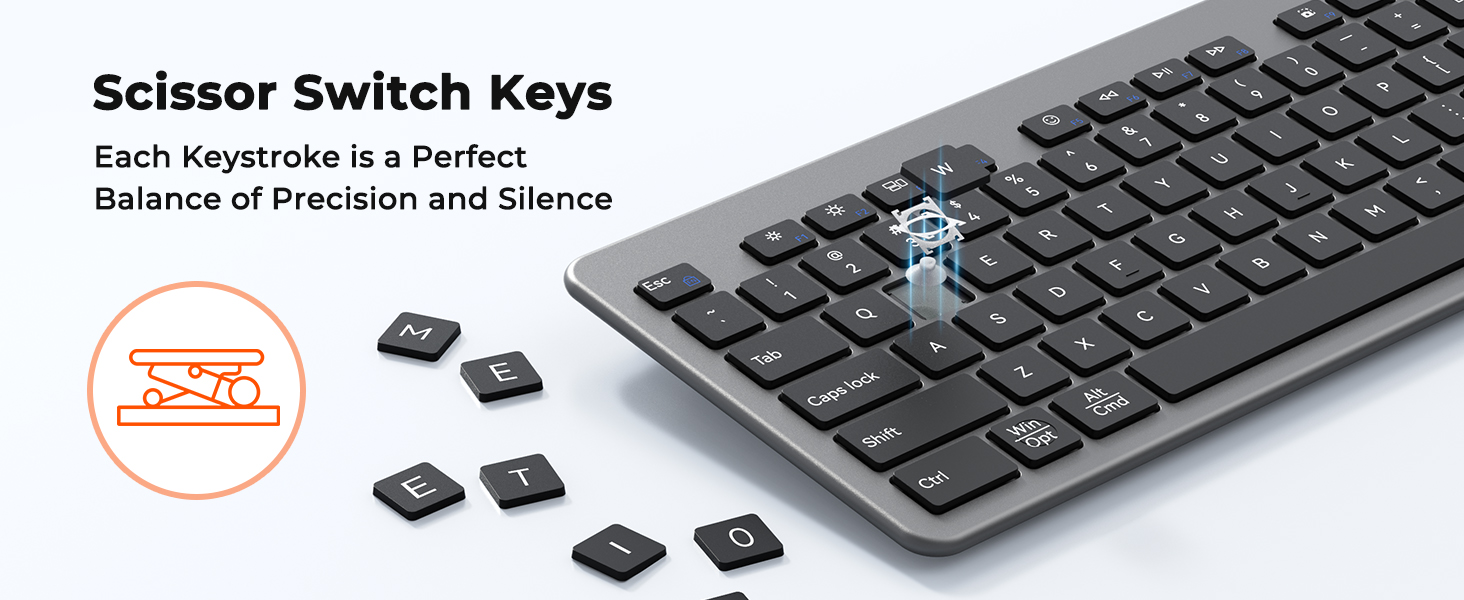
ULTRA-THIN SILENT KEYBOARD AND MOUSE
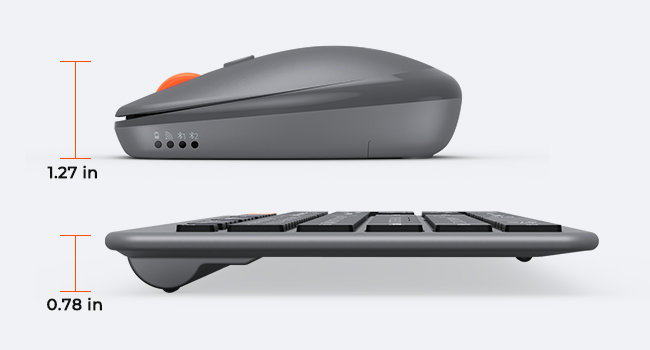
ULTRA-SLIM DESIGN
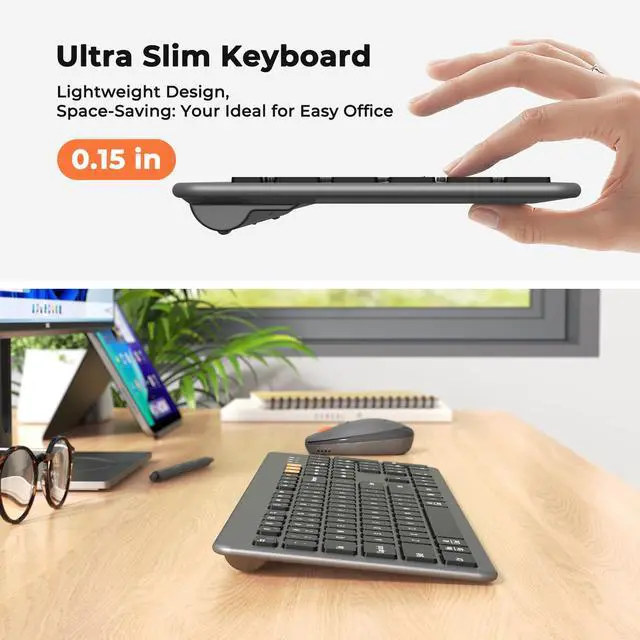
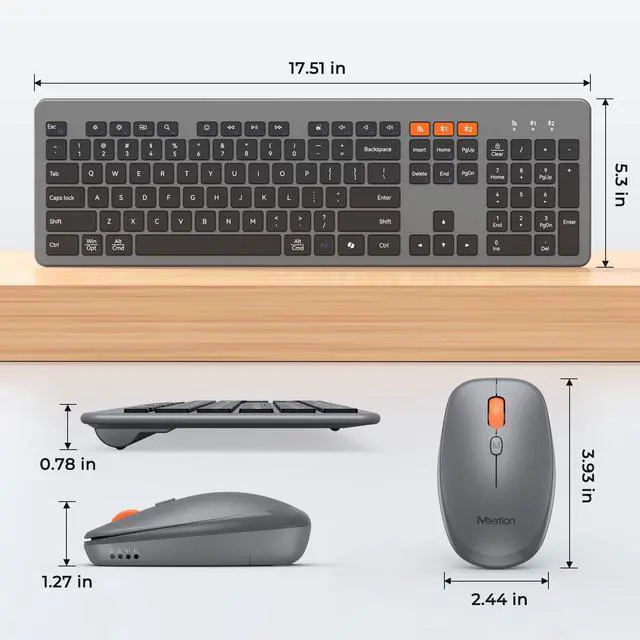
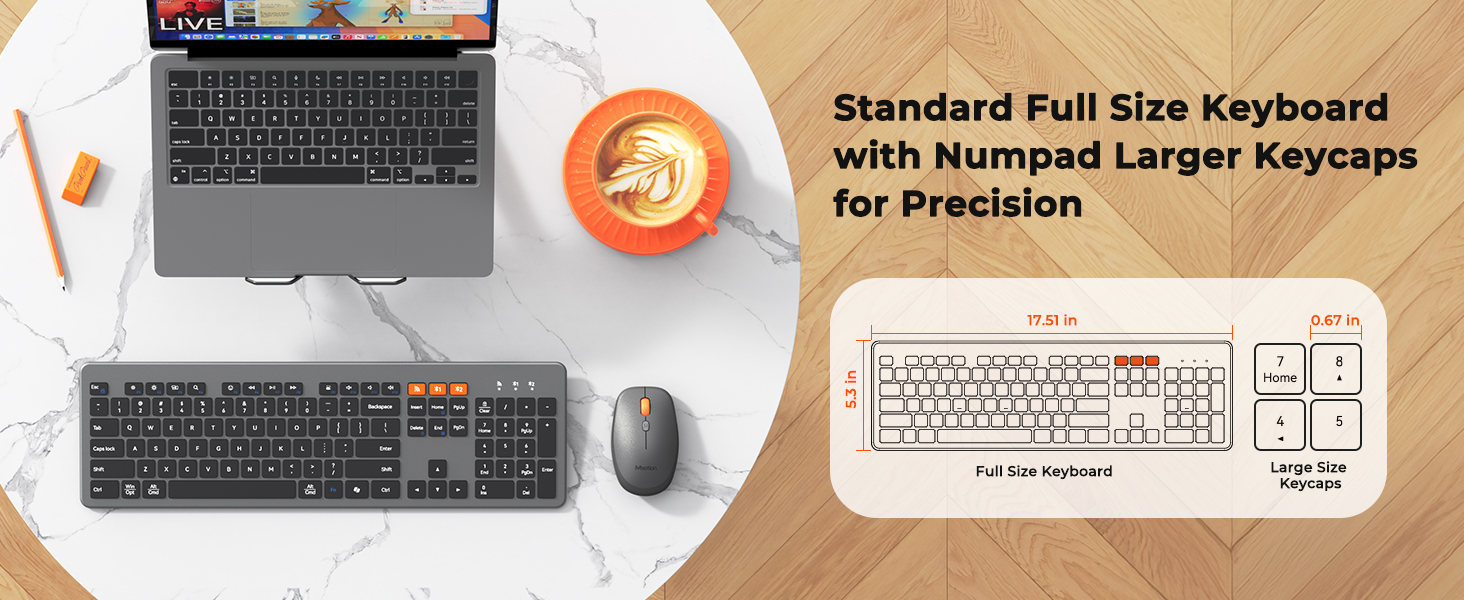
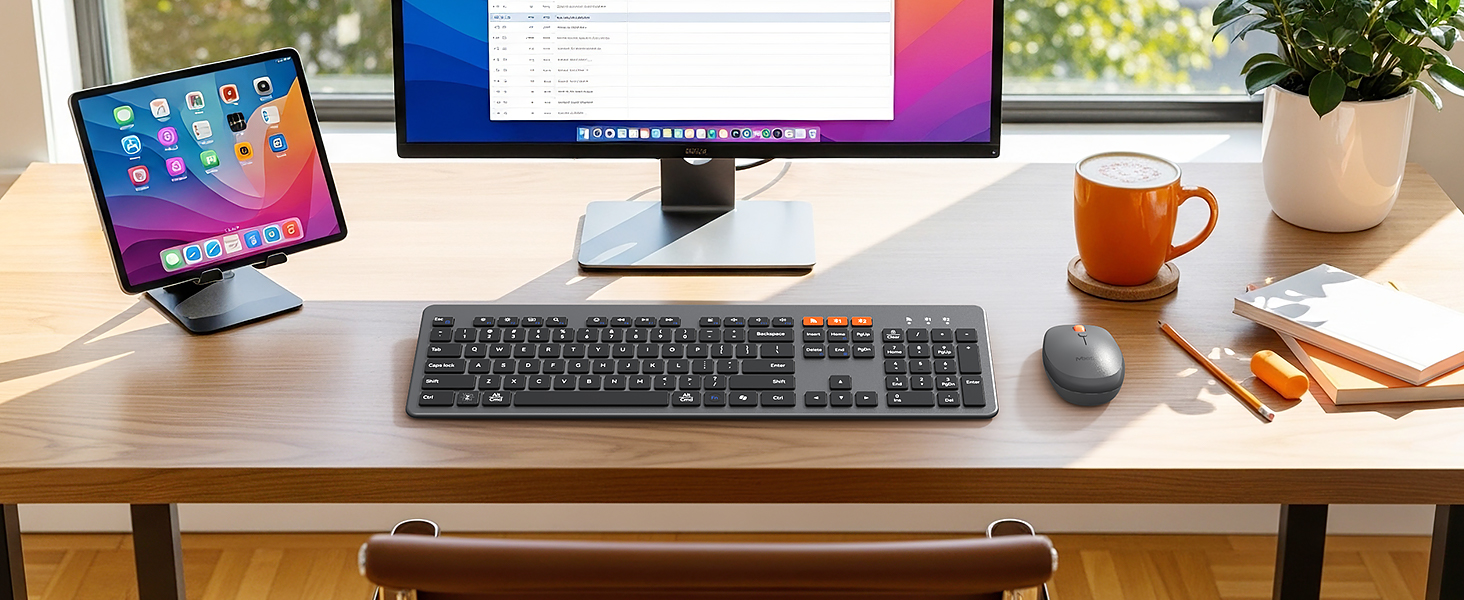
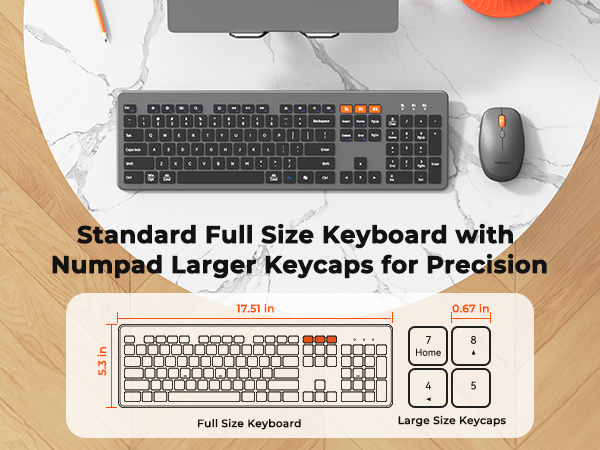
The 0.19-inch keyboard and 1.27-inch mouse balance portability and professionalism. The classic black keycaps with dark gray matte finish exude understated elegance. Its minimalist design elevates any workspace, from desks to conference rooms.
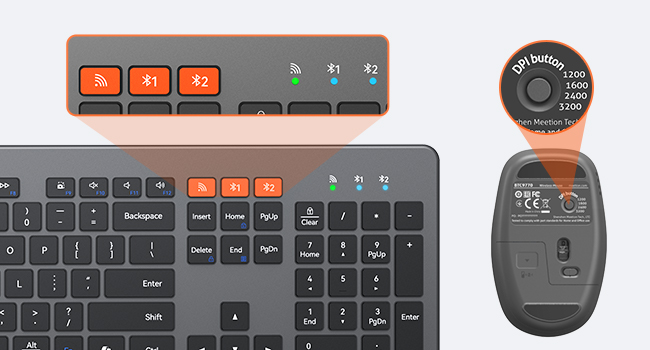
TRIPLE MODES SUPPORT
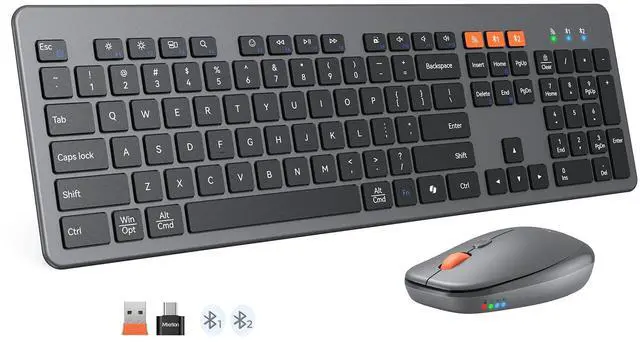
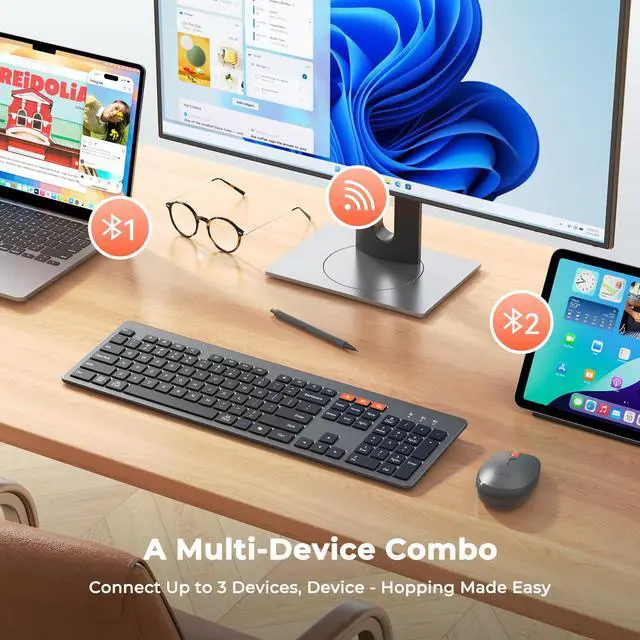
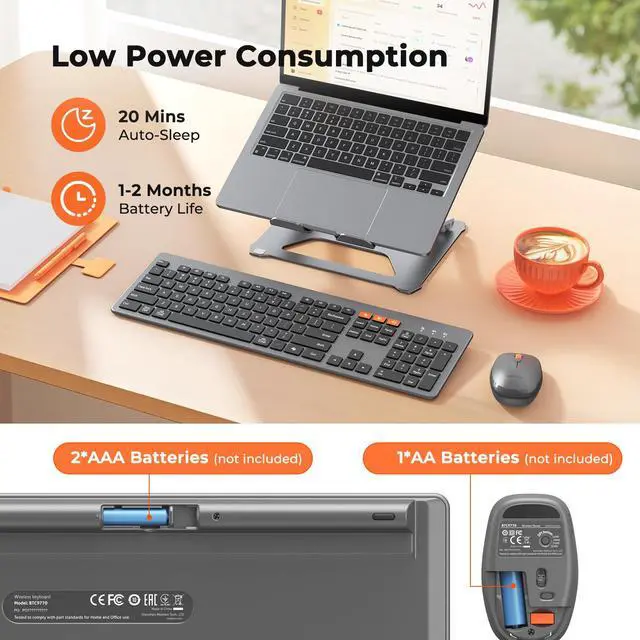
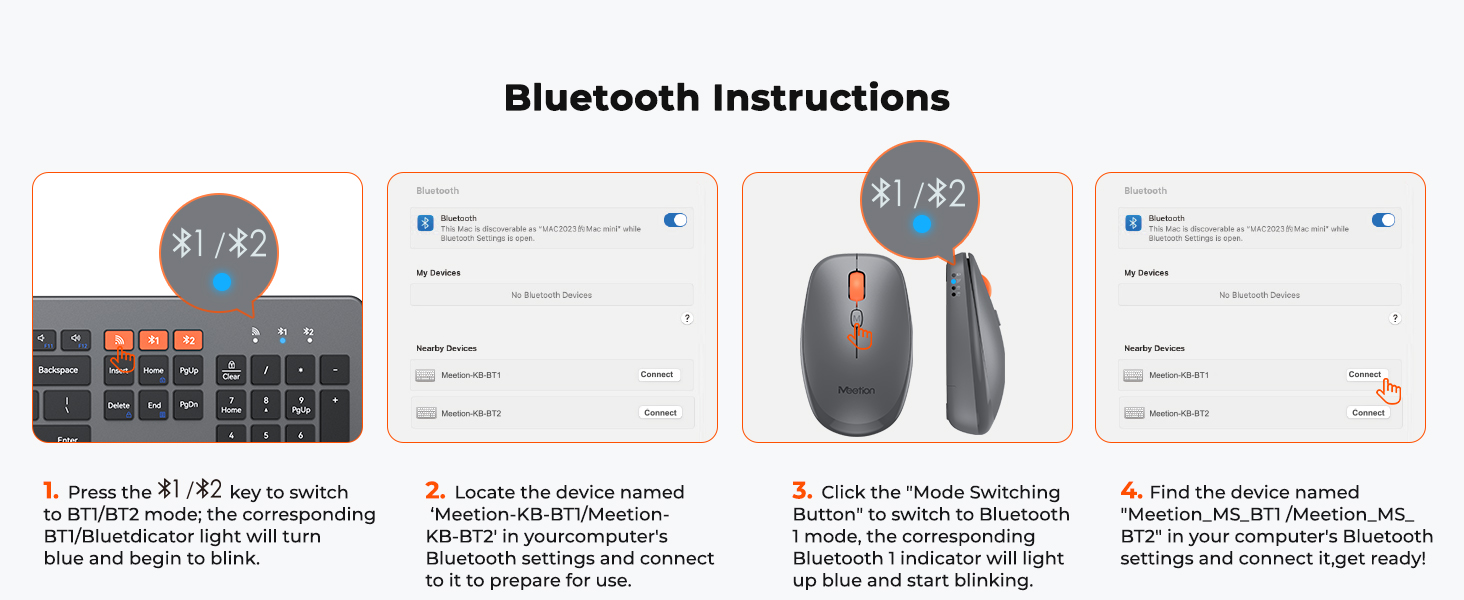
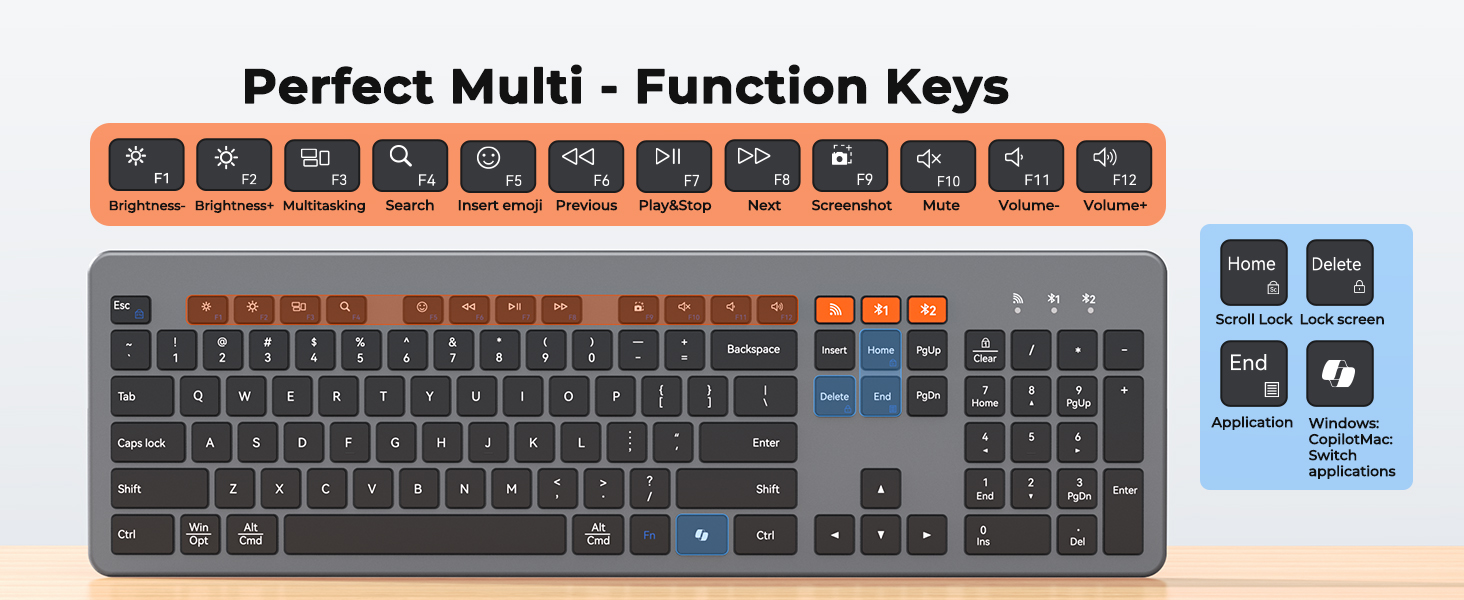
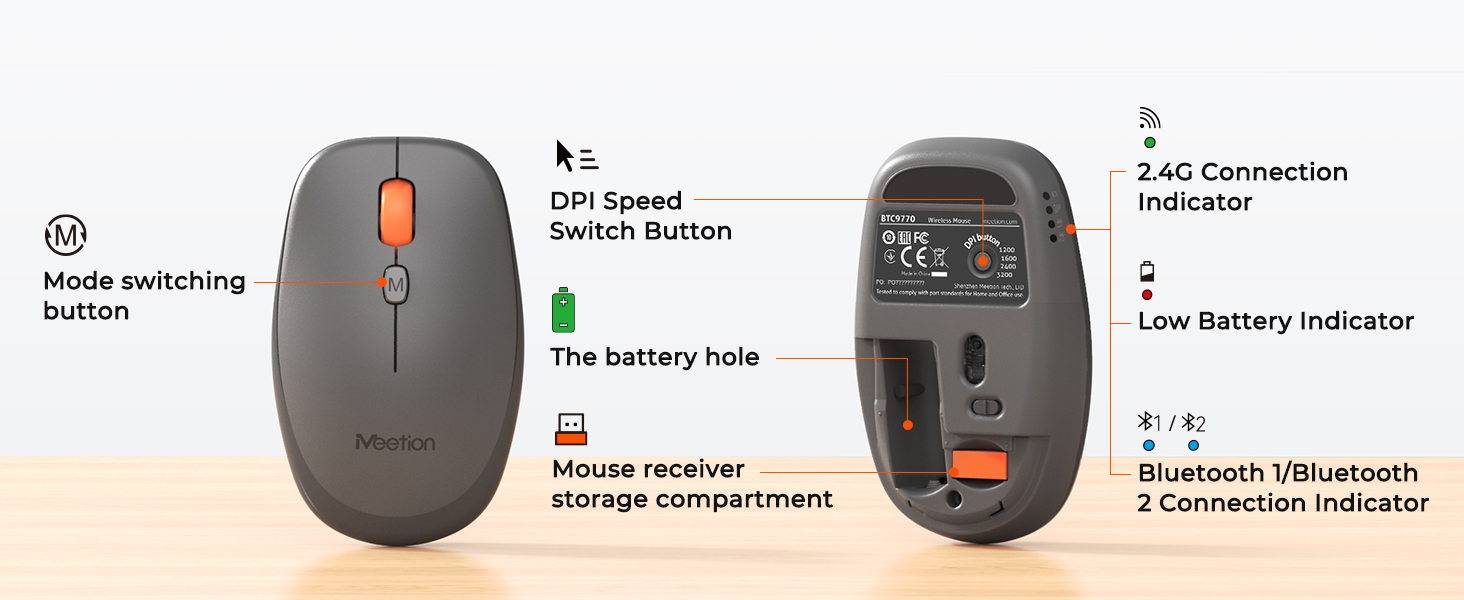
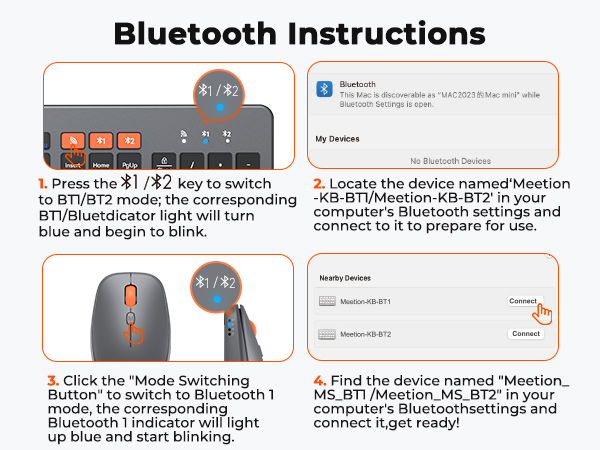
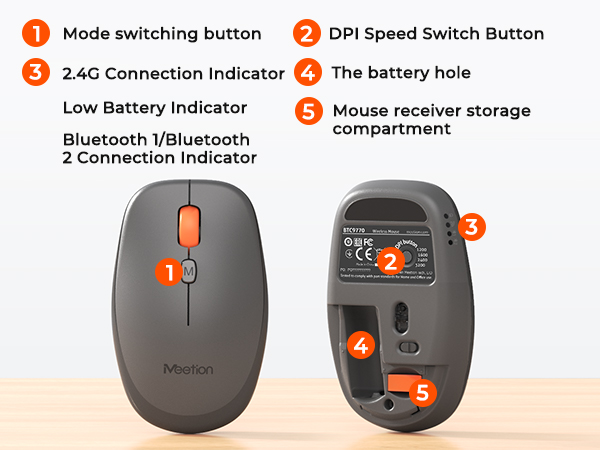
Keyboard and mouse support 2.4G receiver/BT1/BT2 three-channel, up to 3 devices at the same time, a key to switch between different terminals, say goodbye to the trouble of repeated plugging and unplugging.The mouse offers 4-level DPI (1200/1600/2400/3200) adjustable via bottom buttons.
1. There's a problem with my keyboard that I can't solve, what should I do? 2. Do keyboard/mouse have sleep function?
1. Please check the manual and find MEETION support team immediately, we support all products and customers.
2. Yes, both the keyboard and mouse are equipped with an automatic sleep mode for power saving, and press any key to activate them.
How to deal with disconnection issues, keys repeating or typing delay?
1. Replace batteries promptly.
2. Restart device, unplug/reinsert receiver; try different USB-A/Type-C ports if needed.
3. Delete Bluetooth connection, re-pair device.
4. If issue persists, test on another device & contact via order for help.
How to deal with keyboard/mouse won't turn on or stops working?
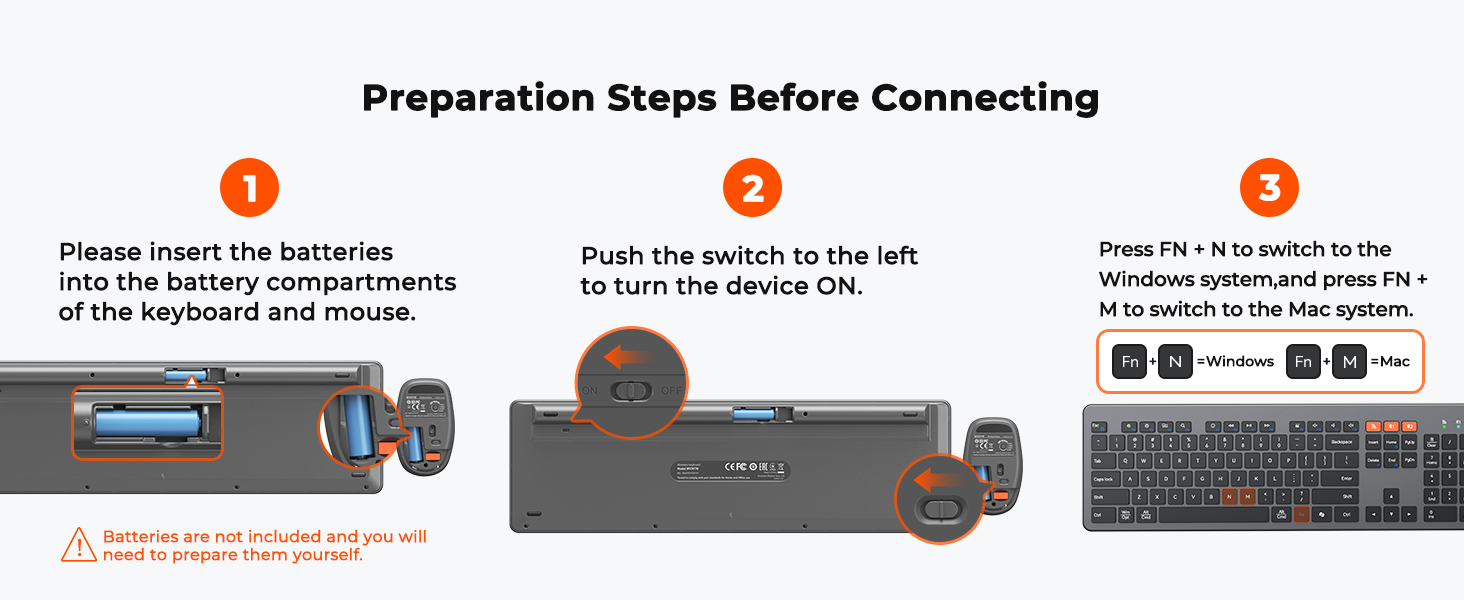
1. Note the positive/negative poles when installing the batteries.
2. Replace with new batteries to check if issue is with batteries or keyboard mouse.
3. If keyboard connection/mouse power indicators don't light up, contact via order for help.
How to deal with keyboard/mouse cannot connect to your device?
Replace batteries with new ones.
Verify correct mode for keyboard/mouse.
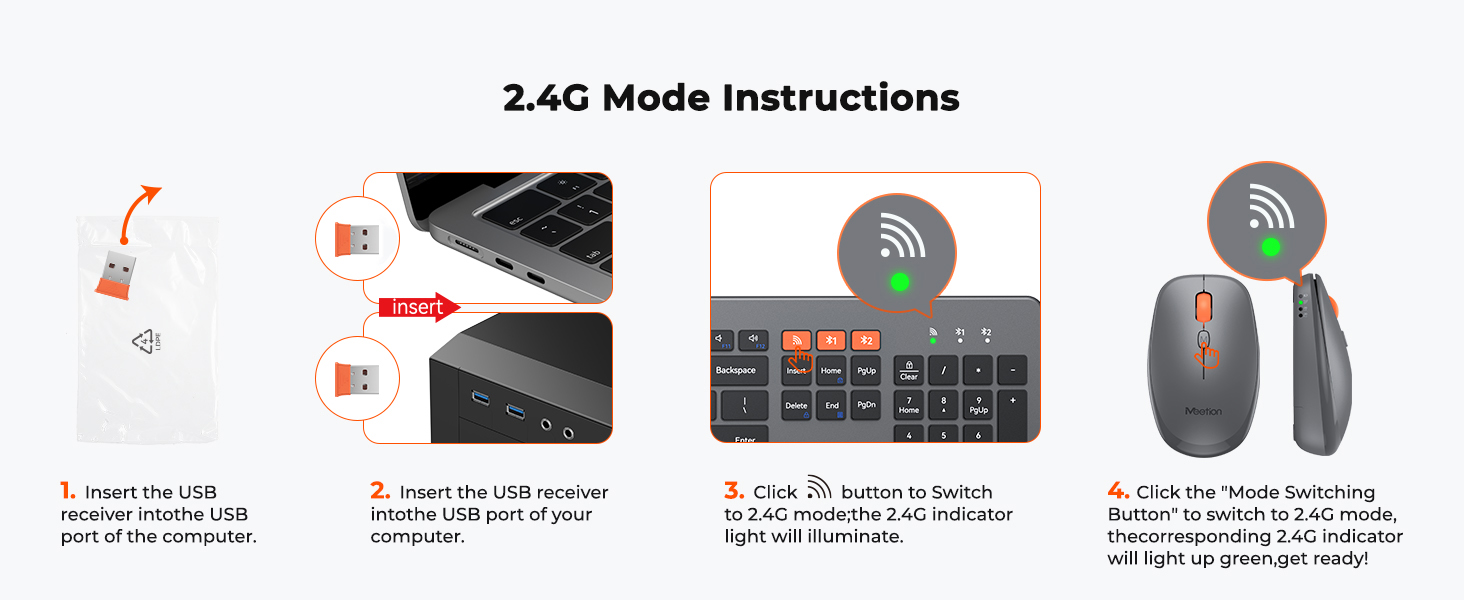
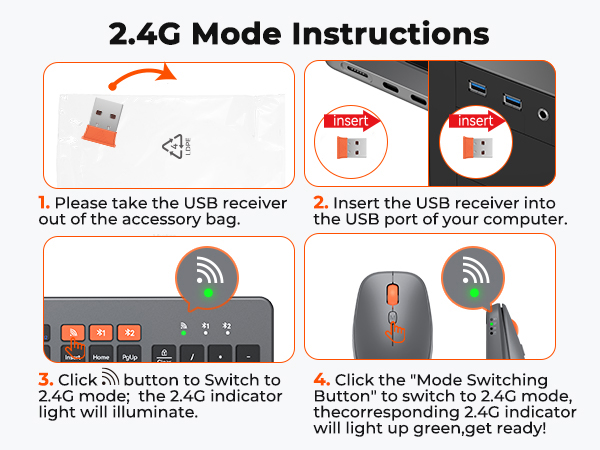
For USB dongle connection: unplug/replug; try another USB port if needed.
For Bluetooth connection: delete device from Bluetooth list, restart device, and re-pair per manual.
Can i connect and switch between multiple devices with the keyboard and mouse combo?
Our combo supports 3-device connectivity via:
1x 2.4G receiver (for 1 device)
2x Bluetooth channels (for 2 additional devices)
This lets you connect 3 devices simultaneously—no need for multiple peripherals, keeping your workspace tidy.
9770 keyboard and mouse
Merchant Video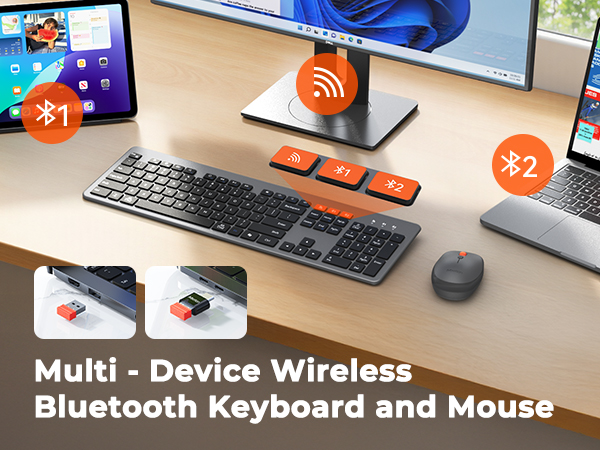
COMFORTABLE SCISSOR SWITCH
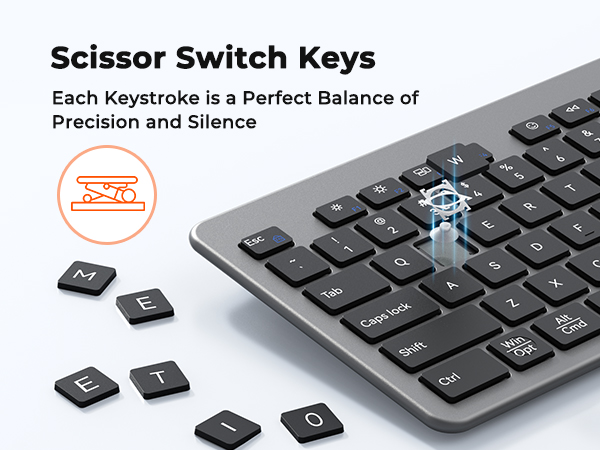
ULTRA-THIN SILENT KEYBOARD AND MOUSE
ULTRA-SLIM DESIGN
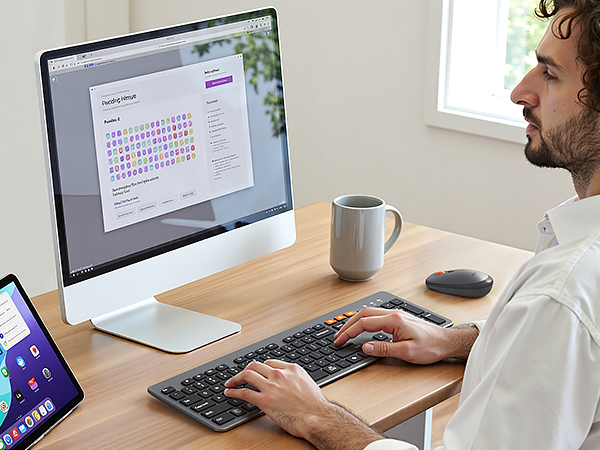
The 0.19-inch keyboard and 1.27-inch mouse balance portability and professionalism. The classic black keycaps with dark gray matte finish exude understated elegance. Its minimalist design elevates any workspace, from desks to conference rooms.
TRIPLE MODES SUPPORT
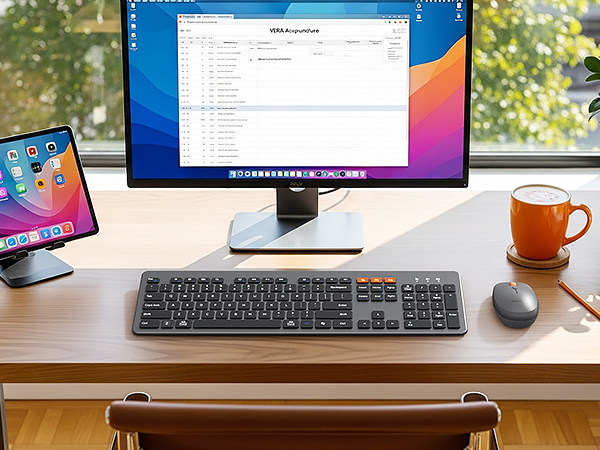
Keyboard and mouse support 2.4G receiver/BT1/BT2 three-channel, up to 3 devices at the same time, a key to switch between different terminals, say goodbye to the trouble of repeated plugging and unplugging.The mouse offers 4-level DPI (1200/1600/2400/3200) adjustable via bottom buttons.
1. There's a problem with my keyboard that I can't solve, what should I do? 2. Do keyboard/mouse have sleep function?
1. Please check the manual and find MEETION support team immediately, we support all products and customers.
2. Yes, both the keyboard and mouse are equipped with an automatic sleep mode for power saving, and press any key to activate them.
How to deal with disconnection issues, keys repeating or typing delay?
1. Replace batteries promptly.
2. Restart device, unplug/reinsert receiver; try different USB-A/Type-C ports if needed.
3. Delete Bluetooth connection, re-pair device.
4. If issue persists, test on another device & contact via order for help.
How to deal with keyboard/mouse won't turn on or stops working?
1. Note the positive/negative poles when installing the batteries.
2. Replace with new batteries to check if issue is with batteries or keyboard mouse.
3. If keyboard connection/mouse power indicators don't light up, contact via order for help.
How to deal with keyboard/mouse cannot connect to your device?
Replace batteries with new ones.
Verify correct mode for keyboard/mouse.
For USB dongle connection: unplug/replug; try another USB port if needed.
For Bluetooth connection: delete device from Bluetooth list, restart device, and re-pair per manual.
Can i connect and switch between multiple devices with the keyboard and mouse combo?
Our combo supports 3-device connectivity via:
1x 2.4G receiver (for 1 device)
2x Bluetooth channels (for 2 additional devices)
This lets you connect 3 devices simultaneously—no need for multiple peripherals, keeping your workspace tidy.
MEETION is a play on the concept of "meeting". All the products we develop revolve around this theme.
In terms of investment in the scientific research of new products, we never hold back. We have dedicated quality control for every single product, every detail in the production process is precise and controlled. Our product and intellectual property rights are top priorities.
Ergonomic Hot Series
Foldbale Hot Series
Wireless Hot Series