






Lovaky Keyboard --- Coexistence of Beauty and Comfort, Function and Benefits

-------Tradition and Individuality-------
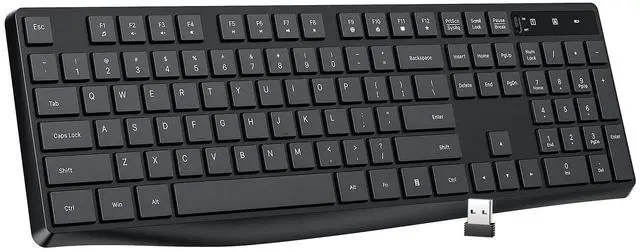
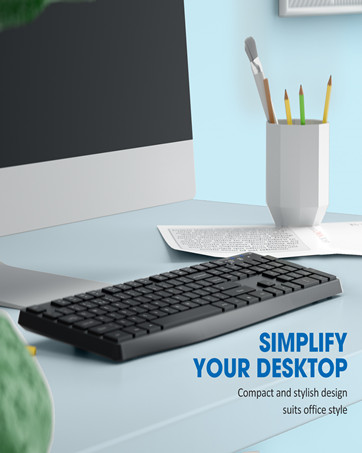
The traditional and simple black color is in line with the low-key layout of the office, and the unique curved appearance highlights your unique taste. Let you pursue a unique personality in the office and be different.

--------2.4G Wireless Connection-------
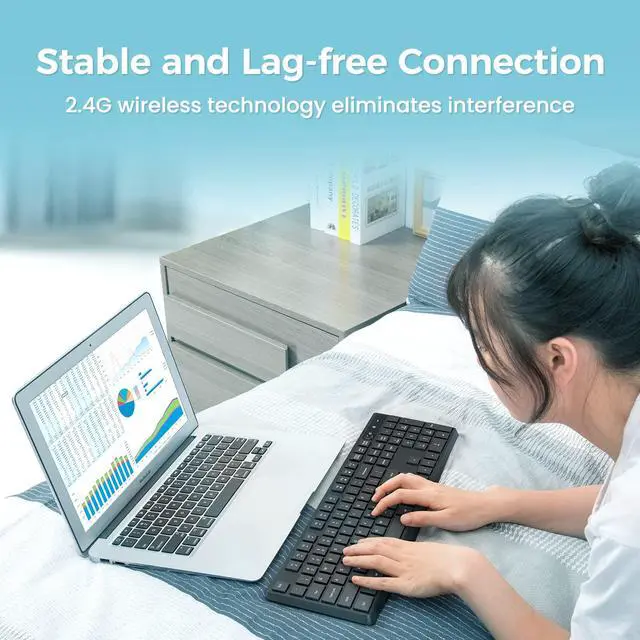
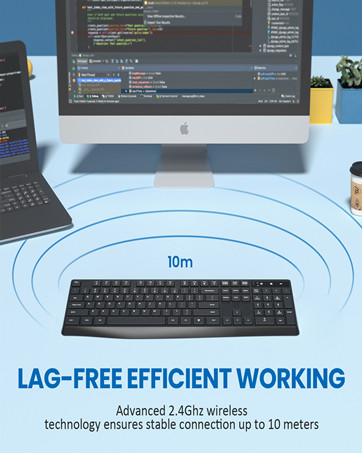
With 2.4G anti-jamming signal transmission, when the battery is sufficient,the longest distance in open environment is up to 10M/33FT .

---------12 Month Battery Life---------
The keyboard is powered by a single AAA battery. An independent power toggle switch is set on the front of the keyboard which automatically sleeps in 10 minutes, and the battery life is up to 12 months.
Lovaky Simple and Stylish Wireless Office Keyboard

----------Enjoy the Quiet Click----------
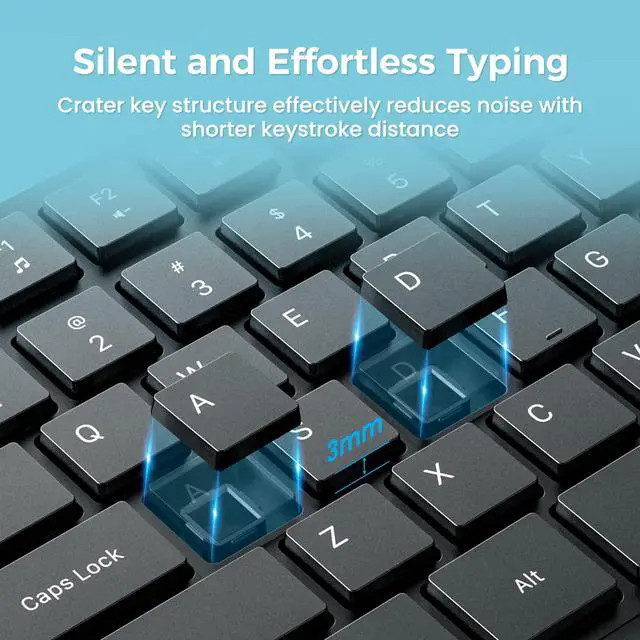
The unique structure of the silent keyboard can greatly reduce the volume of the keys, and the percussion is quieter. Never Worry about disturbing others.

-----Comfortable 3 mm Key Travel-----
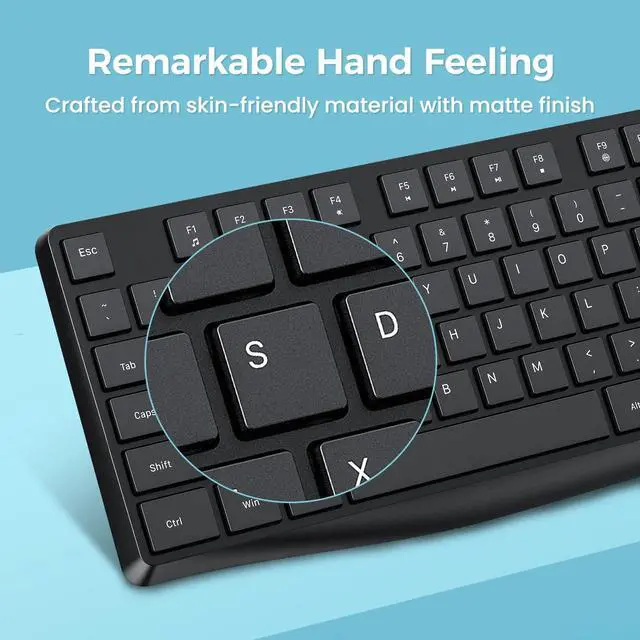
3 mm key travel --- more comfortable rebound, better feedback, no key stuck or connected.

---------Splash-proof Function---------
If you accidentally spill the water from the teacup on the keyboard, just wipe it gently with a paper towel.

WHAT I WANT TO SHARE WITH YOU?
Over the past few years, something has affected our daily life. Life still goes on. Happiness and health are the eternal pursuit of everyone.
I hope you can feel happiness and love, and share this love with others.
2026 is going on,world is changing but we will never change ourselves.
Remember each other and share your daily life, and record your feelings .
Life goes on, please be healthy and happy.God bless you!
SOLUTION TO CONNECTION FAILURES
- Take out the AAA battery from the keyboard and the usb receiver from the computer.
- Reinstall the battery into the keyboard and insert the usb receiver to your computer.
- Turn on the power switch of the keyboard.Keep the distance 20 cm between the usb receiver and the keyboard.Press the "Esc" + "K" keys to repair connection.
- After all,if the keyboard still cannot work,plz tell us and we must give you a satisfactory reply.
PLEASE ATTENTION:
- Plug in the USB receiver, install the battery, and turn on the power switch. The red light will flash for 8-10 seconds. This is a normal signal detection. It will stop flashing when detected.
- If the red light stays on for about 5 seconds when the power switch is turned on, it means that the USB receiver is not connected. You need to change the USB interface or re-plug and unplug it or re-plug the receiver and press ESC+K on the keyboard at the same time.
- After connecting, if the indicator light flashes red when the button is pressed normally, it means that the battery is out of power and needs to be replaced.
- If you need,we are still on there. PLZ share your mind with Lovaky whatever for the keyboard or anything else . We are still waiting for you and support you.

Lovaky - Office Specialist
Your desk,no wires.

AS the office expert- Lovaky have been working in the office category for more than15 years,Include mouse ,keyboard ,keyboard and mouse set etc.
It's lucky for us to get so many customers all over the world.We are committed to provide high quality product and high effeiency service.
If there exists any problem about Lovaky products,SHARE YOUR FEELING and we are still waiting for you.
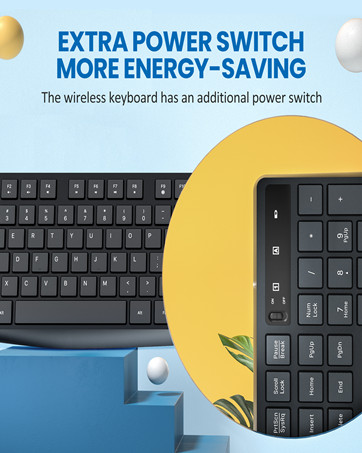
Power Switch
Extend usage time

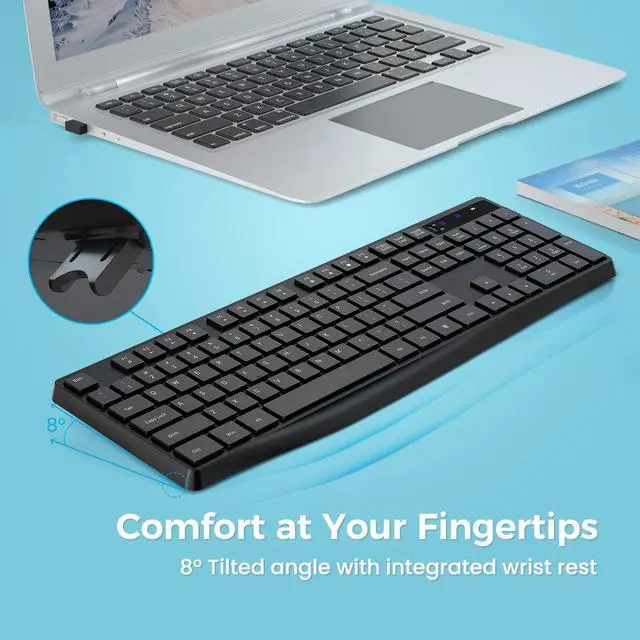
Ergonomic 8°
Relieve Your Hand Pain
Lovaky Keyboard --- Coexistence of Beauty and Comfort, Function and Benefits
-------Tradition and Individuality-------
The traditional and simple black color is in line with the low-key layout of the office, and the unique curved appearance highlights your unique taste. Let you pursue a unique personality in the office and be different.
--------2.4G Wireless Connection-------
With 2.4G anti-jamming signal transmission, when the battery is sufficient,the longest distance in open environment is up to 10M/33FT .
---------12 Month Battery Life---------
The keyboard is powered by a single AAA battery. An independent power toggle switch is set on the front of the keyboard which automatically sleeps in 10 minutes, and the battery life is up to 12 months.
Lovaky Simple and Stylish Wireless Office Keyboard
----------Enjoy the Quiet Click----------
The unique structure of the silent keyboard can greatly reduce the volume of the keys, and the percussion is quieter. Never Worry about disturbing others.
-----Comfortable 3 mm Key Travel-----
3 mm key travel --- more comfortable rebound, better feedback, no key stuck or connected.
---------Splash-proof Function---------
If you accidentally spill the water from the teacup on the keyboard, just wipe it gently with a paper towel.
WHAT I WANT TO SHARE WITH YOU?
Over the past few years, something has affected our daily life. Life still goes on. Happiness and health are the eternal pursuit of everyone.
I hope you can feel happiness and love, and share this love with others.
2026 is going on,world is changing but we will never change ourselves.
Remember each other and share your daily life, and record your feelings .
Life goes on, please be healthy and happy.God bless you!
SOLUTION TO CONNECTION FAILURES
- Take out the AAA battery from the keyboard and the usb receiver from the computer.
- Reinstall the battery into the keyboard and insert the usb receiver to your computer.
- Turn on the power switch of the keyboard.Keep the distance 20 cm between the usb receiver and the keyboard.Press the "Esc" + "K" keys to repair connection.
- After all,if the keyboard still cannot work,plz tell us and we must give you a satisfactory reply.
PLEASE ATTENTION:
- Plug in the USB receiver, install the battery, and turn on the power switch. The red light will flash for 8-10 seconds. This is a normal signal detection. It will stop flashing when detected.
- If the red light stays on for about 5 seconds when the power switch is turned on, it means that the USB receiver is not connected. You need to change the USB interface or re-plug and unplug it or re-plug the receiver and press ESC+K on the keyboard at the same time.
- After connecting, if the indicator light flashes red when the button is pressed normally, it means that the battery is out of power and needs to be replaced.
- If you need,we are still on there. PLZ share your mind with Lovaky whatever for the keyboard or anything else . We are still waiting for you and support you.
Lovaky - Office Specialist
Your desk,no wires.
AS the office expert- Lovaky have been working in the office category for more than15 years,Include mouse ,keyboard ,keyboard and mouse set etc.
It's lucky for us to get so many customers all over the world.We are committed to provide high quality product and high effeiency service.
If there exists any problem about Lovaky products,SHARE YOUR FEELING and we are still waiting for you.
Power Switch
Extend usage time
Ergonomic 8°
Relieve Your Hand Pain