






MEETION is a play on the concept of "meeting". All the products we develop revolve around this theme.
In terms of investment in the scientific research of new products, we never hold back. We have dedicated quality control for every single product, every detail in the production process is precise and controlled. Our product and intellectual property rights are top priorities.

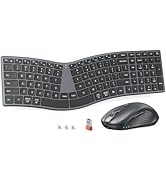
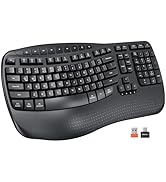
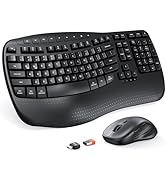
Ergonomic Hot Series
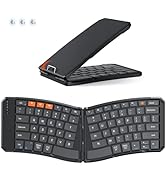
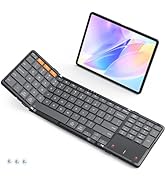
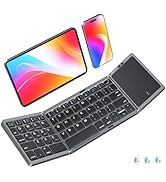
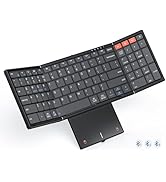
Foldbale Hot Series
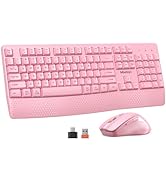
Wireless Hot Series
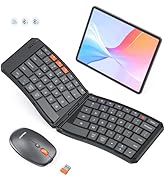
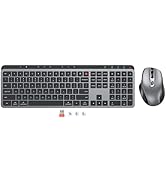
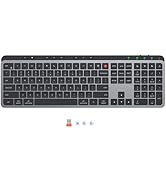
New Products Hot Series
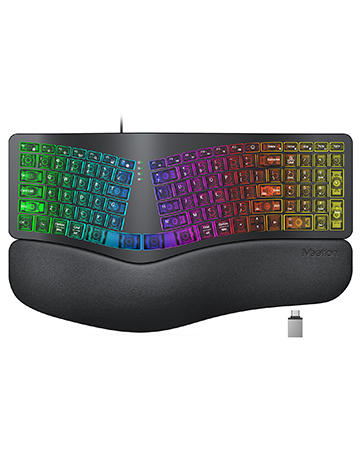
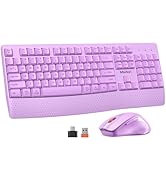
Backlit Ergonomic Keyboard


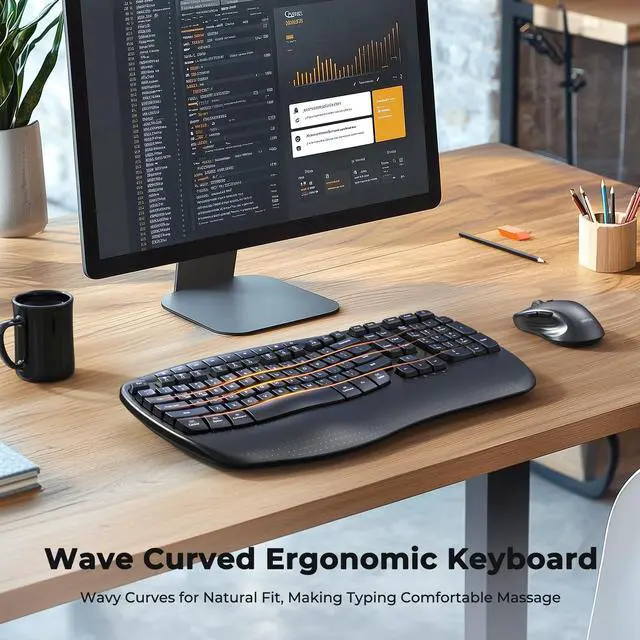
Comfort Spreads Like Wave

Improve Work Efficiency


Smart Sleep
20 minute without using the keyboard and mouse, they will enter sleep mode respectively. Wake up by typing or tapping any key.

Indicator Light
Indicator lights provide clear visual cues so you can easily keep track of your keyboard's operation at a glance.
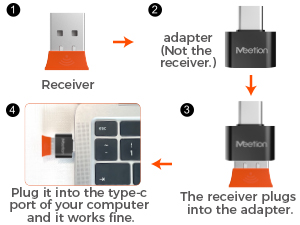
Share One Receiver
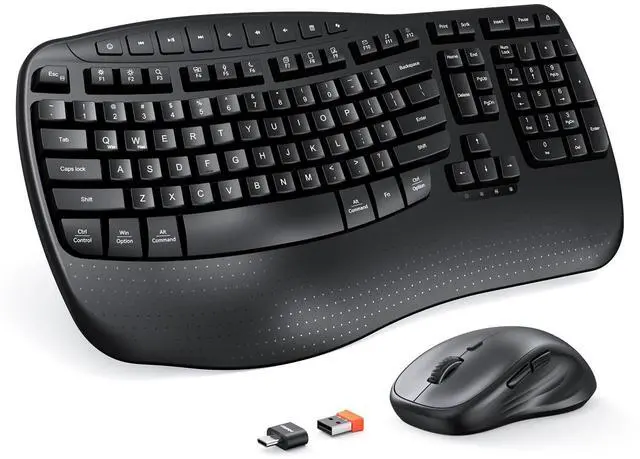
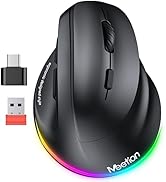
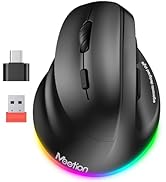
The orange USB-A receiver is in a clear bag next to the mouse, not on the bottom of the mouse, the black USB-C is an adapter not a receiver.

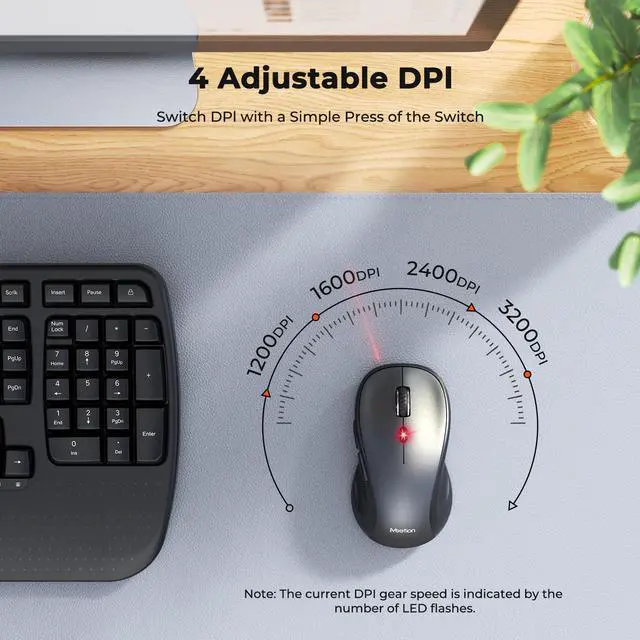
4 Adjustable DPI
The wireless mouse has 4 adjustable DPI settings: 1200/1600/2400/3200, allowing you to choose your favorite moving speed of cursor.


What should I do if I cannot find or have lost the receiver, mouse, or any other parts included in the package?
The receiver and adapter are packaged in a transparent bag and affixed to the groove next to the mouse. The mouse shares one receiver with the keyboard. Confirmed missing receiver, mouse, or other components. Reach out to us via your original order.
What are the dimensions of the keyboard and mouse, and which systems are they compatible with?
Keyboard: 17.4in × 9.4in × 1.57in, mouse: 4.8in × 2.6in × 1.6in.This keyboard and mouse combo supports Windows 8/10/11 and macOS 10.14 or later, but does not work with Linux Lite, or custom Linux versions.
Is the keyboard rechargeable? How to troubleshoot if the keyboard keys are unresponsive?
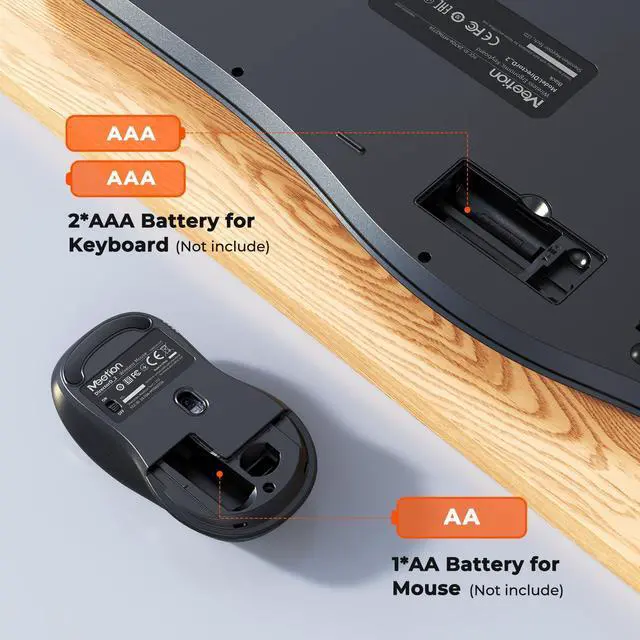
Not rechargeable, require batteries to operate.
Replace with new batteries, turn off the keyboard and restart it.
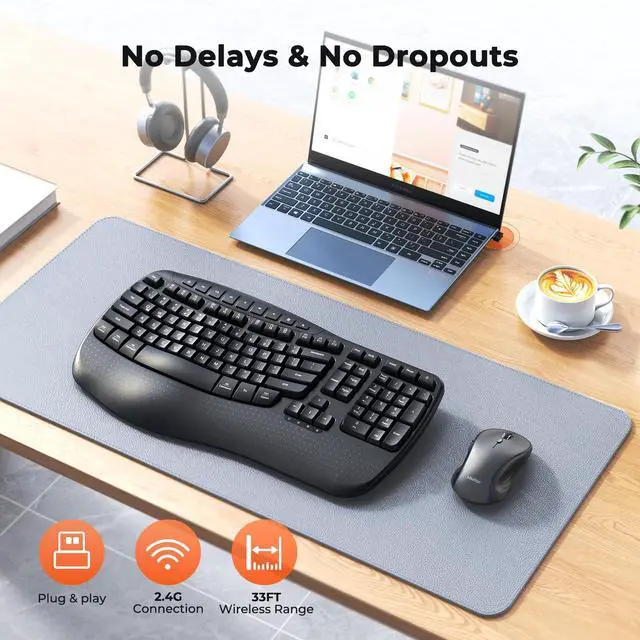
Check if the receiver is loose, then pull it out and reinsert it.
Keep the receiver and keyboard within a straight-line distance of 33
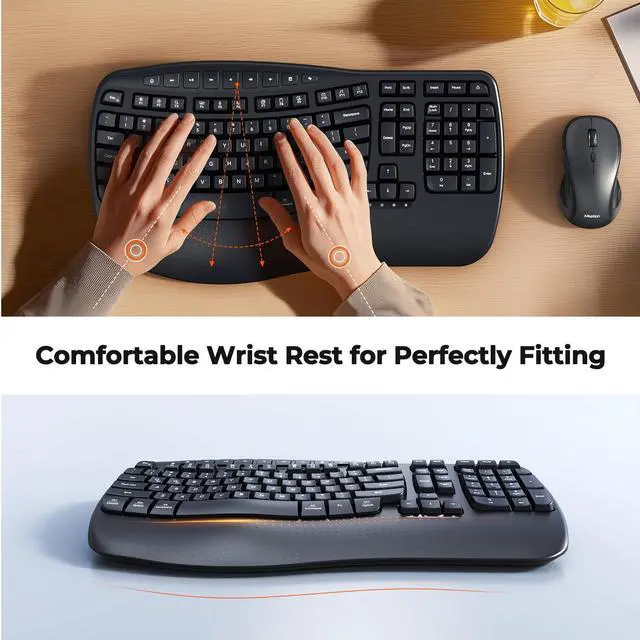
Is the wrist rest soft padding?
The wrist rest is made of the same hard material as the keyboard body, rather than a soft pad design. This material ensures stability, durability, and consistent feel with the keyboard, ideal for stable support needs.
My keyboard won't connect. What should I do?
1. Check if your system version is compatible.
2. Ensure batteries are inserted correctly (right polarity, fully seated).
3. Confirm the receiver is firmly plugged in.
4. Make sure the power switch is on.


Comfort Spreads Like Wave

Improve Work Efficiency

Smart Sleep
20 minute without using the keyboard and mouse, they will enter sleep mode respectively. Wake up by typing or tapping any key.
Indicator Light
Indicator lights provide clear visual cues so you can easily keep track of your keyboard's operation at a glance.
Share One Receiver
The orange USB-A receiver is in a clear bag next to the mouse, not on the bottom of the mouse, the black USB-C is an adapter not a receiver.
4 Adjustable DPI
The wireless mouse has 4 adjustable DPI settings: 1200/1600/2400/3200, allowing you to choose your favorite moving speed of cursor.


What should I do if I cannot find or have lost the receiver, mouse, or any other parts included in the package?
The receiver and adapter are packaged in a transparent bag and affixed to the groove next to the mouse. The mouse shares one receiver with the keyboard. Confirmed missing receiver, mouse, or other components. Reach out to us via your original order.
What are the dimensions of the keyboard and mouse, and which systems are they compatible with?
Keyboard: 17.4in × 9.4in × 1.57in, mouse: 4.8in × 2.6in × 1.6in.This keyboard and mouse combo supports Windows 8/10/11 and macOS 10.14 or later, but does not work with Linux Lite, or custom Linux versions.
Is the keyboard rechargeable? How to troubleshoot if the keyboard keys are unresponsive?
Not rechargeable, require batteries to operate.
Replace with new batteries, turn off the keyboard and restart it.
Check if the receiver is loose, then pull it out and reinsert it.
Keep the receiver and keyboard within a straight-line distance of 33
Is the wrist rest soft padding?
The wrist rest is made of the same hard material as the keyboard body, rather than a soft pad design. This material ensures stability, durability, and consistent feel with the keyboard, ideal for stable support needs.
My keyboard won't connect. What should I do?
1. Check if your system version is compatible.
2. Ensure batteries are inserted correctly (right polarity, fully seated).
3. Confirm the receiver is firmly plugged in.
4. Make sure the power switch is on.
MEETION is a play on the concept of "meeting". All the products we develop revolve around this theme.
In terms of investment in the scientific research of new products, we never hold back. We have dedicated quality control for every single product, every detail in the production process is precise and controlled. Our product and intellectual property rights are top priorities.
Ergonomic Hot Series
Foldbale Hot Series
Wireless Hot Series
New Products Hot Series
Backlit Ergonomic Keyboard