






MEETION is a play on the concept of "meeting". All the products we develop revolve around this theme.
In terms of investment in the scientific research of new products, we never hold back. We have dedicated quality control for every single product, every detail in the production process is precise and controlled. Our product and intellectual property rights are top priorities.

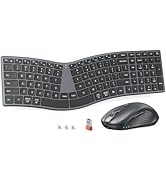
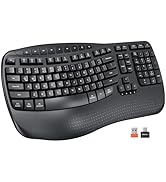
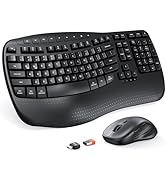
Ergonomic Hot Series
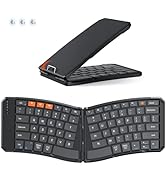
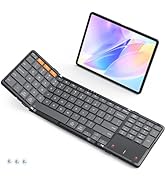
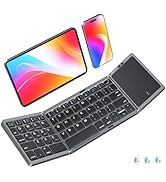
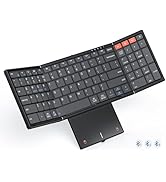
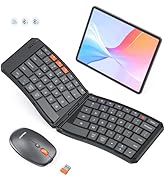
Foldbale Hot Series
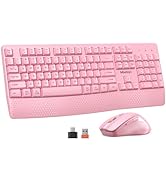
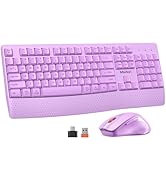
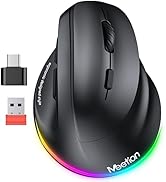
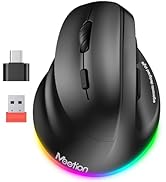
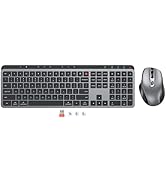
Wireless Hot Series
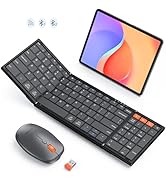
New Products Hot Series
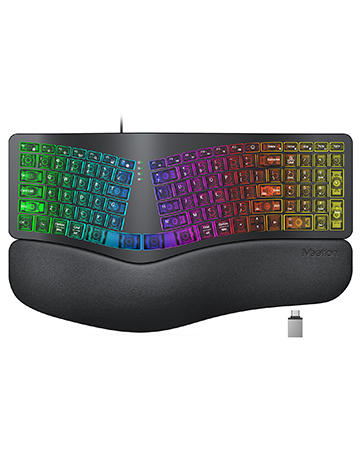
Backlit Ergonomic Keyboard


YOUR PERFECT WORK AND LEISURE COMPANION

LIGHT INDICATIONS
MEETION fully considers your user experience. Indicator lights let you know its status and function on/off easily, showing thoughtfulness in details.

MULTI-MEDIA SHORTCUTS
You can enjoy a quick and easy way to reach “Volume+ and Volume-, ”Screen brightness“, ”Mute“ button handy shortcut keys.

STATUS INDICATORS
Mouse has intuitive status indicator, showing charge progress and prompting recharge to avoid use interruption. Keep control of its status.

4-LEVEL ADJUSTABLE DPI
Adjustable 4-level DPI high-precision sensor reduces muscle fatigue and boosts efficiency, enabling easy operations in work and entertainment.


ALL DAY COMFORT, YOUR OFFICE ESSENTIAL
Will it take me some time to get used to the keyboard?
The split layout and curved design of this keyboard differ from normal keyboards, so you will need to get used to its design and layout. The typing experience is not silent, but rather similar to that of a traditional retro keyboard.
How to deal with the problem of non-connection?
1. Confirm the receiver is properly inserted
2. Confirm the product's power switch and battery level are normal
3. Confirm your device's system version
4. Confirm the USB-C adapter is functioning properly.
If unresolved, reach out us via user manual.
Why does the keyboard or mouse disconnect so often? Does this set include a USB receiver?
Ensure you’re within 33 feet, with sufficient power and the correct system version. The USB receiver, adapter, and charging cable are packed together in a small plastic bag. This accessory bag is placed next to the mouse inside the main product box.
If you encounter problems with input and charging, please troubleshoot.
USB dongle connection unplugged/reinserted. Enters sleep mode when idle. Double-click to wake up and automatically reconnect.
Ensure that the receiver is plugged into a USB 2.0 port and fully charged.
How to deal with the problem of duplicate keystrokes or delayed keystrokes?
Stay within 33ft (˜10m) of the receiver.
Ensure full battery.
Power off keyboard, unplug receiver, restart computer, reconnect and power on.
Clean keys gently (shake or compressed air).
Still issues? Reach out to us via your order details.
Choose Your Preferred Ergonomics
 Director-C |  Director-Q |  Director-D-2 |  DirectorBTmini | |
|---|---|---|---|---|
Customer Reviews | — | — | — | — |
Price | — | — | — | — |
Ergonomic | ? | ? | ? | ? |
Wrist Rest | ? | ? | ? | ? |
Rechargeable | ? | ? | ? | ? |
2.4G Wireless | ? | ? | ? | ? |
Bluetooth | ? | ? | ? | ? |
Size | Large, Full Size | Slim, Full Size | Standard, Full Size | Standard, Compact |


YOUR PERFECT WORK AND LEISURE COMPANION
LIGHT INDICATIONS
MEETION fully considers your user experience. Indicator lights let you know its status and function on/off easily, showing thoughtfulness in details.
MULTI-MEDIA SHORTCUTS
You can enjoy a quick and easy way to reach “Volume+ and Volume-, ”Screen brightness“, ”Mute“ button handy shortcut keys.
STATUS INDICATORS
Mouse has intuitive status indicator, showing charge progress and prompting recharge to avoid use interruption. Keep control of its status.
4-LEVEL ADJUSTABLE DPI
Adjustable 4-level DPI high-precision sensor reduces muscle fatigue and boosts efficiency, enabling easy operations in work and entertainment.


ALL DAY COMFORT, YOUR OFFICE ESSENTIAL
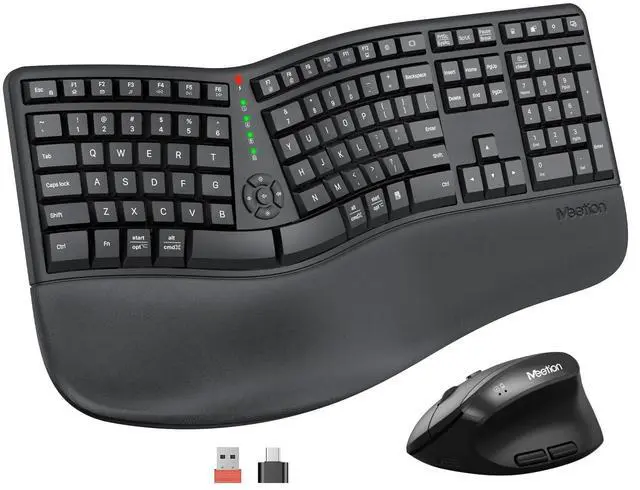
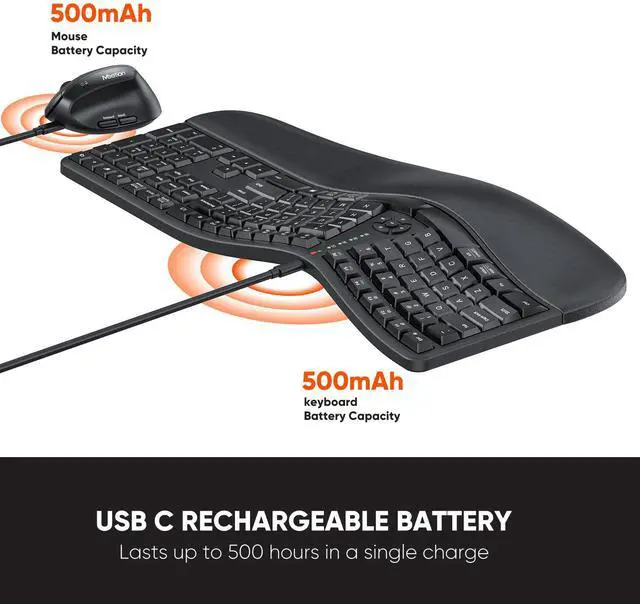
| Power Supply | The keyboard features a built-in rechargeable battery with no external battery compartment. The battery is non-removable and must be charged for use. Upon receiving the product, please connect it to the charging cable and charge for 2-3 hours. |
|---|---|
| Key Numbers | 117 |
| Mouse Button | 6 |
| Feature | Split, Ergonomic, Vertical, Palm Rest, Arch |
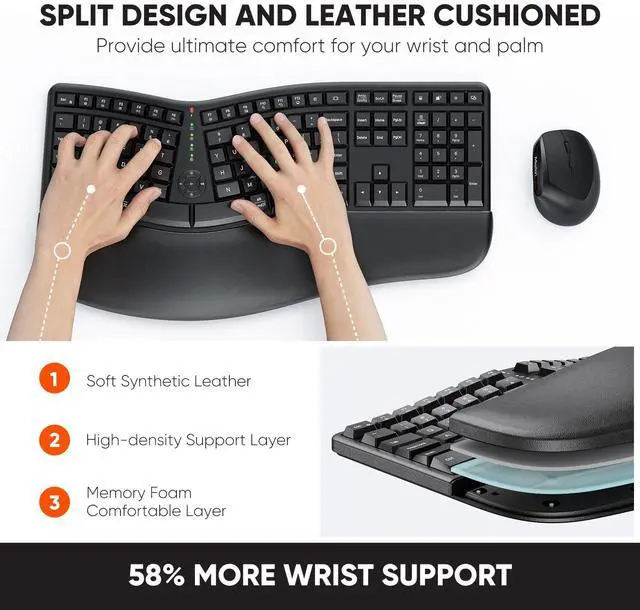
| Wrist Rest Material | Firm PU material Leather memory foam |
| Style | Wireless, For Laptop, PC, Computer, Numeric Keypad |
| Operating System | Supports Windows (Windows 10/11) and Mac (macOS 10.14 and later) systems; does not support Windows 8, macOS 10.13 and earlier versions, Linux Lite, or custom Linux distributions. |
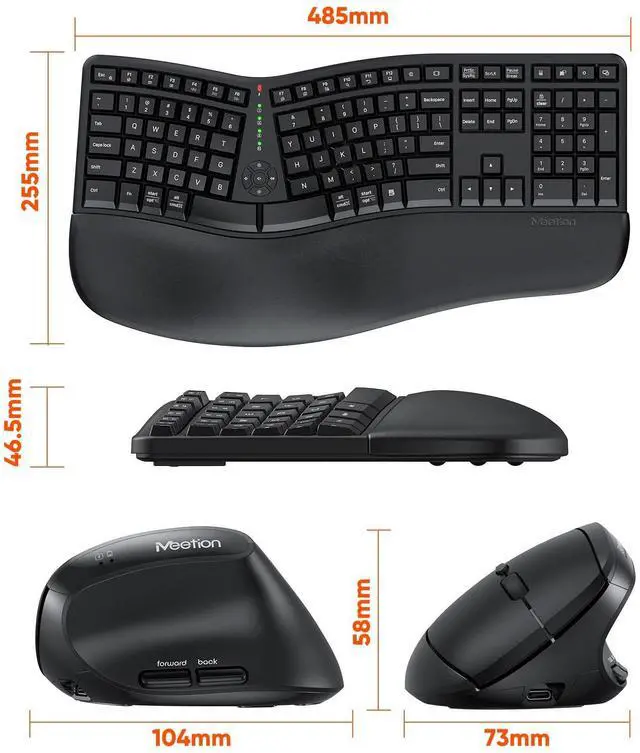
| Keyboard Mouse Size | Keyboard (19.09*10.04*1.83inch)Mouse(2.87*4.09*2.28inch) |
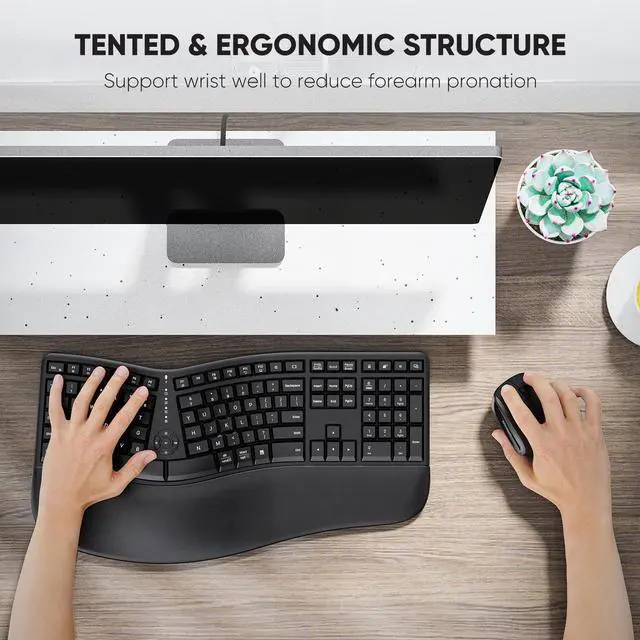
| Pillowed Palm Rest | Curved wrist rest with memory foam layer offers typing comfort |
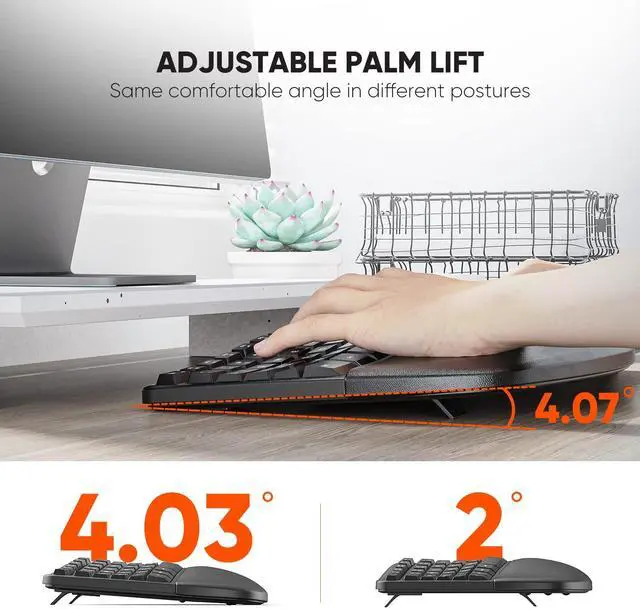
| Adjustable Tilt Legs | Adjust the keyboard tilt angle by setting up the front, back, or both-side legs |
| Standard 3 Zone Keyboard | Type more naturally to reduce muscle strain on your wrists and forearms |
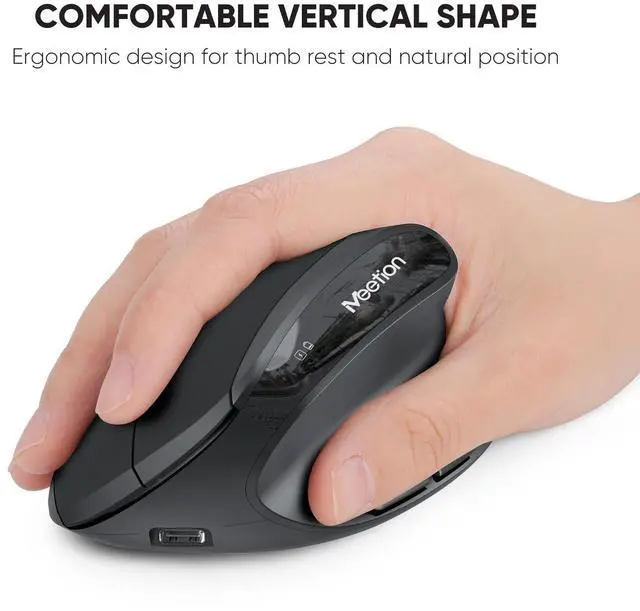
| Vertical Mouse | Prevent forearm twisting and reducing muscular strain by 10 percent |
| 4 Adjustable DPI Mouse | 800/1200/1600/2400 DPI provide more sensitivity than standard optical mice for smooth and precise tracking on a wide range of surfaces |
| USB Receiver | The receiver is located in a transparent bag next to the mouse in the lower right corner of the packaging, together with the charging cable. It is not located at the bottom of the mouse. Please be careful not to drop it when opening the packaging. |
| Connection Range | 33 feet |
| Connection Method | Supports only 2.4GHz USB receiver connection (requires receiver to be plugged in for use). Bluetooth is not supported. |
Will it take me some time to get used to the keyboard?
The split layout and curved design of this keyboard differ from normal keyboards, so you will need to get used to its design and layout. The typing experience is not silent, but rather similar to that of a traditional retro keyboard.
How to deal with the problem of non-connection?
1. Confirm the receiver is properly inserted
2. Confirm the product's power switch and battery level are normal
3. Confirm your device's system version
4. Confirm the USB-C adapter is functioning properly.
If unresolved, reach out us via user manual.
Why does the keyboard or mouse disconnect so often? Does this set include a USB receiver?
Ensure you’re within 33 feet, with sufficient power and the correct system version. The USB receiver, adapter, and charging cable are packed together in a small plastic bag. This accessory bag is placed next to the mouse inside the main product box.
If you encounter problems with input and charging, please troubleshoot.
USB dongle connection unplugged/reinserted. Enters sleep mode when idle. Double-click to wake up and automatically reconnect.
Ensure that the receiver is plugged into a USB 2.0 port and fully charged.
How to deal with the problem of duplicate keystrokes or delayed keystrokes?
Stay within 33ft (˜10m) of the receiver.
Ensure full battery.
Power off keyboard, unplug receiver, restart computer, reconnect and power on.
Clean keys gently (shake or compressed air).
Still issues? Reach out to us via your order details.
Choose Your Preferred Ergonomics
Director-C | Director-Q | Director-D-2 | DirectorBTmini |
|---|---|---|---|
| Customer Reviews | |||
| — | — | — | — |
| Price | |||
| — | — | — | — |
| Ergonomic | |||
| ? | ? | ? | ? |
| Wrist Rest | |||
| ? | ? | ? | ? |
| Rechargeable | |||
| ? | ? | ? | ? |
| 2.4G Wireless | |||
| ? | ? | ? | ? |
| Bluetooth | |||
| ? | ? | ? | ? |
| Size | |||
| Large, Full Size | Slim, Full Size | Standard, Full Size | Standard, Compact |
MEETION is a play on the concept of "meeting". All the products we develop revolve around this theme.
In terms of investment in the scientific research of new products, we never hold back. We have dedicated quality control for every single product, every detail in the production process is precise and controlled. Our product and intellectual property rights are top priorities.
Ergonomic Hot Series
Foldbale Hot Series
Wireless Hot Series
New Products Hot Series
Backlit Ergonomic Keyboard