


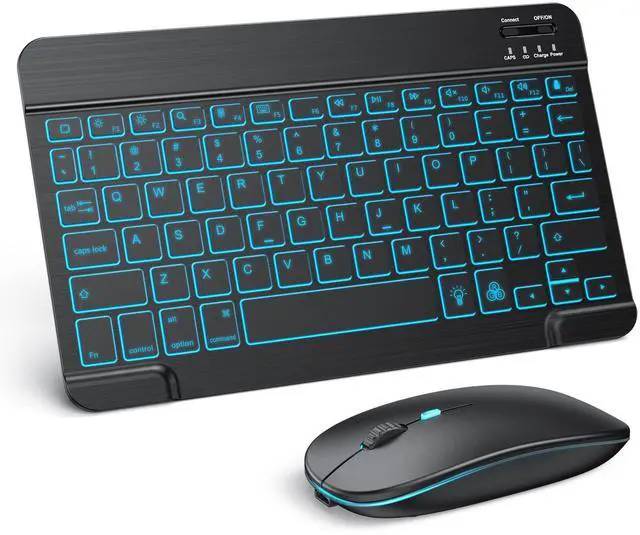


TECURS Bluetooth Keyboard and Mouse Set

Wireless Keyboard and Mouse combo
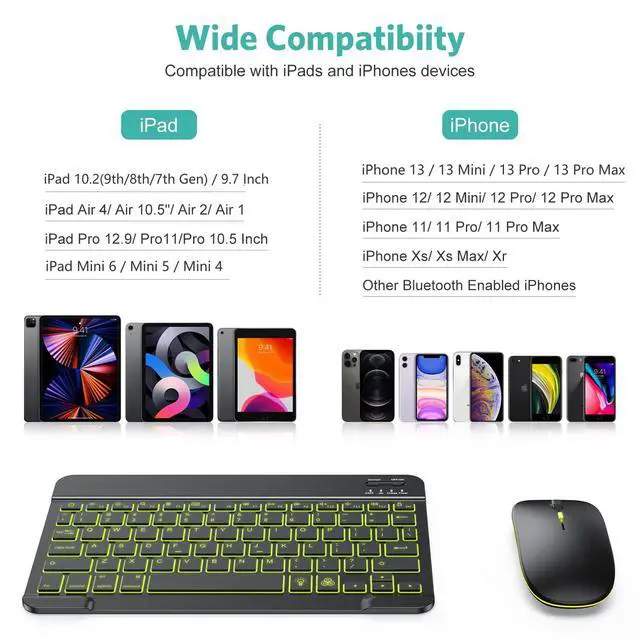
- Compatible with Windows/Android/iOS
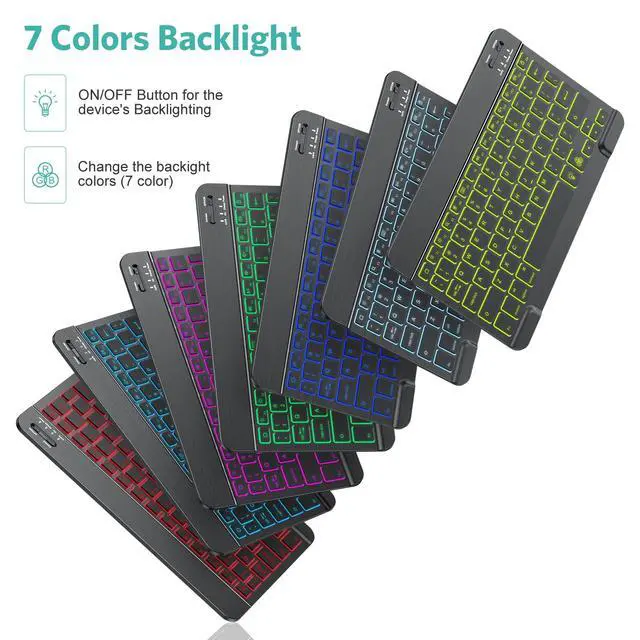
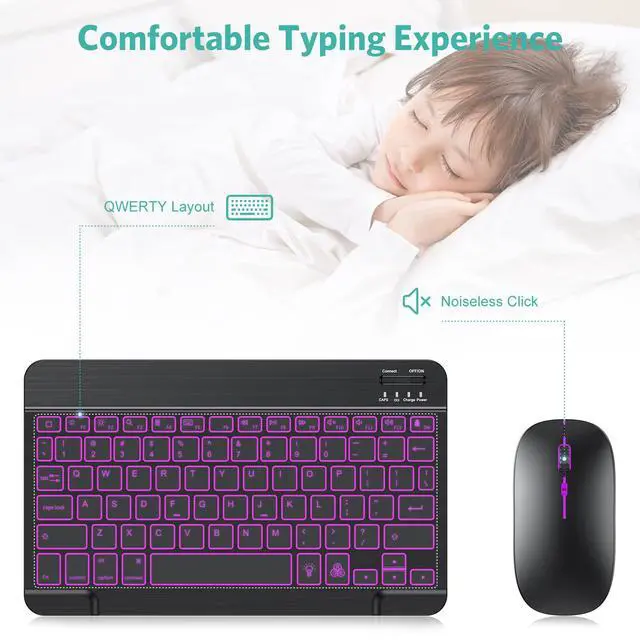
- 7-Color Backlit
- QWERTY UK Layout
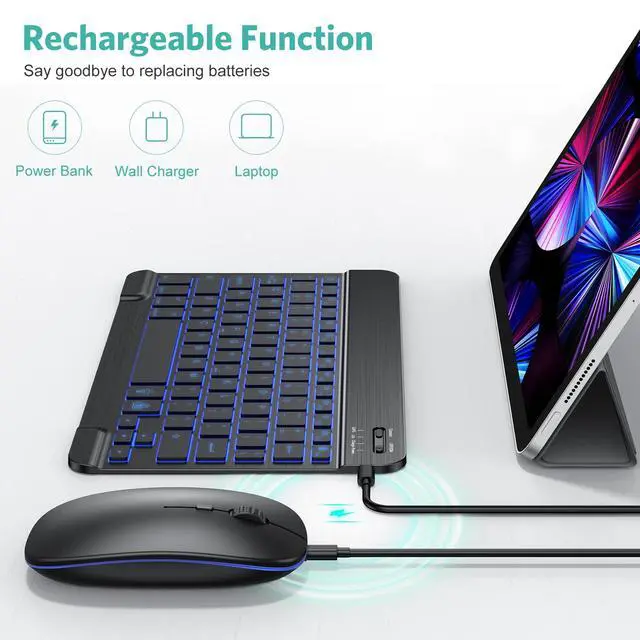
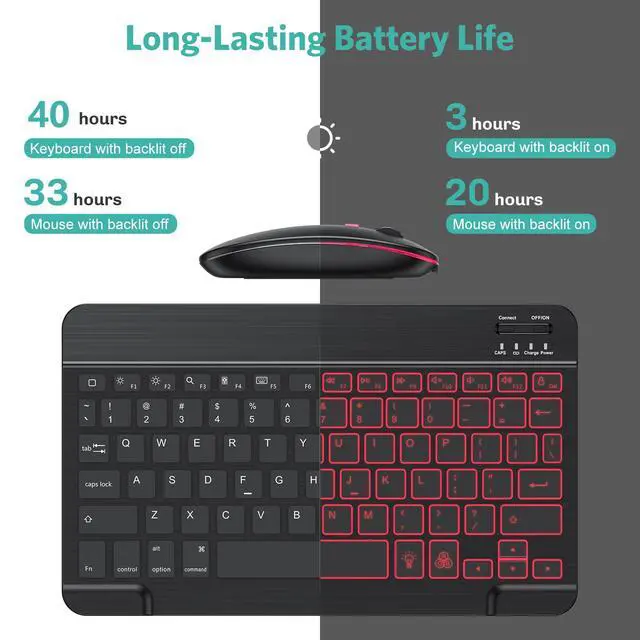
- Rechargeable
Connection Steps
Step 1. Turn on the keyboard. The power indicator will turn on for about 4 seconds, and then the light will turn off.
Step 2. Press "Connect" for 2-3 seconds. The pairing indicator will flash for Bluetooth pairing.
Step3. Enable Bluetooth on your device. Set it into searching and pairing state.
Step4. Select "Bluetooth Keyboard" and click it to begin pairing. The Bluetooth indicator will turn off when the pairing is completed.
7 Light Colors, 2 Light Modes


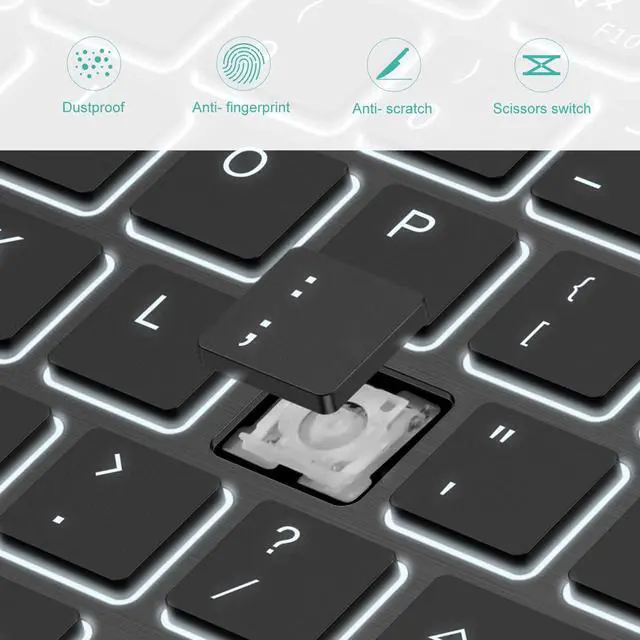
Scissor Structure

Multimedia Keys

Chargeable

Bluetooth connection


