


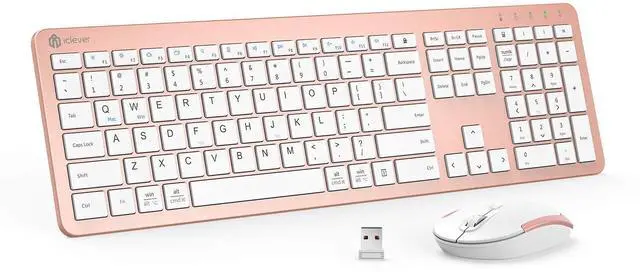




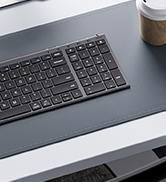


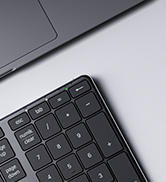
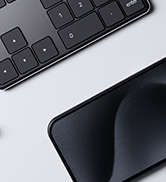



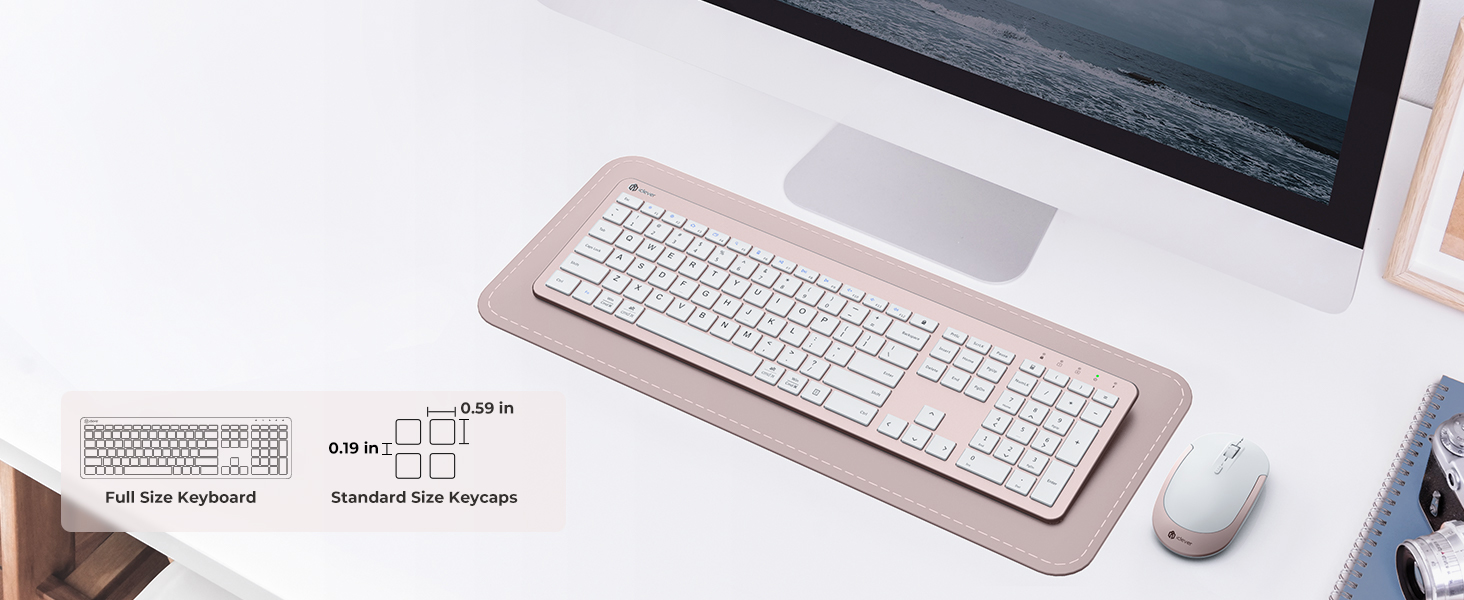
True 110-Key Desktop Layout
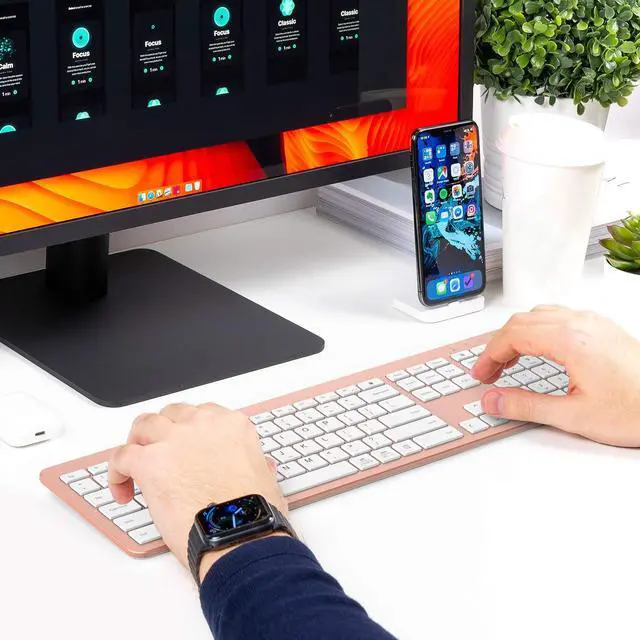
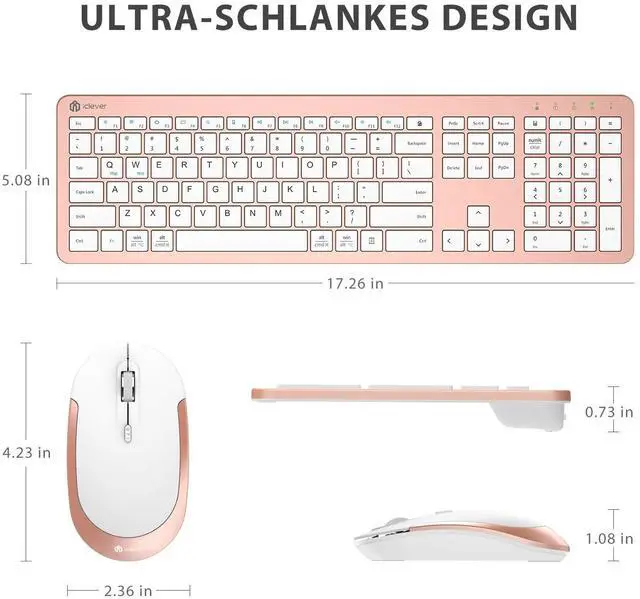
Full numpad and standard spacing keep Excel, coding, and data entry fast for office veterans and finance pros.
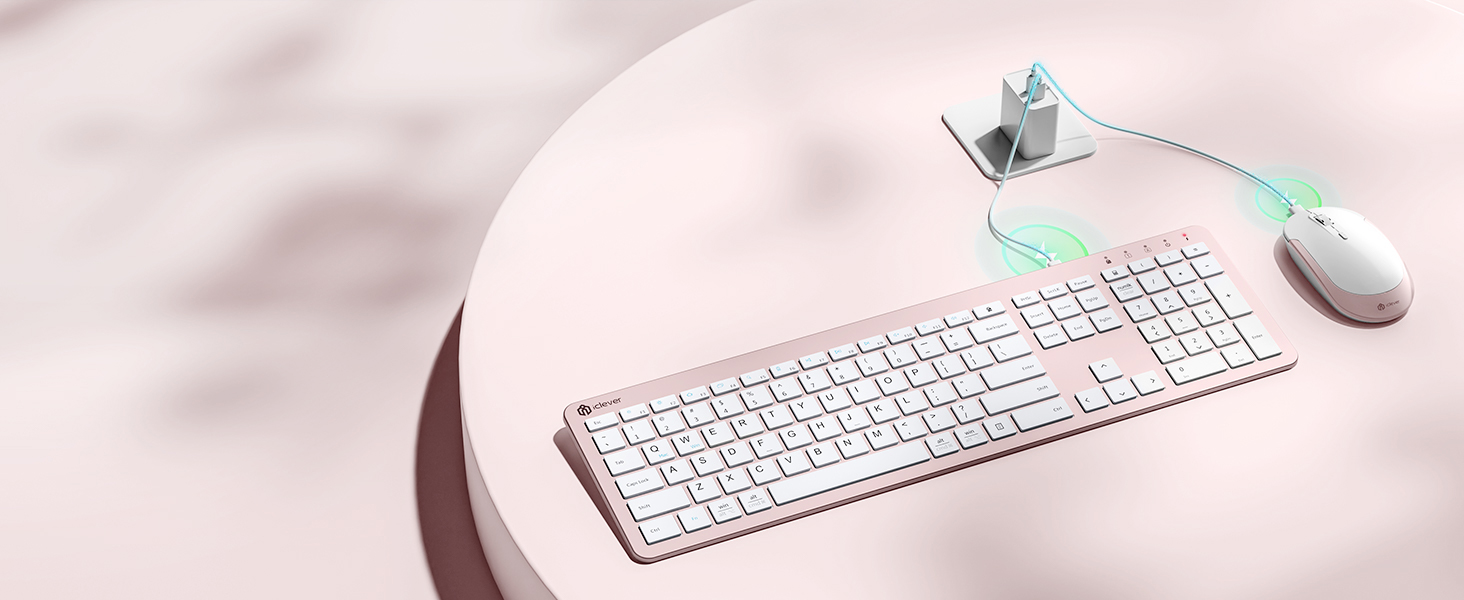
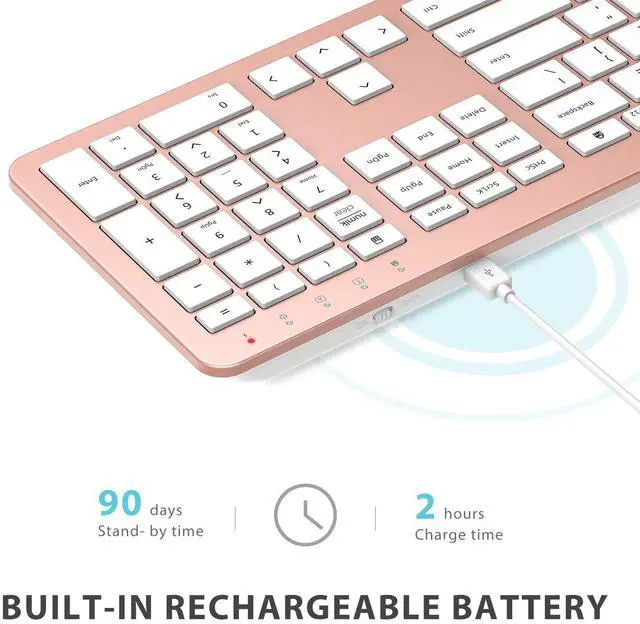
USB-C Fast Charge
No AA batteries needed
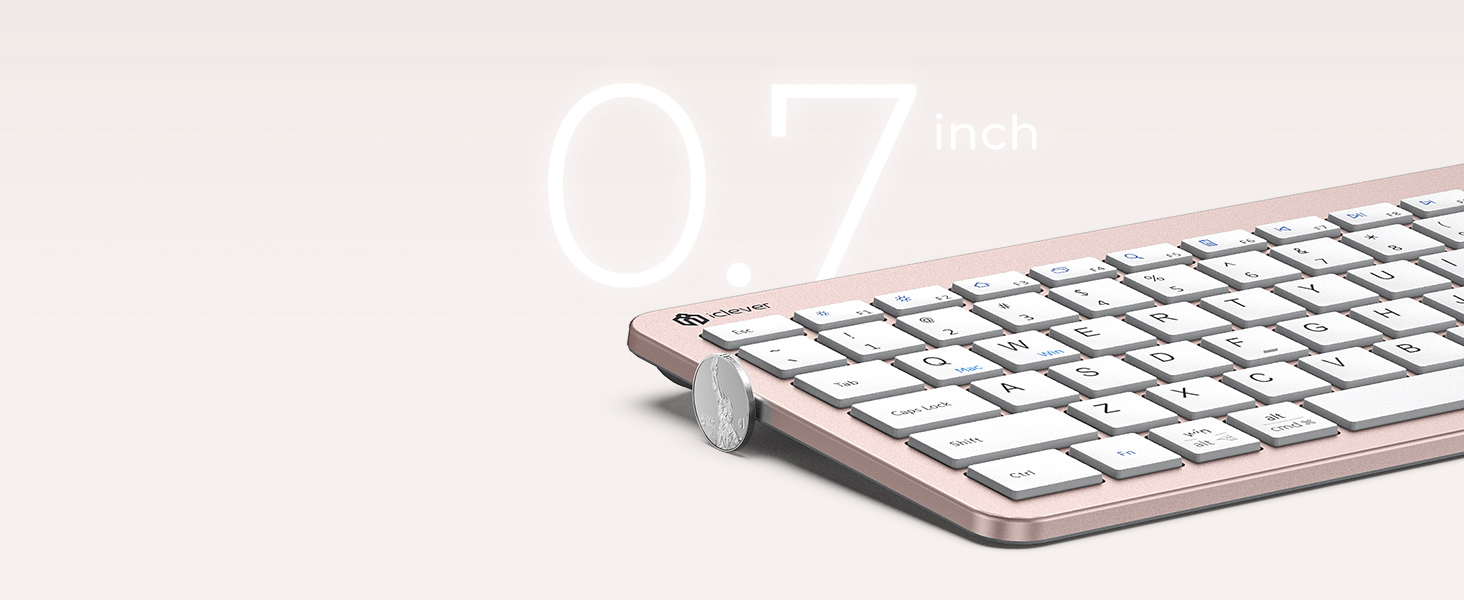
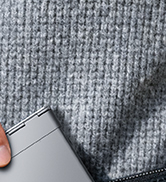
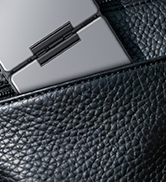
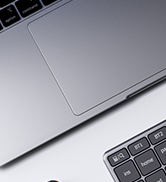
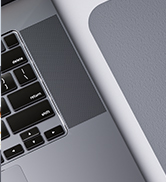
Ultra-Slim Design
Only 0.7in edge height with a natural typing tilt—ideal for hot-desking, co-working spaces, and compact desks.


How long does a full charge last?
Up to 45 days of 8-h daily use for the keyboard and 20 days for the mouse. The battery LED flashes below 10 %; recharge fully with the included USB-C cable (˜ 2 h).
The keyboard or mouse stopped responding—what should I do?
1.Verify the power switch is ON.
2.Plug the USB-A receiver into a native port (avoid hubs).3) Recharge or restart the device.
Why am I getting double characters or typos?
Low battery or 2.4 GHz interference can cause this. Fully recharge, then keep the receiver in a front USB-A port away from Wi-Fi routers or metal surfaces.
Will it work with my Mac?
Yes—any macOS desktop / laptop with a USB-A port (e.g., iMac 2017-2020, MacBook Air/Pro = 2017).
Macs with only USB-C require a USB-A adapter.
How do I fix occasional cursor lag?
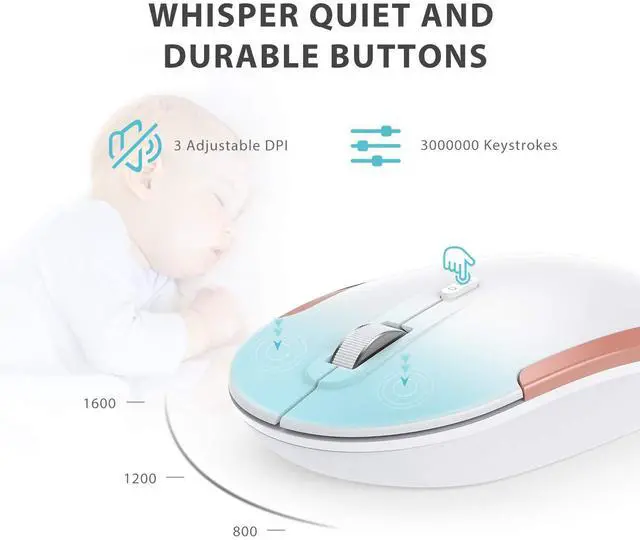
Stay within 10m line-of-sight, remove metal obstructions, and press the DPI button to cycle 800 / 1200 / 1600 DPI for instant

True 110-Key Desktop Layout
USB-C Fast Charge
Ultra-Slim Design


Full numpad and standard spacing keep Excel, coding, and data entry fast for office veterans and finance pros.
No AA batteries needed
Only 0.7in edge height with a natural typing tilt—ideal for hot-desking, co-working spaces, and compact desks.
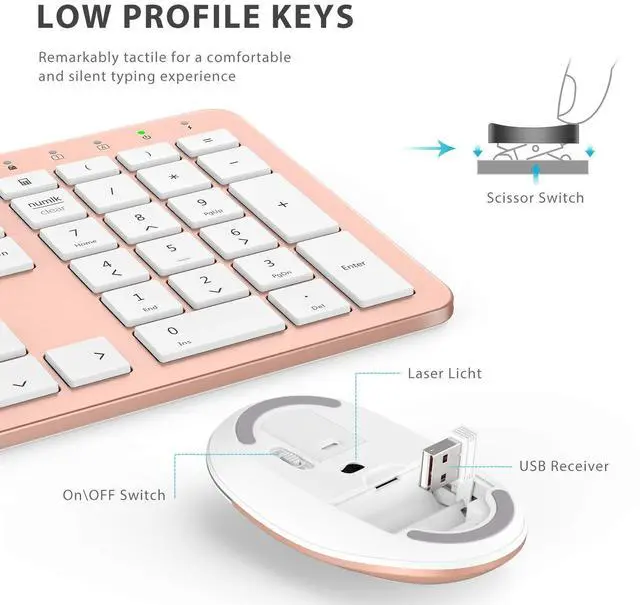
Low-Profile Keys, All-Day Ease


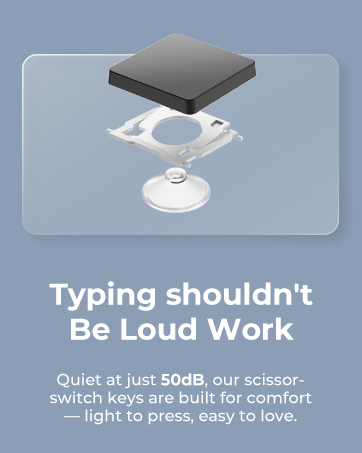
Scissor switches deliver the smooth, familiar feel Apple fans love while cutting hand fatigue in long sessions.
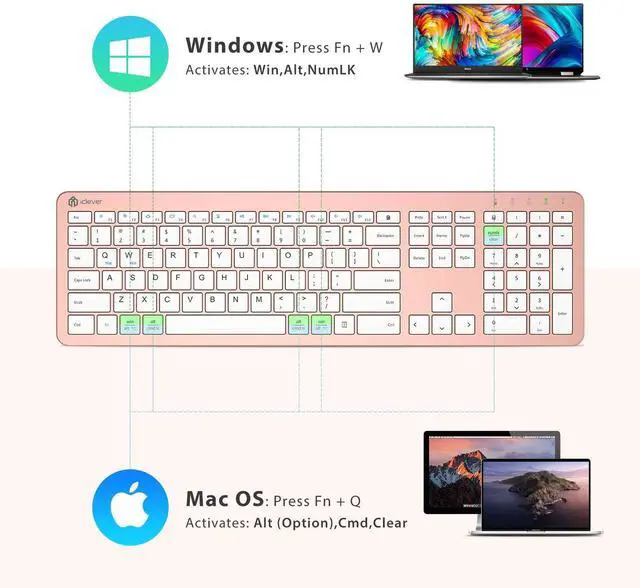
?/Ctrl Keys Auto-Switch
One USB Receiver, 33 ft Range


Native ? for Mac, Full Ctrl for Windows
Plug into PC/Mac USB-A port—keyboard and mouse pair instantly and keep a rock-solid link up to 33 ft.


How long does a full charge last?
Up to 45 days of 8-h daily use for the keyboard and 20 days for the mouse. The battery LED flashes below 10 %; recharge fully with the included USB-C cable (˜ 2 h).
The keyboard or mouse stopped responding—what should I do?
1.Verify the power switch is ON.
2.Plug the USB-A receiver into a native port (avoid hubs).3) Recharge or restart the device.
Why am I getting double characters or typos?
Low battery or 2.4 GHz interference can cause this. Fully recharge, then keep the receiver in a front USB-A port away from Wi-Fi routers or metal surfaces.
Will it work with my Mac?
Yes—any macOS desktop / laptop with a USB-A port (e.g., iMac 2017-2020, MacBook Air/Pro = 2017).
Macs with only USB-C require a USB-A adapter.
How do I fix occasional cursor lag?
Stay within 10m line-of-sight, remove metal obstructions, and press the DPI button to cycle 800 / 1200 / 1600 DPI for instant
WorkMate
FoldMate
NumMate
SilentTap
