





Upgraded BK10 Bluetooth Keyboard Series
 Classic BK10 Keyboard |  Upgraded BK10SE Keyboard |  Upgraded BK10SE Keyboard |  Upgraded BK10Pro Keyboard | |
|---|---|---|---|---|
Customer Reviews | — | — | — | — |
Price | — | — | — | — |
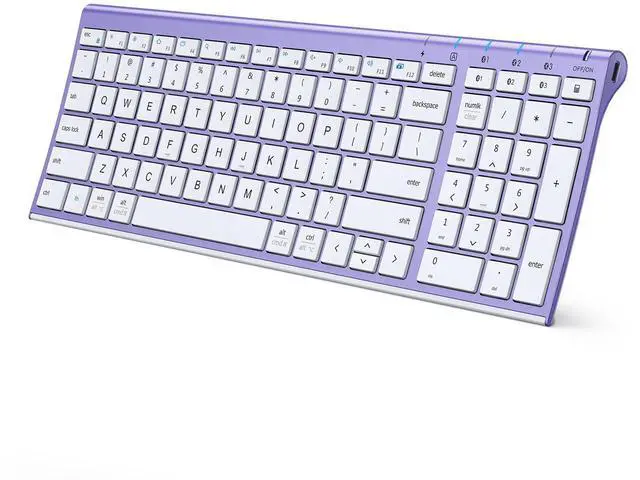
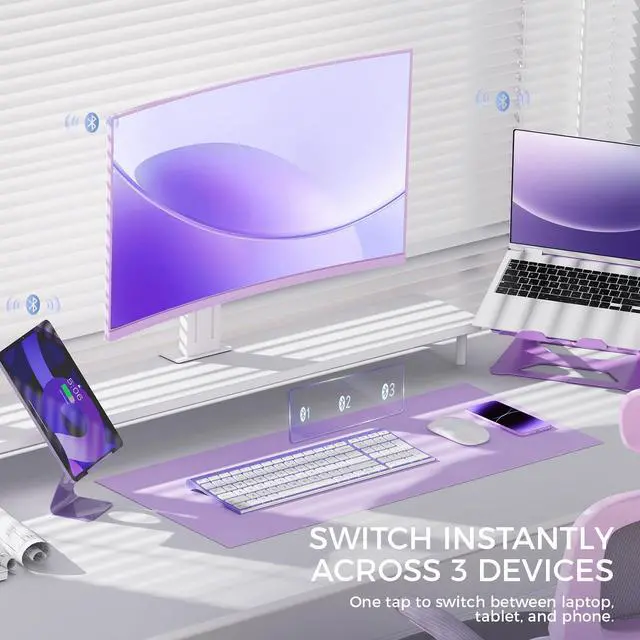
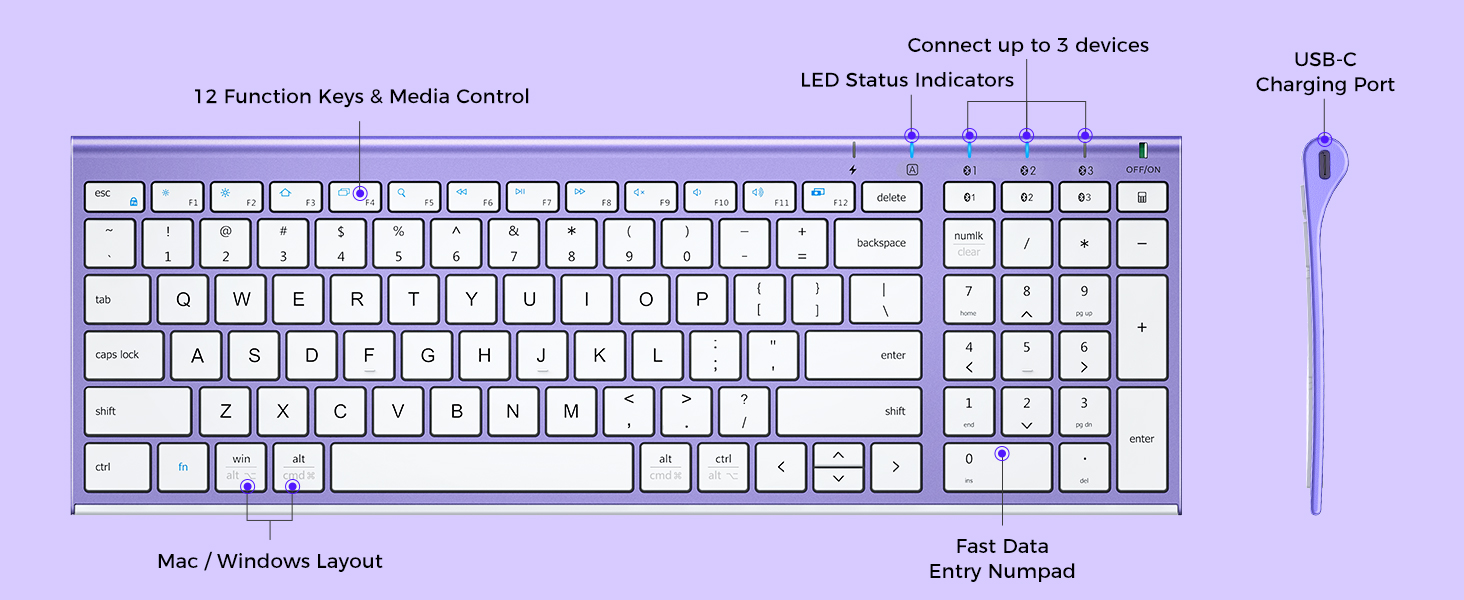
Connection Type | 3* Bluetooth | 3* Bluetooth (Upgraded) | 3* Bluetooth (Upgraded) | 3* Bluetooth (Upgraded) |
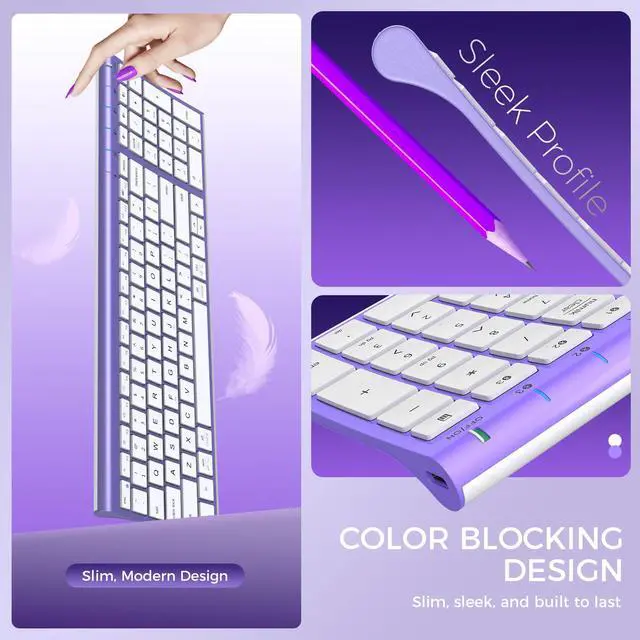
Layout | Full Size layout with numpad | Full Size layout with numpad | Full Size layout with numpad | Full Size layout with numpad |
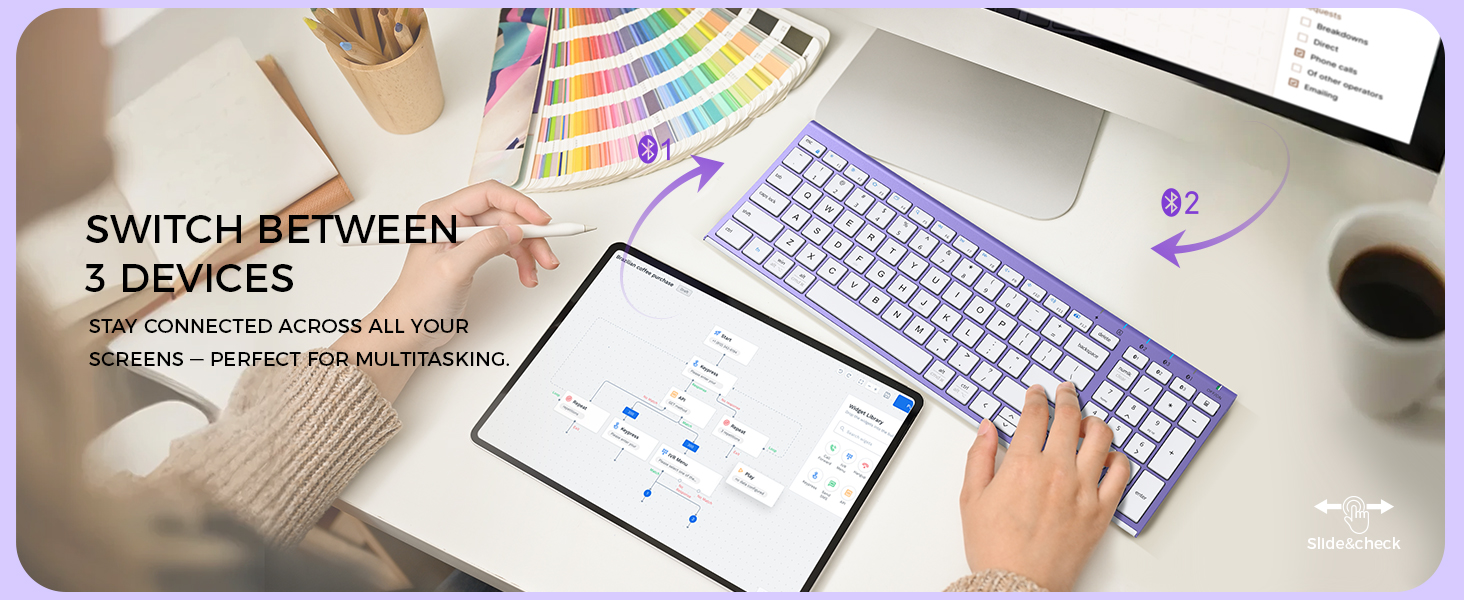
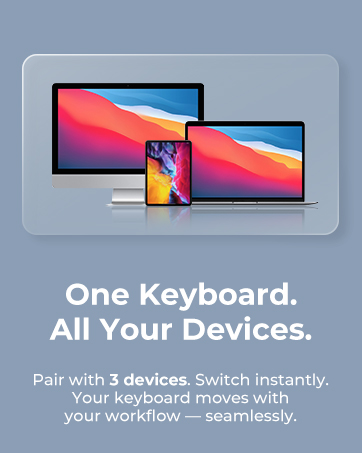
Compatible Devices | Up to 3 Devices | Up to 3 Devices | Up to 3 Devices | Up to 3 Devices |
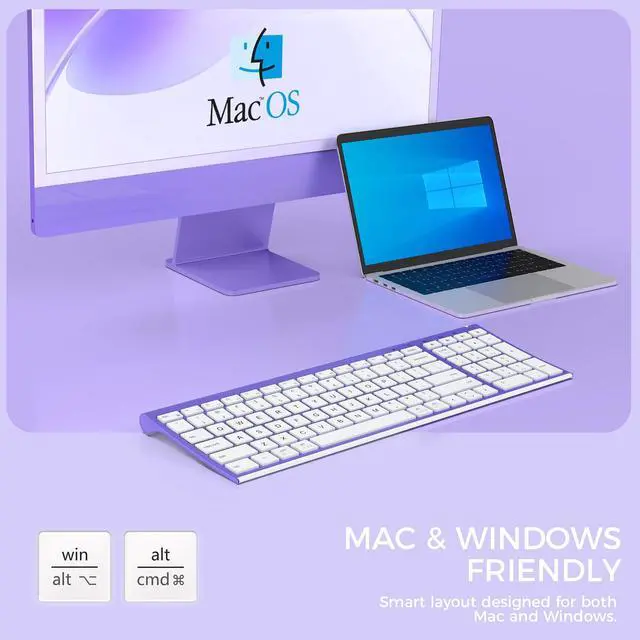
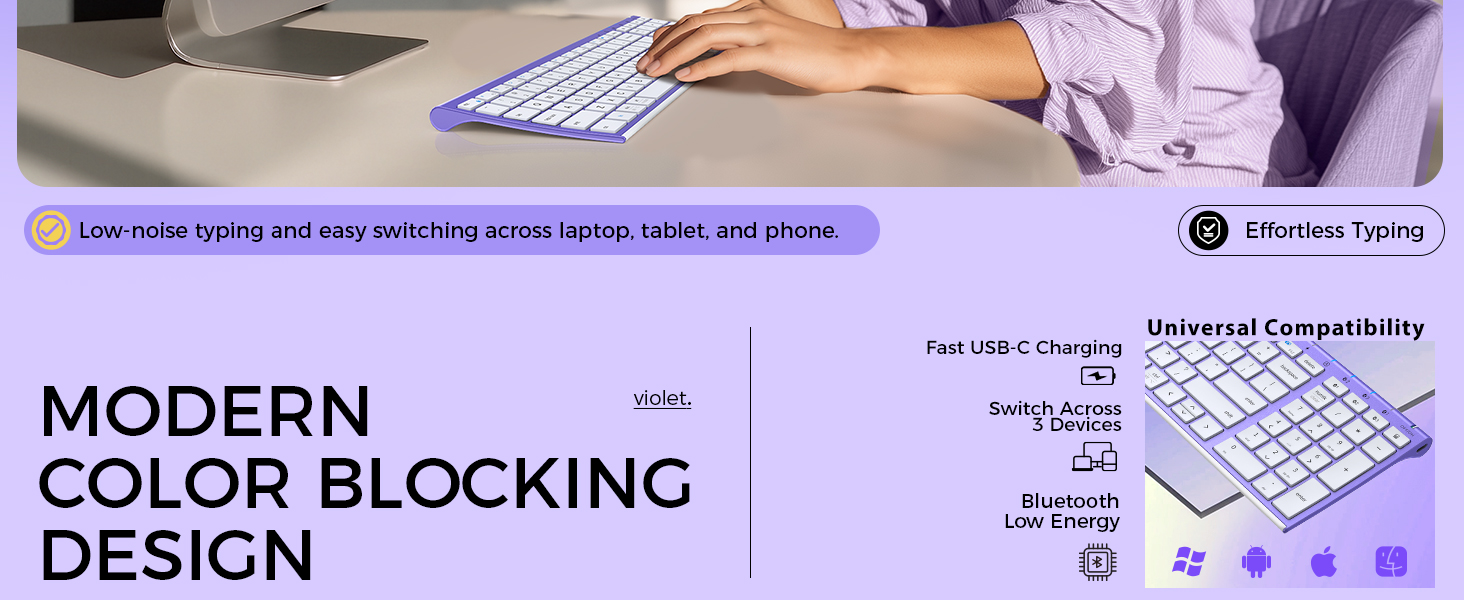
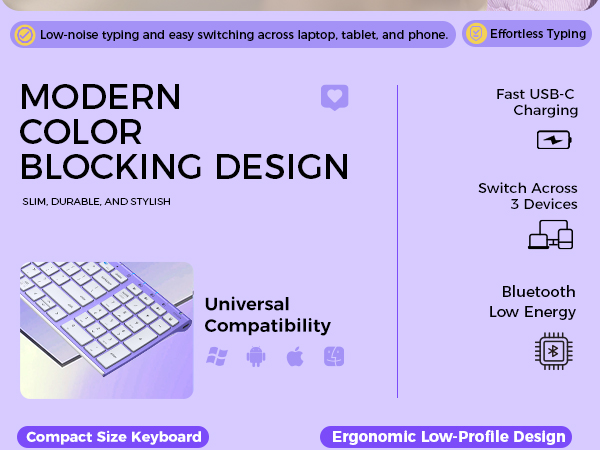
System Compatibility | macOS, Windows, iOS, Android | macOS, Windows, iOS, Android | macOS, Windows, iOS, Android | macOS, Windows, iOS, Android |
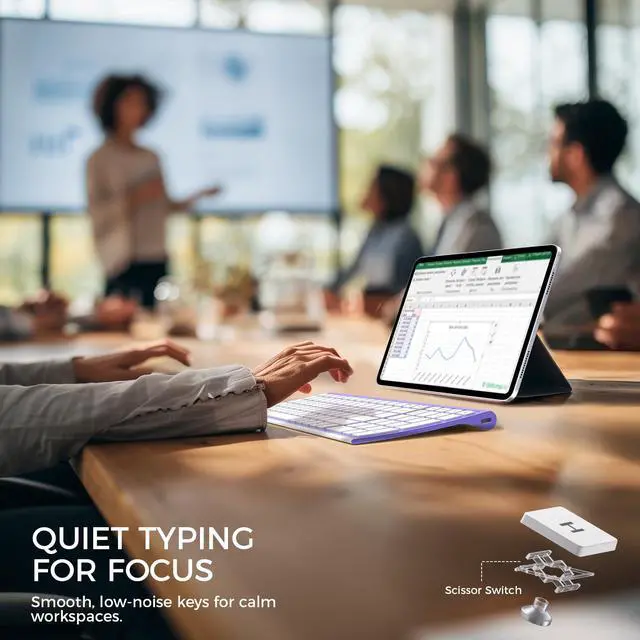
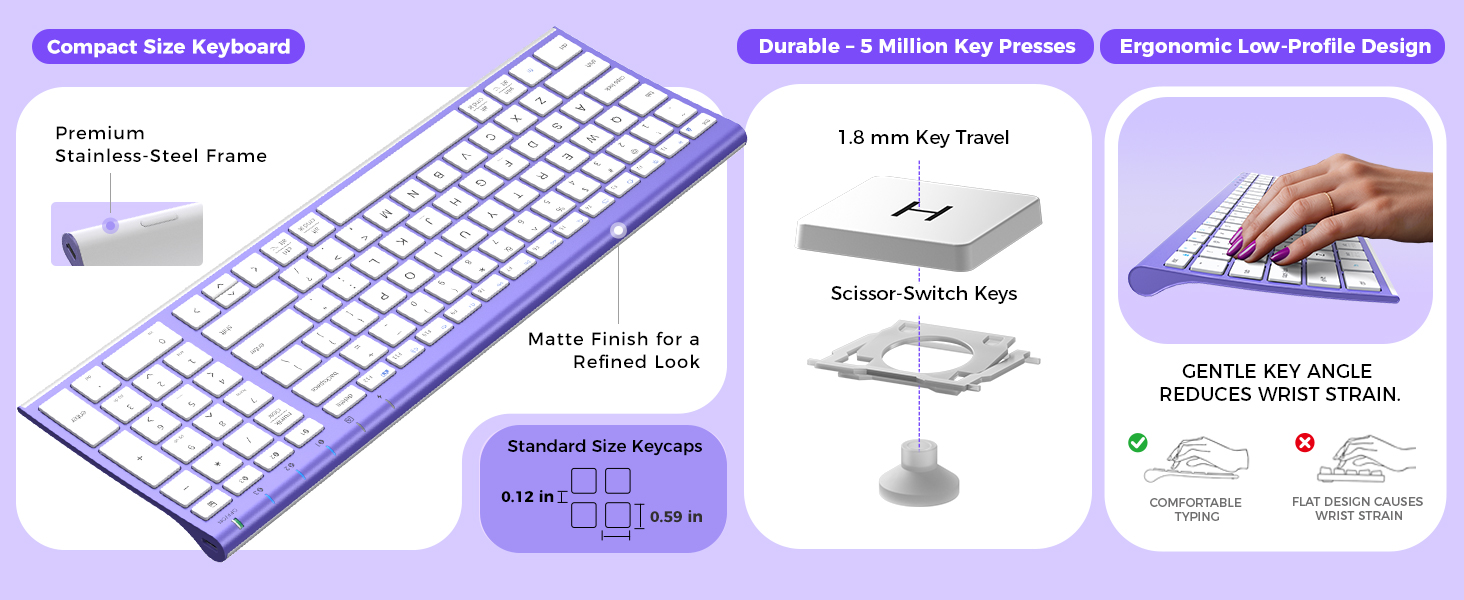
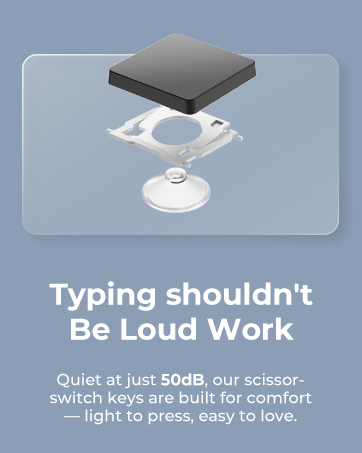
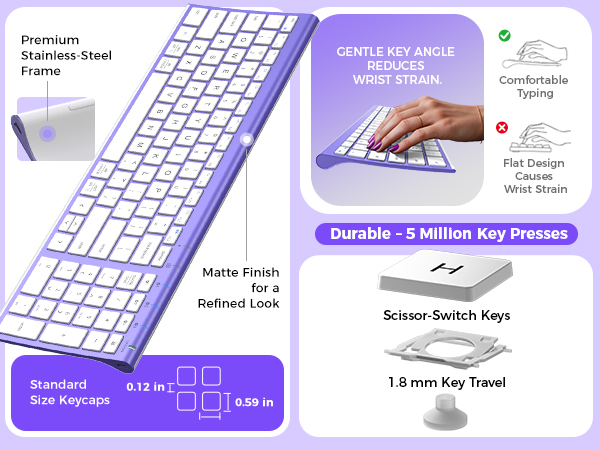
Key Mechanism | Scissor Switch | Refined Scissor Switch | Refined Scissor Switch | Refined Scissor Switch |
Backlight | ? | ? | ? | ? |
Keyboard Backlit Color | ? | ? | ? | 7 Colors |
Keyboard Dimensions | 14.4 x 4.9 x 0.66 inch | 14.25 x 5.15 x 0.7 inch | 14.25 x 5.15 x 0.7 inch | 14.25 x 5.15 x 0.7 inch |
Keyboard Weight | 0.81 lb | 0.81 lb | 0.81 lb | 0.81 lb |
How do I keep the Bluetooth connection stable?
Stay within 33 ft, avoid metal barriers. Turn keyboard ON, hold the BT key 5 s until the LED blinks, select “IC-BK10.” If it drops, toggle Bluetooth off/on to reconnect.
Why do I see double letters or random characters?
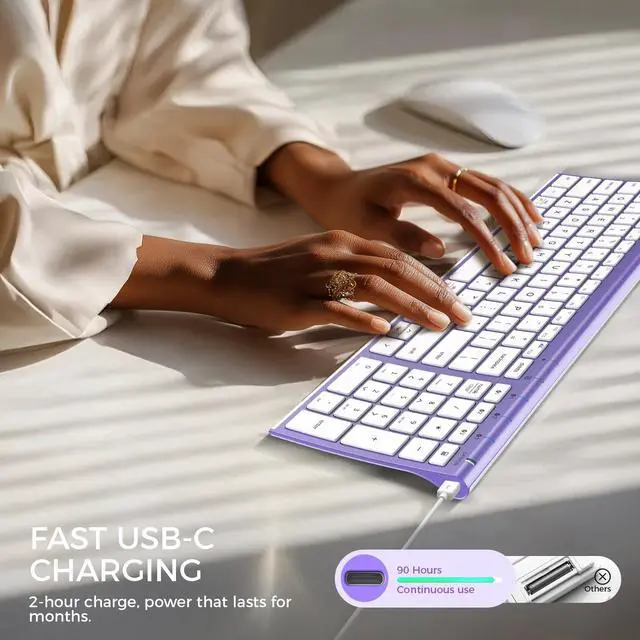
Usually low battery or 2.4 GHz interference. The board also sleeps after 30 min; the first wake tap can repeat. Fully recharge (USB-C ˜ 2 h) and keep Wi-Fi gear 8 in away.
How long does a full charge last?
Up to 45 days at 8 h/day. LED turns red below 10 %. Type while charging with the included USB-C cable.
Is it fully compatible with Mac, iPad, or Windows?
Yes—macOS 10.15+, iPadOS 13.4+, Windows 10/11, Android, ChromeOS (BT 4.0+).
What if the keyboard fails after a few months?
Charge for 2 h, switch the power switch off/on, delete “IC-BK10”from your Bluetooth list, then pair again. If it still won’t respond, hold the BT key 5 s to force pairing and test on another device.





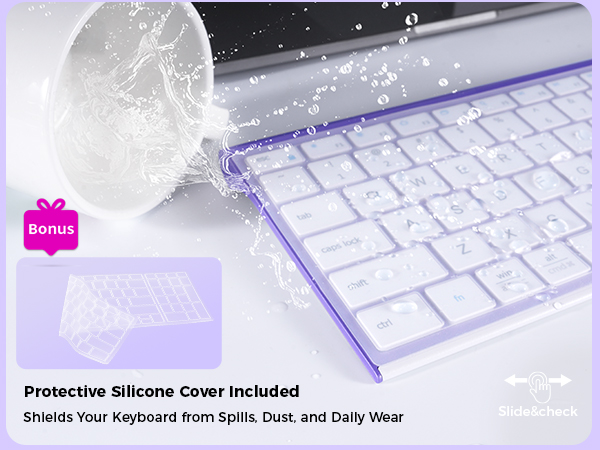
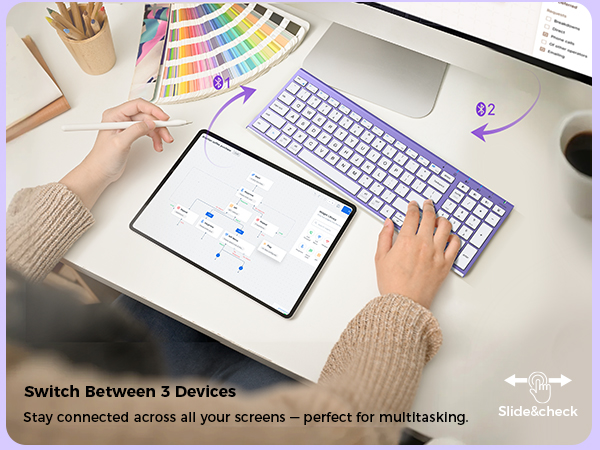
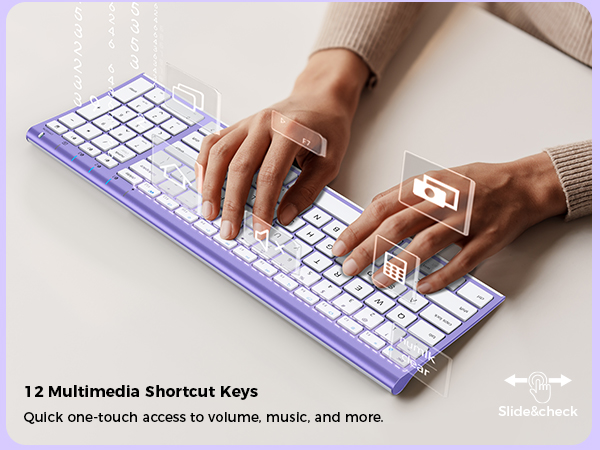
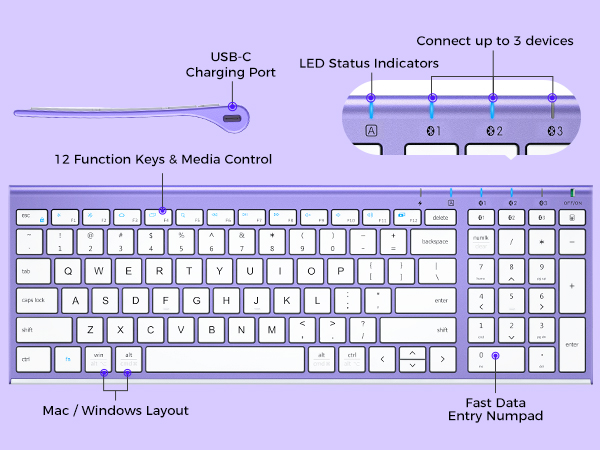
Upgraded BK10 Bluetooth Keyboard Series
Classic BK10 Keyboard | Upgraded BK10SE Keyboard | Upgraded BK10SE Keyboard | Upgraded BK10Pro Keyboard |
|---|---|---|---|
| Customer Reviews | |||
| — | — | — | — |
| Price | |||
| — | — | — | — |
| Connection Type | |||
| 3* Bluetooth | 3* Bluetooth (Upgraded) | 3* Bluetooth (Upgraded) | 3* Bluetooth (Upgraded) |
| Layout | |||
| Full Size layout with numpad | Full Size layout with numpad | Full Size layout with numpad | Full Size layout with numpad |
| Compatible Devices | |||
| Up to 3 Devices | Up to 3 Devices | Up to 3 Devices | Up to 3 Devices |
| System Compatibility | |||
| macOS, Windows, iOS, Android | macOS, Windows, iOS, Android | macOS, Windows, iOS, Android | macOS, Windows, iOS, Android |
| Key Mechanism | |||
| Scissor Switch | Refined Scissor Switch | Refined Scissor Switch | Refined Scissor Switch |
| Backlight | |||
| ? | ? | ? | ? |
| Keyboard Backlit Color | |||
| ? | ? | ? | 7 Colors |
| Keyboard Dimensions | |||
| 14.4 x 4.9 x 0.66 inch | 14.25 x 5.15 x 0.7 inch | 14.25 x 5.15 x 0.7 inch | 14.25 x 5.15 x 0.7 inch |
| Keyboard Weight | |||
| 0.81 lb | 0.81 lb | 0.81 lb | 0.81 lb |
How do I keep the Bluetooth connection stable?
Stay within 33 ft, avoid metal barriers. Turn keyboard ON, hold the BT key 5 s until the LED blinks, select “IC-BK10.” If it drops, toggle Bluetooth off/on to reconnect.
Why do I see double letters or random characters?
Usually low battery or 2.4 GHz interference. The board also sleeps after 30 min; the first wake tap can repeat. Fully recharge (USB-C ˜ 2 h) and keep Wi-Fi gear 8 in away.
How long does a full charge last?
Up to 45 days at 8 h/day. LED turns red below 10 %. Type while charging with the included USB-C cable.
Is it fully compatible with Mac, iPad, or Windows?
Yes—macOS 10.15+, iPadOS 13.4+, Windows 10/11, Android, ChromeOS (BT 4.0+).
What if the keyboard fails after a few months?
Charge for 2 h, switch the power switch off/on, delete “IC-BK10”from your Bluetooth list, then pair again. If it still won’t respond, hold the BT key 5 s to force pairing and test on another device.
WorkMate
FoldMate
NumMate
SilentTap
