




Detachable Full Keyboard Size Wrist-Rest
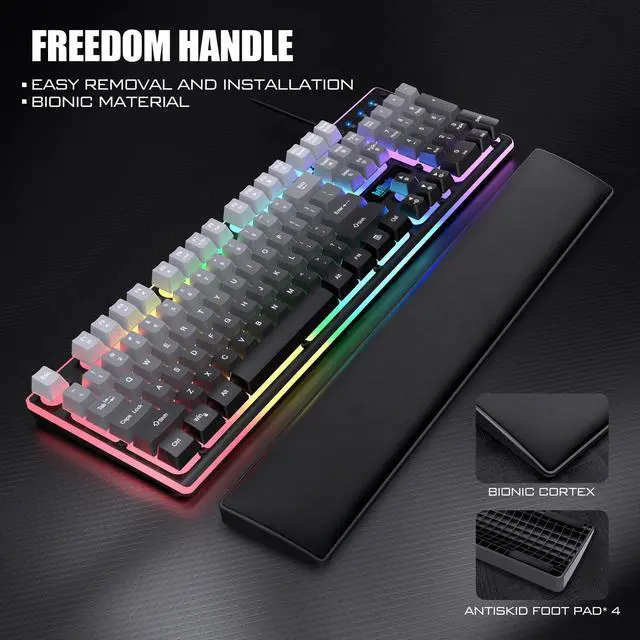
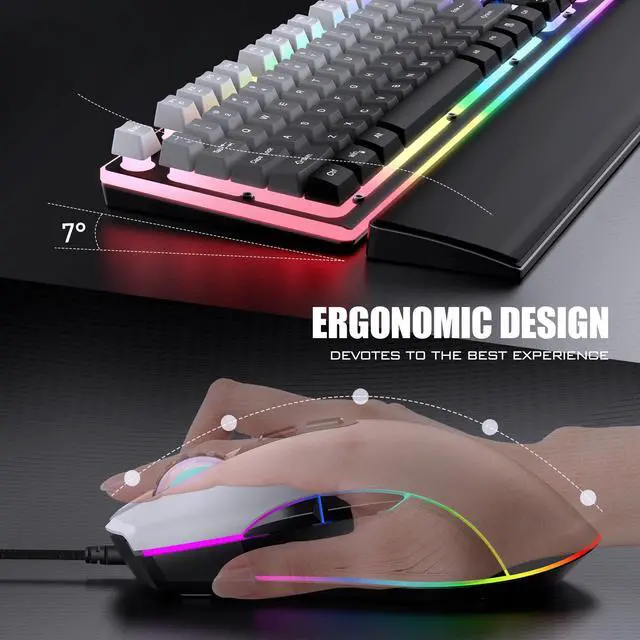
The detachable soft and comfortable wrist rest gives your hands more support, effectively reducing the fatigue of using the keyboard for long periods of time on your wrists, and you will feel more immersed in work or play.

Customizable RGB Backlit
The keyboard has a variety of customizable lighting modes that are easy to use. You can adjust the lighting effects according to your personal preferences to suit different usage scenarios, please refer to the user manual for specific adjustment methods.

Membrane Keys
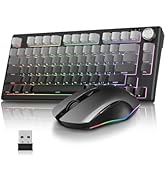
Comfortable membrane keys paired with a crater-style keycaps create a strong mechanical feel. The characters on the gradient keycaps are printed, making them non-translucent, creating a soft and dim gaming/office environment.

RGB Backlit
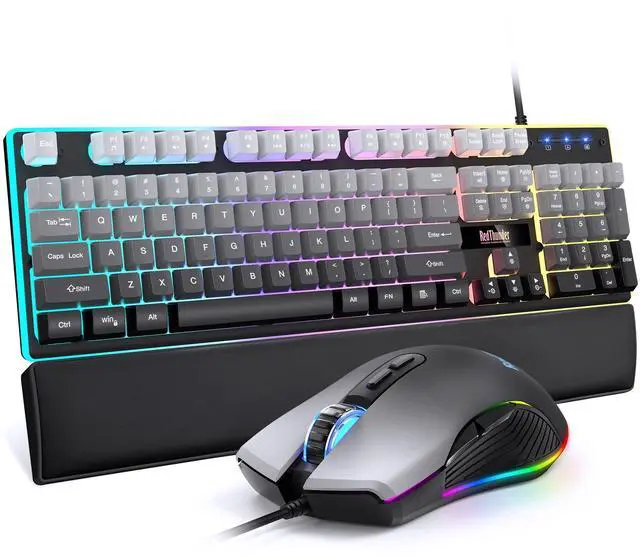
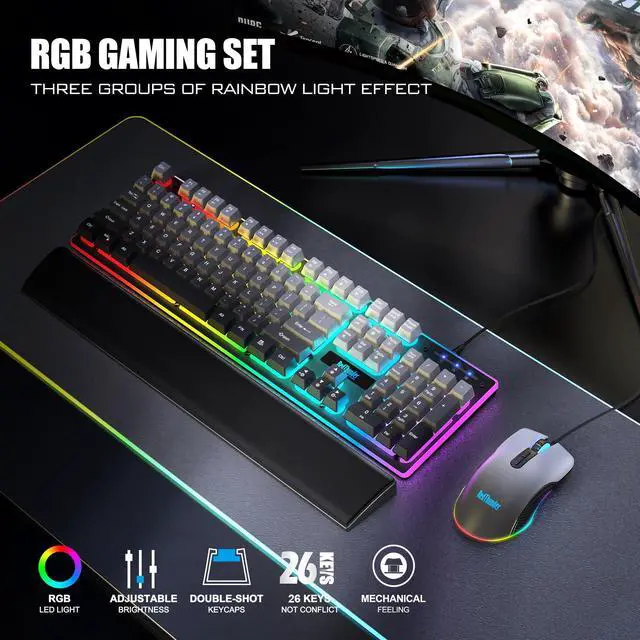
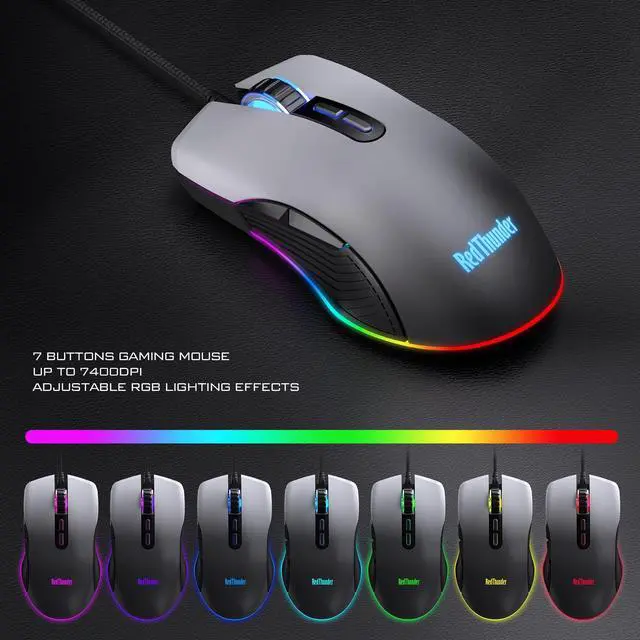
16.8 million color RGB streamer magic light effect, excellent visual effects, gorgeous lighting effects, lightting up a competitive gaming atmosphere.

Multi-button Mouse
The 6D mouse has 2 buttons on the side and two independent forward and backward function buttons, making it more portable during use, effectively reduce hand movement distance, relieve hand fatigue.

Professional Gaming Mouse
Paired with gradient gray keycaps for a cohesive style, lighting up the RGB adds a classic yet playful touch to your desk, creating a unique visual experience and desktop atmosphere, making it ideal for gaming, office work, and various setups.

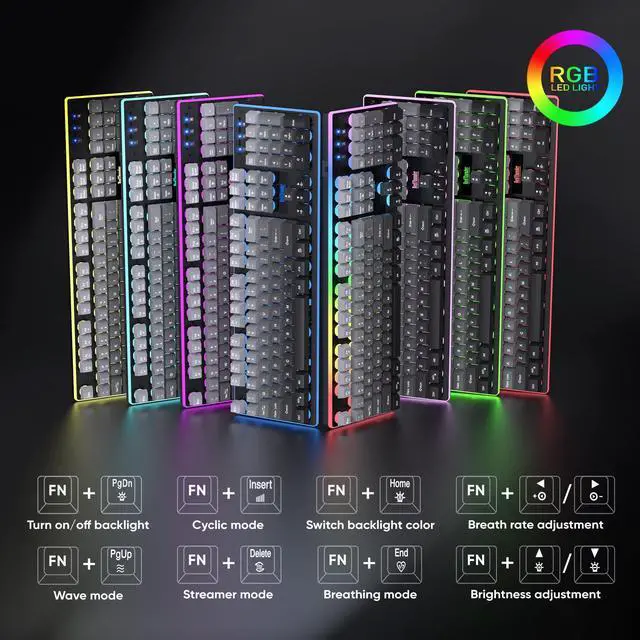
How to adjust RGB backlight?
FN + PgDn = Turn Off Backlight ;
FN + PgUp = Wave Mode ;
FN + Insert = Cyclic Mode ;
FN + Delete = Streamer Mode ;
FN + Home = Switch Color ;
FN + End =Breathing Mode ;
FN + ?? =Brightness Adjustment ; FN + ?? = Breath Rate Adjustment
Press mouse RGB button to adjust mouse RGB backlight.


About RedThunder
RedThunder is a manufacturer specializing in high-performance professional game peripherals. We are committed to providing high-quality and personalized products for global gamers.
We have relentlessly pursuing perfect craftsmanship, first-class feel, high-performance professional gaming equipment and high-standard service. Your satisfaction is our driving force.
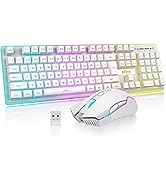
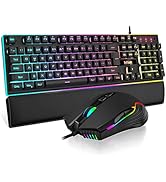
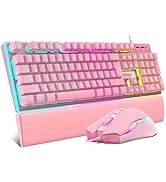
Hot Sale
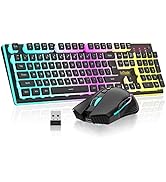
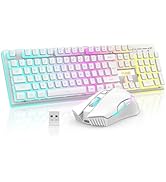
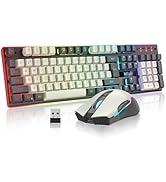
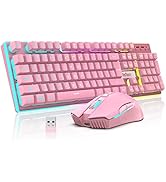
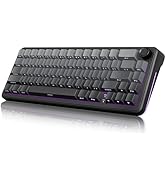
K10 Wireless Set Series
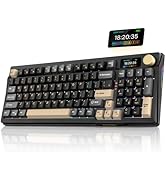
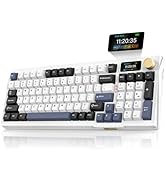
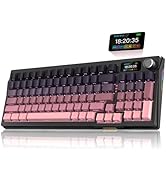
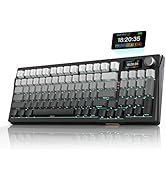
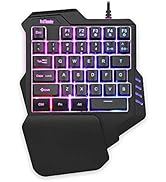
Portable Gaming Keyboard
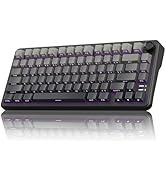
New Releases
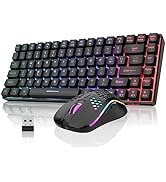
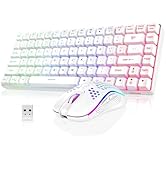
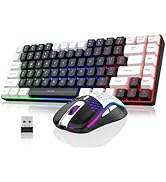
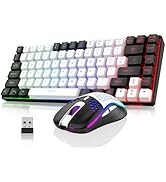
K84 Wireless Series
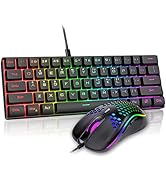
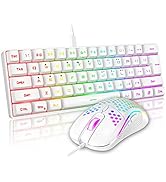
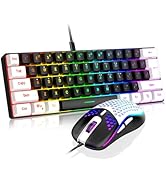
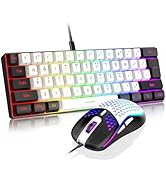
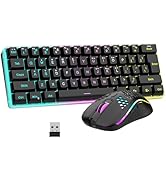
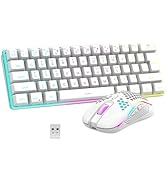
K62 Wired Series
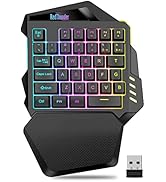

Portable Keyboard

Detachable Full Keyboard Size Wrist-Rest
The detachable soft and comfortable wrist rest gives your hands more support, effectively reducing the fatigue of using the keyboard for long periods of time on your wrists, and you will feel more immersed in work or play.
Customizable RGB Backlit
The keyboard has a variety of customizable lighting modes that are easy to use. You can adjust the lighting effects according to your personal preferences to suit different usage scenarios, please refer to the user manual for specific adjustment methods.
Membrane Keys
Comfortable membrane keys paired with a crater-style keycaps create a strong mechanical feel. The characters on the gradient keycaps are printed, making them non-translucent, creating a soft and dim gaming/office environment.
RGB Backlit
16.8 million color RGB streamer magic light effect, excellent visual effects, gorgeous lighting effects, lightting up a competitive gaming atmosphere.
Multi-button Mouse
The 6D mouse has 2 buttons on the side and two independent forward and backward function buttons, making it more portable during use, effectively reduce hand movement distance, relieve hand fatigue.
Professional Gaming Mouse
Paired with gradient gray keycaps for a cohesive style, lighting up the RGB adds a classic yet playful touch to your desk, creating a unique visual experience and desktop atmosphere, making it ideal for gaming, office work, and various setups.
How to adjust RGB backlight?
FN + PgDn = Turn Off Backlight ;
FN + PgUp = Wave Mode ;
FN + Insert = Cyclic Mode ;
FN + Delete = Streamer Mode ;
FN + Home = Switch Color ;
FN + End =Breathing Mode ;
FN + ?? =Brightness Adjustment ; FN + ?? = Breath Rate Adjustment
Press mouse RGB button to adjust mouse RGB backlight.

About RedThunder
RedThunder is a manufacturer specializing in high-performance professional game peripherals. We are committed to providing high-quality and personalized products for global gamers.
We have relentlessly pursuing perfect craftsmanship, first-class feel, high-performance professional gaming equipment and high-standard service. Your satisfaction is our driving force.
Hot Sale
K10 Wireless Set Series
Portable Gaming Keyboard
New Releases
K84 Wireless Series
K62 Wired Series
Portable Keyboard
