




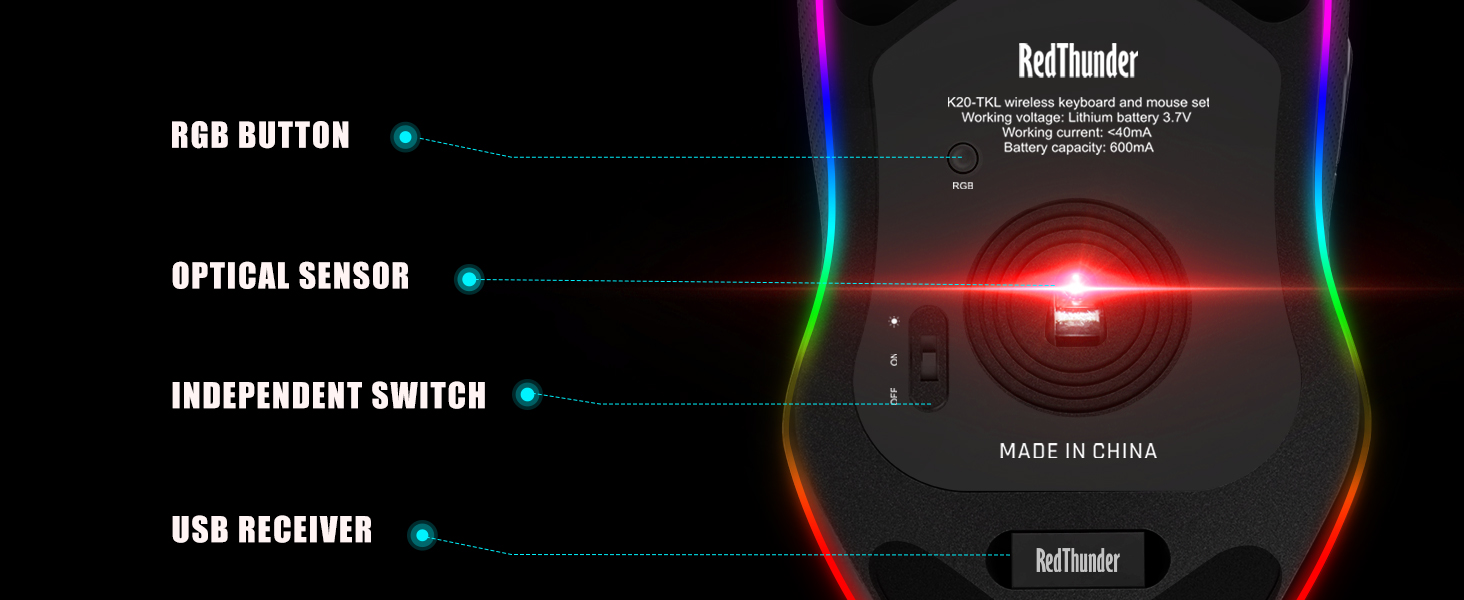
Where is the USB receiver?
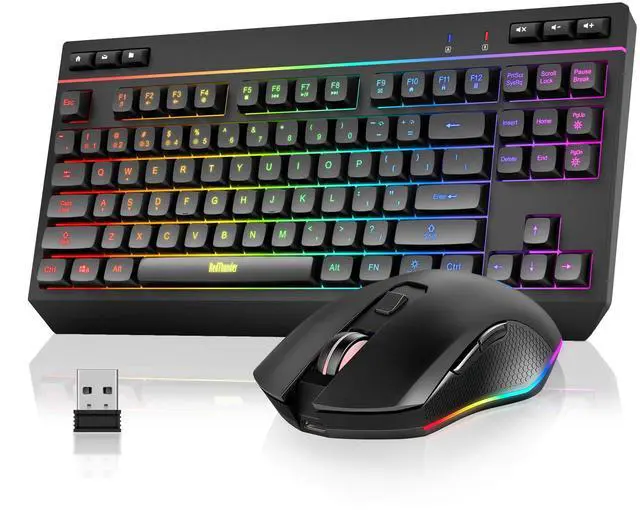
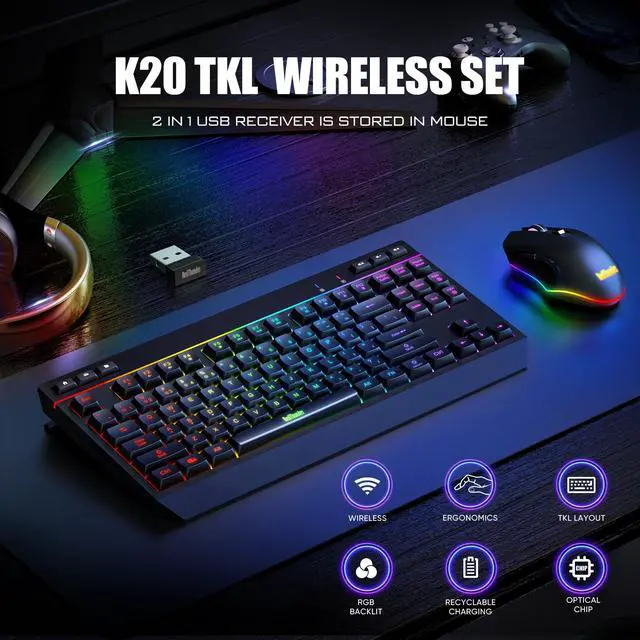
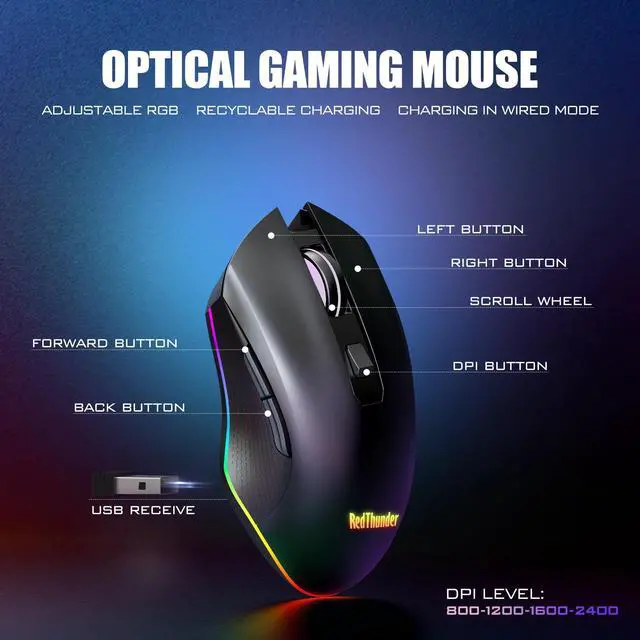
It's located in the bottom of the mouse. K20 keyboard and mouse share only one USB receiver. Please keep it safe.
Does it support fast charging?
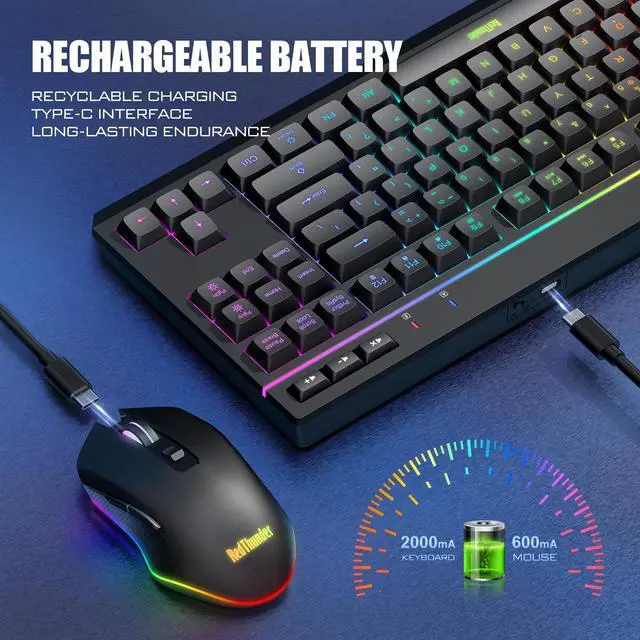
No, please use a charger lower than DC:5V to charge it. It's best to use the computer's USB port to charge.
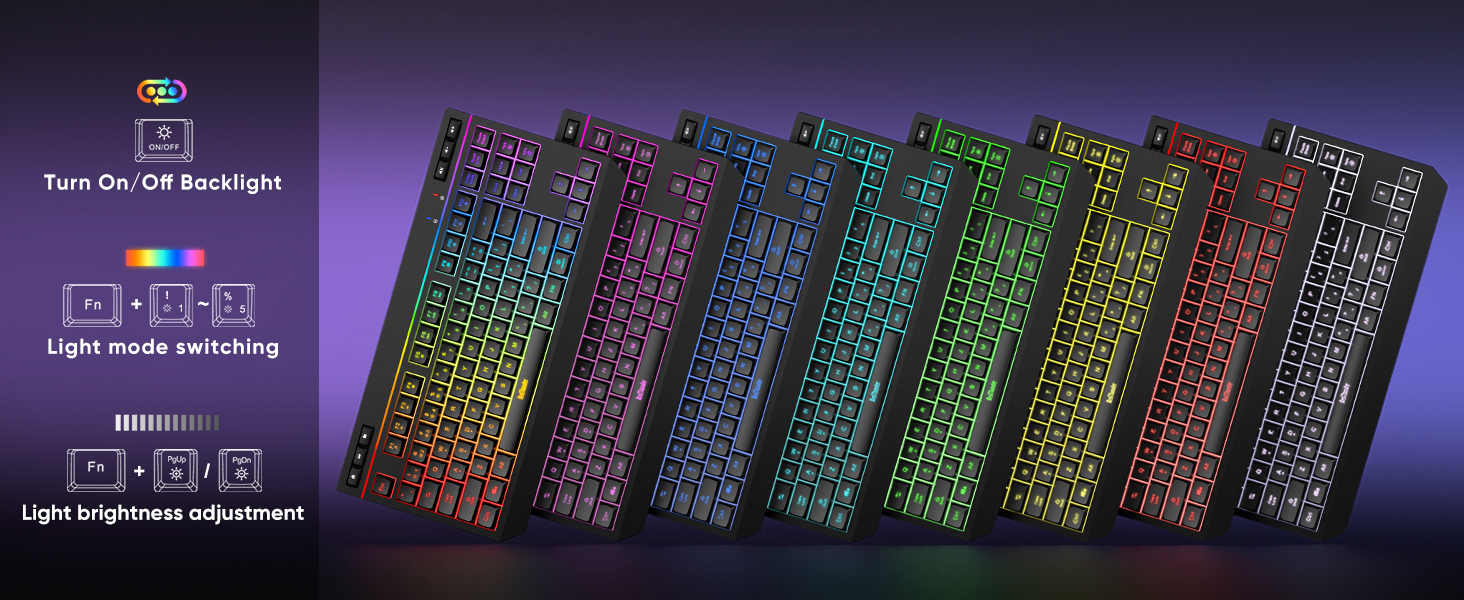
How do I adjust the RGB lighting on my keyboard and mouse?
KEYBOARD:
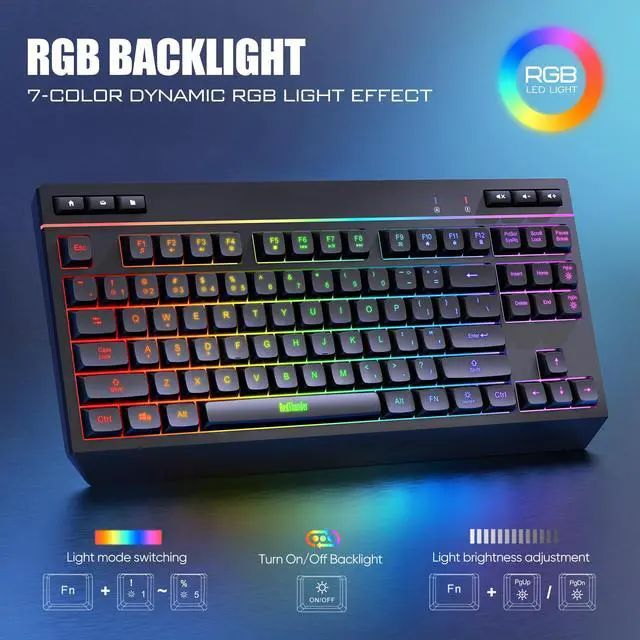
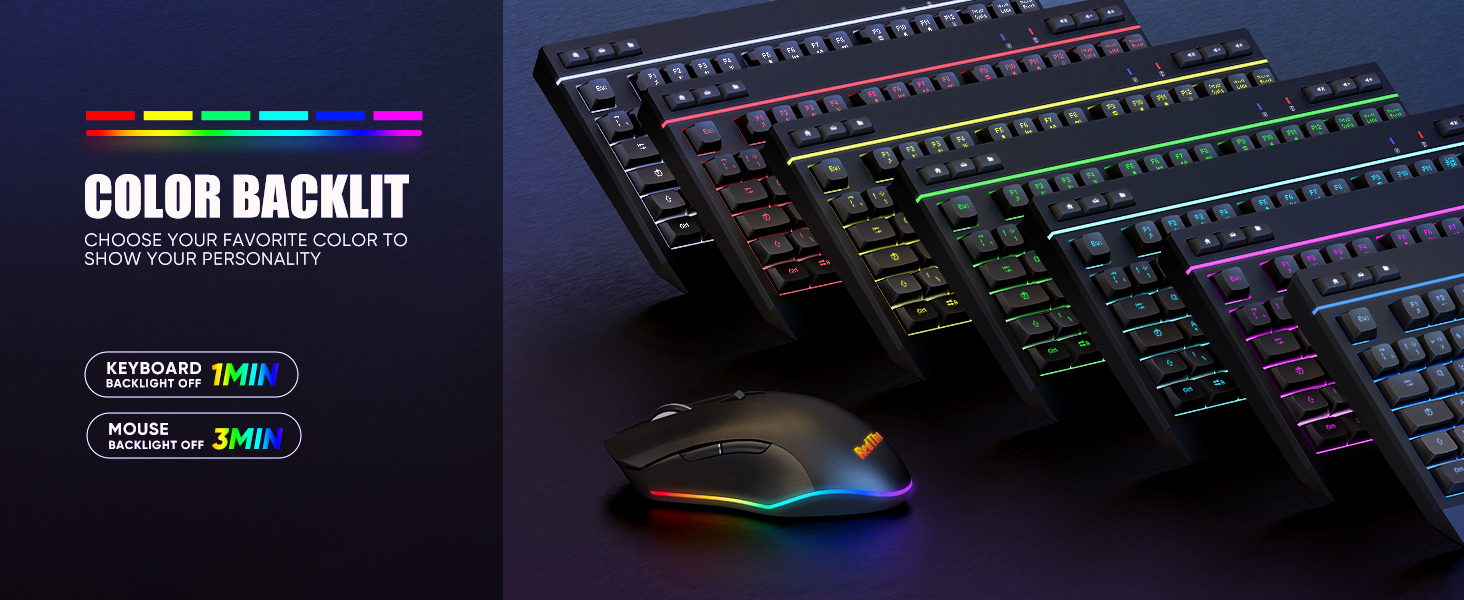
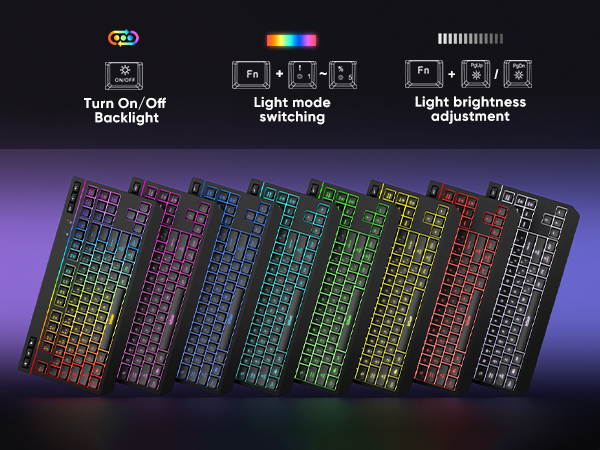
ON/OFF: Turn on/off; FN++: Speed up; FN+-:Slow down; FN +PgDn: Brightness; FN + PqUp: Brightness+
FN +1: Streamer mode; FN +2: Neon mode; FN +3: Breathing mode; FN +4: Gradient mode; FN +5: Switch light color
MOUSE:
RGB Button of the mouse
Why is my mouse not working while charging?
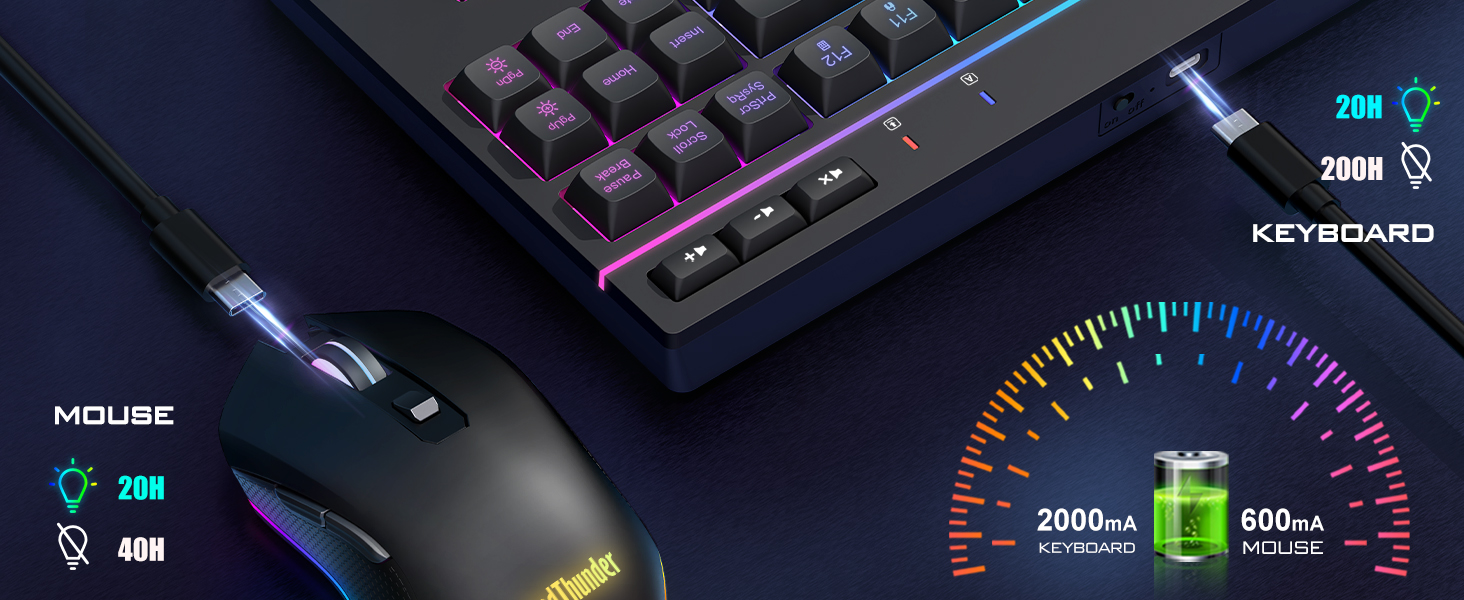
Please charge the mouse on the device you are using and turn the mouse switch on. The mouse is automatically in wired mode when charging.
How to repair the keyboard and mouse with the USB receiver?
Keyboard: Turn the switch ON; Press ESC and K, the indicator light flashes; Insert the USB receiver to device's USB port.
Mice: Turn the switch ON; Press the mouse wheel & right button, RGB light flashes; Insert the USB receiver to device's USB port.
Product Compare
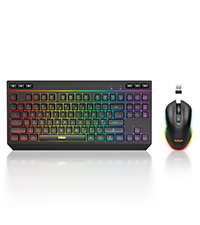 K20 TKL Wireless Combo | 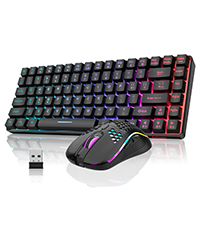 K84 Wireless Combo | 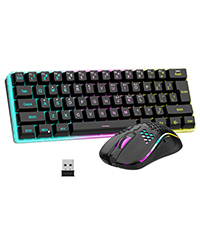 K62 Wireless Combo | 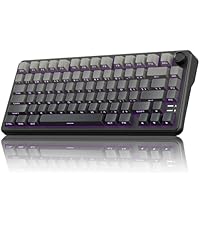 K75 Mechanical Keyboard | 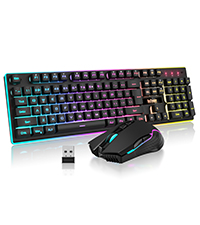 K10 Wireless Combo | 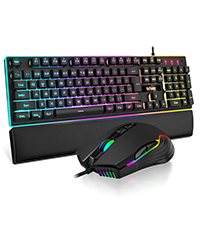 K10 Wired Combo | 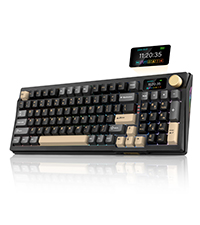 K95 Gasket Keyboard | |
|---|---|---|---|---|---|---|---|
Customer Reviews | — | — | — | — | — | — | — |
Price | — | — | — | — | — | — | — |
Connection | Wireless | Wireless | Wireless | Wireless/Wired/BT | Wireless | Wired | 2.4G Wireless/BT/Wired |
Battery | Rechargeable | Rechargeable | Rechargeable | Rechargeable | Rechargeable | No | Rechargeable 8000mAh |
Backlight | ? | ? | ? | ? | ? | ? | ? |
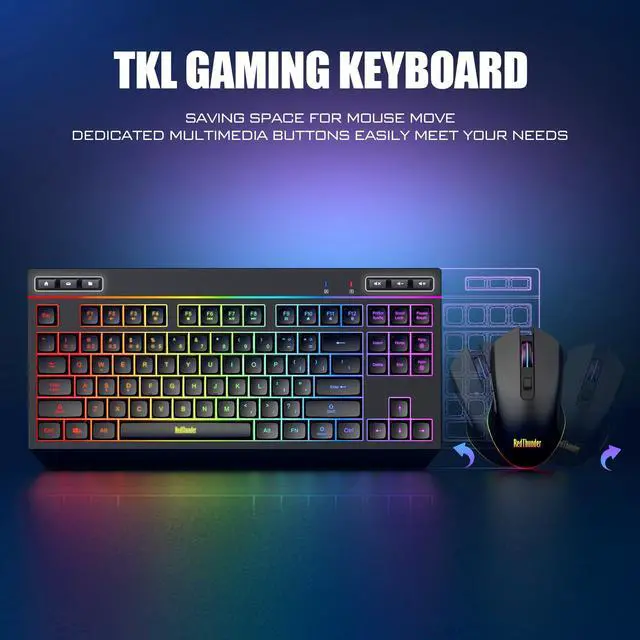
Keys Number | 87-key + 6 Dedicated Keys | 84-key | 61-key | 80-key + 1 Knob | No | No | 95 |
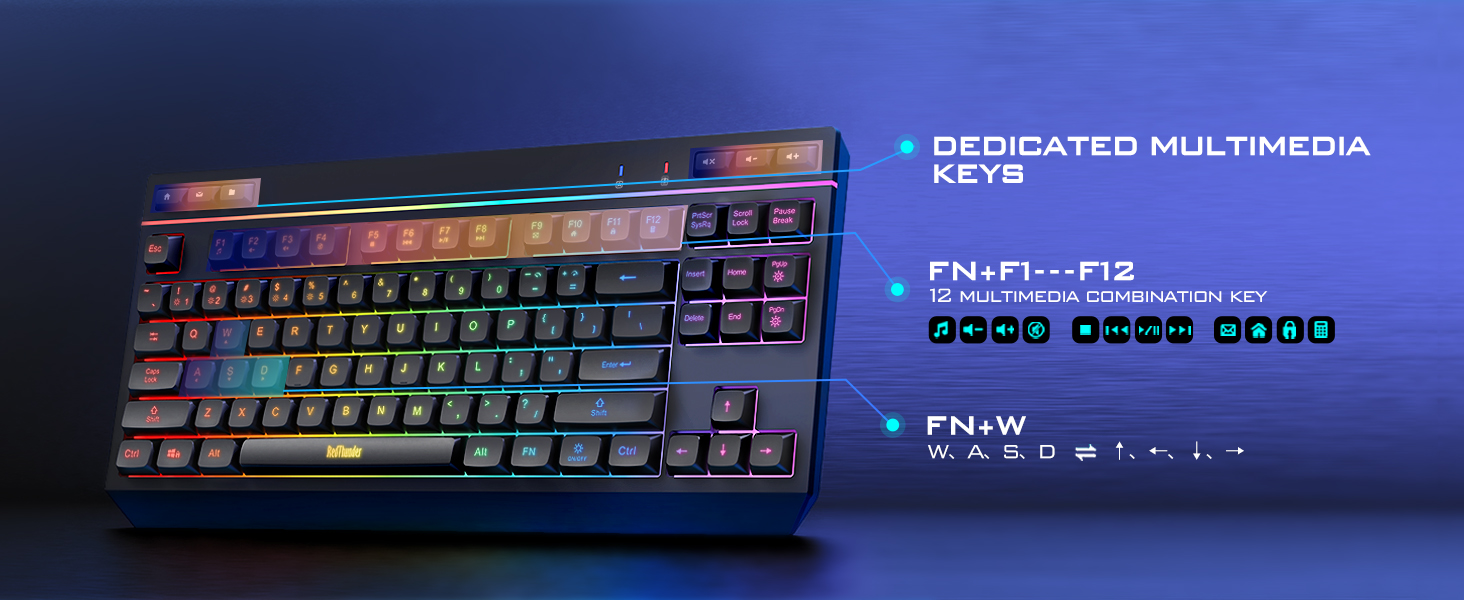
Dedicated Media Key | 6 | No | No | No | No | No | No |
Membrane/Mechanical | Membrane | Membrane | Membrane | Mechanical | Membrane | Membrane | Mechanical |
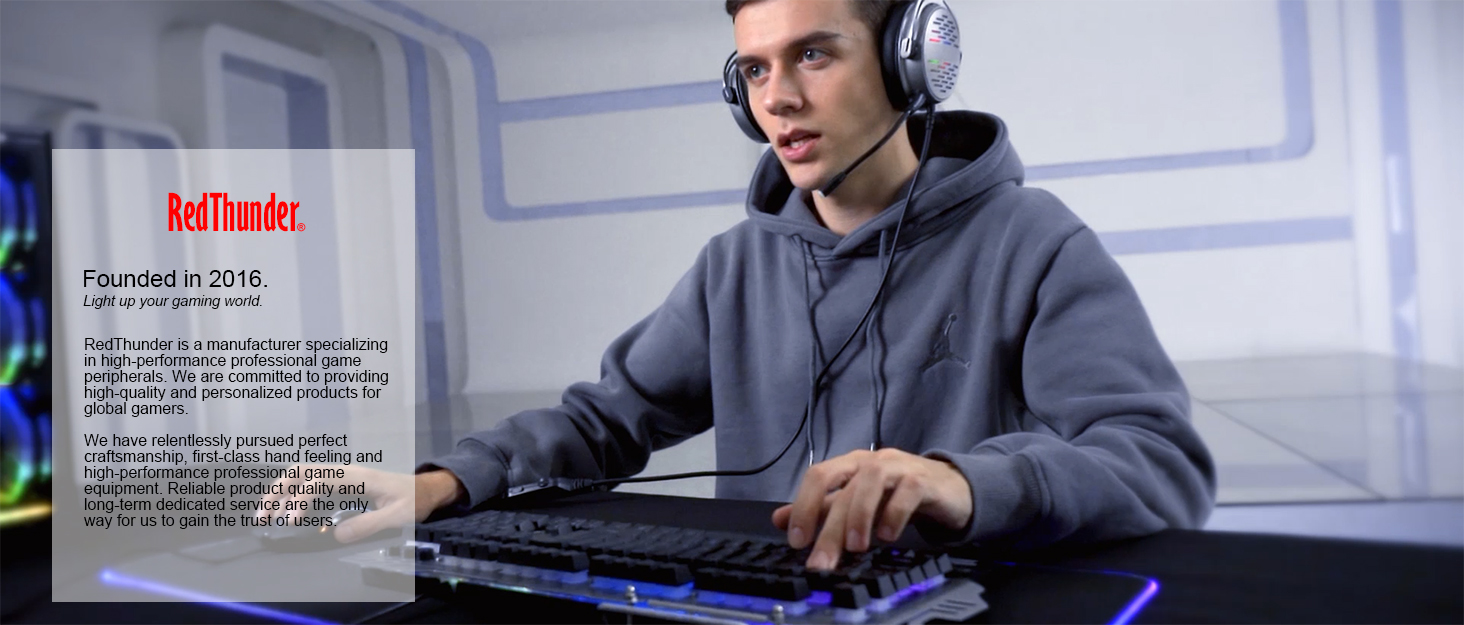

About RedThunder
RedThunder is a manufacturer specializing in high-performance professional game peripherals. We are committed to providing high-quality and personalized products for global gamers.
We have relentlessly pursuing perfect craftsmanship, first-class feel, high-performance professional gaming equipment and high-standard service. Your satisfaction is our driving force.
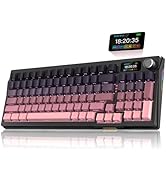
New Collection
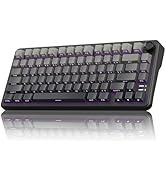
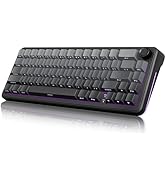
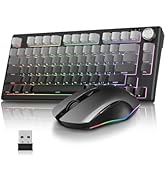
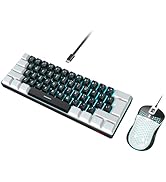
Compact Layout for Gaming
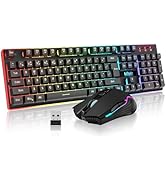
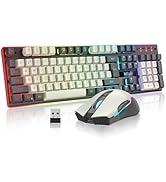
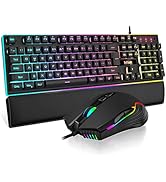
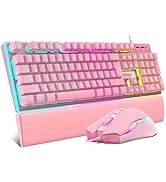
Hot Sale
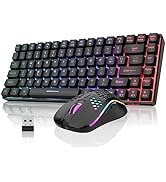
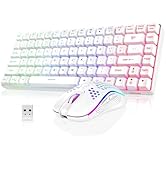
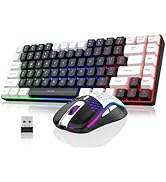
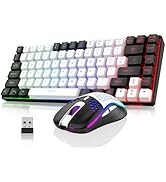
K84 Keyboard Mouse Combo
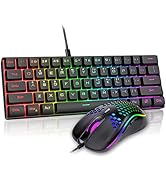
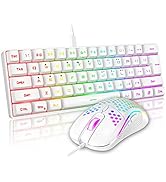
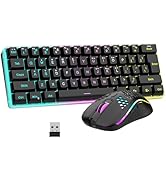
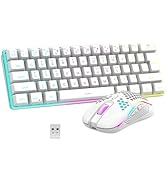
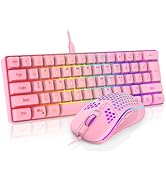
K62 Keyboard Mouse Combo
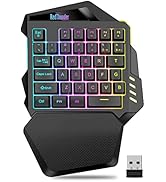
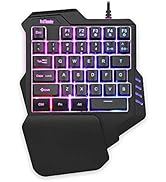

One-handed Keyboard Series

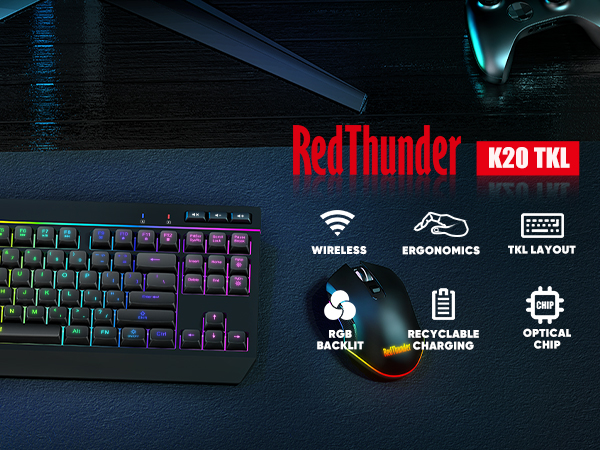
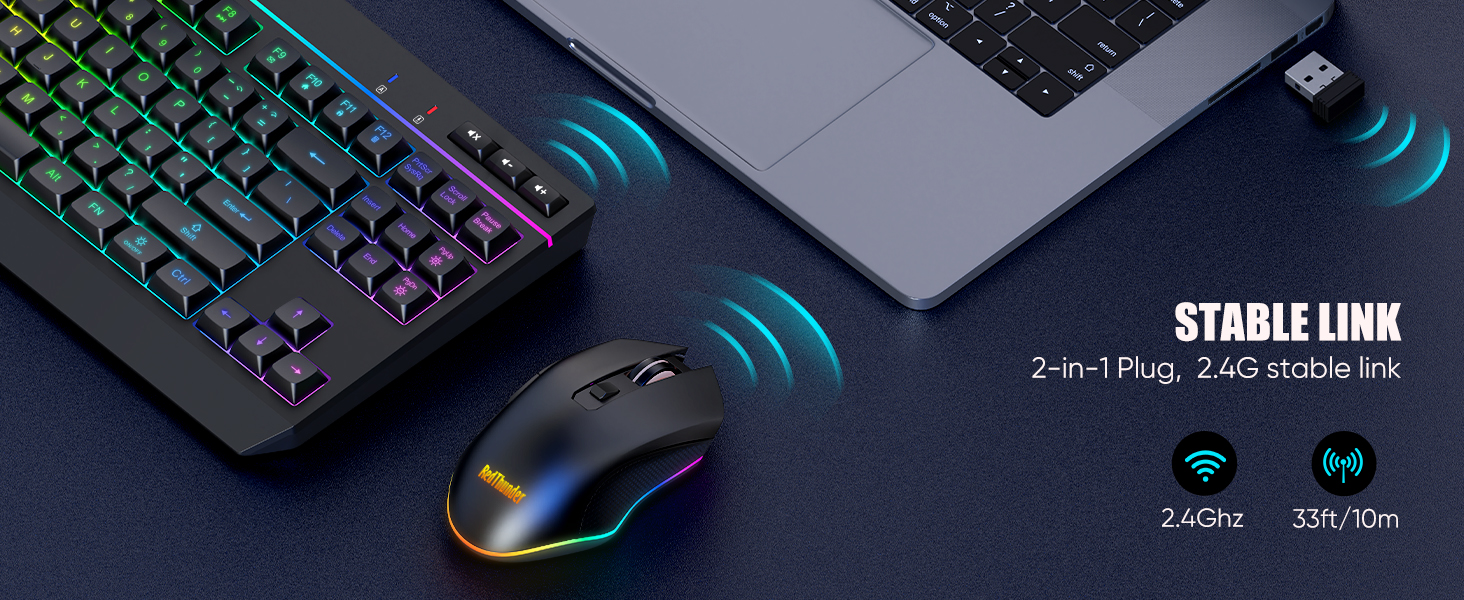
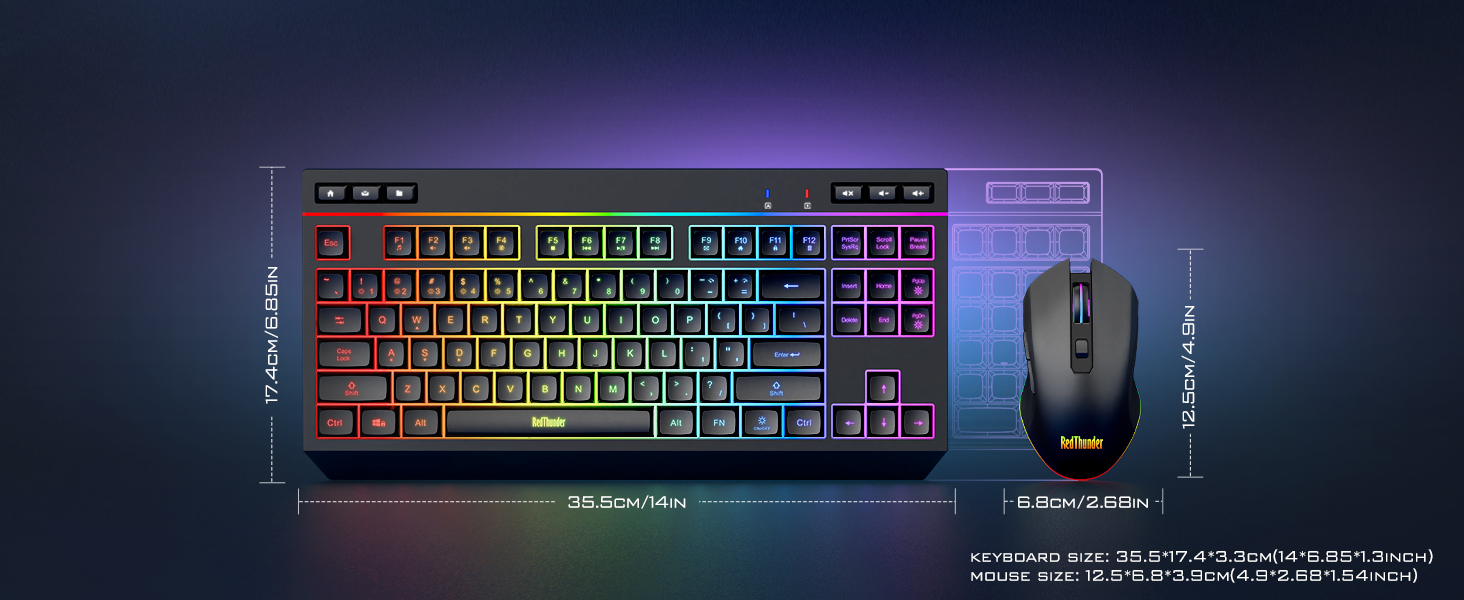
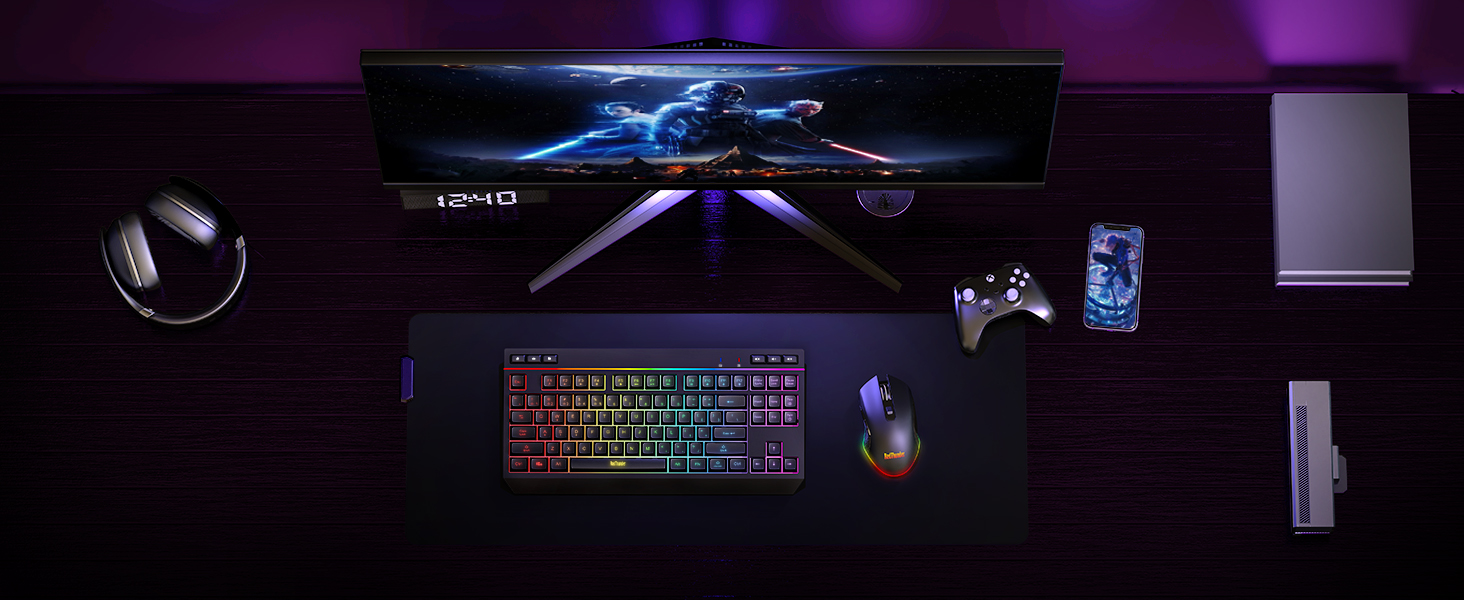
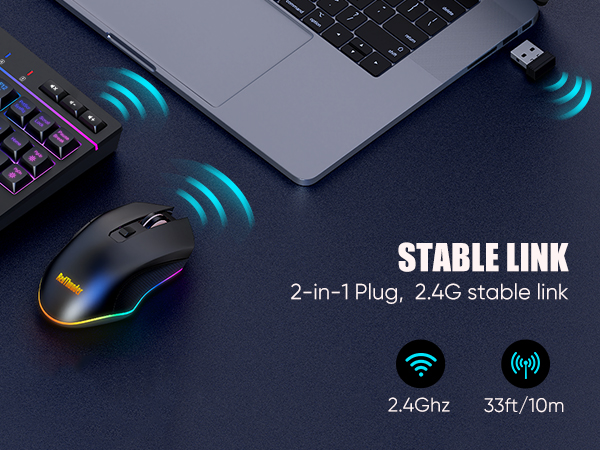
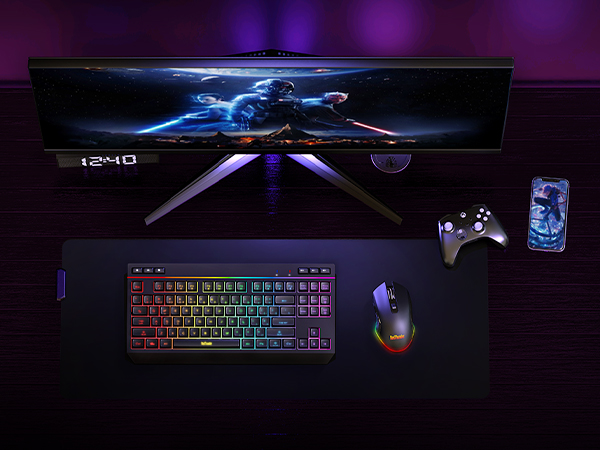
The keyboard and mouse share only one USB receiver.
Please keep the 2.4G USB receiver safe.
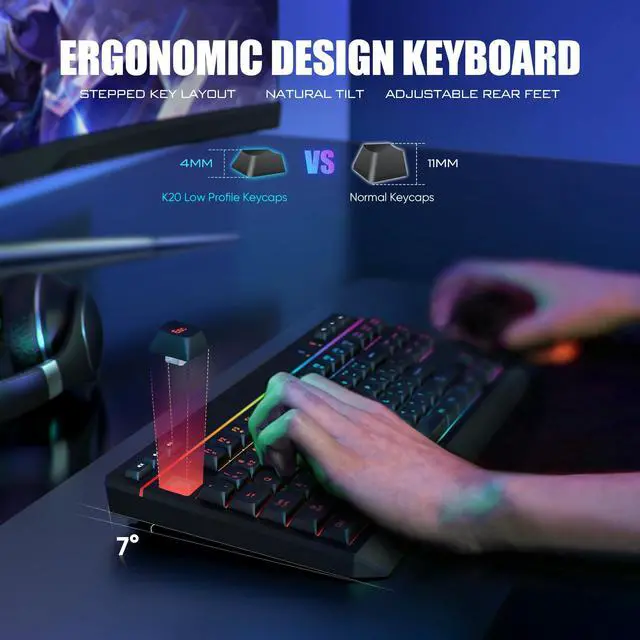
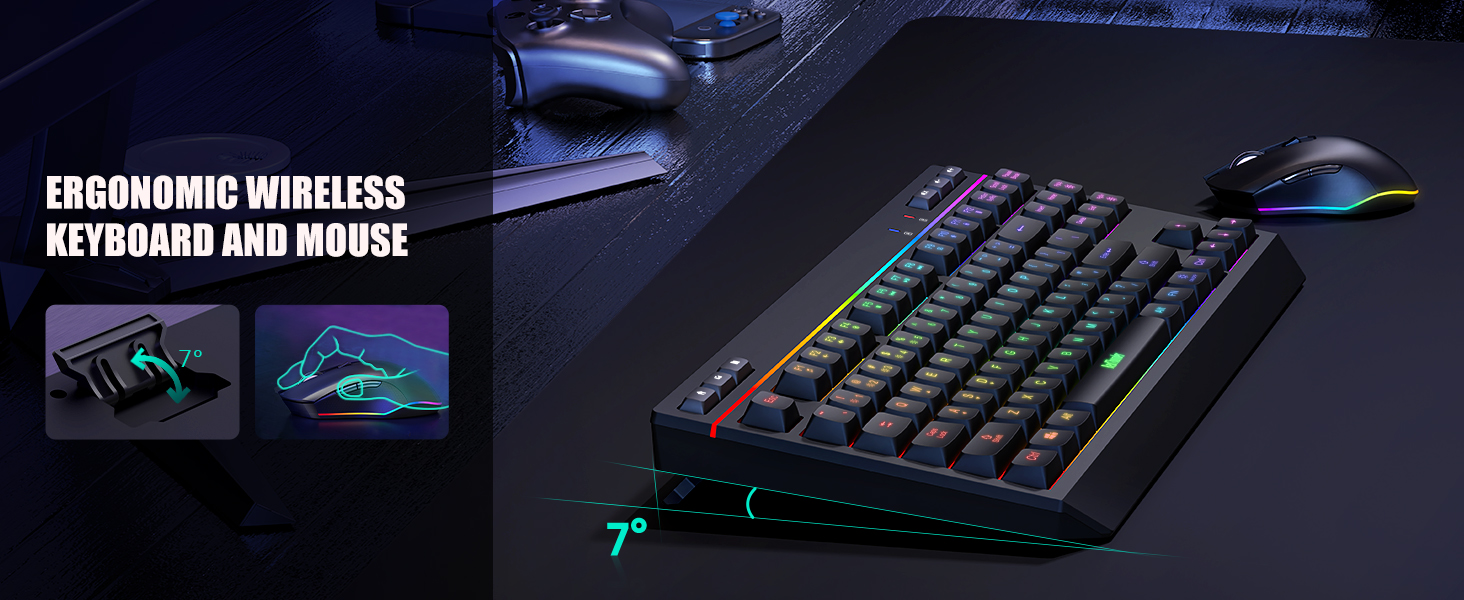
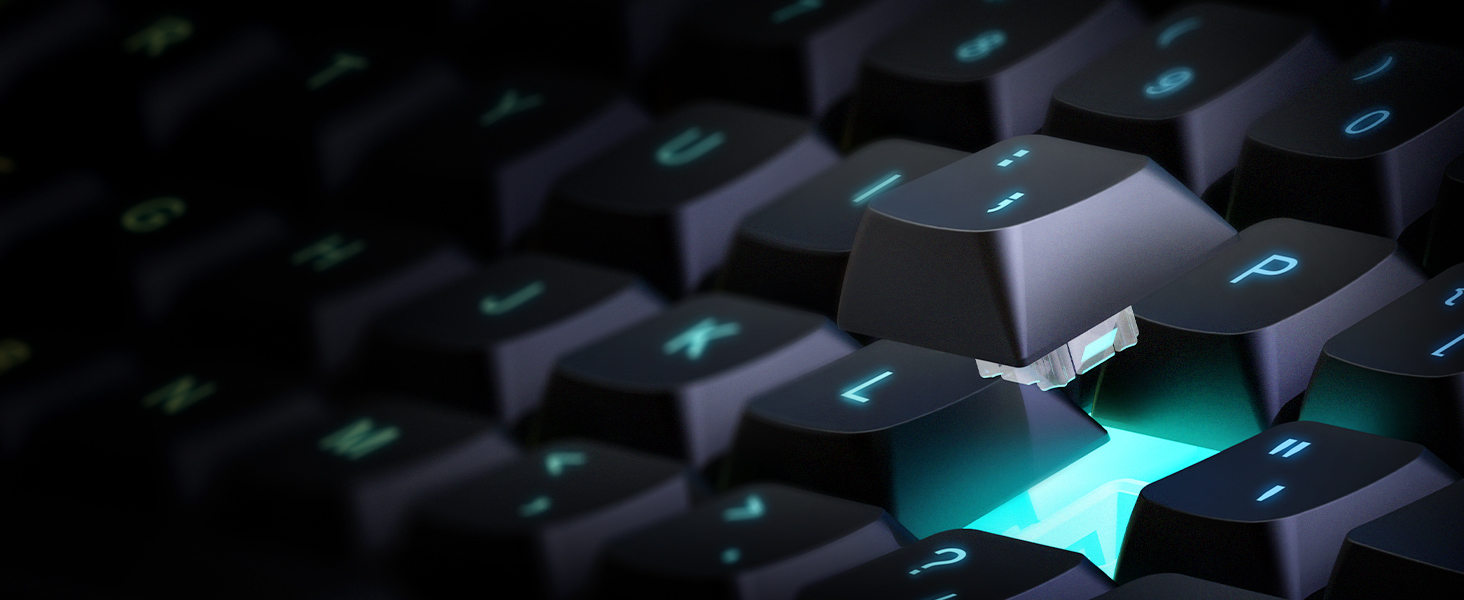
Exquisite low - profile keycaps
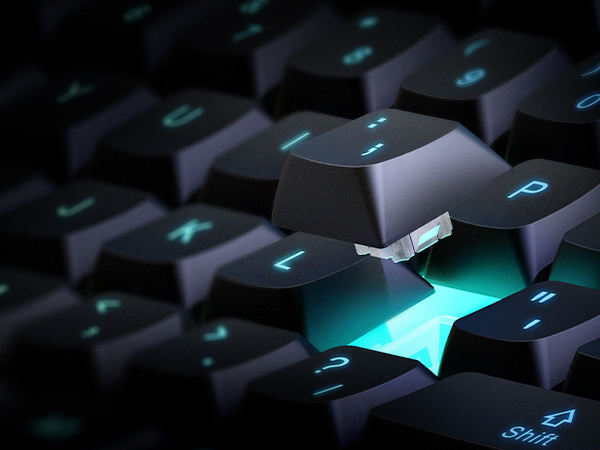
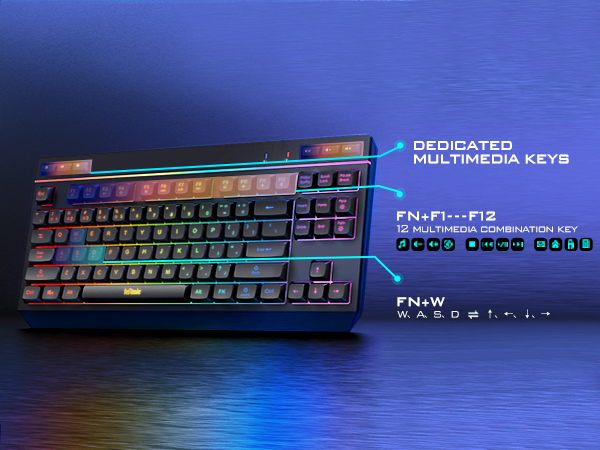
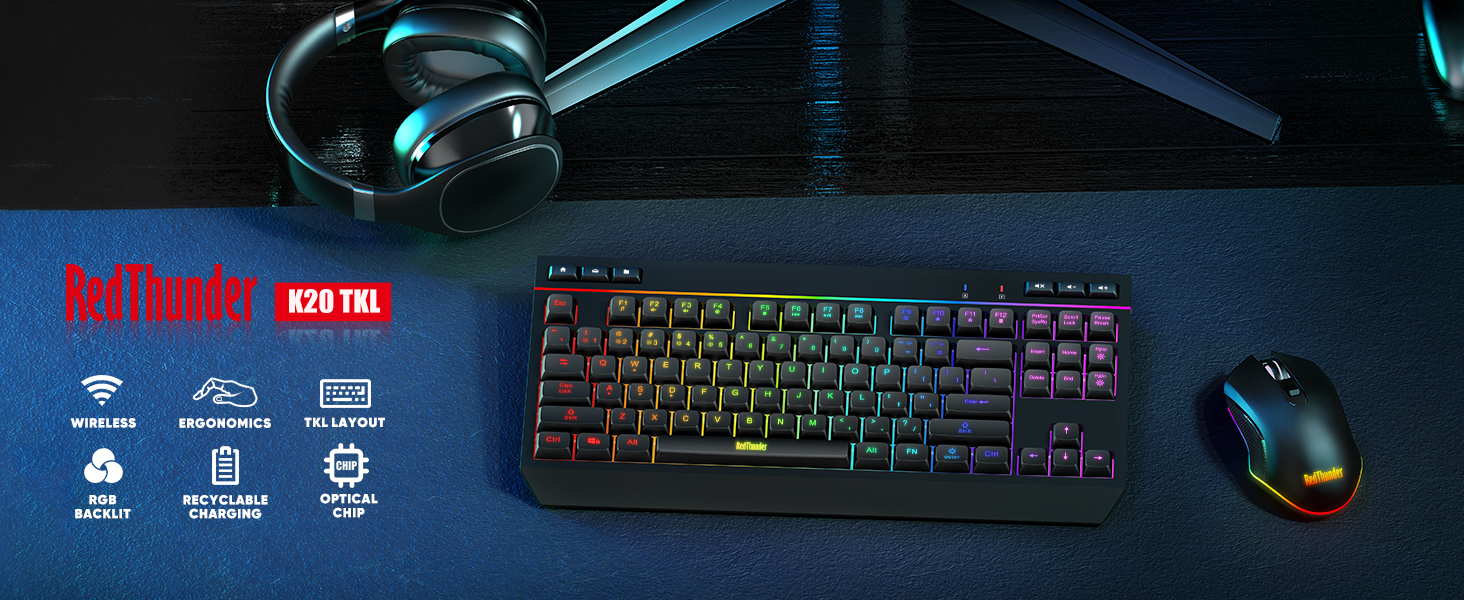
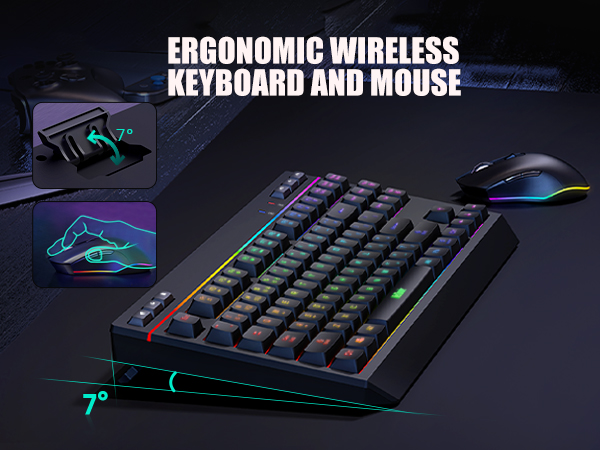
The ABS low-profile keycaps and quiet membrane switches provide a comfortable press feel, providing shorter press strokes and faster typing. It is also a stylish design of the tabletop.
Lightweight RGB Mouse
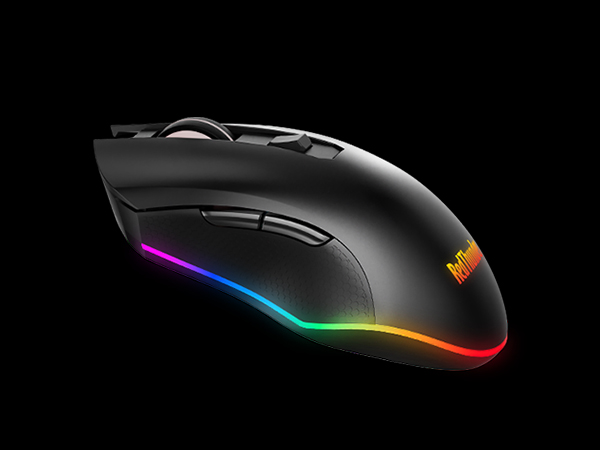
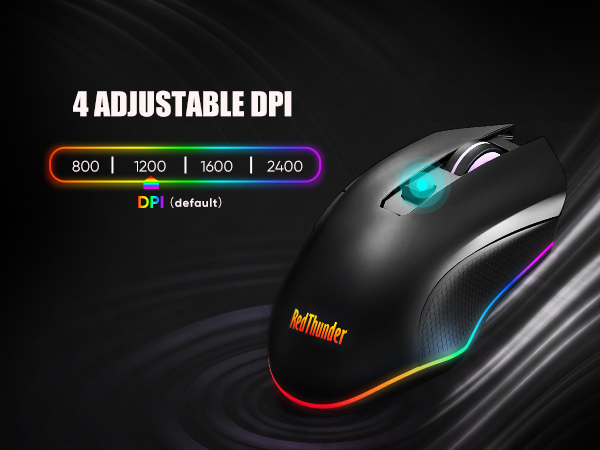
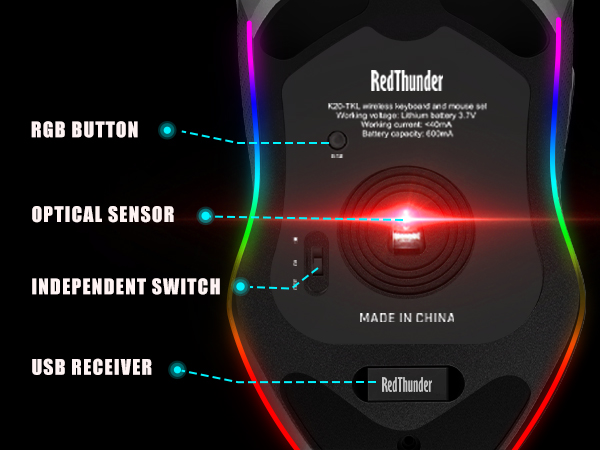
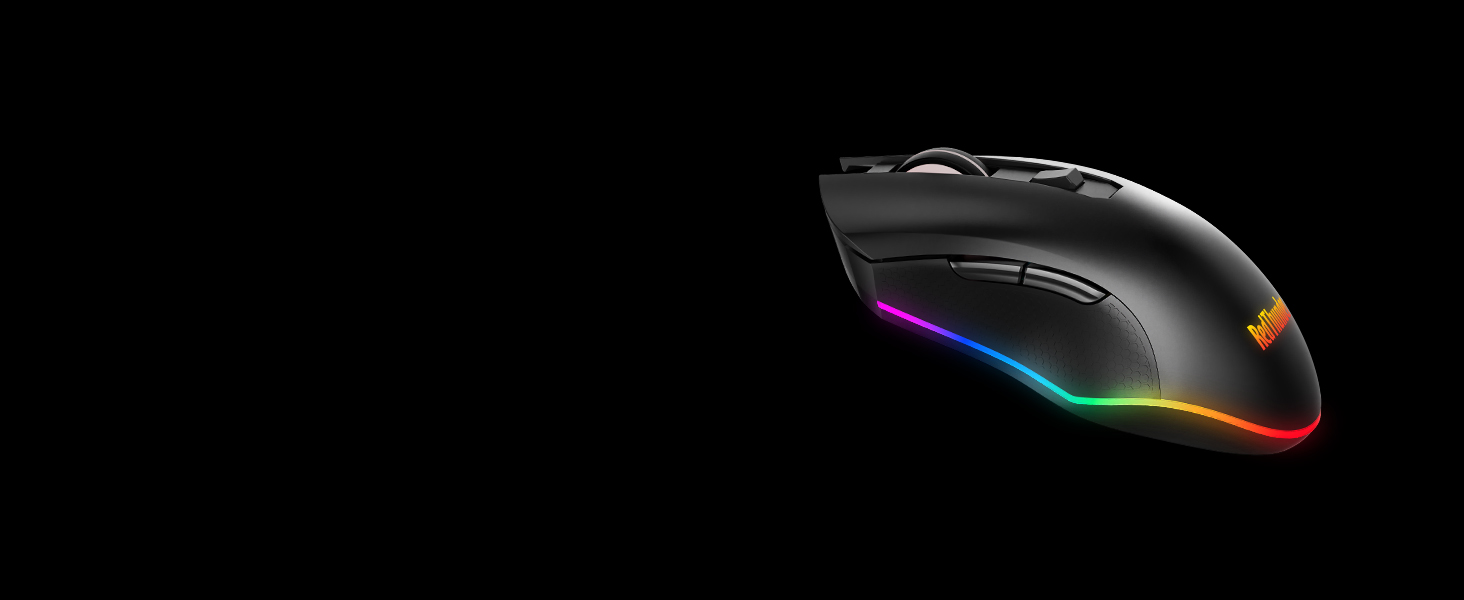
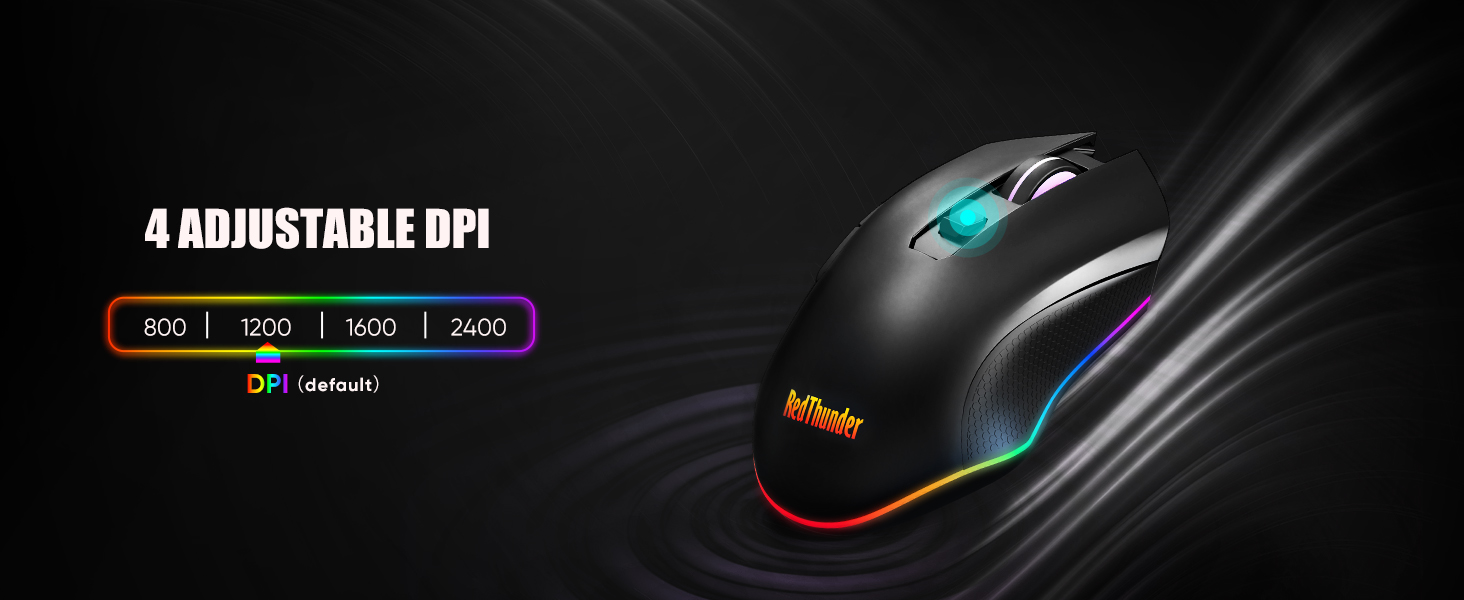
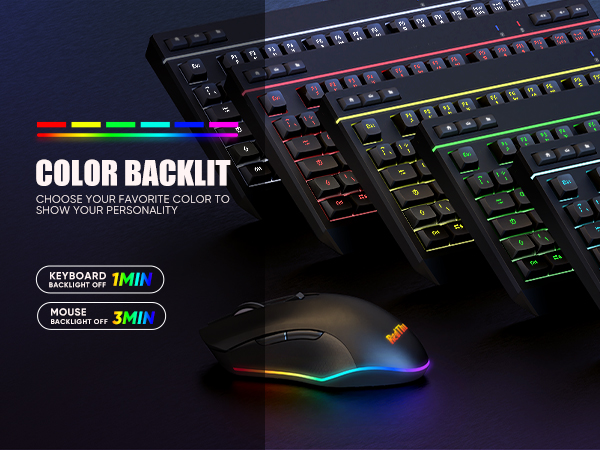
The 85g (±5) Lightweight Mouse has 10 adjustable RGB backlights.
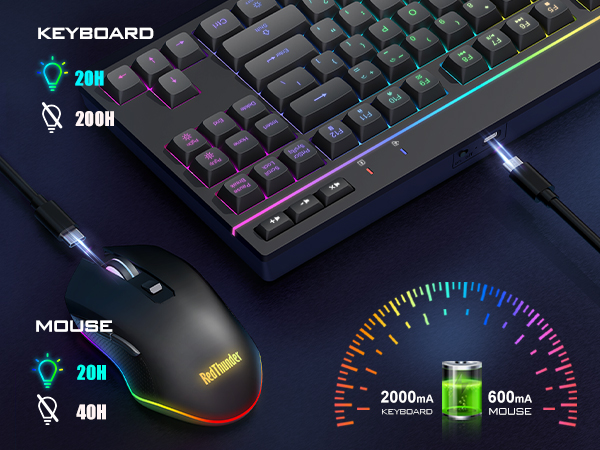
The mouse is automatically in wired mode when charging.
Where is the USB receiver?
It's located in the bottom of the mouse. K20 keyboard and mouse share only one USB receiver. Please keep it safe.
Does it support fast charging?
No, please use a charger lower than DC:5V to charge it. It's best to use the computer's USB port to charge.
How do I adjust the RGB lighting on my keyboard and mouse?
KEYBOARD:
ON/OFF: Turn on/off; FN++: Speed up; FN+-:Slow down; FN +PgDn: Brightness; FN + PqUp: Brightness+
FN +1: Streamer mode; FN +2: Neon mode; FN +3: Breathing mode; FN +4: Gradient mode; FN +5: Switch light color
MOUSE:
RGB Button of the mouse
Why is my mouse not working while charging?
Please charge the mouse on the device you are using and turn the mouse switch on. The mouse is automatically in wired mode when charging.
How to repair the keyboard and mouse with the USB receiver?
Keyboard: Turn the switch ON; Press ESC and K, the indicator light flashes; Insert the USB receiver to device's USB port.
Mice: Turn the switch ON; Press the mouse wheel & right button, RGB light flashes; Insert the USB receiver to device's USB port.
Product Compare
K20 TKL Wireless Combo | K84 Wireless Combo | K62 Wireless Combo | K75 Mechanical Keyboard | K10 Wireless Combo | K10 Wired Combo | K95 Gasket Keyboard |
|---|---|---|---|---|---|---|
| Customer Reviews | ||||||
| — | — | — | — | — | — | — |
| Price | ||||||
| — | — | — | — | — | — | — |
| Connection | ||||||
| Wireless | Wireless | Wireless | Wireless/Wired/BT | Wireless | Wired | 2.4G Wireless/BT/Wired |
| Battery | ||||||
| Rechargeable | Rechargeable | Rechargeable | Rechargeable | Rechargeable | No | Rechargeable 8000mAh |
| Backlight | ||||||
| ? | ? | ? | ? | ? | ? | ? |
| Keys Number | ||||||
| 87-key + 6 Dedicated Keys | 84-key | 61-key | 80-key + 1 Knob | No | No | 95 |
| Dedicated Media Key | ||||||
| 6 | No | No | No | No | No | No |
| Membrane/Mechanical | ||||||
| Membrane | Membrane | Membrane | Mechanical | Membrane | Membrane | Mechanical |
About RedThunder
RedThunder is a manufacturer specializing in high-performance professional game peripherals. We are committed to providing high-quality and personalized products for global gamers.
We have relentlessly pursuing perfect craftsmanship, first-class feel, high-performance professional gaming equipment and high-standard service. Your satisfaction is our driving force.
New Collection
Compact Layout for Gaming
Hot Sale
K84 Keyboard Mouse Combo
K62 Keyboard Mouse Combo
One-handed Keyboard Series