





TRANSFORMED YOUR ON-THE-GO WORK SETUP


There's a problem with my keyboard that I can't solve, what should I do? Will it take time to get used to?
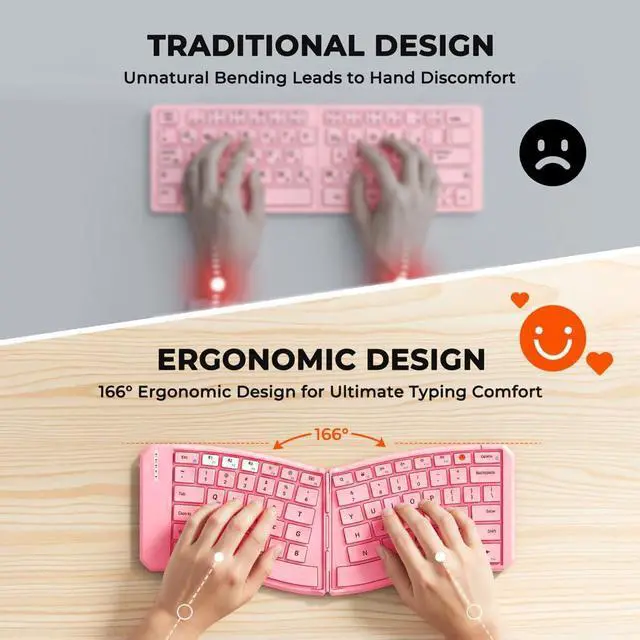
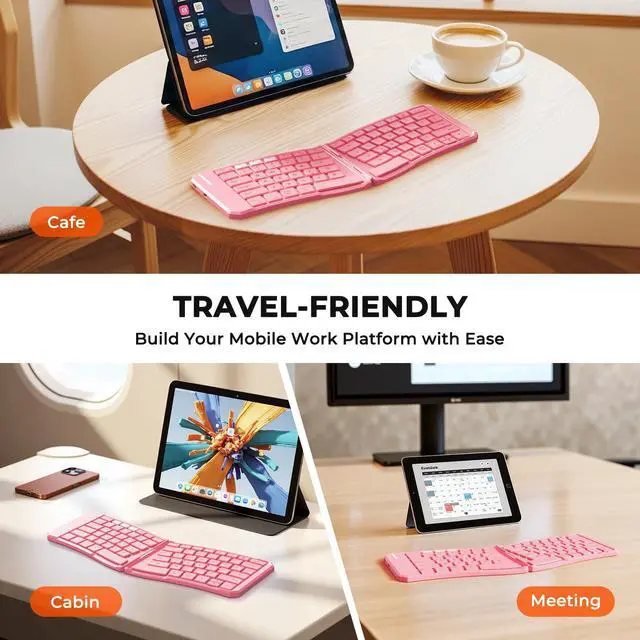
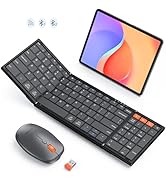
Please check the manual and find MEETION support immediately. This keyboard is designed for business trips and travel—small in size for portability, yet with wider key spacing for better typing. Its ergonomic design needs a short adaptation period.
What can I do if MEETION keyboard Fail to connect?
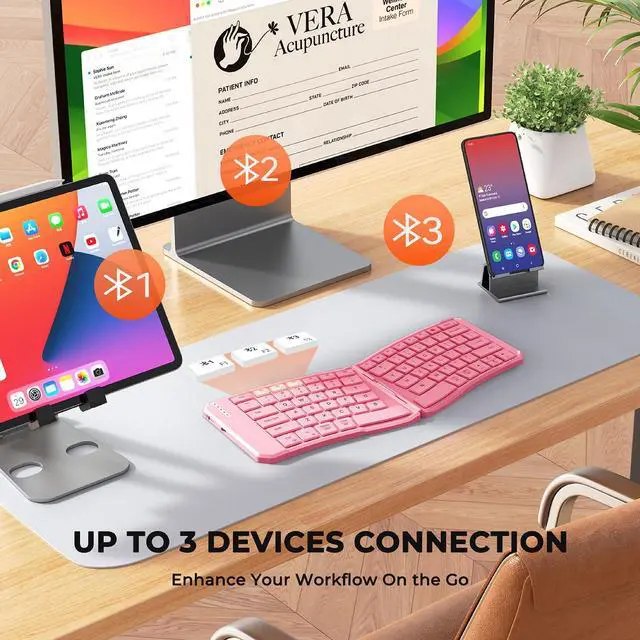
Only supports Bluetooth connection (no 2.4G connection).
1. On your device, forget/delete the keyboard’s previous Bluetooth pairing.
2. Press and hold the Bluetooth button for 5s to reset.
3. On your device, search for the keyboard, and reconnect.
How do I use the F function keys on this keyboard?
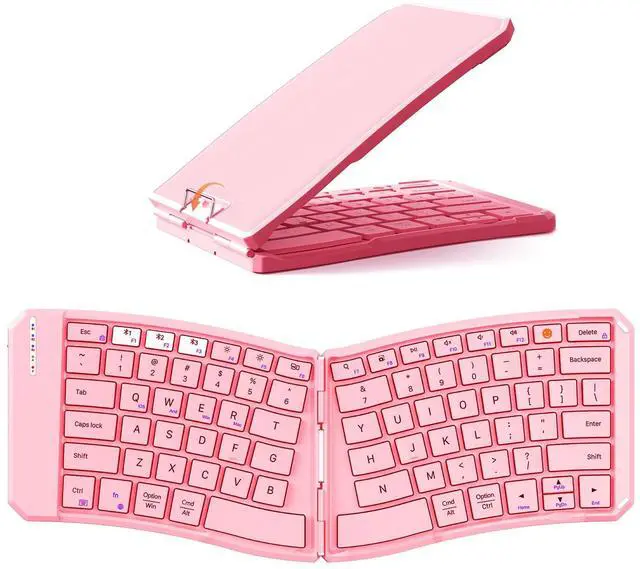
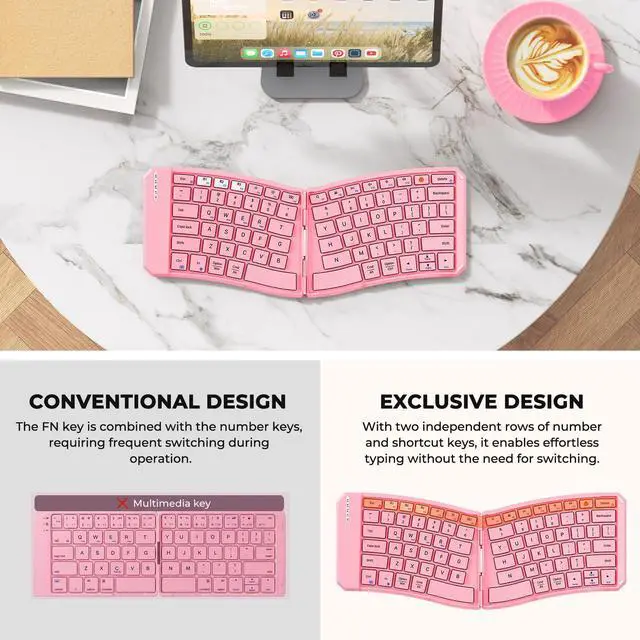
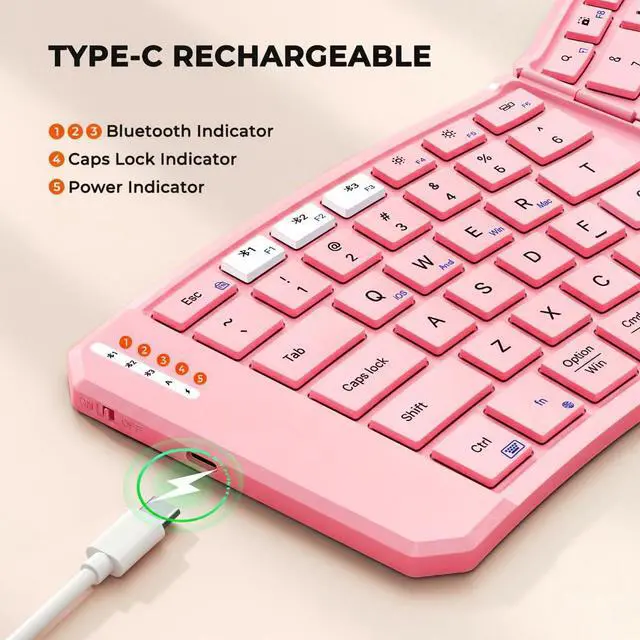
The keyboard has swapped Ctrl & Fn keys – may feel unfamiliar at first. F1-F12 keys are multimedia keys by default.
1. Press ?Fn + F key? for temporary switch.
2. Press ?Fn + ESC? to enable FN lock (F1-F12 work as standard keys directly afterward).
Is there a sleep mode to save power? Does the keyboard come with a carrying case? What’s included in the package?
Auto-sleep activates after 20 mins of inactivity (mode unchangeable). The foldable keyboard comes with a flannel storage bag.
The package contains 1*foldable keyboard, 1*charging cable, and 1*user manual.
Why isn’t my emoji key working? Do the hinges lock in place?
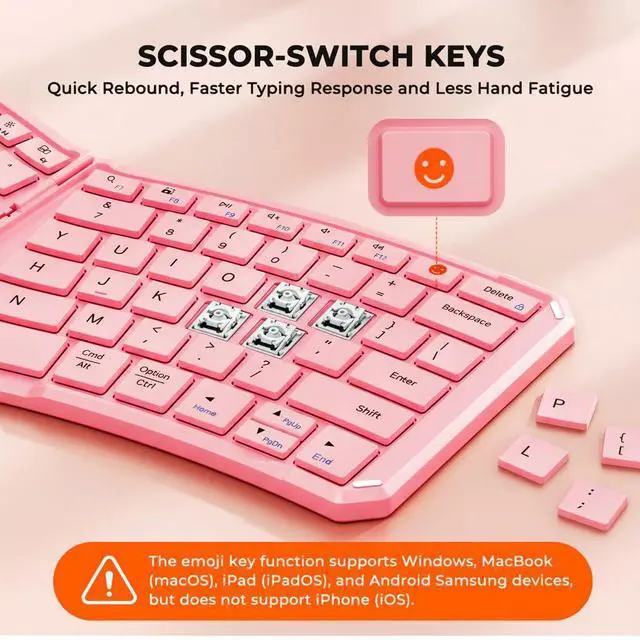
1. The emoji key function supports Windows, MacBook (macOS), iPad (iPadOS), and Android Samsung devices, but does not support iPhone (iOS).
2. The hinge can be locked to keep the keyboard flat, allowing it to be used on your knees.


MEETION is a play on the concept of "meeting". All the products we develop revolve around this theme.
In terms of investment in the scientific research of new products, we never hold back. We have dedicated quality control for every single product, every detail in the production process is precise and controlled. Our product and intellectual property rights are top priorities.

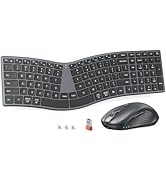
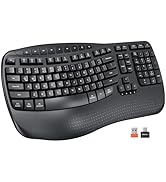
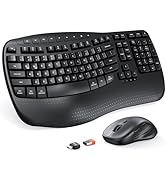
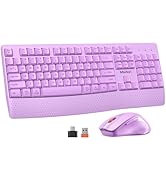
Ergonomic Hot Series
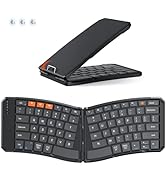
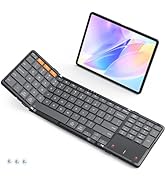
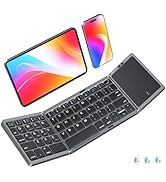
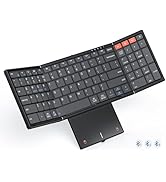
Foldbale Hot Series
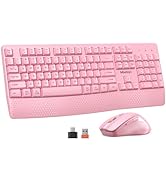
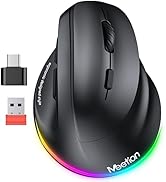
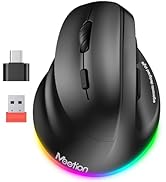
Wireless Hot Series
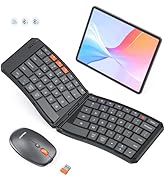
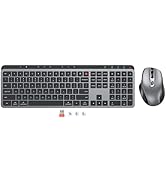
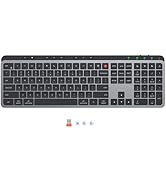
New Products Hot Series
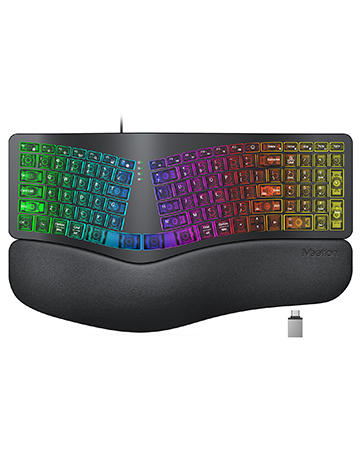
Backlit Ergonomic Keyboard

TRANSFORMED YOUR ON-THE-GO WORK SETUP


There's a problem with my keyboard that I can't solve, what should I do? Will it take time to get used to?
Please check the manual and find MEETION support immediately. This keyboard is designed for business trips and travel—small in size for portability, yet with wider key spacing for better typing. Its ergonomic design needs a short adaptation period.
What can I do if MEETION keyboard Fail to connect?
Only supports Bluetooth connection (no 2.4G connection).
1. On your device, forget/delete the keyboard’s previous Bluetooth pairing.
2. Press and hold the Bluetooth button for 5s to reset.
3. On your device, search for the keyboard, and reconnect.
How do I use the F function keys on this keyboard?
The keyboard has swapped Ctrl & Fn keys – may feel unfamiliar at first. F1-F12 keys are multimedia keys by default.
1. Press ?Fn + F key? for temporary switch.
2. Press ?Fn + ESC? to enable FN lock (F1-F12 work as standard keys directly afterward).
Is there a sleep mode to save power? Does the keyboard come with a carrying case? What’s included in the package?
Auto-sleep activates after 20 mins of inactivity (mode unchangeable). The foldable keyboard comes with a flannel storage bag.
The package contains 1*foldable keyboard, 1*charging cable, and 1*user manual.
Why isn’t my emoji key working? Do the hinges lock in place?
1. The emoji key function supports Windows, MacBook (macOS), iPad (iPadOS), and Android Samsung devices, but does not support iPhone (iOS).
2. The hinge can be locked to keep the keyboard flat, allowing it to be used on your knees.
MEETION is a play on the concept of "meeting". All the products we develop revolve around this theme.
In terms of investment in the scientific research of new products, we never hold back. We have dedicated quality control for every single product, every detail in the production process is precise and controlled. Our product and intellectual property rights are top priorities.
Ergonomic Hot Series
Foldbale Hot Series
Wireless Hot Series
New Products Hot Series
Backlit Ergonomic Keyboard