




 Bluetooth Mouse for iPad |  Ultra-slim Keyboard for iPad |  Magnetic Keyboard Case for iPad Pro 13 inch (M4) 2024 |  Bluetooth Keyboard for iPad |  Bluetooth Keyboard and Mouse for iPad | |
|---|---|---|---|---|---|
| Customer Reviews | — | — | — | — | — |
| Price | — no data | — | — | — | — |
| Key Feature | / | 7-Color Backlit | 7-Color Backlit, Trackpad | Ultra Slim | Portable |
| Rechargeable | no data | ? | ? | no data | no data |
| Material | ABS | ABS | Stainless steel | ABS | ABS |
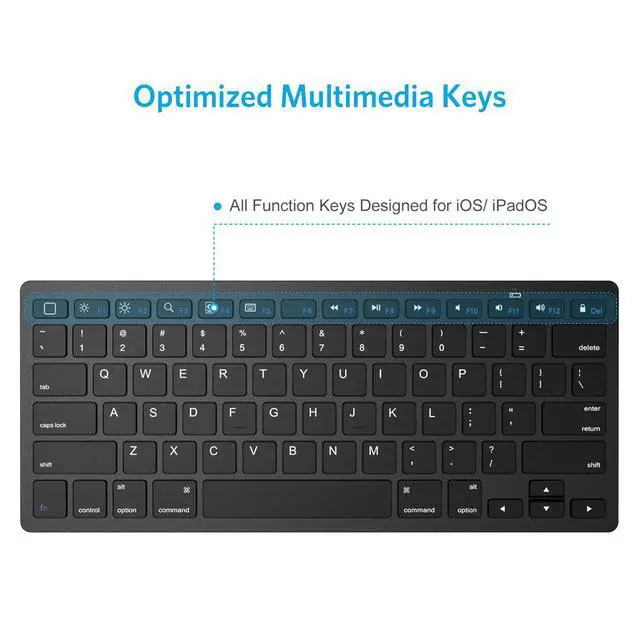
| Shortcut Keys Compability | iOS | iPad OS/iOS | iPad OS/iOS | iPad OS/iOS | iOS |
| Wireless Technology | Bluetooth 3.0 | Bluetooth 3.0 | Bluetooth 3.0 | Bluetooth 3.0 | Bluetooth 3.0 |

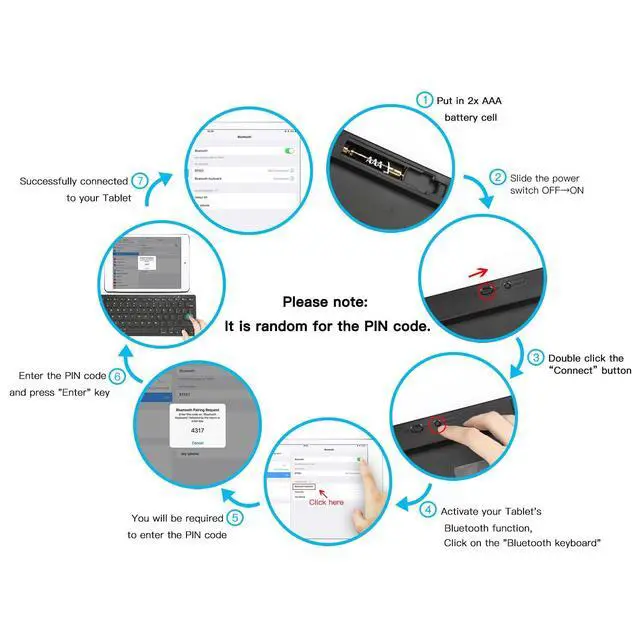
If you cannot connect the Bluetooth keyboard to your device, or if the keyboard is not working, please try the following:
- 1. Press any key to wake the keyboard from sleep mode ( Please wait up to 3-4 seconds for the keyboard to reconnect with the device ).
- 2. Install two new AAA batteries and follow the steps, input the pairing code, try to pair again.
- 3. If your device doesn't detect the Bluetooth Keyboard, restart your device.
- 4. Forget the keyboard and Reconnect it again.
Should you have any product issues or questions, we will be always here to solve it.


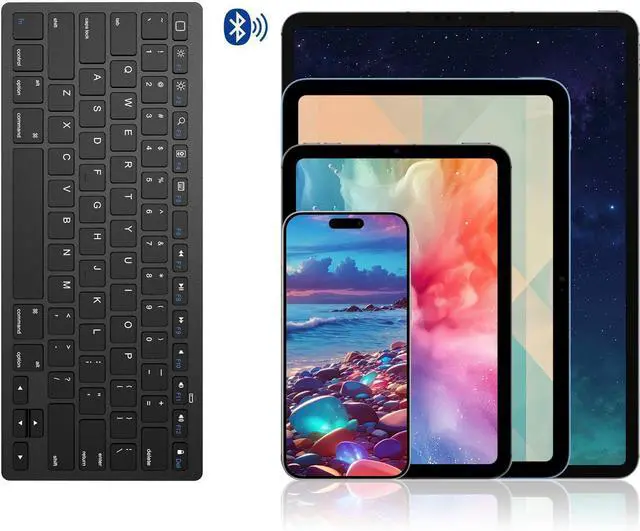
Bluetooth Edition: Bluetooth 3.0
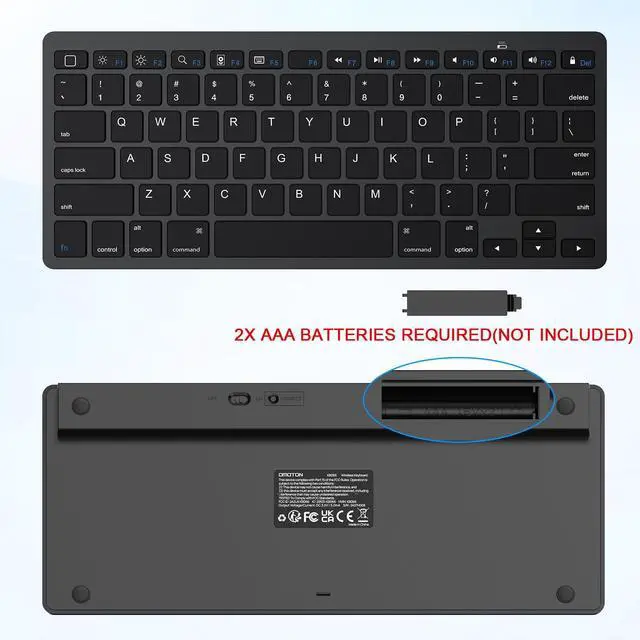
Battery: 2 X AAA battery ( Batteries NOT Included)
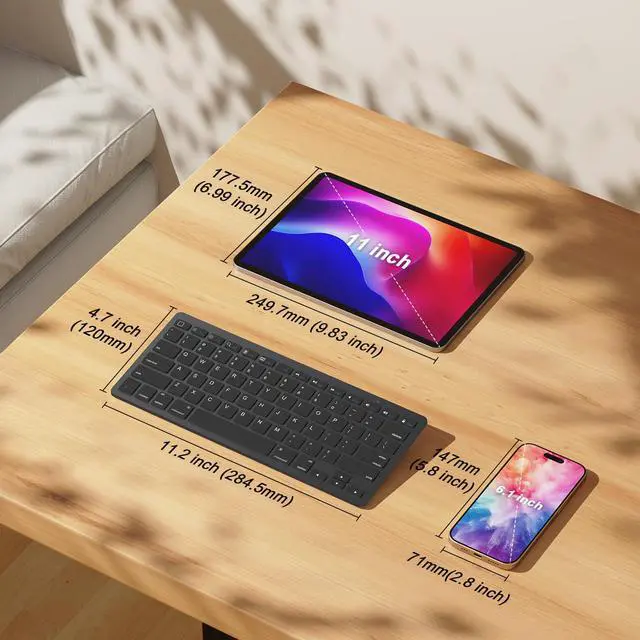
Dimensions: 285 x 120 x 6 mm / 11.2 x 4.7 x 0.2 inch
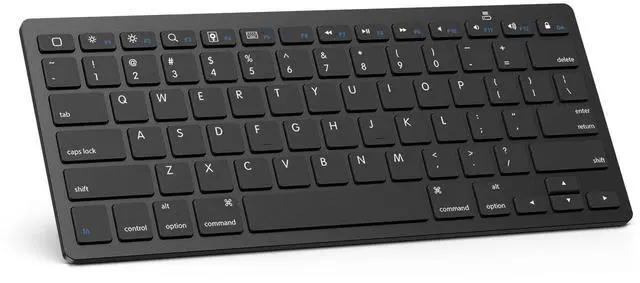
Buttons: 78 keys (including 13 iPad Hot keys)
Operating Range: Up to 10 meters / 33 feet
This keyboard is made of superior plastic.
Support Devices Including:
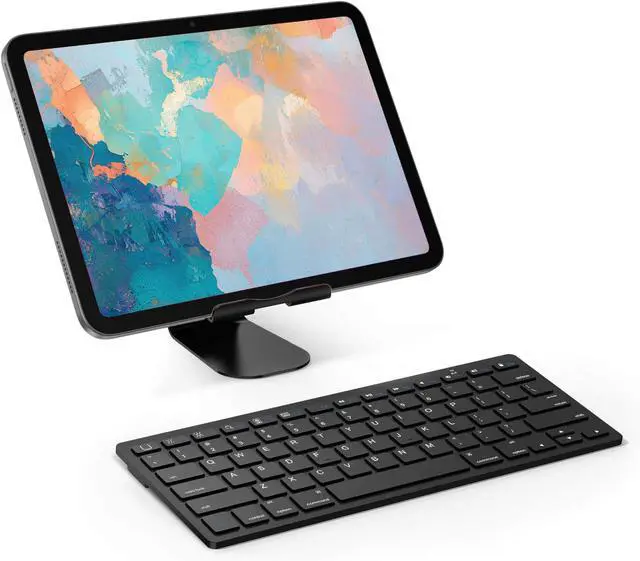
Compatible with iPads, iPad 10th Generation, iPad 10.2 (9th/8th/7th Generation), iPad Pro 13/12.9/11 inch, iPad Air 13/11 inch,iPad Air 10.9inch( 5th/4th Gen),iPad mini 6 / 5 etc. (NOTICE: The function keys not fully compatible with other system)
Please Note:
This keyboard will automatically go into power savings mode after 10 minutes of inactivity. Press any key and wait 2-3 seconds to wake the keyboard.
P.S.1: There is no Escape key on this keyboard.

OMOTON Keyboard & Mouse Series
Different Kinds of keyboard and mouse, such as keyboard for iPad, Mac,foldable; Bluetooth; Wired Keyboard for your needs.
About us
We believe in enhancing everyday life through smart, high-quality products designed for modern living. Born from a passion for innovation and a commitment to excellence, we create solutions that are functional, stylish, and built to last. Our journey began with a simple idea: to make technology and accessories more intuitive, reliable, and enjoyable—because great design should simplify, not complicate.
How did we get our start?
It all begins with a problem to solve and a spark of creativity. We ask: How can we make this better?
What makes our products unique?
? Premium Quality, Always – We meticulously craft every product to ensure durability, performance, and a seamless user experience.
? Relentless Innovation – From ergonomic designs to cutting-edge materials
Why do we love what we do?
Because we see the joy in the details—the perfect angle of a stand, the satisfying click of a keyboard, or the effortless glide of a well-designed accessory.
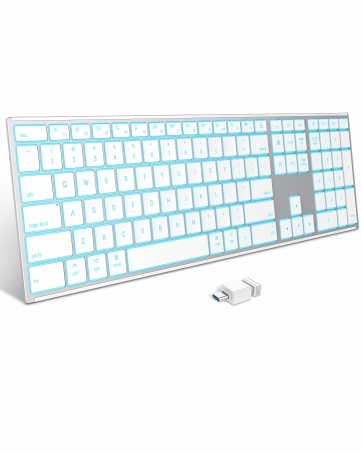
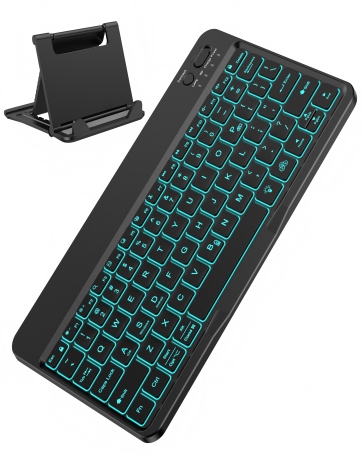
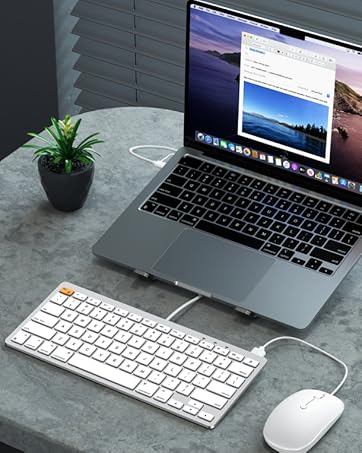
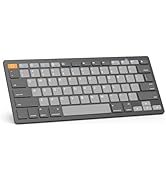
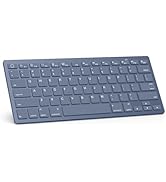
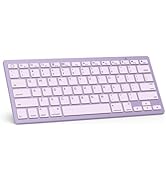
Bluetooth Keyboard for iPad
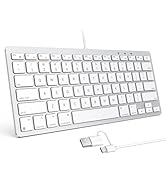
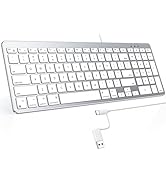
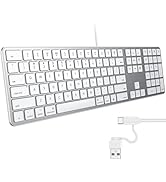
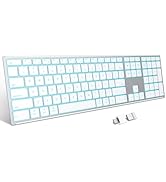
Different Size for Mac
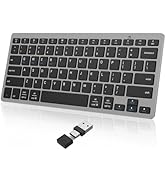
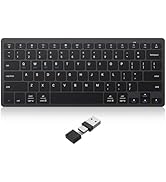
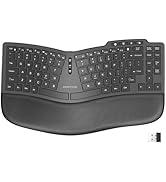
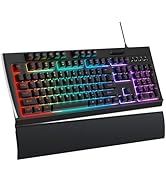
Various Type for Windows
Bluetooth Mouse for iPad | Ultra-slim Keyboard for iPad | Magnetic Keyboard Case for iPad Pro 13 inch (M4) 2024 | Bluetooth Keyboard for iPad | Bluetooth Keyboard and Mouse for iPad | |
|---|---|---|---|---|---|
| Customer Reviews | — | — | — | — | — |
| Price | — no data | — | — | — | — |
| Key Feature | / | 7-Color Backlit | 7-Color Backlit, Trackpad | Ultra Slim | Portable |
| Rechargeable | no data | ? | ? | no data | no data |
| Material | ABS | ABS | Stainless steel | ABS | ABS |
| Shortcut Keys Compability | iOS | iPad OS/iOS | iPad OS/iOS | iPad OS/iOS | iOS |
| Wireless Technology | Bluetooth 3.0 | Bluetooth 3.0 | Bluetooth 3.0 | Bluetooth 3.0 | Bluetooth 3.0 |
If you cannot connect the Bluetooth keyboard to your device, or if the keyboard is not working, please try the following:
- 1. Press any key to wake the keyboard from sleep mode ( Please wait up to 3-4 seconds for the keyboard to reconnect with the device ).
- 2. Install two new AAA batteries and follow the steps, input the pairing code, try to pair again.
- 3. If your device doesn't detect the Bluetooth Keyboard, restart your device.
- 4. Forget the keyboard and Reconnect it again.
Should you have any product issues or questions, we will be always here to solve it.
Bluetooth Edition: Bluetooth 3.0
Battery: 2 X AAA battery ( Batteries NOT Included)
Dimensions: 285 x 120 x 6 mm / 11.2 x 4.7 x 0.2 inch
Buttons: 78 keys (including 13 iPad Hot keys)
Operating Range: Up to 10 meters / 33 feet
This keyboard is made of superior plastic.
Support Devices Including:
Compatible with iPads, iPad 10th Generation, iPad 10.2 (9th/8th/7th Generation), iPad Pro 13/12.9/11 inch, iPad Air 13/11 inch,iPad Air 10.9inch( 5th/4th Gen),iPad mini 6 / 5 etc. (NOTICE: The function keys not fully compatible with other system)
Please Note:
This keyboard will automatically go into power savings mode after 10 minutes of inactivity. Press any key and wait 2-3 seconds to wake the keyboard.
P.S.1: There is no Escape key on this keyboard.
OMOTON Keyboard & Mouse Series
Different Kinds of keyboard and mouse, such as keyboard for iPad, Mac,foldable; Bluetooth; Wired Keyboard for your needs.
About us
We believe in enhancing everyday life through smart, high-quality products designed for modern living. Born from a passion for innovation and a commitment to excellence, we create solutions that are functional, stylish, and built to last. Our journey began with a simple idea: to make technology and accessories more intuitive, reliable, and enjoyable—because great design should simplify, not complicate.
How did we get our start?
It all begins with a problem to solve and a spark of creativity. We ask: How can we make this better?
What makes our products unique?
? Premium Quality, Always – We meticulously craft every product to ensure durability, performance, and a seamless user experience.
? Relentless Innovation – From ergonomic designs to cutting-edge materials
Why do we love what we do?
Because we see the joy in the details—the perfect angle of a stand, the satisfying click of a keyboard, or the effortless glide of a well-designed accessory.
Bluetooth Keyboard for iPad
Different Size for Mac
Various Type for Windows