


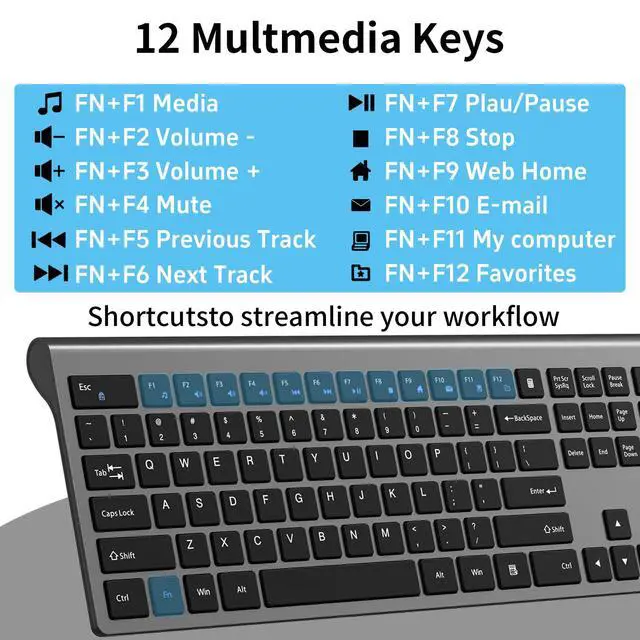





How to use multimedia or F1-F12 functions?
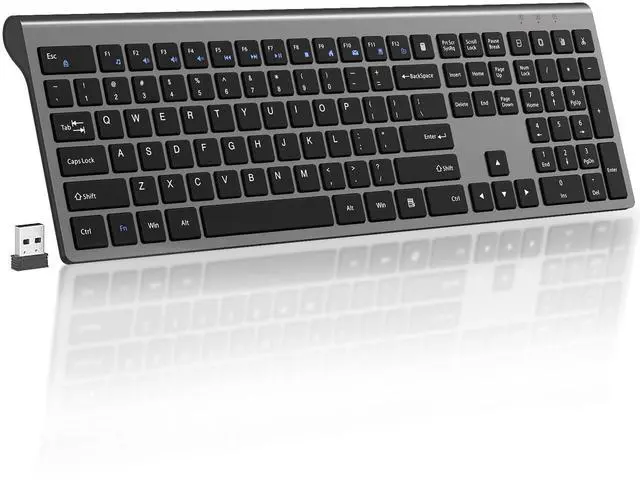
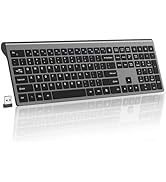
To access the F1-F12 function keys, simply press the Fn key+F1-F12 key; Alternatively, press the Fn key and ESC lock key, and then you can quickly use the F1-F12 function keys without holding down the Fn key. Press Fn+ESC again to unlock;
How can I re pair the keyboard if it doesn't respond?
1.Unplug the receiver of computer.
2.Press and hold the "ESC" and "=+" buttons for about 3 seconds, the keyboard enters pairing mode, and the power indicator light turns red.
3.Insert the USB receiver into the computer within 15 seconds.
What type of battery does the keyboard use?
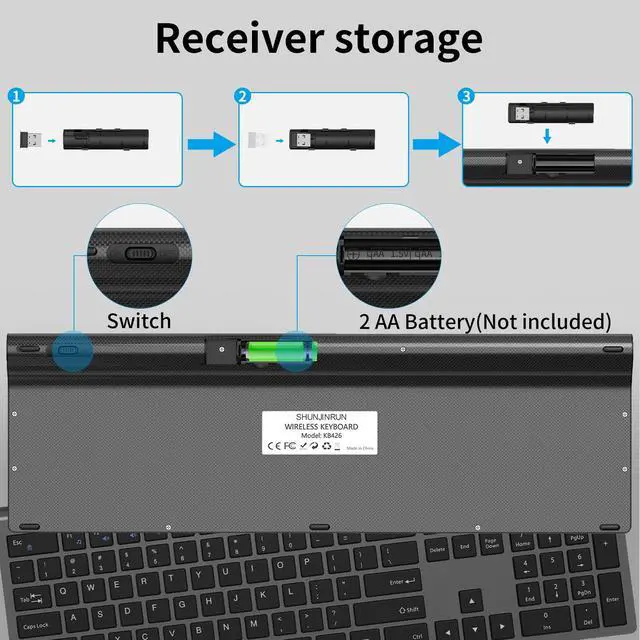
Keyboard powerd by 2 AA batteries(not included).
What systems are the F1-F12 function keys applicable to?
The F1-F12 function keys are temporarily incompatible with the Mac OS system.


How to use multimedia or F1-F12 functions?
To access the F1-F12 function keys, simply press the Fn key+F1-F12 key; Alternatively, press the Fn key and ESC lock key, and then you can quickly use the F1-F12 function keys without holding down the Fn key. Press Fn+ESC again to unlock;
How can I re pair the keyboard if it doesn't respond?
1.Unplug the receiver of computer.
2.Press and hold the "ESC" and "=+" buttons for about 3 seconds, the keyboard enters pairing mode, and the power indicator light turns red.
3.Insert the USB receiver into the computer within 15 seconds.
What type of battery does the keyboard use?
Keyboard powerd by 2 AA batteries(not included).
What systems are the F1-F12 function keys applicable to?
The F1-F12 function keys are temporarily incompatible with the Mac OS system.
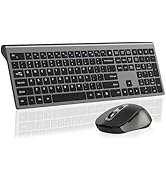
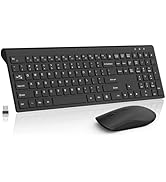
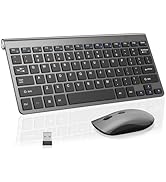
Wireless Keyboard Mouse Combo
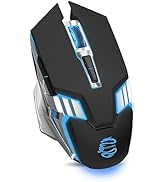
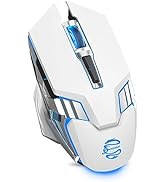
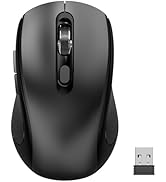
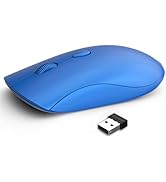
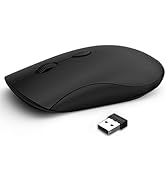
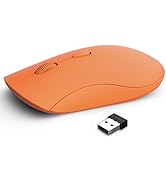
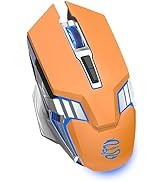
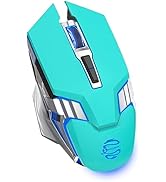
Wireless Mouse
Wireless Mouse
Mouse