


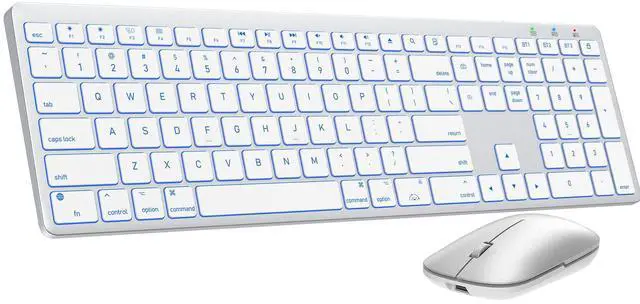
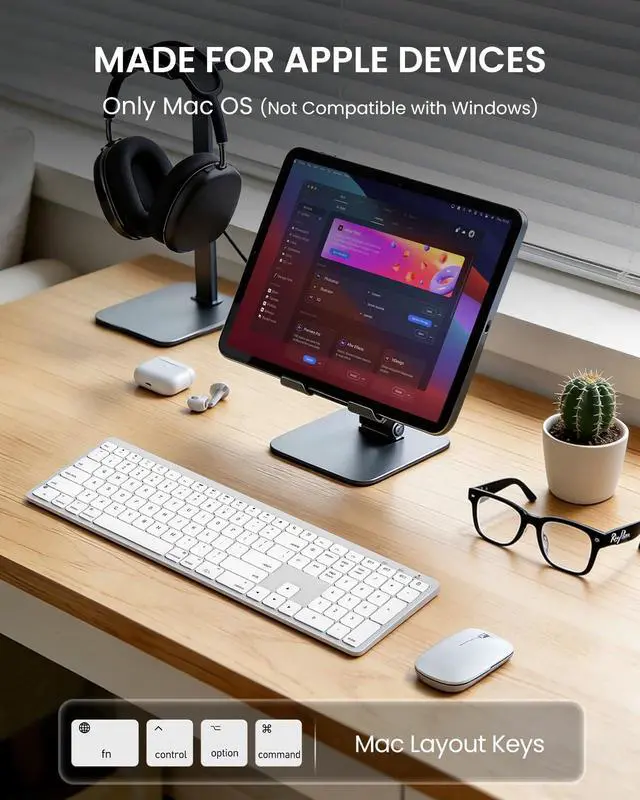
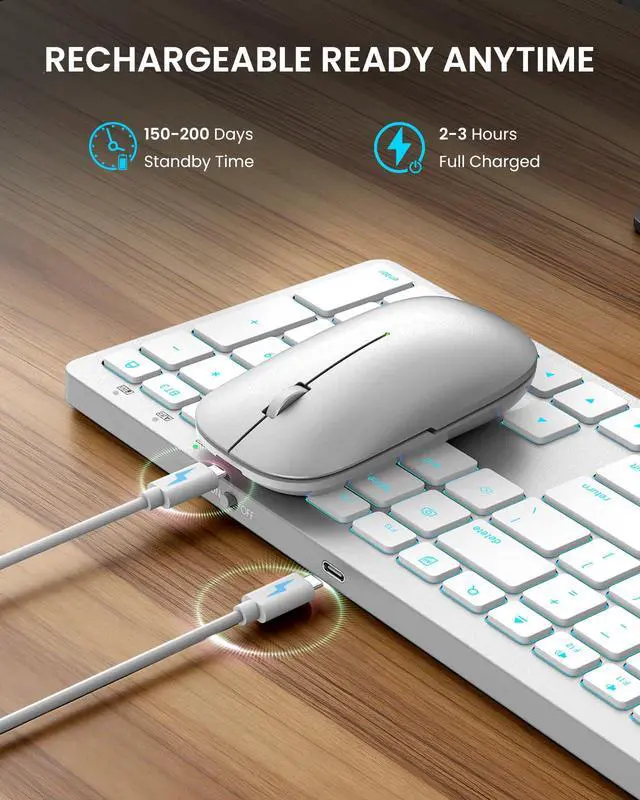
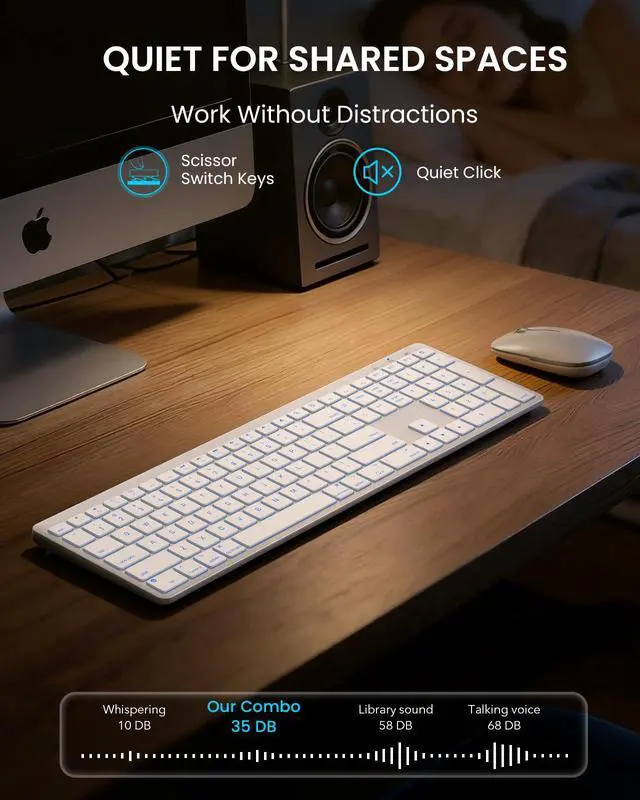
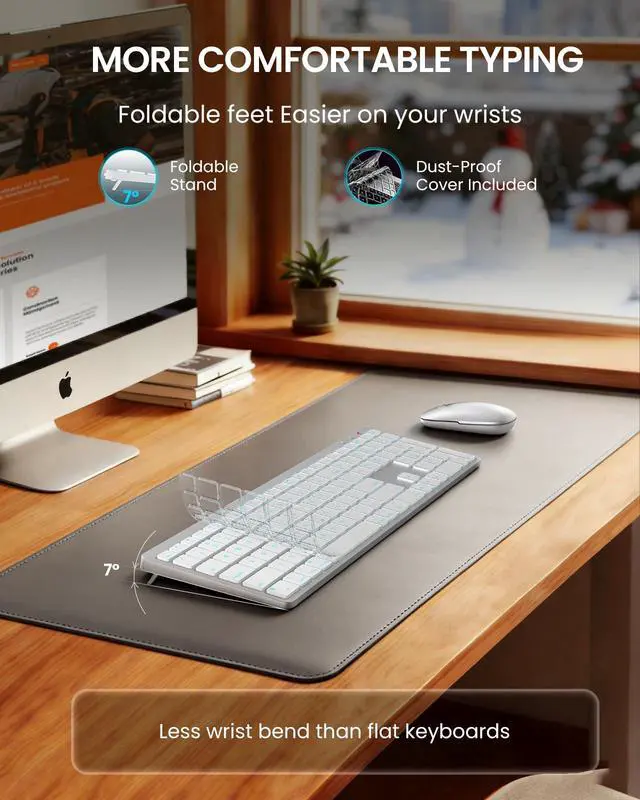




SABLUTE has focused on the manufacture and sale of keyboards and mice for many years, our aim is quality, innovation and you. 2017, we received some letters from some of our customers, they wanted a little more ambiance in their boring work as well as wanted the keys to light up for typing in the dark. So we started to develop wireless keyboards and mice with backlight, just to bring you a better experience and more productivity.



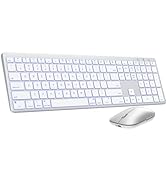
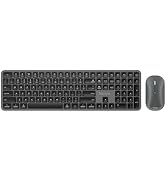
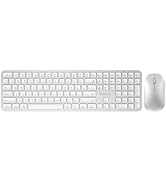
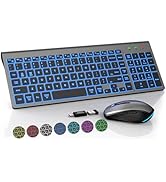
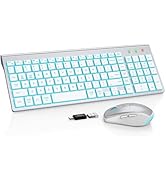
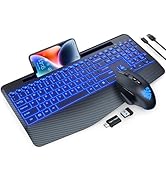
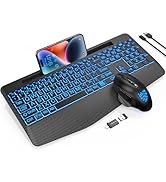
Backlit Keyboard Mouse Combos


Does the keyboard include a USB receiver or Bluetooth adapter?
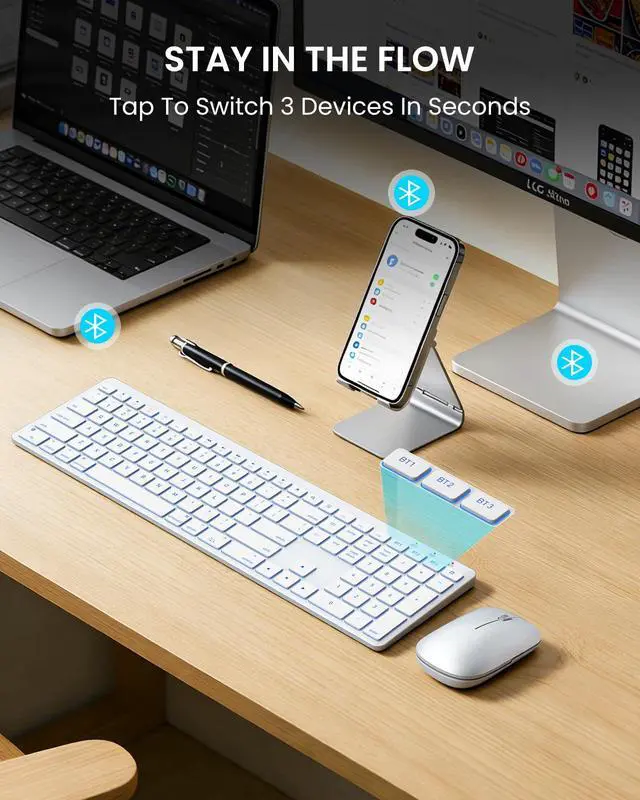
No. It does not include a USB dongle/adapter. The keyboard connects only via Bluetooth and supports up to 3 Bluetooth channels (multi-device switching).
It won’t connect—what should I do?
1.Make sure the keyboard is fully charged and in Bluetooth mode.
2.Delete the old pairing from your device’s Bluetooth list, restart the device, then re-pair.
3.Ensure the chosen BT channel isn’t already connected to another device.
How do I use multimedia keys vs. F1–F12?
1.By default, the top row may act as media keys. Hold Fn to use F1–F12.
2.Or on macOS go to System Settings > Keyboard and enable “Use F1, F2, etc. keys as standard function keys.”
Some keys don’t work / there’s typing delay / keys repeat.
1.Fully charge the keyboard.
2.Remove the keyboard from Bluetooth devices, restart your Mac, then re-pair.
3.Check System Settings > Keyboard > Input Sources and select the correct layout (e.g., U.S.).
How do I control the backlight?
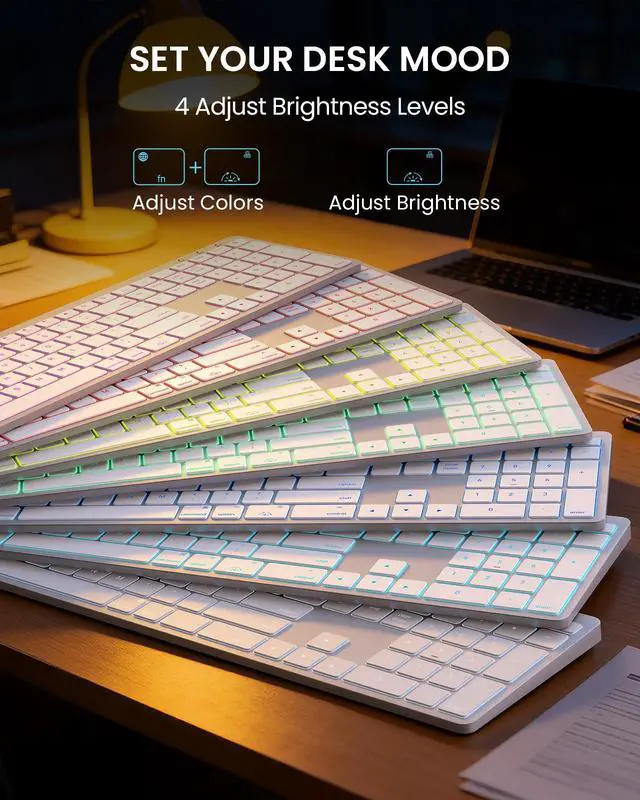
The keyboard supports 7-color backlighting with adjustable brightness. Press FN+RGB key to adjust color, and use the RGB key to adjust backlight brightness. (see quick guide).


Does the keyboard include a USB receiver or Bluetooth adapter?
No. It does not include a USB dongle/adapter. The keyboard connects only via Bluetooth and supports up to 3 Bluetooth channels (multi-device switching).
It won’t connect—what should I do?
1.Make sure the keyboard is fully charged and in Bluetooth mode.
2.Delete the old pairing from your device’s Bluetooth list, restart the device, then re-pair.
3.Ensure the chosen BT channel isn’t already connected to another device.
How do I use multimedia keys vs. F1–F12?
1.By default, the top row may act as media keys. Hold Fn to use F1–F12.
2.Or on macOS go to System Settings > Keyboard and enable “Use F1, F2, etc. keys as standard function keys.”
Some keys don’t work / there’s typing delay / keys repeat.
1.Fully charge the keyboard.
2.Remove the keyboard from Bluetooth devices, restart your Mac, then re-pair.
3.Check System Settings > Keyboard > Input Sources and select the correct layout (e.g., U.S.).
How do I control the backlight?
The keyboard supports 7-color backlighting with adjustable brightness. Press FN+RGB key to adjust color, and use the RGB key to adjust backlight brightness. (see quick guide).
SABLUTE has focused on the manufacture and sale of keyboards and mice for many years, our aim is quality, innovation and you. 2017, we received some letters from some of our customers, they wanted a little more ambiance in their boring work as well as wanted the keys to light up for typing in the dark. So we started to develop wireless keyboards and mice with backlight, just to bring you a better experience and more productivity.
Backlit Keyboard Mouse Combos