






The QUASIO team is focused on better products , and we will listen attentively to any comments you may have until you are satisfied, your satisfaction is our greatest motivation.
We enjoy bringing better products and the smiles on every customer's face when they are satisfied, which is the biggest motivation for our progress.

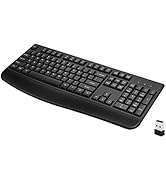
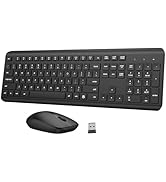
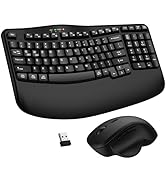
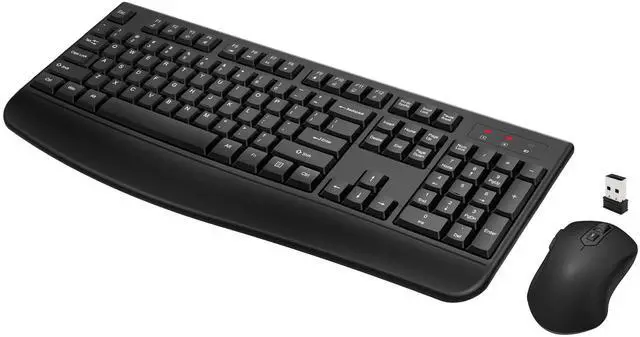
QUASIO Ergonomic Keyboard
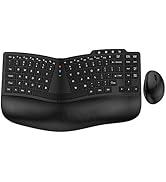
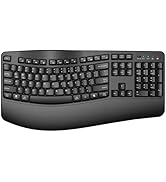
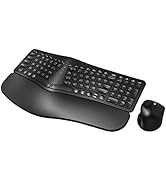
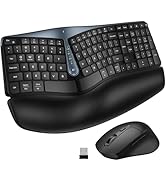
QUASIO Keyboard Mouse Combo
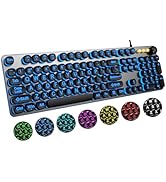
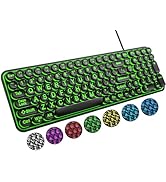
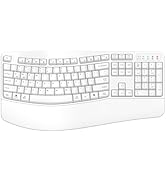
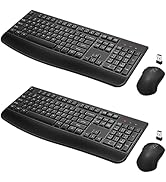
Ergonomic Keyboard




Widely Compatibility
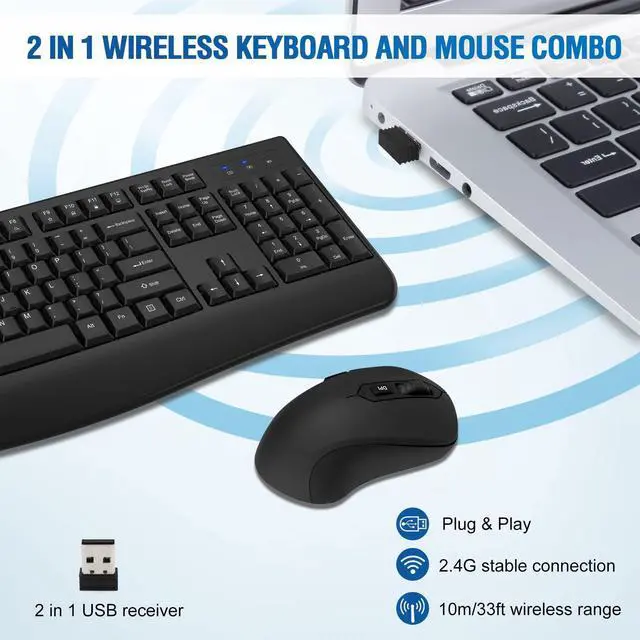
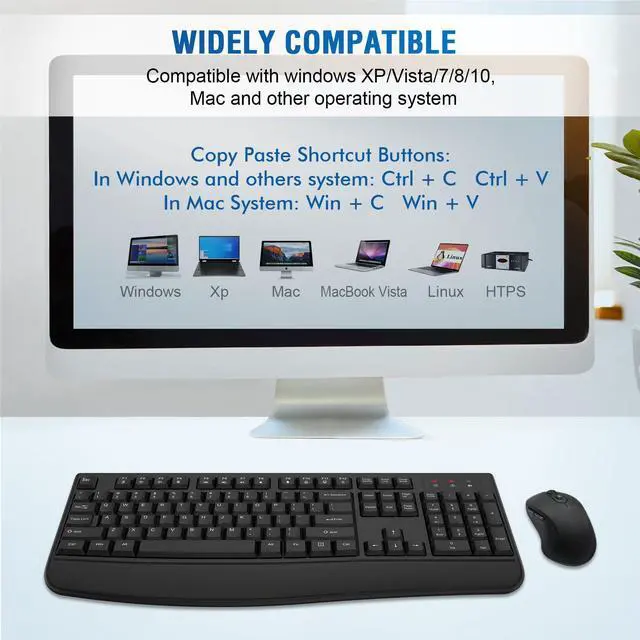
Our wireless keyboard and mouse combo compatible with Windows/Mac OS/Linux system.
But please note the Copy/Paste shortcut buttons in Windows and Mac OS system are different:
- Copy/Paste Shortcut Buttons Combination in Mac System: Win + C/V
- Copy/Paste Shortcut Buttons Combination in Windows and others System: Ctrl + C/V
Smart Power Saving Wireless Keyboard and Mouse
Auto-enter power saving mode when you stop use it
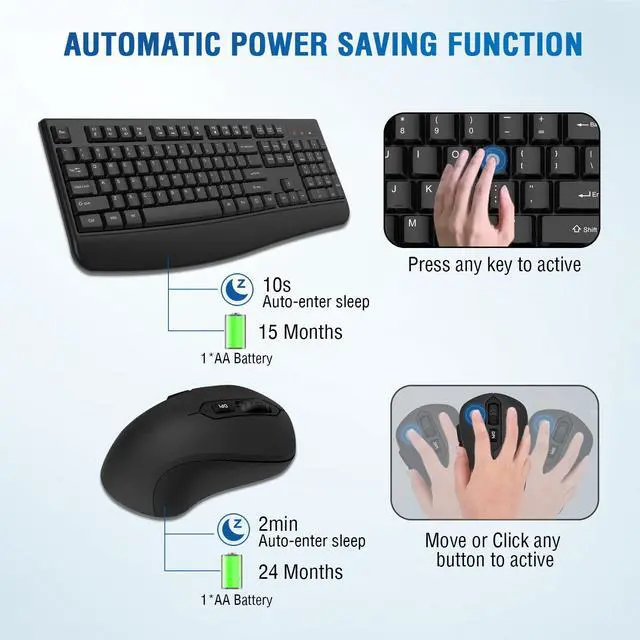
This wireless keyboard and mouse combo with smart power saving function, No need ON/OFF switch. The wireless keyboard will auto-enter power saving mode when you stop use it more than 10 seconds, the wireless mouse will auto-enter power saving mode when you stop use it more than 2 minutes, never worry about wasting battery by forgetting to turn off the switch.
Press any key or button can make the wireless keyboard mouse re-activity when they in power saving mode.
- Comfortable Palm Rest
- 3 Wireless Keyboard Indicator Lights
- 2 In1 USB Receiver
- 3 Levels Adjustable DPI (800/1200/1600)

12 Multimedia Shortcuts
This wireless keyboard with 12 multimedia shortcuts, can provide you with the best entertainment experience.

Comfortable Palm Rest
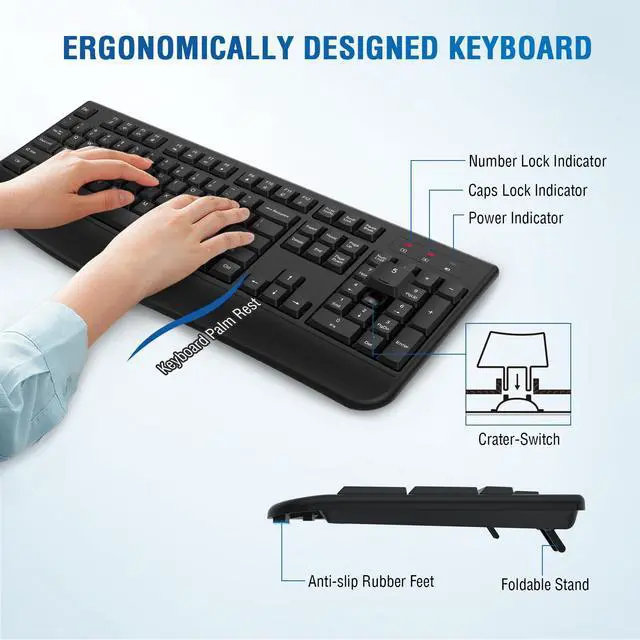
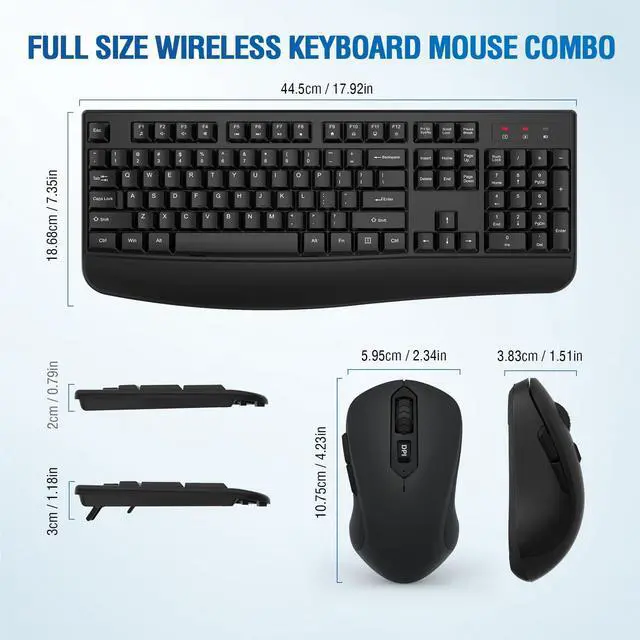
This wireless keyboard with comfortable palm rest, protect your wrists from injury even when typing for a long time.

3 Indicator Lights
This wireless keyboard with 3 Indicator Lights:
- Number Lock Indicator
- Caps Lock Indicator
- Power Indicator

2 in 1 USB Receiver
Both the wireless keyboard and wireless mouse share the same USB receiver, No need to occupy additional USB ports.

Where is the USB receiver?
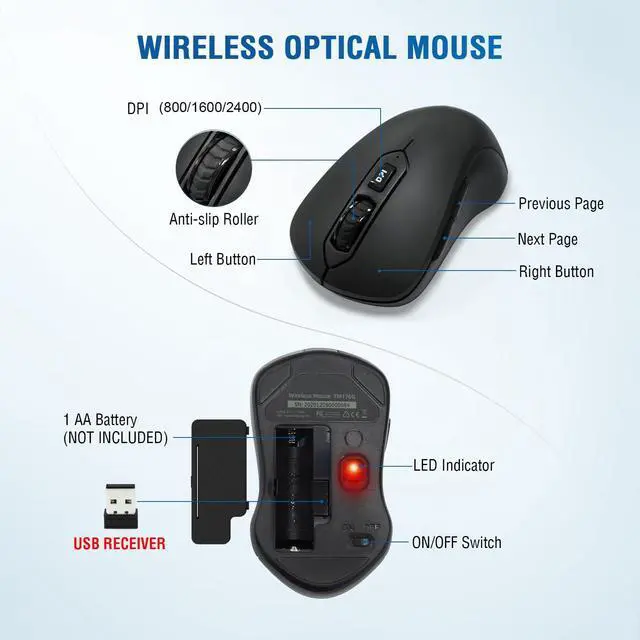
The USB Receiver is in mouse battery compartment, you can find it when you open the battery compartment cover.

3 levels DPI(800/1600/2400)
This wireless mouse has 3 levels DPI, you can adjust the mouse movement speed by pressing the DPI button, make sure you can find your favorite movement speed.

Smart Power Saving Wireless Keyboard and Mouse
Widely Compatibility
Our wireless keyboard and mouse combo compatible with Windows/Mac OS/Linux system.
But please note the Copy/Paste shortcut buttons in Windows and Mac OS system are different:
- Copy/Paste Shortcut Buttons Combination in Mac System: Win + C/V
- Copy/Paste Shortcut Buttons Combination in Windows and others System: Ctrl + C/V
Auto-enter power saving mode when you stop use it
This wireless keyboard and mouse combo with smart power saving function, No need ON/OFF switch. The wireless keyboard will auto-enter power saving mode when you stop use it more than 10 seconds, the wireless mouse will auto-enter power saving mode when you stop use it more than 2 minutes, never worry about wasting battery by forgetting to turn off the switch.
Press any key or button can make the wireless keyboard mouse re-activity when they in power saving mode.
- Comfortable Palm Rest
- 3 Wireless Keyboard Indicator Lights
- 2 In1 USB Receiver
- 3 Levels Adjustable DPI (800/1200/1600)
12 Multimedia Shortcuts
This wireless keyboard with 12 multimedia shortcuts, can provide you with the best entertainment experience.
Comfortable Palm Rest
This wireless keyboard with comfortable palm rest, protect your wrists from injury even when typing for a long time.
3 Indicator Lights
This wireless keyboard with 3 Indicator Lights:
- Number Lock Indicator
- Caps Lock Indicator
- Power Indicator
2 in 1 USB Receiver
Both the wireless keyboard and wireless mouse share the same USB receiver, No need to occupy additional USB ports.
Where is the USB receiver?
The USB Receiver is in mouse battery compartment, you can find it when you open the battery compartment cover.
3 levels DPI(800/1600/2400)
This wireless mouse has 3 levels DPI, you can adjust the mouse movement speed by pressing the DPI button, make sure you can find your favorite movement speed.
The QUASIO team is focused on better products , and we will listen attentively to any comments you may have until you are satisfied, your satisfaction is our greatest motivation.
We enjoy bringing better products and the smiles on every customer's face when they are satisfied, which is the biggest motivation for our progress.
QUASIO Ergonomic Keyboard
QUASIO Keyboard Mouse Combo
Ergonomic Keyboard