


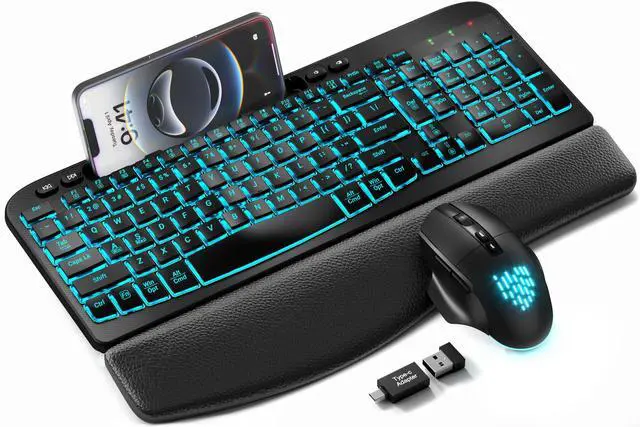
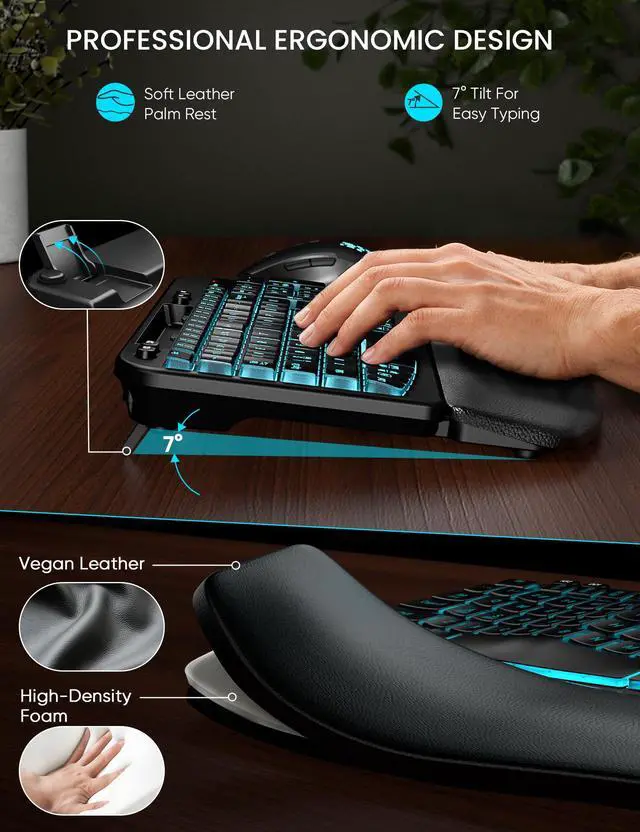
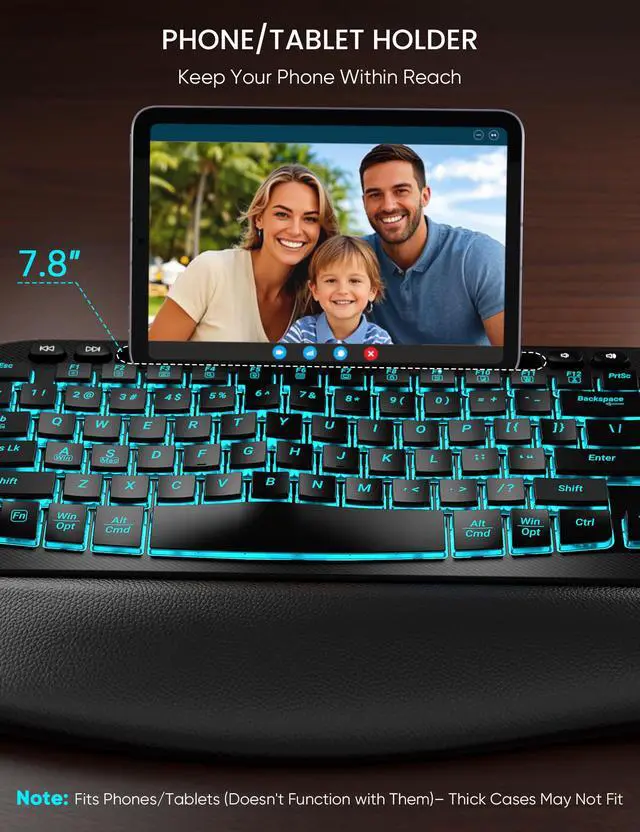
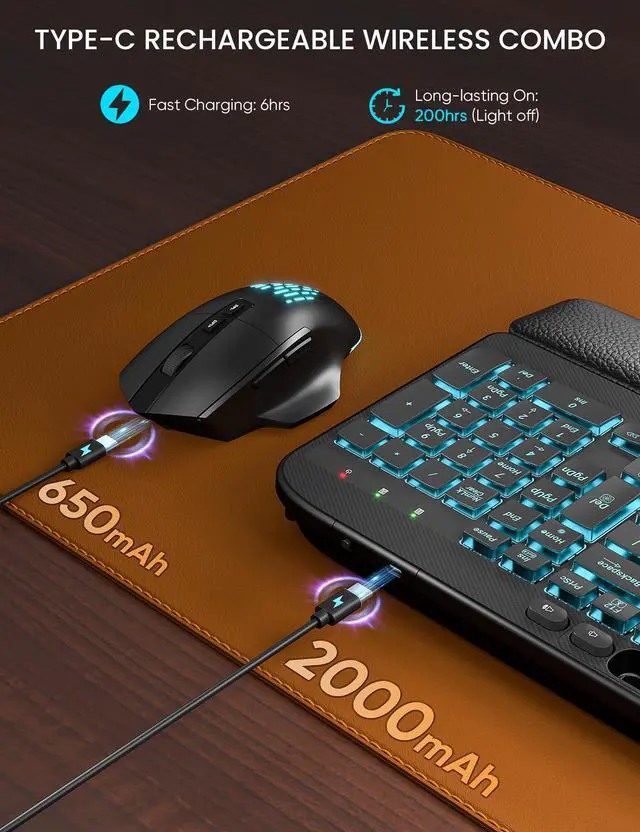



SABLUTE has focused on the manufacture and sale of keyboards and mice for many years, our aim is quality, innovation and you. 2017, we received some letters from some of our customers, they wanted a little more ambiance in their boring work as well as wanted the keys to light up for typing in the dark. So we started to develop wireless keyboards and mice with backlight, just to bring you a better experience and more productivity.


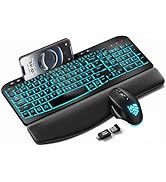
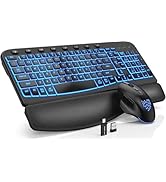
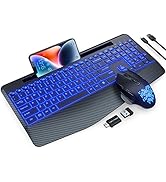
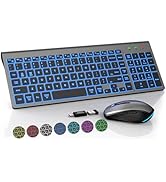
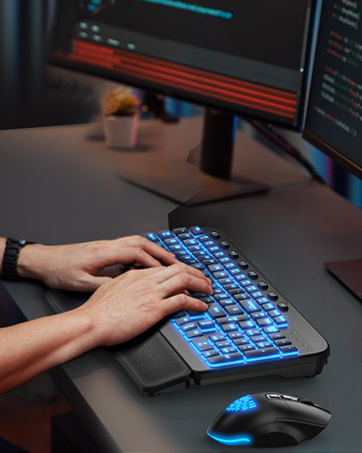
Make Work More Enjoyable
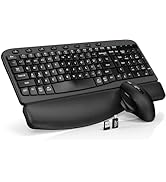
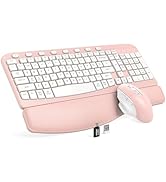
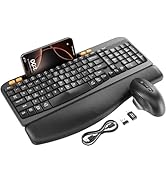
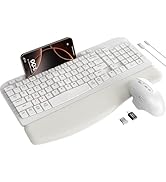
MA12 & MA22Plus


How can I clean the keyboard?
For best keyboard cleaning, use: 70% alcohol + microfiber cloth. Do: Lightly dampen a cloth. Wipe straight (? this way)
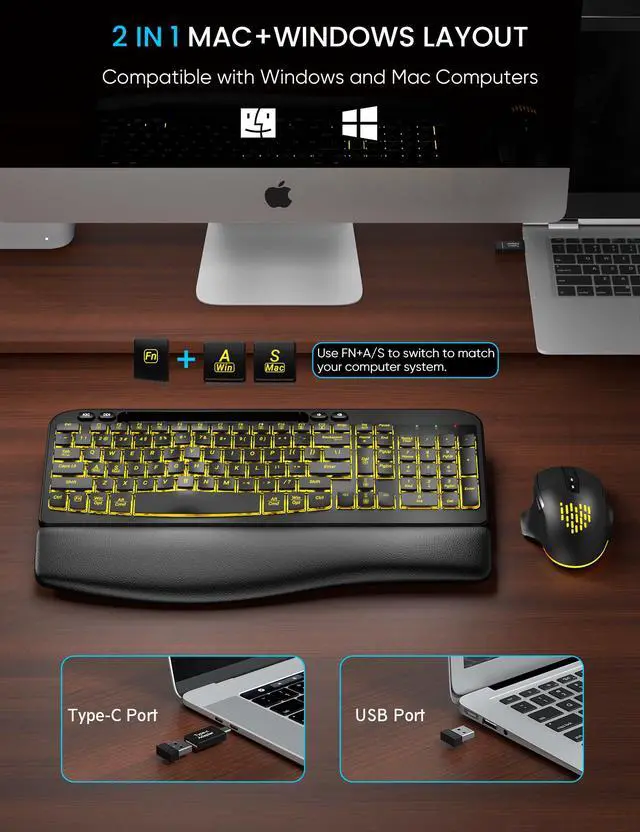
Is this wireless keyboard and mouse compatible with Mac systems?
Yes! This rechargeable backlit wireless combo is compatible with both Windows and Mac systems. Simply press Fn + A for Mac mode and Fn + S for Windows mode.wireless
How to resolve the issue when a product is unable to charge?
First, ensure the charging cable is properly connected. Second, try using a different charging cable. If neither of these steps resolves the issue, please reach out to us for assistance.
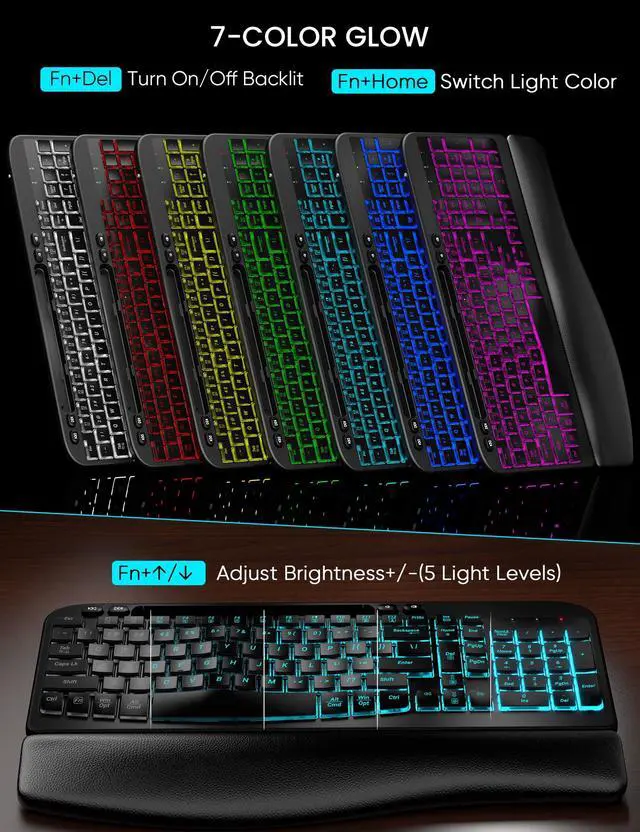
How do I adjust the backlight settings?
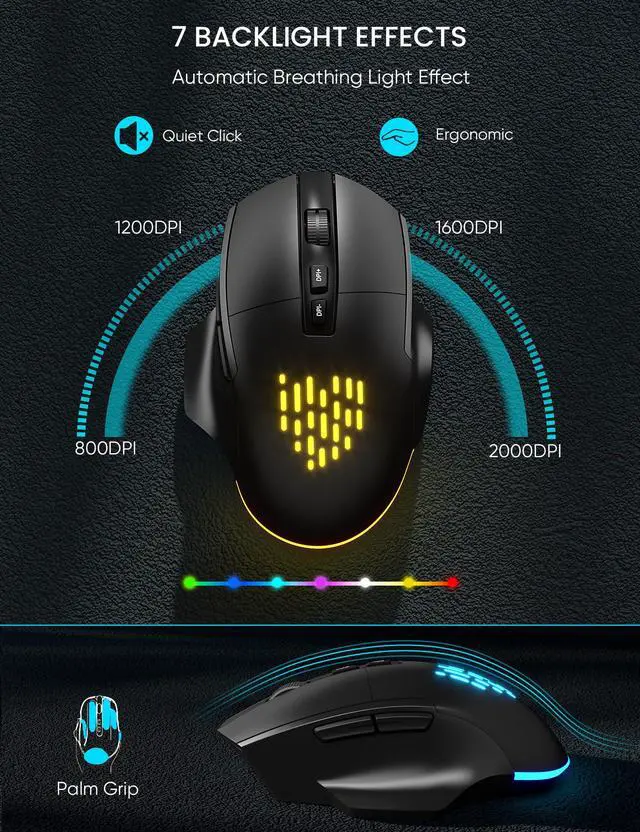
Press Fn+Ins to change the backlight colors, Fn+Up Arrow (or Fn+Down Arrow) to adjust the brightness. The mouse lightings are random.
There's a problem with my keyboard that I can't solve. What should I do?
Reach out to the SABLUTE support team immediately, We will be 100% responsible for each of our products and customers.
SABLUTE Wireless Keyboard and Mouse Family
 Ergo Wireless Combo |  Wireless Backlit Combo |  Mac BT Keyboard Mouse |  Portable Keyboard |  Wireless Keyboard |  Ergo Wireless Set |  Ergo Wireless Set | |
|---|---|---|---|---|---|---|---|
Customer Reviews | — | — | — | — | — | — | — |
Price | — | — | — | — | — | — | — |
Keycap Structure | Crater structure | X-Shaped Structure | X-Shaped Structure | X-Shaped Structure | X-Shaped Structure | Crater structure | Crater structure |
Features | Ergomonic, Wrist Rest,Backlit | Ergomonic, Wrist Rest,Backlit | Mac Layout, Portable,Dustproof | Compact, Slim, Silent | Compact, Slim, Silent | Ergonomic, Wrist Rest | Ergonomic, Wrist Rest |
Rechargeable | ? | ? | ? | ? | ? | ? | ? |
Phone Holder | ? | ? | ? | ? | ? | ? | ? |
Backlit | 7-color backlighting | 7-color backlighting | 7-color backlighting | 7-color backlighting | 7-color backlighting | 7-color backlighting | No backlight |
Connectivity | USB Receiver & Type-C Receiver | USB Receiver & Type-C Receiver | Bluetooth | USB Receiver & Type-C Receiver | USB Receiver & Type-C Receiver | USB Receiver & Type-C Receiver | USB Receiver & Type-C Receiver |


How can I clean the keyboard?
For best keyboard cleaning, use: 70% alcohol + microfiber cloth. Do: Lightly dampen a cloth. Wipe straight (? this way)
Is this wireless keyboard and mouse compatible with Mac systems?
Yes! This rechargeable backlit wireless combo is compatible with both Windows and Mac systems. Simply press Fn + A for Mac mode and Fn + S for Windows mode.wireless
How to resolve the issue when a product is unable to charge?
First, ensure the charging cable is properly connected. Second, try using a different charging cable. If neither of these steps resolves the issue, please reach out to us for assistance.
How do I adjust the backlight settings?
Press Fn+Ins to change the backlight colors, Fn+Up Arrow (or Fn+Down Arrow) to adjust the brightness. The mouse lightings are random.
There's a problem with my keyboard that I can't solve. What should I do?
Reach out to the SABLUTE support team immediately, We will be 100% responsible for each of our products and customers.
SABLUTE Wireless Keyboard and Mouse Family
Ergo Wireless Combo | Wireless Backlit Combo | Mac BT Keyboard Mouse | Portable Keyboard | Wireless Keyboard | Ergo Wireless Set | Ergo Wireless Set |
|---|---|---|---|---|---|---|
| Customer Reviews | ||||||
| — | — | — | — | — | — | — |
| Price | ||||||
| — | — | — | — | — | — | — |
| Keycap Structure | ||||||
| Crater structure | X-Shaped Structure | X-Shaped Structure | X-Shaped Structure | X-Shaped Structure | Crater structure | Crater structure |
| Features | ||||||
| Ergomonic, Wrist Rest,Backlit | Ergomonic, Wrist Rest,Backlit | Mac Layout, Portable,Dustproof | Compact, Slim, Silent | Compact, Slim, Silent | Ergonomic, Wrist Rest | Ergonomic, Wrist Rest |
| Rechargeable | ||||||
| ? | ? | ? | ? | ? | ? | ? |
| Phone Holder | ||||||
| ? | ? | ? | ? | ? | ? | ? |
| Backlit | ||||||
| 7-color backlighting | 7-color backlighting | 7-color backlighting | 7-color backlighting | 7-color backlighting | 7-color backlighting | No backlight |
| Connectivity | ||||||
| USB Receiver & Type-C Receiver | USB Receiver & Type-C Receiver | Bluetooth | USB Receiver & Type-C Receiver | USB Receiver & Type-C Receiver | USB Receiver & Type-C Receiver | USB Receiver & Type-C Receiver |
SABLUTE has focused on the manufacture and sale of keyboards and mice for many years, our aim is quality, innovation and you. 2017, we received some letters from some of our customers, they wanted a little more ambiance in their boring work as well as wanted the keys to light up for typing in the dark. So we started to develop wireless keyboards and mice with backlight, just to bring you a better experience and more productivity.
Make Work More Enjoyable
MA12 & MA22Plus