



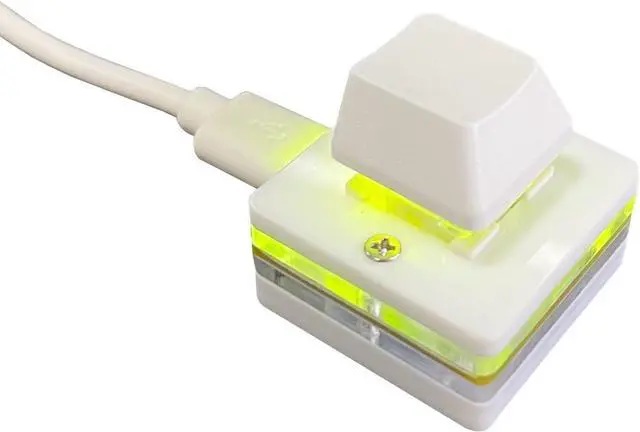
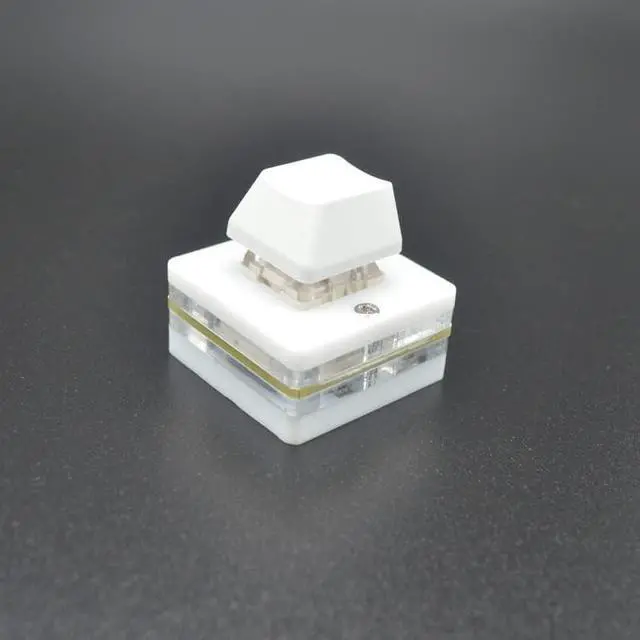
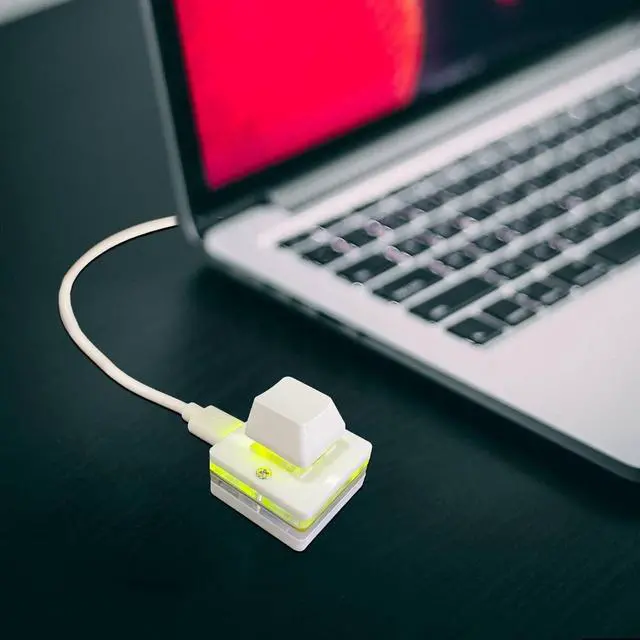
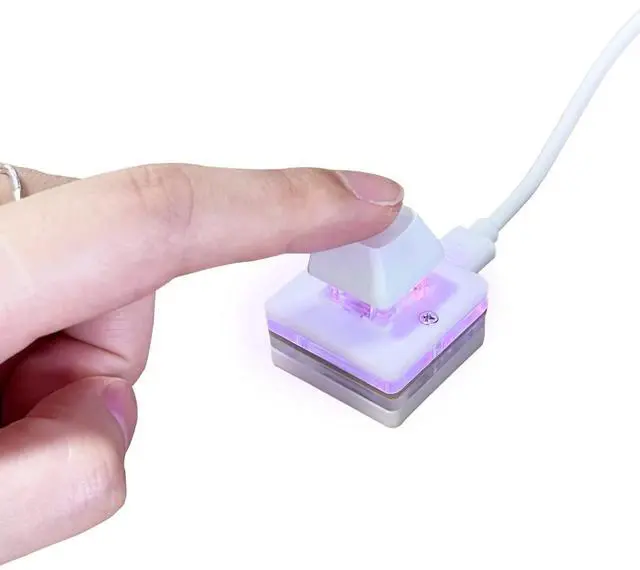
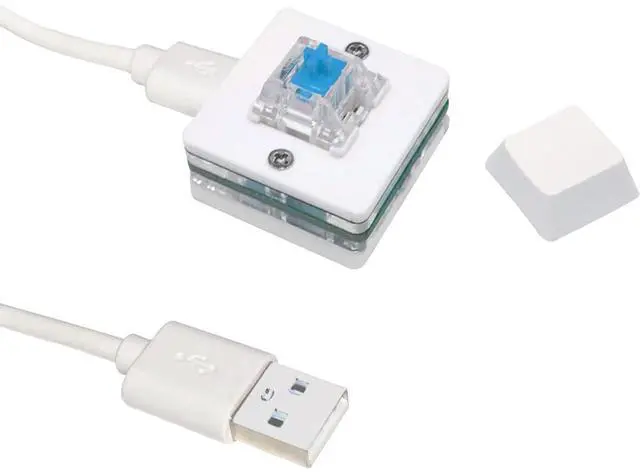


This is a Standard HID Keyboard with Programmable Key
1.Support any key keyboard eg."enter", "ESC" "A" and so on
2.Support key combination eg. A key to copy/paste/"Ctrl + Shift + s"
3.Support multimedia control eg. Cut the song and volume adjustment
4.Mouse Click Function,Left button,Right button,Middle button
5.Support a key to enter the password,Auto Click A string of characters
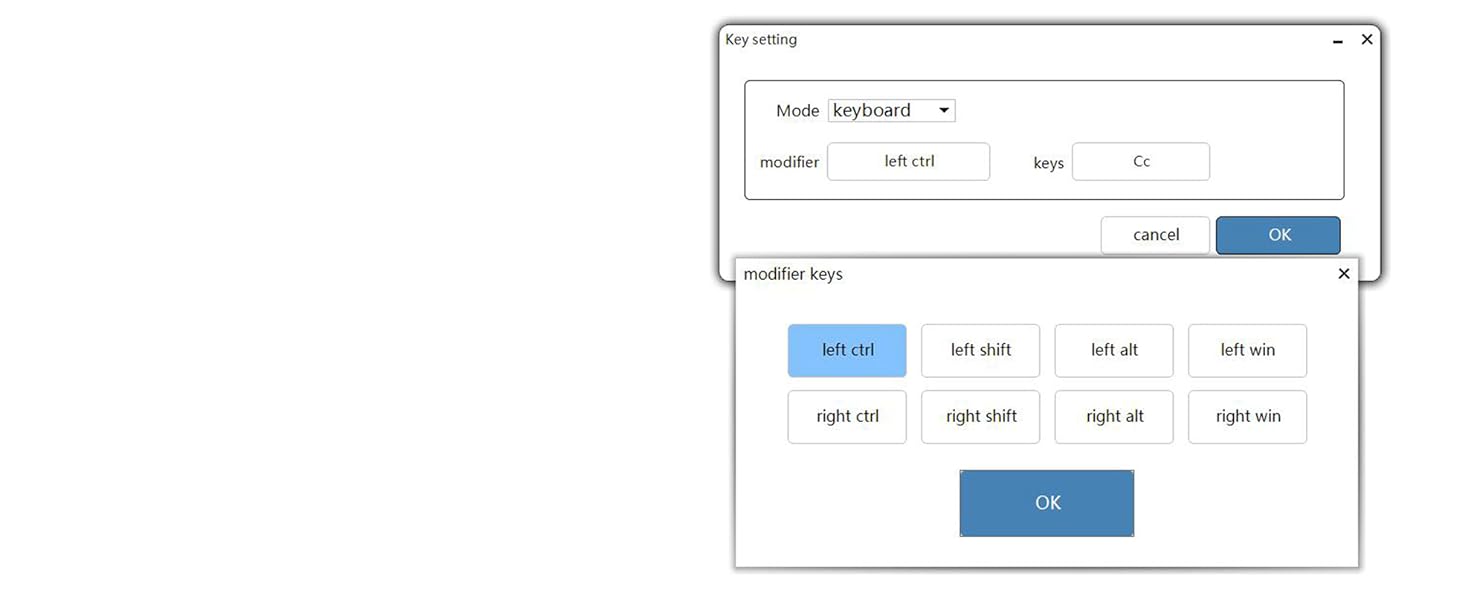
Normal Keyboard Mode
Normal keyboard mode can set any key on the keyboard and various combination shortcut keys, such as ctrl+c, ctrl+alt+a and so on.
hint: In the key combination, multiple selections can be made.
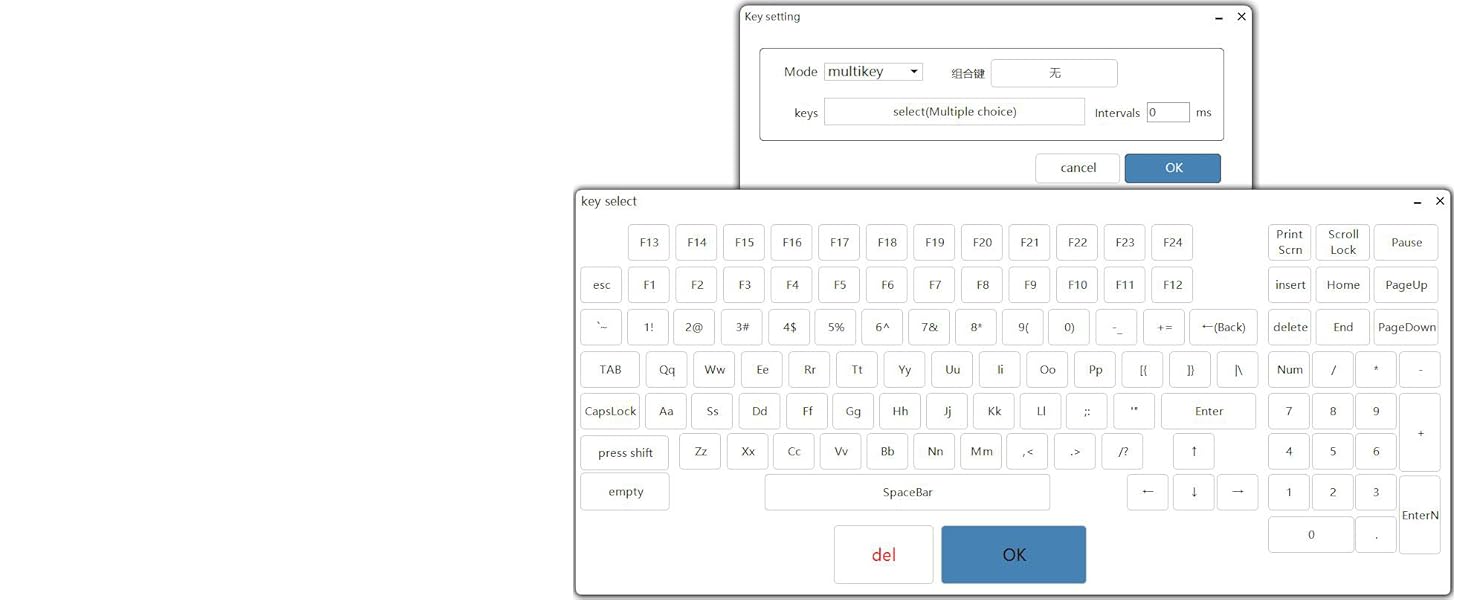
Multi-bond in one
Used for one-key passwords or multiple key presses in sequence.
The interval time is generally recommended to be set to 200ms, one second = 1000ms.
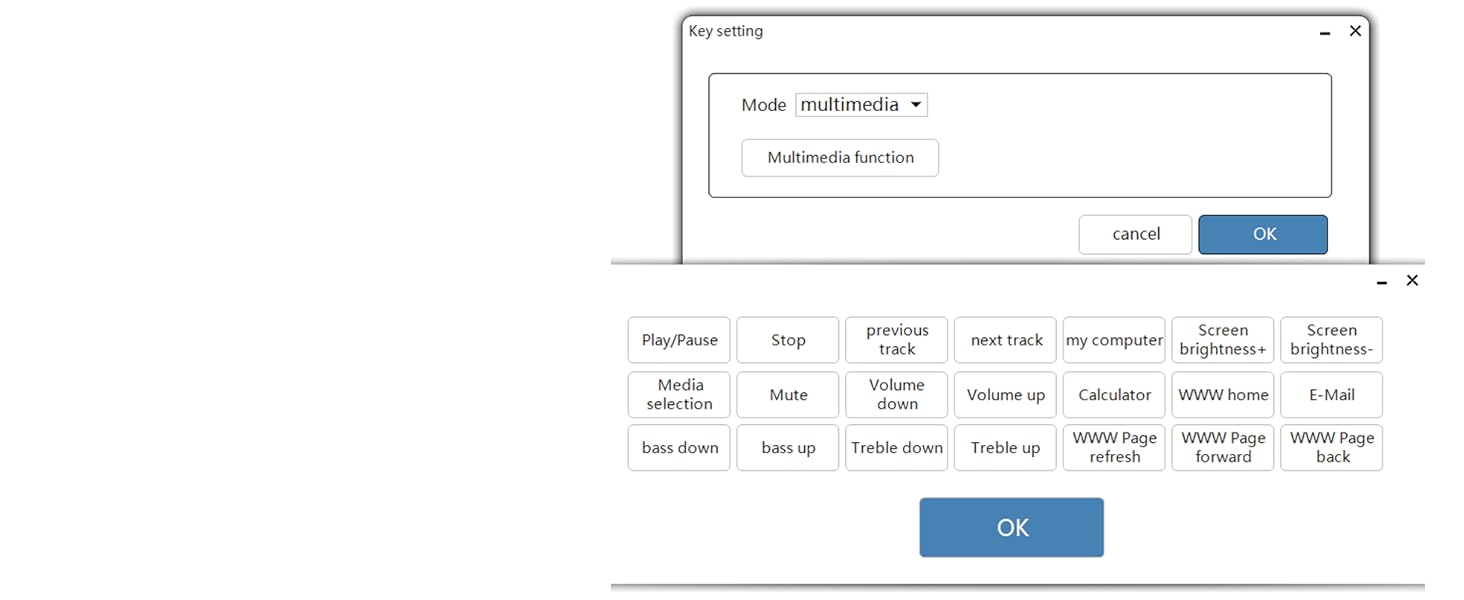
Multimedia
Can be used to control video, music software, etc.
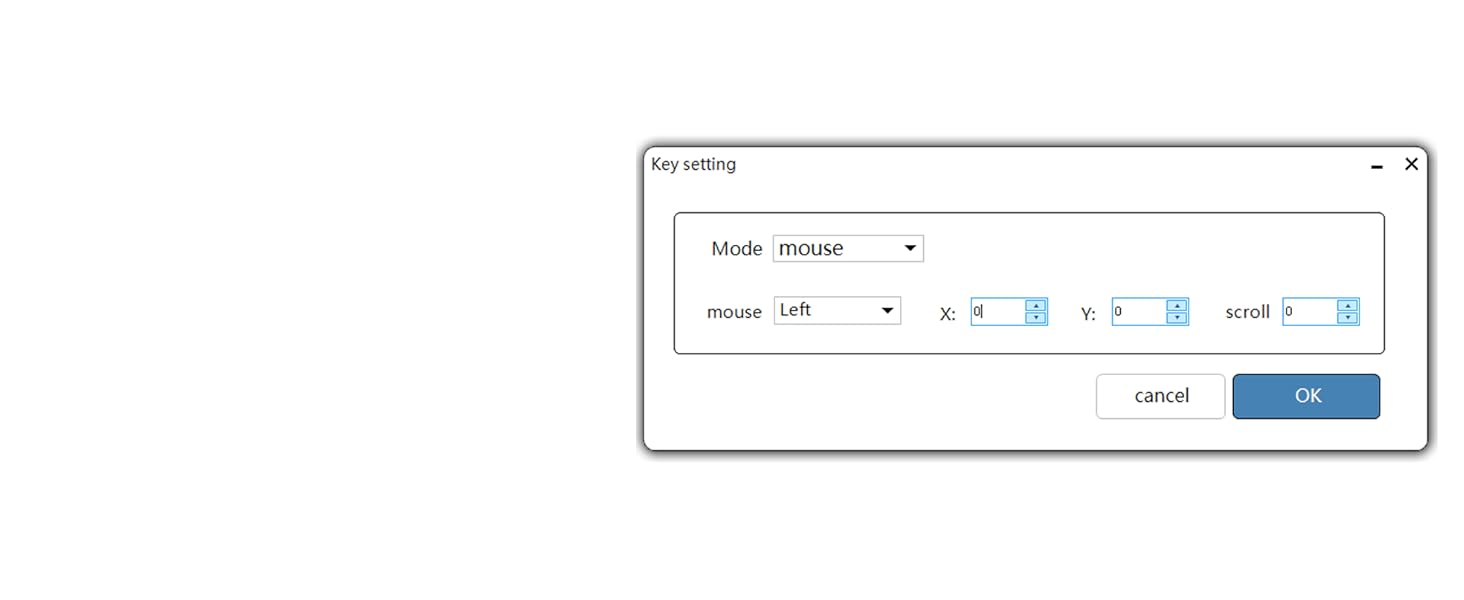
Mouse Mode
Here X Y is the distance the mouse moves, not the specified position (settings 1 to 128 are for forward movement and 128-255 is for reverse movement).
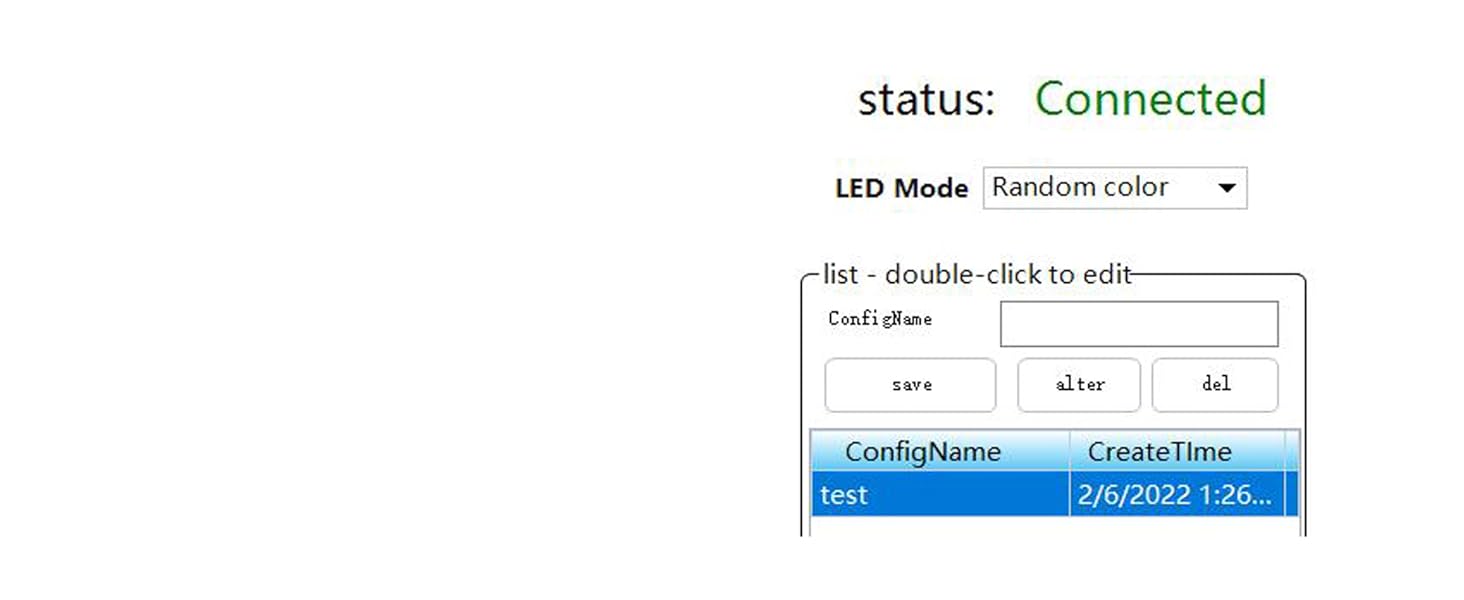
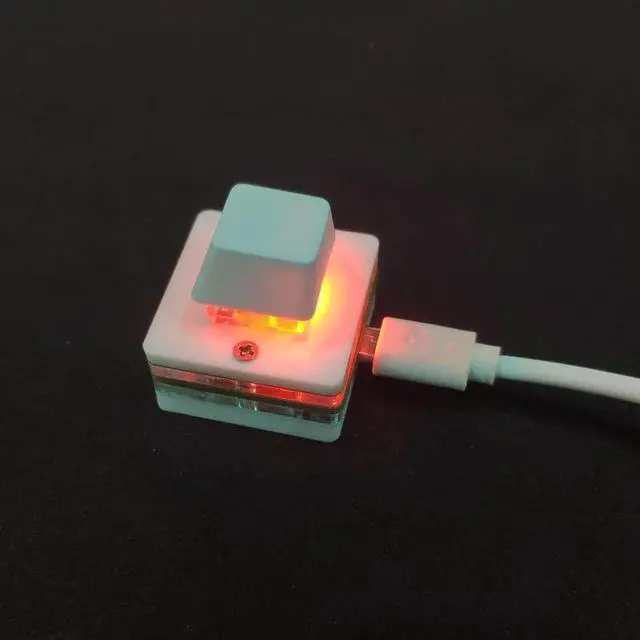
keyboard lighting
You can freely set any light color,
Multi-color combination light effect that,
Benz C-Class ambient light effect,
Can be switched off.
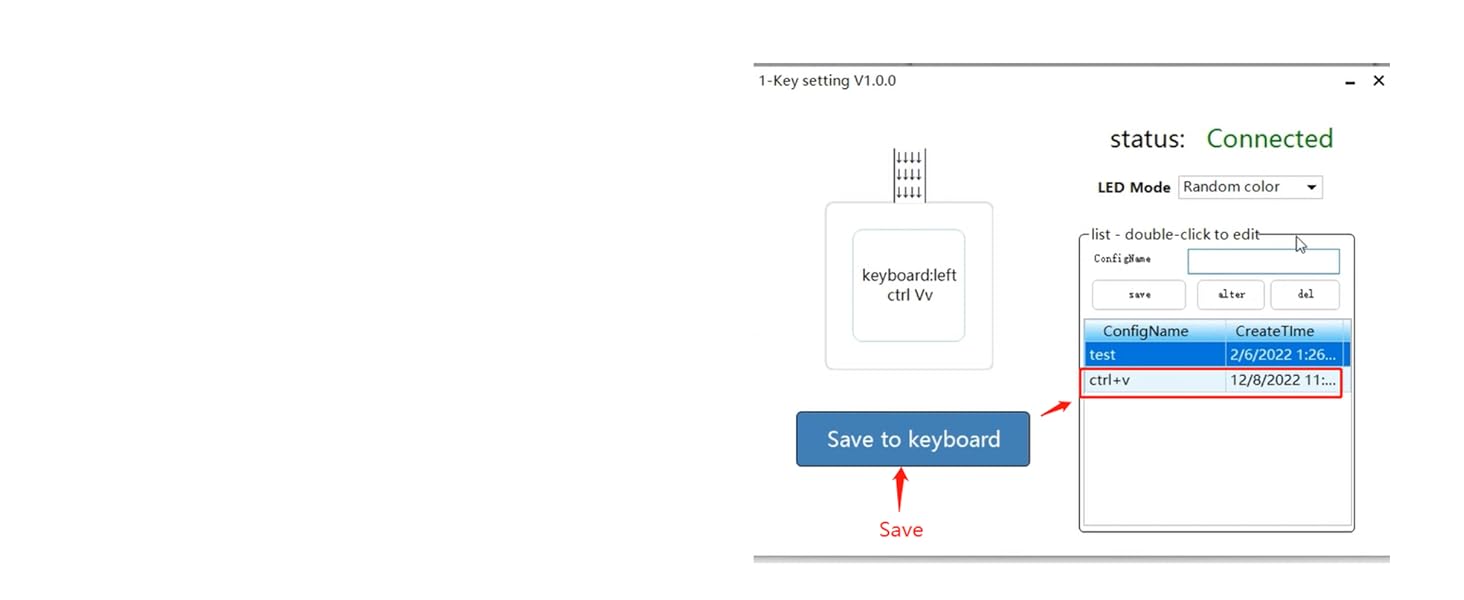
Save Settings
You can set to save some frequently used functions or passwords to switch at any time
Green shaft for crisp, mechanical feel


How is it used?
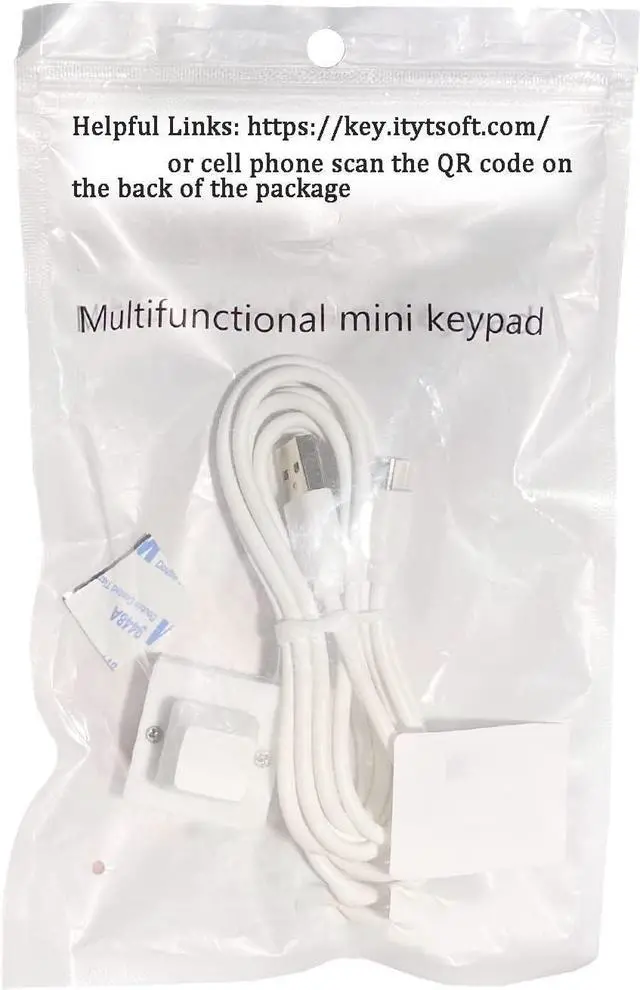
You can scan the Q-R code on the back of the package, we are unable to show the link directly due to platform limitations.
Why does the webpage open in Chinese?
Because our products are geared towards multiple countries, you can simply click on the Download English Plugin in the center, and you'll be able to use the English version to make the settings you want!
Can I play games with it?
Yes, it is possible to set the ultimate skill.
What to Do If the Keyboard Cannot Be Configured Directly on a Mac?
Can’t set up your keyboard on Mac? Just hook it up to a Windows PC to complete configuration first, then switch it back to your Mac—it’ll work with your settings!

Compatible with Win/Mac/Android/IOS etc.
This is a Standard HID Keyboard with Programmable Key
1.Support any key keyboard eg."enter", "ESC" "A" and so on
2.Support key combination eg. A key to copy/paste/"Ctrl + Shift + s"
3.Support multimedia control eg. Cut the song and volume adjustment
4.Mouse Click Function,Left button,Right button,Middle button
5.Support a key to enter the password,Auto Click A string of characters
Normal Keyboard Mode
Multi-bond in one
Multimedia
Mouse Mode
keyboard lighting
Save Settings


Normal keyboard mode can set any key on the keyboard and various combination shortcut keys, such as ctrl+c, ctrl+alt+a and so on.
hint: In the key combination, multiple selections can be made.
Used for one-key passwords or multiple key presses in sequence.
The interval time is generally recommended to be set to 200ms, one second = 1000ms.
Can be used to control video, music software, etc.
Here X Y is the distance the mouse moves, not the specified position (settings 1 to 128 are for forward movement and 128-255 is for reverse movement).
You can freely set any light color,
Multi-color combination light effect that,
Benz C-Class ambient light effect,
Can be switched off.
You can set to save some frequently used functions or passwords to switch at any time
Green shaft for crisp, mechanical feel
How is it used?
You can scan the Q-R code on the back of the package, we are unable to show the link directly due to platform limitations.
Why does the webpage open in Chinese?
Because our products are geared towards multiple countries, you can simply click on the Download English Plugin in the center, and you'll be able to use the English version to make the settings you want!
Can I play games with it?
Yes, it is possible to set the ultimate skill.
What to Do If the Keyboard Cannot Be Configured Directly on a Mac?
Can’t set up your keyboard on Mac? Just hook it up to a Windows PC to complete configuration first, then switch it back to your Mac—it’ll work with your settings!