


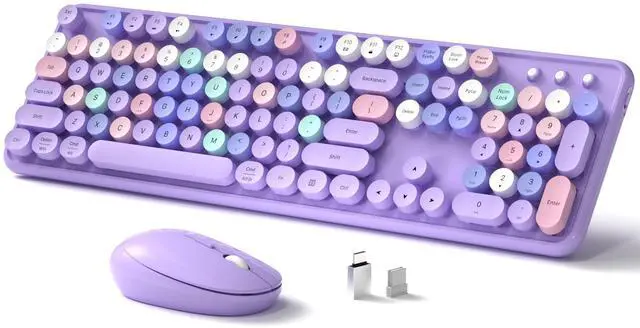
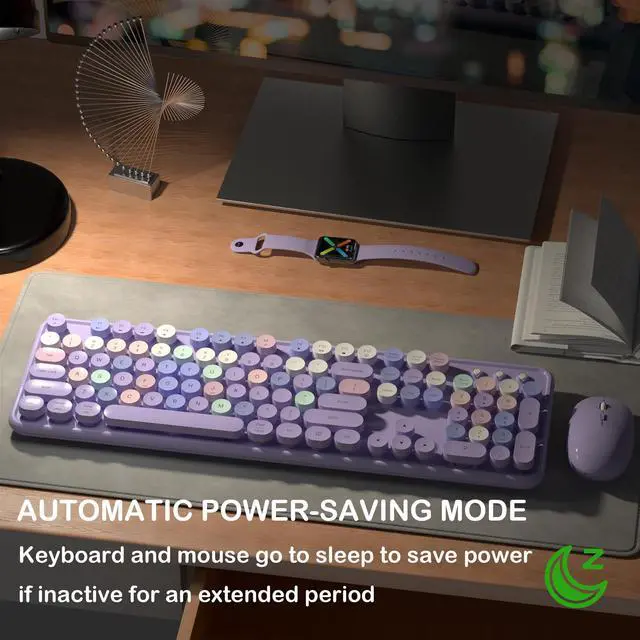
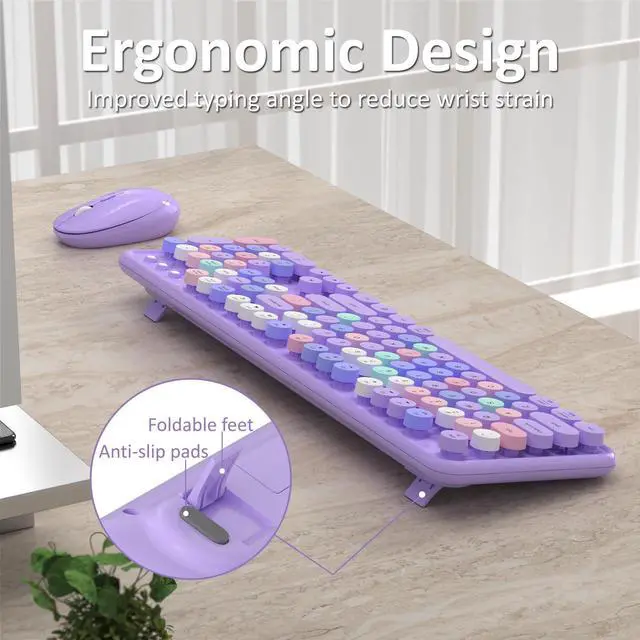
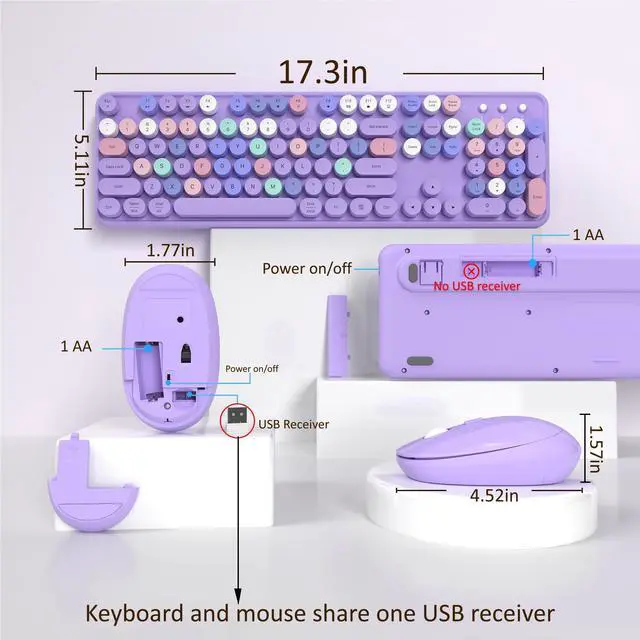
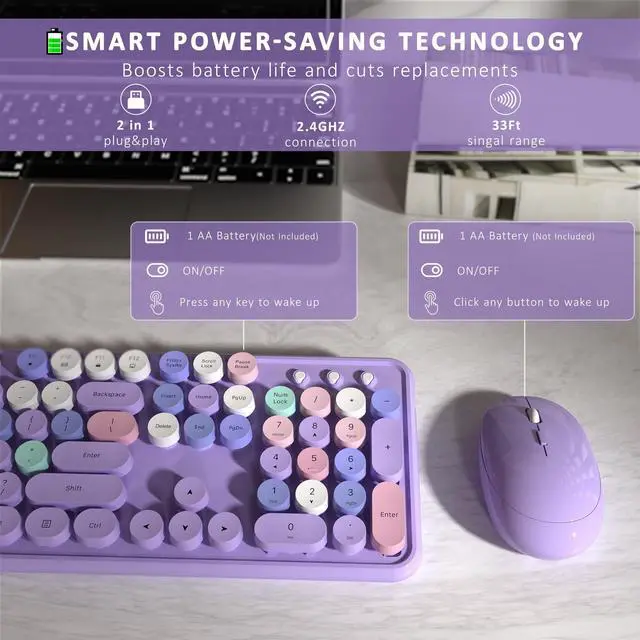

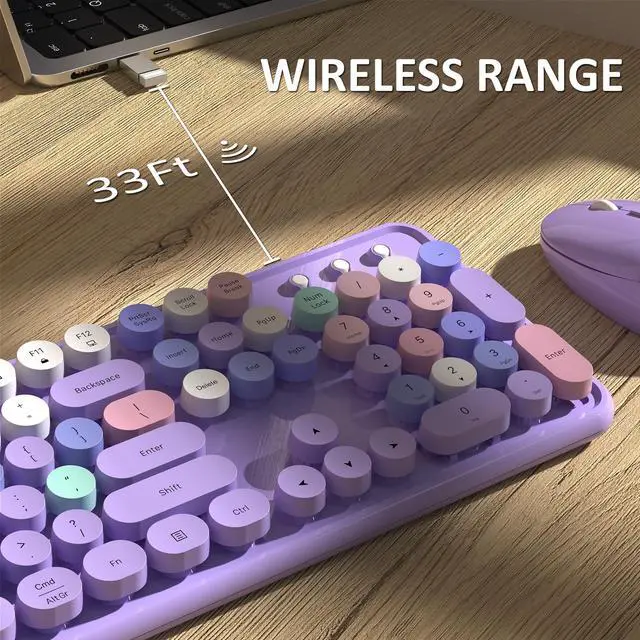




Hot Selling Attributes
Round Keycaps | ||
Adjustable Feet | ||
Wrist Rest | ||
Backlight | ||
Phone Stand | ||
With Mouse | ||
Power Switch |
Round Keycaps | ||
Adjustable Feet | ||
Wrist Rest | ||
Backlight | ||
Phone Stand | ||
With Mouse | ||
Power Switch |
Round Keycaps | ||
Adjustable Feet | ||
Wrist Rest | ||
Backlight | ||
Phone Stand | ||
With Mouse | ||
Power Switch |
Round Keycaps | ||
Adjustable Feet | ||
Wrist Rest | ||
Backlight | ||
Phone Stand | ||
With Mouse | ||
Power Switch |


How do I reconnect the paired wireless mouse?
1: Remove the battery and restart, press and hold "left" and "right" buttons at the same time.
2: When optical sensor flashes, quickly insert USB receiver and wait for pairing(13in).
NOTE: If pairing still fails, repeat the above steps.
How do I reconnect the paired wireless keyboard?
1: Remove the battery and reboot, press and hold the ESC+Q keys.
2: When the indicator light blinks, quickly plug in the USB receiver and wait for pairing(13in).
NOTE: If pairing still fails, repeat the above steps.
How do I copy and paste on MacOS?
On MacOS, the "Win" key replaces the "Ctrl" key. Copy: Win+C; Paste: Win+V; Select All: Win+A. Or hold down "Fn "+"E" to switch to Mac system, Copy: Cmd+C; Paste: Cmd+V; Select All: Cmd+A.
Is this wireless keyboard mouse set available on MacOS?
Yes, the wireless keyboard and mouse work with MacOS.

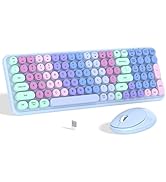
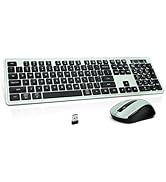
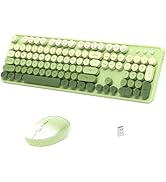
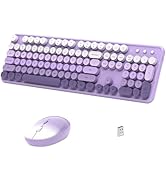
Purple Colorful
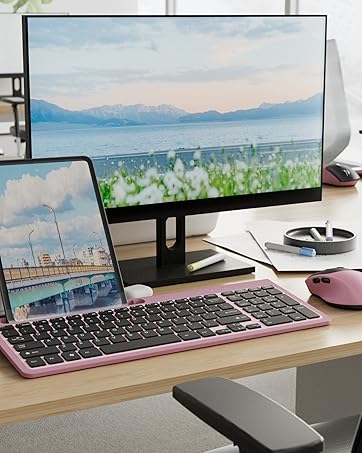
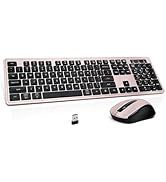
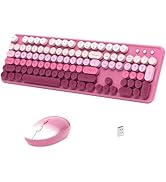
Pink Colorful
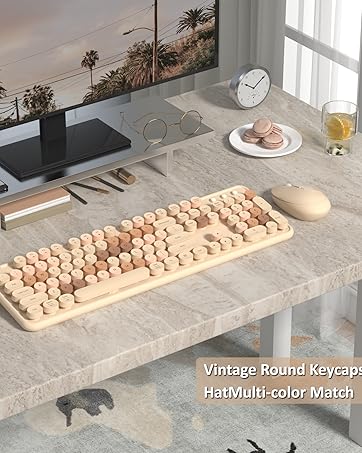
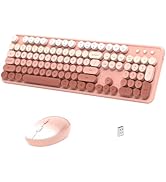
Milky Tea Colorful
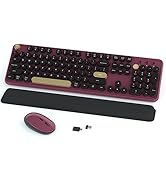
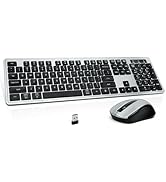
Coffee Colorful
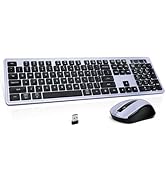
Blue Colorful


Hot Selling Attributes
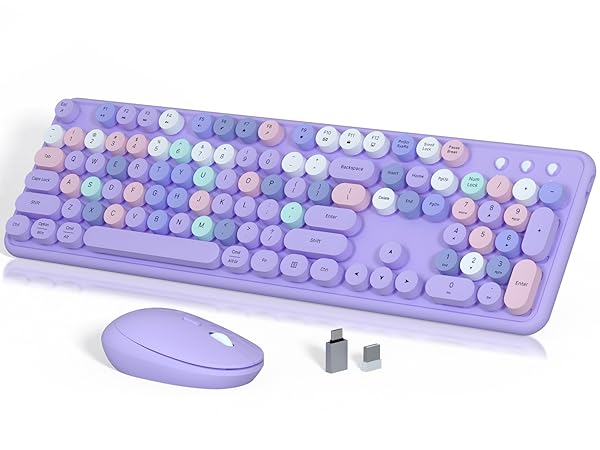
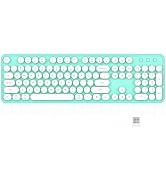
Colorful Keyboard Combo
Round Keycaps
Adjustable Feet
Wrist Rest
Backlight
Phone Stand
With Mouse
Power Switch
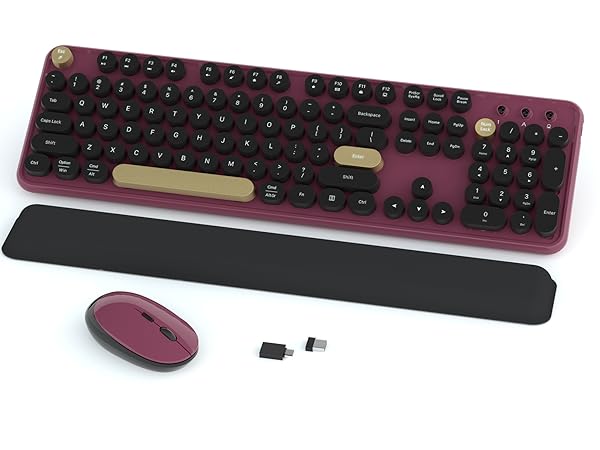
Soft Wrist Rest Keyboard
Round Keycaps
Adjustable Feet
Wrist Rest
Backlight
Phone Stand
With Mouse
Power Switch
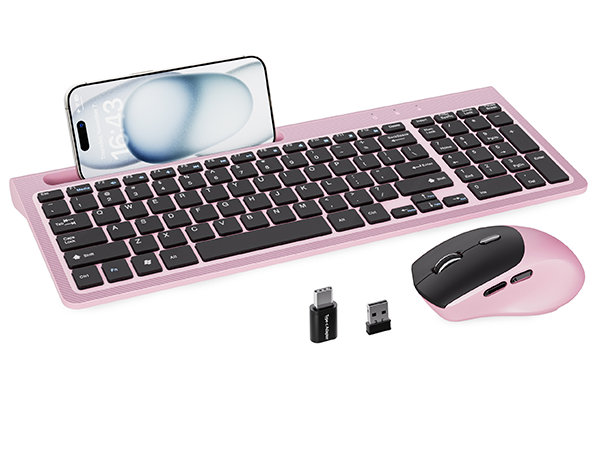
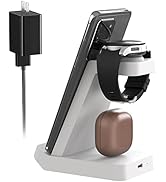
Phone Holder Keyboard
Round Keycaps
Adjustable Feet
Wrist Rest
Backlight
Phone Stand
With Mouse
Power Switch
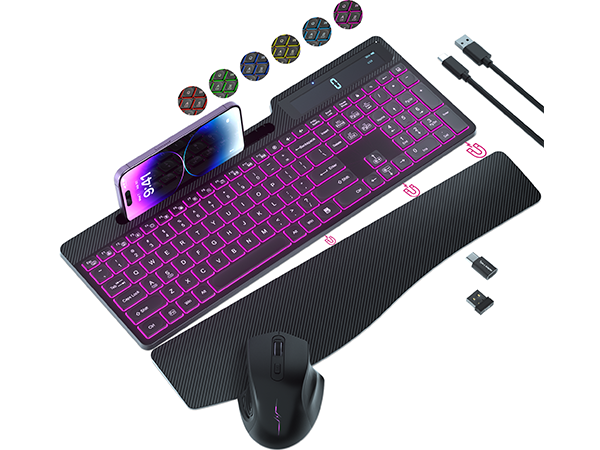
Backlit Keyboard Combo
Round Keycaps
Adjustable Feet
Wrist Rest
Backlight
Phone Stand
With Mouse
Power Switch
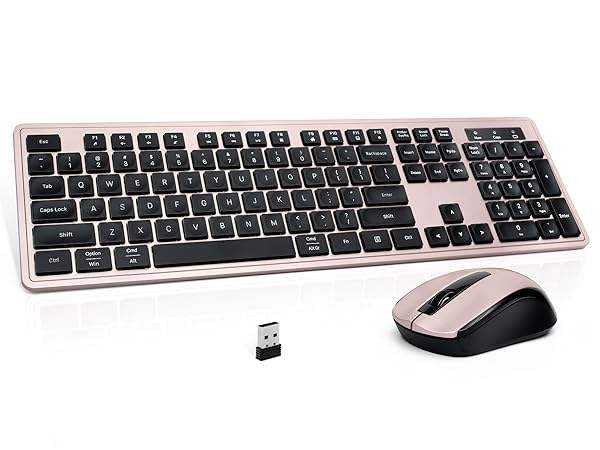
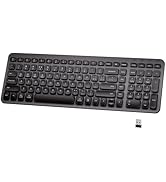
Minimalist Keyboard
Round Keycaps
Adjustable Feet
Wrist Rest
Backlight
Phone Stand
With Mouse
Power Switch
How do I reconnect the paired wireless mouse?
1: Remove the battery and restart, press and hold "left" and "right" buttons at the same time.
2: When optical sensor flashes, quickly insert USB receiver and wait for pairing(13in).
NOTE: If pairing still fails, repeat the above steps.
How do I reconnect the paired wireless keyboard?
1: Remove the battery and reboot, press and hold the ESC+Q keys.
2: When the indicator light blinks, quickly plug in the USB receiver and wait for pairing(13in).
NOTE: If pairing still fails, repeat the above steps.
How do I copy and paste on MacOS?
On MacOS, the "Win" key replaces the "Ctrl" key. Copy: Win+C; Paste: Win+V; Select All: Win+A. Or hold down "Fn "+"E" to switch to Mac system, Copy: Cmd+C; Paste: Cmd+V; Select All: Cmd+A.
Is this wireless keyboard mouse set available on MacOS?
Yes, the wireless keyboard and mouse work with MacOS.
LINKS9+, founded in 2020
We recognize that product is not just a tool, but also an artistic expression of individuality and style
Big Spring Sale
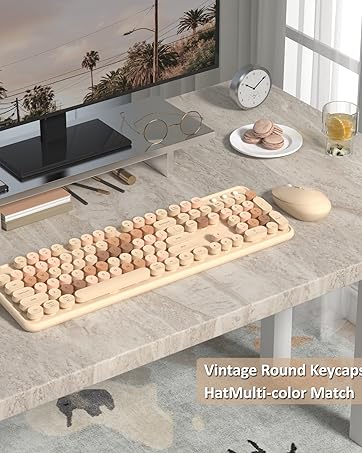
Milk Tea Color Keyboard Mouse
Scissor Keyboard Set
New Square Keyboard
Gradient Keyboard Set
Super Sale Zone
