




NOTE: 2.4G USB mode is only compatible with Windows systems. For Mac or other devices, please use Bluetooth pairing. Pairing Guide: [User Manual]
bluetooth keyboard and mouse
Merchant VideoModel: SKM64-3
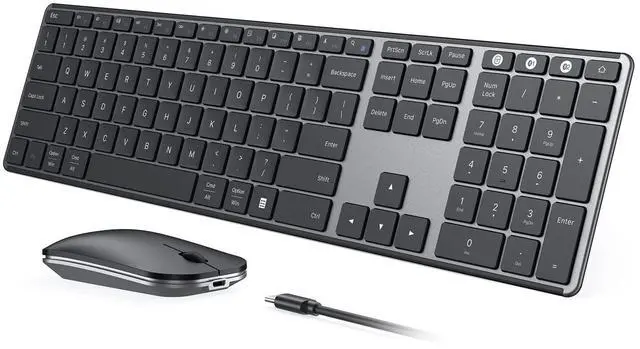
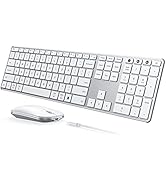
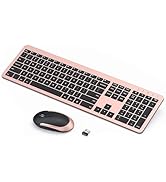
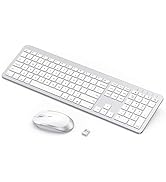
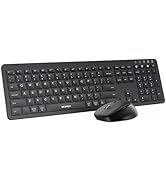
Triple-Device Wireless Combo: Your Universal, Silent & Slim Office Companion
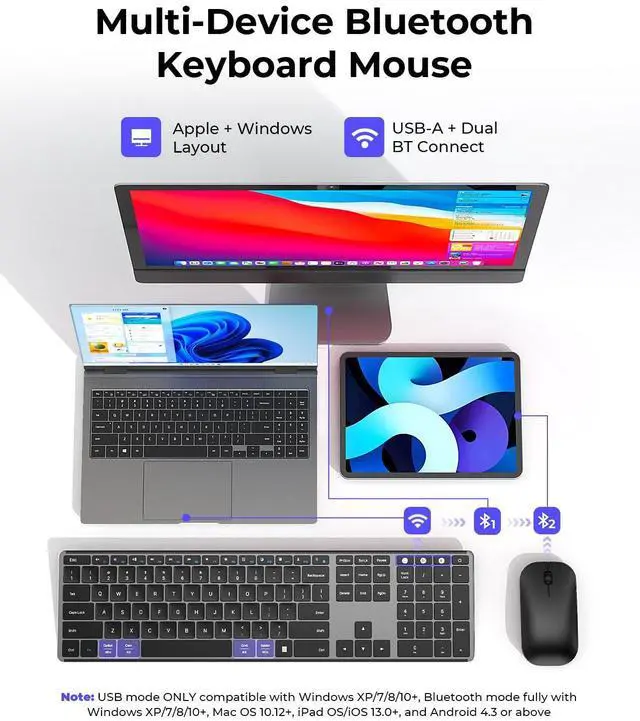
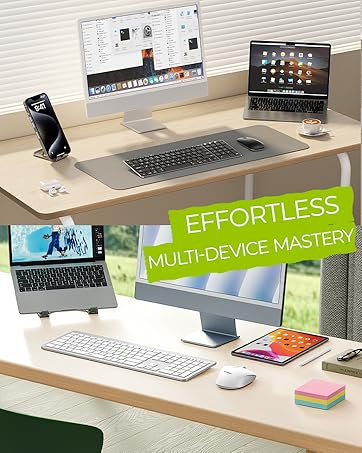
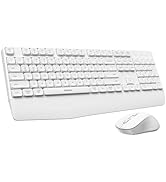
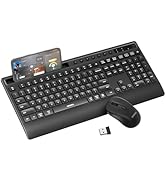
Connect three devices at once - Windows via USB and two more via Bluetooth - with this sleek keyboard and mouse set. Ideal for multitaskers, students, and hybrid workers. Enjoy whisper-quiet typing and noiseless clicks, perfect for shared spaces, late-night work, or focused study sessions. Simplify your setup, reduce clutter, and type comfortably anywhere.

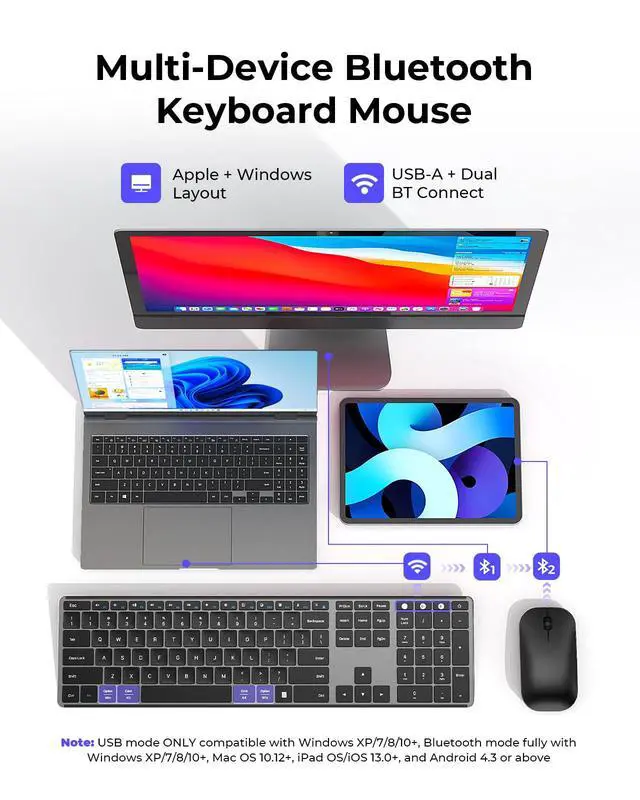
Triple Modes & Four Systems Support
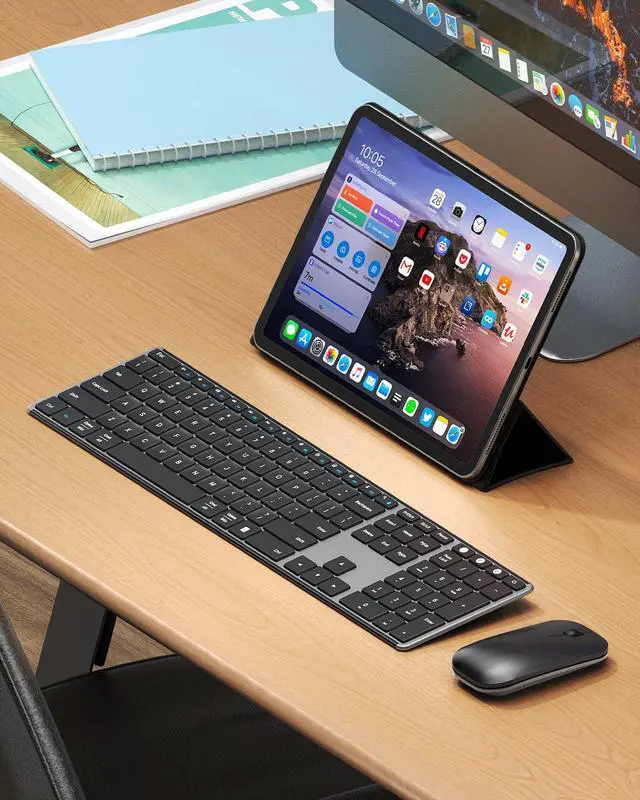
Both keyboard and mouse provide USB-A/BT1/BT2 three channels, allowing up to 3 devices at a time and switch easily, which free your desk space and make work easier. Specially designed for Windows/Mac OS/iOS/Android four systems, can work with Laptop Tablet MacBook Pro/Air iPad etc.

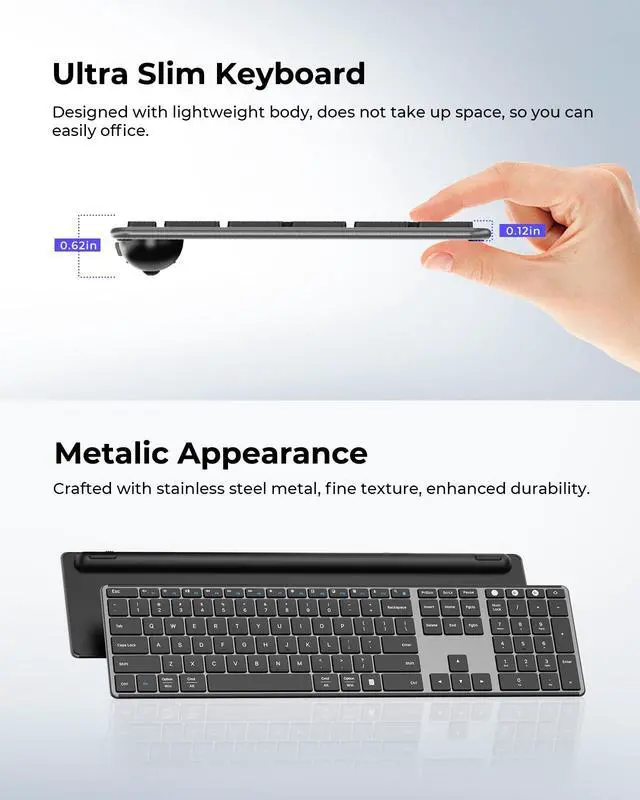
Ultra Slim & Sleek Keyboard Mouse
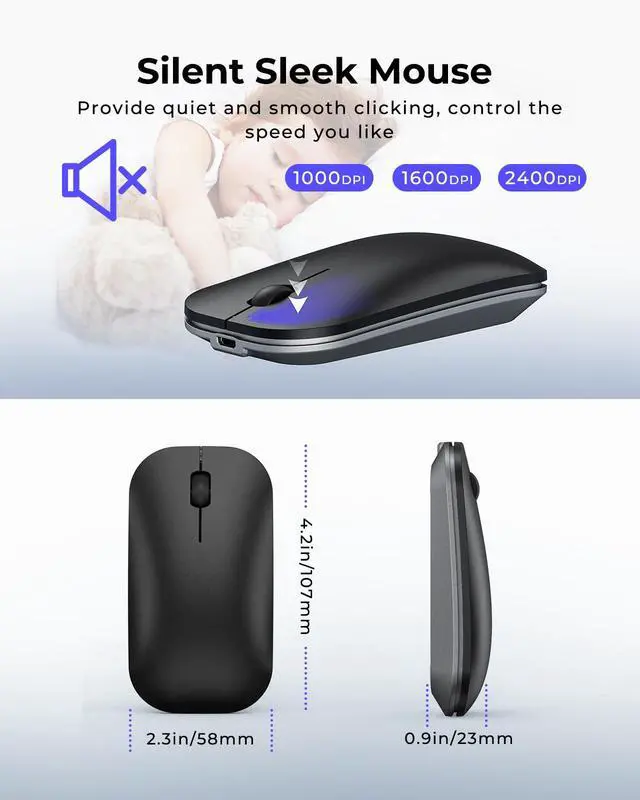
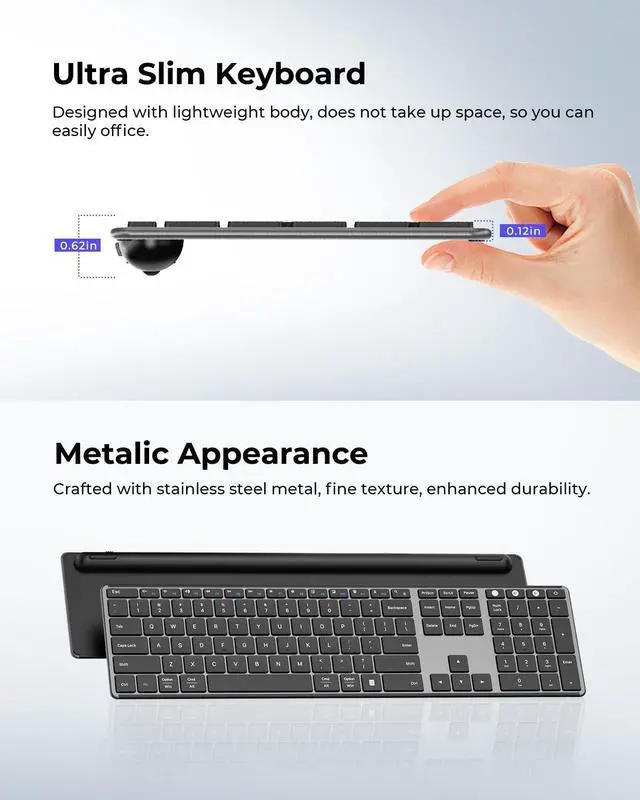
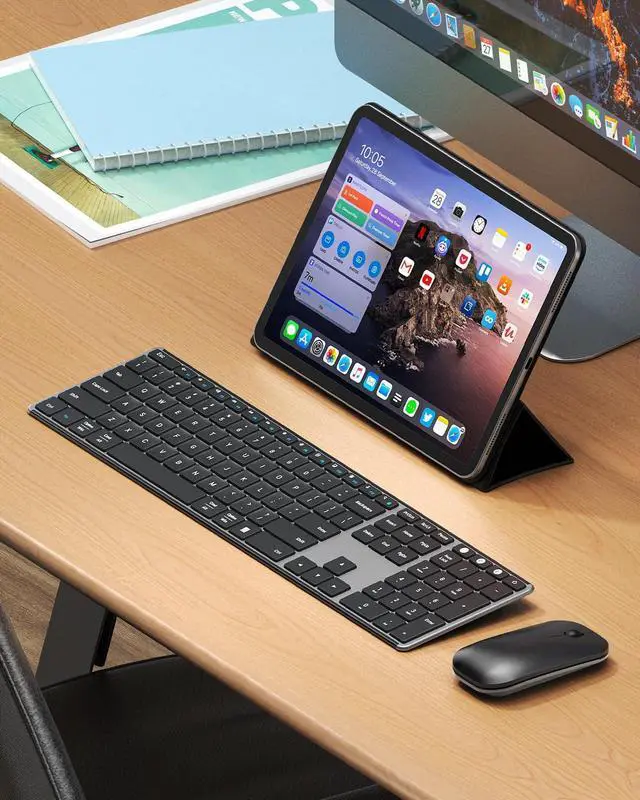
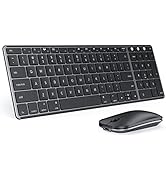
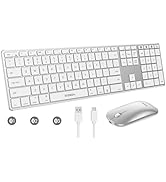
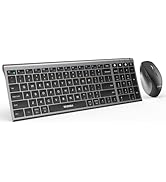
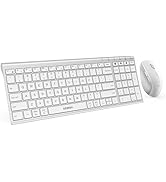
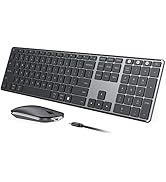
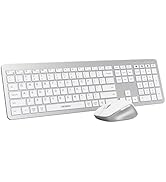
If you are looking for a slim, sleek, and lightweight keyboard and mouse for office, study or present, this would be a good choice. Ultra-thin design with only 0.12inch for keyboard and 0.9inch for mouse, high-quality metal panel and black & gray color, which makes your desk modern and simple.

Comfortable Quiet Typing
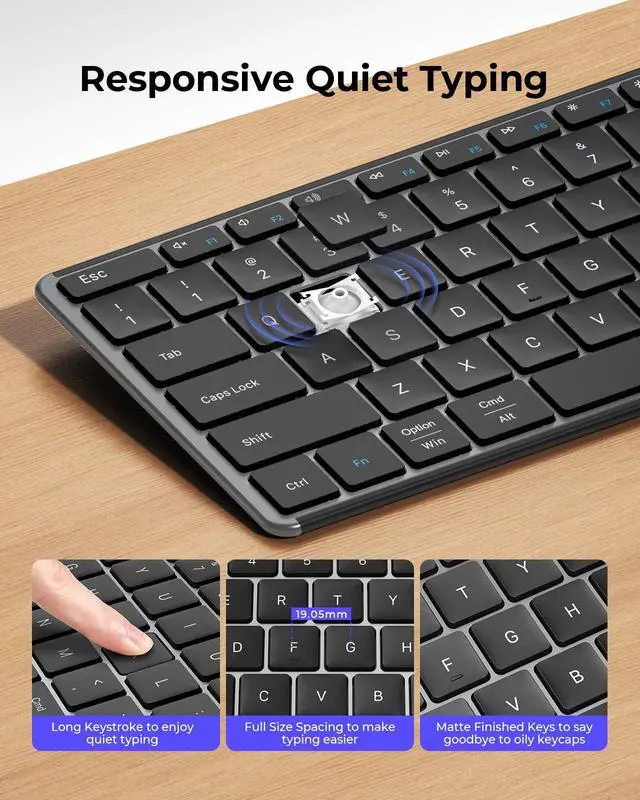
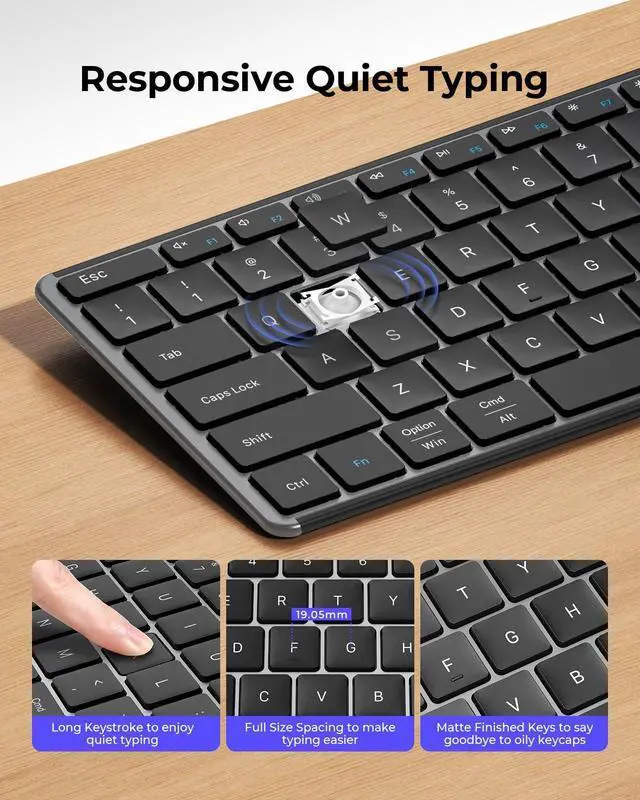
With an 8° angle and larger keys design, you can enjoy comfortable and smooth typing. The scissor-switch keys also help reduce typing noise.

Noiseless Smooth Clicking
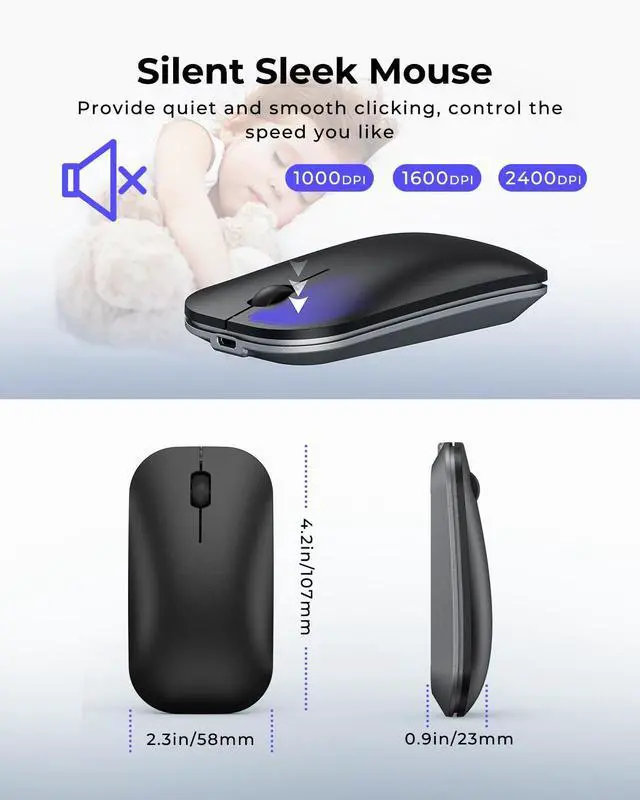
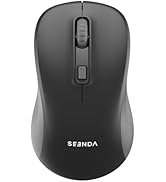
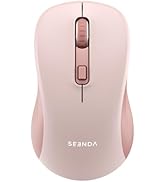
This mouse is designed for clicking and scrolling noise reduction. 3 Adjustable DPI enable you to control the cursor speed which you like.

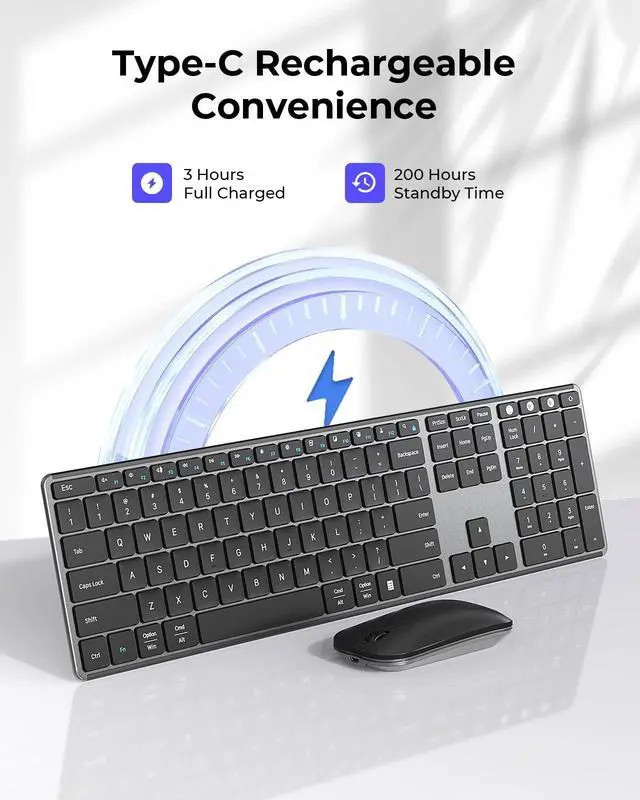
Type-C Rechargeable
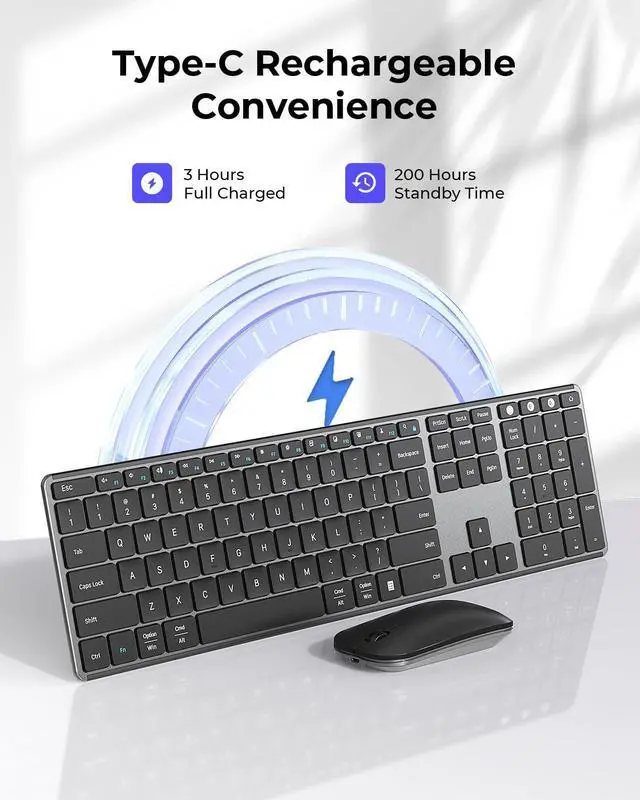
Built-in rechargeable battery, this product can work for up to 200 hours. Auto-sleep mode and on/off design also keep low consumption.

Protective Cover Gift
The seenda keyboard comes with a silicone cover present to enhance typing experience, also prevent accidental splashes of water, coffee, dust etc.
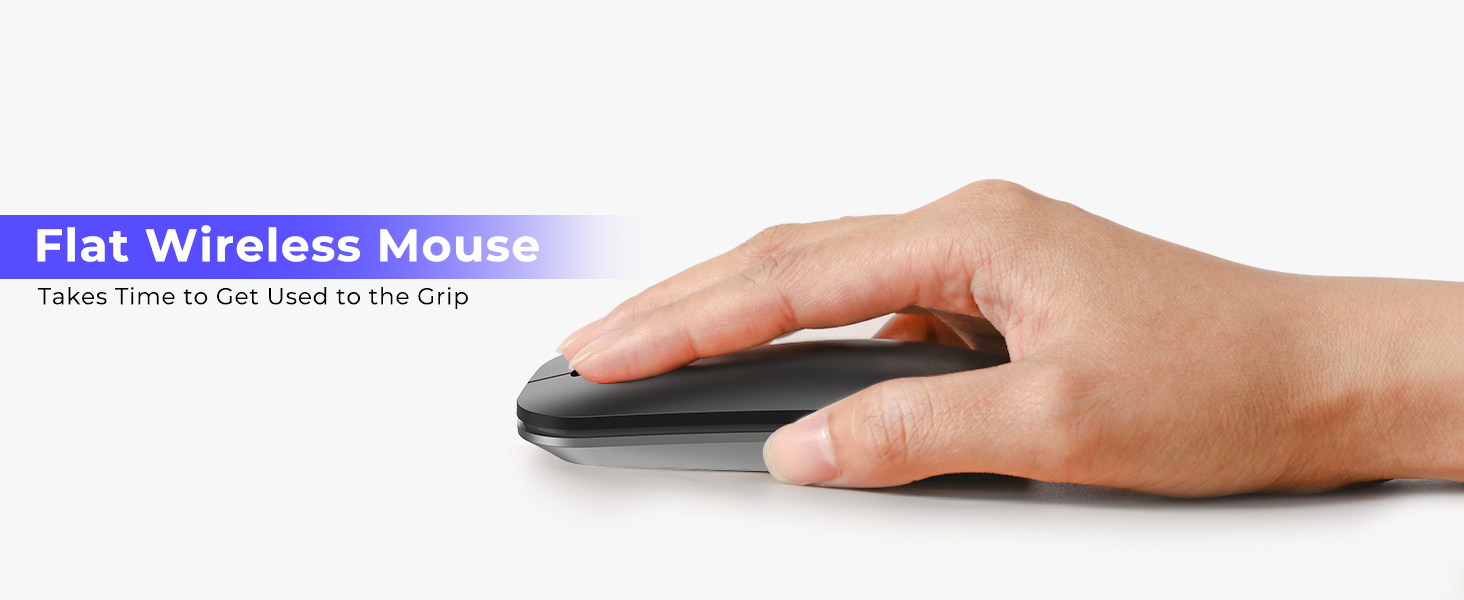
The flat design may take some time to get used to its grip, and then you will use it comfortable
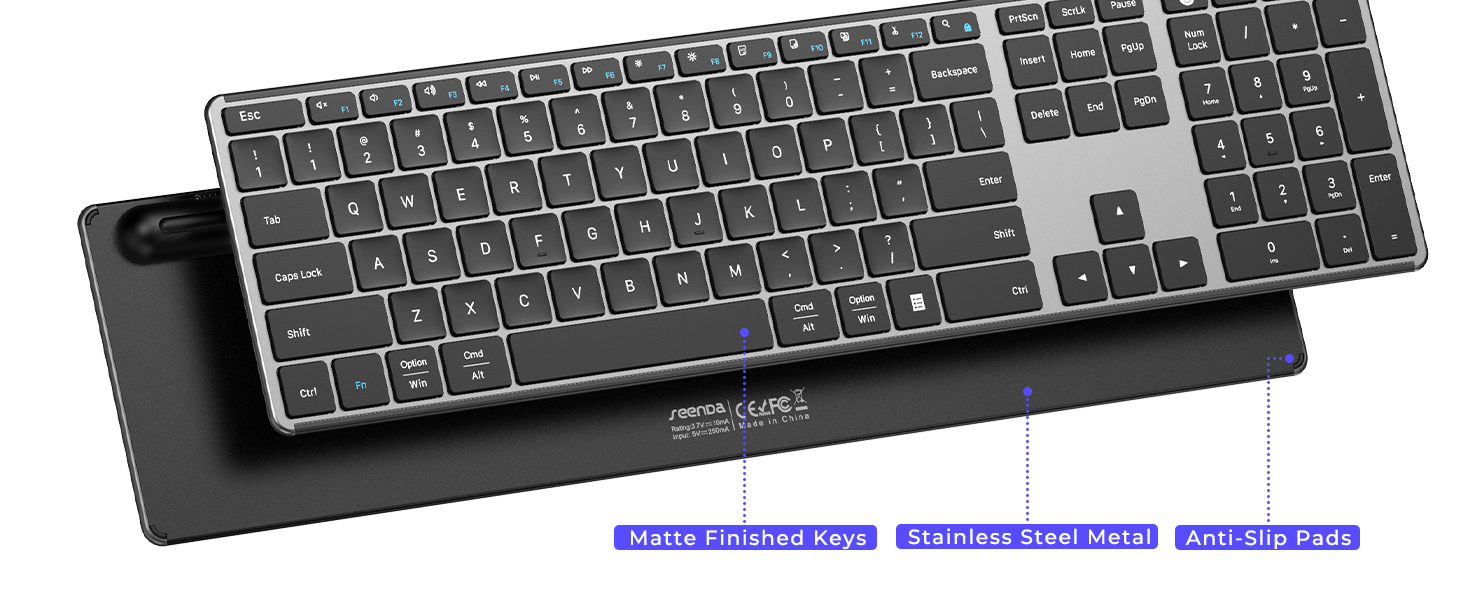
Keyboard has a fine texture for enhanced durability. Its sleek slim design fits into any workspace
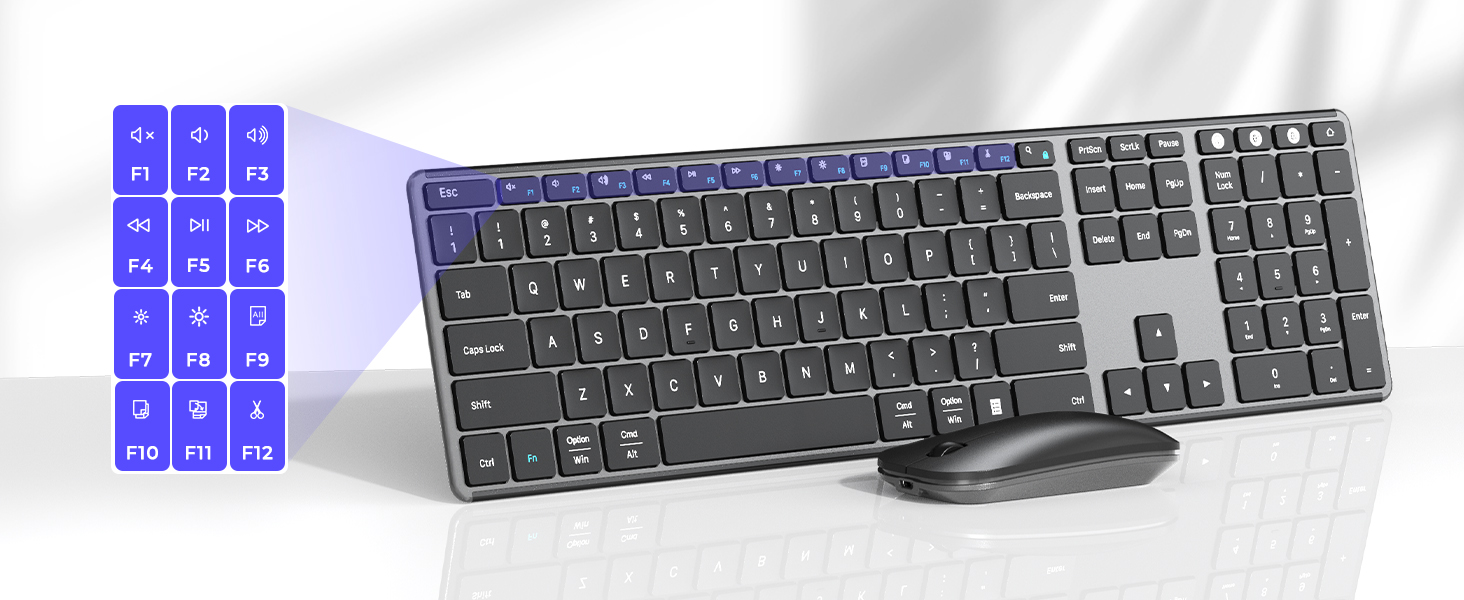
Press Fn + Fn Lock/Search key to switch the shortcut keys to multimedia or F1-F12 functions
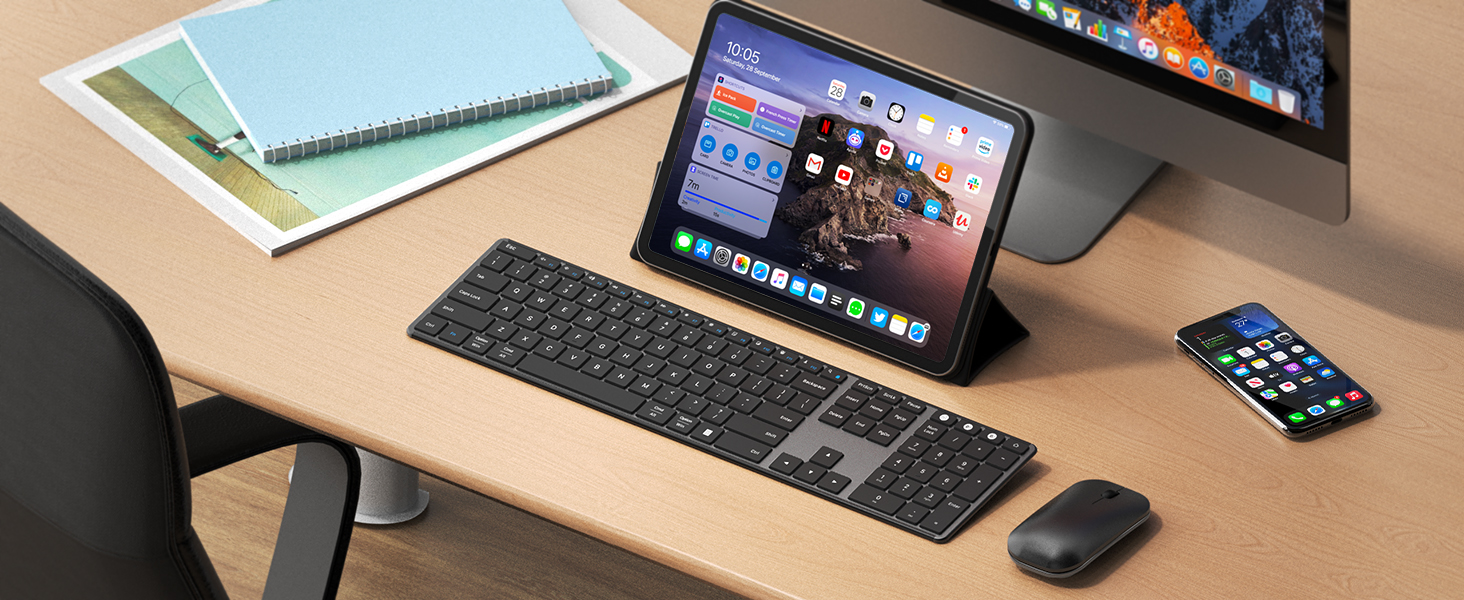
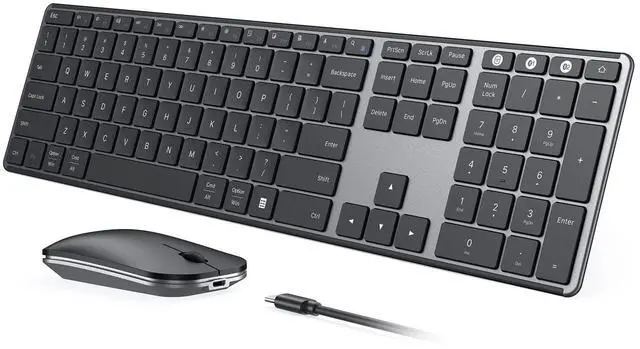
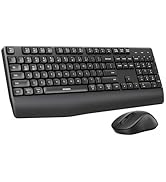
Stay productive with a full-size keyboard featuring number pad and dedicated function keys

Troubleshooting TIPS For You:
QA1: How to deal with cracked keyboard edges or dropped keys?
If this happens and it cannot be recovered, please do not hesitate to seek further assistance through your order.
QA2: How to deal with disconnection issues, keys repeating or typing & clicking delay?
1. Please ensure that the keyboard/mouse is fully charged. A low battery can affect the performance of the keyboard/mouse; 2. If using a USB dongle to connect the keyboard/mouse to the device, unplug and replug the USB dongle, trying a different USB port if necessary; 3. lf connecting the keyboard/mouse to the device via Bluetooth, delete the Bluetooth name from your device's Bluetooth connection list, and restart your device and re-pair the keyboard/mouse by following the steps in the user manual; 4. lf the issues persist, try to connect the keyboard/mouse to other devices to check if the same issues occur and don't hesitate to seek further assistance through your order.
QA3: How to deal with keyboard/mouse won't turn on or stops working?
1. The rated charging voltage for the keyboard and mouse is 5V. It is recommended to use the computer's USB port for charging; 2. Try to change another Type-C cable to confirm whether it is a cable issue or a fault with the keyboard and mouse; 3. If the power indicator of the keyboard/mouse does not light up at all, please do not hesitate to seek further assistance through your order.
QA4: How do I confirm that the keyboard/mouse is at low battery?
The white light of the channel button USB/BT1/BT2 in use flashes when the power is too low, until it is turned off. And problems such as response delaying, keys sticking and cursor drifting may occur when in low battery.
QA5: How do I switch the shortcut keys to multimedia or F1-F12 functions?
This keyboard is in multimedia functions by default. The F1-F12 functions need to be activated by pressing Fn + F1-F12 keys. Or you can activate the Fn lock(Press Fn + Fn Lock/Search key) to use the F1-F12 functions directly.
SEENDA - Choose the Keyboard and Mouse that's Right for You
 Full Size Bluetooth Combo |  Compact Bluetooth Combo |  Compact Mac Combo |  Colorful Bluetooth Combo |  Ergonomic Bluetooth Combo |  Ergonomic Bluetooth Mouse | |
|---|---|---|---|---|---|---|
Customer Reviews | — | — | — | — | — | — |
Price | — | — | — | — | — | — |
Connection Mode | 2.4G + Dual Bluetooth | 2.4G + Dual Bluetooth | 3 * Bluetooth | 2.4G + Dual Bluetooth | 2.4G + Bluetooth | 2.4G + Dual Bluetooth |
Compatible Devices | Windows/Mac OS/iOS/Android | Windows/Mac OS/iOS/Android | Mac OS/iOS | Windows/Mac OS/iOS/Android | Windows/Mac OS/iOS/Android | Windows/Mac OS/iOS/Android |
Battery Type | Rechargeable | Rechargeable | Rechargeable | Batteries Required | Batteries Required | Rechargeable |
Keyboard Layout | Windows & Apple Layout | Windows & Apple Layout | Apple Layout | Windows & Apple Layout | Windows & Apple Layout | —— |
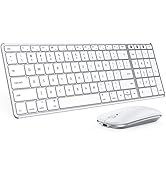
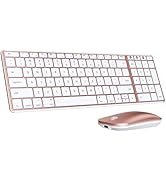
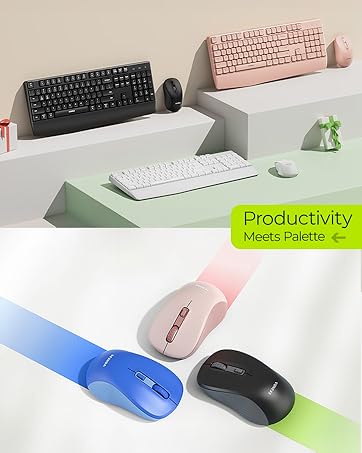
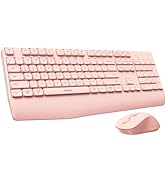
Optional Colors | Gray/Silver/Rose... | Gray/Silver/Rose... | Gray/Silver/Rose... | Black/White/Pink... | Black/White/Pink... | Black/White/Pink... |




NOTE: 2.4G USB mode is only compatible with Windows systems. For Mac or other devices, please use Bluetooth pairing. Pairing Guide: [User Manual]
bluetooth keyboard and mouse
Merchant VideoModel: SKM64-3
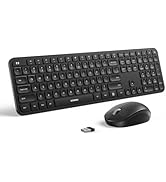
Triple-Device Wireless Combo: Your Universal, Silent & Slim Office Companion
Connect three devices at once - Windows via USB and two more via Bluetooth - with this sleek keyboard and mouse set. Ideal for multitaskers, students, and hybrid workers. Enjoy whisper-quiet typing and noiseless clicks, perfect for shared spaces, late-night work, or focused study sessions. Simplify your setup, reduce clutter, and type comfortably anywhere.
Triple Modes & Four Systems Support
Both keyboard and mouse provide USB-A/BT1/BT2 three channels, allowing up to 3 devices at a time and switch easily, which free your desk space and make work easier. Specially designed for Windows/Mac OS/iOS/Android four systems, can work with Laptop Tablet MacBook Pro/Air iPad etc.
Ultra Slim & Sleek Keyboard Mouse
If you are looking for a slim, sleek, and lightweight keyboard and mouse for office, study or present, this would be a good choice. Ultra-thin design with only 0.12inch for keyboard and 0.9inch for mouse, high-quality metal panel and black & gray color, which makes your desk modern and simple.
Comfortable Quiet Typing
With an 8° angle and larger keys design, you can enjoy comfortable and smooth typing. The scissor-switch keys also help reduce typing noise.
Noiseless Smooth Clicking
This mouse is designed for clicking and scrolling noise reduction. 3 Adjustable DPI enable you to control the cursor speed which you like.
Type-C Rechargeable
Built-in rechargeable battery, this product can work for up to 200 hours. Auto-sleep mode and on/off design also keep low consumption.
Protective Cover Gift
The seenda keyboard comes with a silicone cover present to enhance typing experience, also prevent accidental splashes of water, coffee, dust etc.
The flat design may take some time to get used to its grip, and then you will use it comfortable
Keyboard has a fine texture for enhanced durability. Its sleek slim design fits into any workspace
Press Fn + Fn Lock/Search key to switch the shortcut keys to multimedia or F1-F12 functions
Stay productive with a full-size keyboard featuring number pad and dedicated function keys


Troubleshooting TIPS For You:
QA1: How to deal with cracked keyboard edges or dropped keys?
If this happens and it cannot be recovered, please do not hesitate to seek further assistance through your order.
QA2: How to deal with disconnection issues, keys repeating or typing & clicking delay?
1. Please ensure that the keyboard/mouse is fully charged. A low battery can affect the performance of the keyboard/mouse; 2. If using a USB dongle to connect the keyboard/mouse to the device, unplug and replug the USB dongle, trying a different USB port if necessary; 3. lf connecting the keyboard/mouse to the device via Bluetooth, delete the Bluetooth name from your device's Bluetooth connection list, and restart your device and re-pair the keyboard/mouse by following the steps in the user manual; 4. lf the issues persist, try to connect the keyboard/mouse to other devices to check if the same issues occur and don't hesitate to seek further assistance through your order.
QA3: How to deal with keyboard/mouse won't turn on or stops working?
1. The rated charging voltage for the keyboard and mouse is 5V. It is recommended to use the computer's USB port for charging; 2. Try to change another Type-C cable to confirm whether it is a cable issue or a fault with the keyboard and mouse; 3. If the power indicator of the keyboard/mouse does not light up at all, please do not hesitate to seek further assistance through your order.
QA4: How do I confirm that the keyboard/mouse is at low battery?
The white light of the channel button USB/BT1/BT2 in use flashes when the power is too low, until it is turned off. And problems such as response delaying, keys sticking and cursor drifting may occur when in low battery.
QA5: How do I switch the shortcut keys to multimedia or F1-F12 functions?
This keyboard is in multimedia functions by default. The F1-F12 functions need to be activated by pressing Fn + F1-F12 keys. Or you can activate the Fn lock(Press Fn + Fn Lock/Search key) to use the F1-F12 functions directly.
SEENDA - Choose the Keyboard and Mouse that's Right for You
Full Size Bluetooth Combo | Compact Bluetooth Combo | Compact Mac Combo | Colorful Bluetooth Combo | Ergonomic Bluetooth Combo | Ergonomic Bluetooth Mouse |
|---|---|---|---|---|---|
| Customer Reviews | |||||
| — | — | — | — | — | — |
| Price | |||||
| — | — | — | — | — | — |
| Connection Mode | |||||
| 2.4G + Dual Bluetooth | 2.4G + Dual Bluetooth | 3 * Bluetooth | 2.4G + Dual Bluetooth | 2.4G + Bluetooth | 2.4G + Dual Bluetooth |
| Compatible Devices | |||||
| Windows/Mac OS/iOS/Android | Windows/Mac OS/iOS/Android | Mac OS/iOS | Windows/Mac OS/iOS/Android | Windows/Mac OS/iOS/Android | Windows/Mac OS/iOS/Android |
| Battery Type | |||||
| Rechargeable | Rechargeable | Rechargeable | Batteries Required | Batteries Required | Rechargeable |
| Keyboard Layout | |||||
| Windows & Apple Layout | Windows & Apple Layout | Apple Layout | Windows & Apple Layout | Windows & Apple Layout | —— |
| Optional Colors | |||||
| Gray/Silver/Rose... | Gray/Silver/Rose... | Gray/Silver/Rose... | Black/White/Pink... | Black/White/Pink... | Black/White/Pink... |
Mac Bluetooth Keyboard Mice
USB + Dual Bluetooth Combos
Full-Size Slim Keyboard Mice
Multi-Device Ergo Combos
USB + Bluetooth Mice
