


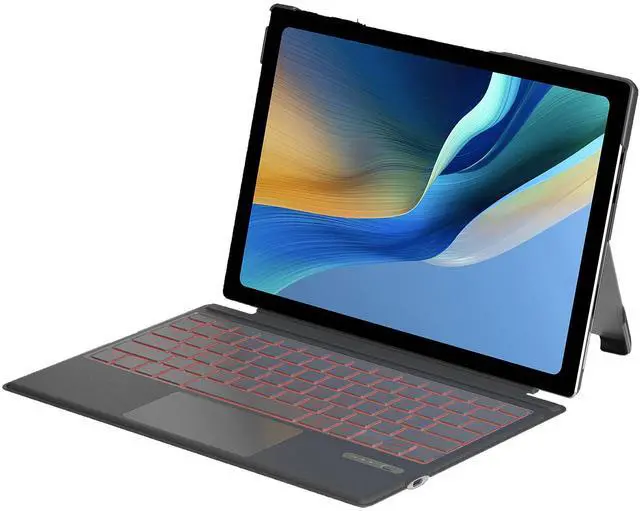
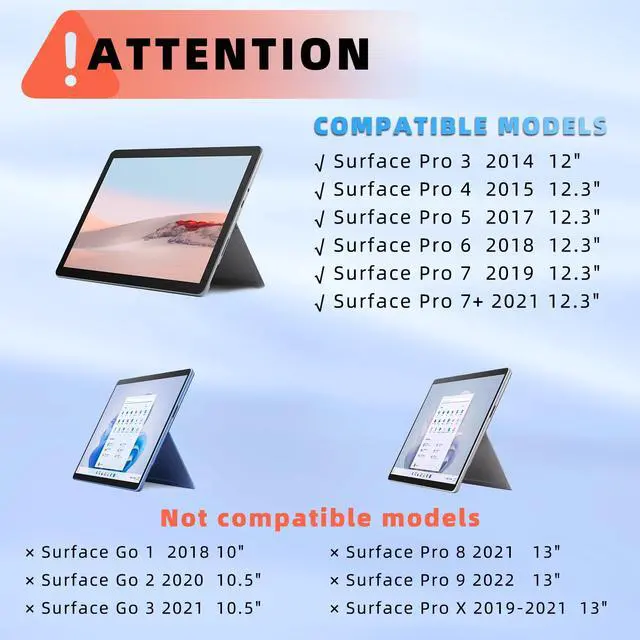
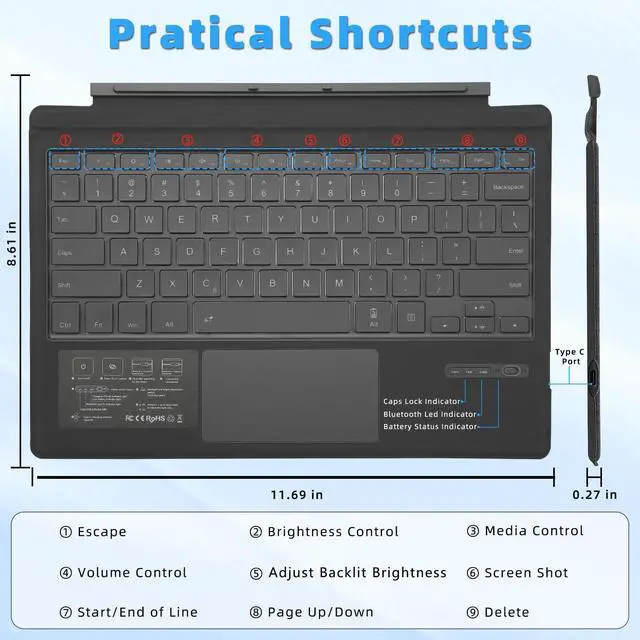


- This Surface Pro keyboard is physically attached to Surface Pro 7+/7/6/5/4/3 tablet via magnetic and the connection is though Bluetooth, it wouldn't charge via pins.
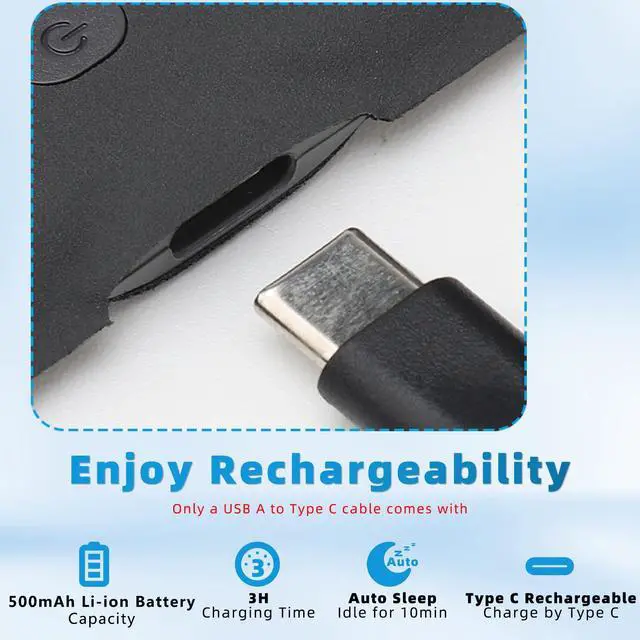
- This Surface Pro 7 keyboard needs to be charged separately, and it comes with a USB-A to Type C plug for charging.


Switch Power switch ON to turn your keyboard on. The Power indicator will light up for 2-3 seconds.
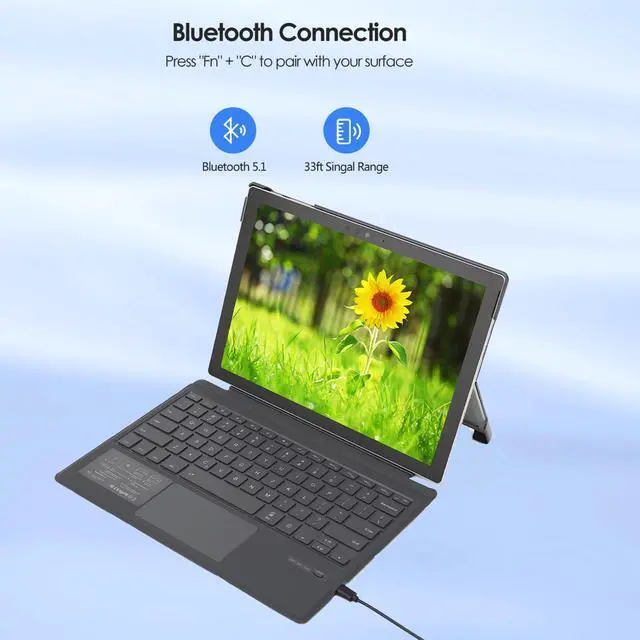
Press the “Fn+C” keys together to enter pairing mode. The Bluetooth indicator will flash blue.
Turn on your Surface's Bluetooth function, then search for "Bluetooth 5.1 Keyboard"and click to connect.

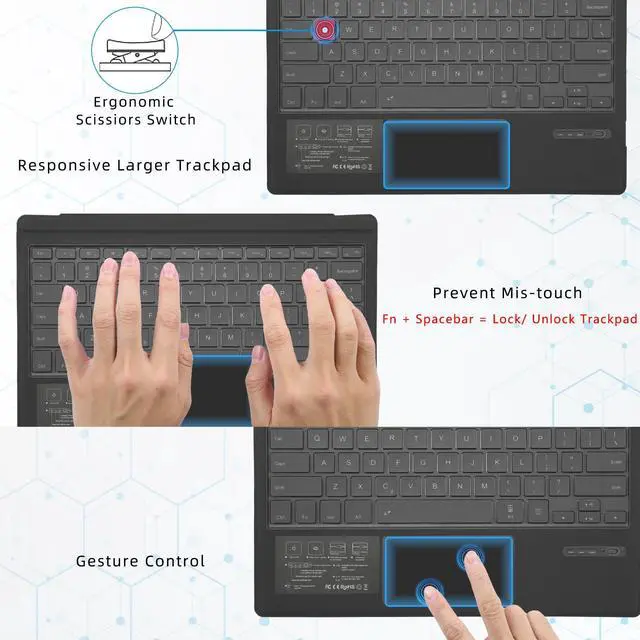
This Surface Pro 7 keyboard supports multi-touch gestures and palm rejection. You could press Fn + Spacebar to unlock the trackpad when your mousepad stoped working on the keyboard.


Surface Series Keyboard for your choose
 Pro 7 Backlit Keyboard |  Surface Pro Keyboard |  Light Surface Go Keyboard |  Surface Go Keyboard Case |  Pro 8 Backlit Keyboard |  Surface Pro 8 Keyboard | |
|---|---|---|---|---|---|---|
Customer Reviews | — | — | — | — | — | — |
Price | — | — | — | — | — | — |
Compatibility | Surface Pro 7 Series Keyboard | Surface Pro 7 Series Keyboard | Surface Go 3/2/1 Keyboard | Surface Go 3/2/1 Keyboard | Surface Pro 9 /8 / X Keyboard | Surface Pro 9 /8 / X Keyboard |
Pencil Holder | ? | ? | ? | ? | ? | ? |
Backlit | ? | ? | ? | ? | ? | ? |
with Case | ? | ? | ? | ? | ? | ? |
Trackpad | ? | ? | ? | ? | ? | ? |
Recharging | Type-C | Type-C | Type-C | Type-C | Type-C | Type-C |
Connectivity Technology | Bluetooth | Bluetooth | Bluetooth | Bluetooth | Bluetooth | Bluetooth |
Size (inch) | 11.69*8.61*0.27 | 11.69*8.61*0.27 | 9.65*7.35*0.26 | 9.65*7.35*0.26 | 11.38*8.89*0.24 | 11.38*8.89*0.24 |

What is Qulose?
We are a professional vendor for large scope of high quality electronic products, including computer accessories, consumer electronics, etc.
We strive to bring our customers the best buying experience by providing top-notch best quality products.
Main Products
iPad Keyboard Case, Universal Bluetooth Keyboard, Surface Keyboard Case, Stylus Pen, etc.
Our Products
Please feel free to contactt us if you are not satisfied or any with our product , we provide you a satisfying answer. Please note that your concerns will be addressed at top priority.
Service
We strove to provide you a satisfactory purchase experience,we have online support to resolve anything you confused. We will give your message an answer within 1 day (working day). Usually our response even faster.
We would be glad to answer any questions about the product and the purchase process for you.
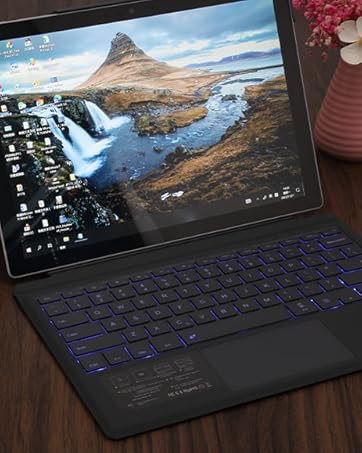
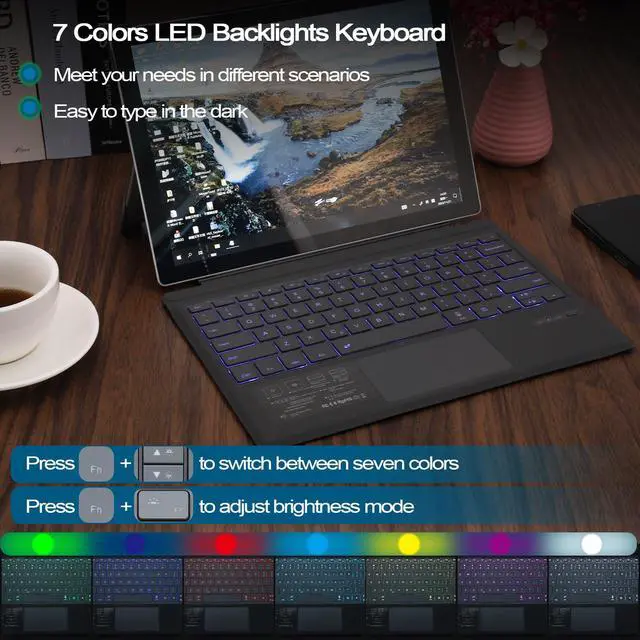
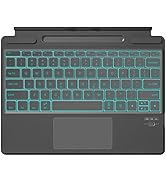
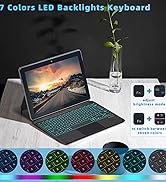
Backlit Surface Pro 7 Keyboard
With 7 color backlight and 3 brightness level , ideal for typing freely even in any other low light environment or at night
Surface Pro Keyboard
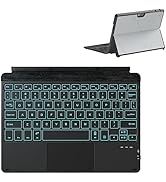
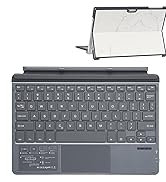

Surface Go Keyboard with Case
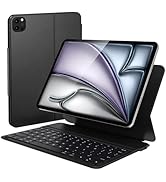
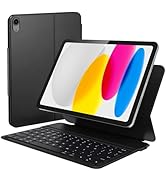
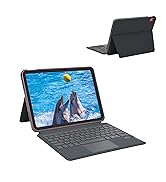
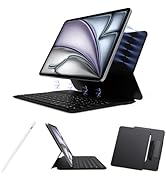
iPad Keyboard Case
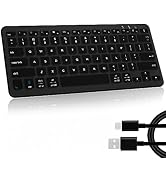
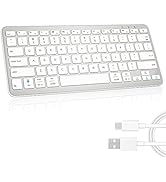
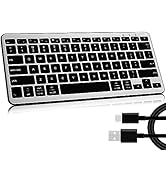
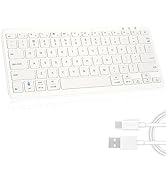
Wireless Bluetooth Keyboard

- This Surface Pro keyboard is physically attached to Surface Pro 7+/7/6/5/4/3 tablet via magnetic and the connection is though Bluetooth, it wouldn't charge via pins.
- This Surface Pro 7 keyboard needs to be charged separately, and it comes with a USB-A to Type C plug for charging.


Switch Power switch ON to turn your keyboard on. The Power indicator will light up for 2-3 seconds.
Press the “Fn+C” keys together to enter pairing mode. The Bluetooth indicator will flash blue.
Turn on your Surface's Bluetooth function, then search for "Bluetooth 5.1 Keyboard"and click to connect.

This Surface Pro 7 keyboard supports multi-touch gestures and palm rejection. You could press Fn + Spacebar to unlock the trackpad when your mousepad stoped working on the keyboard.


Surface Series Keyboard for your choose
Pro 7 Backlit Keyboard | Surface Pro Keyboard | Light Surface Go Keyboard | Surface Go Keyboard Case | Pro 8 Backlit Keyboard | Surface Pro 8 Keyboard |
|---|---|---|---|---|---|
| Customer Reviews | |||||
| — | — | — | — | — | — |
| Price | |||||
| — | — | — | — | — | — |
| Compatibility | |||||
| Surface Pro 7 Series Keyboard | Surface Pro 7 Series Keyboard | Surface Go 3/2/1 Keyboard | Surface Go 3/2/1 Keyboard | Surface Pro 9 /8 / X Keyboard | Surface Pro 9 /8 / X Keyboard |
| Pencil Holder | |||||
| ? | ? | ? | ? | ? | ? |
| Backlit | |||||
| ? | ? | ? | ? | ? | ? |
| with Case | |||||
| ? | ? | ? | ? | ? | ? |
| Trackpad | |||||
| ? | ? | ? | ? | ? | ? |
| Recharging | |||||
| Type-C | Type-C | Type-C | Type-C | Type-C | Type-C |
| Connectivity Technology | |||||
| Bluetooth | Bluetooth | Bluetooth | Bluetooth | Bluetooth | Bluetooth |
| Size (inch) | |||||
| 11.69*8.61*0.27 | 11.69*8.61*0.27 | 9.65*7.35*0.26 | 9.65*7.35*0.26 | 11.38*8.89*0.24 | 11.38*8.89*0.24 |
What is Qulose?
We are a professional vendor for large scope of high quality electronic products, including computer accessories, consumer electronics, etc.
We strive to bring our customers the best buying experience by providing top-notch best quality products.
Main Products
iPad Keyboard Case, Universal Bluetooth Keyboard, Surface Keyboard Case, Stylus Pen, etc.
Our Products
Please feel free to contactt us if you are not satisfied or any with our product , we provide you a satisfying answer. Please note that your concerns will be addressed at top priority.
Service
We strove to provide you a satisfactory purchase experience,we have online support to resolve anything you confused. We will give your message an answer within 1 day (working day). Usually our response even faster.
We would be glad to answer any questions about the product and the purchase process for you.
Backlit Surface Pro 7 Keyboard
With 7 color backlight and 3 brightness level , ideal for typing freely even in any other low light environment or at night
Surface Pro Keyboard
Surface Go Keyboard with Case
iPad Keyboard Case
Wireless Bluetooth Keyboard