


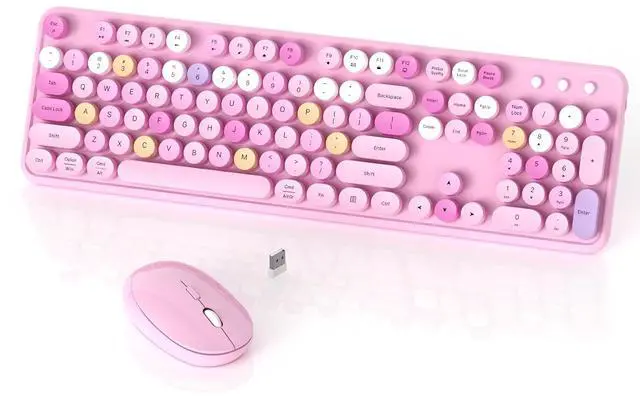
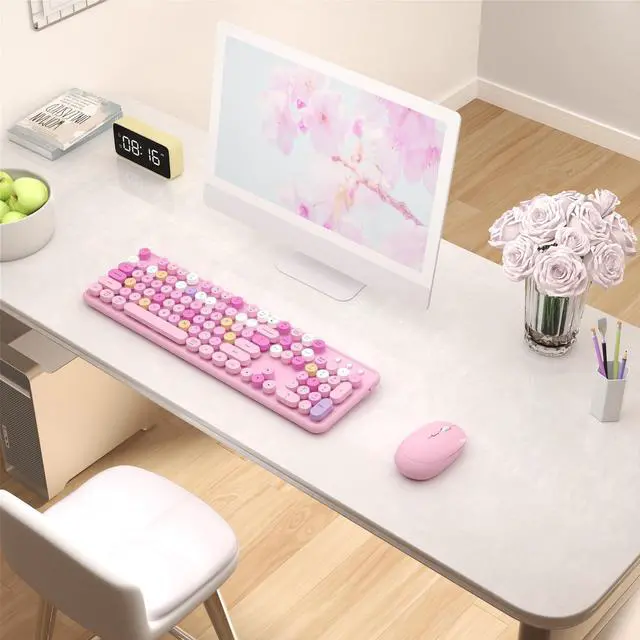
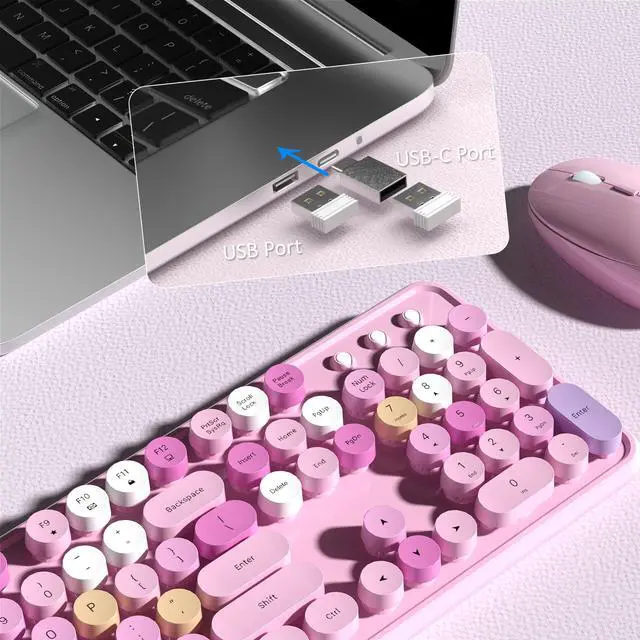
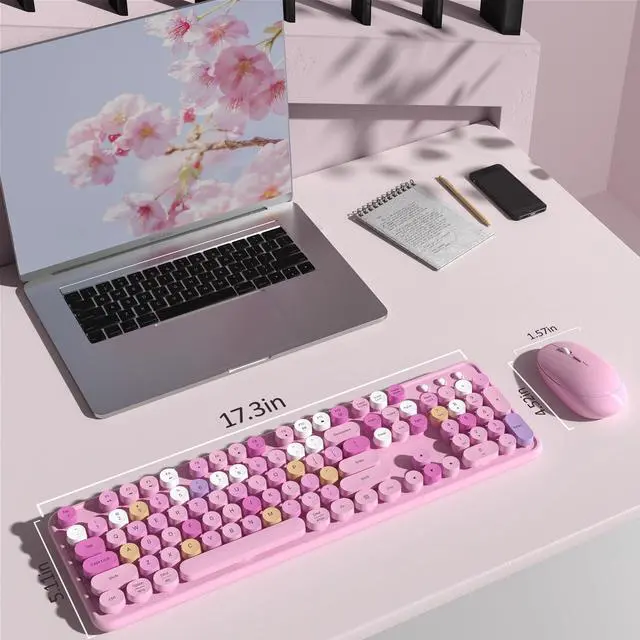


keyboard not include the USB receiver
2 IN 1 USB Nano Receiver
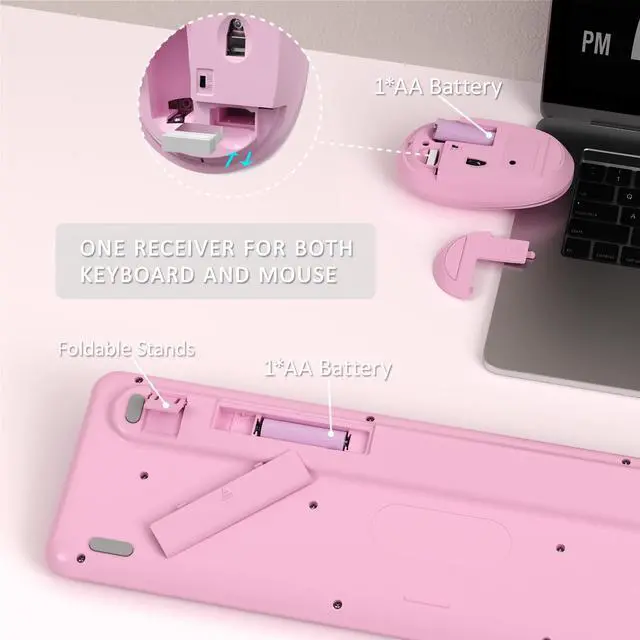
Keyboard and Mouse Share 1 USB Receiver(under the mouse cover)
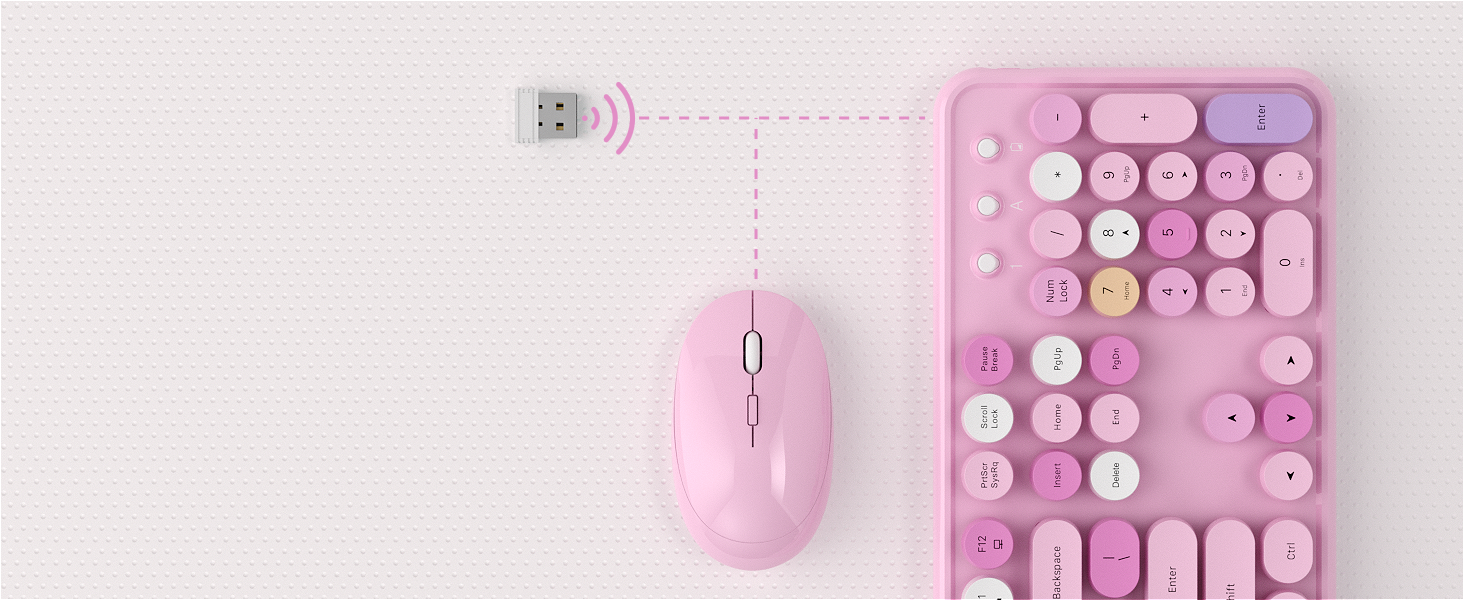
2.4G Stable Connectility
Wireless range of up to 33ft(10m), plug and play ease of use
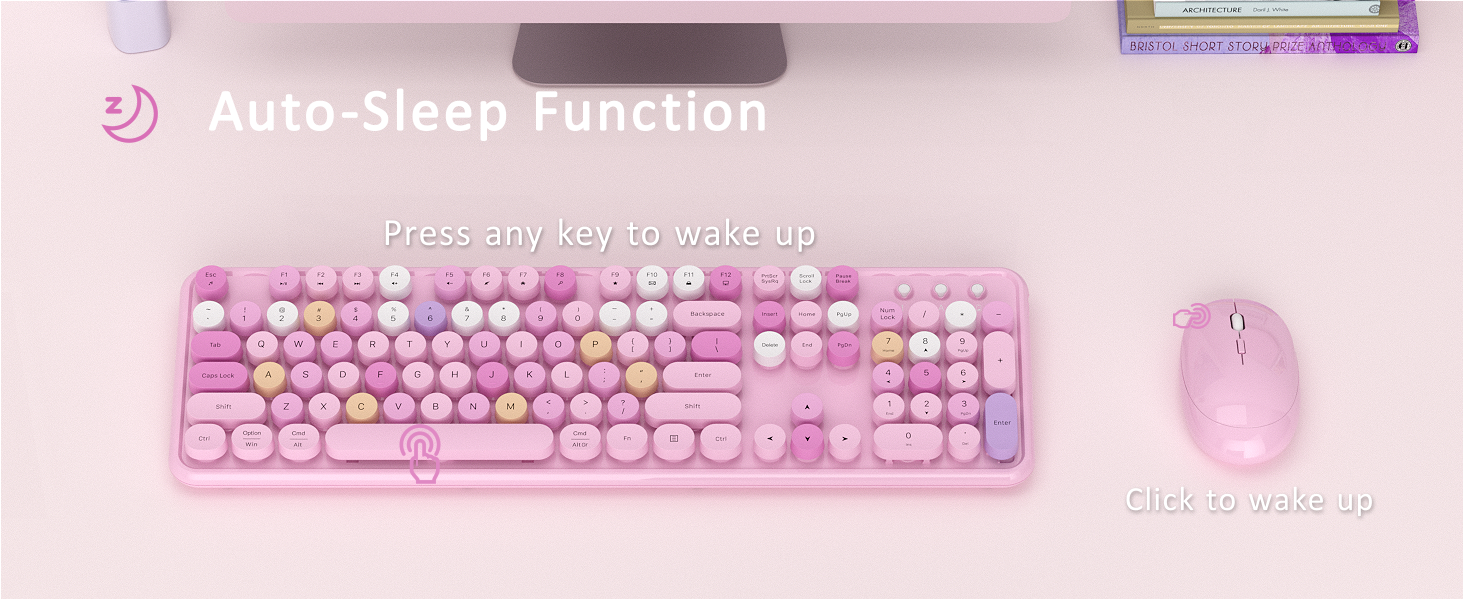
Auto Power Saving
Save battery life and reduce battery replacement
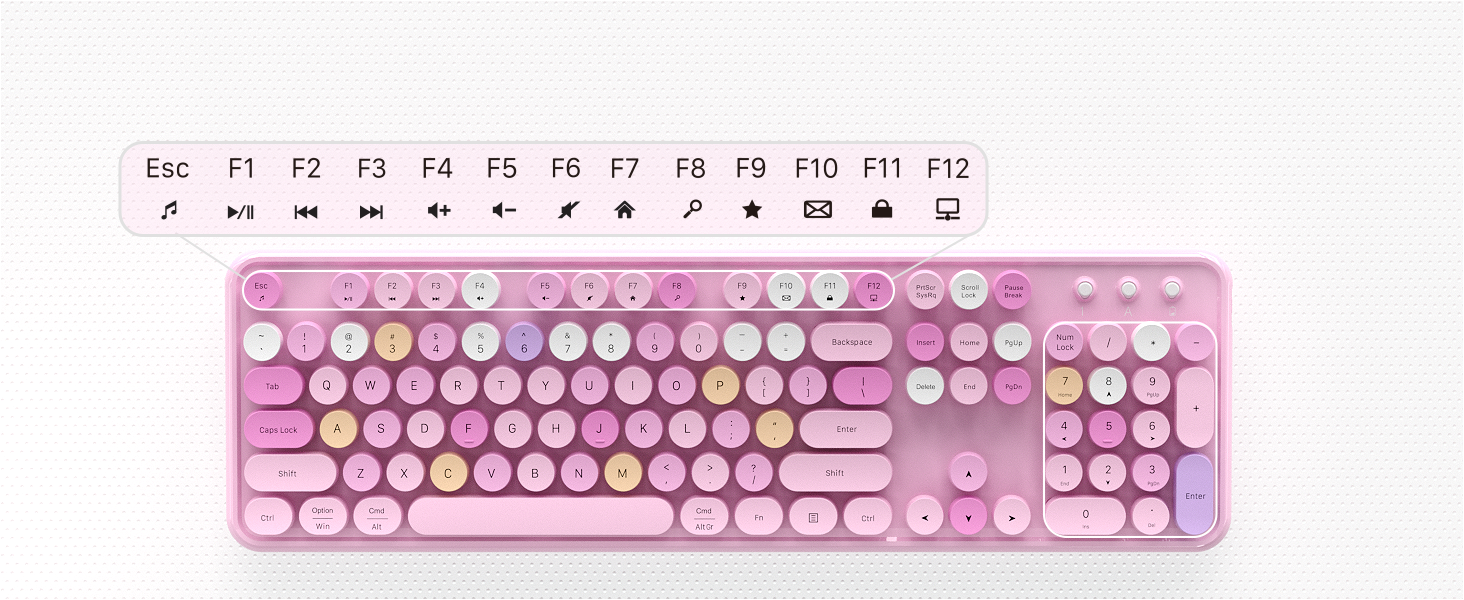
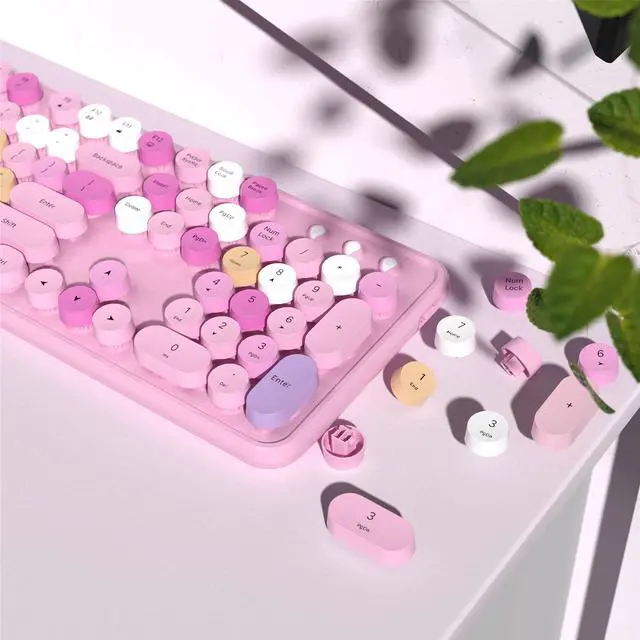
104 Keys Full Size Keyboard
With 13 hotkeys and a numeric keypad to help you type quickly and efficiently(note: some hotkeys are not compatible with Mac systems)
More Feature
- Clack Clicking Sound-enjoy typing
- Auto Sleep Mode Design-save power
- 104 keys Full-Size Keyboard-improve efficiency
- Some shortcuts are not compatible with Mac
- 3-month free replacement for connection or function issues


With Power Switch
Separate ON/OFF switch for power saving
More Options
Retro Round Keycaps | Keycaps Style | Retro Round Keycaps |
104 keys | Full-size keys | 104 keys |
USB Receiver | Connection | USB Receiver |
Windows, MAC OS | Support System | Windows, MAC OS |
No | Silent | No |
Yes | With Mouse | Yes |
Yes | With ON/OFF Switch | Yes |
Retro Round Keycaps | Keycaps Style | Retro Round Keycaps |
104 keys | Full-size keys | 104 keys |
USB Receiver | Connection | BT and USB Receiver |
Windows, MAC OS | Support System | Windows, MAC OS |
No | Silent | No |
Yes | With Mouse | No |
Yes | With ON/OFF Switch | Yes |
Retro Round Keycaps | Keycaps Style | Square Keycaps |
104 keys | Full-size keys | 104 keys |
USB Receiver | Connection | USB Receiver |
Windows, MAC OS | Support System | Windows, MAC OS |
No | Silent | Yes |
Yes | With Mouse | Yes |
Yes | With ON/OFF Switch | Mouse with Switch |
Retro Round Keycaps | Keycaps Style | Retro Round Keycaps |
104 keys | Full-size keys | 104 keys |
USB Receiver | Connection | USB Receiver |
Windows, MAC OS | Support System | Windows, MAC OS |
No | Silent | No |
Yes | With Mouse | Yes |
Yes | With ON/OFF Switch | Yes |


The keyboard arrived and doesn't work, what should I do?
Keyboard:
1. Remove the batteries from the keyboard and mouse, and remove the USB receiver.
2. Install the batteries, turn on the keyboard, hold "ESC"+"Q" until the indicator flashes, and plug in the USB receiver at once.
3. Find us for a replace
What should I do when my mouse doesn't work after two months of use?
Mouse:
1. Remove the batteries from the keyboard and mouse, and remove the USB receiver
2. Install the batteries, hold "LEFT"+"RIGHT" button more than three seconds
3. Turn on the mouse switch, insert the USB receiver on PC
4. Find us for a replace.
How to connect the wireless keyboard and mouse?
Wireless keyboard and mouse share one USB receiver.
1. Install the battery for keyboard and mouse
2. Turn on the keyboard and mouse switch
3. Take out the USB receiver from the bottom of the mouse
4. Plug the USB receiver into your computer.
Is this a bluetooth keyboard and mouse?
No, this is a 2.4 GHz wireless keyboard and mouse, connected by a USB receiver, without Bluetooth function.
Why do some of the keyboard shortcuts not work on my Macbook Air?
Due to frequent updates to the Mac OS system, some shortcuts on the keyboard may not be compatible with the Mac
Pink-Colorful
Purple-Colorful
White-Colorful
Blue-Colorful
Brown-Colorful
Green-Colorful


2 IN 1 USB Nano Receiver
Keyboard and Mouse Share 1 USB Receiver(under the mouse cover)
2.4G Stable Connectility
Auto Power Saving
104 Keys Full Size Keyboard


Wireless range of up to 33ft(10m), plug and play ease of use
Save battery life and reduce battery replacement
With 13 hotkeys and a numeric keypad to help you type quickly and efficiently(note: some hotkeys are not compatible with Mac systems)
Colorful Wireless Keyboard and Mouse
More Feature
- Clack Clicking Sound-enjoy typing
- Auto Sleep Mode Design-save power
- 104 keys Full-Size Keyboard-improve efficiency
- Some shortcuts are not compatible with Mac
- 3-month free replacement for connection or function issues

With Power Switch
Separate ON/OFF switch for power saving
More Options
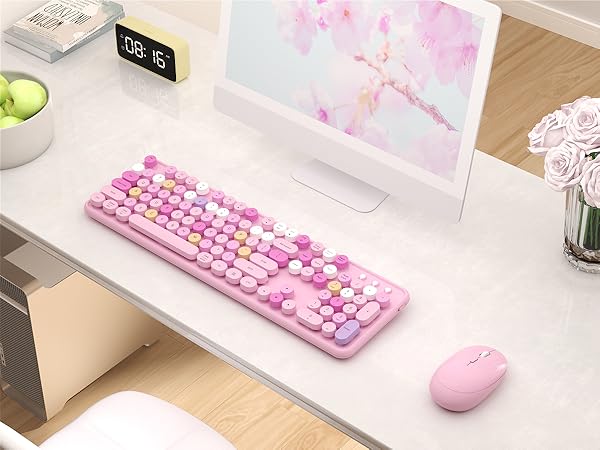
Pink-Colorful
Keycaps Style
Retro Round Keycaps
Full-size keys
104 keys
Connection
USB Receiver
Support System
Windows, MAC OS
Silent
No
With Mouse
Yes
With ON/OFF Switch
Yes
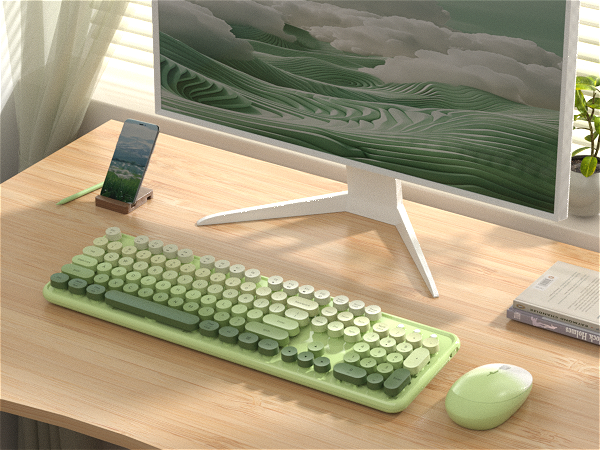
Green Gradient Colorful
Keycaps Style
Retro Round Keycaps
Full-size keys
104 keys
Connection
USB Receiver
Support System
Windows, MAC OS
Silent
No
With Mouse
Yes
With ON/OFF Switch
Yes
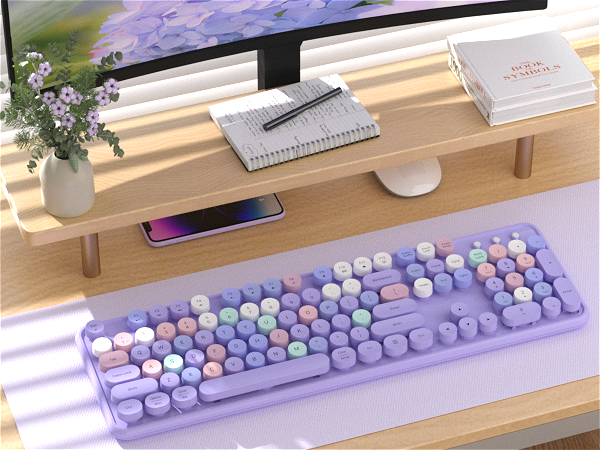
Purple Colorful
Keycaps Style
Retro Round Keycaps
Full-size keys
104 keys
Connection
BT and USB Receiver
Support System
Windows, MAC OS
Silent
No
With Mouse
No
With ON/OFF Switch
Yes
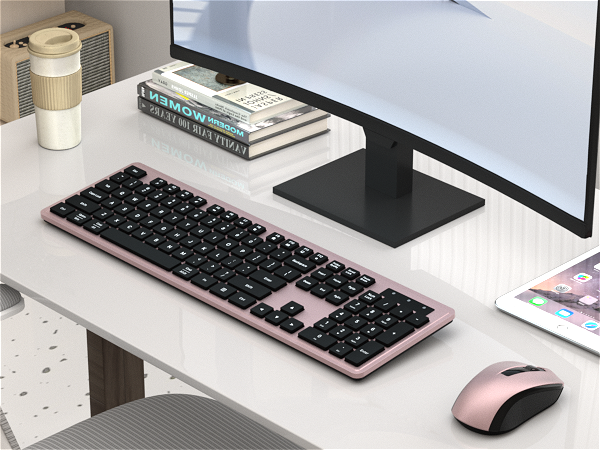
Black Pink Colorful
Keycaps Style
Square Keycaps
Full-size keys
104 keys
Connection
USB Receiver
Support System
Windows, MAC OS
Silent
Yes
With Mouse
Yes
With ON/OFF Switch
Mouse with Switch
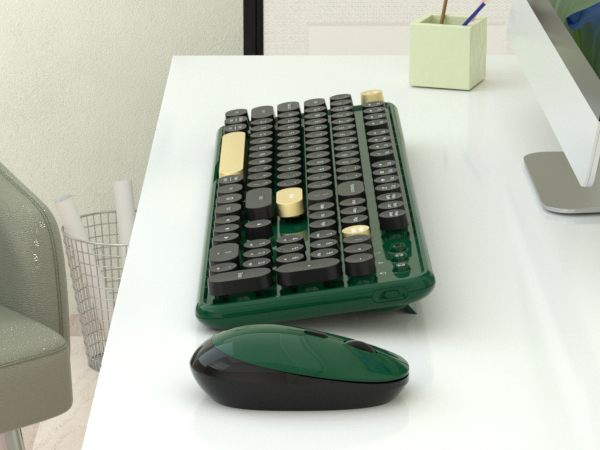
Dark Green Colorful
Keycaps Style
Retro Round Keycaps
Full-size keys
104 keys
Connection
USB Receiver
Support System
Windows, MAC OS
Silent
No
With Mouse
Yes
With ON/OFF Switch
Yes
The keyboard arrived and doesn't work, what should I do?
Keyboard:
1. Remove the batteries from the keyboard and mouse, and remove the USB receiver.
2. Install the batteries, turn on the keyboard, hold "ESC"+"Q" until the indicator flashes, and plug in the USB receiver at once.
3. Find us for a replace
What should I do when my mouse doesn't work after two months of use?
Mouse:
1. Remove the batteries from the keyboard and mouse, and remove the USB receiver
2. Install the batteries, hold "LEFT"+"RIGHT" button more than three seconds
3. Turn on the mouse switch, insert the USB receiver on PC
4. Find us for a replace.
How to connect the wireless keyboard and mouse?
Wireless keyboard and mouse share one USB receiver.
1. Install the battery for keyboard and mouse
2. Turn on the keyboard and mouse switch
3. Take out the USB receiver from the bottom of the mouse
4. Plug the USB receiver into your computer.
Is this a bluetooth keyboard and mouse?
No, this is a 2.4 GHz wireless keyboard and mouse, connected by a USB receiver, without Bluetooth function.
Why do some of the keyboard shortcuts not work on my Macbook Air?
Due to frequent updates to the Mac OS system, some shortcuts on the keyboard may not be compatible with the Mac