Simple Wired Sound for Everyday Computer Use
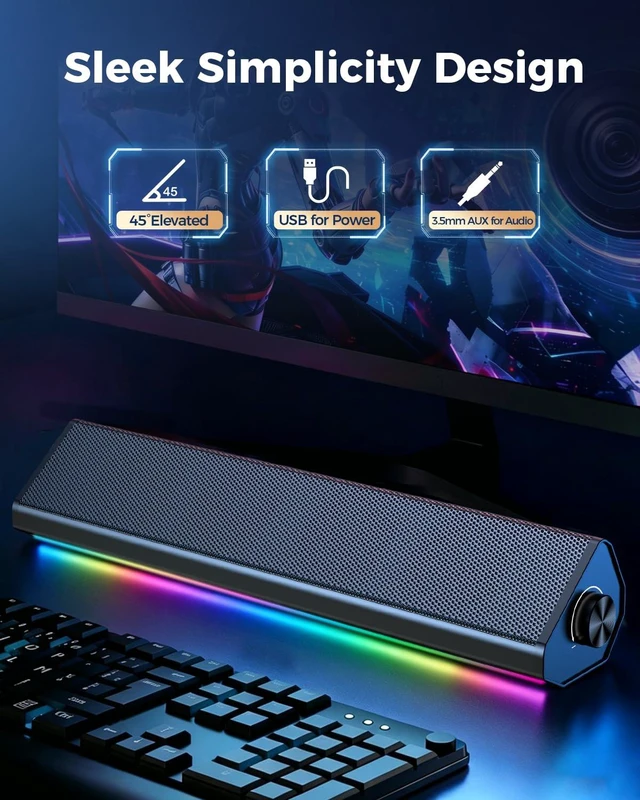
Designed for people who want a simple way to improve computer audio without complicated setup. The wired USB and 3.5mm AUX connection keeps operation direct, steady, and easy to understand.
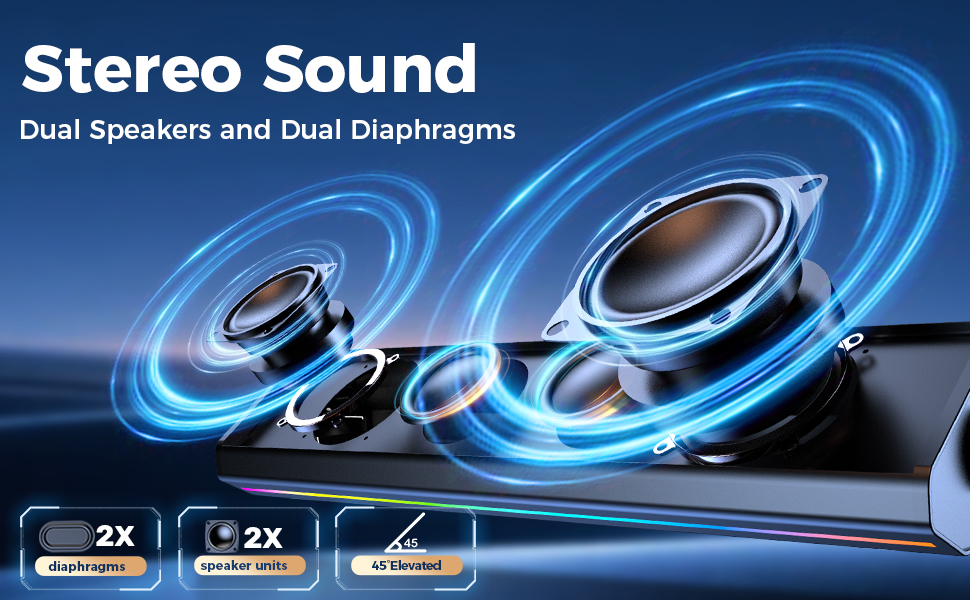
Get Louder, Clearer Sound,Upgrade Your Computer Audio in Seconds
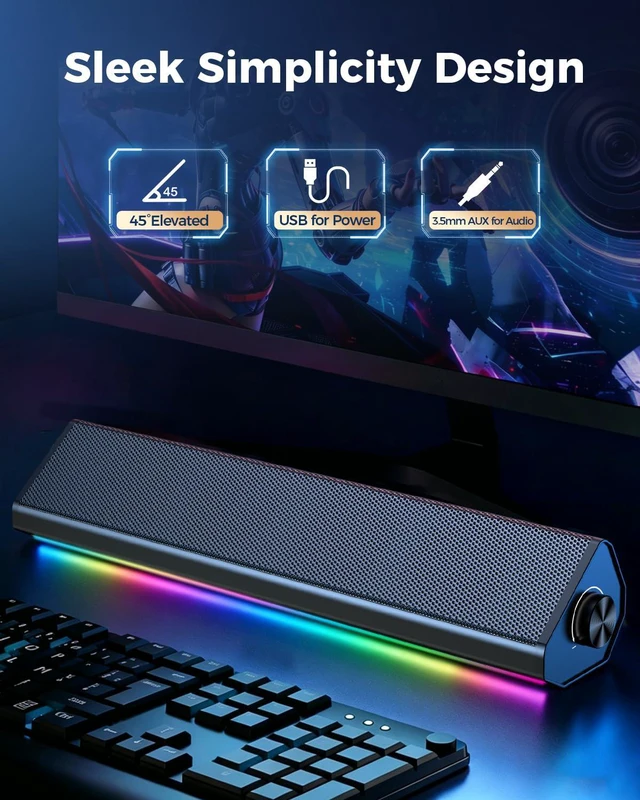
- Connect USB + AUX: USB is for power, 3.5mm AUX is for audio.
- Use a stable USB port: For desktop PCs, plug USB into the rear port. Avoid keyboards, monitors, front ports, or unpowered hubs.
- Turn up volume: Click the Windows speaker icon and set volume to 100%. Also set your app/media player volume to 100%.
- Check balance: Go to Sound Settings > More Sound Settings > Speakers > Levels > Balance, and set L/R channels to 100%.
- Avoid crackling: If sound crackles at max volume, lower Windows/app volume to 85–90%, then turn up the speaker knob. This is signal clipping, not a speaker defect.
- Need more power? Use a 5V/1A powered USB hub.

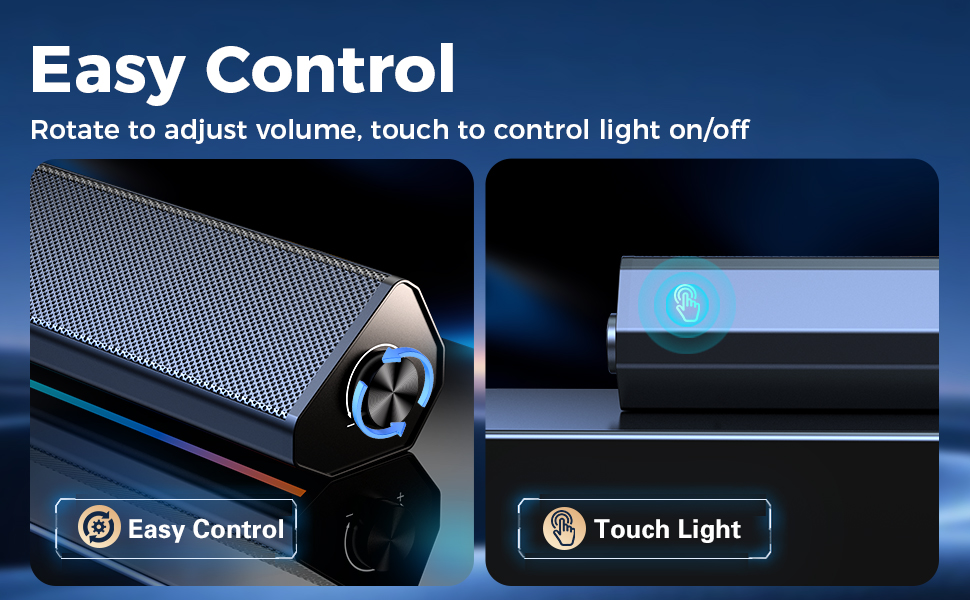
Touch Lighting & Volume Control
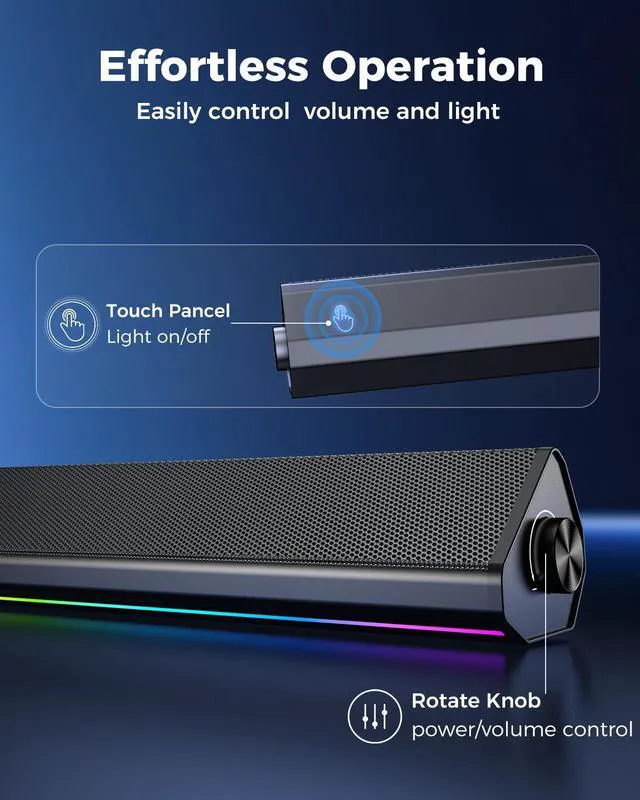
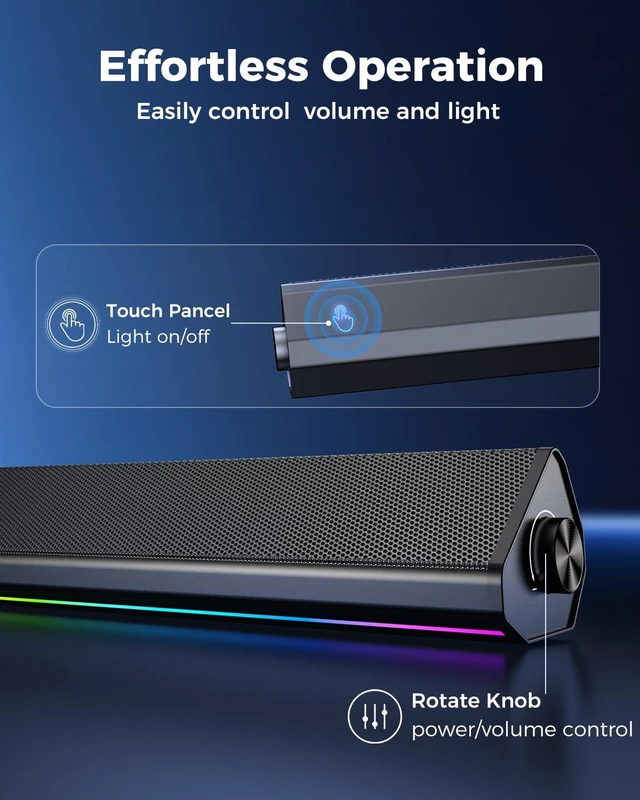
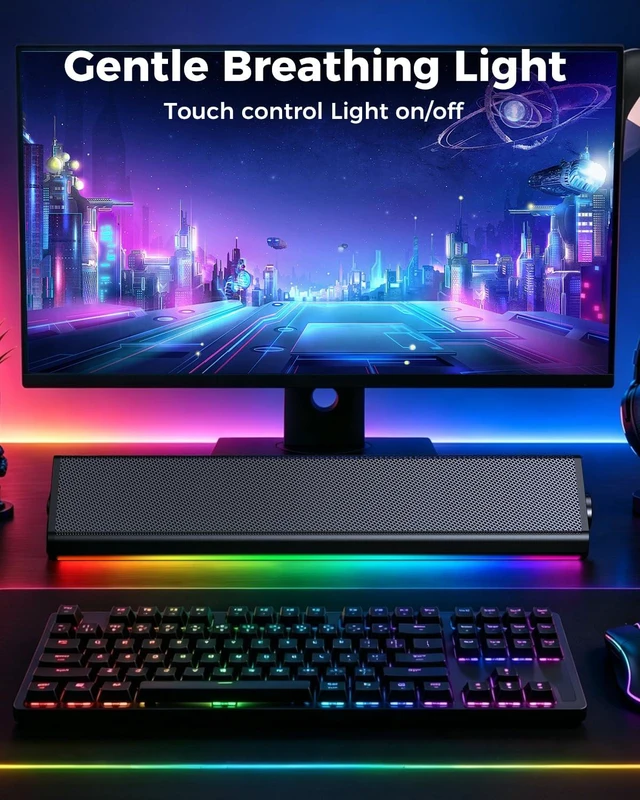
Tap to switch the speaker lights on or off, and use the rotary knob to adjust volume smoothly and precisely.
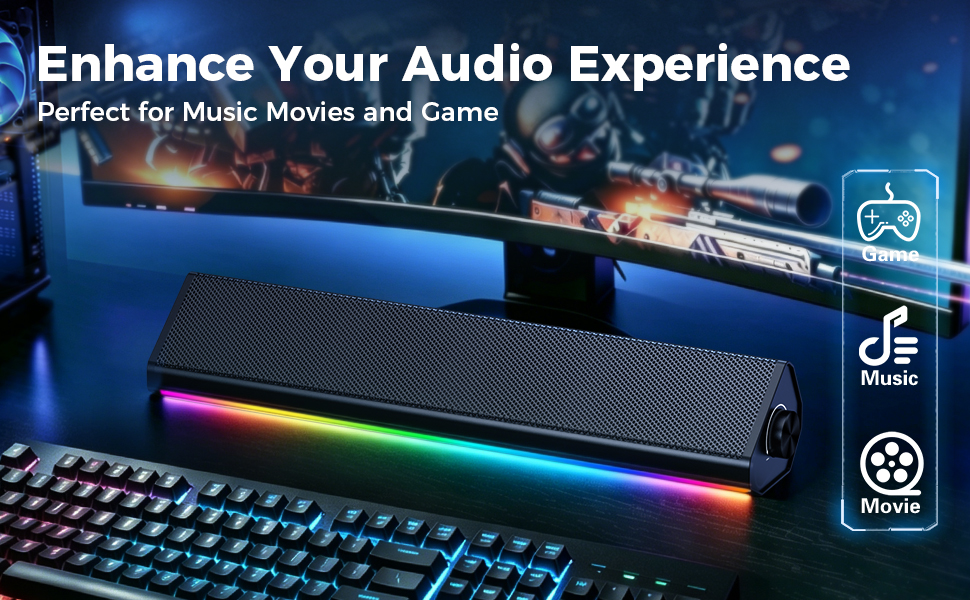
Built for PC, Laptop, and Monitor Desks
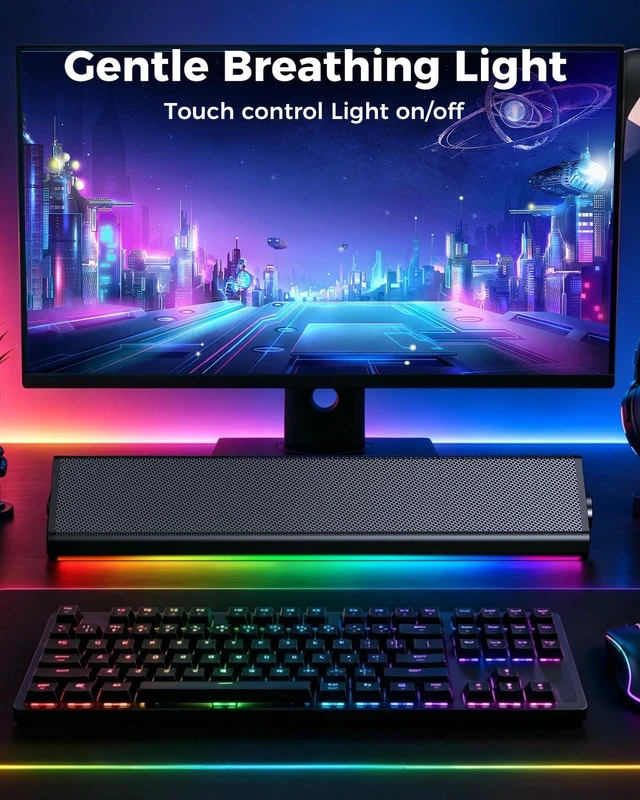
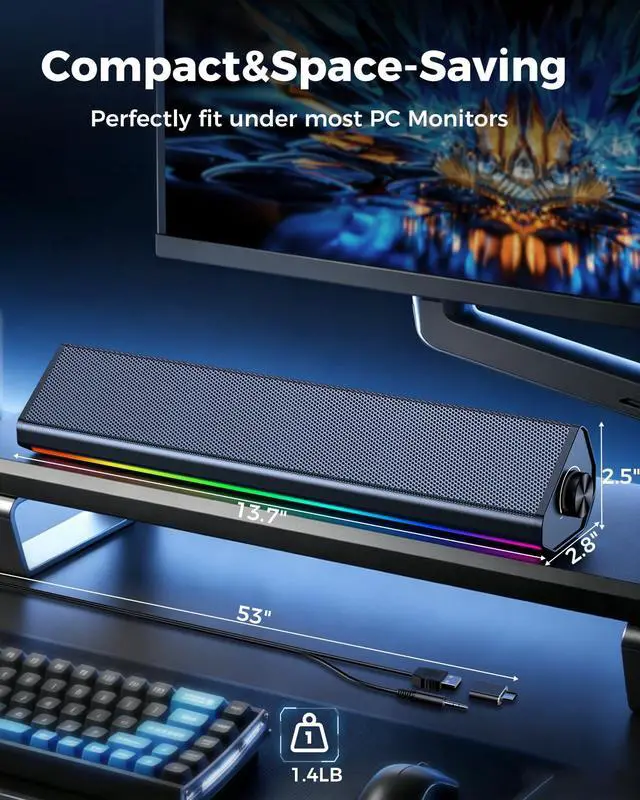
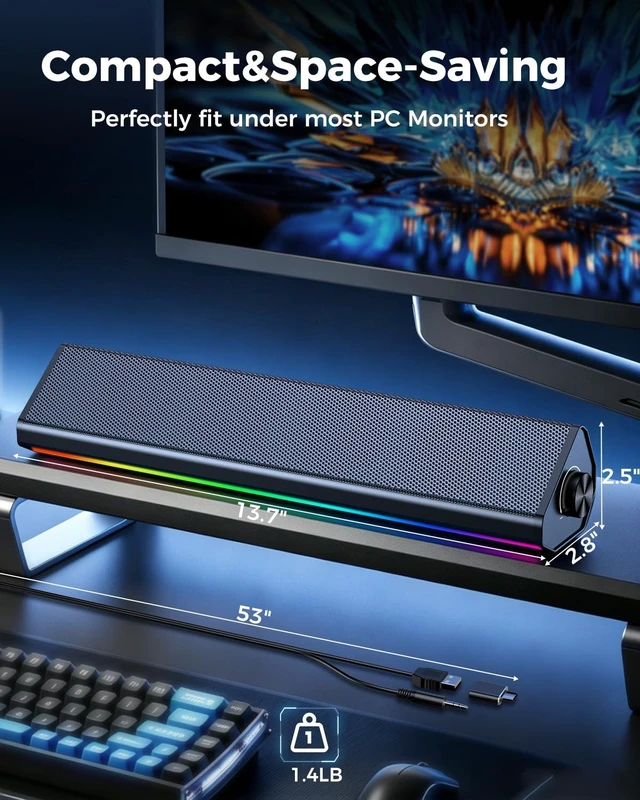
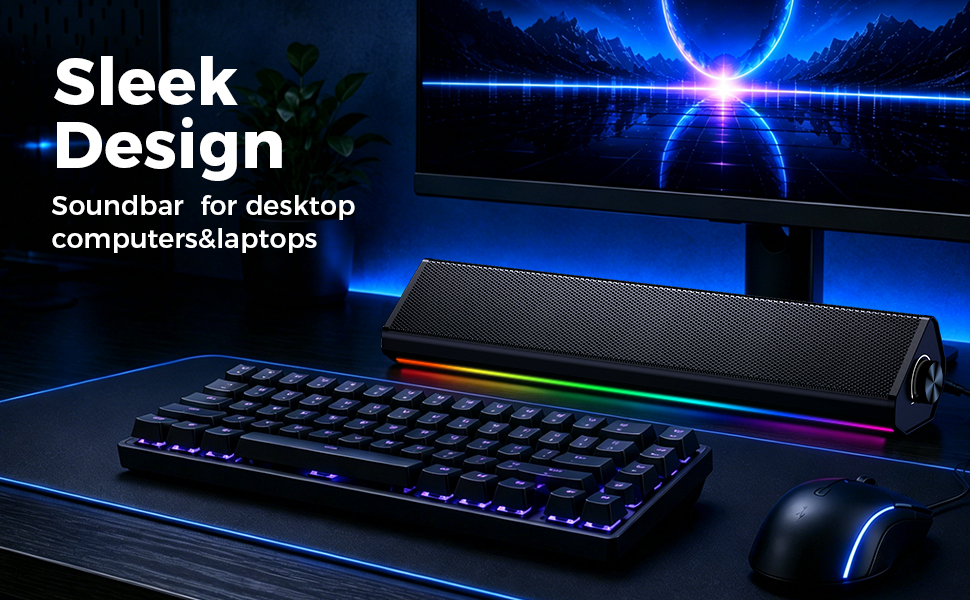
Use it for desktop workstations, laptops, online classes, video meetings, music, videos, and casual gaming. For monitor setups, connect to the computer when possible, or to a monitor that has a 3.5mm headphone output.
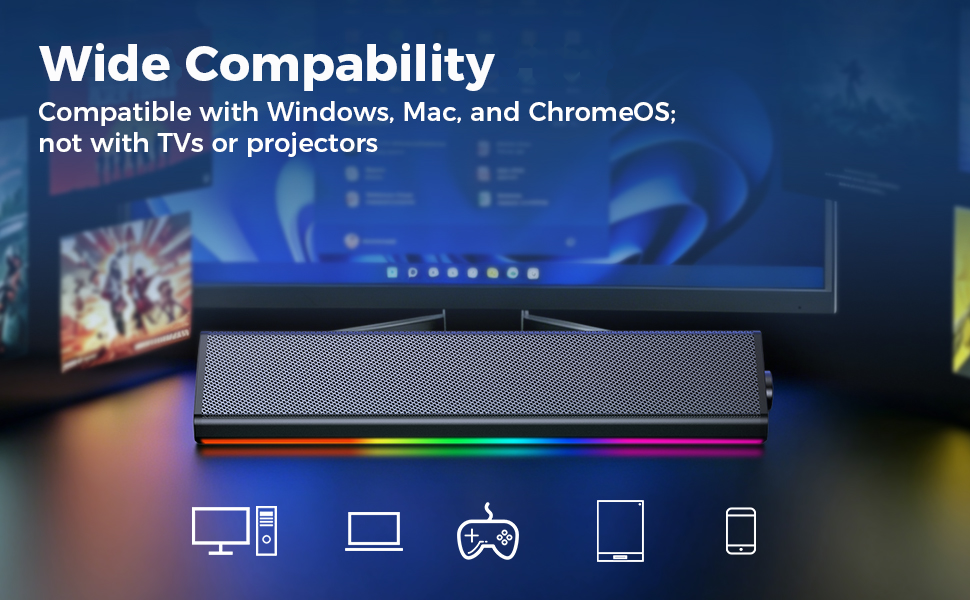
Two Cables, One Simple Setup
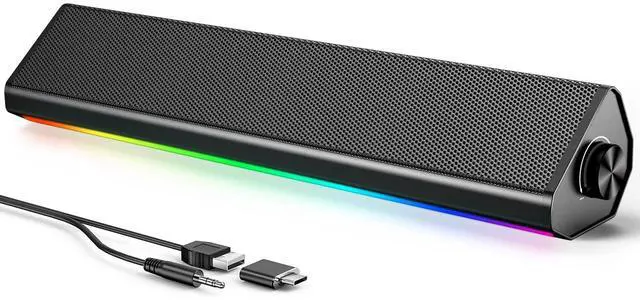
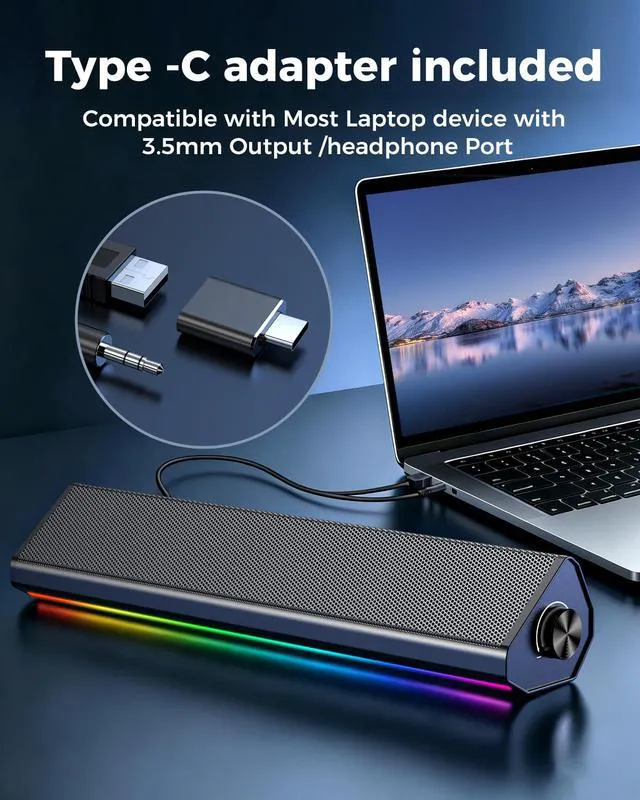
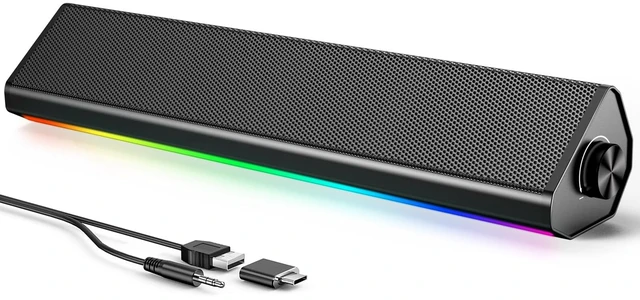
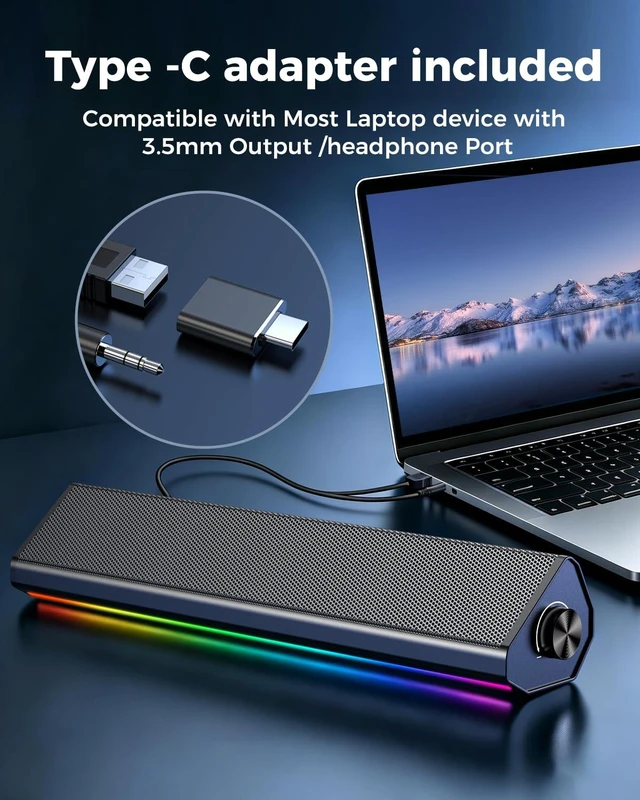
USB powers the speaker. 3.5mm AUX carries the audio. The included USB-C adapter helps newer laptops connect when a USB-A port is not available.No wall outlet, battery charging, driver installation, or Bluetooth pairing is needed.
Before You Buy
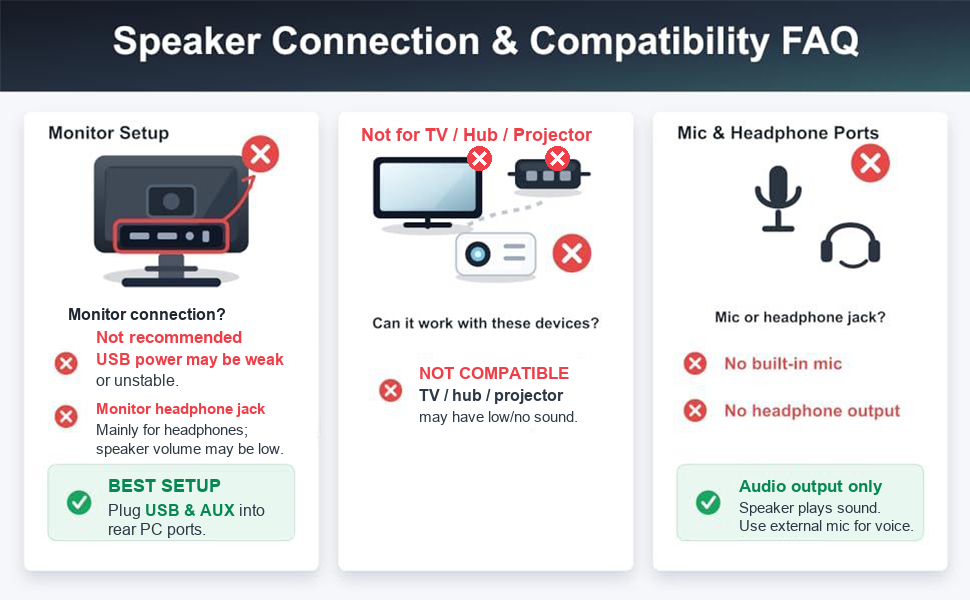
- This is a wired computer speaker. It does not include Bluetooth, battery power, HDMI, optical, TV ARC, a built-in microphone, microphone input, or a headphone jack. It is intended for computers and laptops, not TVs.
- Monitor connection? Not recommended.Monitor headphone jack mainly for headphones,speaker volume maybe low and the usb power may be weak or unstable.


Simple Wired Sound for Everyday Computer Use
Designed for people who want a simple way to improve computer audio without complicated setup. The wired USB and 3.5mm AUX connection keeps operation direct, steady, and easy to understand.

Get Louder, Clearer Sound,Upgrade Your Computer Audio in Seconds
- Connect USB + AUX: USB is for power, 3.5mm AUX is for audio.
- Use a stable USB port: For desktop PCs, plug USB into the rear port. Avoid keyboards, monitors, front ports, or unpowered hubs.
- Turn up volume: Click the Windows speaker icon and set volume to 100%. Also set your app/media player volume to 100%.
- Check balance: Go to Sound Settings > More Sound Settings > Speakers > Levels > Balance, and set L/R channels to 100%.
- Avoid crackling: If sound crackles at max volume, lower Windows/app volume to 85–90%, then turn up the speaker knob. This is signal clipping, not a speaker defect.
- Need more power? Use a 5V/1A powered USB hub.

Touch Lighting & Volume Control
Tap to switch the speaker lights on or off, and use the rotary knob to adjust volume smoothly and precisely.

Built for PC, Laptop, and Monitor Desks
Use it for desktop workstations, laptops, online classes, video meetings, music, videos, and casual gaming. For monitor setups, connect to the computer when possible, or to a monitor that has a 3.5mm headphone output.

Two Cables, One Simple Setup
USB powers the speaker. 3.5mm AUX carries the audio. The included USB-C adapter helps newer laptops connect when a USB-A port is not available.No wall outlet, battery charging, driver installation, or Bluetooth pairing is needed.

Before You Buy
- This is a wired computer speaker. It does not include Bluetooth, battery power, HDMI, optical, TV ARC, a built-in microphone, microphone input, or a headphone jack. It is intended for computers and laptops, not TVs.
- Monitor connection? Not recommended.Monitor headphone jack mainly for headphones,speaker volume maybe low and the usb power may be weak or unstable.