




Important: One Cable, Two Ways to Use
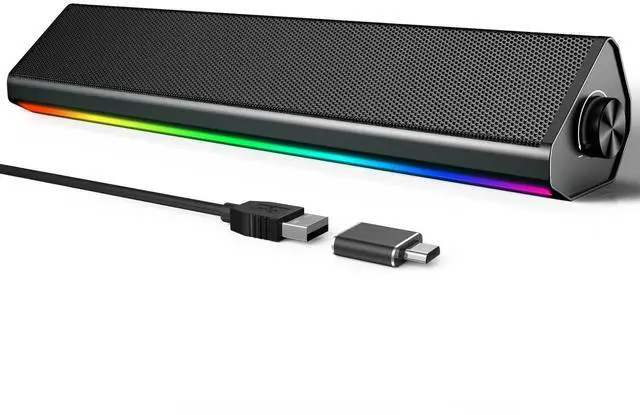
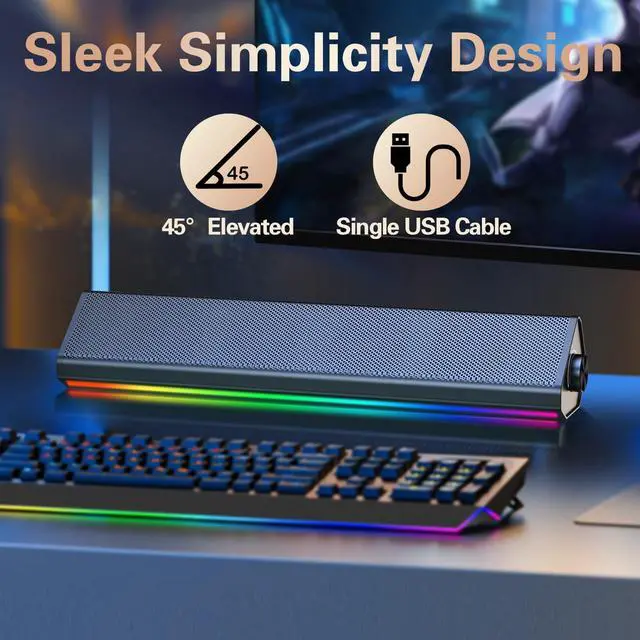
This computer speaker features a single USB cable and contains no internal battery. It must remain connected to a power source at all times. Please review the setup instructions below to ensure the best experience with your specific device.
1. Two Connection Modes (Read Carefully)
PC Mode (Plug & Play for Computers)
For the simplest setup, use PC mode. Just connect the single USB cable directly to your computer. The USB connection simultaneously delivers both power and audio, so there is no need for extra cables or drivers. These computer speakers for desktop pc setups are truly plug-and-play, making them ideal speakers for computer desktop users who value simplicity. Whether you need reliable pc speakers for work or compact laptop speakers for study, this mode delivers instant audio.
Bluetooth Mode (For Mobile Devices)
Plug the USB cable into a standard wall charger (5V) or a power bank. The charger provides power only, while audio streams via Bluetooth. The PC sound bar automatically enters pairing mode when powered this way. This transforms the usb wired speaker into a portable companion for your phone or tablet.
Unsupported Devices (Please Note)
This unit is not compatible with TVs, computer monitors, Xbox, or PlayStation consoles (including searches for ps5 speakers). These devices cannot send audio through a standard USB data connection.

Sound Quality: Clear Audio for Everyday Use
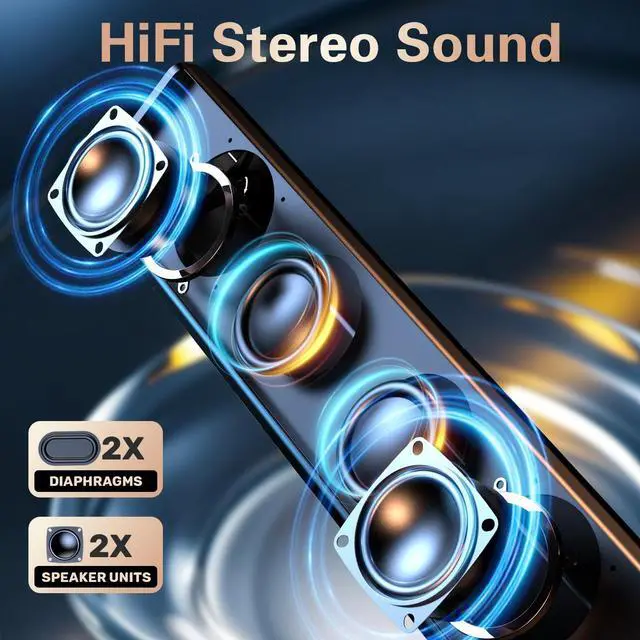
We focus on delivering reliable sound without overpromising. These computer speakers are designed to enhance your daily activities, including office work, online classes, casual gaming, and streaming your favorite shows. The audio quality is a significant upgrade from typical monitor speakers, providing clearer dialogue and richer detail. However, these are high-value, compact speakers designed for a clean desktop, not professional pc soundbar systems or HiFi equipment. The bass is moderate and well-balanced, perfect for casual listening.

Touch Controls: Operate with a Gentle Tap
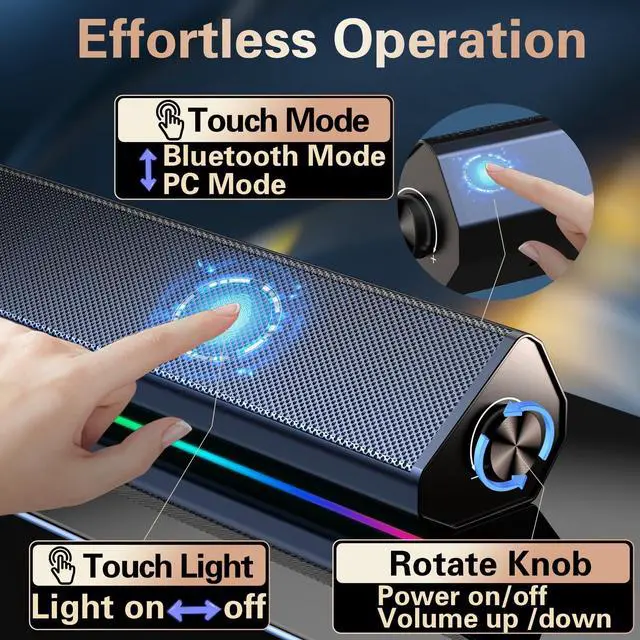
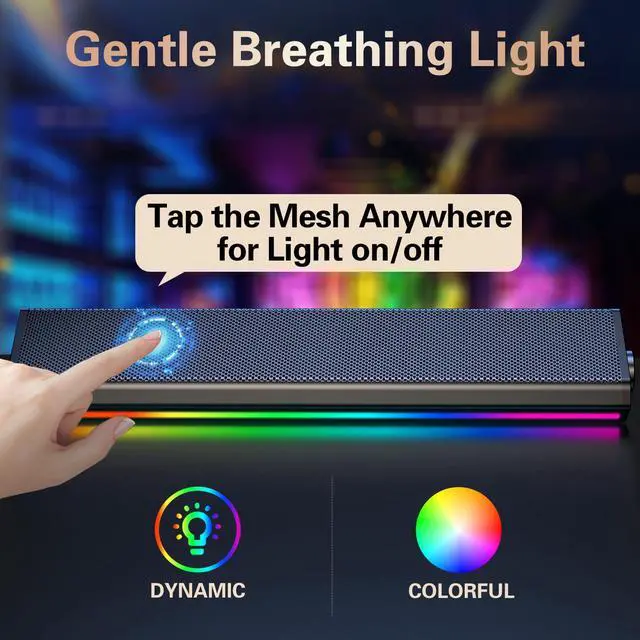
This model features a sleek, touch-sensitive control panel. To turn on/off the corlorful lighting or switch the playing mode, simply tap gently on the sensor metal mesh or mode area. For best results, place it on a stable, flat desktop to prevent accidental touches that might switch modes or turn on the lights.


Quick Compatibility Guide
Fully Supported:
Desktop Computers (Windows & Mac)
Laptops (Windows & Mac)
Smartphones & Tablets (via Bluetooth + Charger)
NOT Supported:
TV
Computer Monitors (USB audio out)
Gaming Consoles (Xbox)
Important Notes for Best Performance
No Microphone: This unit does not have a built-in microphone. It is designed for audio output only (music, videos, games), not for voice calls or chat.
Optimal Volume: For the clearest sound, keep the volume at a moderate level (60-80%). Pushing volume to maximum may cause minor distortion on some devices.
Avoiding Accidental Mode Switching: If the speaker randomly switches to Bluetooth while connected to a PC:
Ensure it is plugged into a data-enabled USB port on your computer, not a charging-only port.
Place it on a stable, flat desktop to prevent accidental touches on the mesh to aovid to turn on/off the lights.
Important: One Cable, Two Ways to Use
This computer speaker features a single USB cable and contains no internal battery. It must remain connected to a power source at all times. Please review the setup instructions below to ensure the best experience with your specific device.
1. Two Connection Modes (Read Carefully)
PC Mode (Plug & Play for Computers)
For the simplest setup, use PC mode. Just connect the single USB cable directly to your computer. The USB connection simultaneously delivers both power and audio, so there is no need for extra cables or drivers. These computer speakers for desktop pc setups are truly plug-and-play, making them ideal speakers for computer desktop users who value simplicity. Whether you need reliable pc speakers for work or compact laptop speakers for study, this mode delivers instant audio.
Bluetooth Mode (For Mobile Devices)
Plug the USB cable into a standard wall charger (5V) or a power bank. The charger provides power only, while audio streams via Bluetooth. The PC sound bar automatically enters pairing mode when powered this way. This transforms the usb wired speaker into a portable companion for your phone or tablet.
Unsupported Devices (Please Note)
This unit is not compatible with TVs, computer monitors, Xbox, or PlayStation consoles (including searches for ps5 speakers). These devices cannot send audio through a standard USB data connection.
Sound Quality: Clear Audio for Everyday Use
We focus on delivering reliable sound without overpromising. These computer speakers are designed to enhance your daily activities, including office work, online classes, casual gaming, and streaming your favorite shows. The audio quality is a significant upgrade from typical monitor speakers, providing clearer dialogue and richer detail. However, these are high-value, compact speakers designed for a clean desktop, not professional pc soundbar systems or HiFi equipment. The bass is moderate and well-balanced, perfect for casual listening.
Touch Controls: Operate with a Gentle Tap
This model features a sleek, touch-sensitive control panel. To turn on/off the corlorful lighting or switch the playing mode, simply tap gently on the sensor metal mesh or mode area. For best results, place it on a stable, flat desktop to prevent accidental touches that might switch modes or turn on the lights.
Quick Compatibility Guide
Fully Supported:
Desktop Computers (Windows & Mac)
Laptops (Windows & Mac)
Smartphones & Tablets (via Bluetooth + Charger)
NOT Supported:
TV
Computer Monitors (USB audio out)
Gaming Consoles (Xbox)
Important Notes for Best Performance
No Microphone: This unit does not have a built-in microphone. It is designed for audio output only (music, videos, games), not for voice calls or chat.
Optimal Volume: For the clearest sound, keep the volume at a moderate level (60-80%). Pushing volume to maximum may cause minor distortion on some devices.
Avoiding Accidental Mode Switching: If the speaker randomly switches to Bluetooth while connected to a PC:
Ensure it is plugged into a data-enabled USB port on your computer, not a charging-only port.
Place it on a stable, flat desktop to prevent accidental touches on the mesh to aovid to turn on/off the lights.