












How to Automatically turn off USB speaker lights when the computer shuts down
1. Enter BIOS/UEFI
Restart your computer and press DEL or F2 repeatedly during boot to enter the BIOS.
2. Locate the ERP Setting
(1)Navigate to the Power Management or Advanced Power Settings section.
(2)Look for an option labeled "ERP Mode" or "Energy-Related Products".
3. Enable ERP Mode
Set it to Enabled or S5 Mode (which ensures USB power is off when the PC is shut down).
4. Press F10 to save changes and exit BIOS.


How to Automatically turn off USB speaker lights when the computer shuts down
1. Enter BIOS/UEFI
Restart your computer and press DEL or F2 repeatedly during boot to enter the BIOS.
2. Locate the ERP Setting
(1)Navigate to the Power Management or Advanced Power Settings section.
(2)Look for an option labeled "ERP Mode" or "Energy-Related Products".
3. Enable ERP Mode
Set it to Enabled or S5 Mode (which ensures USB power is off when the PC is shut down).
4. Press F10 to save changes and exit BIOS.
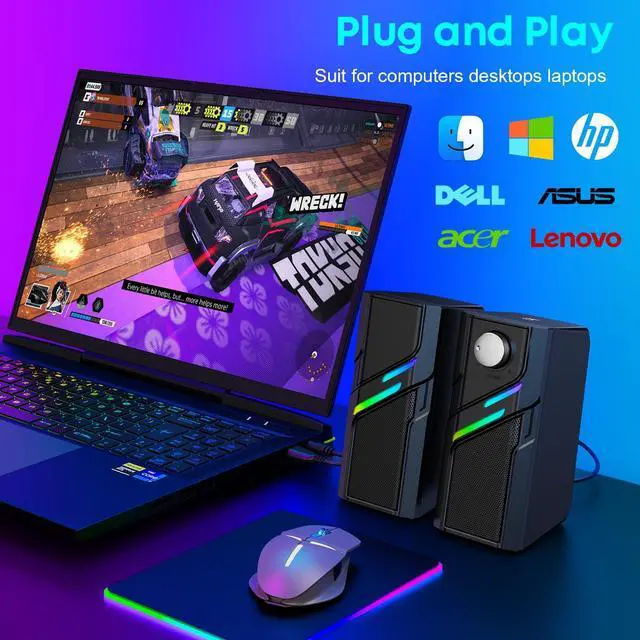
Plug & Play. Sound & Glow.
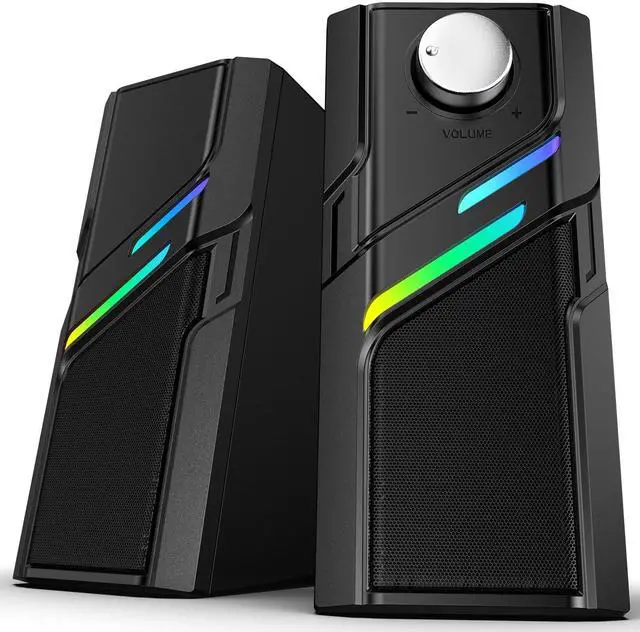
Large & smooth Knob
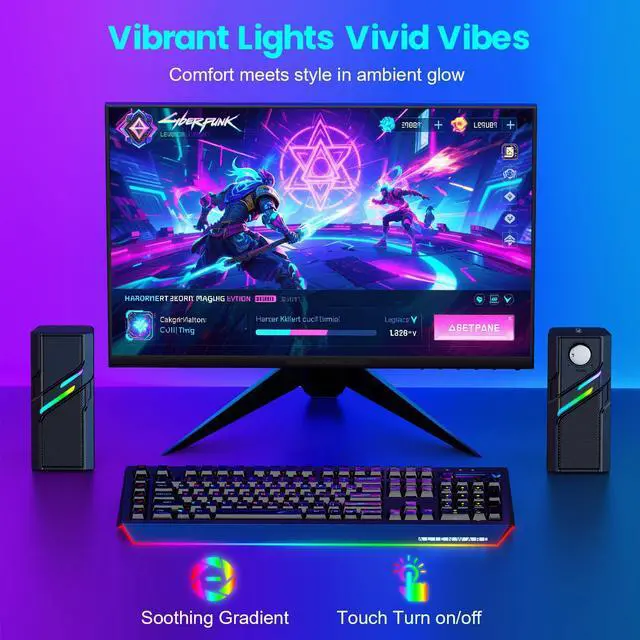
One-Touch Light On/off
Trendy Light, Cozy Vibes
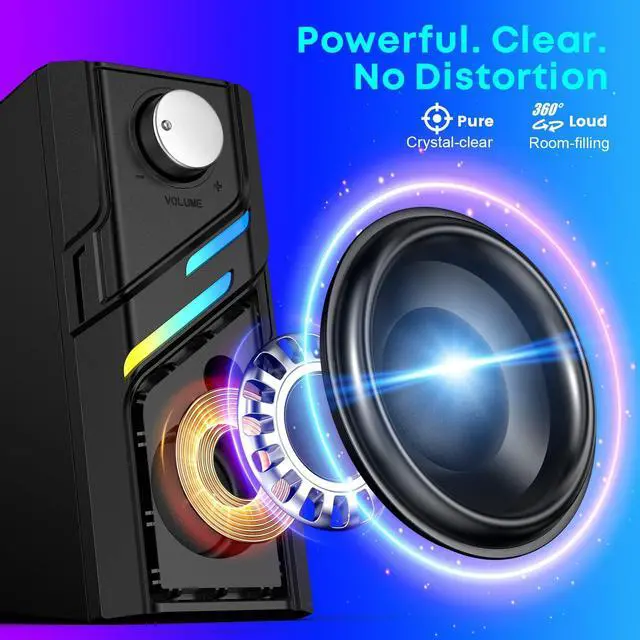
Loud.Clear. Zero Noise