






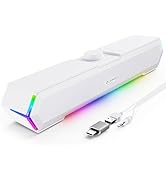
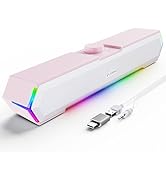



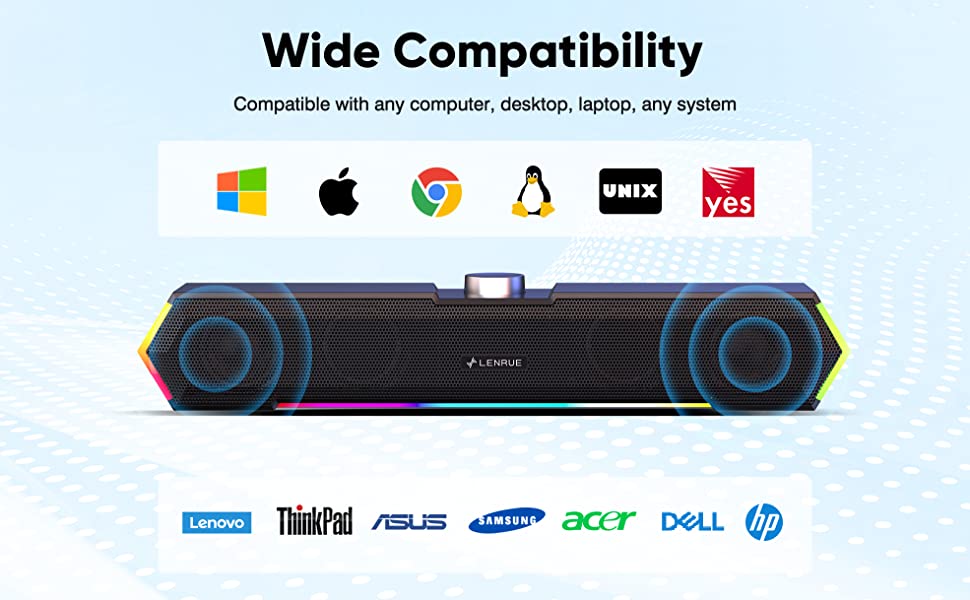

Power Crisp Clear Sound: High-quality multiple horns for increased volume without distortion.
No Current Sound: Increase the shock absorber, even if the standby does not have any noise.

Top Knob: Designed to be on top, easy to adjust the volume. Turn on/off the computer speaker.
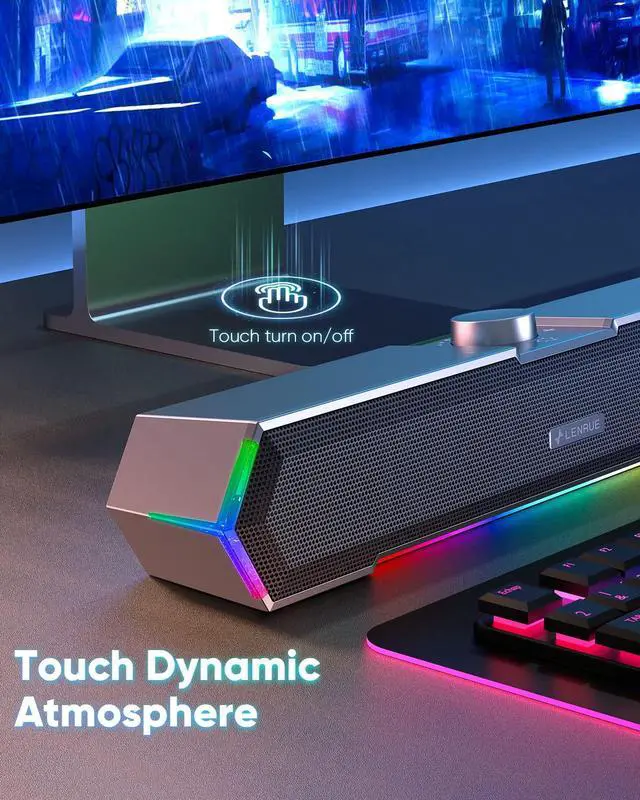
Touch on/off Lights: Newly upgraded one touch to turn off/on the light to avoid the tedium of buttons.

Easy to Setup without Sound
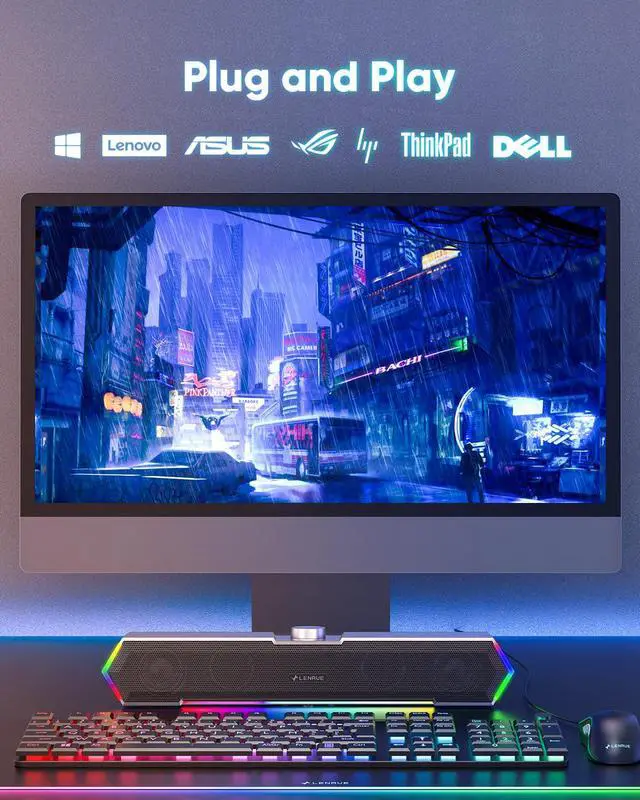
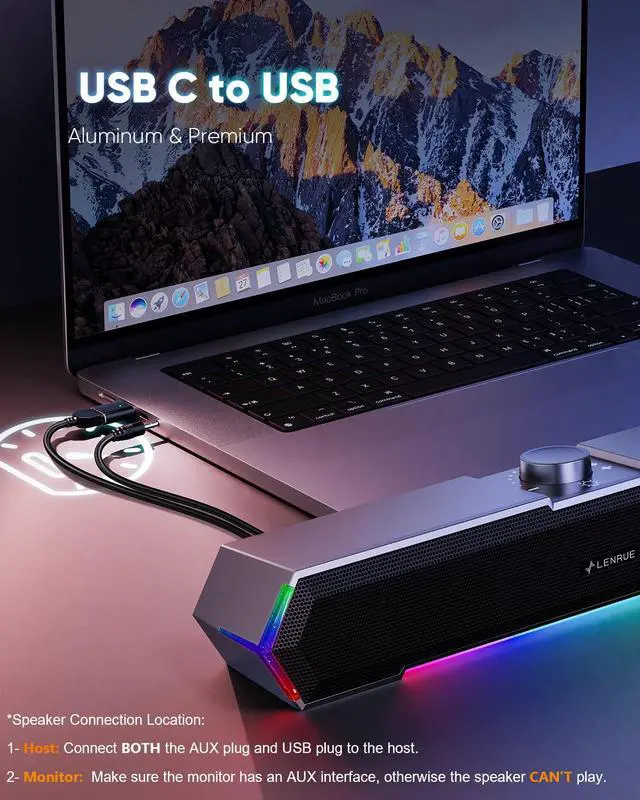
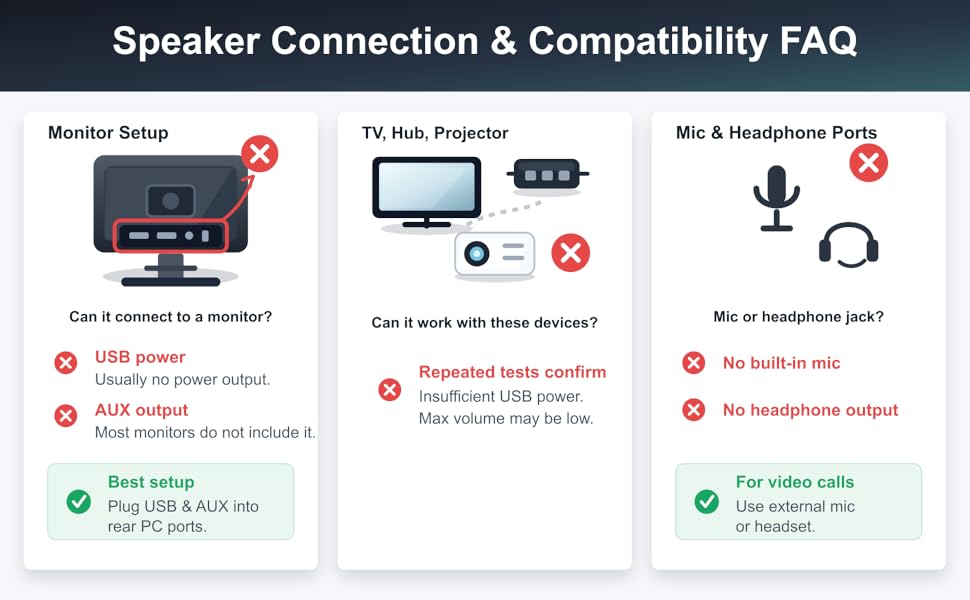
1 - Host backend: Connect BOTH the AUX plug and USB plug to the Host backend, more stable power supply and audio output.
2 - Click Speaker Icon in the taskbar.
3 - Select the " Speaker " as your computer playback device.
4 - Make sure the computer speaker is on and not at minimum volume.
5 - Make sure the computer or other device is not muted or at minimum volume.

Frequently Asked Questions
Q: What should I do if there is still noise sound after I turn off my computer?
A: Please turn off the computer speaker when not in use or turn the speaker volume knob to the minimum.
-
Q: What devices can the type c adapter be compatible with?
A: Type C adapter is compatible with MacBook Pro after 2016 and MacBook Air after 2018, laptops, tablets, etc.
G11 Computer Speakers Specification
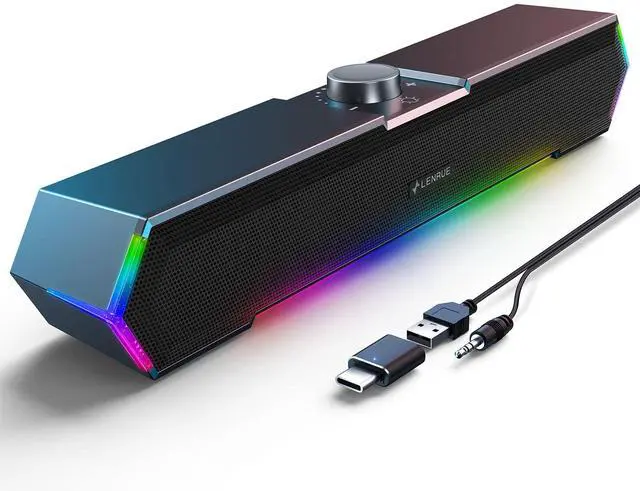
Power Source: USB
Audio Source: AUX
Turn on/off the Light: Touch on Top
Turn on/off Speakers: Knob
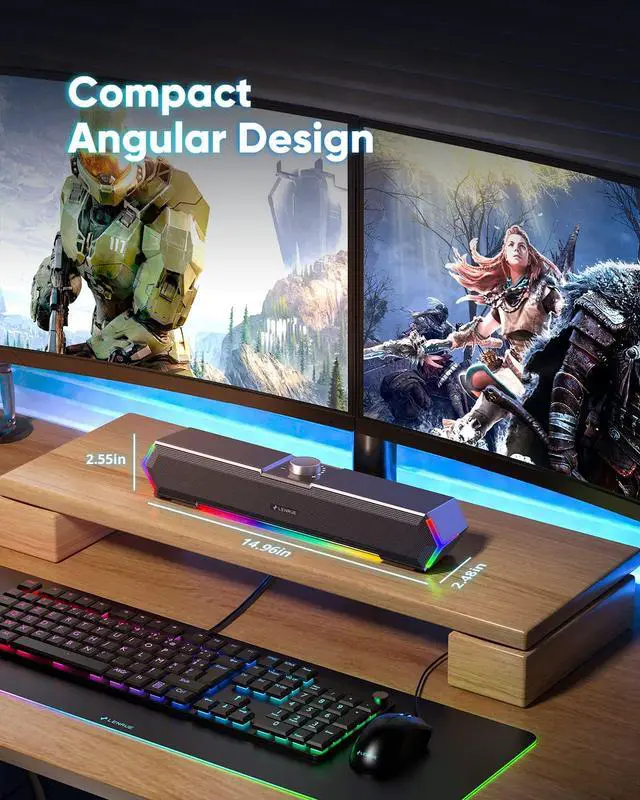
Product Dimension: 2.48 × 14.96 × 2.55ins.
Cable Length: Both upgraded to 47ins extra long for extra wide display.
Packaging Includes: Type C Adapter; Computer Speakers; Manual
Power Crisp Clear Sound: High-quality multiple horns for increased volume without distortion.
No Current Sound: Increase the shock absorber, even if the standby does not have any noise.
Top Knob: Designed to be on top, easy to adjust the volume. Turn on/off the computer speaker.
Touch on/off Lights: Newly upgraded one touch to turn off/on the light to avoid the tedium of buttons.
Easy to Setup without Sound
1 - Host backend: Connect BOTH the AUX plug and USB plug to the Host backend, more stable power supply and audio output.
2 - Click Speaker Icon in the taskbar.
3 - Select the " Speaker " as your computer playback device.
4 - Make sure the computer speaker is on and not at minimum volume.
5 - Make sure the computer or other device is not muted or at minimum volume.
Frequently Asked Questions
Q: What should I do if there is still noise sound after I turn off my computer?
A: Please turn off the computer speaker when not in use or turn the speaker volume knob to the minimum.
-
Q: What devices can the type c adapter be compatible with?
A: Type C adapter is compatible with MacBook Pro after 2016 and MacBook Air after 2018, laptops, tablets, etc.
G11 Computer Speakers Specification
Power Source: USB
Audio Source: AUX
Turn on/off the Light: Touch on Top
Turn on/off Speakers: Knob
Product Dimension: 2.48 × 14.96 × 2.55ins.
Cable Length: Both upgraded to 47ins extra long for extra wide display.
Packaging Includes: Type C Adapter; Computer Speakers; Manual
Desk Sound Boost
My Desk, My Sound Control.
Multi Computer Speaker Styles!
Elevate a PC Audio Experience
Premium PC speakers blending crisp, immersive sound with sleek design — wired options for gaming, music, work. Quality you can trust.