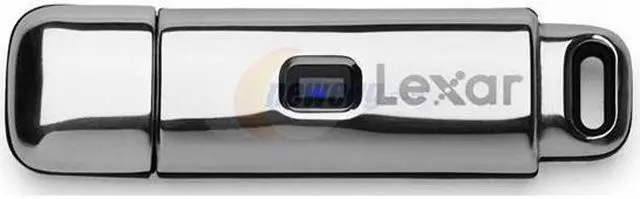
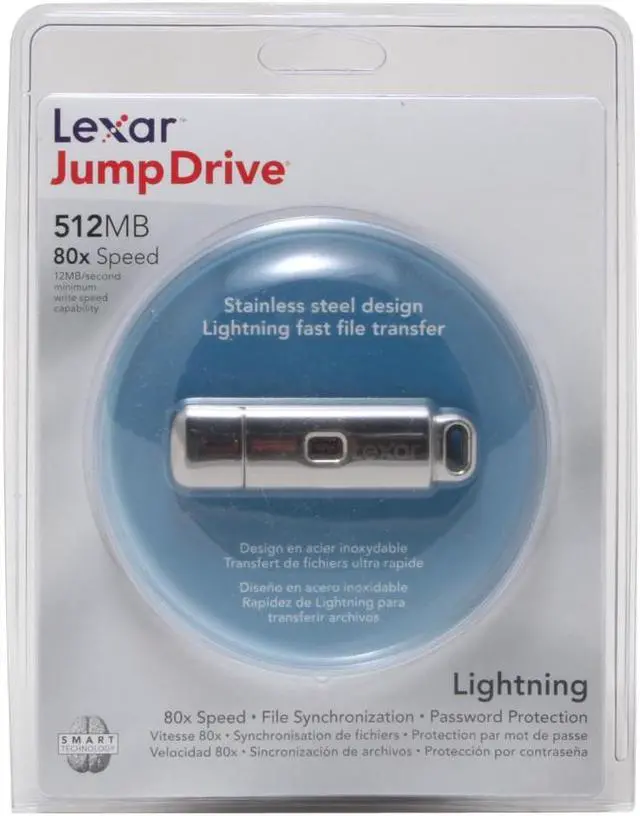
| Features | Create password-protected and public areas on the JumpDrive. This allows users to easily share files, and at the same time prevent access to sensitive or private information. o Public area has no password protection and is accessible by anyone using the JumpDrive. o Private area is password-protected so no one can open, copy or write files to the drive without entering the correct password. • For additional security encrypt and decrypt any file on your computer or JumpDrive using AES 256-bit encryption.
Easily synchronize files between PCs and the JumpDrive, which means you always have the most current data with you. You can even setup preferences to include or exclude subfolders or filter specific file types to be synchronized. • No software installation or drivers required • Personalize your JumpDrive with free engraving. |
|---|