






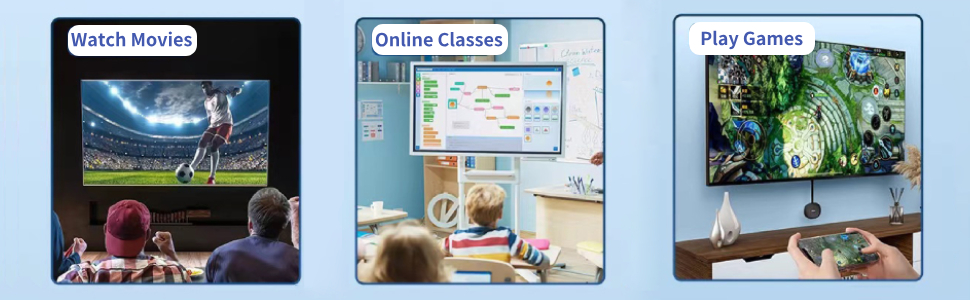
How to Use
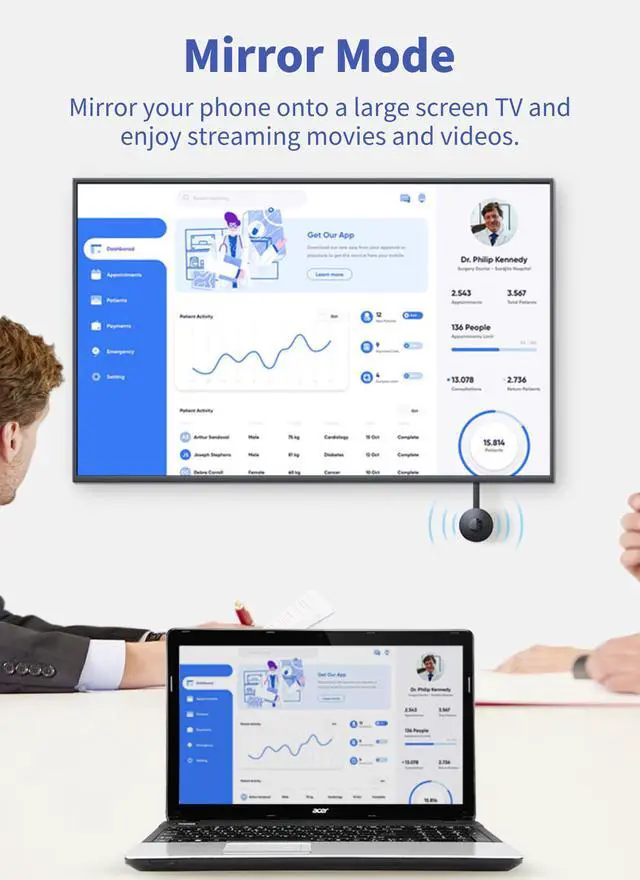
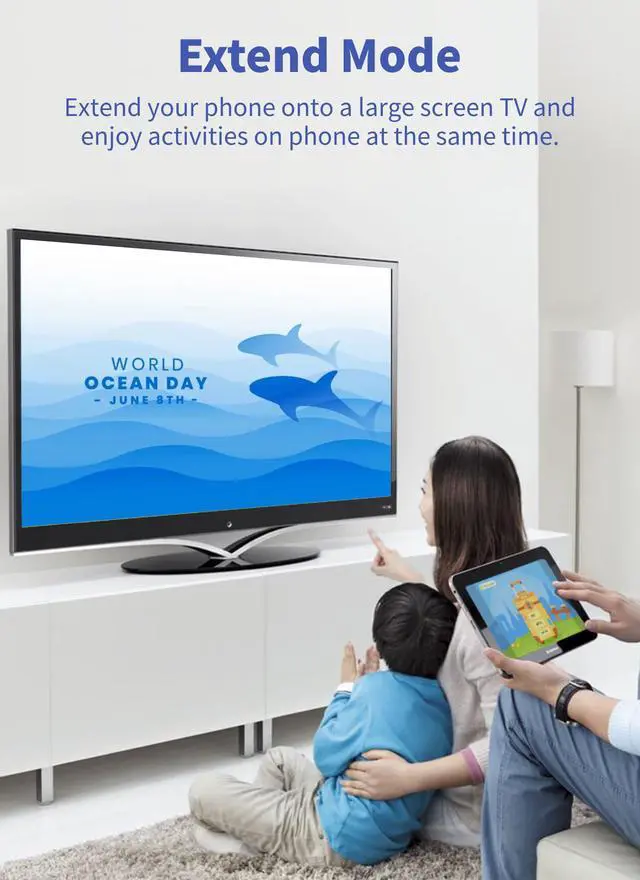
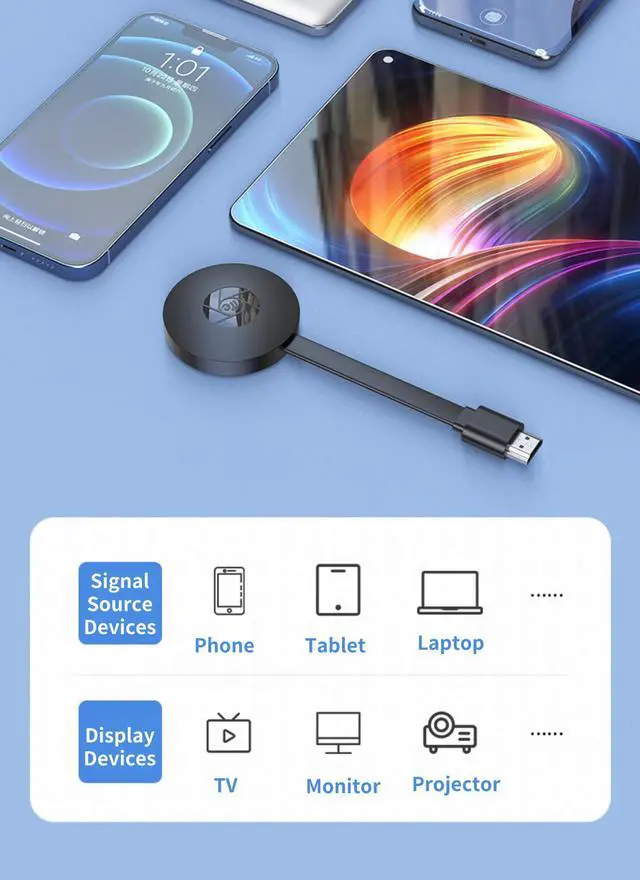
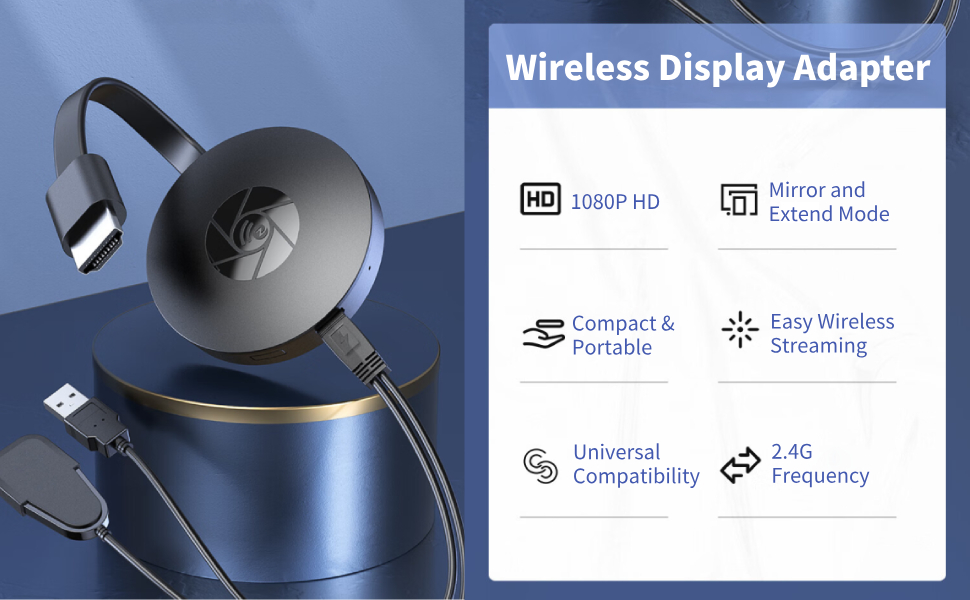
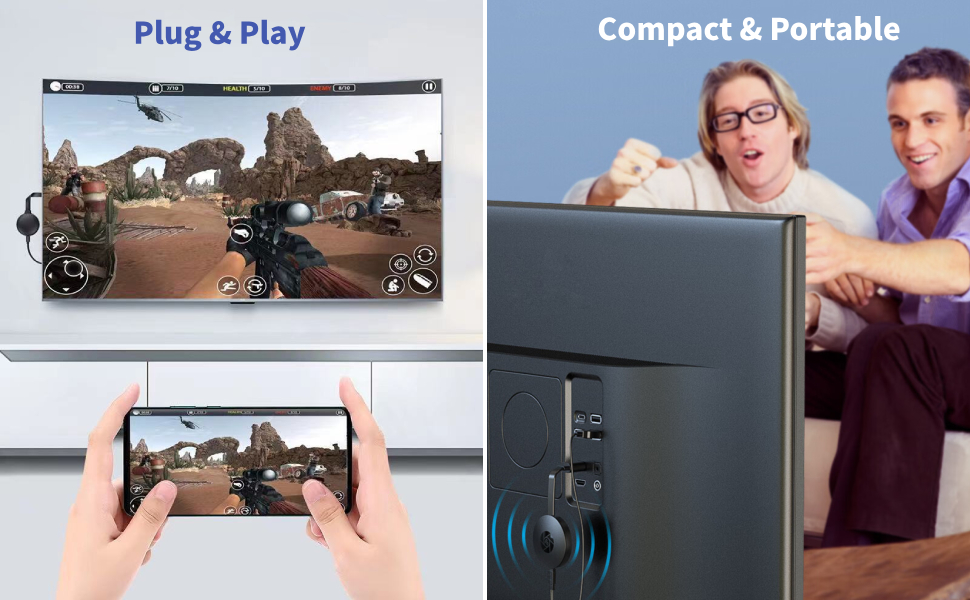
Connect the product to the device with HD Multimedia Interface, and connect the product to the power supply. Use your cell phone to search and connect to the WiFi emitted by the product (if it is not searched, there is a on the product, long press it for 15 seconds to reset it), and then set up and configure the 2.4G network WiFi on the webpage (only support connecting to 2.4G WiFi). Under the same home WiFi connection between the cell phone and the product, open the cell phone's same screen or screen casting function for the same screen or screen casting can be done (the cell phone must have the same screen or screen casting function to be able to use).
Note: The product can only cast the screen to the device with HD Multimedia Interface, and you need to open the screen mirroring when you use the cell phone to cast the screen.


How to Use
Connect the product to the device with HD Multimedia Interface, and connect the product to the power supply. Use your cell phone to search and connect to the WiFi emitted by the product (if it is not searched, there is a on the product, long press it for 15 seconds to reset it), and then set up and configure the 2.4G network WiFi on the webpage (only support connecting to 2.4G WiFi). Under the same home WiFi connection between the cell phone and the product, open the cell phone's same screen or screen casting function for the same screen or screen casting can be done (the cell phone must have the same screen or screen casting function to be able to use).
Note: The product can only cast the screen to the device with HD Multimedia Interface, and you need to open the screen mirroring when you use the cell phone to cast the screen.
Diyeeni
As an electronics-focused technology company, Diyeeni aims to reach more people around the world.
Smart Ring for you
Recommended by purceei for you
Recommended by purceei for you
Recommended by purceei for you
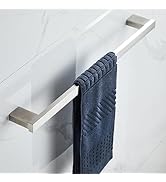
Towel Holder for you