




Why choose our Wireless HDMI display adapter?
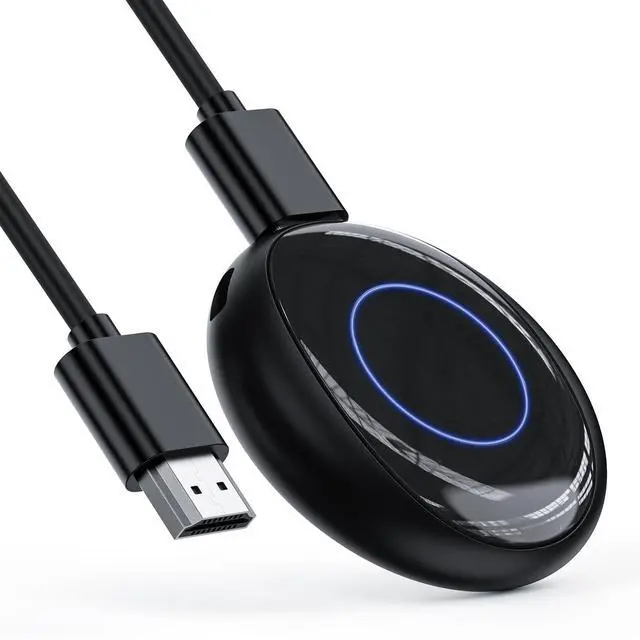
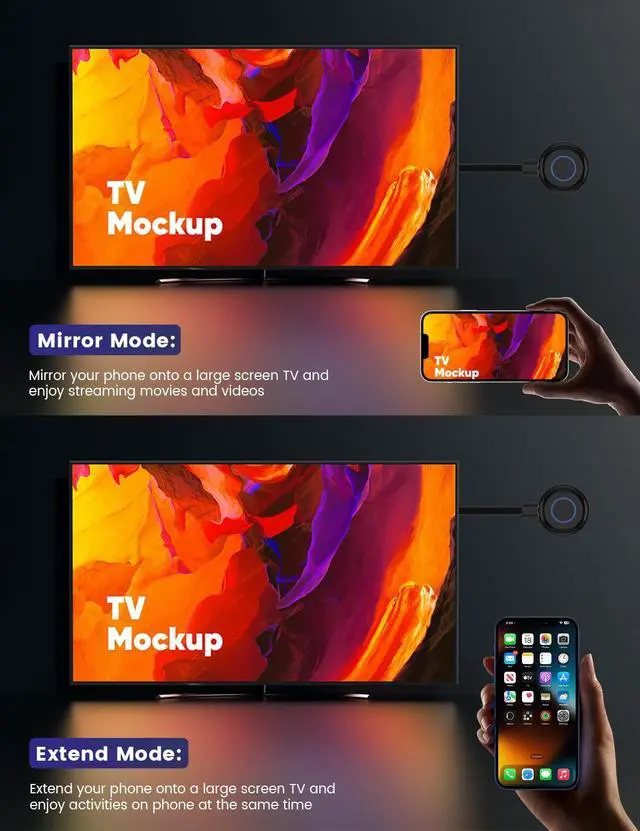
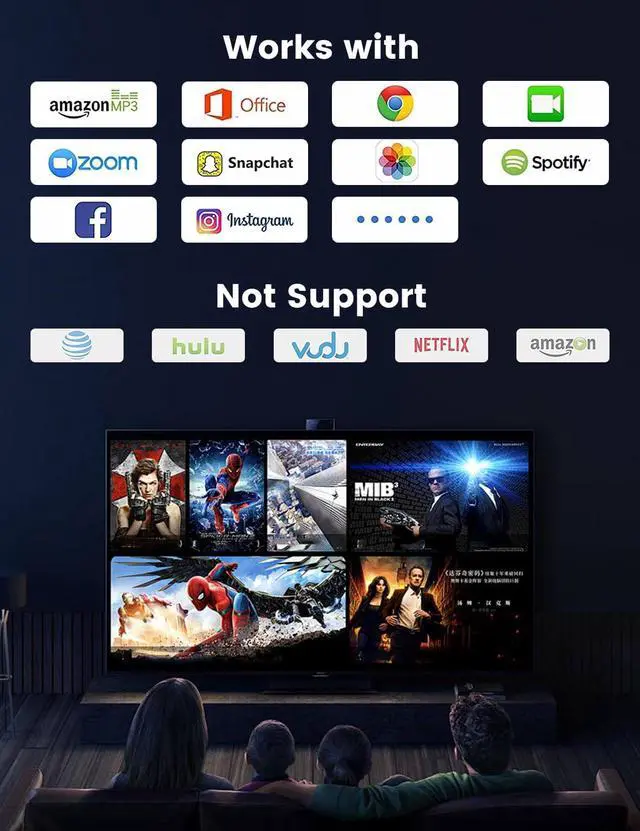
Our wireless HDMI display adapter are simple to set up and offer high-quality transmission capabilities. You can enjoy impressive video quality.
For which scenarios?
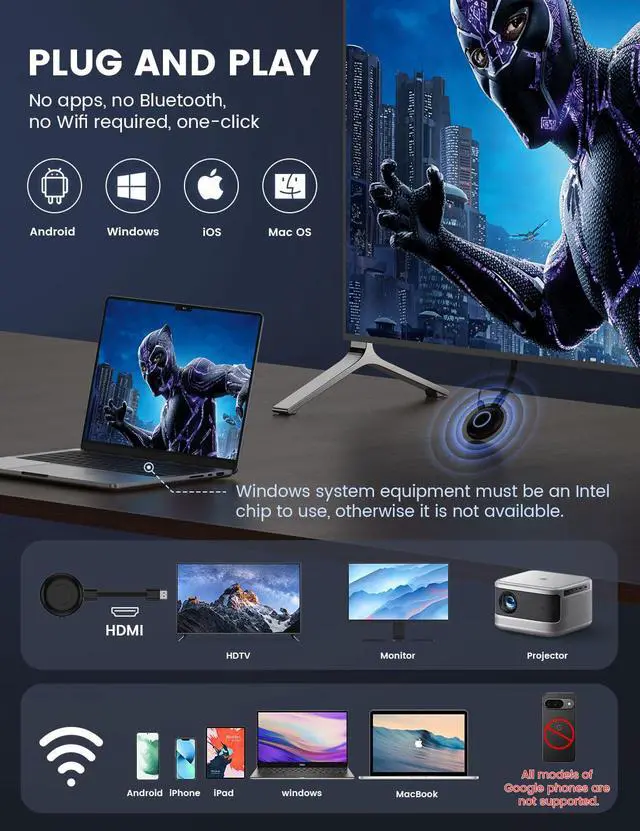
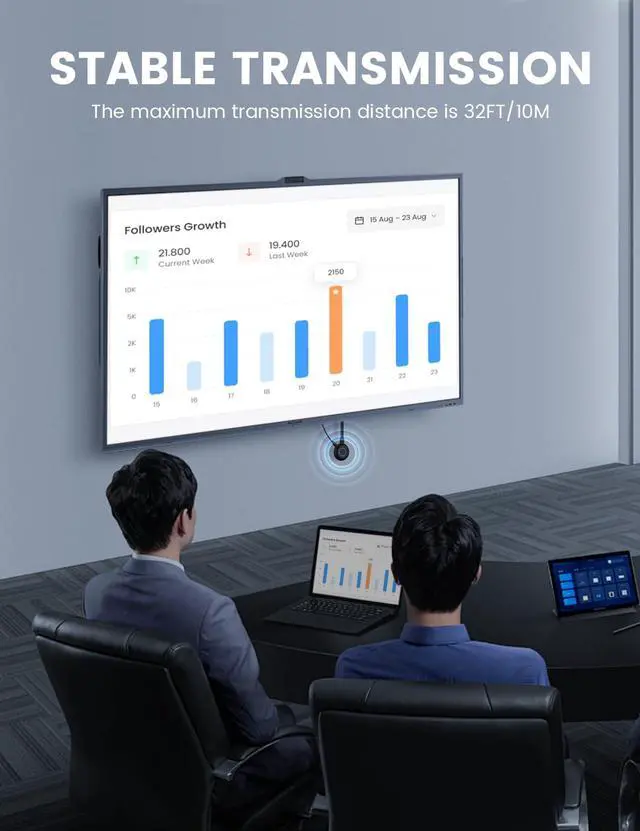
This wireless HDMI display adapter is suitable for home entertainment systems, meeting rooms, classrooms and more.
What is the quality of the product?
Our wireless HDMI display adapter is crafted using high-quality materials and advanced technology to ensure durability and performance you can trust.
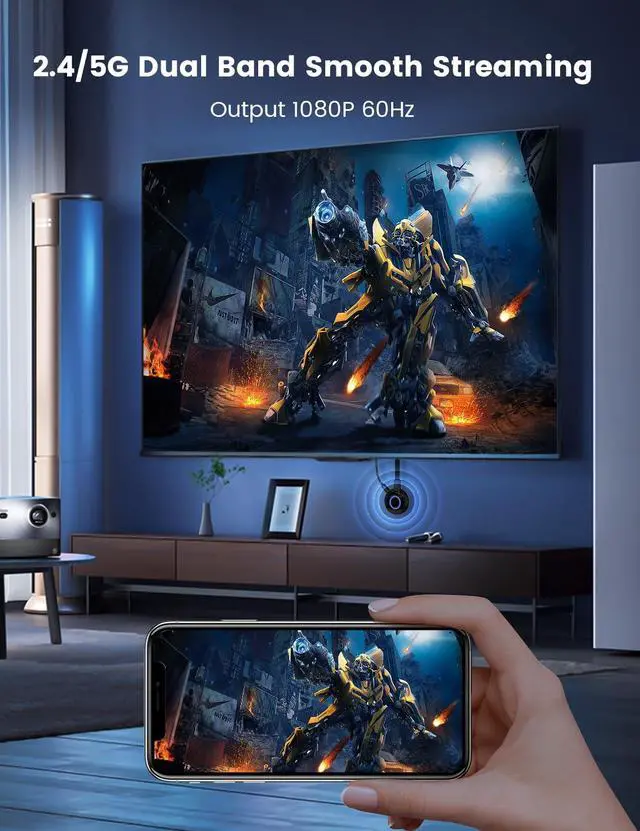
This wireless display adapter is super handy for mirroring your screen and also comes with DLNA support for those who need a bit more. To get the DLNA feature up and running, you’ll first want to connect the device to your router. This product works great on both 2.4G and 5G WiFi channels.
1. Make sure you're on the dedicated mode in Android/Windows system when you boot it up.
2. Go to your phone settings >>> Tap on WIFI >>> Look for the Renkchip-XXXX hotspot >> Enter the password: 12345678.
3. Once your phone connects to the hotspot, head back to your main phone screen, open up a browser, type in "192.168.49.1", hit "Enter," then click "SCAN." Wait while your phone searches for nearby routers.
4. After it finds all the surrounding networks, look for your router’s name, click on it, enter its password, and wait a moment until it's connected between the device and router.
Heads Up:
1. In DLNA mode, you'll only need to set up the network once; after that, it'll automatically reconnect to that WiFi whenever you turn it back on.
2. It’s best if you connect using 5G WiFi since it gives you a better experience overall.
How to use DLNA function on Android or iOS phones:
Just open any audio or video app on your phone, pick what you want to play, tap that little DLNA/Airplay button at the top right corner of the video player after starting playback—search for “Renchip-XXXX” and click it to start using DLNA/Airplay!


Why choose our Wireless HDMI display adapter?
Our wireless HDMI display adapter are simple to set up and offer high-quality transmission capabilities. You can enjoy impressive video quality.
For which scenarios?
This wireless HDMI display adapter is suitable for home entertainment systems, meeting rooms, classrooms and more.
What is the quality of the product?
Our wireless HDMI display adapter is crafted using high-quality materials and advanced technology to ensure durability and performance you can trust.
This wireless display adapter is super handy for mirroring your screen and also comes with DLNA support for those who need a bit more. To get the DLNA feature up and running, you’ll first want to connect the device to your router. This product works great on both 2.4G and 5G WiFi channels.
1. Make sure you're on the dedicated mode in Android/Windows system when you boot it up.
2. Go to your phone settings >>> Tap on WIFI >>> Look for the Renkchip-XXXX hotspot >> Enter the password: 12345678.
3. Once your phone connects to the hotspot, head back to your main phone screen, open up a browser, type in "192.168.49.1", hit "Enter," then click "SCAN." Wait while your phone searches for nearby routers.
4. After it finds all the surrounding networks, look for your router’s name, click on it, enter its password, and wait a moment until it's connected between the device and router.
Heads Up:
1. In DLNA mode, you'll only need to set up the network once; after that, it'll automatically reconnect to that WiFi whenever you turn it back on.
2. It’s best if you connect using 5G WiFi since it gives you a better experience overall.
How to use DLNA function on Android or iOS phones:
Just open any audio or video app on your phone, pick what you want to play, tap that little DLNA/Airplay button at the top right corner of the video player after starting playback—search for “Renchip-XXXX” and click it to start using DLNA/Airplay!