




Brand Concepts
Living a better and smarter life

Get to Know Us
We focus on Android boxes and some accessories, and strive to improve the product experience, hoping to provide a smarter life.
Let Us Help You
We are committed to providing the best products and professional support to all customers. Our brand has launched a series of high-quality products, which are very popular in many countries.
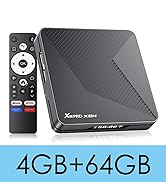
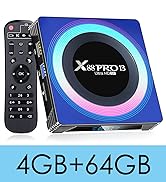
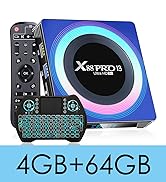
2025 New Release
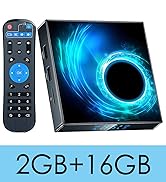
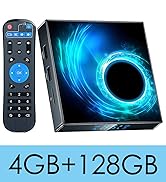
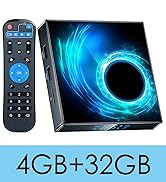
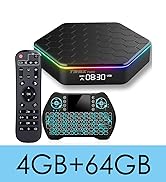
Best Selling Products
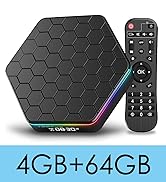
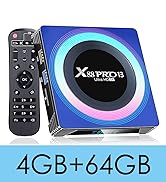
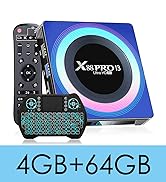
Best Android TV Box
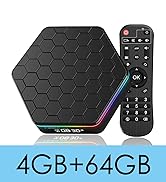
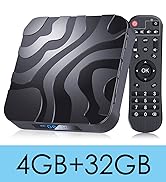
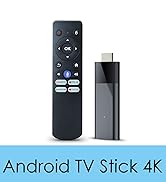
Enjoy TV Entertainment
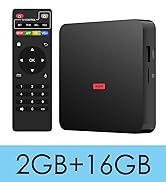
Android TV Box 10.0
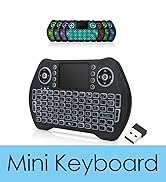
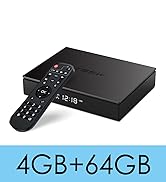
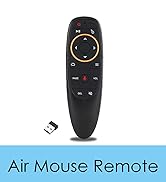
Smart Box & Accessories
Pre-Purchase FAQs
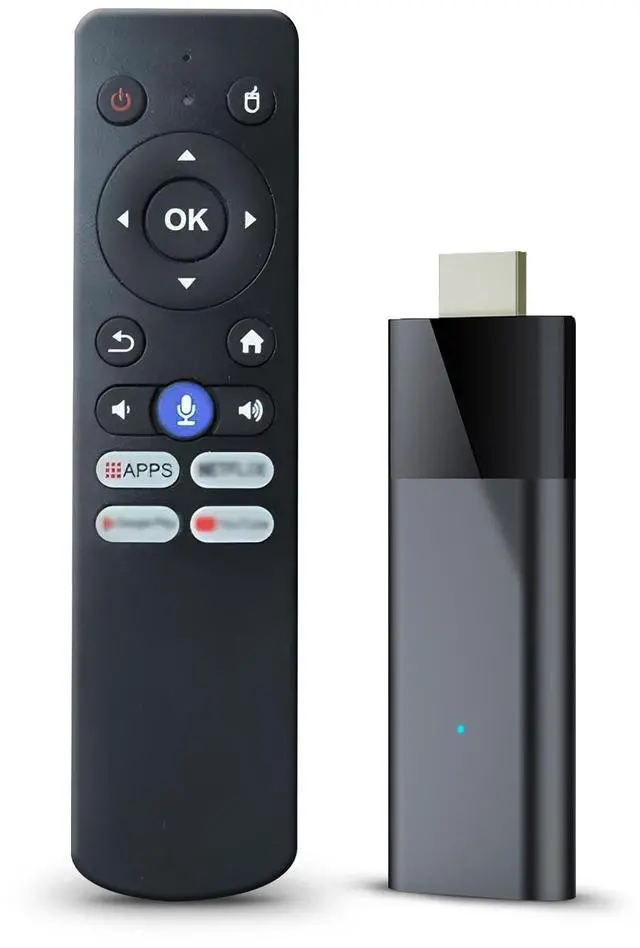
- Q: Is this a fire stick? --- A: Thank you for your interest in our product. No, this is an Android TV Stick.
- Q: Having trouble installing apps? --- A: If the application you are searching for is not available in the Play Store, please install them from other third-party platforms such as Aptoide TV and APKpure.
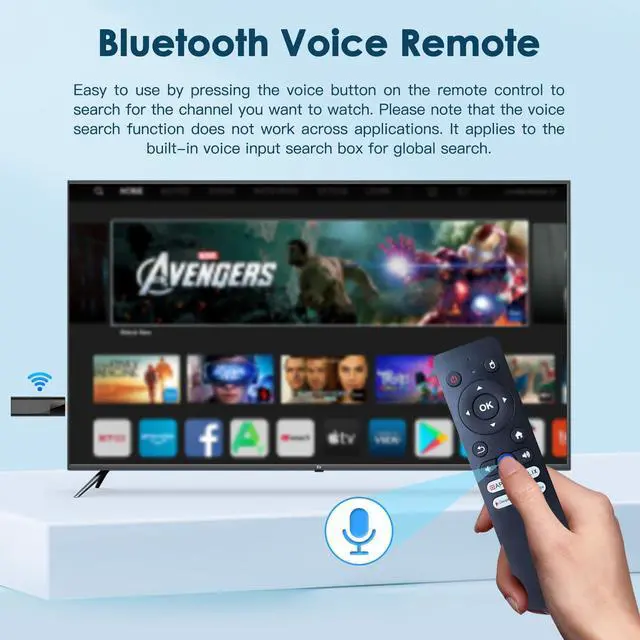
- Q: Having problems with the Bluetooth remote? --- A: The Bluetooth remote pairs automatically. If buttons don't respond, press the voice key and follow on-screen instructions to connect manually. Note: 2 AAA batteries (not included) are needed.
- Q: The Bluetooth remote can't navigate on NetFLX ? --- A: Please locate the pre-installed "Wireless Update" on the app page and follow the prompts to complete the firmware upgrade for your Android TV stick. After that, the Bluetooth remote will navigate smoothly within apps and the shortcut buttons on the remote will also function properly.
- Q: Disn-e-y+ prompts for an upgrade? --- A: If an update is prompted, please install it from APKPure. If installation fails, uninstall the pre-installed Disn-e-y+ first.
- Q: Lacking instructions for use? --- A: Please refer to the product details page or ask us for Updated Manual (Electronic manual). The updated user manual includes detailed product usage instructions in multiple language versions. If you have any questions, feel free to reach out to us for 24/7 support. We'll ensure to help resolve your issues, including but not limited to product replacement and return.
- Q: How can I cast my screen? --- A: Use the pre-installed AirScreen. Ensure the phone and Android TV stick are on the same network. 1. Open video on phone, tap cast icon. 2. Open AirScreen on Android TV stick. 3. Select device on phone to start casting.
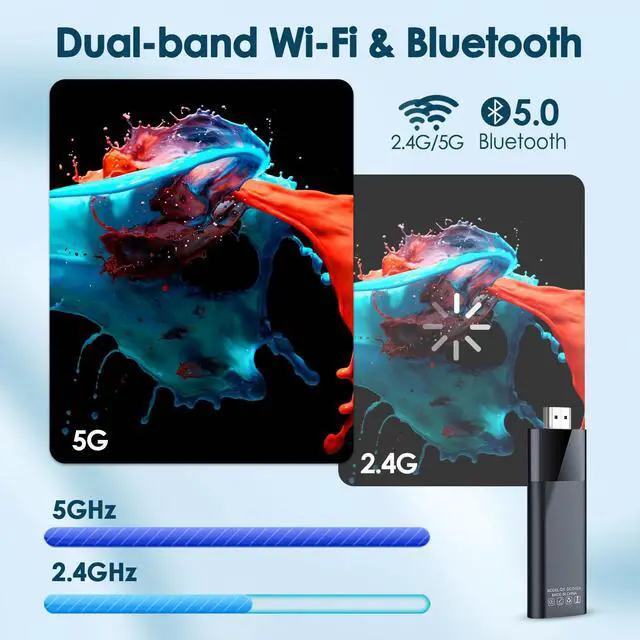
- Q: The device is getting hot or running slowly? --- A: It's recommended to remove any clutter around the device to prevent it from affecting heat dissipation. 5G WiFi is also suggested.
- Q: The device has stopped working/keeps restarting? --- A: Please reach out to us to obtain the instruction document and video guide for firmware updates. You can easily complete the firmware upgrade to resolve the issue of the device stopping working.
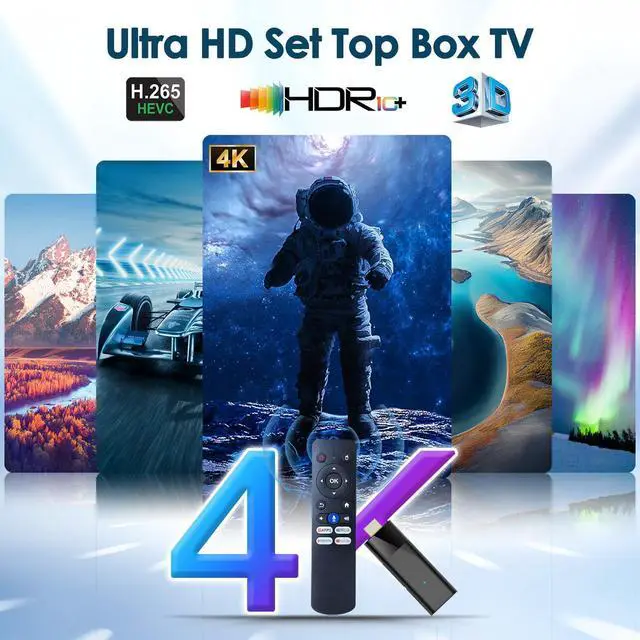
- Q: Does it support 4K? --- A: Compatible for local playback or with supported apps. Not all content is available in 4K. Playback quality depends on hardware, internet connection, and supported apps. Navigate to Settings -- Device Preferences -- Display -- HDMI output mode.
Android TV Stick 4K


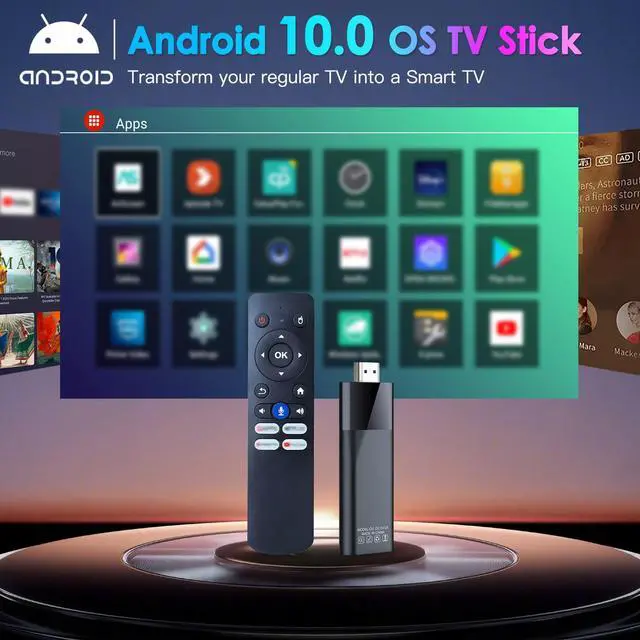
Android TV Stick 10.0
The enhanced Android TV 10.0 version ensures broad compatibility, allowing you to install many favourite apps effortlessly.

Powerful H313 Chip
Powered by the faster Allwinner H313 chip, it delivers a fluid experience and near-instantaneous responsiveness in most daily tasks.

BL Android TV stick 4K supports 4K and HDR 10.


Pre-Purchase FAQs
- Q: Is this a fire stick? --- A: Thank you for your interest in our product. No, this is an Android TV Stick.
- Q: Having trouble installing apps? --- A: If the application you are searching for is not available in the Play Store, please install them from other third-party platforms such as Aptoide TV and APKpure.
- Q: Having problems with the Bluetooth remote? --- A: The Bluetooth remote pairs automatically. If buttons don't respond, press the voice key and follow on-screen instructions to connect manually. Note: 2 AAA batteries (not included) are needed.
- Q: The Bluetooth remote can't navigate on NetFLX ? --- A: Please locate the pre-installed "Wireless Update" on the app page and follow the prompts to complete the firmware upgrade for your Android TV stick. After that, the Bluetooth remote will navigate smoothly within apps and the shortcut buttons on the remote will also function properly.
- Q: Disn-e-y+ prompts for an upgrade? --- A: If an update is prompted, please install it from APKPure. If installation fails, uninstall the pre-installed Disn-e-y+ first.
- Q: Lacking instructions for use? --- A: Please refer to the product details page or ask us for Updated Manual (Electronic manual). The updated user manual includes detailed product usage instructions in multiple language versions. If you have any questions, feel free to reach out to us for 24/7 support. We'll ensure to help resolve your issues, including but not limited to product replacement and return.
- Q: How can I cast my screen? --- A: Use the pre-installed AirScreen. Ensure the phone and Android TV stick are on the same network. 1. Open video on phone, tap cast icon. 2. Open AirScreen on Android TV stick. 3. Select device on phone to start casting.
- Q: The device is getting hot or running slowly? --- A: It's recommended to remove any clutter around the device to prevent it from affecting heat dissipation. 5G WiFi is also suggested.
- Q: The device has stopped working/keeps restarting? --- A: Please reach out to us to obtain the instruction document and video guide for firmware updates. You can easily complete the firmware upgrade to resolve the issue of the device stopping working.
- Q: Does it support 4K? --- A: Compatible for local playback or with supported apps. Not all content is available in 4K. Playback quality depends on hardware, internet connection, and supported apps. Navigate to Settings -- Device Preferences -- Display -- HDMI output mode.
Android TV Stick 4K

Android TV Stick 10.0
The enhanced Android TV 10.0 version ensures broad compatibility, allowing you to install many favourite apps effortlessly.
Powerful H313 Chip
Powered by the faster Allwinner H313 chip, it delivers a fluid experience and near-instantaneous responsiveness in most daily tasks.

BL Android TV stick 4K supports 4K and HDR 10.


Brand Concepts
Living a better and smarter life
Get to Know Us
We focus on Android boxes and some accessories, and strive to improve the product experience, hoping to provide a smarter life.
Let Us Help You
We are committed to providing the best products and professional support to all customers. Our brand has launched a series of high-quality products, which are very popular in many countries.
2025 New Release
Best Selling Products
Best Android TV Box
Enjoy TV Entertainment
Android TV Box 10.0
Smart Box & Accessories