
  • $21.99
  • Free 30-day Returns
  • Price alert
    Shop it at NeweggBusiness.

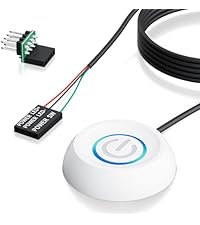
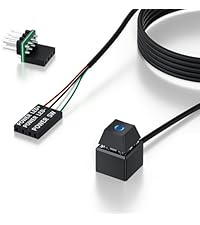
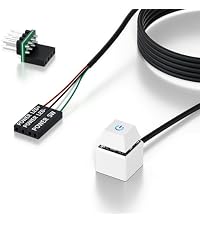
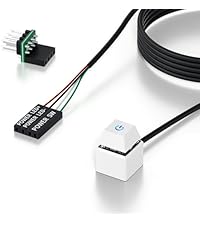
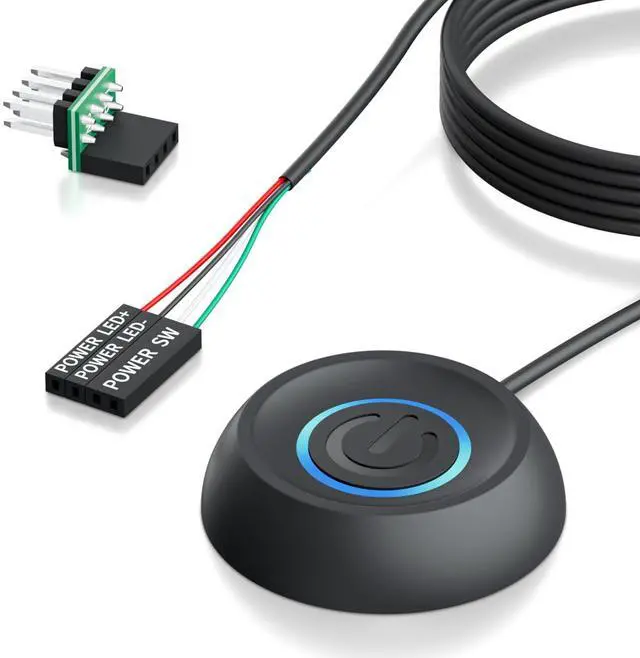
    PC Power Button with 118" Cable - Desktop Computer External ON/Off Switch LED Indicator, PC Power Supply Button SW Extension with Adhesive Mount, Splitter for Computer Motherboard (Black, 118")

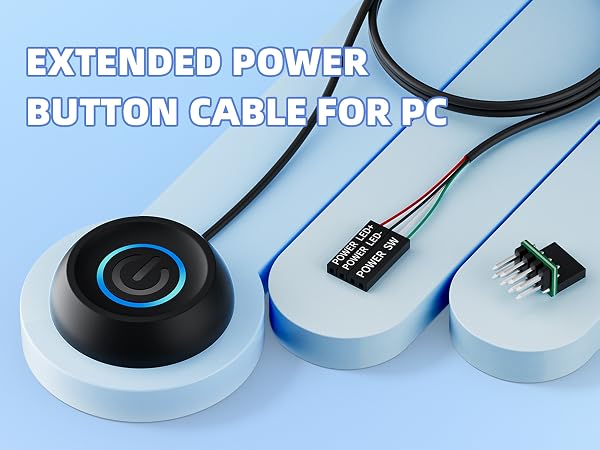
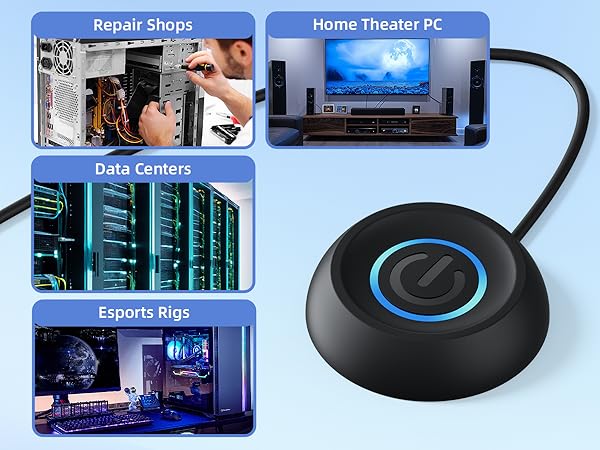
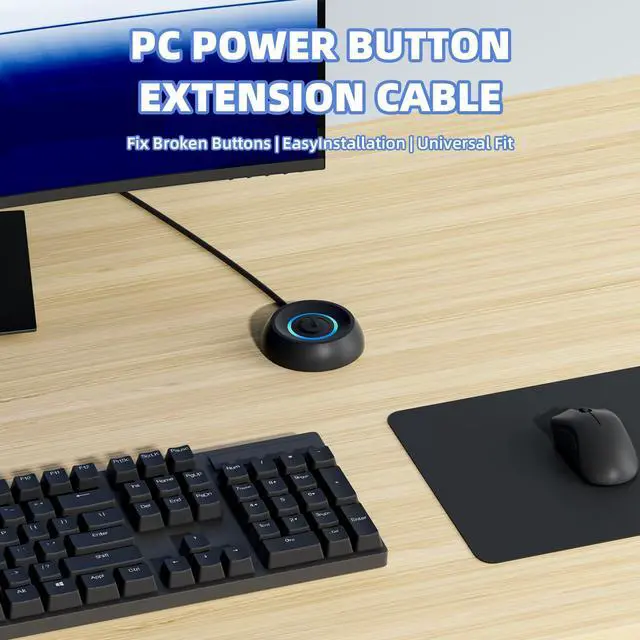
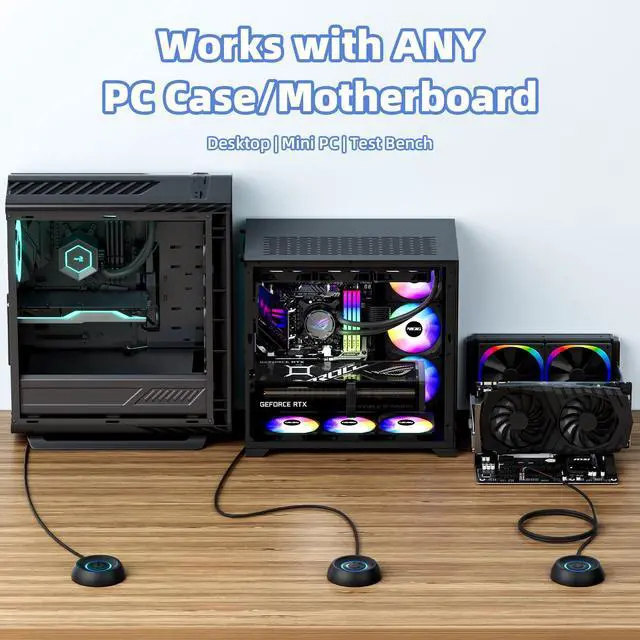
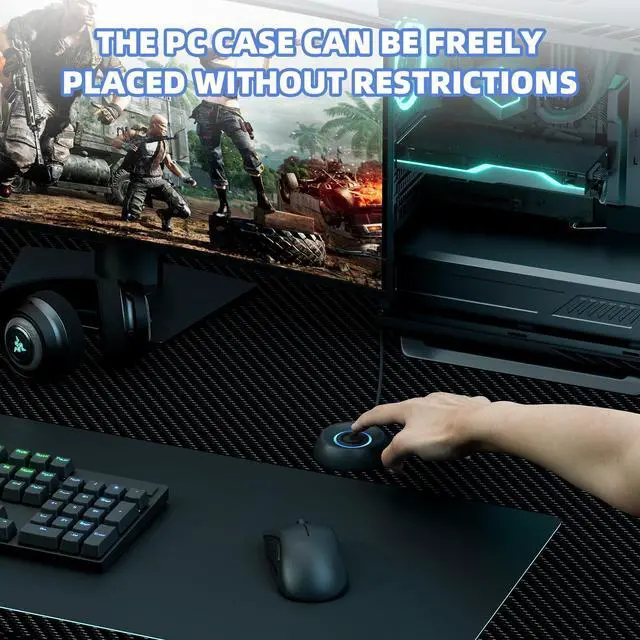
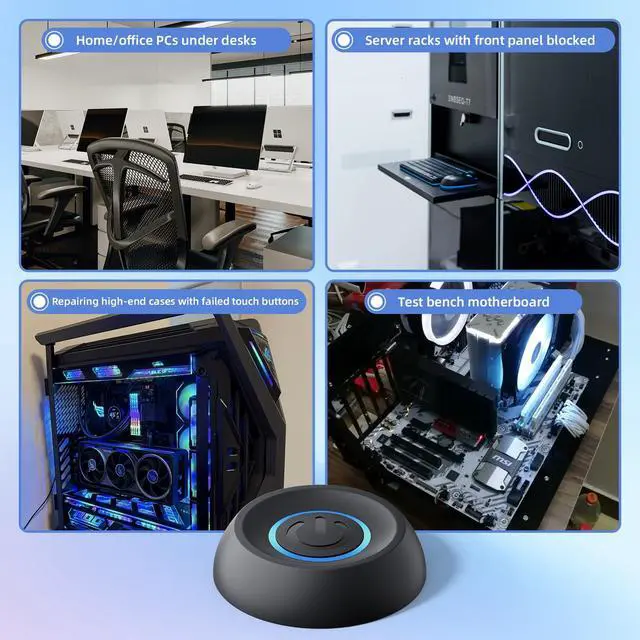
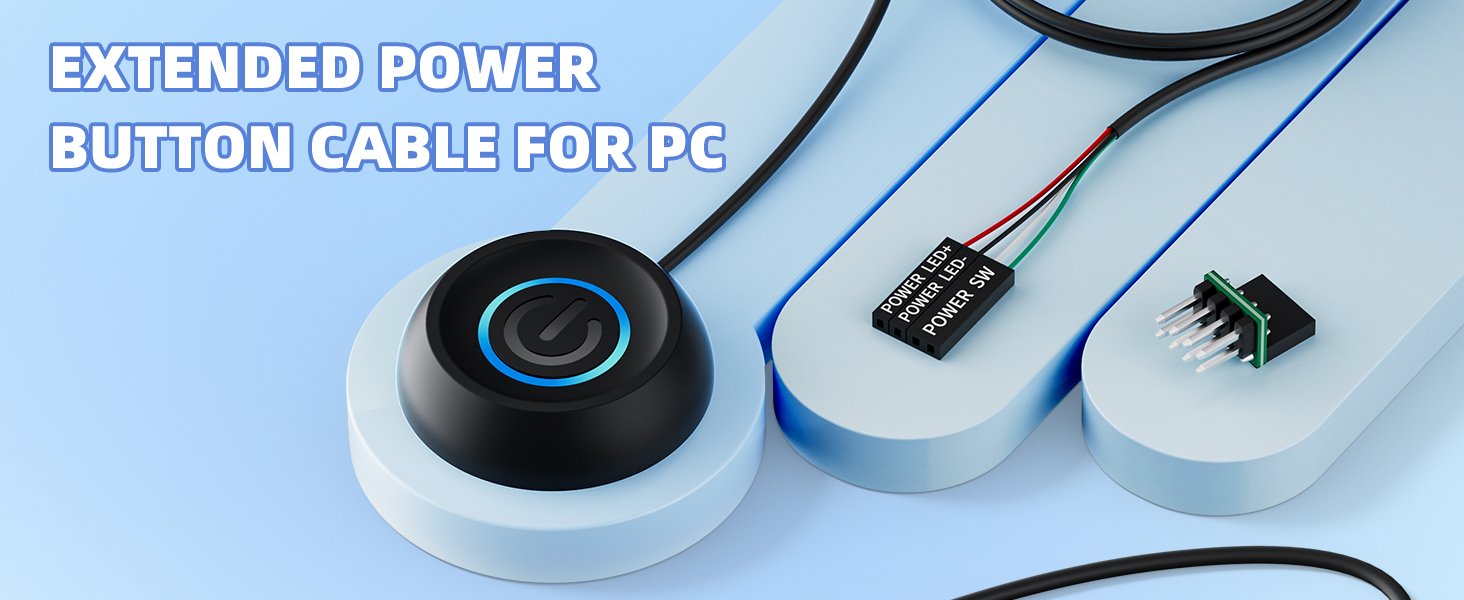
    • External Desktop PC Power Switch If the case is placed in a hard-to-reach place, use this switch to lead to a place where it is convenient to operate. Control your PC tower from desk/rack/floor placement. Standard 4-pin connector (POWER SW+/LED+/-) compatible with 90% ATX motherboards. It is recommended for home users, computer rooms, bare board machines, water-cooled chassis DIY, etc. Not for laptops
    • Dual Use: Repair & Convenience Upgrade For a damaged chassis panel button, this repair provides an ideal fix. The switch wiring can be easily installed through the front optical drive bay, rear fan vents, or expansion slots. Additionally, the included 118-inch extension cable ensures compatibility with most installation scenarios
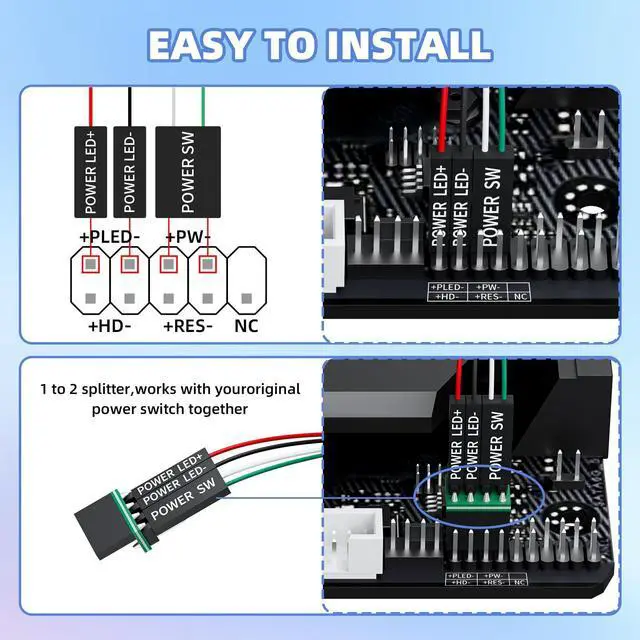
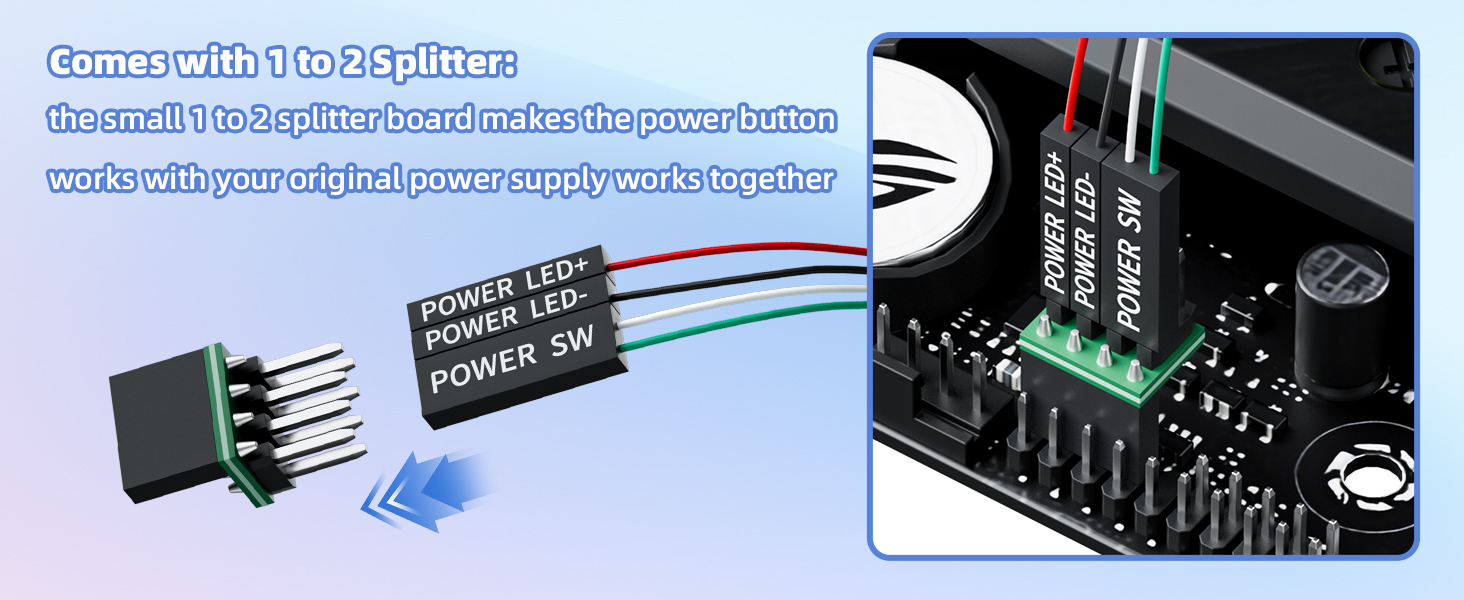
    • Easy to install by Sticker Please check the installation instructions on product description. Locate JFP1/F_PANEL pins (bottom edge of motherboard) Match labels: POWER SW SW_PW, LED+/- PLED+/- Secure switch with 3M adhesive stickers on desk/panel. No drilling
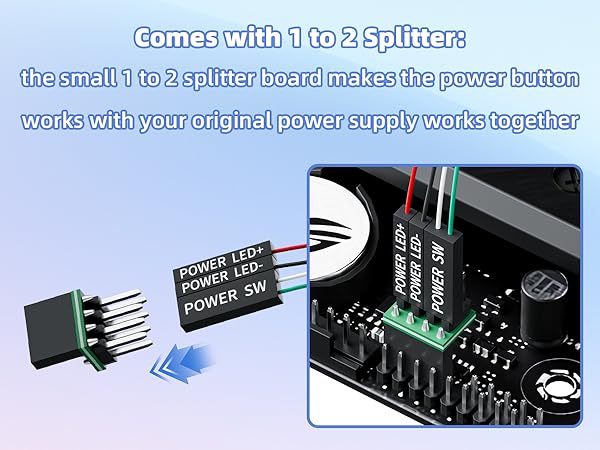
    • Splitter for Dual Switch Function Connect original and extended switches simultaneously. The small 1 to 2 splitter board makes the power button works with your original power supply works together. Ideal for test benches/dual-system control
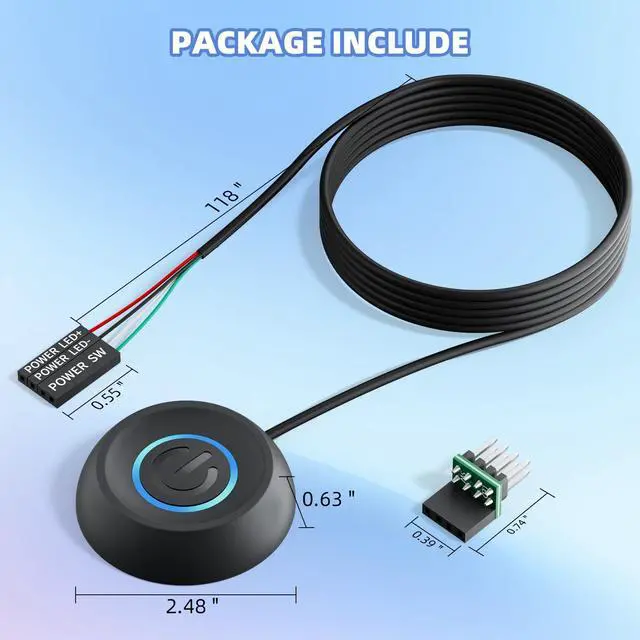
    • Package included Includes: 1×Switch (118" cable), 1×Splitter, 1x Adhesive stickers, Illustrated Guide. If you need any help with installation, feel free to reach out to us through your order. We're happy to assist!
    +
    +
    Overview
    Specs
    Reviews
    avatar

    Any questions? Our AI beta will help you find out quickly.

    External Desktop PC Power Switch
    pc power button
    power button pc

    Functional comparison
    https://m.media-amazon.com/images/S/aplus-media-library-service-media/98c3fb51-af10-443c-844b-6b58bc78c47a.__AC_SR200,225___.jpg

    PC Power Button with 118"

    https://m.media-amazon.com/images/S/aplus-media-library-service-media/adaef7b6-0378-4b3d-b370-5c438c1e88a1.__AC_SR200,225___.jpg

    PC Power Button with 118"

    https://m.media-amazon.com/images/S/aplus-media-library-service-media/21667f7d-51a1-44b1-b3d8-b8c81e63205f.__AC_SR200,225___.jpg

    PC Power Button with 118"

    https://m.media-amazon.com/images/S/aplus-media-library-service-media/3e0f5742-7d2e-4157-adf7-0d1594b8fd2d.__AC_SR200,225___.jpg

    PC Power Button with 118"

    Customer Reviews
    Price
    Cable length
    118" 118" 118" 118"
    Light
    ? ? ? ?
    Power On/OFF
    ? ? ? ?
    Restart
    ? ? ? ?
    SAplitter
    ? ? ? ?
    External Desktop PC Power Switch
    pc power switch
    pc power button extension

    Functional comparison

    https://m.media-amazon.com/images/S/aplus-media-library-service-media/98c3fb51-af10-443c-844b-6b58bc78c47a.__AC_SR200,225___.jpg

    PC Power Button with 118"

    https://m.media-amazon.com/images/S/aplus-media-library-service-media/adaef7b6-0378-4b3d-b370-5c438c1e88a1.__AC_SR200,225___.jpg

    PC Power Button with 118"

    https://m.media-amazon.com/images/S/aplus-media-library-service-media/21667f7d-51a1-44b1-b3d8-b8c81e63205f.__AC_SR200,225___.jpg

    PC Power Button with 118"

    https://m.media-amazon.com/images/S/aplus-media-library-service-media/3e0f5742-7d2e-4157-adf7-0d1594b8fd2d.__AC_SR200,225___.jpg

    PC Power Button with 118"

    Customer Reviews
    Price
    Cable length
    118" 118" 118" 118"
    Light
    ? ? ? ?
    Power On/OFF
    ? ? ? ?
    Restart
    ? ? ? ?
    SAplitter
    ? ? ? ?
    PC Power Button with 118" Cable - Desktop Computer External ON/Off Switch LED Indicator, PC Power Supply Button SW Extension with Adhesive Mount, Splitter for Computer Motherboard (Black, 118")

    Warranty & Returns

    Warranty, Returns, And Additional Information

    Warranty

    • Please contact the Seller directly for warranty information. Warranty information may also be found on the Manufacturer's website.
    • CONTACT

    Return Policies

    Manufacturer Contact Info

    LOADING...